Table of Contents
Direct Answer: The State of WordPress in 2026
You might wonder if a WordPress site is still worth your time in 2026. I get it, the market’s flooded with subscription builders promising instant success. But here’s the truth: WordPress isn’t just surviving, it’s dominating the modern web.
WordPress now powers over 43.3% of all websites on the internet, with a 62.8% share of the CMS market. It’s grown from a blogging script into a genuinely capable application framework, and with Full Site Editing mature and tools like Elementor Editor Pro widely adopted, it’s the smartest, most cost-effective choice for agencies and enterprises alike.
Key Takeaways
- Market Dominance – WordPress currently controls 62.8% of the global CMS market in 2026.
- Performance Gains – Over 40.2% of WordPress sites now pass all three Core Web Vitals on mobile devices.
- E-commerce Leadership – WooCommerce handles 23% of the top 1 million e-commerce stores worldwide.
- Headless Growth – 64% of enterprise organizations are currently evaluating or using headless CMS architectures.
- AI Integration – 75% of developers use AI tools to speed up site production by at least 30%.
- Mobile Reality – Mobile devices account for 62% of all global web traffic today.
- Accessibility Law – The European Accessibility Act requires WCAG 2.1 Level AA compliance, shifting design priorities globally.
- Enterprise Trust – 30% of Fortune 500 companies rely on WordPress for their brand properties.
The 2026 Market Share Analysis and Why Numbers Speak Louder Than Hype
I’ve built over 200 sites, and I hear the same prediction constantly: WordPress is dying. That claim doesn’t hold up. Some call it the Lindy Effect: the longer a technology survives, the longer it lasts, and the global CMS market is on track to hit $27.3 billion by 2028.
Enterprise adoption proves the point: big brands weigh risk, cost, and capability, not nostalgia.
- Data Ownership – Open-source means no lock-in. If a SaaS vendor raises prices 400%, you migrate your database instead.
- Custom Integrations – Closed platforms make it hard to connect legacy CRM tools, payment gateways, and inventory systems.
- Developer Availability – A React developer skilled in SaaS APIs is expensive. WordPress developers are easier to find.
- SEO Control – Server-level control lets you edit the `.htaccess` file, manage caching, and fine-tune schema markup.
- Scalable Hosting – Host a small site for $30 a month, or scale to clusters handling millions of hits per minute.
These five factors explain why 30% of the Fortune 500 still trust WordPress in high-traffic environments.
Performance Benchmarks Against the Modern Web
Google research shows 53% of mobile visits get abandoned once a page takes longer than 3 seconds to load. WordPress used to seem slow, but that’s not true anymore. In 2026, 40.2% of WordPress sites pass all Core Web Vitals (LCP, INP, CLS) on mobile.
| Metric | Shared Hosting (Standard) | Managed Cloud (e.g., Elementor Host) | Industry Benchmark |
|---|---|---|---|
| Time to First Byte (TTFB) | 600ms – 1.2s | 109ms | Under 200ms |
| Largest Contentful Paint (LCP) | 3.5s – 5.0s | 1.2s – 1.8s | Under 2.5s |
| Interaction to Next Paint (INP) | 350ms+ | 85ms | Under 200ms |
| Monthly Traffic Capacity | ~10,000 visits | 25,000+ visits (Base plan) | N/A |
| Uptime Reliability | 99.0% | 99.9% | 99.9% |
You can’t expect premium performance from a $3 hosting plan. Modern managed hosting uses edge caching, enterprise CDNs, and server-level optimization. That’s how developers hit a 109ms TTFB.
Pro tip: use WebP or AVIF images. Auto-compression can cut page weight by up to 60%, often pushing a failing LCP score into the green zone.
The AI Revolution and How Elementor Coexists With Smart Tech
AI has changed how we build websites, and today 75% of WordPress developers use AI tools to speed up their workflow by at least 30%.
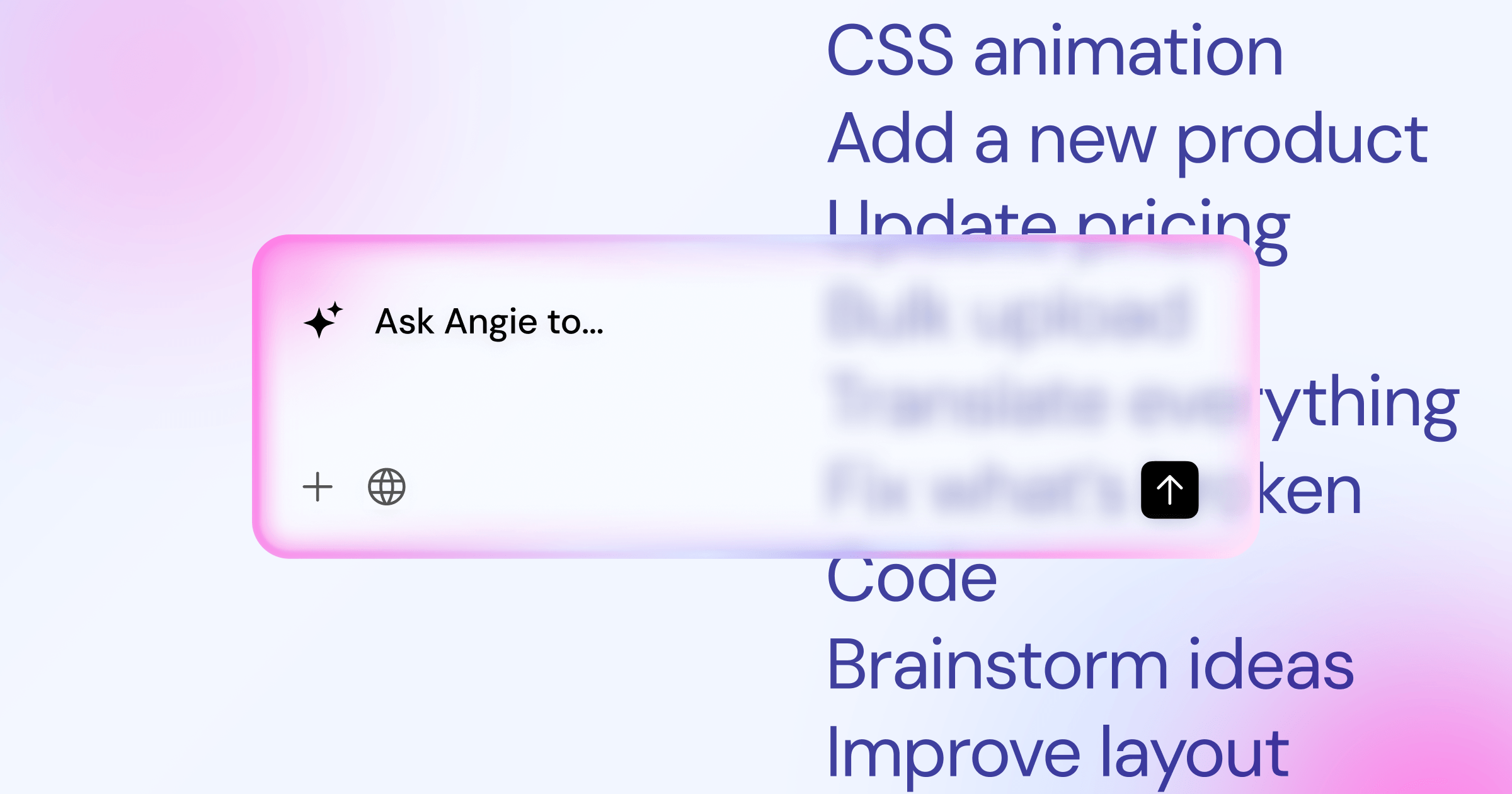
Take Angie, an agentic AI built for WordPress on the Model Context Protocol. It doesn’t just hand you text advice, it takes real action inside your WordPress environment.
Here’s what a modern AI-assisted workflow looks like:
- Initial Planning – Prompt the AI with a business description, and get a full site map and wireframe in 20 minutes.
- Asset Generation – Use Angie to generate custom post types and configure settings by chatting.
- Visual Design – Open Elementor Editor Pro and use its built-in AI assistant for container layouts.
- Content Creation – The AI drafts hero copy, generates background images, and optimizes text for local SEO.
- Custom Code – Ask the editor’s AI for a CSS snippet, and it applies the code instantly.
- Optimization – AI accessibility scanners review the page for contrast issues before you hit publish.
Coding isn’t dead, but the barrier to entry is lower than ever. You’re directing the strategy now.
Security and Maintenance Realities for Staying Ahead of Threats
Security is the part nobody warns you about until a site gets hacked, and I’ve spent weeks cleaning malware because someone forgot to update a slider plugin. In 2023 alone, researchers reported 4,286 vulnerabilities across the WordPress ecosystem.
Over 90% of those vulnerabilities trace back to outdated plugins and themes, not the core software itself.
Stay safe in 2026 with a strict maintenance routine:
- Consolidate Your Stack – A unified system like Elementor One handles forms, popups, and performance, shrinking your attack surface.
- Enforce 2FA – Require every administrator to use an authenticator app.
- Automate Core Updates – Minor security releases should apply automatically.
- Use Application Firewalls – Route your traffic through a Web Application Firewall to block malicious bots.
- Isolate Environments – Test new plugins on staging first, never on your live site.
- Daily Off-Site Backups – Store backups on an independent cloud service, local backups won’t help if your server is compromised.
Most breaches are crimes of opportunity: bots scan for known vulnerabilities in old plugins, so keeping software updated eliminates 99% of the risk.
The Rise of Headless WordPress and Decoupled Architectures
One of the biggest reasons WordPress stays relevant in 2026 is its ability to work as a headless CMS. Right now, 64% of enterprise organizations are evaluating or using headless architecture.
In a decoupled setup, WordPress is a content repository that pushes data out via the REST API or GraphQL, while a different technology, like React or Next.js, renders the frontend.
Why complicate your stack this way? Three reasons.
- Omnichannel Publishing – Write an article once, and the API distributes it to your website, an app, and even smartwatch displays.
- Extreme Frontend Speed – Modern JavaScript frameworks pre-render static pages at the edge, so perceived load time is nearly zero.
- Enhanced Security – Your admin panel can live on a hidden server; attackers can’t hack a login screen they can’t reach.
Pro tip: headless isn’t for everyone, a brochure site or simple blog doesn’t need the extra hosting cost and developer dependency.
E-commerce Realities with WooCommerce Versus Hosted Alternatives
You’re probably comparing WooCommerce against hosted platforms like Shopify, but WooCommerce holds strong, powering 23% of the top 1 million e-commerce sites globally.
It comes down to convenience versus control: hosted platforms are easy to start but come with real restrictions.
Here’s how the trade-offs break down in 2026.
- Pro: Zero Transaction Fees. You only pay your payment gateway fees (like Stripe or PayPal), unlike hosted platforms that add a percentage.
- Pro: Total Customization. Sell physical goods, digital downloads, memberships, and variable products from one dashboard.
- Pro: Data Ownership. Your customer list belongs to you, exportable and queryable instead of rented from a platform.
- Con: Technical Responsibility. You’re responsible for server security and PCI compliance, with no support line to call.
- Con: Performance Tuning. E-commerce bypasses normal caching rules, so you need an optimized database for concurrent cart sessions.
- Con: Plugin Costs. The core software is free, but premium extensions cost extra for shipping, tax, or marketing automation.
Building a successful site in 2026 isn’t just about making it look pretty. It’s about establishing a technically sound foundation that search engines can easily crawl, understand, and rank above the competition.
Itamar Haim, SEO Team Lead at Elementor. A digital strategist merging SEO, AEO/GEO, and web development.
Modernizing Your Workflow with Elementor Editor Pro
Writing custom HTML and PHP templates from scratch is inefficient today, part of why Elementor runs on over 16 million websites, with Editor Pro featuring over 118+ widgets on a CSS-first foundation.
This isn’t the heavy visual building of the past. It’s a professional design system.
Here’s how a modern build workflow should look:
- Establish the Global Design System – Set Global Fonts and Colors first, so a later brand color change updates one variable across 500 pages instantly.
- Build the Theme Parts – Use the Theme Builder for dynamic headers, footers, and archive templates, with display conditions per page type.
- Implement the Loop Builder – Design one product or blog card, and the system populates the rest from your database queries.
- Apply Mobile-First Tweaks – With 62% of traffic mobile, adjust padding, hide heavy videos, and resize typography in responsive mode.
- Connect Dynamic Content – Link widgets to WordPress custom fields instead of typing text directly, so clients can update content without touching the design.
This separates design from content, the only sustainable way to scale a site safely.
Future-Proofing Your WordPress Investment Until 2030
Building a site is easy. Staying relevant for five years is hard, you need to anticipate shifts before they become legal or ranking requirements.
The most pressing issue is digital accessibility. The European Accessibility Act (EAA) is coming into full legal effect, requiring WCAG 2.1 Level AA standards and driving a 45% increase in demand for accessible themes.
Tools like Elementor Web Accessibility scan your designs for over 180 WCAG issues, catching bad color contrast, missing ARIA labels, and improper heading structures before you publish.
Follow a few hard rules to future-proof your setup.
- Stop Hardcoding Values – Use CSS variables (Custom Properties) for padding, margins, colors, and typography.
- Embrace Semantic HTML – Use `nav` or `section` instead of generic `div`s, screen readers rely on semantic tags.
- Audit Your Plugins Annually – Delete anything unpatched for 12 months, abandonware is the top cause of hacked sites.
- Invest in Premium Tools – A business site needs the premium license for support and security patches.
- Prioritize Accessibility Daily – Run scans during the wireframe phase, fixing issues early is far cheaper than redesigning later.
Pro tip: build with custom post types (CPTs). A “Team” CPT keeps staff data safe in the database, ready for a 2028 redesign.
Frequently Asked Questions
Is WordPress losing market share to SaaS builders?
No, it isn’t losing its grip. SaaS builders suit quick, simple sites, but WordPress still powers over 40% of the internet.
Do I still need to know PHP to use WordPress in 2026?
You don’t need PHP for standard site building anymore, visual builders like Elementor Editor Pro handle the rendering.
How much does a professional WordPress site actually cost to run?
It varies. Shared hosting runs about $60 a year, while managed hosting ($300/year), a pro builder license ($60-$100/year), and security tools add up to about $500 annually.
Is Gutenberg going to replace page builders completely?
Gutenberg works well for posts and basic layouts, but it doesn’t offer the pixel-perfect control professional agencies need.
How does AI actually integrate with WordPress?
It works at multiple levels: editor assistants generate text and CSS instantly, while agentic tools like Angie configure settings from conversational prompts.
Can WordPress handle extremely high traffic spikes?
Yes. The software scales well, the bottleneck is always your hosting. Proper caching and a strong CDN handle millions of visitors without crashing.
What is the biggest threat to WordPress sites today?
It isn’t sophisticated hackers, it’s lazy site owners: neglected updates, abandoned plugins, and weak passwords cause nearly all security breaches.
Is WooCommerce too heavy for a small store?
WooCommerce is heavy, yes. For one or two items, a payment link works better, but to scale and manage shipping zones, WooCommerce is the tool you need.
Looking for fresh content?
By entering your email, you agree to receive Elementor emails, including marketing emails,
and agree to our Terms & Conditions and Privacy Policy.

