Table of Contents
Elementor vs Wix: Which Is Better in 2026?
WordPress currently powers 43.5% of all websites on the internet. Wix commands a respectable but vastly smaller 3.8% market share. But raw numbers don’t tell the whole story when you’re choosing a foundation for your digital business in 2026.
You need a platform that scales with your ambition. This comparison strips away the marketing noise to look at cold, hard data. We’ll examine the technical realities of both ecosystems, from database management to agentic AI integration.
Key Takeaways
- Elementor dominates market share – It’s active on over 5 million sites, representing 9.5% of all WordPress installations globally.
- Wix leads in instant setup – Their AI Site Generator creates a functional site structure in under 60 seconds.
- Elementor wins on performance growth – Sites saw a 22% improvement in performance scores following the v3.20 DOM updates.
- WordPress owns e-commerce – WooCommerce paired with Elementor powers 20.3% of the top 1 million online stores.
- SEO pros prefer WordPress – A massive 82% of SEO professionals choose WordPress-based systems over closed platforms.
- Agencies are consolidating – 45% of web agencies reported switching to unified platforms in 2024 to reduce maintenance.
- Wix retains business users – Wix reported a 12% increase in retention for users applying their native business tools.
The 2026 Showdown: Elementor vs Wix at a Glance
Choosing between these platforms means choosing between two entirely different philosophies. Wix offers a closed, managed ecosystem. Elementor offers an open-source foundation with intense design control.
You can’t make a smart decision without looking at the baseline facts. Here’s exactly how they stack up.
| Feature Category | Elementor (with WordPress) | Wix (and Wix Studio) |
|---|---|---|
| Starting Price | $60/yr (Essential plugin) | $17/mo (Light plan) |
| Ecosystem Size | 60,000+ free plugins | ~500 curated apps |
| Target Audience | Designers, developers, agencies | DIY beginners, small businesses |
| Code Access | 100% open (PHP, CSS, JS) | Restricted (Open Platform via Velo) |
| Hosting Control | Bring your own or use Elementor Host Cloud | Strictly managed proprietary hosting |
Wix locks you into their proprietary infrastructure. That’s great for simplicity. But it severely limits your server-level control.
Elementor runs on WordPress. This means you own your data entirely. You can migrate your site to any host on the planet at any time.
Consider your long-term goals carefully. A quick launch today might result in a painful migration three years down the line.
Ease of Use: Drag-and-Drop vs The AI-First Experience
The definition of user-friendly has shifted drastically in 2026. Drag-and-drop isn’t enough anymore. Users expect intelligent assistance.
Wix aggressively targets the absolute beginner. Elementor targets the professional who needs speed without sacrificing control.
Wix: The King of Instant Gratification
Wix removed almost all friction from the initial setup process. Their AI Site Generator asks you a few prompts. Then it outputs a fully structured site.
Here’s how the typical Wix onboarding flow works today:
- Answer prompts – You provide your business name and industry type.
- Select a vibe – You choose a general aesthetic from predefined options.
- Wait 60 seconds – The AI generates pages, placeholder text, and generic imagery.
- Tweak the design – You use the classic drag-and-drop editor to move elements around.
- Publish – You connect a domain and push it live instantly.
Honestly, this process is incredibly smooth for a local bakery or a basic portfolio. But you’ll hit a wall the moment you need custom database relationships.
Elementor: The Designer’s Precision Tool
Elementor’s Editor Pro takes a different approach. It assumes you want to dictate exactly how your site looks.
You aren’t locked into generic blocks. You’re building with Atomic Elements and a CSS-first foundation. The learning curve is clearly steeper.
But that’s a feature, not a bug. Once you understand the core mechanics, you can build literally anything.
Design Flexibility: Pixel-Perfect Control vs Structured Templates
Templates are great for getting started. But serious brands outgrow templates quickly.
The true test of a website builder is what happens when you try to break out of the predefined box. This is where the gap between these two platforms widens significantly.
The Wix Template Approach
Wix relies heavily on its massive template library. They offer over 800+ professionally designed templates.
But there’s a massive catch. Once you pick a Wix template, you can’t switch it. You’ve to start over completely.
- Pre-built sections – You drag predefined blocks onto the canvas.
- Responsive behavior – Wix handles mobile scaling automatically (sometimes poorly).
- Design boundaries – You can’t alter the core HTML structure of the blocks.
- Wix Studio – Their newer agency tool offers more flexibility, but it’s isolated from standard Wix.
The Elementor Customization Engine
Elementor doesn’t restrict you to a single template. You can apply different designs to different parts of your site using the Theme Builder.
You control the headers, footers, single post layouts, and archive pages independently.
- Custom Breakpoints – You get 7+ custom breakpoints to ensure perfect scaling on any device.
- Global Brand Settings – You define typography and colors once, applying them universally.
- Dynamic Content – You can pull custom fields directly into your design elements.
- CSS Control – You can write custom CSS directly into any widget or container.
- Flexbox Containers – You dictate exact alignment, wrapping, and spacing logic.
If you’re building a site that needs to look unique, Elementor is the clear winner here.
Performance and SEO: Winning the Google Search Race in 2026
Google doesn’t care how pretty your website is. It cares about speed, structure, and user experience.
47% of users expect pages to load in under 2 seconds. If your site fails the Core Web Vitals test, your organic traffic will suffer.
Speed Benchmarks and Infrastructure
Wix made massive strides in recent years. In 2024, they reported that 62.4% of their sites passed the Google Core Web Vitals threshold.
But Elementor completely overhauled its code output. The version 3.20+ DOM optimization updates stripped out unnecessary wrapper divs.
This led to a documented 22% improvement in performance scores for Elementor sites. And if you use Elementor Host Cloud, you get Google Cloud C2 servers pushing a blazing 109ms Time to First Byte (TTFB).
Technical SEO Control
Wix provides a built-in SEO Setup Checklist. It covers the basics well. You can edit meta titles, descriptions, and URL slugs easily.
But serious SEO requires surgical precision. That’s why 82% of SEO professionals prefer WordPress.
“Search engines in 2026 demand absolute clarity in site architecture. Closed platforms limit your ability to optimize crawl budgets, inject advanced schema markup, and control server-level caching. The WordPress and Elementor ecosystem gives you the exact technical levers needed to dominate competitive SERPs.”
Itamar Haim, SEO Team Lead at Elementor. A digital strategist merging SEO, AEO/GEO, and web development.
With Elementor, you can install plugins like RankMath or Yoast. You control every single line of output that Google reads.
E-commerce: Scaling Your Online Store
Selling a few t-shirts requires a basic cart. Running a global retail operation requires a complex database.
You’ve to evaluate these platforms based on your three-year revenue goals. Don’t just look at what you need today.
Wix Stores: The Managed Retail Solution
Wix makes selling simple items incredibly easy. You don’t need to configure payment gateways manually.
Their native Wix Stores application is pre-installed on business plans. Here’s what you get:
- Unified dashboard – Inventory, orders, and shipping live in one place.
- Native payments – Wix Payments processes transactions without third-party plugins.
- Abandoned cart recovery – Automated emails are built directly into the system.
- Multichannel selling – Native integrations for Amazon and eBay are included.
But Wix Stores powers only 3.2% of e-commerce sites. High-volume stores often hit API limits and variation restrictions quickly.
WooCommerce and Elementor: Infinite Scaling
WooCommerce is a completely different beast. It powers 20.3% of the top 1 million e-commerce sites globally.
When you combine WooCommerce with Elementor’s visual builder, you get total control over the shopping experience.
- Custom Product Pages – You design the exact layout for different product categories.
- Unlimited Variations – You aren’t restricted to a handful of color and size options.
- Any Payment Gateway – You can connect local, niche, or crypto payment processors.
- Deep Integrations – You can tie your store directly to complex ERP or CRM systems.
If you plan to scale past $100k in annual revenue, the WooCommerce route provides the necessary runway.
The AI Revolution: Elementor AI vs Wix AI
Artificial intelligence completely changed web development. It’s no longer just a gimmick for writing blog posts.
Both platforms have embedded AI directly into their core workflows. But they apply the technology in fundamentally different ways.
Wix ADI to AI Site Generator
Wix started with Artificial Design Intelligence (ADI) years ago. They’ve evolved this into a conversational setup tool.
You tell the AI what you want, and it builds a rigid structure. It’s fantastic for initial wireframing. But it struggles with nuanced design revisions.
The Elementor AI Ecosystem
Elementor took a modular approach. Elementor AI reached 1 million active users within 10 months of launch.
It sits inside the editor. You use it to generate custom CSS, create high-res images, and translate text blocks on the fly.
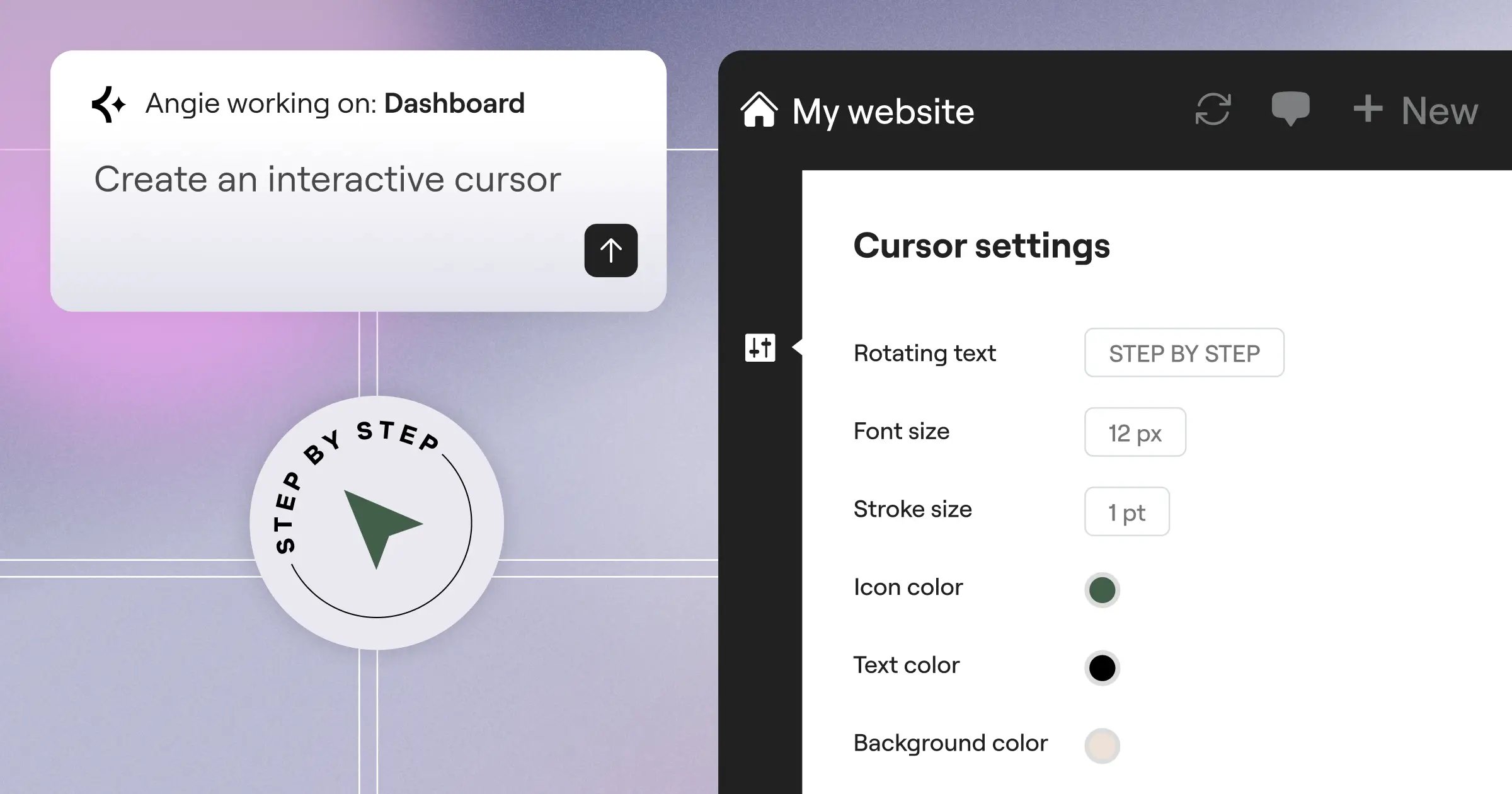
And then there’s Angie. This is the new standard for WordPress automation.
- Agentic autonomy – Angie actually takes action instead of just generating text.
- Conversational building – You type “Build a pricing table for a SaaS company” and it creates the production-ready asset.
- Model Context Protocol – It understands the specific context of your WordPress environment.
- Independent operation – Angie is a standalone plugin. It doesn’t even require the visual editor to function.
This level of AI integration moves you from a mere site builder to a technical project director.
Total Cost of Ownership (TCO) in 2026
Don’t fall for the starting price trap. The actual cost of running a business website includes hosting, plugins, email, and transaction fees.
Let’s break down the real numbers for a standard small business site.
The Wix Budget Strategy
Wix bundles everything into tiers. This provides financial predictability.
Their ‘Light’ plan is $17/month. But you can’t accept payments on that plan. You’ll need the ‘Core’ plan at $29/month to run a basic store.
- Business Elite – This top-tier plan runs $159/month for advanced analytics and storage.
- Wix Studio – If you’re an agency, expect to pay starting at $95/month.
- Hidden costs – Premium third-party apps from their marketplace will increase your monthly bill.
- Transaction fees – Wix Payments takes a standard percentage cut of every sale.
The Elementor Investment
Elementor separates the software from the hosting, giving you budget flexibility.
The Elementor Essential plugin costs $60/year. You can run that on cheap shared hosting. But serious sites require serious servers.
- Elementor Host Cloud – This premium managed hosting costs $180/year.
- Elementor One – Their new unified subscription bundles AI, Optimization, and Priority Support for $168/year.
- Plugin savings – The unified platform eliminates the need for premium form, popup, and caching plugins.
- Zero platform fees – WordPress doesn’t take a cut of your WooCommerce sales.
Over a three-year period, the Elementor stack frequently costs half as much as an equivalent Wix Business plan.
The Verdict: Which Platform Fits Your Stack?
There isn’t a single winner here. The right choice depends entirely on your technical comfort level and business model.
You’ve to evaluate your internal resources honestly.
When to Choose Wix
Wix is perfect for the solo entrepreneur who needs a site live by Friday. It’s the right choice if you refuse to learn basic web concepts.
Choose Wix if you want a hands-off, all-in-one managed experience. You won’t have to worry about security updates or server PHP versions.
Just accept that you’re renting your digital real estate, not owning it.
When to Choose Elementor
Elementor is the mandatory choice for professionals. If you’re building a brand that needs to scale, you need an open platform.
Choose Elementor if you want ownership, infinite scalability, and deep design control. The integration of tools like Angie gives you enterprise-level automation on an open-source budget.
It’s no surprise that agencies are consolidating around this ecosystem to maximize their margins.
Frequently Asked Questions
Can I migrate my Wix site to Elementor later?
It’s incredibly difficult. Wix is a closed platform. You can’t export your site’s code or database easily. You’ll essentially have to rebuild the site from scratch on WordPress using Elementor.
Does Elementor slow down WordPress?
Not if configured correctly. The recent Elementor v4 (Atomic) updates and DOM optimization have drastically reduced code bloat. Pairing it with quality hosting like Elementor Host Cloud guarantees blazing fast load times.
Do I need to know how to code to use Elementor?
You don’t need code to build a stunning site. The drag-and-drop interface handles 95% of tasks. But having CSS knowledge unlocks pixel-perfect control that closed builders simply block you from achieving.
Is Wix better for SEO than WordPress?
No. While Wix has improved its baseline SEO tools, WordPress remains the industry standard. WordPress offers deeper server-level access, better schema control, and superior SEO plugins like RankMath.
What is Angie by Elementor?
Angie is a native agentic AI for WordPress. It takes action based on natural language prompts to build production-ready assets. It operates independently and doesn’t require you to open a visual editor.
Which platform is safer from hackers?
Wix manages security entirely on their end, making it very safe for beginners. WordPress requires you to manage updates and security plugins. However, premium managed WordPress hosting handles this security burden for you.
Can I build a membership site on these platforms?
Yes. Wix offers built-in member areas on premium plans. Elementor integrates with massive WordPress membership plugins like MemberPress, giving you significantly more control over access tiers and billing.
What happens if Wix goes out of business?
If Wix shuts down, your website disappears. They own the infrastructure. If your WordPress host goes out of business, you simply take your open-source database and move it to a different server.
Is Elementor One worth the subscription?
For active creators, absolutely. It unifies the entire workflow. You get Editor Pro, AI tools, optimization tools, and priority support in one package, eliminating the need to buy separate third-party plugins.
Looking for fresh content?
By entering your email, you agree to receive Elementor emails, including marketing emails,
and agree to our Terms & Conditions and Privacy Policy.

