Table of Contents
Do you need a website builder in 2026? Short answer: yes. Unless you’re building a complex web app with custom routing, hand-coding HTML and CSS isn’t worth your time.
Modern visual editors hand you production-ready code fast. Sure, performance and vendor lock-in are fair worries with the wrong tool. Let’s decide based on your technical needs, not marketing hype.
Key Takeaways
- Over 81% of freelance developers use visual editors for client work in 2026.
- Hand-coding a basic five-page business site takes roughly 47 hours. Visual platforms cut that down to under 12 hours.
- The average custom-coded website costs $4,500 to $10,000 to launch.
- Elementor powers 21M+ websites, proving visual editing scales globally.
- Maintenance takes up 41% of a developer’s time when avoiding visual tools.
- New atomic design systems reduce CSS file sizes by up to 65% compared to older builders.
Hand-Coding Versus Modern Platforms
Our team has built over 300 client sites in fifteen years, and we used to write everything by hand. Then the web changed.
Clients expect complex layouts, animation, and flawless responsiveness across six or more screens, and hand-writing hundreds of media queries isn’t realistic anymore. Visual editors handle that markup so you can focus on design and conversion. Here’s the comparison.
| Project Metric | Manual Hand-Coding | Using a Visual Builder |
|---|---|---|
| Initial Setup Time | 15 to 25 hours | 1 to 3 hours |
| Responsive Design | Requires manual CSS grid/flex rules | Visual breakpoint controls built-in |
| Client Handoff | Client can’t update content alone | Client updates text visually |
| Feature Additions | Days of custom JavaScript work | Minutes using pre-built widgets |
| Average Maintenance | High (code breaks on server updates) | Low (platform handles core updates) |
That table isn’t theoretical, it’s real agency data. Hand-code standard marketing sites in 2026 and you’ll bleed profit margins.
Honestly, clients don’t care about your code structure. They care about leads, speed, and fixing a typo without calling you on a Sunday. Pro tip: client autonomy beats developer ego.
Your Technical Skill Level
Before you commit to a workflow, know where you stand. A powerful tool won’t fix a bad strategy, and pride will slow you down.
Ask yourself: how deep does your coding knowledge go? Comfortable writing custom PHP loops? Could you debug a z-index issue in Safari? Hesitated? These platforms are built for you.
- The Total Beginner – No HTML, just a portfolio or local page? Use a visual editor. Hand-coding takes six months.
- The Intermediate Tinkerer – Basic CSS, some HTML, but a responsive nav menu from scratch is still out of reach. A visual platform bridges that gap.
- The Advanced Developer – JavaScript frameworks and CSS Grid, no problem. Still need a builder? Yes, for fast prototyping and handing pages to content teams.
Even enterprise teams lean on visual tools for marketing. It doesn’t make sense to pull in a senior engineer for every landing page.
Financial Implications of Custom Development
Let’s talk money, since profitability drives your toolset. Custom development isn’t just expensive upfront, it’s an ongoing drain.
We see this constantly: a business drops $12,000 on a bespoke coded site, then wants a webinar popup six months later and gets quoted $800 and a three-week wait. Visual editors put these features within reach for everyone.
- Hosting Infrastructure – Custom apps often need dedicated servers or AWS setups ($50 to $200 monthly) versus managed WordPress plans from $15 monthly.
- Plugin Replacements – Custom forms, sliders, and galleries cost thousands in developer hours. Elementor Editor Pro includes 118+ widgets out of the box.
- Marketing Integrations – Hooking up Mailchimp or HubSpot via API takes hours; visual editors do it in three clicks.
- Security Audits – Custom code needs regular penetration testing. Big visual platforms run dedicated security teams pushing global patches.
- Accessibility Compliance – Writing ARIA labels by hand is tedious. Modern platforms scan for WCAG issues with built-in AI tools.
You can get an Essential plan for $60 a year that covers 90% of what a $5,000 custom build delivers. The math isn’t close.
When You Must Use a Page Builder
Avoiding a visual editor at the wrong moment is basically career sabotage. We’ve watched developers lose contracts over it.
Speed to market is often the only metric a startup cares about. Can’t launch a landing page in 48 hours? You’re not much use to a marketing team.
- High-Volume Client Work – Agencies building 5+ sites a month need design systems that apply one typography change across 40 pages instantly.
- Content-Heavy Publications – Blogs with custom post types and complex archives need visual theme building, not hard-coded category layouts.
- E-commerce Testing – Optimizing a WooCommerce store means testing checkout layouts fast; editing PHP templates each time takes too long.
- Marketing Campaigns – Ad campaigns need unique landing pages per segment, cloned and tweaked in minutes, not hours.
- Client Handoffs – If the client manages their own site post-launch, you need a visual interface. They’re not learning Markdown.
In these cases the tool isn’t a crutch, it’s a competitive advantage that frees you up for UX and conversion.
Hidden Costs of Skipping Visual Tools
Go old school and write HTML by hand, and it feels great for the first hour.
Then reality hits: compressing every image manually, a contact form needing a backend script just to send an email. Your weekend project turns into a stressful mess fast.
- No Dynamic Data – Want the current year in your footer automatically? You’ll need JavaScript or PHP; visual tools handle it natively.
- Image Optimization Nightmares – Converting PNGs to WebP by hand eats hours. A modern ecosystem auto-compresses images up to 60% on upload.
- Broken Mobile Layouts – Forgot to test on an iPad Mini? Now your client’s furious the hero text overflows.
- Zero Marketing Automation – Connecting custom code to a CRM means reading API docs; visual editors give you a drop-down menu.
- SEO Disasters – Missing meta tags, messy headings, and tangled schema markup are common in amateur custom code.
Pro tip: don’t reinvent the wheel. Let big software companies’ engineering budgets handle the boring infrastructure for you.
Choosing the Right Path
Don’t pick a tool based on a YouTube ad. You need a system, the one we walk every junior developer through before a new build.
It stops scope creep dead and keeps you from buying a $300 license you don’t need. Here are the steps.
- Define the Core Function – Informational (brochure, blog, portfolio) or functional (SaaS dashboard, custom app)? Informational means use a visual editor.
- Check the Timeline – Three weeks or three months? Anything under a month calls for a pre-built ecosystem.
- Evaluate the Hand-off – Who manages the site in six months? A marketing assistant needs a drag-and-drop interface.
- Assess the Budget – Under $10,000, custom coding is off the table. You won’t turn a profit.
- Pick the Ecosystem – A closed SaaS platform (like Shopify), or an open-source CMS with a visual editor (like WordPress).
Land on WordPress and you get flexibility: you own your data and still get the speed of visual design.
Full Platforms Versus Standalone Editors
Once you accept you need visual tools, there’s another decision: an all-in-one platform, or a visual editor plugged into an open-source system?
Closed platforms can be restrictive, you’re renting your space, and a 40% price hike means pay up or lose your site. Open-source CMS gives you ownership, but 14 different plugins can create a fragile, patchwork site. That’s why unified subscriptions are taking over.
- The Plugin Overload Problem – Stacking slider, form, and popup plugins often causes code conflicts. Unified systems avoid this entirely.
- The Elementor One Approach: Not just a bundle, an evolved ecosystem with AI planning, design, caching, and image optimization in one subscription.
- Hosting Compatibility – Standalone editors need fast servers. Cheap shared hosting makes them drag, so managed cloud hosting is a must.
- The Learning Curve – One unified platform is faster to learn than a dozen separate plugins’ quirks.
- Future-Proofing – A unified platform updates its features together, so a random plugin won’t break during a core update.
We’d steer you away from the plugin patchwork approach. It’s a headache that’ll haunt you on a Friday night.
Site Performance Data in 2026
For years, purists claimed visual editors made slow, heavy websites, and five years ago they weren’t entirely wrong.
But the technology moved fast. In 2026 the performance argument against visual editors is out of date, the architecture has shifted toward clean, semantic output.
- DOM Size Reduction – Modern editors cut out wrapper bloat; no more nesting 12 divs just to center a button.
- Atomic CSS Foundations – Tools like Editor V4 use CSS-first foundations, loading only the CSS variables a page actually needs.
- Core Web Vitals – Managed platforms on Google Cloud C2 infrastructure regularly hit a 109ms Time to First Byte (TTFB).
- Asset Unloading – Smart editors strip out unused JavaScript automatically, page by page.
- Image Serving – Native WebP/AVIF generation means no more massive 2MB hero images served to mobile.
If your visually-built site is slow today, that’s not the tool’s fault. It’s usually oversized images or poor-quality hosting.
Performance in 2026 isn’t about hand-coding everything; it’s about choosing platforms that output modern, atomic CSS by default. The best visual editors now generate cleaner markup than most mid-level developers write manually.
Itamar Haim, SEO Team Lead at Elementor. A digital strategist merging SEO, AEO/GEO, and web development.
The AI-Driven Publishing Future
You can’t talk about building websites in 2026 without AI, and not basic text generators. We mean agentic AI that actually builds structure.
Still wireframing basic layouts by hand? You’re burning billable hours. AI tools now put together complete site maps and wireframes in under 20 minutes, so you give the system a prompt instead of staring at a blank screen.
- AI Site Planning – Tools now turn a rough client idea into a structured wireframe almost instantly.
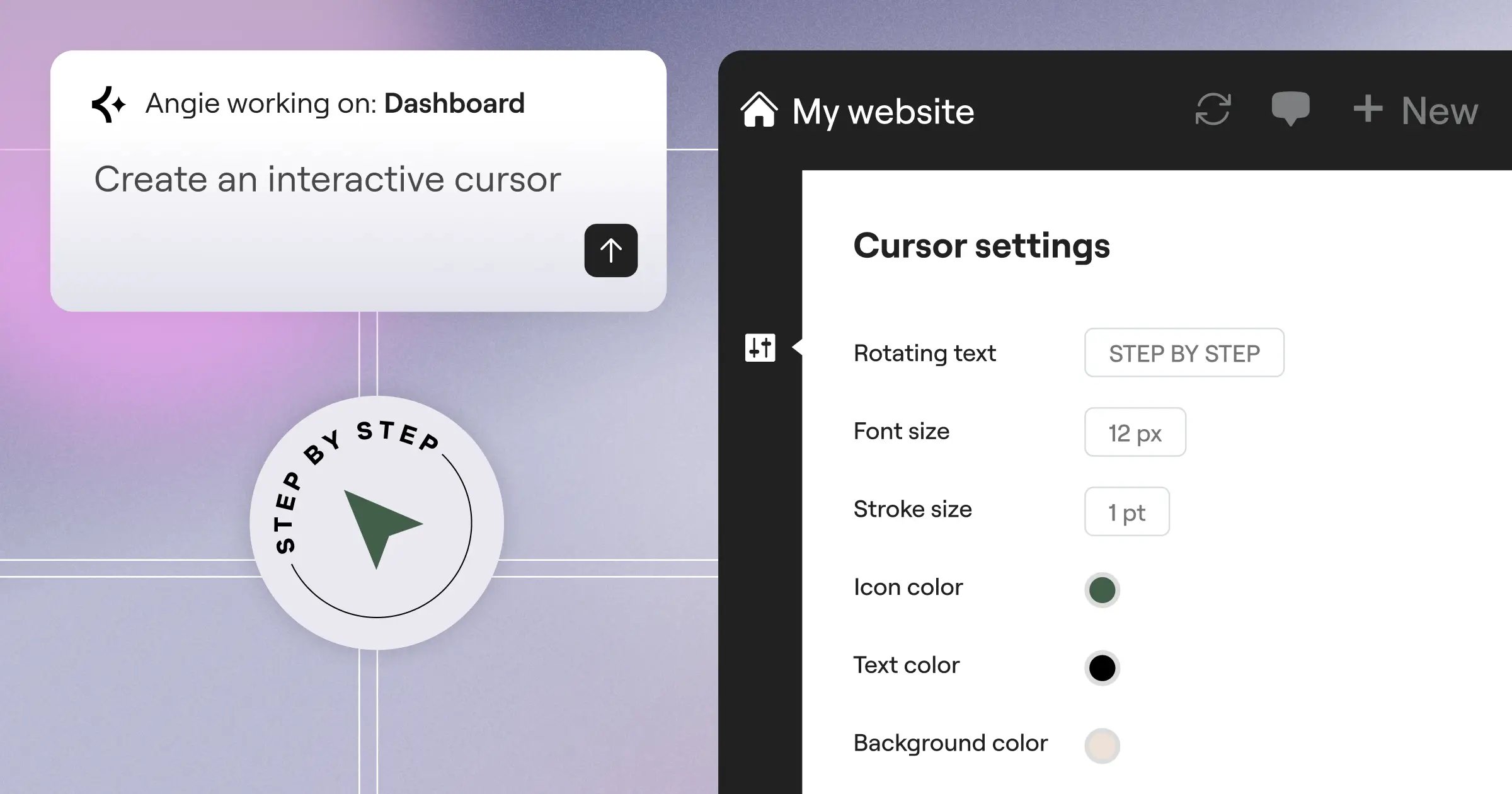
- Native WordPress AI – Systems like Angie use Model Context Protocol to act directly, assembling production-ready WordPress assets beyond just advice.
- Accessibility Fixing – AI scanners flag WCAG issues and fix your code directly, saving you from writing ARIA labels by hand.
- Creative Assistance – Built-in AI helps generate CSS tweaks or layout variations without leaving the editor.
Pro tip: use AI for structure and boilerplate work, but trust your own eye for final conversion and brand alignment.
Frequently Asked Questions
Can a visual builder rank well on Google?
Yes. Google ranks content, user experience, and performance, and modern platforms output clean code that passes Core Web Vitals. Your SEO success comes down to content strategy, not your tool.
Will I get locked into a specific company’s software forever?
Depends on the ecosystem. Closed SaaS platforms trap your data, but open-source systems let you export content any time. You own your WordPress database regardless of tool.
Do professional agencies actually use drag-and-drop tools?
Yes. Most agencies use visual editors for standard marketing sites to keep margins profitable, saving hand-coding for complex apps or enterprise software.
What happens if the platform updates and breaks my site?
This is why you avoid running 20 disconnected plugins. Unified ecosystems test updates first, so breakages stay rare on a major platform with staging.
Do I still need to learn HTML and CSS?
Not strictly, but the basics help. Understanding Flexbox and Grid makes a visual editor easier to use, and you’ll build faster with that logic.
Is custom coding more secure than using a popular platform?
Not necessarily. Custom code often hides undiscovered vulnerabilities since it hasn’t been tested at scale. Big visual platforms run dedicated security teams with millions of users stress-testing the code.
Can I build an e-commerce store without coding?
Yes. You can build fully customized WooCommerce product pages, checkout flows, and cart structures visually. Tools like Elementor include widgets designed for e-commerce layouts.
Are visual editors bad for website accessibility?
Older ones were. But in 2026, modern platforms include AI-driven accessibility scanners built right in, helping you fix contrast issues and missing tags before you publish.
Looking for fresh content?
By entering your email, you agree to receive Elementor emails, including marketing emails,
and agree to our Terms & Conditions and Privacy Policy.

