Table of Contents
10 Best Automated Web Design Tools in 2026
The AI web design market is set to hit $7.7 billion by 2030. Rigid templates and hand-tuned CSS are giving way to tools that generate layouts and full code from one prompt, though 47% of users still expect pages to load under 2 seconds.
Automating your design work doesn’t mean losing control of it. It means less time dragging elements, more time directing agents to build real, native assets.
Key Takeaways
- 73% of small business owners now pick an AI builder over a freelancer for their first MVP.
- Automated tools cut the initial wireframing phase by up to 80%.
- Agentic tools like Angie by Elementor output native WordPress code, not generic text.
- AI-optimized code now averages a 92/100 Mobile PageSpeed score.
- Personalized AI landing pages see a 19% higher conversion rate than static templates.
- Entry points range from competitive ratesnth for basic hosting up to $159/month for agency studios.
Selection Criteria for 2026
Not every AI tool deserves your attention. We ranked each platform on a four-point framework built around real production use, not flashy demos.
- Speed of Generation – concept to a workable staging site in under 20 minutes.
- Code Cleanliness – semantic HTML and clean CSS that hits Core Web Vitals.
- SEO Automation – meta-tagging and schema markup that can lift visibility by 30% within 90 days.
- Scalability – support for custom post types, data binding, and API connections.
1. Angie by Elementor
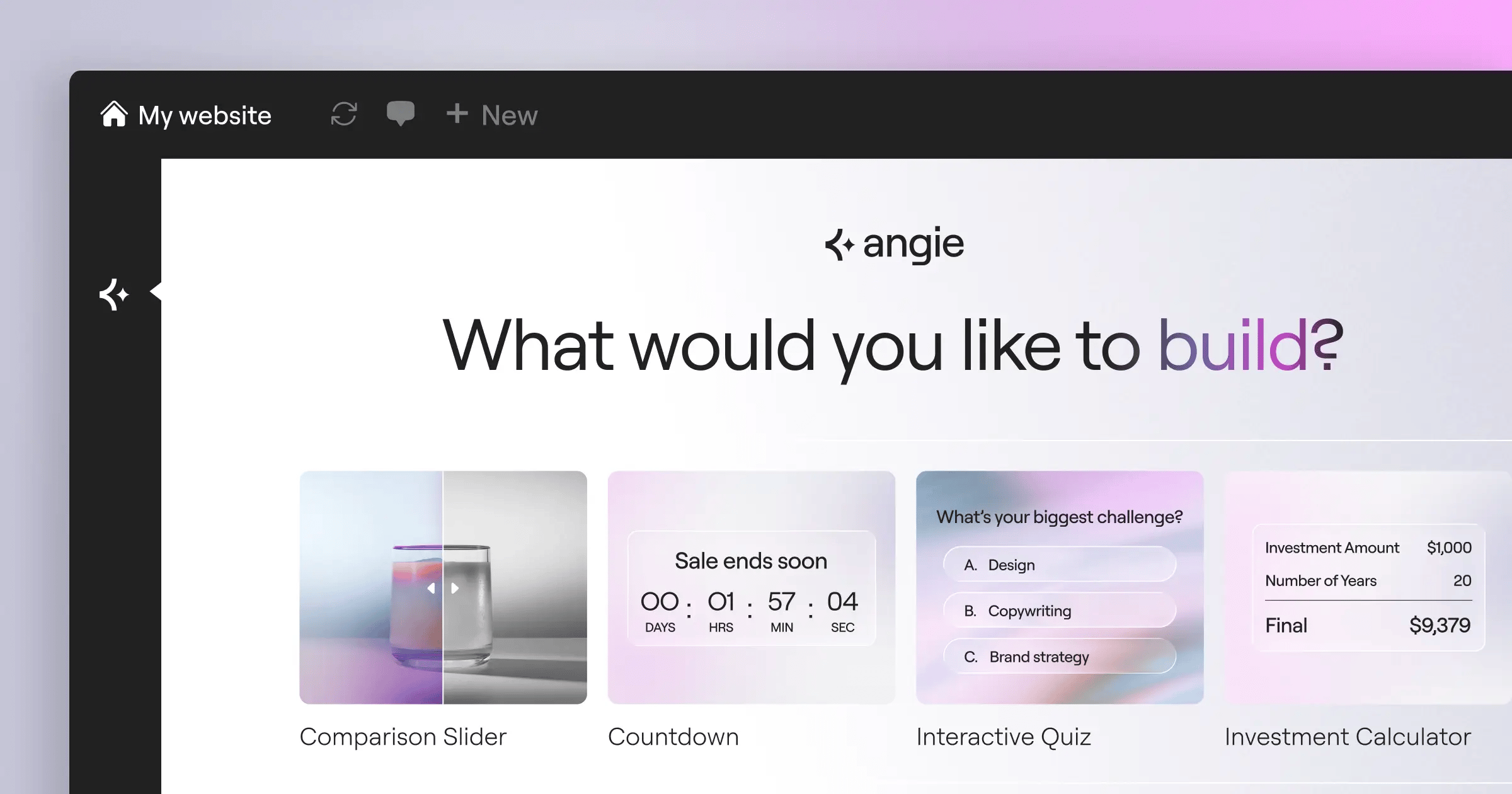
Angie changes how pros build on WordPress. Built on the Model Context Protocol, it reads your plugins, theme, and database schema, then plans execution across WordPress core. Ask for a listing widget, and it writes the PHP, registers the post type, and outputs a native widget in minutes.
Angie bridges the gap between natural language and complex WordPress architecture. It doesn’t just write code; it safely deploys native, working assets directly into your environment, eliminating the friction of manual implementation.
Itamar Haim, SEO Team Lead at Elementor. A digital strategist merging SEO, AEO/GEO, and web development.
Key Features
- Agentic Execution – Plans and runs multi-step WordPress tasks alone.
- Safe Sandbox Environment – Tests code before it reaches production.
- Native Asset Generation – Creates widgets, snippets, and post types instantly.
- Context-Aware Protocol – Adapts to your theme and plugin stack via MCP.
Pricing
Angie is a completely free WordPress plugin, part of the core Elementor ecosystem.
Pros & Cons
- Pro – Built for WordPress, skips generic code errors.
- Pro – Idea to production asset in 4 minutes.
- Pro – Won’t break your site; sandbox-tested first.
- Con – Needs basic WordPress know-how.
- Con – Can’t touch servers outside WordPress.
Verdict: The clear pick for WordPress developers who’d rather skip a PHP hire.
2. Elementor Editor Pro
Elementor Editor Pro is the standard for visual site creation, running over 9.5% of all websites globally. Its AI Site Planner turns an idea into a sitemap, then builds it with CSS-first atomic containers, averaging a 92/100 Mobile PageSpeed score.
Key Features
- AI Layout Containers – Converts text into responsive, styled wireframes instantly.
- Generative Content Integration – Writes copy and CSS in the widget panel.
- Image Optimization – Compresses media automatically, cutting file sizes by up to 60%.
- Dynamic Content Binding – Links layouts to WordPress custom fields automatically.
Pricing
Essential starts at $60/year. Elementor One at $168/year bundles editor, hosting, AI credits, and Web Accessibility.
Pros & Cons
- Pro – The most capable drag-and-drop interface around.
- Pro – A massive ecosystem of integrations.
- Pro – Built-in performance optimization keeps load times fast.
- Con – The feature volume can overwhelm beginners.
- Con – Heavy AI use means watching credit pool.
Verdict: Still the best choice for pros who want AI help without losing pixel-perfect control.
3. Wix Studio
Wix turned its basic ADI into a high-end agency platform. Wix Studio suits designers running multiple accounts, scaling desktop designs to tablet and mobile on its own, though it’s a closed system you can’t export elsewhere.
Key Features
- Responsive AI – Applies proportional scaling across breakpoints automatically.
- Custom CSS Control – Lets advanced users write rules in the managed environment.
- AI Text and Image Creator – Fills layouts with relevant media during prototyping.
- Client Handover Tools – Generates dashboard views for clients to manage content.
Pricing
Plans run $19 to $159 per month, by storage and support tier.
Pros & Cons
- Pro – Remarkably smooth responsive scaling out of the box.
- Pro – Solid client management and billing tools built in.
- Con – You can’t migrate your site off Wix servers.
- Con – Monthly costs add up fast for busy agencies.
Verdict: Great for designers who want beautiful client sites fast, without server work.
4. 10Web
Already seen a layout you like? 10Web clones and optimizes existing layouts with AI. Paste a URL, and it rebuilds the layout in WordPress containers, guaranteeing a 90+ PageSpeed score via automatic image and script optimization.
Key Features
- AI Website Recreator – Converts any public URL into an editable template in minutes.
- Automated Speed Optimization – Applies server-level caching and minification natively.
- AI Content Generation – Rewrites scraped text so you’re not duplicating content.
- White-Label Dashboard – Lets agencies brand the backend for their clients.
Pricing
Plans start around $20/month for one site, on their managed hosting.
Pros & Cons
- Pro – The fastest way to migrate a static site into WordPress.
- Pro – No worrying about Core Web Vitals or caching.
- Con – Cloned layouts need cleanup for container bloat.
- Con – Locks you into their hosting for the main tools.
Verdict: Best for developers migrating legacy sites onto a modern, fast setup.
5. Framer AI
Framer sits between prototyping and live production. After its text-to-site launch, Framer saw a 400% increase in user-generated sites. Type a description, and it generates a full page with genuinely semantic layouts, though it thinks more like a React developer than a drag-and-drop tool.
Key Features
- Semantic Layout Generation – Assigns proper HTML5 tags automatically.
- Advanced Scroll Animations – Applies physics-based animation via text prompts.
- Figma to HTML – Delivers accurate translation from Figma into live code.
- Localization AI – Translates your site into 17 languages instantly.
Pricing
Free tier for hobbyists; plans start at $15/month, scaling to $30/month.
Pros & Cons
- Pro – The most visually striking aesthetics around.
- Pro – Handles complex animations without external libraries.
- Con – Complex fast without a UI design background.
- Con – E-commerce stores are harder than with WooCommerce.
Verdict: Top pick for SaaS startups and agencies that need a polished site.
6. Hostinger AI Website Builder
Hostinger AI Website Builder is the most accessible entry point for beginners. Onboarding is chat-based: answer three questions, and the AI picks the palette, writes copy, and publishes the site. 73% of small business owners prefer this over hiring a freelancer.
Key Features
- AI Logo Maker – Generates branding assets from your industry keywords.
- Integrated Heatmaps – Analyzes your layout to predict click behavior.
- Automated Content Writer – Drafts your about page and service listings instantly.
- Global CDN – Pushes your site to edge servers for fast loading.
Pricing
Bundled with hosting plans starting at just competitive ratesnth, the cheapest entry point in 2026.
Pros & Cons
- Pro – Hard to beat on price for a tight budget.
- Pro – The heatmap tool gives real feedback before launch.
- Con – You’ll outgrow it fast once you need integrations.
- Con – AI copy runs generic and needs heavy editing.
Verdict: Smart for budget solopreneurs who need a site live fast.
7. Webflow AI
Webflow targets enterprise, and its AI speeds up the workflow rather than replacing developers. Webflow AI handles styling, CMS binding, and accessibility, checking over 50+ design variables at once, though the learning curve is steep.
Key Features
- AI CSS Assistant – Translates prompts into precise CSS class properties.
- Accessibility Auto-Tagging – Scans layouts and suggests WCAG fixes automatically.
- Localization Engine – Adjusts layouts for translated text length automatically.
- Enterprise Security – Delivers SOC2 compliance and role-based access.
Pricing
Plans start at $23/month for basic CMS needs; enterprise teams pay more.
Pros & Cons
- Pro – The cleanest, most semantic HTML/CSS around.
- Pro – Strong CMS for thousands of dynamic pages.
- Con – Requires a solid grasp of the CSS box model.
- Con – Pricing scales up fast as traffic grows.
Verdict: Top option for enterprises needing strict accessibility compliance.
8. Divi AI
Elegant Themes built AI into its long-standing builder. Divi AI sits inside module settings as a context-aware assistant, reading your content first so new output blends with the page. The draw is unlimited generation at a flat rate, no counting tokens.
Key Features
- Context-Aware Text Generation – Writes copy matching your site’s tone.
- AI Image Refinement – Upscales and applies brand filters instantly.
- Code Generation – Writes CSS or jQuery inside module settings.
- Unlimited Usage – Skips token limits and credit caps.
Pricing
Costs $18/month or $115/year, an add-on to Elegant Themes membership.
Pros & Cons
- Pro – No tracking monthly credit usage.
- Pro – Integrates cleanly with a popular WordPress theme.
- Con – Classic Divi shortcodes can slow heavy pages.
- Con – Needs base Divi membership before the AI tier.
Verdict: Logical for Divi users wanting a modern workflow.
9. Durable.co
If speed’s your only metric, nothing beats this. Durable is the “30-second website builder,” with over 6 million websites generated on its infrastructure, though you give up deep customization.
Key Features
- Instant Local SEO – Embeds location schema and keywords automatically.
- Integrated CRM – Captures submissions into a lead dashboard.
- AI Invoicing – Generates and sends invoices from your backend.
- Review Management – Drafts review responses automatically using AI.
Pricing
Starter plan is $12/month; business tier is $20/month with priority support.
Pros & Cons
- Pro – The fastest way to get a business site live.
- Pro – Built-in CRM and invoicing skip third-party software.
- Con – Rigid templates leave little room for branding.
- Con – Not suited to e-commerce or membership sites.
Verdict: Best for local providers who treat their site as a lead-gen form.
10. Teleporthq
Teleporthq uses Vision AI to translate sketches and Figma files into production-ready front-end frameworks, generating clean React, Vue, or Angular code. It’s built for front-end teams, not marketers.
Key Features
- Vision AI (Sketch-to-Code) – Converts wireframes into functional HTML/CSS instantly.
- Framework Export – Outputs code for React, Vue, Angular, and CSS modules.
- Real-time Collaboration – Lets developers edit component structure simultaneously.
- Component Reusability – Groups repeating UI elements into reusable components.
Pricing
Free tier for basic exports. Plans start at $15/month per editor.
Pros & Cons
- Pro – Cuts real time off translating Figma designs into React.
- Pro – Produces very clean, framework-specific code without bloat.
- Con – Too technical for average business owners.
- Con – Needs external backend configuration to function.
Verdict: Essential for front-end developers cutting repetitive UI coding.
Comparison Summary & Final Recommendation
Your pick comes down to technical comfort and your goal. Here’s the core data side by side.
| Platform | Best For | Key Differentiator | Starting Price |
|---|---|---|---|
| Angie by Elementor | WordPress Developers | Agentic MCP native code execution | Free Plugin |
| Elementor Editor Pro | Professional Web Creators | CSS-first atomic containers & massive ecosystem | $60/year |
| Wix Studio | Design Agencies | Auto-calculating responsive breakpoints | $19/month |
| 10Web | Rapid Migrations | 90+ PageSpeed guarantee on cloned sites | $20/month |
| Framer AI | SaaS Startups | Semantic layouts with complex scroll physics | $15/month |
| Hostinger AI | Budget Solopreneurs | Bundled with highly affordable server plans | competitive ratesnth |
| Webflow AI | Enterprise Teams | 50+ variable accessibility compliance engine | $23/month |
| Divi AI | High-Volume Agencies | Unlimited AI generation requests for a flat fee | $18/month |
| Durable.co | Local Services | 30-second generation with integrated CRM | $12/month |
| Teleporthq | Front-End Devs | Vision AI for Sketch-to-React translation | $15/month |
If you build on WordPress, don’t look past the Elementor ecosystem. Pairing Angie for backend tasks with Elementor Editor Pro for visual control gives you real AI speed without giving up ownership of your codebase.
Frequently Asked Questions
Will AI web design tools replace human developers?
No. They automate repetitive coding, freeing developers for higher-level problem-solving.
Who owns the copyright to AI-generated website code?
You keep ownership with tools like Elementor or Webflow. They claim no copyright over your code.
How do automated builders impact Core Web Vitals?
Modern platforms tend to improve scores. Tools like 10Web and Elementor Editor Pro compress images and CSS automatically.
Can I export AI-generated sites to a different host?
It depends on the platform. WordPress tools like Angie and Elementor give full code ownership. Closed ecosystems like Wix and Durable don’t.
What is an agentic AI framework?
Unlike basic chatbots, agentic frameworks like Angie act on their own, reading site context through MCP, then safely deploying the code needed.
Are AI-generated websites good for SEO?
Yes, if the tool generates clean semantic HTML, proper heading hierarchies, and schema markup.
How secure are automated WordPress tools?
The best tools sandbox generated code before deployment, stopping fatal errors. Always review output before pushing it live.
Looking for fresh content?
By entering your email, you agree to receive Elementor emails, including marketing emails,
and agree to our Terms & Conditions and Privacy Policy.

