Introducing the Angie Community Library
The library works in both directions. When you need a starting point, it’s a collection of working assets you can pull into your site in seconds. When you’ve built something worth showing, it’s the place to put your name on it and let other creators build on your work. Either way, the outcome is the same: less blank canvas, more inspiration, and more engaging websites across the entire community.
Browse a library built by web creators
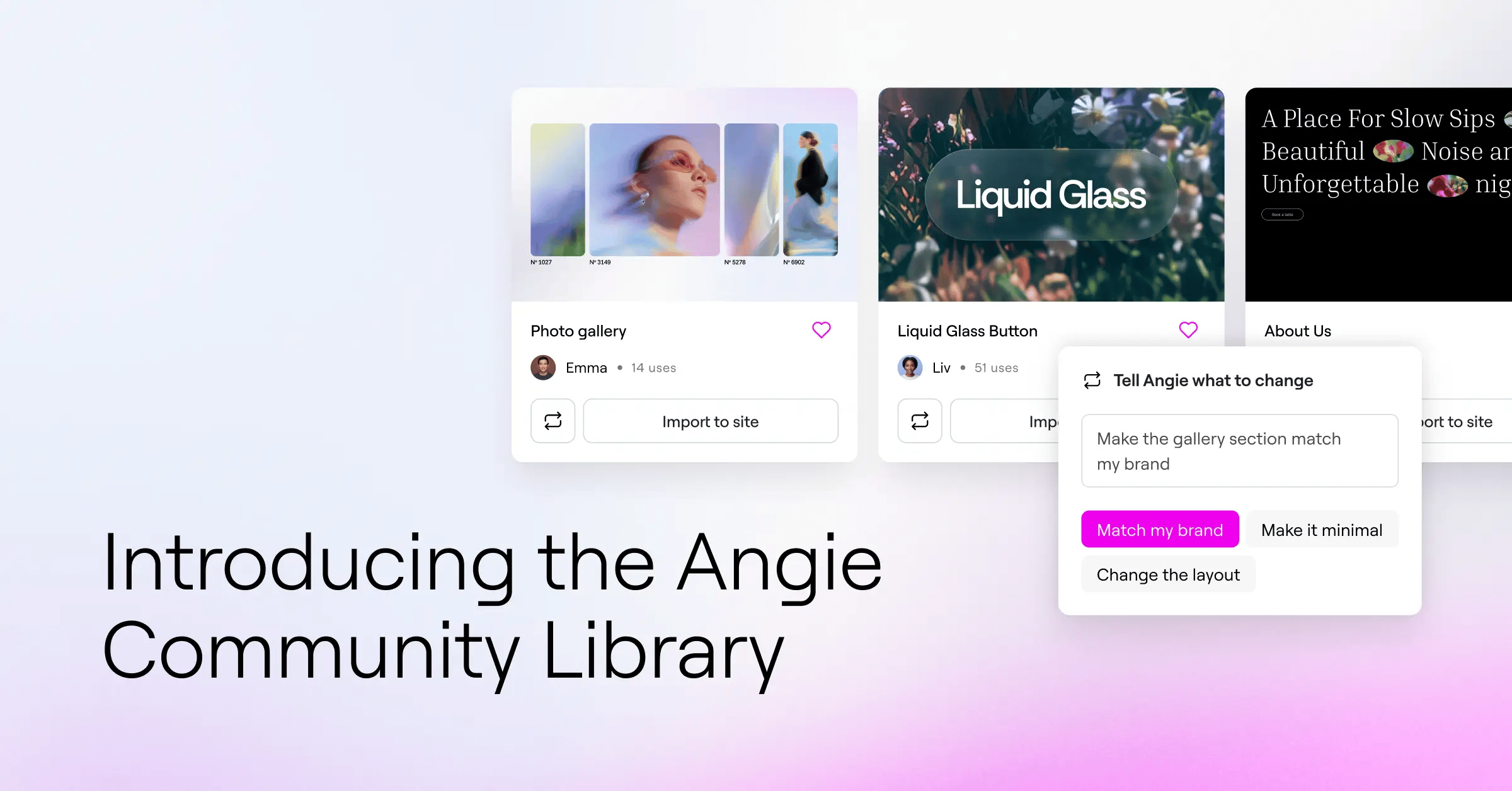
Overcome creative blocks, and become inspired by other professional creations. The Community Library gives you a browsable collection of working snippets and widgets made by other Angie users, and every entry is the kind of asset creators build with Angie Code: custom Elementor widgets, front-end enhancements and interactions, and visual apps like quizzes and calculators. Each one shows its name, description, and author, so you know what it does and who built it before you touch it.
This is a different kind of inspiration than a screenshot gallery. Everything in the library is a working asset, not a mockup. When something catches your eye, you’re not bookmarking an idea to rebuild later. You’re one click from having it on your own site.
Browsing works wherever you are. Open the Community Library site on the web when you’re researching or planning, or tap the library icon in Angie’s chat interface when inspiration needs to strike mid-build. Same library, both places.

Import any snippet straight into your site
Finding a great snippet only matters if you can use it. Every snippet displayed in the Community Library is first vetted by the Elementor Team, to ensure the snippet works well, and performs what’s intended. For additional safety, every snippet that is imported to your site is automatically added in Test Mode. That way, nothing breaks in your site, or goes live before you review it.
Import brings the snippet into your site as a fully editable asset that behaves like a native part of your setup. No copying code between tabs, no rebuilding someone else’s idea from a screenshot, no hunting for a plugin that does almost what you want. On top of that, importing a snippet, as-is, doesn’t consume any credits.
Once it’s in, it’s yours to shape. Refine it with the Elementor Editor and adjust styling, layout, and behavior with full visual control. Nothing about an imported snippet is locked.
Remix any snippet to match your brief
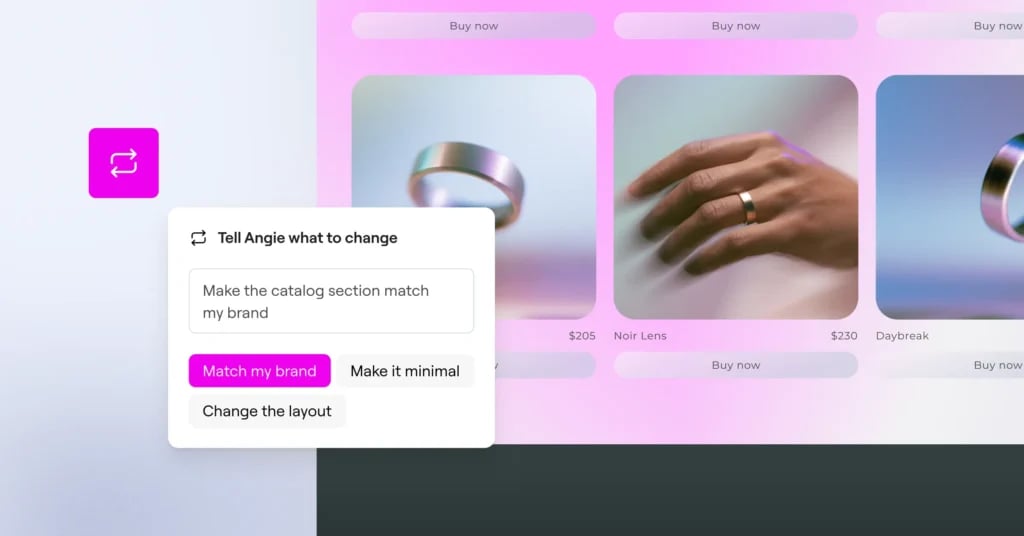
When a snippet almost fits, open Remix, write a prompt describing what you’d change, and Angie adapts it to your requirements without starting from scratch.
Say you find a testimonial slider that’s nearly right, but the brief calls for your client’s brand colors and a different animation. Describe those changes in the Remix modal and the adapted version lands in your site, ready to refine further. You keep the working foundation the original author built and spend your time on the part that makes it yours.
That’s the quiet power of the library: dozens of snippets become thousands of possible outcomes, because every asset is a starting point, not a fixed template.
Share the work you’re proud of
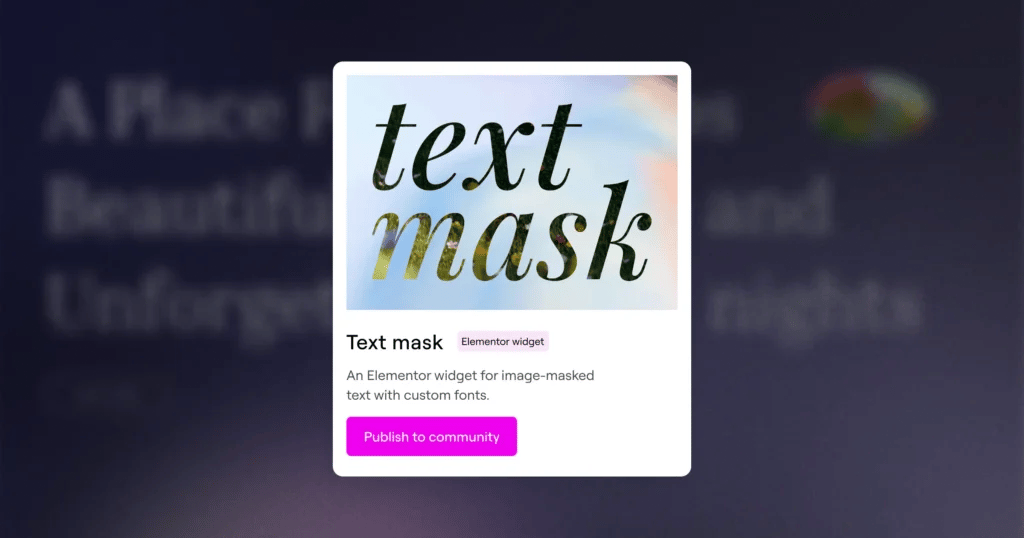
That build you’re proud of deserves a bigger audience than one site. Submitting takes a few minutes: give your snippet a name, a description, assign it to a category, and upload a few representing images. The Elementor team will review your submission, upon approval, it joins the library for every Angie user to discover.
The library turns a one-off build into a calling card: proof of what you can do, working live, in front of the exact audience that appreciates it.
Save your favorites to your Cloud Library
A snippet you’ll reuse belongs in your own collection. Save any community snippet, or your remix of it, to your personal Cloud Library and pull it into any connected site without rebuilding and without spending extra credits on import.
For agencies and freelancers managing multiple sites, this is where the library pays off project after project. A set of proven, battle-tested starting points means consistent quality across client work, faster delivery on every new build, and less time spent recreating the same component for the fifth time.
Pro tip
Before your next client kickoff, spend five minutes in the library and shortlist two or three snippets close to the brief. Walking into the call with working examples turns “what do you have in mind?” into “which of these is closest?”, and Remix covers the gap. And when a build of your own gets that “how did you make this?” reaction, that’s your cue to submit it.
Start building from the library
The Community Library is part of how Angie grows with the people who use it: every submission makes the next creator faster, and every remix proves there’s more than one way to use a good idea.
Browse it, remix something, and when you build something worth showing, put your name on it and share it back.

