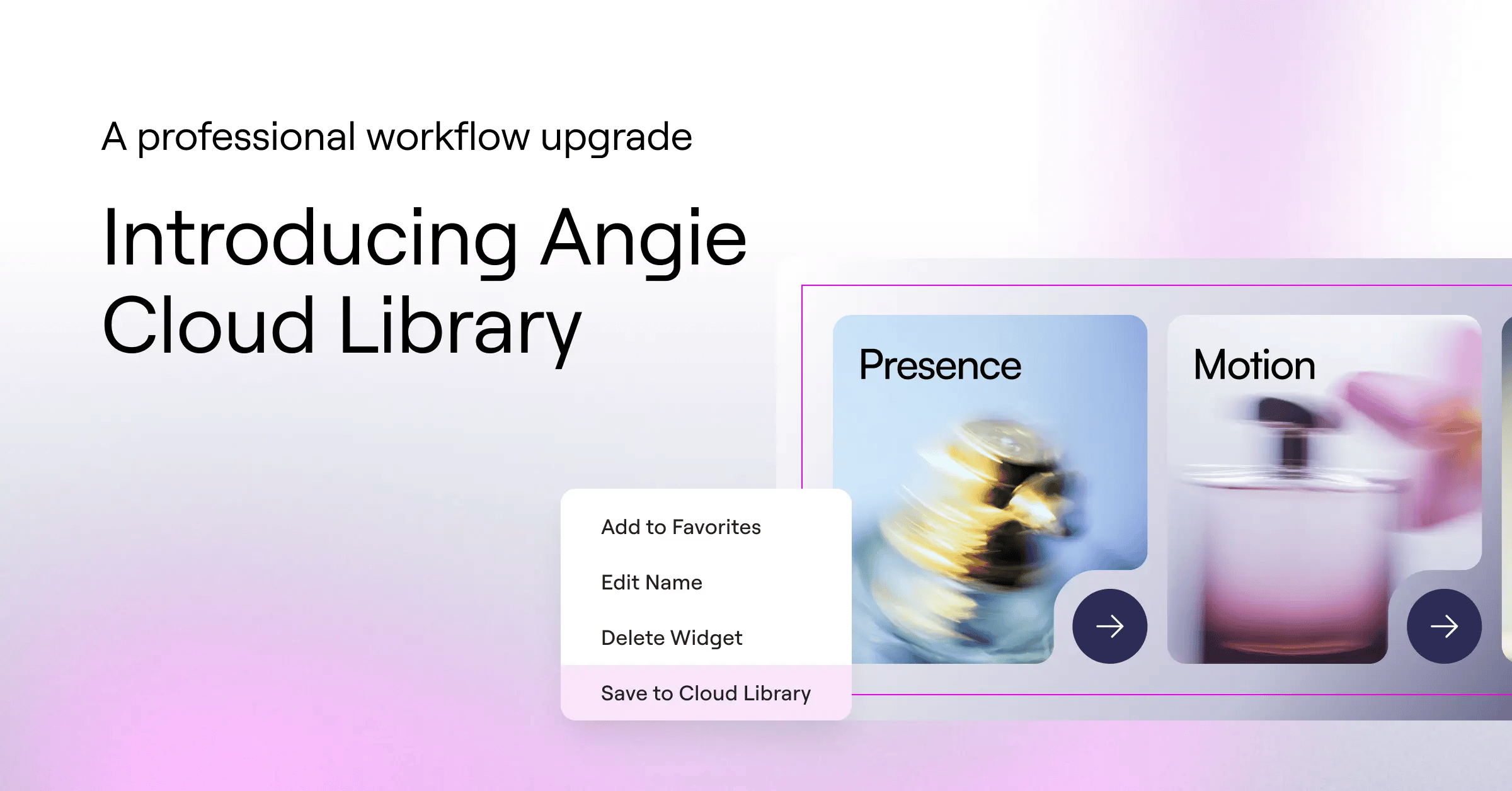
Angie is an AI agent built into WordPress that creates real, fully editable WordPress assets from natural language prompts. Custom Elementor widgets, WordPress admin widgets, Custom Post Types and Fields, and more.
No files to download, no pushing code to the server, no context-switching between tools. Because Angie understands WordPress and Elementor natively, what it builds works where you work.
For agencies and freelancers, this has changed the shape of a build session. Client requests that used to take hours of custom development now take a conversation. Since launch, the most consistent request from agency users has been a way to carry your best work from one site to the next, without starting over.
That’s Cloud Library.
Build once, deploy across every site you manage
Here’s a workflow that will sound familiar if you manage more than one site. You spend a session building a widget, a before-and-after slider, a media carousel with automatic photo credits, a custom content block built around a specific client need. It works. Then another project comes along that needs something similar. So you start over.
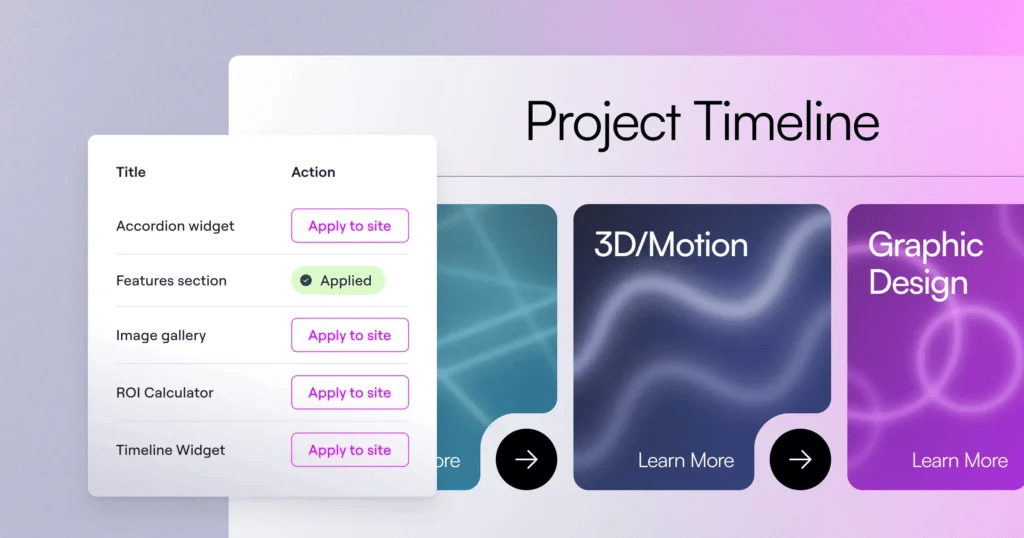
Cloud Library ends that cycle. Any snippet you build with Angie can now be saved to your library and pulled into any site you manage in a few clicks. The snippet comes over as a real, fully editable asset. Restyle it, resize it, adapt it to the new site’s design system, or drop it in as-is.
For an extra safety measure, you can create assets on a local environment and import the snippets you like to your production website. This library also functions as a secure backup: if an Angie snippet is accidentally deleted from a client site, you can instantly bring it back from your cloud library.
For agency owners managing dozens of sites, this compounds fast. A library of battle-tested snippets you’ve refined over months becomes a set of ready starting points for every new project.
Note: Importing a snippet to another site doesn’t consume any credits.
Start building your personal toolkit
With the Cloud Library, the most valuable thing you can do is be intentional about what you save. Snippets that solve recurring problems: a testimonial layout, a dynamic content block, a custom widget – are the ones worth adding early.
Over time, your library becomes a personal toolkit: WordPress assets built to your standard that travel with you to every project. The time you save on client site two compounds into how quickly you can spin up client sites three, four, and twenty.
Start free today
Cloud Library is available to all Elementor users with free daily credits that reset each day. No additional tier required.
If you’re on Elementor One, your plan credits apply directly to Angie, giving you extended usage beyond the daily free limit.
FAQ
What can I save to the Cloud Library?
Anything you build with Angie can be saved to your library, including widgets, site functionality, and more.
Can I use saved snippets across different domains?
Yes. Any snippet saved to Cloud Library can be deployed to any site connected to your account.
Who can use Elementor One credits on Angie?
Any active Elementor One subscriber. Credits apply directly to Angie usage beyond your free daily limit. Note: Since Angie credits are personal and tied to individual WordPress user accounts, usage by other users, including clients modifying the site, will not deplete your credits.

