Table of Contents
Right now, 63% of professional web developers work AI into their daily workflow, and ai powered web design has changed completely in 2026. Today’s tools act like co-pilots, writing clean CSS and running accessibility checks alone.
Sorting real time-savers from marketing fluff takes work. You don’t want a platform handing you messy code to fix later. You need tools that respect responsive design and speed up production.
Key Takeaways
- Elementor Editor Pro stays the top pick for WordPress users, powering 21M+ sites via Elementor One.
- Over 73% of web agencies ship client projects faster with AI wireframing tools.
- Agentic AI is 2026’s big shift: tools now act inside the editor, not just generate code.
- Framer-style generative platforms average 85ms page loads for simple static sites.
- The best AI tools now scan and fix 180+ common WCAG issues automatically.
- Expect to pay $15 to $30 a month for serious AI design capability.
1. Elementor Editor Pro
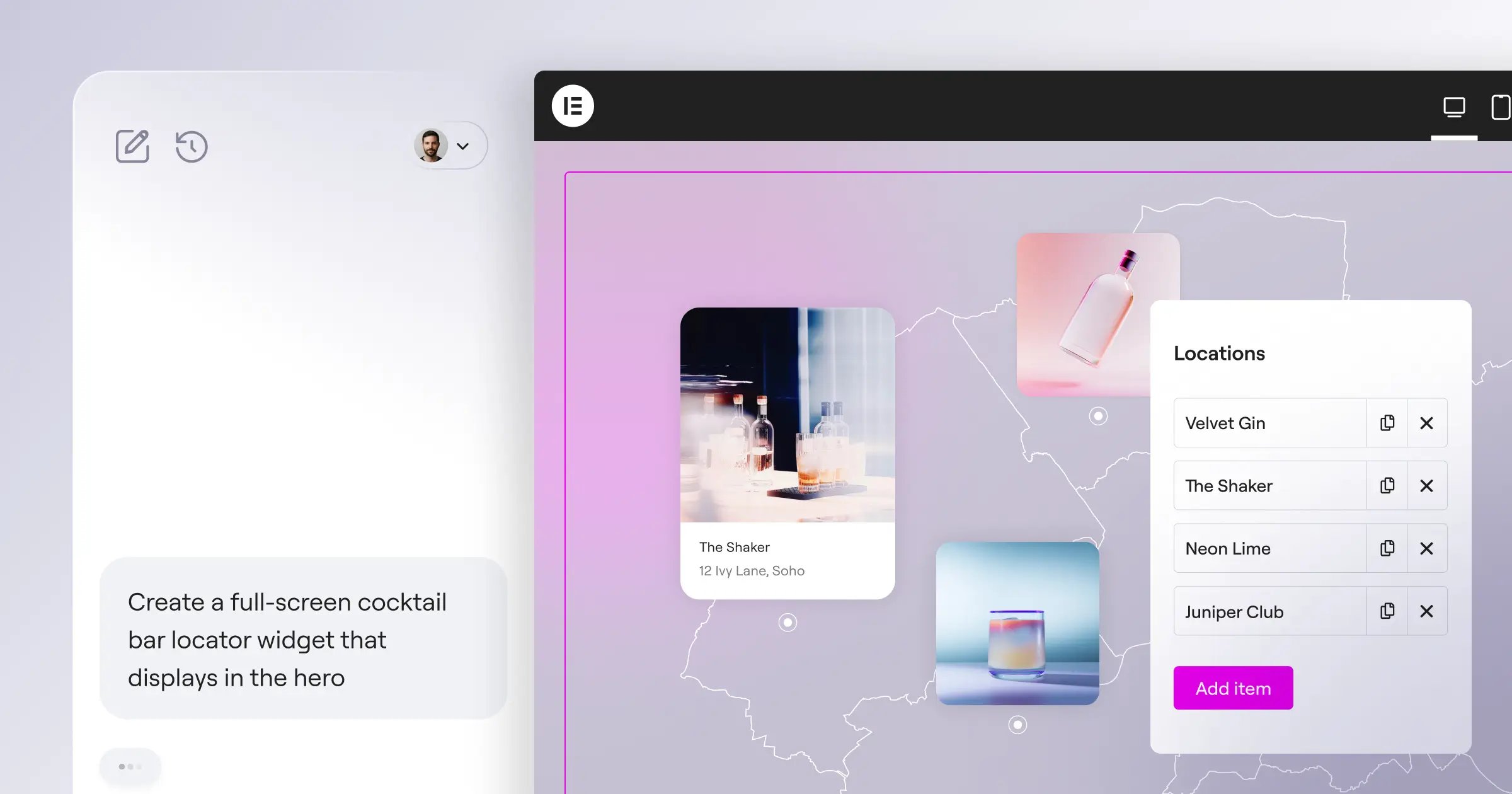
Elementor dominates WordPress for good reason: it powers over 21 million websites, about 13% of the global internet, built around Elementor One, one subscription from AI wireframing to managed hosting. Angie, a native agentic AI on the Model Context Protocol (MCP), acts directly inside WordPress. The AI Site Planner builds a wireframe from an idea in under 20 minutes, already at 130K+ users.
The shift from generative AI to agentic AI changes everything. We’re no longer pasting code. The platform listens to your structural goals and physically builds the assets, fully optimized for performance from step one.
Itamar Haim, SEO Team Lead at Elementor. A digital strategist merging SEO, AEO/GEO, and web development.
Here’s how the workflow looks:
- Describe your goals to the AI Site Planner.
- The system builds a sitemap and wireframes.
- Import those structures into Editor Pro.
- Apply Global Brand Settings to style the 118+ widgets.
- Run Ally to catch WCAG issues before launch.
Key Features:
- Editor V4 (Atomic) – Uses CSS-first classes and variables.
- Elementor AI – Assists 1.5M+ creators in-editor.
- Image Optimization – Compresses to WebP/AVIF, up to 60% smaller.
- Unified Credit System – Covers AI and optimization at 25K credits/month.
- Dynamic Content – Connects with post types and WooCommerce.
Pricing: Essential is $60/yr, Advanced Solo $84/yr, and the full Elementor One package is $168/yr with 25K shared credits a month.
Pros:
- Unifies planning through optimization.
- Cuts the need for third-party plugins.
- Agentic AI executes, not just suggests.
- Strong value for multi-site agencies.
Cons:
- The feature set means a learning curve.
- Advanced actions lean on shared credits.
- Beginners may find Atomic CSS a lot.
Elementor stays the top choice for full WordPress control.
2. Wix Studio
Wix Studio targets high-end agencies and freelancers, and its Responsive AI cascades your desktop design down to tablet and mobile breakpoints automatically.
Key Features:
- Responsive AI – Cascades desktop layouts to mobile automatically.
- AI Text & Image Creator – Generates copy and images in-app.
- Custom Code – Adds JavaScript via Velo by Wix.
- Client Handover – Builds dashboards for client management.
- CMS Integration – Handles up to 10,000 dynamic items.
Pricing: Studio starts at $19/month, scaling to $149/month for agency features.
Pros:
- Cuts time on mobile optimization.
- Strong built-in client tools.
- Smooth animations, zero code.
- Solid native e-commerce.
Cons:
- No code export or outside hosting.
- Interface heavier than standard Wix.
- Complex databases harder to manage.
Wix Studio suits those wanting automated responsive scaling.
3. Framer
Framer blurs the line between design tool and website builder, looking like Figma but publishing a live site. Prompt it, and within 15 seconds Framer builds a styled page; simple sites hit 85ms page loads.
Key Features:
- AI Page Generation – Builds layouts from text prompts.
- Figma to HTML – Converts Figma files into live pages.
- Scroll Animations – Handles spring animations visually.
- AI Copywriting – Writes headlines and body copy.
- Built-in SEO – Generates metadata and semantic tags.
Pricing: A free tier is available; Mini is $15/month, Pro $30/month billed annually.
Pros:
- Fast for high-fidelity prototypes.
- Strong animation controls.
- Familiar if you use Figma.
- Fast hosting infrastructure.
Cons:
- Not for complex apps or big stores.
- CMS is basic next to WordPress.
- Code export is tightly restricted.
For marketing sites and SaaS pages, Framer is hard to beat.
4. Webflow
Webflow is the industry standard for visual development, serving over 300,000 teams. Its AI helps you build faster, writing CSS classes the moment you describe the look you want.
Key Features:
- AI Styling Assistant – Translates language into CSS.
- Automated Translation – Runs localization via machine learning.
- CMS Data Generation – Populates databases for testing.
- Logic Flows – Automates complex interactions.
- Clean Code Export – Exports pristine HTML, CSS, and JS.
Pricing: Basic is $14/month; CMS, the plan most professionals need, is $23/month.
Pros:
- Produces clean, production-ready code.
- Freedom to design almost anything.
- Speeds up repetitive CSS work.
- Strong docs and community support.
Cons:
- Steep learning curve for beginners.
- E-commerce feels rigid next to newer tools.
- Integrations often need paid tools like Zapier.
Webflow stays the top choice for full code control.
5. Hostinger Website Builder
Sometimes you just need a working site online in ten minutes. Hostinger Website Builder answers three quick questions (brand, industry, description) and generates a template, copy, and stock photos.
Key Features:
- AI Onboarding – Builds a site from three questions.
- AI Heatmaps – Predicts where users click.
- Logo Maker – Creates basic vector logos.
- SEO Assistant – Generates alt text and meta descriptions.
- Integrated Hosting – Runs on Hostinger’s servers.
Pricing: Plans often start at just competitive ratesnth for the first year, renewing at $7.99/month.
Pros:
- Fastest path to a live site.
- Cheap for budget-conscious projects.
- Heatmap tool aids conversions.
- Needs no technical knowledge.
Cons:
- Limited customization options.
- Designs tend to look generic.
- You’ll outgrow it as your business scales.
Hostinger fits side hustles needing a cheap, fast site.
6. Dorik
Dorik grew from a static site generator into an AI-driven CMS built on “building blocks,” pre-designed sections you stack together. Dorik AI writes context-aware copy and assembles components to match your prompt.
Key Features:
- White-Label CMS – Lets agencies brand the backend.
- AI Component Assembly – Generates sections from prompts.
- Global Styling – Centralizes typography and color controls.
- Native SEO Tools – Builds in schema and sitemaps.
- Airtable Integration – Uses Airtable as an external database.
Pricing: Personal starts at $15/month; Agency, with white-labeling, is $39/month.
Pros:
- White-label suits smaller agencies.
- Clean static output, strong performance.
- Gentler curve than Webflow.
- Competitive pricing for the features.
Cons:
- Smaller template library than the big names.
- E-commerce is still early-stage.
- Complex animations are hard to pull off.
Dorik suits freelancers wanting a branded client dashboard.
7. 10Web
10Web does one thing exceptionally well: recreating existing sites in WordPress. It reads any URL’s structure and rebuilds it as a WordPress template with standard Elementor widgets, cloning the look, not the code.
Key Features:
- AI Site Recreation – Clones any public URL’s layout.
- Automated Hosting – Runs on Google Cloud.
- PageSpeed Booster – Optimizes images and minifies scripts.
- AI Business Name Generator – Suggests names for new projects.
- Automated Backups – Stores daily cloud snapshots.
Pricing: AI Starter is $20/month; Premium covers three sites for $30/month.
Pros:
- Turns 40-hour migrations into 4 hours.
- Builds standard, easy-to-edit WordPress structures.
- Hosting stays consistently strong.
- PageSpeed optimization genuinely works.
Cons:
- Mobile views usually need manual fixes.
- Custom sliders rarely clone cleanly.
- Tied to their hosting to use it.
For platform migrations, 10Web earns its keep.
8. Relume
Relume isn’t a traditional builder. It’s an AI wireframing tool designers use before Figma or Webflow. Prompt it about the company, and it builds a sitemap, then a wireframe from the Relume Library, ready to export in one click.
Here’s the standard workflow:
- Generate the sitemap from an AI prompt.
- Edit the page hierarchy visually.
- Generate wireframes from the approved sitemap.
- Shuffle components until the layout feels right.
- Export the structure to your design tool.
Key Features:
- AI Sitemap Generator – Creates architectures instantly.
- Component Library – Stocks pre-built UI sections.
- Figma Sync – Integrates with design software.
- Webflow Export – Pastes in with classes intact.
- AI Copywriting – Fills wireframes with placeholder text.
Pricing: A free tier covers limited projects; Pro is $32/month.
Pros:
- Cuts time on client approvals.
- Keeps design systems consistent.
- Classes map to standard frameworks.
- Works well for remote teams.
Cons:
- Still need Webflow or Figma to finish.
- Added cost on top of your builder.
- Results can feel boxy without customizing.
Relume has made much traditional wireframing unnecessary.
9. CodeDesign.ai
CodeDesign.ai sits between a prompt-based generator and a real coding environment. Type what you want, and it builds a UI, generating clean, semantic HTML and CSS you can export as React.
Key Features:
- Prompt-to-UI – Generates layouts from text.
- Code Export – Downloads as HTML, CSS, or React.
- Cloud Hosting – Publishes to native infrastructure.
- AI Wand – Alters colors and spacing globally.
- Relational Databases – Handles basic data management.
Pricing: Basic is $15/month; Standard, with code export, is $29/month.
Pros:
- Clean React export is a real advantage.
- Fast generation, even for complex layouts.
- Clean, unobtrusive interface.
- Good value for small projects.
Cons:
- Copywriting output needs editing.
- Lacks WordPress’s plugin ecosystem.
- Support and tutorials are scarce.
For skipping tedious markup, CodeDesign.ai is worth a look.
10. Divi AI
Divi has been a major WordPress player for years, and Divi AI weaves generative features right into the builder. Drop in a blurb module, and it writes the headline, icon, and text in one click.
Key Features:
- Contextual AI – Understands the module you’re editing.
- Native Image Generation – Creates and edits images in WordPress.
- Code Generation – Writes custom CSS via prompt.
- Quick Actions – Fixes grammar or changes tone instantly.
- Unlimited Usage – Skips credit systems entirely.
Pricing: An add-on at $289/year for unlimited use across all sites.
Pros:
- Unlimited generation is rare and valuable.
- Contextual awareness speeds up edits.
- Image tools handle quick fixes.
- Integrates cleanly with Divi sites.
Cons:
- Codebase can still feel heavy.
- Needs an active Divi subscription.
- Interface feels cluttered with toggles.
For Divi users, this add-on is an easy call.
Comparing the Top AI Web Design Platforms
Which platform fits depends on your technical background and clients’ needs. Don’t just pick the flashiest marketing, here’s how the top contenders stack up.
| Platform | Best For | Starting Price | AI Core Feature |
|---|---|---|---|
| Elementor | WordPress Professionals | $60/year | Agentic AI & Site Planner |
| Wix Studio | Design Agencies | $19/month | Responsive AI Cascading |
| Framer | High-Fidelity Prototypes | $15/month | Generative UI Prompts |
| Webflow | Visual Developers | $14/month | AI Styling Assistant |
| Hostinger | Budget Projects | competitive ratesnth | 3-Step Site Generation |
| Dorik | White-Label Agencies | $15/month | AI Component Assembly |
| 10Web | Site Migrations | $20/month | Visual Layout Cloning |
| Relume | Wireframing Workflows | $32/month | Sitemap to UI Export |
| CodeDesign.ai | React Developers | $15/month | Clean Code Export |
| Divi AI | Divi Loyalists | $289/year | Contextual Generation |
Your decision matrix should follow these steps:
- Decide between open-source flexibility (WordPress) or a closed SaaS ecosystem.
- Weigh your team’s comfort with custom CSS and databases.
- Work out total cost, including hosting, plugins, and AI credits.
For most projects, Elementor Editor Pro paired with Elementor One gives the best balance of speed, performance, and creative freedom, backed by an agentic AI that does the hard work for you.
Frequently Asked Questions
Will AI web design tools replace human developers?
No. These tools handle repetitive, boilerplate work, freeing developers for complex logic, integrations, and strategy instead of basic CSS by hand.
Do AI-generated websites rank well on Google?
Yes, if the code is clean. Google ranks on quality and user experience, not how content was made, so semantic HTML and fast load times win.
What is Agentic AI in web design?
Unlike generative AI, which only creates text or images, agentic AI takes action, navigating your backend, applying settings, and running multi-step commands.
Are AI website builders secure?
Major platforms keep solid security standards, but review any AI-generated JavaScript or PHP yourself, since it can suggest vulnerable patterns.
Can AI automatically make my website accessible?
AI tools like Elementor’s Ally can scan and fix up to 180+ common WCAG issues, like missing alt text and poor contrast. But no AI can guarantee full compliance.
How much do AI web design tools cost?
Basic prompt-to-site tools start around competitive rates. Professional platforms with managed hosting and wide API access typically run $15 to $30 a month.
Can I export the code from an AI website builder?
It depends on the platform. Webflow and CodeDesign.ai allow full code export. Closed ecosystems like Wix Studio and Hostinger don’t let you host elsewhere.
What happens if I run out of AI credits?
Most platforms run on credits, so once you’re out, you’ll buy add-ons or upgrade. Elementor One gives 25,000 shared credits monthly, plenty for heavy users.
Can AI tools generate functional e-commerce stores?
Yes, with limits. AI handles product pages and checkout flows well, but shipping rates, tax rules, and inventory still need manual setup.
Is it worth learning traditional CSS if AI can write it?
Definitely. AI makes mistakes, and without knowing the CSS underneath, you can’t troubleshoot a broken layout or conflicting styles. Fundamentals still matter.
Looking for fresh content?
By entering your email, you agree to receive Elementor emails, including marketing emails,
and agree to our Terms & Conditions and Privacy Policy.

