If you build WordPress sites for a living, you already know how much of the work happens before a single word of content goes on the page: wireframing, laying out sections, matching a design system, wiring up a form. Angie, Elementor’s agentic AI, starts there instead of ending there. Describe the page you need, and Angie builds the real, structured, editable Elementor content behind it, the same sections and layouts you’d build yourself.
Here’s what’s new.
Build full pages with Angie.
Starting a new page usually means starting from a blank canvas: pick a template, lay out sections, drop in widgets, write the copy, then do it again for every variation the project needs. Or, when the built-in options do not quite cover what a client asked for, you install another plugin to approximate it, and the site gets a little more bloated every time.
Angie changes what that first step looks like. Tell Angie what page you need, in plain language, and it builds the complete layout, sections, content, and styling included, as real Elementor structure, not a locked image or a one-off export. For anything more involved, Angie can ask clarifying questions first through Plan Mode, so what it builds actually matches the brief, and nothing runs until you confirm the plan.
The result works the same way a page you built by hand would. It is native to the Editor, and it works whether your site runs on Elementor or Gutenberg. You review what Angie built, adjust anything by hand in the Editor, and ship, without a new plugin and without starting from zero.
Simple prompts full pages
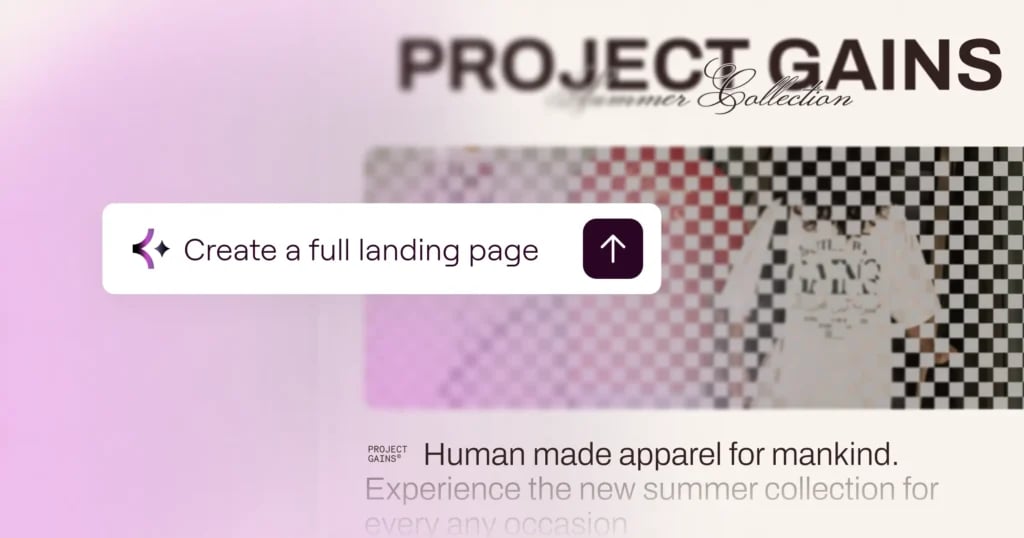
Any client project or personal site starts the same way: describe the brand, and Angie builds the full page on top of the design system you already have in place.
Template: “Build a landing page for [name]. It’s a [brand description, characteristics, style]. Use [color, font and style explanation].”
Example: “Build a landing page for the ‘Project Gains’ summer collection. They are a streetwear brand with ‘Human made apparel for mankind.’ The brand is focused on cool, modern, contemporary fashion. Use my existing design system.”
Turn a screenshot into a design system.
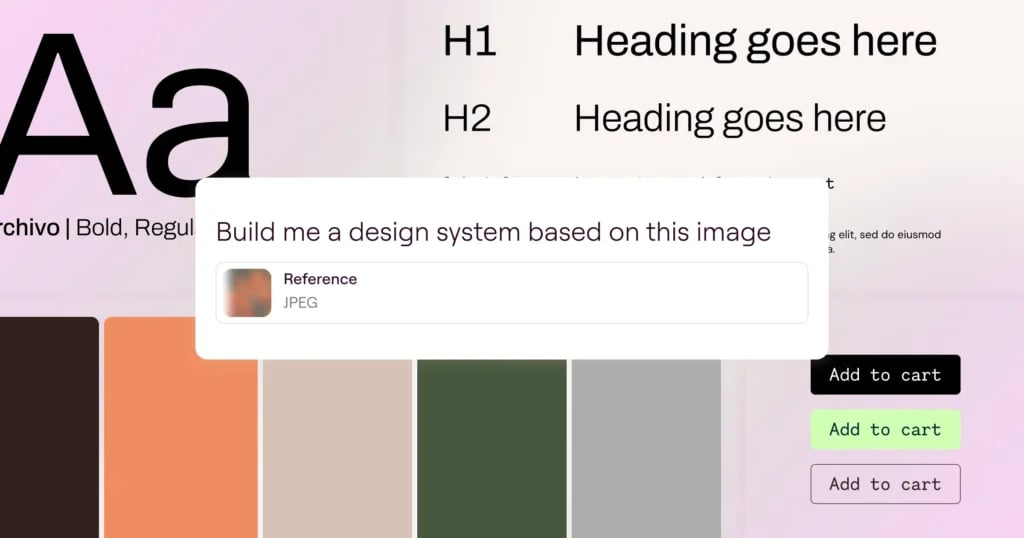
A new page is only as consistent as the design system behind it, and building that system by hand, colors, type, spacing, takes real time, especially when a client hands you a brand reference instead of a spec sheet. Angie takes more than a text prompt here. Show it a screenshot or just describe the direction you want, and it generates your starting design system of colors and fonts.
Because it inherits your site’s context automatically, no manual setup and no re-explaining your brand every time, your whole site picks up that system once it exists. Every new page you or Angie builds afterward stays on brand by default, instead of drifting a little further from the last one.
Prompts for generating your design system
Set your colors and fonts once, from a prompt or a reference screenshot, so every page you build afterward stays on-brand automatically. Useful for locking in a new brand direction before any pages exist.
“Generate a design system based on this screenshot.”
“Generate a design system for a modern fitness studio: bold and energetic, dark background, bright accent color.”
[Pro] Build forms and loops from a sentence.
Forms and dynamic content sections are two tedious builds on any site, field by field, template by template, especially once a project needs more than a basic contact form or a static list. Describe the fields and layout you need, and Angie builds a real Atomic Form: composable fields (labels, inputs, text areas, checkboxes, a submit button) laid out in real structure.
Ask for a Loop next, and Angie builds the dynamic archive to go with it: Loop, Layout, and Item elements, with pagination included, populated with the content you described. Both build on the design system from the previous step, so the form and the loop pick up your brand style automatically instead of arriving generic.
Atomic Forms and Atomic Loop are available on Elementor Pro plans, and you must have the Atomic Editor activated (WP Admin > Elementor > Editor > Settings > Atomic Editor).
Prompts for generating forms and loops
Requires Elementor Pro.
“Add a loop of our latest blog posts to this page, three per row.”
“Build a loop with my product listings.”
“Add a contact form section.”
“Build a quote request form with name, email, project type, and budget range.”

Edit anything, anytime, in the Editor.
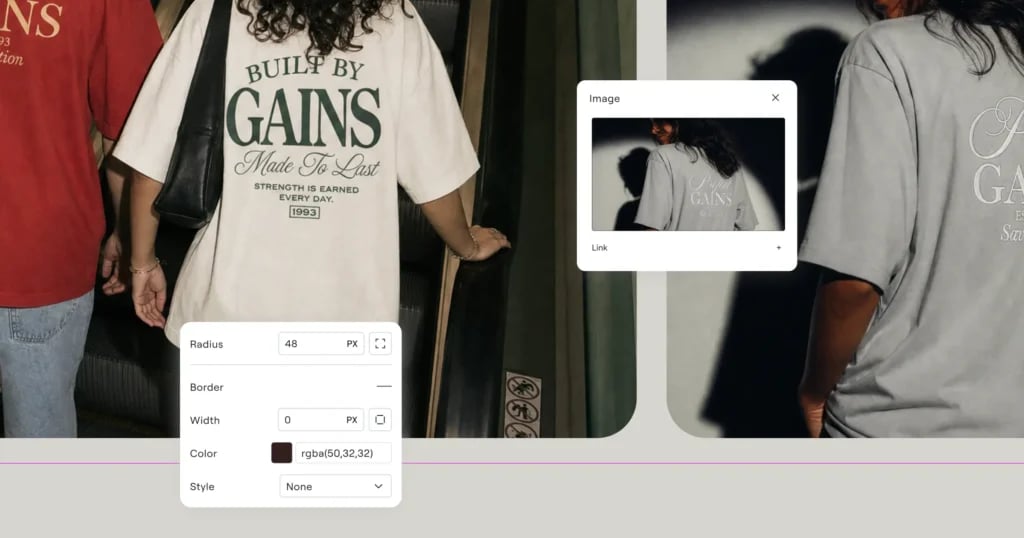
Nothing Angie builds is a locked result. Open it in the Editor and adjust it by hand, styles, layout, content, all under your full control, the same way you’d edit anything else in Elementor.
That matters most the moment a build is not quite right. Every version Angie builds is saved, so you can always restore exactly what came before, whenever you need to, instead of starting over if a change does not land the way you expected. Combined with the visual Editor, that means you get a real safety net on top of real, hands-on control, not a black box you have to accept as-is or throw away.
Beyond pages: what else Angie can build.
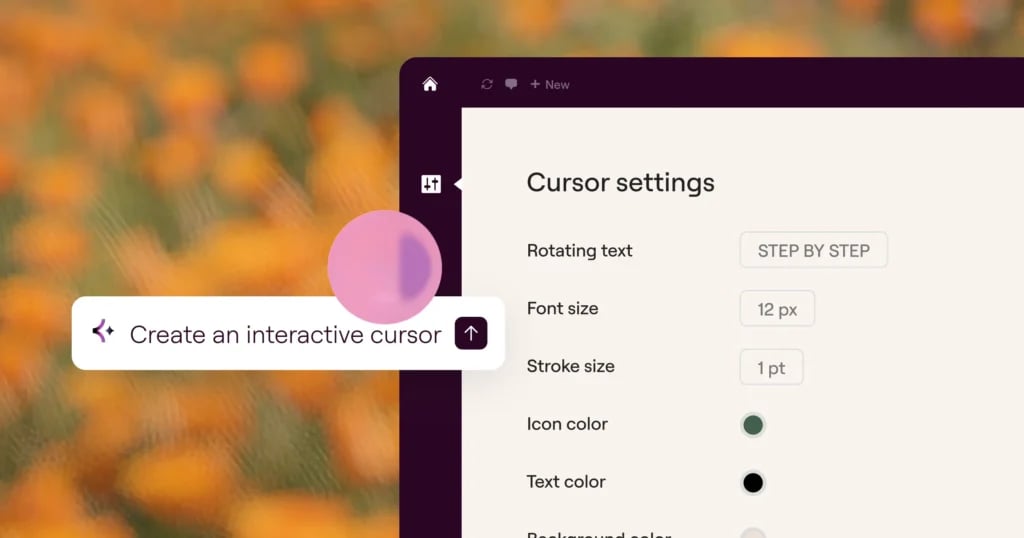
Full pages, design systems, forms, and loops cover most of a build, but not all of it. Angie Code, the same agentic AI, also builds custom Elementor widgets from scratch or extends existing ones with new controls, WordPress admin snippets and dashboard views, custom post types and fields, and front-end enhancements like custom cursors and interactive UI.
Describe what you need, and Angie Code builds it in PHP, CSS, and JavaScript, fully editable, and every asset runs in Test Mode first, so nothing touches your live site until you’re ready.
Once something is built, it does not have to stay a one-site asset. Save it to your Cloud Library and pull it into any other connected site in a few clicks, or share it in the Community Library for other Elementor users to use as-is or remix. Neither one consumes credits.
What’s coming next.
Angie’s page generation is growing and evolving. Here’s what’s coming next:
- Edit generated pages by conversation. Refine a page Angie already built by continuing the conversation, not only by switching to the visual Editor. Ask for a change and Angie updates the page you are looking at directly.
- Layout optimizations on generated pages. Angie will continue improving the layout of a page it just built, tightening spacing, hierarchy, and structure.
- More Pro widgets, and Angie’s own widgets, inside generated pages. Full page generation will draw on more of Elementor’s Pro widget library, plus widgets Angie Code builds itself, directly in the page it generates, not as a separate step afterward.
- Theme parts as part of the generated page. Full page generation will extend to theme parts too, headers, footers, and more, so a generated page can arrive as part of a complete site structure, not just a standalone page.
Angie gives you a faster way to start and opens up new possibilities. It creates real, editable structure from the first prompt, and it’s still 100% in your hands: refine it by hand in the visual Editor, or ask Angie to build the next piece.






