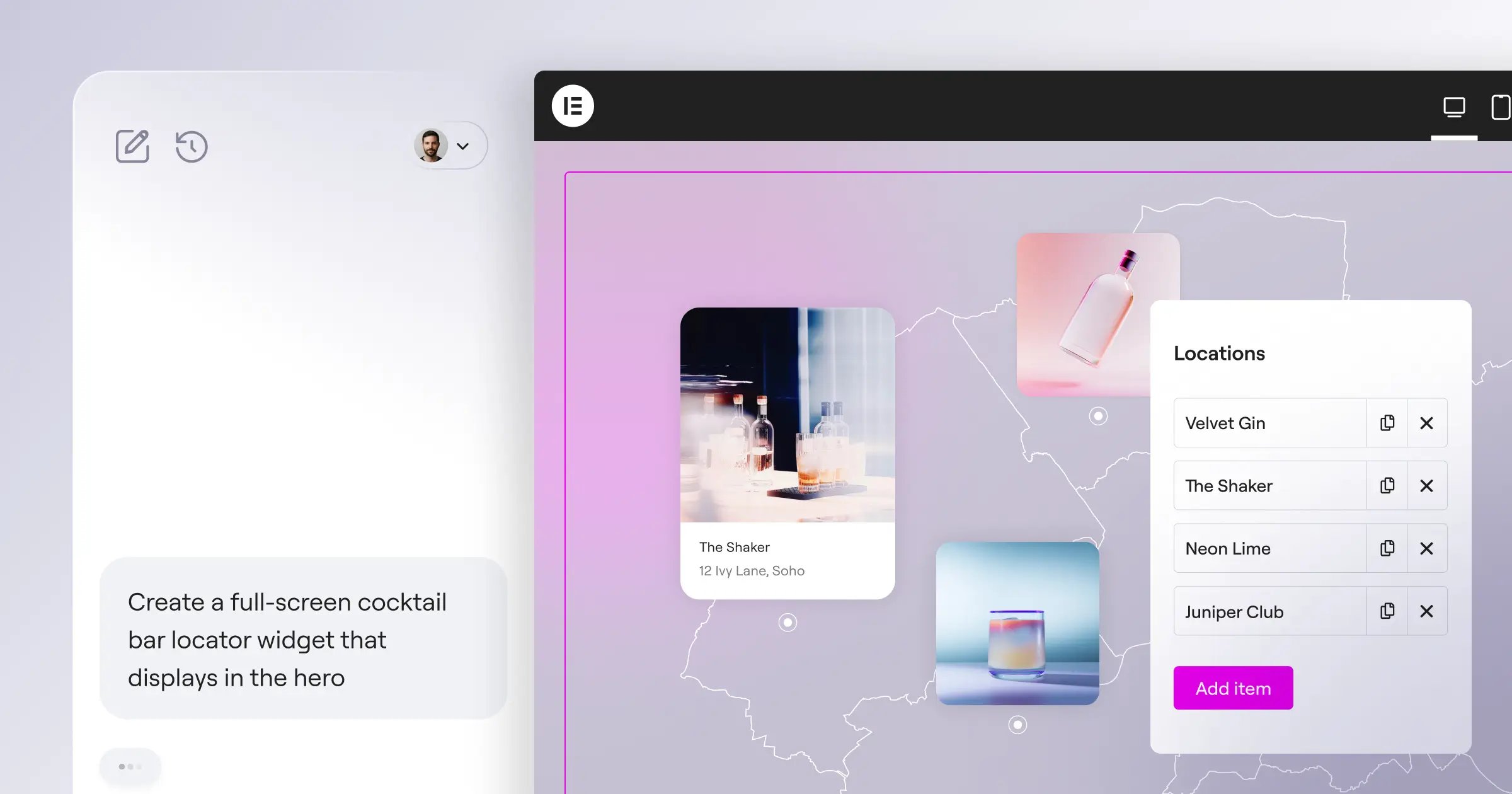
Finding the right website builder for SEO doesn’t have to feel like a guessing game. You want pages that load fast, look sharp, and climb the rankings, and with so many platforms out there, picking one can feel harder than it should. We’ve done the legwork, comparing this year’s top options so you can find the one that fits your goals, without giving up creative control.
Key Takeaways
- The builder you pick shapes your site’s speed, mobile layout, and search visibility.
- WordPress plus a strong visual builder gives you the most complete SEO control out there.
- Built-in AI tools now help with copy, metadata, and image optimization in your editor.
- Hosted platforms are easier to set up, but can limit deeper technical SEO work.
- Look for editors that let you edit meta tags, URLs, and redirects easily.
How Website Builders Shape Your SEO Performance
Before you look at our ranked list, it helps to know what makes a website builder good for search. Your builder sets the structural foundation for your site, and if that’s shaky, even great content struggles to rank. Page speed matters a lot too, since search engines favor fast-loading sites, and mobile responsiveness counts just as much, since most of your traffic comes from phones. (Don’t worry, it’s simpler than it sounds with the right tool.)
You’ll also want easy access to technical settings, like meta titles, URL structures, alt text, and sitemaps. The best visual builders keep these tools at your fingertips as you design.
| Website Builder | Best For | SEO Control Level | Platform Type |
|---|---|---|---|
| Elementor Website Builder | Professional Design & Advanced SEO | Complete / Advanced | WordPress Visual Builder |
| WordPress.com | Content Creators & Bloggers | High | Hosted WordPress |
| Webflow | Designers & Agencies | High | Hosted Visual Platform |
| Wix | Beginners & Small Sites | Medium | Hosted All-in-One |
| Squarespace | Creative Portfolios | Medium | Hosted Visual Builder |
| Divi | Visual Layout Design | High | WordPress Visual Builder |
| Beaver Builder | Developer-Friendly WP Sites | High | WordPress Visual Builder |
| Shopify | E-commerce Stores | Medium | Hosted Retail Platform |
| Duda | Agency Client Sites | Medium to High | Hosted Design Platform |
| Hostinger Builder | Quick, Budget-Friendly Sites | Basic | Hosted Drag-and-Drop |
The 10 Best Website Builders for SEO in 2026
We ranked these platforms on page speed, customizability, ease of use, and technical control. Here’s how they stack up for search performance this year.
1. Elementor Website Builder
The Elementor Website Builder is the professional standard for building on WordPress, blending total design freedom with one visual workflow, so you build polished, optimized sites visually without writing a line of code.
The Elementor website builder stands out for SEO by connecting cleanly with the WordPress ecosystem, pairing with tools like Rank Math or Yoast. You get custom breakpoints for up to seven devices and direct control over dynamic content, keeping your code light and fast. See it all on the Elementor features page.
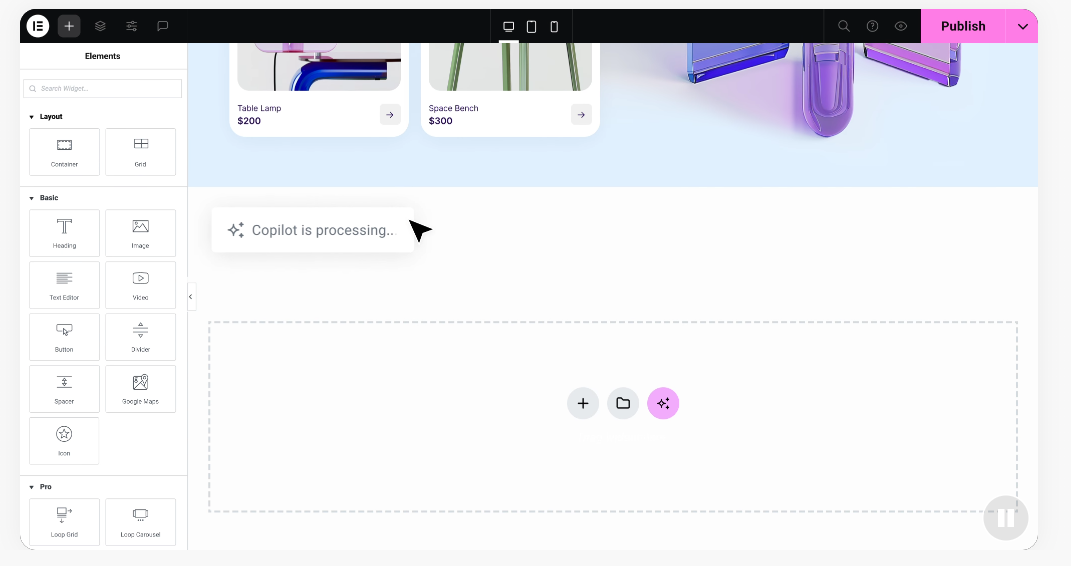
- Generates copy ideas with built-in AI writing tools.
- Optimizes images automatically with the built-in Image Optimization capability.
- Builds responsive layouts for seven distinct device sizes.
- Controls global typography and colors to keep style sheets clean.
- Manages smooth integration with popular WordPress optimization tools.
- Creates accessible structures with the built-in Web Accessibility capability.
Pros: Unmatched layout flexibility, deep SEO tool integration, and AI copywriting help.
Cons: You manage your own WordPress hosting.
Verdict: The top choice for creators who won’t compromise on design or search control. Visit the Elementor pricing page to see your options.
2. WordPress.com
WordPress.com is a hosted version of WordPress, a solid pick for bloggers and small business owners who don’t want to manage their own hosting. It handles security and performance in the background.
For SEO, it gives you a solid foundation: automatic sitemaps and easy Google Search Console connections. Deeper styling and full SEO tool integrations need a higher-tier plan.
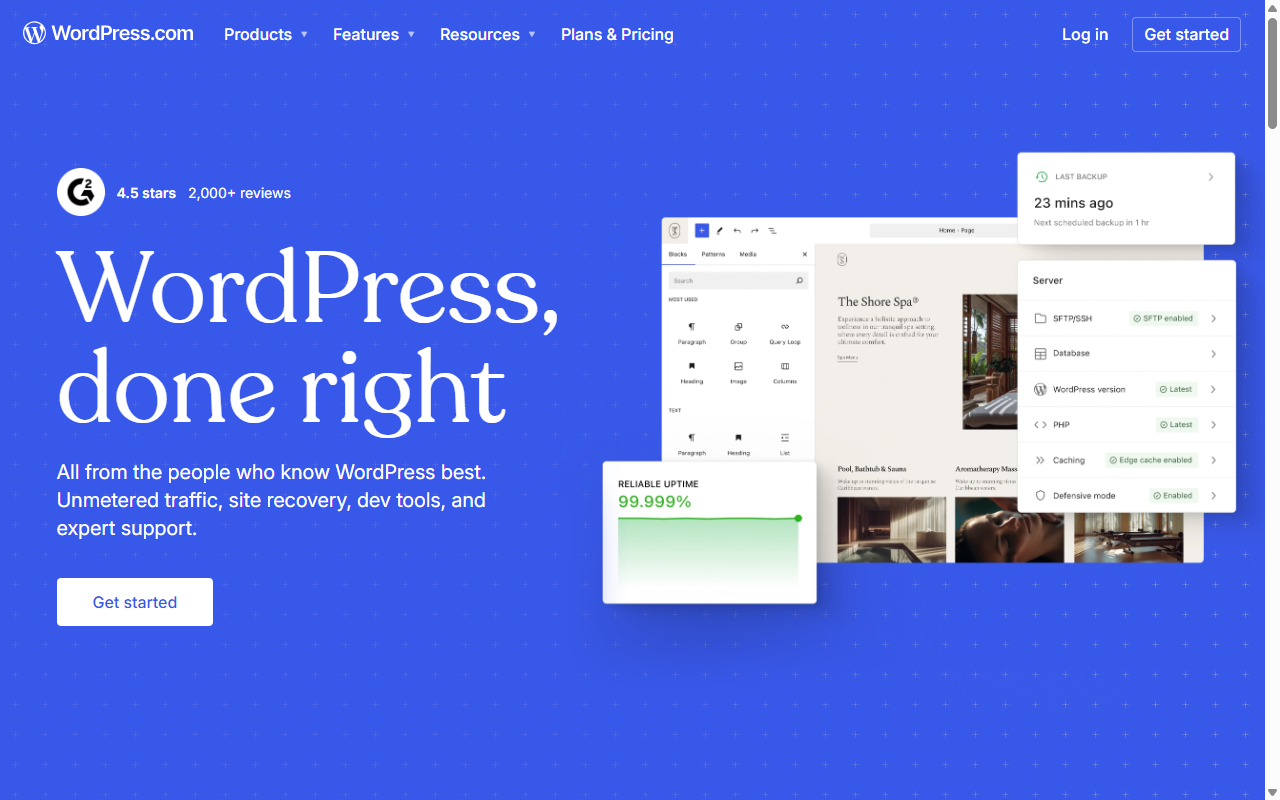
- Manages server setup and security automatically, keeping your site running smoothly.
- Generates automatic XML sitemaps for search crawlers.
- Connects your site directly to search console dashboards for easy monitoring.
- Optimizes basic mobile views without manual redesigns.
- Customizes permalink paths for clean, readable URLs.
- Pulls dynamic post categories into organized archives.
Pros: Reliable hosting, fast setup, and automatic updates.
Cons: Advanced features are restricted on basic plans.
Verdict: Great for content-heavy sites and writers who’d rather skip the technical upkeep.
3. Webflow
Webflow is a hosted visual design platform for professional designers and agencies. It generates clean HTML, CSS, and JavaScript as you build, producing markup that’s genuinely good for your rankings.
Write custom schema, manage 301 redirects, and edit meta tags right in the designer. Hosting runs on a fast global network for quick load times. The learning curve is steep, but the controls are precise.
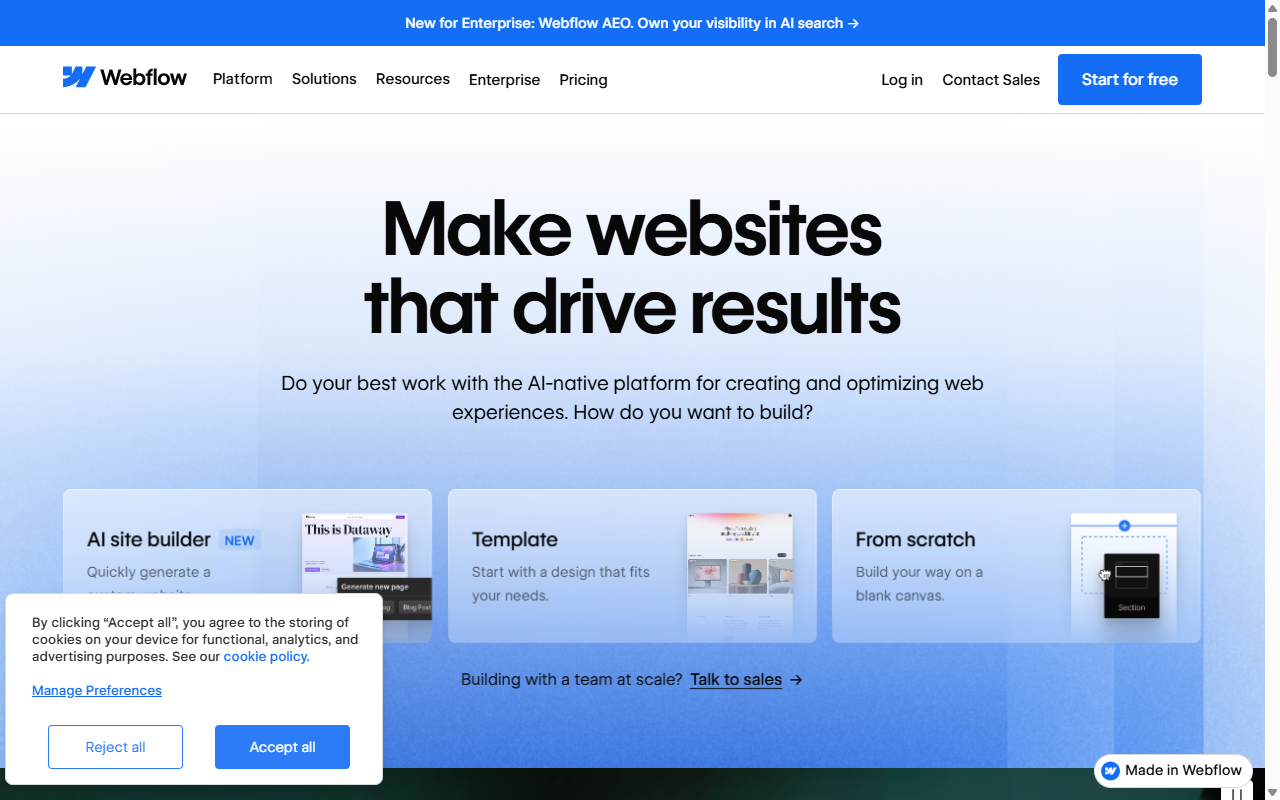
- Writes clean, compliant HTML and CSS as you design on the canvas.
- Customizes structured data schemas to win rich snippets in search results.
- Redirects broken URLs with simple 301 rules in the dashboard.
- Hosts files on a global delivery network to cut asset load times.
- Builds layout systems with CSS flexbox and grid.
- Publishes lightweight pages that search engines can read easily.
Pros: Very clean code, developer-grade design, and solid redirect tools.
Cons: Tough for beginners, and editing complex layouts can take time.
Verdict: A strong pick for agencies building custom-coded client sites.
4. Wix
Wix is an all-in-one hosted builder built for accessibility. Its free-form drag-and-drop editor lets you place elements anywhere, and it’s grown into a genuinely competitive option for small businesses.
An interactive setup planner walks you through your domain, keyword tracking, and getting indexed on Google. It handles basic technical SEO, like structured data and redirects, right from the dashboard.
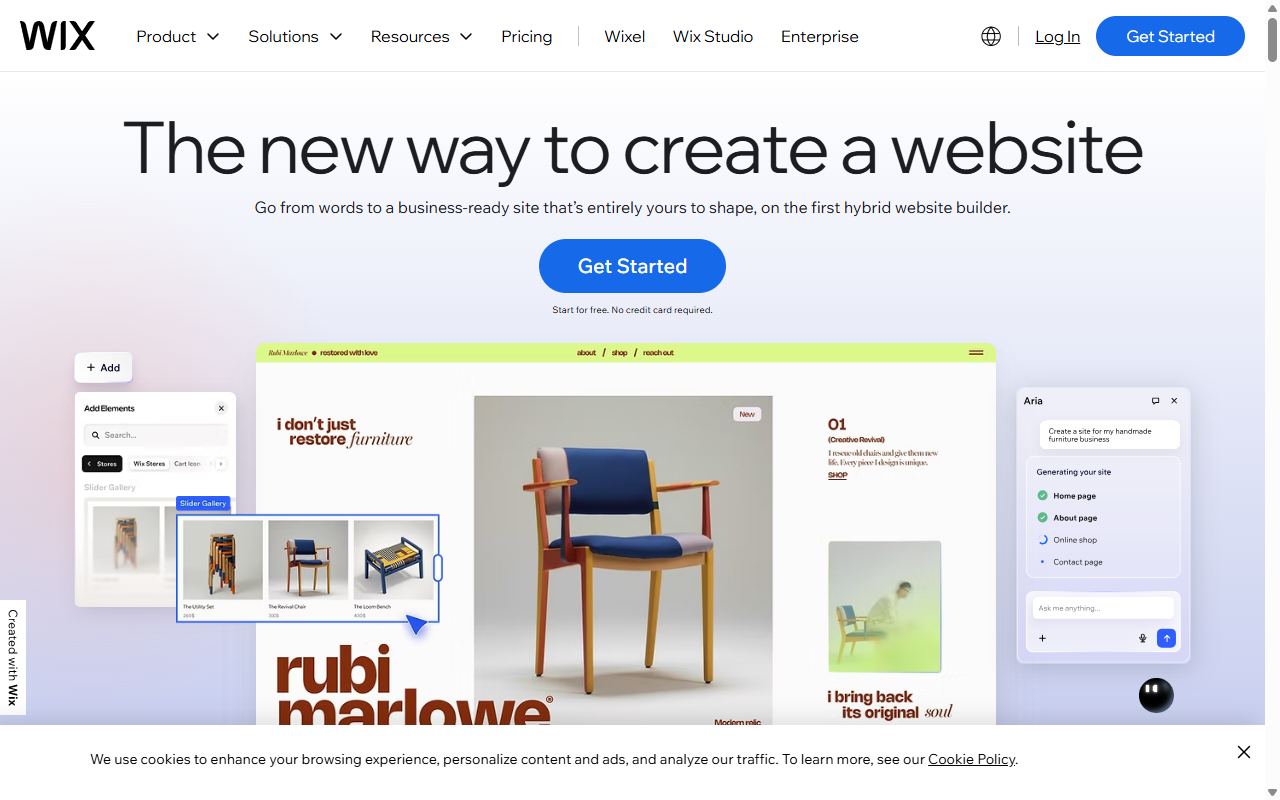
- Guides beginners through visual checklists to verify search settings.
- Generates schema markup for local business pages automatically.
- Connects to Google’s index systems with one-click verification.
- Optimizes mobile viewport sizing through a separate layout view.
- Compresses image files on upload to keep performance stable.
- Customizes URL directories for product lines and blog categories.
Pros: Beginner-friendly, fast indexing, and helpful setup checklists.
Cons: The free-form editor can add code weight, and switching templates after publishing isn’t simple.
Verdict: A user-friendly pick for small sites that want basic search visibility.
5. Squarespace
Squarespace is a hosted platform known for polished, minimalist templates, a favorite among photographers, artists, and boutique brands. But it covers your core SEO needs too, in one clean interface.
It keeps your meta titles, descriptions, and URL slugs in clear panels, and builds mobile-friendly layouts out of the box. It skips WordPress-level layout control, but gives you a stable environment for solid rankings.
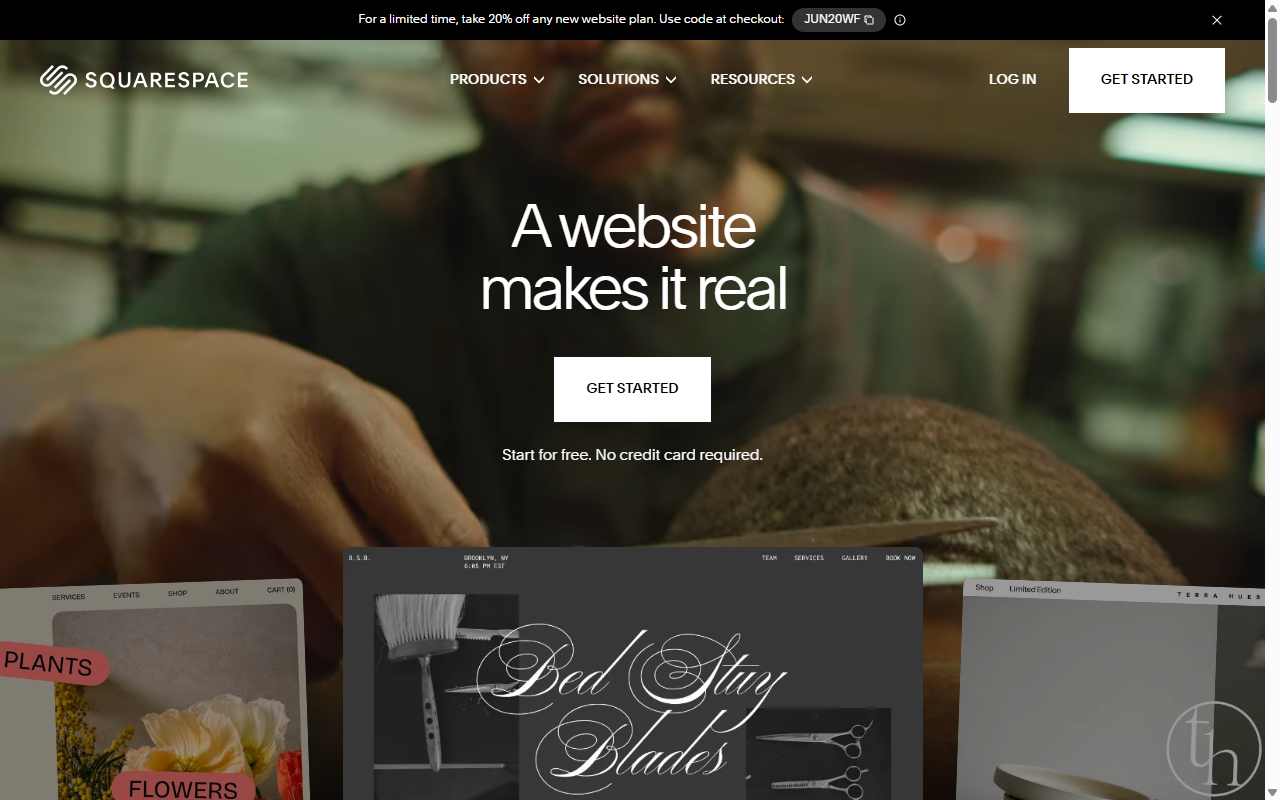
- Creates visually polished portfolios that scale naturally across screen sizes.
- Generates automatic image descriptions that work as alt text for crawlers.
- Simplifies title and description setup in a single settings sidebar.
- Builds adaptive layouts that keep mobile visitors on your pages longer.
- Connects directly with social profiles to share your published work.
- Hosts your files on secure, optimized cloud systems.
Pros: Outstanding designs, straightforward metadata, and reliable hosting.
Cons: Limited customization beyond the grid templates.
Verdict: A no-fuss choice for creatives who want clean visuals and reliable search options.
“When you use a modern visual builder on WordPress, you get the best of both worlds: complete visual layout control and unlimited structural freedom to optimize your technical SEO. It makes the site building process much more manageable without sacrificing your long-term organic growth.”
– Itamar Haim, Web Development Specialist
6. Divi
Divi is a popular visual page builder for self-hosted WordPress sites. Its drag-and-drop interface lets you customize every corner, and you can pair it with any SEO tools you like.
Divi has put real work into performance and code output. Set up responsive layouts and save global styles to keep design bloat in check.
- Builds complex, multi-column layouts without manual HTML writing.
- Saves global layout blocks to speed up future page creation.
- Optimizes critical styling sheets dynamically to lower your code footprint.
- Integrates with leading SEO tools for fine-tuned meta control.
- Adjusts custom padding and margin settings across screen widths.
- Pulls dynamic fields into custom templates to scale content efficiently.
Pros: A huge design library, flexible visual editing, and strong global styling controls.
Cons: Can overwhelm newcomers, and heavy layouts need careful optimization.
Verdict: A versatile combo for design-focused WordPress users who want a big creative toolkit.
7. Beaver Builder
Beaver Builder is a stable, developer-focused visual builder for self-hosted WordPress sites. It produces clean code that won’t slow your site down, and if you deactivate it, your content stays cleanly formatted in the standard editor. (A nice feature other builders often lack.)
Clean code is a real SEO advantage, and it works well with major WordPress optimization tools, letting you customize titles, schema, and sitemaps easily.
- Generates clean, developer-friendly code that keeps your pages lightweight.
- Maintains raw text layouts safely even if you disable the builder interface later.
- Works with nearly all WordPress themes to keep your foundational structure fast.
- Connects visual elements to custom database fields for advanced setups.
- Builds fast-loading landing pages using simple modular sections.
- Supports popular translation tools for multi-language search campaigns.
Pros: Extremely stable, clean code output, and compatible with third-party developer tools.
Cons: The interface looks a bit dated, with fewer modern creative effects than newer builders.
Verdict: A practical choice for developers and owners who want a reliable editor that stays out of the way.
8. Shopify
Shopify is a fully hosted website builder built for retail stores, with SEO features tailored to help search engines find and list your inventory accurately.
Shopify automatically creates canonical tags to prevent duplicate product listings, and builds product schemas so prices and availability can show up in search results. You lose some design freedom for informational pages, but storefronts are well organized.
- Generates product schema tags automatically to display prices in search results.
- Manages canonical code elements to prevent duplicate indexing issues.
- Builds simplified shopping carts to reduce visitor drop-off rates.
- Configures clean product categories so search crawlers can read your inventory.
- Tracks site visitor movements using integrated analytics tools.
- Hosts large catalogs on specialized, high-performance retail servers.
Pros: Strong e-commerce tools, automatic product schema, and fast managed servers.
Cons: Rigid URL structure and limited layout customization for non-product pages.
Verdict: A dependable choice for retailers who want one system focused on product search performance.
9. Duda
Duda is a professional visual builder for web agencies, hosting companies, and SaaS platforms building client sites. It helps teams spin up responsive websites fast, with tools for client management, collaboration, and basic white-labeling.
Duda prioritizes fast loading out of the box, handling Core Web Vitals automatically, like compressing images and minifying code. It also offers straightforward controls for meta titles, descriptions, and local SEO campaigns.
- Optimizes vital speed metrics automatically during the site publishing phase.
- Generates regional landing pages to support local search campaigns.
- Copies common metadata configurations across sets of dynamic pages.
- Builds custom client management panels with simple access to metadata controls.
- Connects visual widgets directly to external database files.
- Tracks basic performance scores straight from your editing dashboard.
Pros: Strong performance optimization out of the box, useful client management features, and good local SEO templates.
Cons: Less suited to highly custom, content-heavy editorial sites.
Verdict: A production-ready option for busy agencies building standard sites for clients at scale.
10. Hostinger Website Builder
Hostinger Website Builder is an entry-level hosted platform for budget-conscious users who need a basic site online fast, built around a simple drag-and-drop grid with AI-powered tools.
For SEO, Hostinger covers the essentials: meta titles, descriptions, and URL paths, plus a simple AI copywriting tool for basic page text. It lacks the advanced schema controls of pro builders, but it’s an accessible start.
- Builds simple layouts quickly using intuitive drag-and-drop design grids.
- Generates basic text descriptions using built-in AI writing assistants.
- Manages free SSL certificates automatically to secure your site for visitors.
- Connects your custom domain names without requiring manual DNS edits.
- Creates basic signup forms to collect and grow your reader list.
- Optimizes simple page layouts so they load cleanly on mobile devices.
Pros: Very affordable, easy for beginners, and includes fast basic hosting.
Cons: Lacks advanced SEO tools and styling flexibility for custom layouts.
Verdict: A budget-friendly start for beginners or simple personal projects that don’t need deep technical optimization.
How to Test Your Website Builder for SEO Friendliness
Once you’ve chosen a builder, run a few quick checks to confirm everything performs the way you’d expect. Here are three practical steps to keep your site on track.
Verify Page Loading Speeds
- Open Google PageSpeed Insights.
- Enter your homepage URL and run the test.
- Review your Core Web Vitals scores, especially on mobile.
- Check the suggestions for heavy code or oversized images.
Check Mobile Adaptability
- Open your site on a phone and tablet.
- Verify text is easy to read without zooming.
- Test menus and buttons for easy tapping.
- Check image cropping for cut-off details.
Audit Your Meta Data and URL Settings
- Go to your builder’s page settings menu.
- Confirm you can write a unique title and description per page.
- Check that URL slugs are short and include your target keywords.
- Verify your site creates and submits an XML sitemap to Search Console.
Frequently Asked Questions
Can a website builder hurt my SEO?
A website builder won’t hurt your rankings if it produces clean code, loads fast, and lets you edit your metadata. Problems come from platforms that limit settings, add clutter, or run on slow hosting.
Do I need to know how to code to optimize my site?
No. Modern visual platforms handle the HTML and CSS for you, with simple fields for titles, descriptions, and image text, so you can focus on your content.
What is the difference between hosted and self-hosted builders for SEO?
Hosted builders manage hosting and updates in one closed system, simplifying setup but limiting custom optimization. Self-hosted builders, like WordPress, need separate hosting, but give you full access to your files and tools.
How does page speed affect my search rankings?
Page speed is an official ranking factor. Slow pages send visitors back to search results, a signal engines read as poor experience, which can lower your rankings. Clean code and image optimization keep your speeds where they need to be.
Do visual builders slow down my WordPress site?
Not if you pick a well-engineered, modern builder. Quality builders generate clean CSS and load scripts only when needed. Pair yours with good hosting, caching, and compressed images to stay fast.
What are sitemaps and does my builder create them?
An XML sitemap lists every page on your site, working as a roadmap for search crawlers. Most top builders create and update it automatically, and you can submit the URL to search consoles for faster indexing.
Is mobile optimization really that important for search rankings?
Yes, it’s critical. Google uses mobile-first indexing, evaluating your mobile site to set your rankings. If your site is broken or slow on phones, your rankings will suffer.
Should I use AI tools to write my SEO descriptions?
AI tools speed up content creation, drafting solid titles, descriptions, and alt text in seconds. Just review and refine them so they sound natural and match your brand’s voice.






