Table of Contents
SeedProd originally made its name as a simple plugin for maintenance mode and coming soon pages. Today, you’re likely outgrowing its basic constraints. You need a platform that handles complex builds without breaking a sweat.
Website creation in 2026 demands absolute design control, strict performance metrics, and modern workflows. If you’re tired of rigid layouts and sudden pricing jumps, you aren’t alone.
Key Takeaways
- WordPress market dominance remains staggering, powering 43.5% of all websites in 2026.
- SeedProd’s renewal pricing often shocks users, jumping from an introductory $39.50/year to $239.50/year for top tiers.
- Elementor Pro leads the premium alternative space with a 9.5% total web market share.
- Performance is critical: 53% of mobile visitors abandon pages taking longer than 3 seconds to load.
- Modern alternatives consistently achieve Largest Contentful Paint (LCP) scores under 2.5 seconds.
- The no-code development market is experiencing a massive 22.9% annual growth rate.
- Gutenberg-native solutions like Spectra now exceed 600,000 active installations.
Why Look for a SeedProd Alternative in 2026?
SeedProd maintains over 1,000,000 active installations in the WordPress plugin repository. That volume is impressive. But volume doesn’t equal flexibility for complex projects.
Users typically hit a wall when attempting to build custom, dynamic websites. The block system feels incredibly rigid when you want pixel-perfect responsive control.
The Shift from Landing Pages to Full Site Editing
A static landing page isn’t enough anymore. Modern professional sites require dynamic templates, custom post types, and intelligent automation.
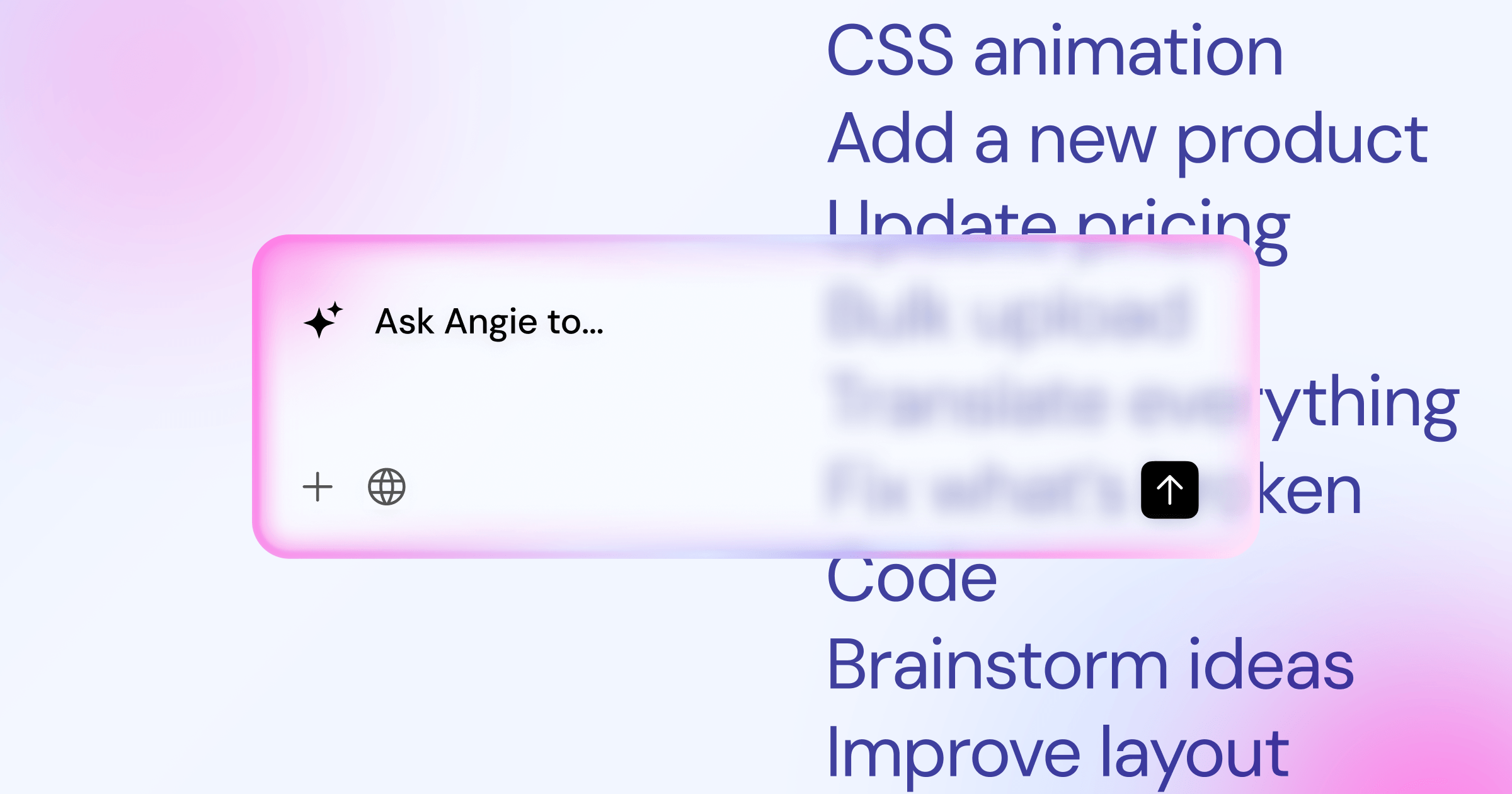
We’re seeing a massive shift toward AI-driven workflows in web design. Platforms now use tools like Angie, an agentic AI for WordPress, to create production-ready assets directly from conversation. SeedProd currently lacks this level of native, action-oriented AI integration.
Common Pain Points with SeedProd
The pricing structure is frequently cited as a primary frustration. Introductory discounts mask the true long-term cost of the software.
- Pricing Transparency – The $39.50/year Basic tier is heavily restricted.
- Renewal Shocks – Costs effectively double after the first year.
- Elite Tier Costs – Accessing WooCommerce features requires the $239.50/year plan.
- Design Constraints – Advanced CSS grid and flexbox controls are limited.
You’ll quickly find that scaling a business on this platform requires constant compromises.
1. Elementor Pro: The Ultimate All-in-One Builder
Elementor isn’t just a page builder. It’s a professional, flexible, and powerful website creation ecosystem.
With over 5,000,000 active installations, it sets the standard for visual design in WordPress. You get an environment that unifies design, hosting, and performance optimization.
Target User
This platform targets professional designers and agencies. If you build client sites and need absolute control over every breakpoint, you’ll feel right at home here.
Key Features
The Theme Builder allows you to design headers, footers, and archive pages visually. It supports dynamic content out of the box.
This is also where Angie completely changes the workflow. Instead of manually dragging widgets for hours, you can use Angie’s natural language processing to generate complete, styled layouts. Because Angie acts as an agentic AI, it actually takes action within your WordPress environment to build what you describe.
Pricing & Value
The Elementor Essential plan costs a flat $60/year for one site. This gives you access to 118+ widgets and the full pro editor.
Honestly, this pricing model is far more transparent than the standard introductory discount traps. You know exactly what your renewal will be.
SeedProd vs. Elementor Comparison
Upgrading from SeedProd to Elementor involves a specific workflow. Here’s the typical migration path professionals follow:
- Audit the current site – Document all SeedProd landing pages and custom styling.
- Install Elementor Pro – Activate the plugin alongside the lightweight Hello Theme.
- Rebuild Global Settings – Establish typography and color variables in Elementor’s Site Settings.
- Use AI Assistance – Apply native AI tools to rapidly recreate complex section layouts.
- Deactivate SeedProd – Remove the old plugin to instantly reduce database bloat.
“Modern web creation requires more than just dropping blocks on a page. It requires an ecosystem where performance optimization, AI generation, and semantic HTML output work together natively from day one.”
Itamar Haim, SEO Team Lead at Elementor. A digital strategist merging SEO, AEO/GEO, and web development.
2. Divi Builder: The King of Visual Design
Divi by Elegant Themes approaches page building differently. It prioritizes the visual front-end experience over backend structure.
The interface relies heavily on floating menus and inline editing. You click text, and you type directly on the live page.
Target User
Visual learners and DIY business owners thrive with Divi. It’s built for those who want to see their changes happen in real-time without relying on a static sidebar.
Key Features
Divi includes a unique wireframe mode. You can instantly switch from the rich visual editor to a block-based skeleton view.
It also features Divi Leads, a built-in split testing tool. You can pit two hero sections against each other and track the conversion rates directly in WordPress.
Pricing & Value
This is where Divi aggressively targets the competition. Elegant Themes offers a one-time lifetime license for $249.
Compare that to SeedProd’s expensive annual renewals. The lifetime deal remains one of the most compelling offers in the WordPress ecosystem.
SeedProd vs. Divi Comparison
Let’s look at the strict pros and cons when moving to Divi:
- Pro – True lifetime pricing eliminates recurring software overhead.
- Pro – The global color management system is incredibly flexible.
- Pro – You get unlimited website usage with a single license.
- Con – Divi heavily relies on shortcodes, making it difficult to switch away later.
- Con – The floating UI can feel cluttered on smaller monitors.
- Con – It doesn’t offer the raw performance metrics of atomic CSS builders.
3. Beaver Builder: The Developer’s Reliable Choice
Beaver Builder has a reputation for bulletproof stability. It doesn’t chase every new design trend.
Instead, it focuses on generating clean HTML and avoiding the code bloat that plagues other visual editors. Developers respect this approach.
Target User
Agencies managing dozens of client sites prefer this tool. They need stability, predictable updates, and zero client-side breakages.
Key Features
Question: Does Beaver Builder lock you in?
No. If you deactivate the plugin, your content safely reverts to the native WordPress editor. You don’t lose your text.
Question: Can you build custom headers?
Yes, but you’ll need the Beaver Themer addon. This extension unlocks global site building capabilities similar to Elementor’s Theme Builder.
Pricing & Value
The standard plan costs $99/year. Crucially, this covers unlimited sites.
If you run an agency, that flat fee is a massive advantage over per-site licensing models.
SeedProd vs. Beaver Builder Comparison
SeedProd aims for rapid landing page deployment. Beaver Builder aims for long-term architectural stability.
When you inspect the code, Beaver Builder outputs semantic markup. SeedProd relies on heavily nested div structures that can frustrate performance optimization efforts.
4. Thrive Architect: Built for Conversions
Thrive Architect ignores general-purpose design. It exists solely to build high-converting marketing pages.
Every element in its library is optimized for lead generation. If you sell courses or digital products, this platform speaks your language.
Target User
Affiliate marketers, course creators, and sales-focused entrepreneurs. If your primary metric is email opt-ins, you’ll want this tool.
Key Features
You won’t find generic sliders here. Instead, you get specialized conversion blocks.
- Check – Pre-configured lead generation forms with API connections.
- Check – Evergreen countdown timers that trigger specific urgency campaigns.
- Check – High-visibility guarantee boxes and credit card trust icons.
- Check – Advanced mobile-responsive formatting for sales copy.
Pricing & Value
You can purchase the standalone builder for $199/year. However, most users opt for the full Thrive Suite at $299/year.
The suite includes tools for quizzes, split testing, and course management. It’s a hefty price, but it replaces a dozen different marketing plugins.
SeedProd vs. Thrive Architect Comparison
SeedProd offers basic opt-in forms. Thrive provides a complete marketing ecosystem.
Data shows the no-code development market is growing at a 22.9% annual rate. Marketers want platforms that connect landing pages directly to CRM systems without writing custom PHP. Thrive handles these complex integrations naturally.
5. Brizy: The Most Intuitive UI
Brizy strips away the complicated sidebars. It offers a hyper-focused, modern user interface that stays completely out of your way.
When you click an element, a contextual menu appears exactly where your mouse is. It’s fast, fluid, and highly intuitive.
Target User
Beginners who find traditional page builders overwhelming. If you want to build a site in an afternoon without watching tutorials, Brizy delivers.
Key Features
Brizy includes a massive library of pre-designed blocks. It also features a built-in popup builder on the free tier.
they offer Brizy Cloud. This is a hosted version of the builder that exists outside of WordPress entirely, allowing for rapid landing page deployment.
Pricing & Value
The WordPress plugin version costs $60/year for a single site. Freelancers can grab a 100-site license for $149/year.
This aggressive pricing makes it highly competitive for budget-conscious designers.
SeedProd vs. Brizy Comparison
Building a page in Brizy follows a completely different rhythm than SeedProd. Here’s what that workflow looks like:
- Open a blank canvas – The interface is entirely empty, removing visual clutter.
- Add a pre-made block – Click the plus icon and insert a professionally designed hero section.
- Adjust Global Colors – Swap the primary color palette with a single click across the entire page.
- Tweak Inline Text – Click any paragraph and type directly without opening a settings panel.
- Publish – The lightweight code pushes live immediately.
6. Spectra: The Gutenberg-Native Powerhouse
The WordPress block editor (Gutenberg) is now active on over 100 million sites. Spectra uses this native environment instead of bypassing it.
It adds critical layout controls and advanced blocks directly into the default WordPress editor.
Target User
Performance purists. If you refuse to install heavy visual builders, this native enhancement is your best option.
Key Features
Spectra relies on modern CSS standards. It doesn’t load heavy JavaScript libraries to render basic layouts.
- Flexbox Containers – True flexbox control right inside Gutenberg.
- Zero Dependencies – No external scripts like jQuery are loaded on the frontend.
- Copy-Paste Styles – Instantly duplicate formatting across different blocks.
- Template Library – Hundreds of wireframes accessible directly in the native editor.
- Asset Optimization – CSS is compiled and minified on the server.
Pricing & Value
The core Spectra plugin is completely free and boasts over 600,000 active installations.
The Pro version adds dynamic content and loop builders for a very reasonable price. It’s perhaps the most cost-effective solution on this list.
SeedProd vs. Spectra Comparison
SeedProd overrides the WordPress editor entirely. Spectra enhances it.
Because Spectra uses native React blocks, the backend loading speed is instantaneous. You won’t stare at a loading screen waiting for a separate builder interface to boot up.
7. Breakdance: The Modern Performance Challenger
Breakdance is relatively new, but it’s built by the same team behind Oxygen Builder. It combines Oxygen’s raw performance with an interface that rivals modern competitors.
It disables the default WordPress theme entirely. This radical approach eliminates massive amounts of redundant code.
Target User
Advanced users who want high performance without a punishing learning curve. It’s for those who demand clean markup but still want a drag-and-drop experience.
Key Features
The platform includes over 130 premium elements out of the box. You don’t need third-party add-ons to build advanced sliders or custom WooCommerce carts.
It also features a powerful form builder that integrates natively with platforms like ActiveCampaign and Mailchimp.
Pricing & Value
Breakdance is priced at $199/year for unlimited sites. They don’t restrict features behind higher tiers.
If you build multiple complex sites a year, that flat rate pays for itself almost immediately.
SeedProd vs. Breakdance Comparison
Let’s look closely at how they stack up in specific performance categories:
Speed Metrics: Breakdance consistently achieves LCP scores under 2.5 seconds. It outputs clean flexbox containers. SeedProd often struggles to pass Core Web Vitals on image-heavy pages due to deeper DOM nesting.
Mobile Optimization: Remember that 53% of mobile visitors leave slow sites. Breakdance offers specific breakpoint controls that strip out unnecessary desktop assets. SeedProd merely scales elements down.
WooCommerce Integration: Breakdance completely overrides default WooCommerce templates with customized designs. SeedProd requires the expensive Elite tier just to access basic shop widgets.
The 2026 SeedProd Alternative Decision Matrix
Choosing the right platform depends entirely on your specific client requirements and technical comfort level.
Review this comparison matrix to match your specific needs with the correct tool.
| Platform | Starting Price | Primary Strength | Best For |
|---|---|---|---|
| Elementor Pro | $60/year | Design Control & AI | Professional Agencies |
| Divi Builder | $89/year (or $249 Lifetime) | Visual UI & Value | DIY Business Owners |
| Beaver Builder | $99/year (Unlimited) | Code Stability | Developers |
| Thrive Architect | $199/year | Marketing Elements | Course Creators |
| Brizy | $60/year | Ease of Use | Beginners |
| Spectra | Free (Pro available) | Native Gutenberg | Performance Purists |
| Breakdance | $199/year (Unlimited) | Clean Code Output | Advanced Designers |
Honestly, you can’t make a wrong choice if you prioritize your specific workflow. Just ensure you account for renewal pricing before committing your entire agency to a new ecosystem.
Frequently Asked Questions
Will switching away from SeedProd break my existing pages?
Yes. If you build a page with SeedProd and deactivate the plugin, the layout will break. You’ll need to rebuild those specific pages using your new builder or native Gutenberg blocks.
Can I use Elementor and Gutenberg together?
Absolutely. You can design your global headers and footers with Elementor Pro, while keeping your blog posts strictly in the native Gutenberg editor for maximum text-editing speed.
Is SeedProd’s lifetime deal still available?
As of 2026, SeedProd focuses entirely on an annual subscription model. If you’re seeking a legitimate lifetime license, Divi remains the most reputable option in the market.
Do these alternatives slow down WordPress?
Not if configured correctly. Modern platforms use CSS flexbox and defer non-critical JavaScript. Sites built with modern versions of Breakdance or Elementor easily pass Google’s Core Web Vitals.
What is an agentic AI in web design?
Unlike standard chatbots that just give you text, agentic AI takes action. Tools like Angie connect to your WordPress environment and actually build the layouts, forms, and assets you ask for.
Do I need coding skills to use Breakdance?
No. While Breakdance appeals to developers due to its clean code output, the visual interface is entirely drag-and-drop. You won’t need to write custom PHP to build complex layouts.
Can I build custom WooCommerce checkouts without SeedProd?
Yes. Elementor Pro, Breakdance, and Divi all offer extensive WooCommerce modules. You can completely redesign the cart, checkout, and account pages visually without buying extra add-ons.
Looking for fresh content?
By entering your email, you agree to receive Elementor emails, including marketing emails,
and agree to our Terms & Conditions and Privacy Policy.

