Table of Contents
10 Best Wix Alternatives for Your Website in 2026
You built your first site on Wix because it was fast. You’re reading this now because you’ve hit the ceiling. Closed ecosystems work perfectly for weekend projects, but they quickly become restrictive when your business demands serious growth.
In 2026, renting your website infrastructure isn’t a smart business move. You need full ownership of your data, superior server performance, and zero vendor lock-in. Fortunately, the market is full of specialized platforms that do exactly what Wix does, only better.
Key Takeaways
- WordPress dominates – It powers 43.3% of all websites, offering unmatched ownership and flexibility compared to closed builders.
- The Wix Tax hurts – Entry-level plans start at $17/month, but e-commerce features push costs to $36/month minimum.
- Speed equals revenue – A mere 0.1-second improvement in mobile site speed boosts retail conversion rates by 8.4%.
- Performance lags – Wix’s mobile Largest Contentful Paint (LCP) pass rate sits at a troubling 56.4%.
- AI is mandatory – By the end of 2026, an estimated 80% of web design workflows will rely on AI-generated layouts and automated assets.
- E-commerce alternatives scale better – Platforms like Shopify control 10% of the U.S. e-commerce market because they handle complex inventory far better than generic builders.
Why Users are Migrating from Wix in 2026
Wix currently powers approximately 10.3% of all websites using a known CMS. It’s wildly popular. But popularity doesn’t equal technical superiority.
As businesses scale, the convenience of an all-in-one builder transforms into a rigid trap. You can’t migrate your site away from their servers. You don’t actually own your codebase. And when prices go up, you’re forced to pay or lose your site entirely.
The Rising Subscription Costs
The basic ‘Light’ plan is now $17/month. If you want to sell a single t-shirt, you’re forced onto the ‘Business’ tier at $36/month. That’s a massive recurring cost for small margins. Over a year, you’re paying hundreds of dollars just for the privilege of keeping the lights on.
Technical Limitations with SEO and Performance
68% of all online experiences begin with a search engine. You need absolute control over your technical SEO to compete. Wix restricts server-level optimizations, limiting your ability to implement advanced caching or custom routing.
If you don’t control the server environment and the underlying codebase, you don’t control your technical SEO. Period. Closed builders put a hard ceiling on your organic growth potential.
Itamar Haim, SEO Team Lead at Elementor. A digital strategist merging SEO, AEO/GEO, and web development.
The Vendor Lock-in Problem
Try exporting a Wix website to another host. You can’t. There’s no “export to WordPress” button. Your content, your design, and your customer data are permanently tied to their infrastructure. The moment you stop paying, your digital presence vanishes.
1. Elementor and WordPress: The Ultimate Professional Choice
WordPress is the undisputed king of the internet. And when paired with Elementor Editor Pro, it becomes an unstoppable visual powerhouse. You get the drag-and-drop ease of a consumer builder, combined with the raw, unrestricted power of open-source software.
Description
This combination gives you total design freedom. You’re building on an open-source CMS, meaning you own your files forever. Elementor sits on top, providing a visual interface that eliminates the need for manual CSS coding.
Target User
Professionals, agencies, and business owners who want zero restrictions. If you need developer-level control without actually writing the code, this is your stack.
Features
- Theme Builder – Design custom headers, footers, and archive pages visually.
- 118+ Widgets – Everything from basic text to advanced pricing tables and interactive carousels.
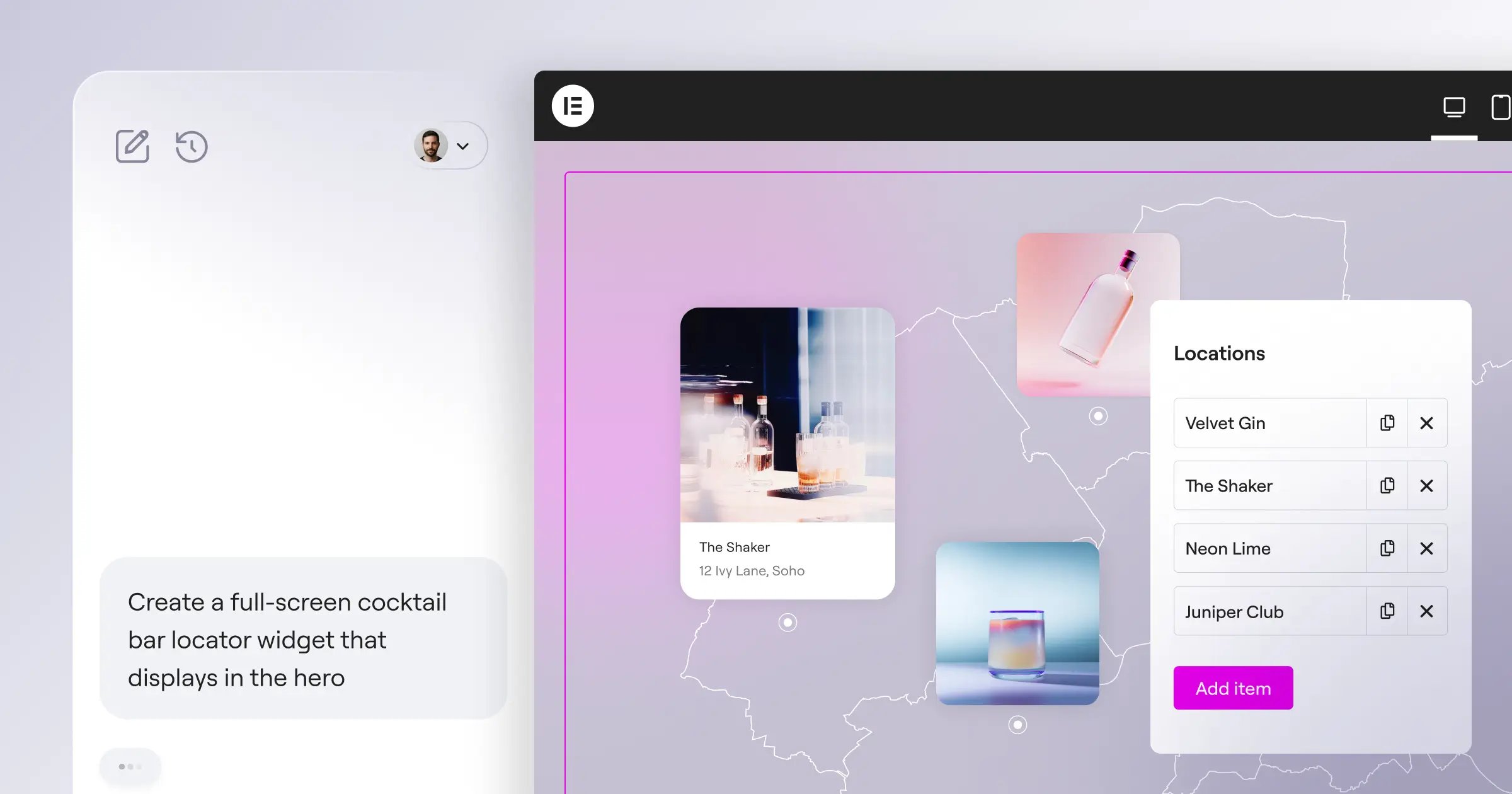
- Agentic AI – Elementor’s ecosystem now includes Angie, an agentic AI that builds production-ready WordPress assets from simple natural language prompts.
- Dynamic Content – Pull data directly from custom fields to create scalable templates.
- WooCommerce Integration – Customize every step of the checkout process.
Pricing
Elementor’s Essential plan costs $60/year for a single site. When paired with managed cloud hosting (often around $30-$50/year for budget options), your total annual cost is significantly lower than a Wix premium plan.
Comparison to Wix
Wix traps you. Elementor frees you. You’ve access to over 59,000 free WordPress plugins. If you want to change hosts tomorrow, you can migrate your entire Elementor site in minutes.
2. Webflow: For High-End Design Customization
Webflow isn’t just a website builder. It’s a visual code editor. It bridges the gap between static design tools like Figma and fully functional front-end development.
Description
The platform generates clean, semantic HTML, CSS, and JavaScript as you manipulate elements on the canvas. It’s incredibly powerful, but it demands an understanding of the box model and flexbox mechanics.
Target User
UI/UX designers, creative agencies, and tech-savvy entrepreneurs. If you dream in keyframes and custom interactions, Webflow speaks your language.
Features
- Visual CSS Grid – Direct manipulation of complex grid layouts without touching code.
- Advanced Interactions – Scroll-based animations that trigger complex visual changes.
- CMS Collections – Highly structured database management for dynamic content.
- Localization – Native tools for translating and adapting content for global markets.
Pricing
The ‘Basic’ plan sits at $14/month. But if you want a blog or dynamic content, you’ll need the ‘CMS’ plan at $23/month (billed annually).
Comparison to Wix
Webflow’s animation engine makes Wix’s standard fade-ins look like a PowerPoint presentation from 2004. However, the learning curve is steep. You can’t just slap elements onto the screen randomly; you must respect structural web design principles.
3. Shopify: The E-commerce Powerhouse
Selling a few digital downloads? Wix is fine. Running a high-volume retail operation? You need Shopify. It currently powers roughly 10% of the U.S. e-commerce market for a very good reason.
Description
Shopify is a dedicated commerce engine. It handles inventory management, complex tax calculations, and global shipping logistics right out of the box.
Target User
Retailers, dropshippers, and anyone whose primary business model relies on moving physical or digital products at scale.
Features
- Shopify Payments – Built-in payment processing with competitive rates.
- Point of Sale (POS) – Sync your online store with your physical retail locations instantly.
- Advanced Inventory – Track stock levels across multiple warehouses and locations.
- App Store – Thousands of dedicated e-commerce plugins for upsells and marketing.
Pricing
The Basic tier starts at $39/month. It’s pricier upfront, but the built-in shipping discounts often offset the monthly fee for active stores.
Comparison to Wix
Wix Stores is a module added to a website builder. Shopify is a commerce platform that happens to include a website builder. When you hit a hundred orders a day, Shopify’s fulfillment dashboard keeps you sane while Wix’s system buckles under the pressure.
4. Squarespace: The Aesthetic Leader
Squarespace holds a 4.9% share of the CMS market. It achieved this by strictly controlling what users can do, forcing them into beautifully curated, magazine-quality layouts.
Description
It’s a template-driven platform famous for its typography and whitespace. The introduction of their Fluid Engine added grid-based flexibility, but it still maintains strong design guardrails.
Target User
Photographers, artists, restaurants, and boutique service providers who need to look incredibly professional with minimal effort.
Features
- Award-Winning Templates – The absolute best starting points in the industry.
- Built-in Scheduling – Acuity Scheduling is integrated directly for booking appointments.
- Native Email Campaigns – Manage newsletters without leaving the dashboard.
- Member Areas – Restrict content to paying subscribers easily.
Pricing
Personal plans start around $16/month, while the Business plan jumps to $23/month (which includes a frustrating 3% transaction fee on sales).
Comparison to Wix
Wix lets you drag a button anywhere, even if it looks terrible. Squarespace restricts your movements to a grid. That limitation is actually its greatest strength, ensuring your site always looks professionally designed.
5. Hostinger Website Builder: The Best Budget Alternative
Sometimes you just need a digital business card, and you refuse to pay twenty dollars a month for it. Enter Hostinger. It’s exceptionally cheap and remarkably fast.
Description
Hostinger bundled a proprietary, AI-driven site builder directly into their hosting packages. You answer a few questions, and it generates a complete layout in seconds.
Target User
Absolute beginners and local business owners operating on a razor-thin budget.
Features
- AI Site Generation – Creates text, layouts, and image placeholders automatically.
- AI Heatmaps – Predicts where visitors will look before you even publish.
- Included Hosting – You don’t pay separately for the builder and the server.
- Free Domain – Most annual plans include your first year’s domain registration.
Pricing
You can secure this builder for as low as competitive ratesnth. It’s the most aggressive pricing model on this list.
Comparison to Wix
It lacks the massive app market of Wix. You won’t find complex restaurant reservation systems here. But for a roofer who just needs a contact form and a gallery, paying three dollars a month beats paying seventeen.
6. Ghost: The Best for Content Creators and Newsletters
If your business is the written word, standard website builders are filled with heavy features you’ll never use. Ghost strips everything away to focus purely on publishing and monetization.
Description
Ghost is a lightning-fast, open-source platform built on Node.js. It’s specifically engineered for professional bloggers, journalists, and newsletter operators.
Target User
Writers who want to run paid subscriptions without giving a massive cut to platforms like Substack or Patreon.
Features
- Native Memberships – Built-in subscription tiers and payment routing.
- Newsletter Delivery – Publish a post and email it to your list simultaneously.
- Markdown Editor – A distraction-free writing environment.
- Extreme Speed – Minimal code overhead results in perfect Core Web Vitals scores.
Pricing
Self-hosting is technically free. Ghost(Pro) managed hosting starts at $9/month for up to 500 members.
Comparison to Wix
Wix’s blogging tool feels like an afterthought bolted onto a visual builder. Ghost’s entire architecture is dedicated to reading experiences. Plus, improving site speed by just 0.1 seconds boosts conversions, and Ghost is clearly faster out of the box.
7. Framer: The Interactive Design Specialist
Framer started as a prototyping tool for app designers. Now, it’s a terrifyingly capable website builder. In 2026, it represents the bleeding edge of visual web development.
Description
The interface looks exactly like Figma. You draw frames, set constraints, and hit publish. It automatically translates those visual choices into React-based web pages.
Target User
Startup founders, product designers, and creative agencies building high-impact marketing sites.
Features
- Figma to HTML – Copy a design directly from Figma and paste it into Framer.
- Scroll Effects – Complex 3D transforms and scroll-jacking made visually simple.
- Component Variants – Manage interactive states (like button hovers) using design tokens.
- AI Generation – Type a prompt and watch a fully styled landing page assemble itself.
Pricing
There’s a free tier for hobbyists. The ‘Mini’ plan is competitive ratesnth, while the ‘Basic’ professional tier sits at $15/month.
Comparison to Wix
Framer generates React sites from visual prompts. Over in the WordPress ecosystem, tools like Angie act as an agentic AI to build real, scalable assets. Wix’s AI attempts feel slow and rigid compared to the rapid iteration you get with Framer’s canvas-first approach.
8. Duda: The Agency-Scale Alternative
If you’re building one website, you can use anything. If you’re building fifty websites a month for clients, you need a factory. Duda is that factory.
Description
Duda is a white-label website builder engineered specifically for digital agencies and SaaS platforms. It prioritizes workflow automation and client management over flashy single-site design.
Target User
Freelancers and web design agencies managing a portfolio of 10 to 1,000+ client websites.
Features
- White Labeling – Put your own logo on the editor. Clients never see the Duda brand.
- Site Comments – Clients can click anywhere on the live site to leave feedback notes.
- Dynamic Pages – Generate hundreds of local landing pages using a single connected dataset.
- Widget Builder – Code custom React components for specific client needs.
Pricing
The Basic plan is $19/month. The Agency tier, which includes API access and white labeling, is $59/month.
Comparison to Wix
Wix Studio attempts to serve agencies, but Duda’s entire DNA is built around client management. Features like asset sharing across templates and granular user permissions make Duda the clear winner for volume operations.
9. Carrd: The One-Page Specialist
Not every project needs a multi-page architecture. Sometimes you just need a single, scrolling page to capture emails or showcase a portfolio. Using Wix for that’s massive overkill.
Description
Carrd builds responsive, fast, one-page websites. That’s it. It does one thing, and it does it perfectly.
Target User
Indie hackers, podcasters, and creators needing simple “link in bio” pages or waitlist landing pages.
Features
- Pre-built Sections – Drop in hero images, email forms, and galleries instantly.
- Form Integrations – Connects natively to Mailchimp, ConvertKit, and GetResponse.
- Custom Code – Inject your own CSS or tracking scripts on Pro plans.
- Stripe Checkout – Accept payments directly on the page without a full cart system.
Pricing
It costs $19 per year for the Pro plan. Let that sink in. Not per month. Per year.
Comparison to Wix
Wix loads heavy JavaScript libraries just to render a basic text page. Carrd keeps the code incredibly light, ensuring your landing page loads instantly on mobile devices. And it’s a fraction of the cost.
10. GoDaddy Website Builder: The Speed-to-Launch Choice
You bought a domain at 9:00 AM. You need a website live by 10:00 AM. GoDaddy’s builder excels in this exact, high-pressure scenario.
Description
It’s an Artificial Design Intelligence (ADI) platform. You don’t build pages from scratch. You select a business category, and the system populates a structured site for you.
Target User
Plumbers, consultants, and local brick-and-mortar shops who value speed over aesthetic originality.
Features
- Built-in Marketing – Create social media graphics and schedule posts from the dashboard.
- Unified Inbox – Manage Facebook messages, Instagram DMs, and site chats in one place.
- Easy Appointments – Set business hours and accept client bookings natively.
- Mobile Editor – Make quick text changes directly from your smartphone.
Pricing
Plans range from roughly $10 to $20/month, depending on promotional discounts and required features.
Comparison to Wix
GoDaddy strips away the design freedom that Wix offers. You can’t drag an image exactly 5 pixels to the left. But by removing those choices, they guarantee you can’t break the layout, letting you launch much faster.
The 2026 Wix Alternative Decision Matrix
Choosing the right platform depends entirely on your end goal. Review this breakdown to match your specific requirements with the optimal tool.
| Platform | Best For | Starting Cost | Design Freedom | Data Ownership |
|---|---|---|---|---|
| Elementor + WordPress | Professionals & Agencies | $60/year + Hosting | Absolute Control | Full Ownership |
| Webflow | UI Designers | $14/month | High (Requires CSS knowledge) | Exportable Code |
| Shopify | E-commerce | $39/month | Template Based | Locked to Platform |
| Squarespace | Creatives & Portfolios | $16/month | Grid-Restricted | Locked to Platform |
| Hostinger | Budget Sites | competitive ratesnth | Basic Drag & Drop | Locked to Platform |
Look at the matrix closely. If long-term growth is your priority, building on an open-source framework is the only logical choice. You maintain your asset value instead of paying endless rent.
Frequently Asked Questions
Can I transfer my Wix site to another platform?
No, you can’t export a Wix website directly. You’ll have to manually copy your text and download your images, then rebuild the site from scratch on your new platform.
Is WordPress harder to use than Wix?
It used to be. But with visual builders like Elementor, it’s incredibly intuitive. You get the same visual drag-and-drop experience, but you aren’t trapped in a closed ecosystem.
Which alternative is best for SEO?
WordPress consistently outperforms closed builders. You control the server caching, the permalink structures, and the schema markup completely. You aren’t reliant on proprietary SEO modules.
Are Wix’s premium plans worth the cost?
For absolute beginners, maybe. But at $36/month for basic e-commerce, you’re paying a premium for convenience. You’ll get much better ROI using Shopify for retail or WordPress for content.
Do I need to know how to code to use Webflow?
You don’t need to write code, but you absolutely must understand how HTML and CSS work. If you don’t understand flexbox or the box model, Webflow will frustrate you.
Can AI actually build a full website now?
Yes. Tools like Framer and WordPress-native agents like Angie don’t just write text; they generate fully styled, structural page layouts based entirely on your conversational prompts.
Is Squarespace better than Wix for photographers?
Yes. Squarespace forces strict design guidelines that keep high-resolution image galleries looking clean and professional. Wix’s free-form editor often leads to messy, unaligned layouts if you aren’t careful.
Looking for fresh content?
By entering your email, you agree to receive Elementor emails, including marketing emails,
and agree to our Terms & Conditions and Privacy Policy.






