Table of Contents
Elementor vs Thrive Architect: Which Is Better in 2026?
47% of users expect pages to load in under 2 seconds. That puts massive pressure on your choice of WordPress page builder. You need speed, design control, and raw conversion power.
Choosing between Elementor and Thrive Architect isn’t just a basic software decision. It dictates your entire digital marketing workflow for 2026. Let’s break down exactly what works, what falls flat, and what actually moves the needle for your business.
Key Takeaways
- Elementor powers 9.5% of all websites globally, dominating the market with unparalleled design flexibility and a massive widget library.
- Thrive Leads increases opt-in rates by up to 246% through aggressive A/B testing and targeted behavioral triggers.
- Elementor One consolidates the toolstack, offering AI, hosting, and marketing automation starting at a highly scalable $168/year.
- Thrive Architect costs $99/year standalone, but unlocks its true power only inside the $299/year Thrive Suite.
- Elementor AI assists 1.5 million users, radically reducing the time required to draft copy and generate custom images.
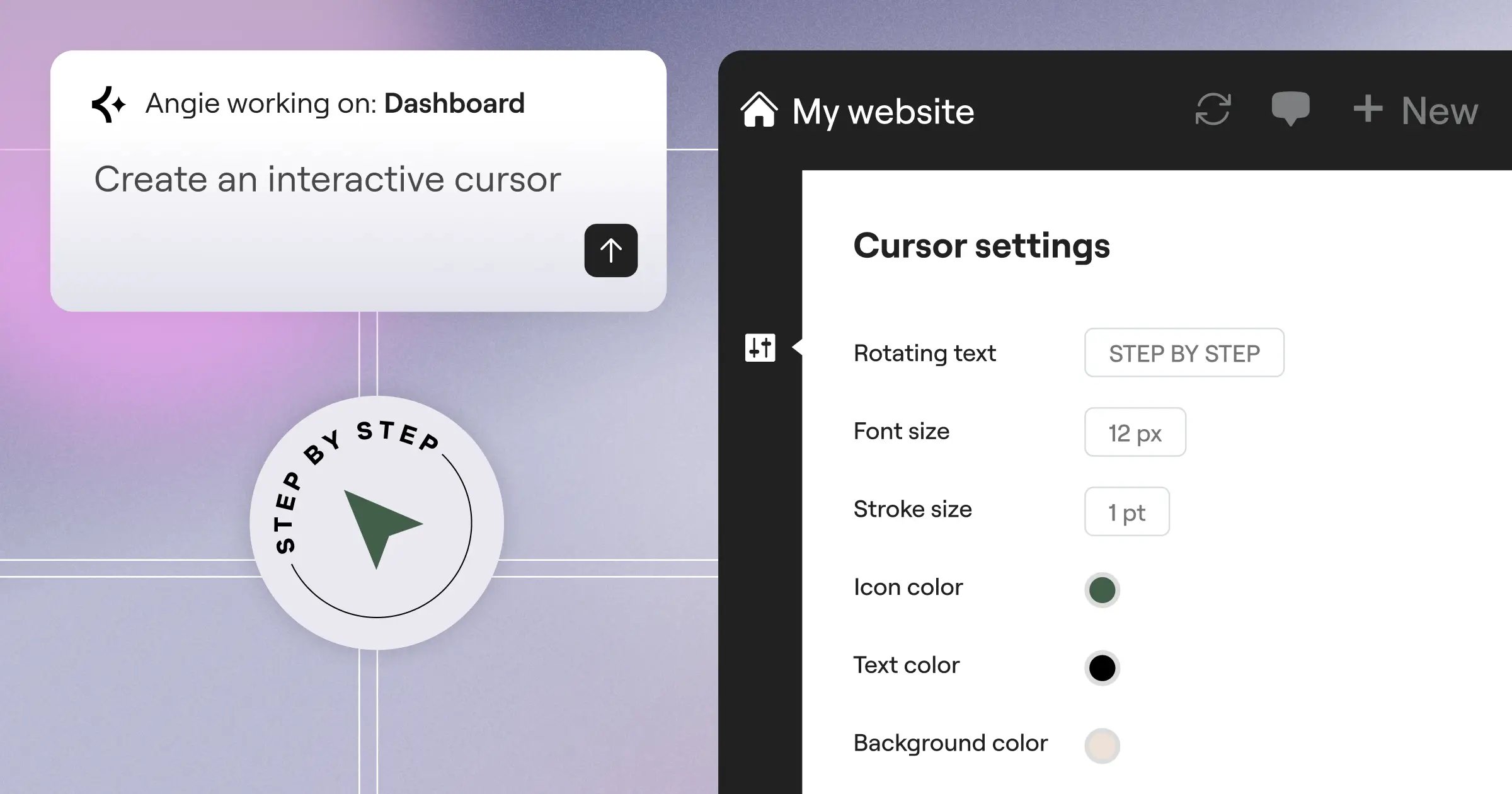
- Agentic AI is changing the game – Tools like Angie now build production-ready WordPress assets from simple text conversations.
The 2026 Showdown: Elementor vs Thrive Architect
Look, you can’t evaluate these tools without understanding their core philosophies. Elementor functions as a complete web creation platform. Thrive Architect operates purely as a marketing machine.
The global drag-and-drop website builder market will grow at an 8.2% CAGR through 2026. That growth brings incredible innovation, but it also creates overwhelming choices. Here’s exactly how the two industry heavyweights stack up right now.
| Feature Category | Elementor Pro | Thrive Architect |
|---|---|---|
| Active User Base | 16+ Million Installations | Focused niche marketer base |
| Entry Pricing | $60/year (Essential Plan) | $99/year (Standalone) |
| Design Philosophy | Pixel-perfect control & custom CSS | Conversion-first, pre-built elements |
| G2 User Rating | 4.6/5 Stars | 4.2/5 Stars |
| Native AI Tools | Elementor AI & Agentic Angie | Limited native AI integration |
| Best For… | Designers, agencies, and large stores | Course creators and funnel builders |
At a Glance: Which Builder Wins for Your Business?
You’ll notice a massive difference in how these platforms feel the second you install them. Elementor hands you a blank canvas with infinite possibilities. Thrive Architect hands you a proven template and says “fill in the blanks.”
Elementor holds a massive lead in raw adoption. 16 million active installations don’t happen by accident. Developers love the structural control, while marketers appreciate the massive integration library. Thrive Architect commands a smaller, fiercely loyal following of pure direct-response marketers.
Pricing and Total Cost of Ownership
Pricing structures in 2026 are complex. You aren’t just buying a plugin anymore; you’re investing in an ecosystem. Make the wrong choice, and you’ll bleed money on third-party add-ons.
So, let’s look at the actual math. A cheap entry price often hides an expensive renewal cycle.
Elementor Pro: Scalable Plans for Every Stage
Elementor completely restructured its offering to match how agencies and solos actually work. They don’t force you into a massive bundle immediately. You scale precisely when you need to.
- Essential Plan ($60/yr) – You get the core Editor Pro for one site. This includes 57 pro widgets and the Theme Builder. (This is usually plenty for a simple local business site.)
- Advanced Plan ($99/yr) – Covers up to three sites. Perfect for a freelancer managing a small client roster.
- Elementor One ($168/yr) – This is the aggressive new standard. It includes the AI Site Planner, Image Optimization, accessibility tools, and priority support. You get a massive shared credit system for AI and image tasks.
Agencies building large networks usually grab the Expert tier at $204/yr for 25 sites. You’re paying roughly $8 per site. That’s absurdly cheap for the feature depth.
Thrive Architect: The All-in-One Marketing Investment
Thrive takes a drastically different approach. They want you inside their walled garden. If you buy Thrive Architect standalone for $99/year, you’re missing the point of the software.
- Standalone Architecture ($99/yr) – You get the page builder. But you don’t get the A/B testing engine or the lead generation tools.
- Thrive Suite ($299/yr) – This unlocks everything. Thrive Leads, Thrive Apprentice, Thrive Quiz Builder, and Thrive Optimize.
- Agency License ($599/yr) – Allows use on up to 50 client sites.
Thrive Suite costs significantly more upfront. If you don’t sell online courses or run complex email funnels, you’ll waste $200 of that subscription.
Design Flexibility and User Interface
A clunky interface kills creativity. You can’t build a modern, high-converting site if you’re fighting the software every time you adjust padding. In 2026, user interface speed directly dictates agency profitability.
Elementor dominates the design conversation. But Thrive holds its own for specific use cases.
Elementor’s Design Supremacy
Elementor’s Editor Pro offers 118+ total widgets. But widgets aren’t the real story here. The foundation is what matters.
- Flexbox Containers – These replaced the old section/column model. You can now align elements with perfect CSS grid accuracy.
- Global Brand Settings – Change a primary hex code once. It updates across 400 pages instantly.
- Dynamic Content – You can pull custom fields into any layout. This makes building complex directories a breeze.
- Atomic V4 Engine – Elementor 3.22+ introduced structural updates that reduced the need for third-party plugins by 15% on complex sites.
Honestly, nothing beats Elementor for raw design control. You can manipulate responsive breakpoints down to the individual pixel. (Your mobile traffic will thank you for this.)
Thrive Architect’s Conversion-Focused Interface
Thrive Architect doesn’t care about award-winning CSS animations. It cares about getting a user to click a bright orange button.
- Click-to-Edit Philosophy – You click text. You type text. It’s incredibly fast for drafting long-form sales letters.
- Smart Landing Page Sets – You get hundreds of templates grouped by funnel logic. Opt-in pages match confirmation pages automatically.
- Conversion Elements – Scarcity campaigns, progress bars, and guarantee boxes are baked directly into the sidebar.
- Typography Focus – The interface strongly encourages high-contrast, readable font pairings designed for direct response marketing.
Marketing and Conversion Optimization Features
Beautiful websites don’t pay the bills. High-converting websites pay the bills. If your page builder doesn’t help you capture leads, it’s just a digital brochure.
Both platforms tackle marketing from entirely different angles. One uses an open ecosystem. The other locks you into a highly calibrated native suite.
Native Marketing Tools in Thrive Architect
Thrive Themes built its entire reputation on conversion optimization. They claim their tools can increase opt-in rates by up to 246%. That’s a massive number, driven largely by Thrive Leads.
- Thrive Optimize – You can spin up an A/B test in exactly three clicks. Traffic splits automatically. The software crowns a winner based on actual conversions.
- Evergreen Scarcity – Thrive Ultimatum builds countdown timers tied to a specific user’s cookie. The urgency feels incredibly real.
- Advanced Targeting – You can display specific lead generation forms based on the exact WordPress category the user is reading.
- Quiz Builder – Interactive quizzes capture data before asking for the email. (This strategy crushes standard popup conversion rates.)
Elementor’s Marketing Ecosystem
Elementor relies heavily on integrations. They provide the structural tools, and you connect them to your preferred marketing stack.
- Native Form Builder – You can build multi-step forms directly inside the visual editor. No external plugin required.
- Popup Builder – Trigger popups based on exit intent, scroll depth, or time on page. You design them using the exact same interface you use for pages.
- 150+ Native Integrations – You can connect forms directly to HubSpot, Mailchimp, or ActiveCampaign without using Zapier.
- Angie Integration – You can now use Angie-Elementor’s agentic AI-to build entire marketing funnels. You literally just type, “Create a lead capture page for a real estate webinar,” and Angie generates the production-ready layout, complete with functional forms.
Performance, Speed, and Core Web Vitals
Google punishes slow websites. It’s really that simple. If your page builder injects massive amounts of heavy CSS, your search rankings will tank.
Both companies spent the last three years obsessing over performance metrics. The days of heavy, sluggish page builders are officially over.
“We redesigned the entire underlying architecture to prioritize CSS-first foundations. By using Atomic Elements, we’ve stripped away the DOM bloat that traditionally plagued visual builders, ensuring sub-second load times without sacrificing design control.”
Itamar Haim, SEO Team Lead at Elementor. A digital strategist merging SEO, AEO/GEO, and web development.
Optimizing Elementor for 2026 Standards
Elementor took a lot of heat for performance issues in 2021. They fixed it aggressively. Sites using the right stack now consistently score 90+ on Google PageSpeed Insights for mobile.
- Install the Hello Theme – This bare-bones theme weighs under 30KB. It’s the perfect fast foundation.
- Activate Flexbox Containers – This eliminates the deeply nested HTML divs that used to slow down browser rendering.
- Use Elementor Image Optimization – This tool automatically compresses assets into WebP or AVIF formats, reducing file sizes by up to 60%.
- Host on Premium Infrastructure – Elementor’s managed cloud hosting uses Google Cloud C2 machines and Cloudflare Enterprise, delivering a 109ms Time to First Byte (TTFB).
Thrive Architect’s Lean Code Approach
Thrive rebuilt its rendering engine to ensure landing pages load instantly. They call this initiative Project Light.
- Conditional Asset Loading – Thrive Architect only loads the specific CSS and JavaScript required for the exact elements on the page.
- Project Light Technology – This backend overhaul reduced CSS file sizes by up to 30% compared to their older 2022 framework.
- Minified Output – The builder automatically compacts the code it generates, serving a highly optimized file to the user’s browser.
- Gutenberg Compatibility – Thrive ensures their landing page blocks don’t conflict with native WordPress scripts, keeping the overall payload incredibly light.
Ecosystem, Add-ons, and Community Support
You aren’t just buying code. You’re buying into a community. When you hit a wall at 2 AM on a Tuesday, you need tutorials, add-ons, and a massive user base to help you out.
The scale of these two communities couldn’t be more different.
The Elementor Community: Infinite Possibilities
Elementor operates like an open marketplace. Because it has over 16 million users, entire companies exist solely to build add-ons for it.
- Pros –
- Massive Add-on Market – Suites like Crocoblock and Ultimate Addons give you thousands of extra widgets.
- Endless Tutorials – Search YouTube for any Elementor problem, and you’ll find ten different solutions recorded in the last month.
- Huge Talent Pool – Need to hire a developer? Finding an Elementor expert is incredibly easy.
- E-commerce Dominance – Over 2.5 million online stores use Elementor’s WooCommerce Builder to customize checkout and cart pages.
- Cons –
- Plugin Conflicts – Stacking 15 different Elementor add-ons from different developers will absolutely break your site eventually.
- Overwhelming Choice – Beginners often buy tools they don’t actually need because the ecosystem is so vast.
The Thrive Advantage: smooth Internal Integration
Thrive Themes keeps everything in-house. They don’t want you relying on third-party developers.
- Pros –
- Guaranteed Compatibility – Thrive Architect, Leads, and Apprentice are designed to work together perfectly. No update conflicts.
- Unified Support – If something breaks, you open one ticket. You don’t have three different plugin developers blaming each other.
- Focused Strategy – Their training materials focus heavily on business strategy, not just technical software application.
- Cons –
- Closed System – If Thrive doesn’t build a specific widget, you generally can’t get it.
- Smaller Talent Pool – Finding a dedicated Thrive agency is significantly harder than finding an Elementor shop.
Learning Curve and Ease of Use for Beginners
Every software claims to be “easy.” Very few actually are. Visual builders require an understanding of padding, margins, and responsive behavior. If you lack basic design principles, you’ll still build an ugly website.
Both companies use artificial intelligence to solve the blank-page syndrome. But they execute it differently.
Getting Started with Elementor AI
Elementor realized that non-designers need structural help. They didn’t just add a chatbox; they integrated AI into the core workflow.
- The AI Site Planner – You type in your business goals. The planner generates full sitemaps and wireframes in under 20 minutes. Over 130,000 active users rely on this for client pitches.
- In-Editor Generation – Over 1.5 million users use Elementor AI to instantly translate copy, adjust tone, or generate custom background images directly inside the widget panel.
- Agentic Automation with Angie – You don’t even have to use the drag-and-drop interface anymore. Angie takes conversational commands (like “build a 3-tier pricing table”) and automatically configures the precise Elementor widgets on your page.
- Global Styling Setup – You set your fonts and colors once. Every new element you drag onto the page inherits those rules automatically.
Thrive Architect’s Intuitive Workflow
Thrive bypasses the complex design decisions entirely. They force you into strong marketing structures from minute one.
- Template Selection – You start by choosing a funnel type. The software loads a pre-optimized layout.
- Inline Editing – You highlight a headline and just start typing. It’s incredibly natural.
- Smart Color Technology – If you change the main template color, Thrive automatically adjusts the shades and contrast of every button and border to match.
- Centralized Dashboard – You manage all your A/B tests and lead forms from a single WordPress menu, keeping the workflow highly organized.
Final Verdict: Which Should You Choose in 2026?
You can’t make a wrong choice here, but you can definitely make the wrong choice for your specific business model. It all comes down to what you actually sell.
If you pick a tool that fights your daily workflow, you’ll lose hundreds of billable hours this year.
Choose Elementor Pro If…
- You Run an Agency – The Elementor One and Expert plans offer ridiculous margins. You can build 25 distinct client sites on a highly stable platform.
- You Sell Physical Products – The WooCommerce Builder is unmatched. Customizing individual product grids and cart pages is critical for scaling an e-commerce brand.
- You Value Design Freedom – If you want custom CSS, granular breakpoint control, and complex animations, Elementor is the only logical choice here.
- You Want AI Automation – With the integration of Angie and the AI Site Planner, Elementor dramatically cuts down the manual labor required to launch a project.
Choose Thrive Architect If…
- You Sell Information Products – If your entire business relies on selling digital courses through long-form sales letters, Thrive Architect is brilliant.
- You Need Native A/B Testing – Thrive Optimize is arguably the best native split-testing tool on the WordPress market. It’s simple, accurate, and built directly into the workflow.
- You Hate Design – If you just want to load a proven template, swap out the text, and start running Facebook ads, Thrive will get you there faster.
- You Want an All-in-One Suite – The $299/year Thrive Suite eliminates the need for separate quiz plugins, course software, and urgency timers.
Frequently Asked Questions
Does Elementor slow down my website compared to Thrive Architect?
Not anymore. With the introduction of Flexbox Containers and the Atomic V4 engine in 2026, Elementor sites using the Hello theme consistently score 90+ on mobile PageSpeed tests. Thrive is also highly optimized, but Elementor’s new architecture completely eliminated its historical bloat.
Do I need coding skills to use Elementor Pro?
You absolutely don’t. The platform operates on a purely visual drag-and-drop interface. However, advanced users can add custom CSS to individual widgets if they want absolute granular control over specific design elements.
Can I use Thrive Architect with any WordPress theme?
Yes, Thrive Architect functions as a standalone plugin that works with most modern WordPress themes. However, it performs best when paired with the Thrive Theme Builder, ensuring maximum compatibility across your headers and footers.
Is Elementor One a replacement for traditional web hosting?
Elementor One includes managed cloud infrastructure powered by Google Cloud C2 machines. It replaces cheap shared hosting by offering enterprise-level CDN delivery and a 109ms Time to First Byte, drastically improving site reliability.
How does Angie differ from standard Elementor AI?
Standard Elementor AI lives inside the editor, helping you generate text or images for specific widgets. Angie is an agentic AI that operates outside the editor, taking natural language commands to automatically build entire production-ready pages and marketing assets.
Which builder is better for WooCommerce?
Elementor easily wins this category. Over 2.5 million online stores use its WooCommerce Builder to customize product archives, single product pages, and checkout flows. Thrive Architect lacks deep, native e-commerce customization.
Can I switch from Thrive Architect to Elementor later?
You can’t do this easily. Because both plugins generate specific page structures, deactivating one will break the design of those pages. You’ll need to rebuild your page layouts manually when switching platforms.
Does Thrive Architect include a popup builder?
Thrive Architect itself doesn’t handle popups. You must use Thrive Leads, which is included in the full Thrive Suite. Elementor Pro, on the other hand, includes a complete Popup Builder natively in its standard subscription.
How do the A/B testing features compare?
Thrive Optimize is superior for native split testing. It allows you to duplicate a page, change a headline, and split traffic instantly. Elementor requires third-party integrations (like Google Optimize alternatives) to run statistically significant A/B tests.
Looking for fresh content?
By entering your email, you agree to receive Elementor emails, including marketing emails,
and agree to our Terms & Conditions and Privacy Policy.






