Table of Contents
10 Best Website Builders with AI in 2026
Building a site used to mean dragging static boxes for hours. Now 73% of businesses already use or plan to use AI for content and design, so you describe an idea instead of moving pixels.
The AI web development industry is projected to hit $6.44 billion by 2030, growing 24.5% a year. We tested the platforms leading that charge, so here’s what each one does well.
Key Takeaways
- Angie by Elementor leads the professional space, turning prompts into WordPress post types and widgets.
- Local businesses can get a live website in 30 seconds with Durable.
- Hostinger AI is the tight-budget pick, with complete site generation at competitive rates.
- AI personalization can lift e-commerce conversion rates by up to 15%.
- About 85% of top AI builders support direct API integrations with OpenAI and Midjourney.
- Agencies save $1,500 to $5,000 in upfront design costs per project using AI.
The New Rules of AI Web Design
Tweaking a template is mostly a thing of the past. Modern site generators act like a junior developer: they write clean CSS, compress images, and structure your database on their own, saving small businesses on freelance costs. But these platforms don’t all behave alike: some spit out messy HTML, others produce clean, semantic code that passes core web vitals.
- Contextual understanding: the AI reads your brand colors and typography first.
- Code cleanliness: pages full of inline CSS are a red flag.
- Exportability: you need to own your final code and assets; closed ecosystems resist that.
A flashy interface counts for little if the code falls apart on a phone. Test it on a real device before committing to a plan.
1. Angie by Elementor: The Agentic WordPress Framework
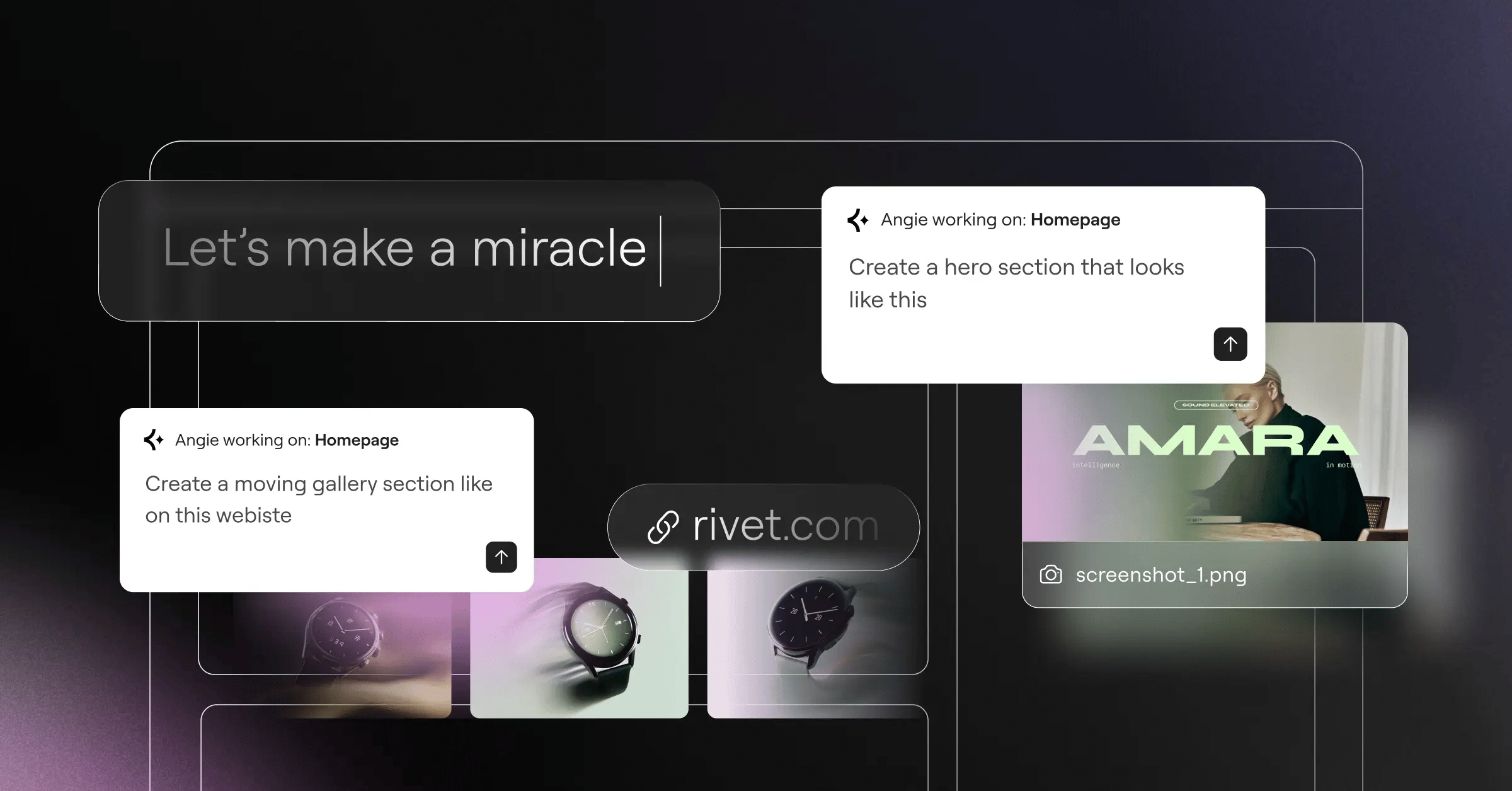
Generic text tools spit out flat, disconnected HTML, but Angie by Elementor works differently. It’s an agentic AI framework for WordPress, using the Model Context Protocol (MCP) to read your plugins, Elementor Editor Pro settings, and database structure. Elementor powers over 9.5% of websites globally, and you get a sandbox to test generated code: don’t like a feature? Just discard it.
Angie bridges the gap between raw AI output and functional WordPress architecture. It understands the ecosystem natively, so you’re generating actual custom post types and widgets instead of just generic HTML blocks.
Itamar Haim, SEO Team Lead at Elementor. A digital strategist merging SEO, AEO/GEO, and web development.
Core Capabilities
- Generates Elementor widgets from text prompts.
- Creates WordPress admin snippets without FTP access.
- Structures custom post types for specific data.
- Builds visual web apps end to end.
- Runs all code inside an isolated sandbox.
Pricing
- Angie Plugin: free for all WordPress users.
- Elementor One: starts at $168/year (unifies AI, Editor Pro, and Optimization).
- AI Site Planner: free tier for wireframing under 20 minutes.
Advantages
- Inherits your site context automatically via MCP.
- Outputs native WordPress assets you own.
- Works well with Elementor Host Cloud setups.
- Leaves you in control of final CSS.
Drawbacks
- Requires an existing WordPress installation.
- Advanced tools can intimidate anyone wanting a simple site.
Tired of flat text generators? This framework acts like a junior developer in your WordPress dashboard.
2. Wix AI: The Conversational Creator
The Wix AI Site Generator works like a chat with a designer: answer a few questions about your goals, audience, and aesthetic, and it builds the structure for you. Wix reported a 300% increase in site completion rates from this generator, though you trade some technical control for convenience.
Features
- Guides your whole build through conversation.
- Generates basic logos and color palettes automatically.
- Builds SEO setup from your chat answers.
- Integrates booking and calendar tools for providers.
Pricing
- Light Plan: $17/month for basic hosting.
- Core Plan: $29/month, includes advanced analytics.
Why We Recommend It
- Welcoming for absolute beginners.
- All-in-one setup skips DNS headaches.
- Responsive support built into the dashboard.
Where It Struggles
- Exporting your site elsewhere is nearly impossible.
- Monthly costs add up faster than self-hosting.
Want a polished site live before lunch? This chat-driven approach delivers.
3. Framer AI: The Designer’s Dream
AI generators often look generic, but Framer AI is the exception, producing agency-made layouts. Drop in one detailed prompt, and it builds a production-ready landing page in about 45-60 seconds, handling responsive breakpoints automatically.
- Type a prompt outlining your brand’s attitude.
- Watch it generate desktop, tablet, and mobile layouts.
- Click shuffle to rotate color palettes and typography.
- Publish to push live code to their edge network.
Pricing
- Basic Tier: free (adds a Framer subdomain and badge).
- Pro Plan: $30/month per active site.
Benefits
- Aesthetic quality rivaling expensive custom code.
- Fast page loads right out of the box.
- Scroll animations built natively into generated sections.
Frustrations
- Interface mimics Figma, confusing for non-designers.
- Pricing scales poorly for agencies managing many domains.
Startups and creative directors won’t find a sharper premium look without writing raw CSS.
4. Hostinger AI: The Budget-Friendly Entry
Hostinger AI goes after the entry-level market hard, with pricing that makes it the budget leader here. You get a free domain and email bundled in, and its AI heatmaps predict where visitors click. The editor isn’t as capable as Elementor One, but it covers the basics.
Included Tools
- Predicts layout efficiency with visual heatmaps.
- Creates logos and writes basic SEO metadata automatically.
- Simplifies manual adjustments with a drag-and-drop grid.
- Hosts up to 100 small websites per account.
Pricing
- Premium Plan: competitive rates (a locked introductory rate).
What Works Well
- Almost no financial barrier to entry.
- Domain and email bundled in.
- Gentle learning curve for less tech-savvy users.
What Doesn’t Work
- Deep custom CSS stays locked away.
- Renewal rates jump after your first term.
Personal bloggers and micro-business owners should start here, risking little capital for a site that’s live today.
5. 10Web: The Automated WordPress Migrator
10Web built its model around one common headache: migrating an old static site to WordPress. Feed it a target URL, and it rebuilds the layout, guaranteeing a 90+ PageSpeed score by minifying JavaScript and converting images to WebP.
- Paste the client’s outdated site URL into the dashboard.
- Wait three minutes while the engine maps the DOM.
- Review the new WordPress pages, built with proprietary widgets.
- Refine the copied text with the built-in assistant.
Pricing
- Starter Plan: $10/month for a single domain.
- Premium Plan: $24/month for expanded visitor limits.
Best Parts
- Real time saved moving clients off legacy hosts.
- Caching and optimization run automatically in the background.
- You stay within the flexible WordPress environment.
Worst Parts
- Complex animations won’t clone cleanly.
- You’re tied permanently to their managed servers.
Freelance developers handling local business migrations will find this workflow profitable.
6. Durable: The 30-Second Specialist
Local service contractors don’t need parallax scroll effects, just a contact form, a service list, and a visible phone number. Durable promises a working local business website in 30 seconds, with a lightweight CRM bundled in to track leads right away.
- Need a live domain before lunch?
- Mainly selling local services like plumbing or legal?
- Prefer built-in invoicing over a separate plugin?
- Fine with a rigid, block-style layout?
- Want help drafting your Google Ad copy?
Pricing
- Starter Plan: $12/month.
- Business Plan: $20/month.
Why It Shines
- Fastest generation speed on the market.
- Built-in invoicing skips separate accounting software.
- Pulls your registered Google Business data automatically.
Why It Falls Short
- You can’t touch the underlying source code.
- Local competitors on the same tool can look alike.
Don’t overthink your first digital footprint. Launch today, get indexed, and get back to business.
7. Divi AI: The Creative Assistant for Agencies
Divi AI goes after the agency overhead of stock photography and freelance copywriters, built into the popular Divi theme. Most competing generators cap you with token credits, but Divi AI charges $18/month for unlimited text, code, and image generation, reading your module to fit the copy.
Key Additions
- Skips credit caps for unlimited generation.
- Suggests context-aware copy based on nearby elements.
- Generates custom CSS and JS for module styles.
- Upscales images and adjusts styles on the fly.
Pricing
- Divi AI Service: $18/month (requires an active base Divi license).
Strong Points
- Unlimited tier saves active agencies real money.
- Works smoothly if you already build within Divi.
- Strong contextual memory for long-form sales pages.
Weak Points
- Requires committing to the Divi theme architecture.
- Complex images inside the builder can cause browser lag.
Building five or more client sites a month? This pays for itself fast.
8. Shopify powerful: The E-commerce Engine
Shopify powerful weaves generative AI into the backend of the world’s biggest retail platform. Over 1 million Shopify merchants already use it to draft product descriptions and optimize checkout, and layout personalization can lift conversion rates by up to 15%.
- Upload a raw photo of your new product.
- Let the engine draft an SEO-optimized title and features.
- Use Sidekick to configure shipping zones and tax rates.
- Generate email subject lines for your launch announcement.
Pricing
- Basic Plan: $39/month.
- Advanced Plan: $399/month for large retail operations.
Advantages
- Optimized for pushing visitors toward checkout.
- Instant access to a large, vetted app ecosystem.
- Reliable server performance during Black Friday traffic spikes.
Disadvantages
- Transaction fees apply without their native payment gateway.
- Customizing theme files means learning their Liquid language.
Don’t ask a lightweight builder to run a serious online store. Stick with infrastructure built for retail.
9. Squarespace Blueprint: The Design-First Guide
Wedding photographers, high-end artists, and branding agencies live and die by their visuals. Squarespace Blueprint delivers a curated experience, walking you through a structured design process instead of a wild text prompt, with typography and palettes grounded in design theory.
Capabilities
- Curates your design step by step.
- Crops and places images at their focal point automatically.
- Pairs fonts tested by typography experts.
- Integrates client scheduling and digital product delivery.
Pricing
- Personal Plan: $16/month.
- Business Plan: $23/month.
The Good
- Aesthetic templates that stand out immediately.
- Stable, well-managed hosting that rarely breaks.
- Portfolio layouts showcasing high-resolution photography well.
The Bad
- Less structural flexibility than an open-source CMS.
- Nested backend settings feel sluggish to navigate.
Protecting your visual branding? This guided approach keeps you from publishing something off-brand.
10. Jimdo Dolphin: The Simple AI Solution
Sometimes you just need a digital business card that ranks locally, and Jimdo Dolphin strips away the complication. Setup feels like a short quiz: answer a few questions about your industry, and it pulls images from your social profiles to build the grid automatically. 64% of small business owners believe generative tools will improve customer relationships through faster updates.
Core Features
- Writes industry-specific text blocks that sound human.
- Sources images automatically from Facebook and Instagram.
- Builds mobile-optimized layouts that are hard to break.
- Configures basic metadata and local SEO automatically.
Pricing
- Start Plan: $9/month.
- Grow Plan: $14/month.
Strengths
- Virtually no learning curve, even for tech-averse folks.
- Fast setup from sign-up to published site.
- Affordable pricing for casual weekend hobbyists.
Weaknesses
- You’ll outgrow the feature set within a year.
- Limited third-party app integrations compared to larger competitors.
Weekend side-hustlers and casual hobbyists can get online here without technical frustration.
Comparison of the Top Platforms
Here’s how the leading platforms stack up on price, standout feature, and who they’re built for. Most offer annual discounts, so check the renewal rate first.
| Platform Name | Starting Price | Standout Feature | Ideal User Base |
|---|---|---|---|
| Angie by Elementor | Free Plugin (WP) | Native MCP Asset Generation | WordPress Professionals |
| Wix AI | $17/mo | Conversational Chat Builder | Small Business Owners |
| Framer AI | $30/mo | High-Fidelity UI/UX Output | Tech Startups & Designers |
| Hostinger AI | competitive rates | Aggressive Entry Pricing | Budget Bloggers |
| 10Web | $10/mo | Automated Site Cloning | Agency Migrations |
| Durable | $12/mo | 30-Second Generation Speed | Local Service Providers |
| Divi AI | $18/mo (Add-on) | Unlimited Generation Tier | High-Volume Agencies |
| Shopify powerful | $39/mo | Checkout Sales Optimization | Dedicated E-commerce Stores |
Factor in hidden costs like domain registration and plugin licenses when calculating your real yearly spend.
Which Platform Should You Actually Choose?
You’ve seen the specs, pricing, and marketing claims. Now match the tool to your situation: you don’t need an enterprise system for a restaurant menu.
- For WordPress professionals: install Angie by Elementor, built for native post types and widgets in a safe sandbox.
- For absolute speed: go with Durable, live in 30 seconds for a local landscaping or plumbing business.
- For online retailers: choose Shopify powerful, built to lift your checkout conversion rates.
- For tight budgets: pick Hostinger AI. At competitive rates, the risk is close to zero.
- For premium aesthetics: build with Framer AI, whose code and typography make your brand look expensive.
Take an afternoon, try a few free trials, and run real test prompts before deciding.
Frequently Asked Questions
Will AI builders replace web developers?
Not really. They handle code and layouts, but developers still manage complex logic and databases.
Can I export my site to another host?
Depends on the platform. WordPress tools like Angie allow full export freedom; Wix or Squarespace don’t.
Do these generative platforms write SEO-friendly code?
Top-tier platforms output clean, semantic HTML5 that ranks well. Cheaper ones lean on inline CSS, hurting mobile indexing.
Who owns the copyright to generated images on my site?
AI-generated images generally can’t be copyrighted. You can use them commercially, but can’t stop others from copying.
Are these builders secure against common hacking attempts?
Managed platforms like Shopify and Framer patch security automatically. WordPress tools still need manual updates and firewalls.
Can I use this to build a large directory site?
Basic chat-based builders struggle here. Directory-scale work needs an agentic framework creating custom post types and templates.
How do these tools handle mobile responsiveness?
Most engines use fluid CSS grid or flexbox, so layouts adapt to mobile automatically.
Does Elementor’s generative system work with third-party themes?
Yes. Native AI features and Angie work smoothly across WordPress, best paired with the lightweight Hello theme.
Looking for fresh content?
By entering your email, you agree to receive Elementor emails, including marketing emails,
and agree to our Terms & Conditions and Privacy Policy.

