
Data privacy doesn’t have to be a nightmare. Staying compliant with GDPR, CCPA, and other privacy laws isn’t optional for a WordPress site, but it doesn’t have to be complicated. You don’t need a law degree or a developer team, just the right tools to handle cookie banners, script blocking, and consent logs. Here are the ten best GDPR compliance solutions for WordPress.
Each option below covers setup, key features, and where it fits best, whether you run a lean personal project or a complex site with EU and California visitors.
Key Takeaways
- Native integrations keep you out of external dashboards and avoid slow load times.
- Google Consent Mode v2 is now required if you target European audiences.
- Automated cookie scanning keeps compliance current as you add new scripts.
- Consent logging gives you audit trails if regulators come knocking.
The State of GDPR Compliance for WordPress in 2026
Privacy laws have gotten more precise recently. Regulators no longer look away for small-to-medium sites, so every business collecting visitor data needs to take consent seriously, especially as browsers phase out third-party tracking in favor of first-party data.
If you serve EU, UK, or California visitors, you need a system that asks for consent before loading marketing or analytics scripts. A well-built platform like Elementor keeps this manageable, with a banner that’s clear and functional, not a dark-pattern checkbox in the footer.

What to Look for in a WordPress GDPR Compliance Solution
To pick the right tool, focus on features that fit your editing routine, not a confusing third-party interface when you could keep it all in one place.
- Automatic Cookie Scanning: scans your pages regularly and categorizes active trackers.
- Customizable Banner Design: matches your brand fonts, colors, and layout.
- Google Consent Mode v2 Support: keeps Google Ads and Analytics running legally in the EU.
- Consent Logging: a record of visitor choices for audit readiness.
Let’s look at the ten top options available right now.
1. Cookie Consent
Cookie Consent is the native consent capability built into WordPress by the team behind Elementor, keeping banners, scans, tracking scripts, and compliance records in your dashboard.
Step-by-Step GDPR Compliance Setup
- Open your dashboard, go to Cookie Consent, and select the setup guide.
- Run the automated scanner to detect and categorize cookies.
- Style your banner to match your brand fonts, logo, and colors.
- Enable geo-targeting for EU or California visitors, then publish.

Key Features
- Scans your site to catalog tracking cookies.
- Builds banners that look great on any device.
- Connects with Google Consent Mode v2 to keep tracking legal.
- Saves consent logs in your database for audits.
- Blocks tracking scripts until the visitor clicks Accept.
- Generates basic privacy policy templates on demand.
“Keeping your consent management native to your site dashboard is the most effective way to prevent code bloat and design inconsistencies. It removes the friction of managing privacy rules across multiple platforms.”
– Itamar Haim, Web Compliance Specialist
Pros and Cons
- Pro: Fully native setup, no external logins required.
- Pro: Fast loading, no heavy external JavaScript calls.
- Pro: Bundled with Elementor One plans, cost-effective.
- Con: Works best inside the Elementor environment.
Verdict
For Elementor users, Cookie Consent is the natural starting point: less setup friction, covering what most sites need.
2. Cookiebot

Cookiebot is an established, cloud-managed cookie consent platform that works across CMS platforms, including WordPress, known for thorough compliance research and reliable scanning.
Step-by-Step GDPR Compliance Setup
- Create a free or paid account on the Cookiebot website.
- Add your domain to the manager portal and run a scan.
- Install the helper integration to connect your account.
- Copy the auto-generated banner code and add it to your header.
Key Features
- Scans your web presence monthly to locate new scripts.
- Builds simple widgets that sit neatly in the corner of your screen.
- Stores consent states in the cloud for up to twelve months.
- Translates banner text into more than forty languages.
Pros and Cons
- Pro: Reliable automated scanning technology.
- Pro: Strong categorization of known cookies, legally researched.
- Con: Entry-level plan limited to one domain and under fifty pages.
- Con: Setup means switching between WordPress and the Cookiebot panel.
Verdict
Cookiebot suits owners comfortable managing privacy through an external system.
3. CookieYes

CookieYes is a widely used app that helps businesses manage global privacy standards through a lightweight script with a clear interface.
Step-by-Step GDPR Compliance Setup
- Sign up on the CookieYes portal and select your regulatory focus.
- Add your site script through theme options or the helper dashboard.
- Choose a clean banner template that matches your site’s style.
- Publish the settings to push the banner live.
Key Features
- Tracks historical consent data in clear charts on the portal.
- Builds customizable layouts, including banner, popup, or inline options.
- Connects with Google Tag Manager to coordinate script triggers.
- Blocks scripts like Google Analytics and Facebook Pixel until consent saves.
Pros and Cons
- Pro: Clean dashboard with useful opt-in rate visualization.
- Pro: Supports Global Privacy Control signals out of the box.
- Con: A third-party script can affect banner load timing.
- Con: Advanced design options require a higher paid tier.
Verdict
CookieYes suits managers wanting clear visibility into visitor engagement.
4. Complianz

Complianz is a WordPress-first privacy suite that walks you through compliance, thorough about local legal requirements across regions.
Step-by-Step GDPR Compliance Setup
- Install Complianz through your WordPress plugins screen.
- Work through the configuration wizard about your business and audience.
- Run the native script detector to spot trackers in your theme.
- Generate your legal documents and banner directly through the wizard.
Key Features
- Guides you through a questionnaire to identify applicable laws.
- Builds targeted banner variations for the EU, UK, US, Canada, and Australia.
- Connects with popular form tools to add consent checkboxes.
- Blocks third-party embeds, like YouTube and maps, until users accept.
Pros and Cons
- Pro: Thorough legal wizard that explains the reasoning behind each choice.
- Pro: Generates useful documents like Cookie Policies and Impressum pages.
- Con: The settings can feel like a lot for first-timers (take your time).
- Con: Multi-region options require an annual paid license.
Verdict
Complianz suits a guided legal walkthrough with multiple compliance documents.
5. iubenda

iubenda is a compliance suite built by legal professionals, covering cookie consent, privacy policies, and terms of service.
Step-by-Step GDPR Compliance Setup
- Register on the iubenda platform and start a compliance project.
- Select the privacy policy builder and enter your business contact details.
- Generate your banner code and configure settings in the dashboard.
- Use the partner tool to display the banner and block scripts on your site.
Key Features
- Generates professional legal documents drafted by lawyers, updated automatically.
- Builds custom banners that link to your iubenda-hosted privacy page.
- Saves data preferences through a cloud consent registry.
- Supports Google Consent Mode v2 for your tracking setup.
Pros and Cons
- Pro: Legal backing keeps your policies current and accurate.
- Pro: Good fit if you need more than a banner, like Terms of Service.
- Con: Setup takes some comfort with copying and embedding scripts manually.
Verdict
If you need vetted legal terms, iubenda offers a structured solution.
6. Termly

Termly is a compliance platform for startups and smaller businesses. It makes legal agreements and consent banners approachable through clean, visual generators.
Step-by-Step GDPR Compliance Setup
- Open the Termly dashboard and enter your site URL.
- Run a scan to classify your cookie files automatically.
- Create your consent banner inside the visual editor.
- Embed the generated code into your header using their tool.
Key Features
- Scans your site to organize tracking scripts into clear tables.
- Builds modern banners with a clean, minimal look.
- Generates Terms, Disclaimer, and Privacy policies.
- Updates your legal documents when privacy rules change.
Pros and Cons
- Pro: Friendly interface for non-technical users.
- Pro: Built-in policy templates are readable and current.
- Con: The entry-level plan limits banner views.
- Con: Less integrated with WordPress backend elements than native tools.
Verdict
Termly fits newer projects wanting a quick banner and readable legal policies.
7. OneTrust

OneTrust is a market leader in enterprise privacy management, built for large sites and complex compliance needs.
Step-by-Step GDPR Compliance Setup
- Consult a OneTrust representative to set up your plan.
- Map your digital properties and set up your scanning schedule.
- Build your localized consent models within the platform.
- Inject the OneTrust script into your templates or tag manager.
Key Features
- Maps complex data flows across global site networks.
- Builds localized banners for hundreds of countries.
- Stores audit-ready consent logs across platforms and apps.
- Integrates with major CRM tools like Salesforce and HubSpot.
Pros and Cons
- Pro: Enterprise-level depth for complex compliance environments.
- Pro: Strong legal and compliance backing for large setups.
- Con: Complex configuration that usually needs professional help.
- Con: Pricing and complexity are heavier than most small sites need.
Verdict
OneTrust fits enterprise organizations needing a deep, organization-wide compliance system.
8. Osano

Osano is a privacy platform focused on simplicity, data rights, and vendor monitoring, with a low-friction setup.
Step-by-Step GDPR Compliance Setup
- Create your Osano account and enter your target domains.
- Configure your banner styling and select the regulations to meet.
- Copy the single JavaScript snippet from your dashboard.
- Paste the script into your site’s head tag so Osano manages tracking cookies.

Key Features
- Monitors other companies and scripts on your site for data leaks.
- Builds accessible banners that meet strict usability standards.
- Saves consent records on a secure cloud ledger.
- Blocks known tracking providers automatically before consent is given.
Pros and Cons
- Pro: Simple single-script installation.
- Pro: Unique vendor rating flags risky third-party connections.
- Con: Pricing can be a barrier for very small sites.
- Con: The cookie manager doesn’t run natively in WordPress.
Verdict
Osano suits businesses wanting solid, hands-off compliance.
9. WP GDPR Compliance
WP GDPR Compliance is a lightweight, developer-friendly tool that adds compliance functions to your WordPress setup, focused on simple opt-ins rather than cloud dashboards.
Step-by-Step GDPR Compliance Setup
- Download and install WP GDPR Compliance from your admin screen.
- Select your active integrations, like Contact Form 7 or WooCommerce.
- Toggle on compliance checkboxes to attach them to your forms.
- Enable the cookie notice feature to inform visitors about analytical scripts.
Key Features
- Integrates checkbox permissions with common contact and comment forms.
- Builds light, unobtrusive notifications for local site visitors.
- Anonymizes user IP addresses before storing them in your database.
- Keeps light logs of when visitors agree to your terms.
Pros and Cons
- Pro: Completely free and lightweight, no hidden fees.
- Pro: Good at solving form-based consent for basic contact pages.
- Con: No automated deep-scanning like professional tools offer.
- Con: Styling the cookie banner requires manual CSS work.
Verdict
WP GDPR Compliance suits personal blogs or simple sites needing basic form checkboxes.
10. WebToffee GDPR Cookie Consent
WebToffee GDPR Cookie Consent is popular in the WordPress repository, dividing cookies into clear categories for visitors.
Step-by-Step GDPR Compliance Setup
- Install WebToffee GDPR Cookie Consent from your WordPress dashboard.
- Run a local scan to analyze scripts on your pages.
- Customize the cookie bar using the visual theme panel.
- Set auto-block rules to hold off analytics until visitors consent.
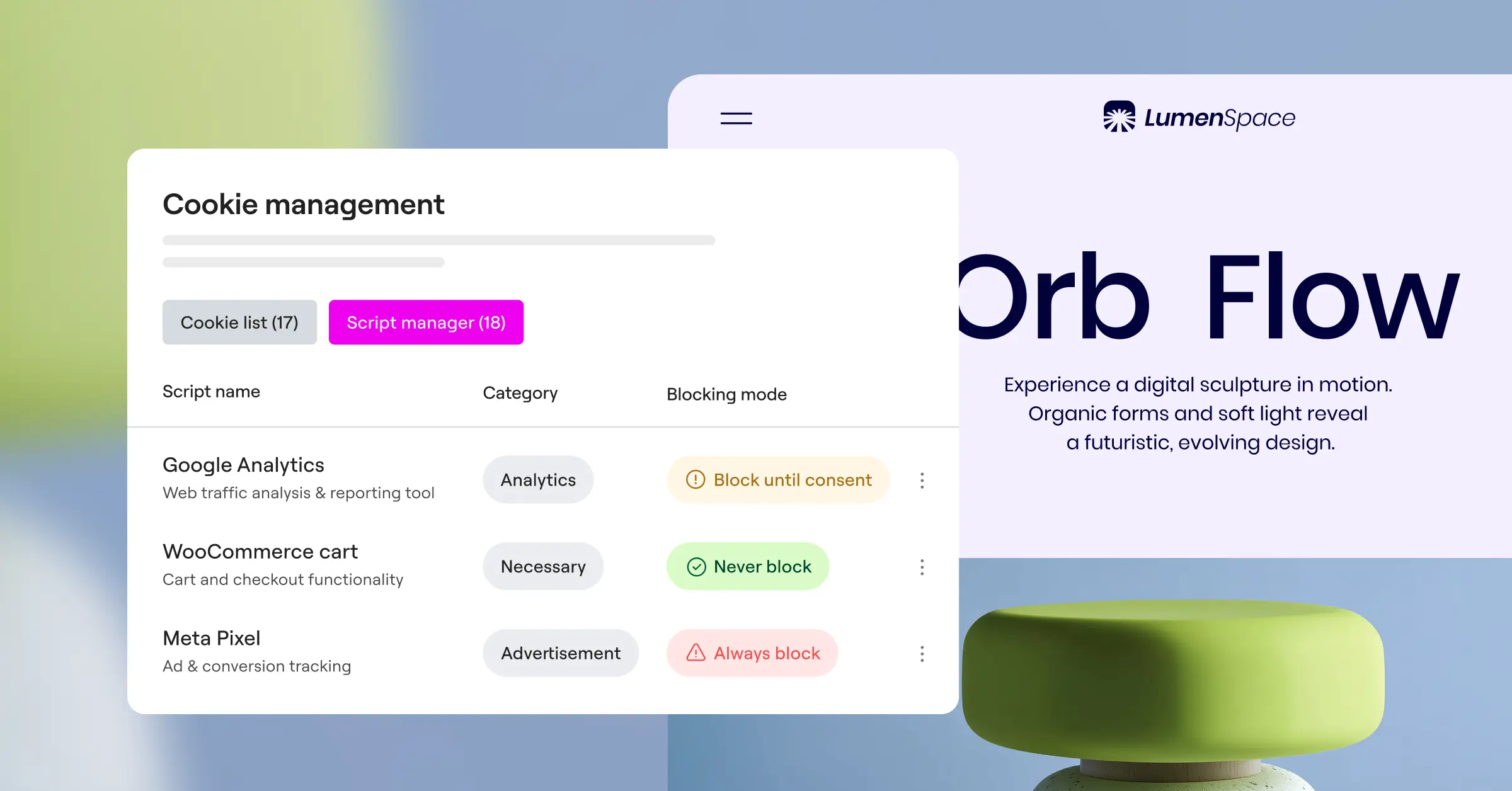
Key Features
- Scans and categorizes cookie details from your admin backend.
- Builds templates with distinct Accept, Decline, and Settings buttons.
- Blocks specified tracking scripts automatically before user interaction.
- Keeps consent records stored locally in your site database.
Pros and Cons
- Pro: Runs on your site without an external cloud account.
- Pro: Solid visual templates that fit modern themes.
- Con: Advanced geo-targeting is locked behind the pro version.
- Con: Scanning large sites can load smaller servers more heavily.
Verdict
If you want a self-managed banner with good templates, WebToffee is dependable and local.
Comparison of the Top GDPR Compliance Solutions
Comparing features side by side makes choosing easier. Here’s how these solutions stack up in 2026:
| Solution Name | Native WordPress Interface? | Google Consent Mode v2? | Geo-Targeting Support? | Primary Use Case |
|---|---|---|---|---|
| Cookie Consent | Yes (Fully Integrated) | Yes | Yes | Best for Elementor-built sites wanting a native workflow |
| Cookiebot | No (External Dashboard) | Yes | Yes | Best for monthly automated deep scans |
| CookieYes | No (External Dashboard) | Yes | Yes | Best for multi-region setup with analytics |
| Complianz | Yes (Wizard Guided) | Yes | Yes (Premium) | Best for guided legal policy generation |
| iubenda | No (External Dashboard) | Yes | Yes | Best for complete legal document suites |
| Termly | No (External Dashboard) | Yes | Yes | Best for startups needing simple legal documents |
| OneTrust | No (External Dashboard) | Yes | Yes | Best for enterprise global compliance |
| Osano | No (External Dashboard) | Yes | Yes | Best for vendor monitoring, hands-off compliance |
| WP GDPR Compliance | Yes (Fully Integrated) | No | No | Best for simple contact form compliance |
| WebToffee | Yes (Fully Integrated) | Yes (Premium) | Yes (Premium) | Best for locally hosted cookie categorization |
Selecting and Implementing Your Solution
Getting started doesn’t have to be stressful. Start with the tool that fits how you build your site. If you already use Elementor, Cookie Consent is the natural starting point, respecting your server resources and keeping your workflow clean and central.
Whichever option you choose, test your consent setup in a private window afterward, confirming that tools like Google Analytics or marketing pixels don’t load until you click Accept. That quick check confirms your system works as it should.
Frequently Asked Questions
Is GDPR compliance required for small WordPress sites?
Yes, if your site gets EU, UK, or similarly regulated visitors, no matter where your business is based.
What happens if my site doesn’t support Google Consent Mode v2?
Without it, Google blocks conversion tracking and marketing audiences from EU traffic, hurting your ad and analytics accuracy.
Can I just put a text notice on my site instead of a cookie banner?
No, GDPR requires explicit, informed consent before storing tracking cookies, so you need a banner with Accept, Decline, and category options.
Will using a cookie consent tool slow down my WordPress site?
It depends: third-party systems can add script overhead, but a native tool like Cookie Consent stays inside WordPress and keeps page speed intact.
Is CCPA compliance the same as GDPR compliance?
They’re similar but different: GDPR requires opt-in consent before tracking, while CCPA lets California users opt out of data sale. Most tools handle both.
How do I know if my site has cookies?
Most WordPress sites track visitors through forms, analytics, payment tools, or embedded media like YouTube. A quick scan shows what’s active.
Do I need to keep records of user consent choices?
Yes, GDPR requires you to prove a visitor consented if audited. Tools like Cookie Consent that log consent internally give you that record automatically.
Can I customize my cookie banner to match my site’s design?
Yes. Most tools let you adjust fonts, colors, and button layouts, building on the styling you’ve already set up.

