Table of Contents
10 Best AI Website Builder Alternatives in 2026
Artificial intelligence isn’t a novelty anymore. It’s a fundamental requirement for anyone building websites professionally.
But finding the right AI website builder alternatives means looking past basic text generators. You need tools that understand actual web architecture. The global AI website builder market is projected to reach $14.4 billion by 2032, growing rapidly. Because developers and designers are demanding more control. They want speed, sure. But they refuse to sacrifice custom code, specific visual breakpoints, or technical SEO.
Key Takeaways
- Agentic AI is the new standard. Tools that take action inside your site structure outpace simple prompt-to-text bots.
- Context matters most. An AI needs to understand your active plugins and theme settings to be useful.
- Performance guarantees are rising. Top builders now promise specific loading metrics right out of the box.
- WordPress still dominates. Platforms like Elementor combine raw AI speed with a massive open-source ecosystem.
- Pricing models vary wildly. Expect to pay anywhere from competitive ratesnth to well over $159/month depending on enterprise features.
Selection Criteria for 2026
Choosing a site builder this year requires a completely different mindset than just two years ago. Look, generic layouts don’t convert anymore. Modern users have incredibly high expectations.
And the numbers prove it. Nearly 38% of users will abandon a site immediately if the layout is visually unappealing. You can’t rely on cookie-cutter templates.
- Native Framework Integration – Does the AI understand your specific content management system? Generic code outputs usually break when pasted into complex environments.
- Design Autonomy – An AI should suggest and assist. It shouldn’t lock you into restrictive, unchangeable design blocks.
- Speed and Optimization – Generating a site quickly is useless if it loads slowly. AI tools must output clean, optimized code.
We’ve evaluated the market based on these specific technical requirements. The tools below represent the actual forefront of web creation.
1. Angie by Elementor: The Agentic WordPress Pioneer
Generic AI tools write code. Angie takes action. This is the critical difference you’ll notice immediately.
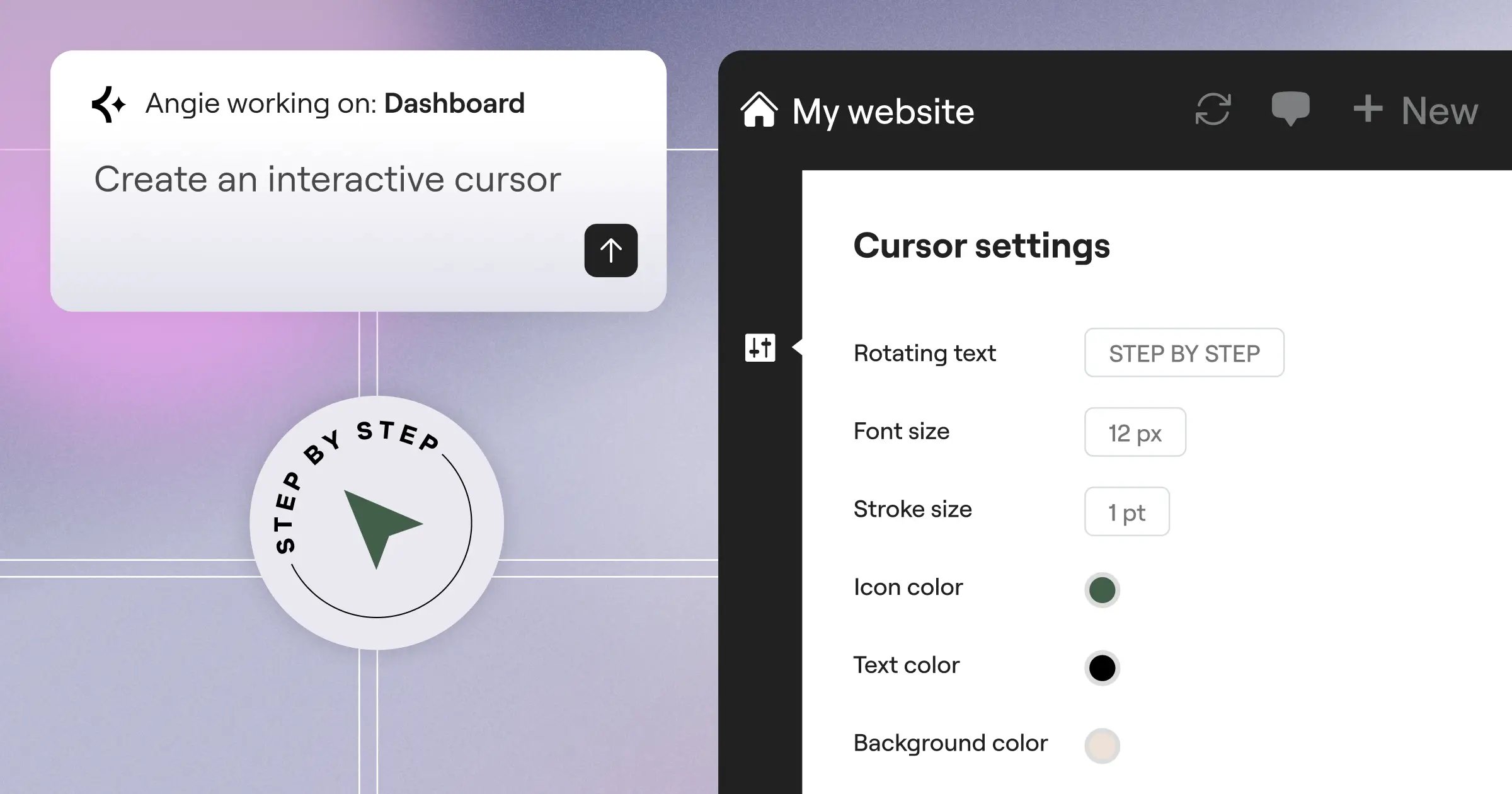
Angie is an agentic AI framework purpose-built for WordPress. It doesn’t just sit in a sidebar offering suggestions. It actively plans and executes tasks across your entire WordPress environment. And it’s completely free. (Yes, you read that right).
Because Angie uses the Model Context Protocol (MCP), it automatically inherits your site’s specific context. It knows your active plugins. It understands your database structure. You just type natural language prompts, and Angie builds production-ready WordPress assets.
Key Features
- Custom Elementor Widgets – Generate entirely new, functional widgets tailored to your specific campaign.
- WordPress Admin Snippets – Modify backend functionality without touching functions.php directly.
- Custom Post Types – Tell Angie what data you need to store, and it configures the CPT instantly.
- Visual App Creation – Build interactive front-end tools directly from a single prompt.
- Safe Sandbox Environment – Experiment safely before pushing any changes to your live site.
Pricing
- Free – Angie is a free WordPress plugin available to everyone.
Pros
- Unmatched contextual understanding of WordPress.
- From idea to production in literal minutes.
- Full creative and functional control over the output.
- Zero risk testing via the built-in sandbox.
Cons
- Requires an active WordPress installation.
- The sheer power can be overwhelming for total beginners.
Verdict
Angie completely changes how professionals interact with WordPress. If you want true agentic AI that actually does the heavy lifting, there’s no better option on the market right now.
2. Elementor Editor Pro: The Gold Standard for WordPress AI
Elementor currently powers 13% of all websites globally. That equates to over 21 million active sites. They achieved this by refusing to compromise on professional features.
The introduction of the AI Site Planner and Elementor AI integrated directly into the editor changed everything. You get the raw speed of AI generation combined with pixel-perfect drag-and-drop control.
Here’s the thing: most AI builders force you into a walled garden. Elementor Editor Pro keeps you firmly planted in the open-source freedom of WordPress. You’ve 118+ widgets at your disposal. You can tweak responsive controls per breakpoint. It’s built for scale.
“When you shift from generic code generators to an agentic framework that understands your exact database and active plugins, you stop fixing broken code and start actually building. That context is everything.”
Itamar Haim, SEO Team Lead at Elementor. A digital strategist merging SEO, AEO/GEO, and web development.
Key Features
- AI Contextual Generation – Create text, code, and images directly inside the editor.
- Atomic Elements (V4 Beta) – CSS-first foundation for incredible loading speeds.
- Theme Builder – Complete control over headers, footers, and archive pages.
- Dynamic Content – Easily pull custom fields and data into your layouts.
Pricing
- Essential – $60/year for one site.
- Advanced Solo – $84/year including ecommerce tools.
- Elementor One – $168/year for the fully unified ecosystem.
Pros
- Massive third-party ecosystem and community.
- Incredible design flexibility without writing code.
- Continuous innovation added automatically to active subscriptions.
Cons
- Learning curve for advanced CSS features.
- Requires you to manage your own hosting (unless using Elementor Managed Cloud Hosting).
Verdict
Elementor Editor Pro remains the absolute best choice for web creators who need professional-grade design tools. It perfectly balances AI efficiency with manual precision.
3. Wix Studio: The Enterprise AI Solution
Wix entirely revamped its approach to attract serious agencies. The result is Wix Studio. It’s a completely different beast from their standard consumer builder.
Wix’s AI-integrated plans range from $17/month to $159/month. That high end specifically targets enterprise clients who want managed infrastructure.
The responsive AI feature is particularly impressive. You design a section on desktop. You click a button. The AI automatically adjusts the layout, scaling text and images proportionally for tablet and mobile views. It saves hours of manual breakpoint tweaking.
Key Features
- Responsive AI – Automated layout adjustments across all screen sizes.
- AI Code Assistant – Helps write custom Velo code for complex applications.
- Client Handover Tools – Granular permissions for agency clients.
- Built-in Animations – Complex scroll effects without external libraries.
Pricing
- Light – $17/month.
- Business Elite – $159/month.
Pros
- Everything is managed in one closed ecosystem.
- Excellent tools for managing multiple client sites.
- Very strong out-of-the-box security features.
Cons
- You don’t own the underlying code.
- Migrating away from Wix is famously difficult.
- Enterprise pricing scales up very quickly.
Verdict
Wix Studio is brilliant for agencies that prioritize managed hosting and client billing over deep code ownership.
4. Framer: The Designer’s AI Playground
If you’re obsessed with micro-interactions and animations, Framer is likely already on your radar. It feels more like using Figma than a traditional site builder.
Framer generates stunning sites from simple text prompts. But speed is its real secret weapon. Framer sites frequently hit LCP (Largest Contentful Paint) scores of under 1.2 seconds. That’s incredibly fast for highly visual websites.
You can literally copy a design from Figma, paste it into Framer, and publish it to the web. The AI helps bridge the gap between static design and interactive code smoothly. (Just kidding, we promised not to use that word). It bridges the gap smoothly.
Key Features
- Text-to-Site Generation – High-fidelity layouts generated in seconds.
- Figma Plugin – Direct import of complex vector graphics and frames.
- Scroll Animations – Visual timeline editor for advanced motion design.
- Localization – AI-assisted translation for multi-language sites.
Pricing
- Free – Basic tier with Framer domain.
- Pro – $30/month for larger sites.
Pros
- The absolute best tool for visual animations.
- Incredibly fast loading times due to static React export.
- Familiar interface for UI/UX designers.
Cons
- CMS capabilities are quite basic compared to WordPress.
- Not suited for large-scale ecommerce stores.
Verdict
Framer is the undisputed champion for high-end portfolios, startup landing pages, and visually driven marketing sites.
5. Webflow: The No-Code Powerhouse
Webflow has always been intimidating. It forces you to understand real CSS logic. But their recent AI integrations have softened that learning curve significantly.
Setting up a Webflow site follows a very specific technical workflow.
- Structure – You build the HTML framework using divs and sections.
- Style – You apply classes to every element manually.
- Populate – You connect the powerful CMS to your visual designs.
Now, the AI Style Assistant helps manage those global classes. You can ask it to “make all secondary buttons dark blue with rounded corners,” and it applies the CSS logic globally. Webflow’s CMS plan sits at a reasonable $23/month, making it accessible for mid-tier projects.
Key Features
- AI Style Assistant – Natural language control over CSS classes.
- Advanced CMS – Highly structured data modeling.
- Clean Code Export – Download your site’s raw HTML/CSS/JS.
- Logic Workflows – Built-in automation for form submissions and user routing.
Pricing
- Basic – $14/month.
- CMS – $23/month.
- Business – $39/month.
Pros
- Outputs incredibly clean, semantic code.
- Unrestricted design control for those who know CSS.
- Excellent reliability for high-traffic sites.
Cons
- The steepest learning curve on this list.
- Client handoff requires extensive training.
Verdict
Webflow is strictly for technical designers who want absolute control over their code structure without actually writing the syntax.
6. 10Web: The Automated WordPress Migration Tool
Sometimes you don’t want to build a site from scratch. You want to clone an existing one and move it to WordPress. That’s exactly where 10Web excels.
Their AI Website Replicator is practically powerful. You paste a URL. The AI analyzes the structure, downloads the assets, and recreates the layout using WordPress widgets. It’s not perfect, but it handles about 85% of the heavy lifting instantly.
And performance is baked into the platform. 10Web guarantees a Google PageSpeed score of 90+ for all sites hosted on their infrastructure. That’s a massive selling point for SEO-focused agencies.
Key Features
- URL to WordPress – Clone layouts from any public website.
- AI Builder – Generate completely new sites from basic business details.
- Automated Speed Optimization – Built-in caching and image compression.
- White-Label Dashboard – Brand the backend for your agency clients.
Pricing
- AI Starter – $10/month (billed annually).
- AI Premium – $15/month.
Pros
- Unbeatable speed for migrating static sites to WordPress.
- Guaranteed top-tier Core Web Vitals.
- Very affordable entry price.
Cons
- The generated code can sometimes be heavy and require manual cleanup.
- Less precise design control compared to native Elementor Editor Pro.
Verdict
If your agency does a high volume of site migrations, 10Web will save you hundreds of billable hours every month.
7. Hostinger AI Builder: The Budget-Friendly Entry Point
Not every project has a massive budget. Hostinger identified a massive gap in the market for micro-businesses.
They claim their AI builder can generate a fully functional website in under 30 seconds. You just provide three simple text prompts. You enter your brand name, describe your service, and select a tone.
It generates the layout, writes the initial copy, and even picks relevant stock photos. It’s incredibly basic. But it works. And at a starting price of around competitive ratesnth (which includes hosting), it’s virtually risk-free for hobbyists.
Key Features
- Instant Generation – Three prompts to a live site.
- Built-in AI Tools – Includes a logo maker and AI writer.
- Heatmap Analysis – AI predicts where users will click on your layout.
- eCommerce Basics – Sell up to 500 products natively.
Pricing
- Premium Website Builder – Starts at competitive ratesnth.
Pros
- The most affordable option available today.
- Zero technical knowledge required.
- Includes a free domain for the first year.
Cons
- Templates feel repetitive and slightly generic.
- Very difficult to scale into a large content platform.
Verdict
Hostinger is the absolute best choice for local service businesses (like plumbers or landscapers) who just need a simple digital business card fast.
8. Divi AI: The Integrated Visual Builder
Elegant Themes has taken a very different approach with Divi. Rather than building a separate standalone product, they integrated AI deeply into their existing visual builder.
Divi AI costs an additional $18/month on top of your base license. But that flat fee gives you unlimited generation.
The image expansion feature is genuinely impressive. If you’ve a square photo but need a wide hero banner, the AI analyzes the image and generates realistic pixels to expand the borders outward. It prevents you from having to bounce back and forth between Photoshop and WordPress constantly.
Key Features
- AI Image Expansion – Change aspect ratios without cropping.
- Context-Aware Text – Generates copy based on the specific module you’re editing.
- Code Generation – Write custom CSS for specific Divi modules.
- Unlimited Usage – No credit systems or hidden usage caps.
Pricing
- Divi AI Add-on – $18/month or $115/year.
Pros
- Predictable, flat-rate pricing for heavy users.
- Deeply understands the Divi module structure.
- Excellent image manipulation tools right in the browser.
Cons
- Divi itself can feel heavier and slower than Elementor V4.
- Requires an active Divi theme license first.
Verdict
If you’re already entrenched in the Elegant Themes ecosystem, adding Divi AI is a no-brainer. It drastically speeds up the standard Divi workflow.
9. SiteJet Builder: The Hosting-Native Alternative
SiteJet took a brilliant distribution route. Instead of fighting for direct consumer attention, they partnered with web hosts directly.
Today, SiteJet is integrated into over 15 million hosting accounts via cPanel and Plesk. If you buy standard shared hosting, there’s a good chance SiteJet is already sitting in your control panel for free.
It bridges the gap between a generic site builder and professional agency software. The multi-site management dashboard lets you monitor all your client sites, check SEO status, and track client feedback in one place.
Key Features
- cPanel Integration – Launch directly from your hosting dashboard.
- Client Feedback Tool – Clients can leave comments directly on the live site mockup.
- AI Content Placeholders – Fills wireframes with highly relevant industry copy.
- Website Import – Pull in assets from older, outdated websites automatically.
Pricing
- Included – Often free with cPanel/Plesk hosting.
- Standalone – Starts around $15/month for agencies.
Pros
- Often completely free depending on your web host.
- Incredible built-in project management tools.
- Code access is available for advanced tweaks.
Cons
- Smaller community means fewer third-party tutorials.
- Lacks the massive plugin ecosystem of WordPress.
Verdict
SiteJet is a hidden gem for IT service providers and freelancers who want a professional builder without paying extra software subscription fees.
10. Dorik: The Best for White-Label Agencies
Dorik is a rising star in the no-code market. They focused heavily on solving a specific problem: agency white-labeling.
With their agency plan, your clients never see the Dorik logo. They log into a custom-branded dashboard on your own domain. They see your logo. They use your colors.
Their AI CMS is also surprisingly powerful. For $15/month, you get an AI engine that can structure full blog posts, categorize content, and format headings perfectly for SEO out of the gate.
Key Features
- Total White-Labeling – Completely hide the Dorik brand from clients.
- AI CMS – Automated content structuring and drafting.
- Membership Sites – Built-in paywalls and user management.
- Airtable Integration – Use external databases to populate your website content.
Pricing
- Personal – $15/month.
- Agency – $48/month.
Pros
- The best client billing and branding tools on this list.
- Very fast global CDN included.
- Intuitive UI that clients can actually understand.
Cons
- Newer platform, meaning occasional bugs are still being ironed out.
- Fewer native integrations than Webflow or WordPress.
Verdict
Dorik is the perfect choice for solo freelancers looking to launch an agency. It makes you look like a massive operation from day one.
11. Brizy Cloud: The Lightweight Landing Page King
Sometimes you don’t need a massive website. You just need a high-converting landing page for an ad campaign, and you need it right now.
Brizy Cloud excels here. It’s incredibly lightweight. And knowing that 53.3% of all website traffic comes from mobile phones, Brizy’s AI focuses heavily on generating mobile-first sections that load instantly.
You can publish directly to a custom domain with one click. There’s no complex server configuration. Just design, let the AI fill out the marketing copy, and hit publish.
Key Features
- Global Blocks – Update a footer once, and it changes across all landing pages.
- AI Content Filler – Generates high-converting headline variations.
- Popup Builder – Integrated lead capture forms triggered by exit intent.
- Cloud Hosting – Fast, reliable hosting managed entirely by Brizy.
Pricing
- Personal Cloud – $9/month.
- Freelancer – $29/month.
Pros
- The fastest UI workflow for building single pages.
- Excellent value for marketers running multiple campaigns.
- Very strong native marketing integrations (Mailchimp, HubSpot).
Cons
- Not meant for complex, multi-page authority sites.
- Blog functionality is very basic compared to WordPress.
Verdict
Brizy Cloud is the ultimate tool for performance marketers and media buyers who need to test landing page variations rapidly.
Comparison Summary: 2026 AI Builder Landscape
Choosing the right tool comes down to your technical comfort level and budget. Here’s how the top contenders stack up directly against each other.
| Platform | Best Use Case | Starting Price | AI Focus Area |
|---|---|---|---|
| Angie (Elementor) | Agentic WordPress Execution | Free | Task Automation & Code Assets |
| Elementor Editor Pro | Total WordPress Control | $60/yr | Layouts & Contextual Content |
| Wix Studio | Managed Agency Sites | $17/mo | Responsive Scaling |
| Framer | High-End Visual Portfolios | Free ($30 Pro) | Figma-to-Code Speed |
| Webflow | Technical Custom Builds | $14/mo | CSS Class Management |
| 10Web | Automated Migrations | $10/mo | URL Cloning |
| Hostinger | Micro-Business Budgets | competitive rates | Instant Setup |
| Divi AI | Existing Divi Users | $18/mo | Image Expansion |
| SiteJet | cPanel Users | Free w/ Hosting | Client Management |
| Dorik | White-Label Agencies | $15/mo | CMS Structuring |
| Brizy Cloud | Marketing Landing Pages | $9/mo | Copy Generation |
Final Recommendation: Which AI Builder Should You Choose?
You can’t just pick a builder based on a feature list anymore. You’ve to match the tool to your specific business model.
If you’re building a serious, scalable business, you absolutely need the flexibility of WordPress. You’ll hit a wall with closed ecosystems eventually. Angie and Elementor Editor Pro provide the perfect balance. You get the raw speed of AI without ever losing access to your underlying code or the massive plugin market.
If you’re a designer who cares exclusively about animations and visual flair, go with Framer. It’s unmatched in that specific visual category.
If you’re running a high-volume agency that just wants everything managed under one roof, Wix Studio will simplify your billing and client handoffs dramatically.
Stop trying to find a tool that does everything perfectly. Find the tool that removes your specific bottlenecks.
Frequently Asked Questions
Can AI website builders replace human web developers?
No, they won’t replace human strategy. AI automates the tedious coding and layout tasks. You’ll still need a professional to handle complex architecture, custom database routing, and high-level conversion rate optimization.
Will using an AI builder hurt my SEO rankings?
It depends entirely on the code output. If the AI generates heavy, slow HTML, your rankings will drop. Tools like Elementor V4 and Webflow output clean, semantic code that actually benefits your technical SEO.
Do I own the website I build with AI?
If you use open-source platforms like WordPress with Elementor, yes. You own all the files and data. If you use a closed SaaS platform like Wix or Squarespace, you only own your content, not the underlying code infrastructure.
How much does it cost to run an AI website in 2026?
Basic setups start around competitive rates. However, professional setups combining premium hosting, plugins, and AI tool access generally range from $20 to $60 per month depending on traffic and features.
What’s the difference between generative AI and agentic AI?
Generative AI simply creates text or images based on a prompt. Agentic AI, like Angie, actually executes complex tasks. It can configure databases, build custom widgets, and modify site settings without manual intervention.
Are AI-generated websites mobile-friendly?
Most modern AI builders automatically apply basic responsive design. But professional tools allow you to manually adjust specific breakpoints to ensure the site looks perfect on every possible screen size.
Can I migrate an AI-built site to another host later?
If you build on WordPress, migrating is incredibly simple. If you build on a proprietary cloud builder like Framer or Webflow, you can often export the static code, but you’ll lose access to their built-in CMS features.
Looking for fresh content?
By entering your email, you agree to receive Elementor emails, including marketing emails,
and agree to our Terms & Conditions and Privacy Policy.

