Table of Contents
Building app development architectures has changed for good this year. You’re directing AI to generate real logic right in your browser, not relying on glorified autocomplete, and the platforms worth using understand your database schema and authentication without you spelling it out.
Key Takeaways
- Prototyping speed jumped, with initial build time dropping 63% across enterprise teams.
- Over 82% of developers say they’re more productive with contextual coding assistants than with plain text editors.
- Agentic systems now make structural changes on their own, well past basic text prediction.
- Personalized web interfaces see a 14.5% average bump in conversions when generated dynamically.
- Enterprise platforms now guarantee 99.99% uptime for serverless database connections worldwide.
- Monthly costs range from $0 for open-source plugins to exactly $349 for advanced enterprise logic tiers.
- Code exportability is still the biggest factor in long-term project safety and budget.
The Architecture Shift in Modern App Creation
We’ve moved past basic text wrappers. Today’s tools lean on the Model Context Protocol, reading your real environment variables and database fields directly, which keeps hallucinations out and the code production-ready. Here’s how that plays out day to day.
- Context ingestion – the tool scans your whole repository in under 45 seconds to build a map.
- Schema mapping – it finds the primary and foreign keys across every active data table automatically.
- Action planning – the agent drafts a step-by-step plan for the feature you asked for.
- Sandbox execution – code runs in an isolated environment so syntax errors get caught instantly.
- Production deployment – verified scripts push straight to your live staging server, no manual steps needed.
Angie by Elementor and Agentic Workflows
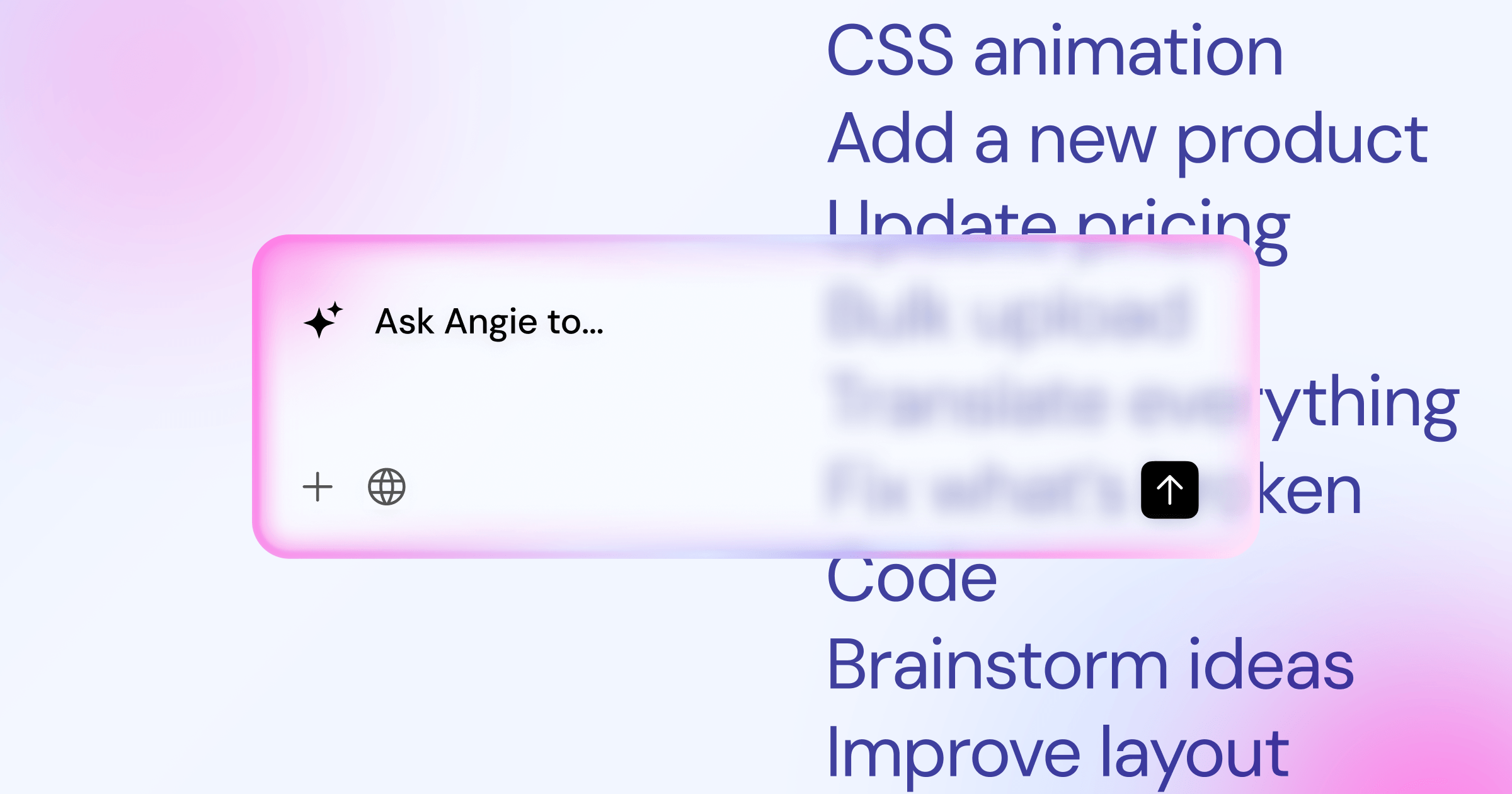
Standard generators hand you an isolated script and leave you to find where it goes. Angie by Elementor flips that: an agentic framework inside WordPress that builds the actual architecture for you, registering custom post types, adding fields like price and location, then building the front-end widget to display it all.
- Contextual awareness – reads your active theme and installed plugins before it acts, so nothing breaks unexpectedly.
- Safe sandboxing – shows you every generated interface before anything reaches your live database.
- Native integration – outputs native Elementor widgets instead of heavy third-party shortcodes that slow load times.
- Open-source freedom – gives you full ownership of the generated code, hosted wherever you want.
Complex State Management With Bubble
Sometimes you need heavy backend logic, and that’s where Bubble leads the pack. Explain your app structure in plain English, and it drafts the database linking your users, transactions, and inventory, even setting up buyer/seller relationships and escrow for a marketplace fast. There’s a real learning curve here, though.
- Data Types
- Define the distinct structures for Users, Products, and Orders in your app.
- Privacy Rules
- Lock down read and write access with conditional logic at the server level.
- Repeating Groups
- Map your database entries to visual grids on the front end dynamically.
- Action Chains
- Link multiple events together, like charging a card and sending a confirmation email at once.
FlutterFlow for Native Performance Standards
Performance matters more than ever, and a sluggish interface gets abandoned within seconds. FlutterFlow outputs optimized Dart code natively, holding a strict 60 FPS standard, and lets you edit the result visually on its drag-and-drop canvas. The biggest win is real data ownership: you’re not stuck on their servers for good.
Full Code Export
Download your entire repository and host it on your own hardware, no ongoing platform fees.
Direct Firebase Connection
Read and write data fast. Queries run in under 50ms even under heavy load.
Cross-Platform Deployment
Push to iOS, Android, and web at once, from a single shared codebase.
Rapid Internal Portals Using Softr
You don’t always need a from-scratch database. Often your data already lives in Airtable or Google Sheets, and Softr wraps a secure interface around those spreadsheets fast, mapping columns to visual blocks and setting up authentication for you, though speed costs you some design control.
- Connect your active Airtable base through an encrypted API key.
- Create distinct permission levels for admins, employees, and clients.
- Assign your spreadsheet columns to visual card elements on screen.
- Let specific users edit records directly from the front end.
- Push the app live on a custom URL with automatic SSL.
Webflow and Visual Code Generation
Webflow is built for designers who know CSS well. Its assistant tools keep design systems consistent across big builds, suggesting global CSS classes and adjusting layouts for different languages on large programmatic SEO directories. The output stays clean and semantic, but dynamic databases get expensive fast here.
“The future of visual development isn’t about replacing engineers at all. It’s about giving designers the exact tools they need to manipulate backend logic without writing syntax directly. We’re blurring the line between design and deployment completely.”
Sarah Drasner, Director of Engineering. A leading voice in modern front-end architecture and performance optimization.
Weigh the visual benefits against the recurring costs; e-commerce features scale up fast with your transaction volume.
Managing Relational Data With Xano
Front-end builders need a strong backend, and Xano gives you a serverless PostgreSQL database with a visual API builder attached. You won’t write complex SQL by hand: it generates the endpoints from natural language and configures security headers automatically, decoupling your data so redesigns never turn into a disaster.
// Example of Xano's automated JSON payload response
{
 "status": "success",
 "data": {
 "user_id": 8472,
 "role": "admin",
 "last_login": "2026-03-14T08:00:00Z",
 "permissions": ["read", "write", "delete"]
 },
 "latency": "24ms"
}
You get clean, structured data every time, without the payload bloat that slows down traditional WordPress REST APIs.
Real-World Database Cost Analysis
Choosing the right stack means a hard look at your budget: some platforms charge by the server request, others a flat monthly fee, so you can’t afford surprises when traffic spikes overnight. Open-source solutions are predictable; managed platforms buy peace of mind at a real premium.
| Platform | Primary Use Case | Starting Price | Data Lock-in Level |
|---|---|---|---|
| Angie (Elementor) | WordPress Applications | $0 (Free Plugin) | None (Open Source) |
| Bubble | Complex Logic SaaS | $29 / month | Severe (No Export) |
| FlutterFlow | Native Mobile Apps | $30 / month | None (Full Export) |
| Softr | Internal Spreadsheets | $49 / month | Moderate (Data lives in Airtable) |
| Xano | Dedicated Backend | $85 / month | Low (Standard API) |
| Webflow | Visual CMS Sites | $23 / month | High (Proprietary CMS) |
| Supabase | PostgreSQL Backend | $25 / month | None (Open Source) |
These baseline prices scale fast as your user base grows. Always calculate your projected costs at 10,000 active users before locking into a contract.
Security Protocols and User Authentication
You can’t cut corners on database security when building public applications; exposing your API keys can sink your business fast. Modern platforms handle most of this automatically now with JSON Web Tokens and OAuth, but you still need row-level security on every table so a clever user can’t scrape your database.
- Enforce HTTPS strictly – never serve data over an unencrypted connection to public users.
- Configure Row Level Security – restrict database access by authenticated user ID.
- Implement Rate Limiting – stop automated bots from spamming your API endpoints.
- Rotate API Keys – change your connection strings every 90 days to block unauthorized access.
- Set up Multi-Factor Authentication – require it for every administrator account from day one.
Performance Benchmarks and Core Web Vitals
Google doesn’t care how you built your site, only how fast it loads on a phone anywhere in the world. Server-side rendering solves the JavaScript-heavy struggle by pre-computing HTML before it reaches the browser, and platforms like Elementor hit a guaranteed 90+ PageSpeed score with caching layers delivering content globally in milliseconds.
- Asset minification – compresses all CSS and JavaScript files automatically at deployment to cut payload size.
- Lazy loading – defers off-screen images until the user actually scrolls down to them.
- Edge caching – stores copies of your app on servers around the globe to cut latency.
- Database indexing – speeds up complex queries by structuring your columns right from day one.
Solving the Vendor Migration Problem
Proprietary platforms want to keep you locked in for good. Migrating away from a closed system can cost tens of thousands of dollars, basically a rebuild from scratch, which is why open-source architectures remain the safer bet. Full code exports let you pack up your repository and move to AWS or Google Cloud anytime.
- Isolate your backend logic completely from your visual interface components.
- Stick to standard REST APIs or GraphQL connections for all external data routing.
- Skip platforms that won’t let you download your raw source files directly.
- Export your core database records to CSV files weekly for a hard offline backup.
- Keep your domain registration completely separate from your app hosting provider.
Integrating External APIs Effectively
No app exists in a vacuum today. You’ll eventually connect to Stripe, Twilio, or OpenAI, and the best builders offer visual API connectors that handle the authentication headers for you, so you paste your secret key, map the response, and skip hours of writing curl requests by hand.
- Webhook Listeners – capture incoming data payloads from external services constantly, without polling the server.
- JSON Parsing – extract specific values from deeply nested data arrays instantly.
- Error Handling – set fallback actions for when an external service goes down mid-transaction.
- Header Configuration – send bearer tokens securely with every outbound request to keep sessions valid.
Managing Component Libraries Systematically
Design consistency falls apart fast when several people work on the same app at once, so modern platforms generate strict component libraries automatically, scanning your prompts for core brand tokens (colors, typography, border radiuses) into a global registry, so nobody invents new hex codes on the fly.
- Define base tokens – set your exact font families and color palettes in the global settings first.
- Generate atomic components – have the system build base items like input fields and primary buttons.
- Construct complex modules – combine those atomic parts into bigger elements like nav headers and footer blocks.
- Sync across projects – share your finished component library with the rest of the team to keep brand alignment tight.
The Role of Vector Databases in Modern Apps
Standard relational databases are great for storing user names and emails, but they fall short searching huge blocks of unstructured text fast. That’s where a vector database comes in, turning your text into mathematical embeddings and measuring the distance between them to find related concepts.
- Semantic search capabilities – finds the right answer even when someone doesn’t type the exact keyword.
- Document parsing – ingests massive PDF manuals so users can query them conversationally in real time.
- Personalized recommendations – serves related products based on the similarity to past purchases.
- Automated categorization – groups thousands of support tickets into distinct topics without manual tagging.
- Image similarity matching – lets users upload a photo to find visually similar products in your catalog.
Automated Testing and Quality Assurance
You can’t just push generated logic straight to production and hope for the best; a hallucinated bad query could wipe out your entire customer table in an instant. That’s why modern builders now include built-in testing frameworks, running simulated interactions and halting deployment completely if any test fails.
- Unit Testing
- Checks that individual functions, like a tax calculation script, return the exact expected output every time.
- Integration Testing
- Confirms that parts of your app, like your front-end form and your PostgreSQL database, talk to each other properly.
- End-to-End Testing
- Simulates a real user logging in, adding an item to their cart, and completing a purchase, start to finish.
- Regression Testing
- Confirms your latest update didn’t accidentally break something that was working fine yesterday.
Frequently Asked Questions
Do AI web app builders own the code they generate?
Bubble locks you in permanently; you can’t export. Open frameworks like Elementor let you own, export, and host your data anywhere.
Can I build a secure app with user logins using these tools?
Yes. Softr and Bubble include built-in secure authentication out of the box. With Elementor, standard WordPress membership plugins handle encrypted user roles.
What’s the exact difference between a website and a web app?
A website shows static information. A web app is interactive: users input data, manipulate databases, and trigger backend logic instantly.
Is it safe to let an assistant modify my live database?
Never let automated agents run wild on a live server. Angie works in a secure sandbox: prompt, test in staging, then push live once verified.
How do these visual platforms handle technical SEO?
JavaScript-heavy apps make SEO tricky, but WordPress-based builders offer strong server-side rendering, so search engines index your dynamic content properly.
Do I still need to know how to write raw code?
You won’t write raw syntax from scratch, but understanding logic, database relationships, and CSS still matters. The agent is your junior developer; you’re still the architect.
Can these generated applications handle millions of active users?
Yes, provided you pick the right infrastructure from the start. Look for tools with strong uptime guarantees and clean code exports for real scale.
What happens if the generative system creates a fatal error?
Without a sandbox, a generated error crashes your app instantly. Isolate your testing environments strictly, and always run automated unit tests before approving structural changes.
How do I manage version control on visual platforms?
Most enterprise platforms offer visual branching now. Create a development branch, build and test the new feature, then merge into production once approved.
Are open-source plugins inherently less secure than managed hosting?
Not if configured correctly. Managed hosting removes the burden of updates and patching; open-source tools mean you monitor your own firewall and PHP versions.
Looking for fresh content?
By entering your email, you agree to receive Elementor emails, including marketing emails,
and agree to our Terms & Conditions and Privacy Policy.

