Agentic AI for WordPress
Angie: AI built for WordPress sites
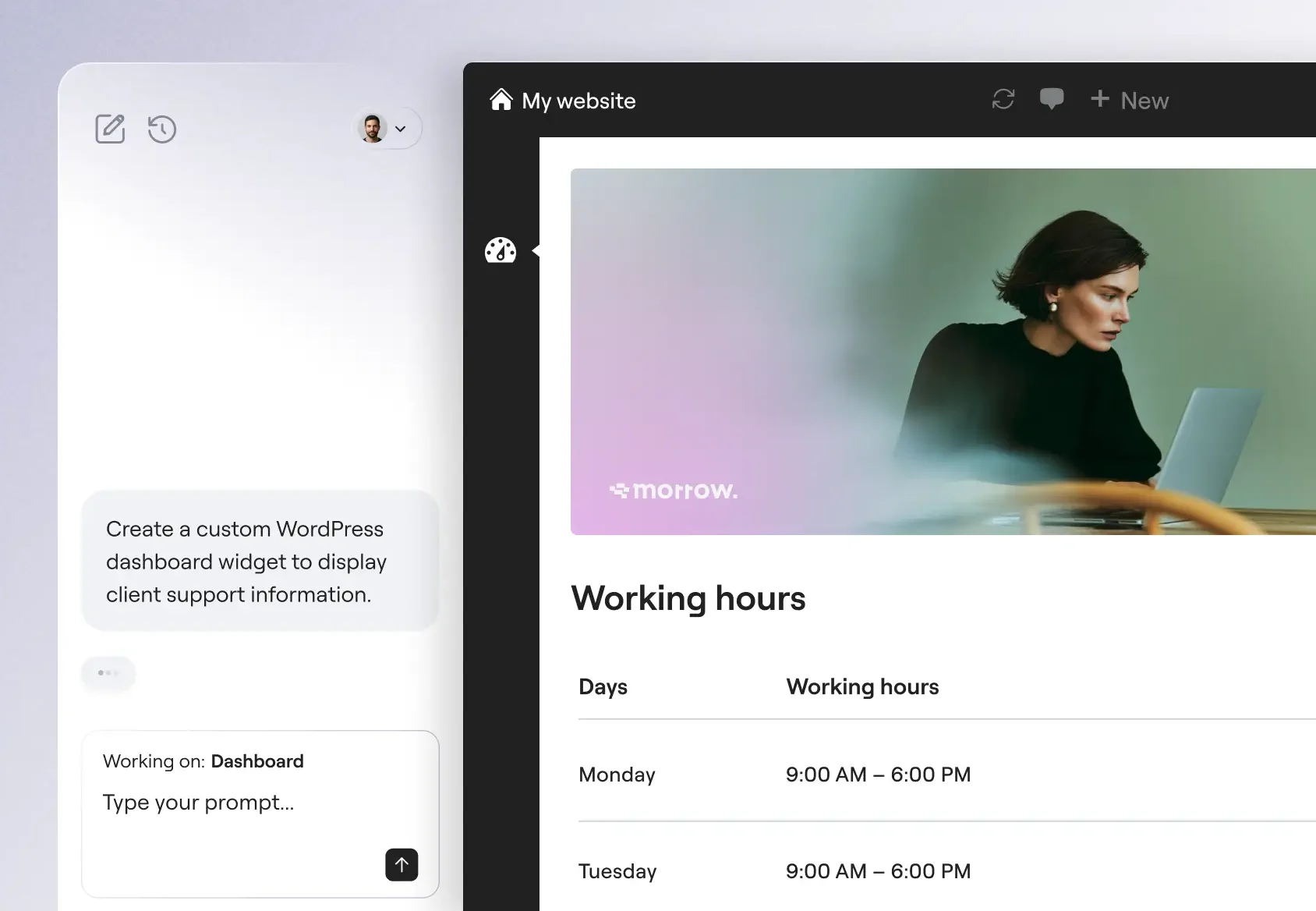
Generate full pages, custom WordPress assets and manage your entire site, all through the same chat interface. Describe it, and Angie executes it.
Download free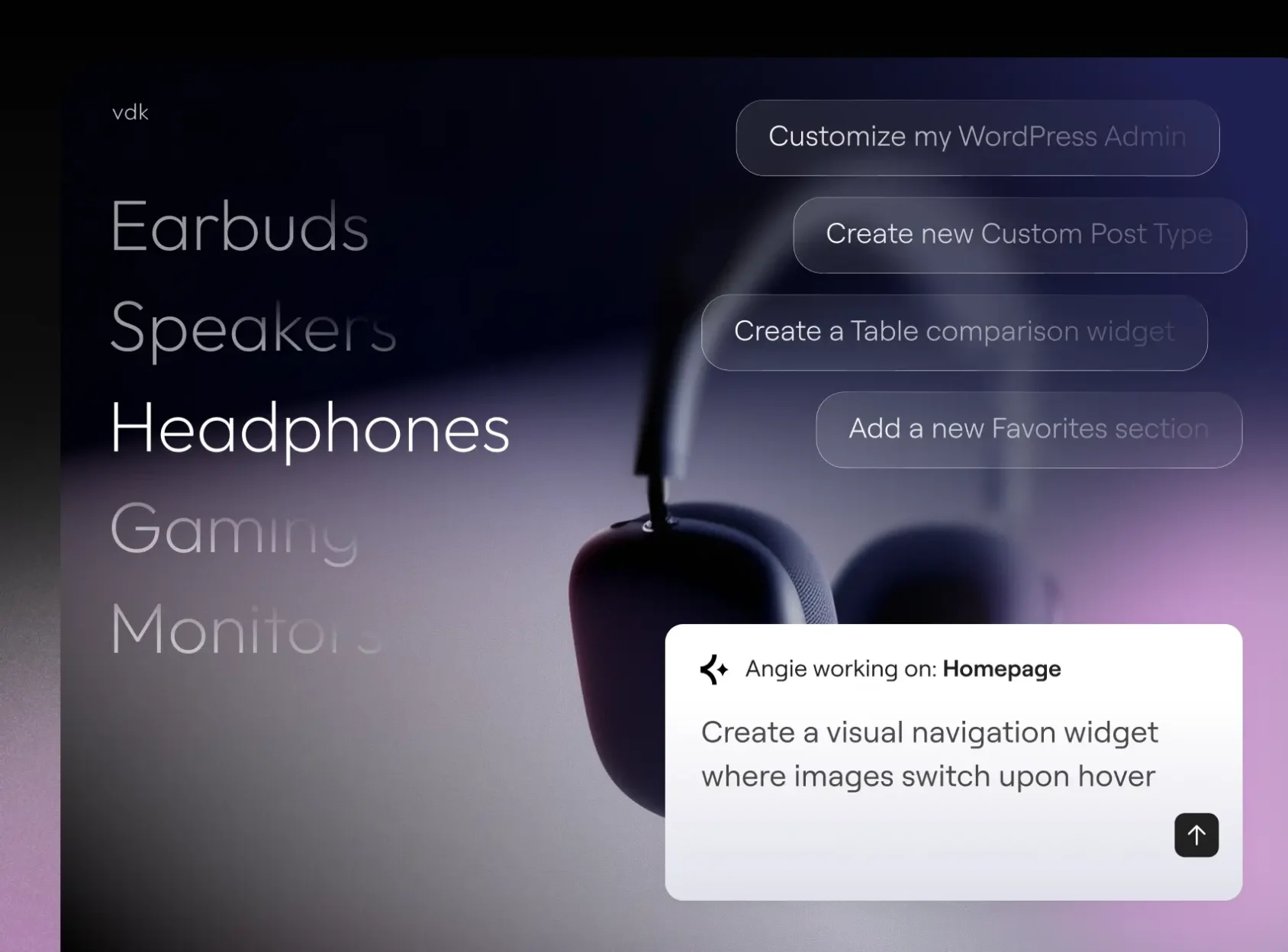
Build with Angie Code
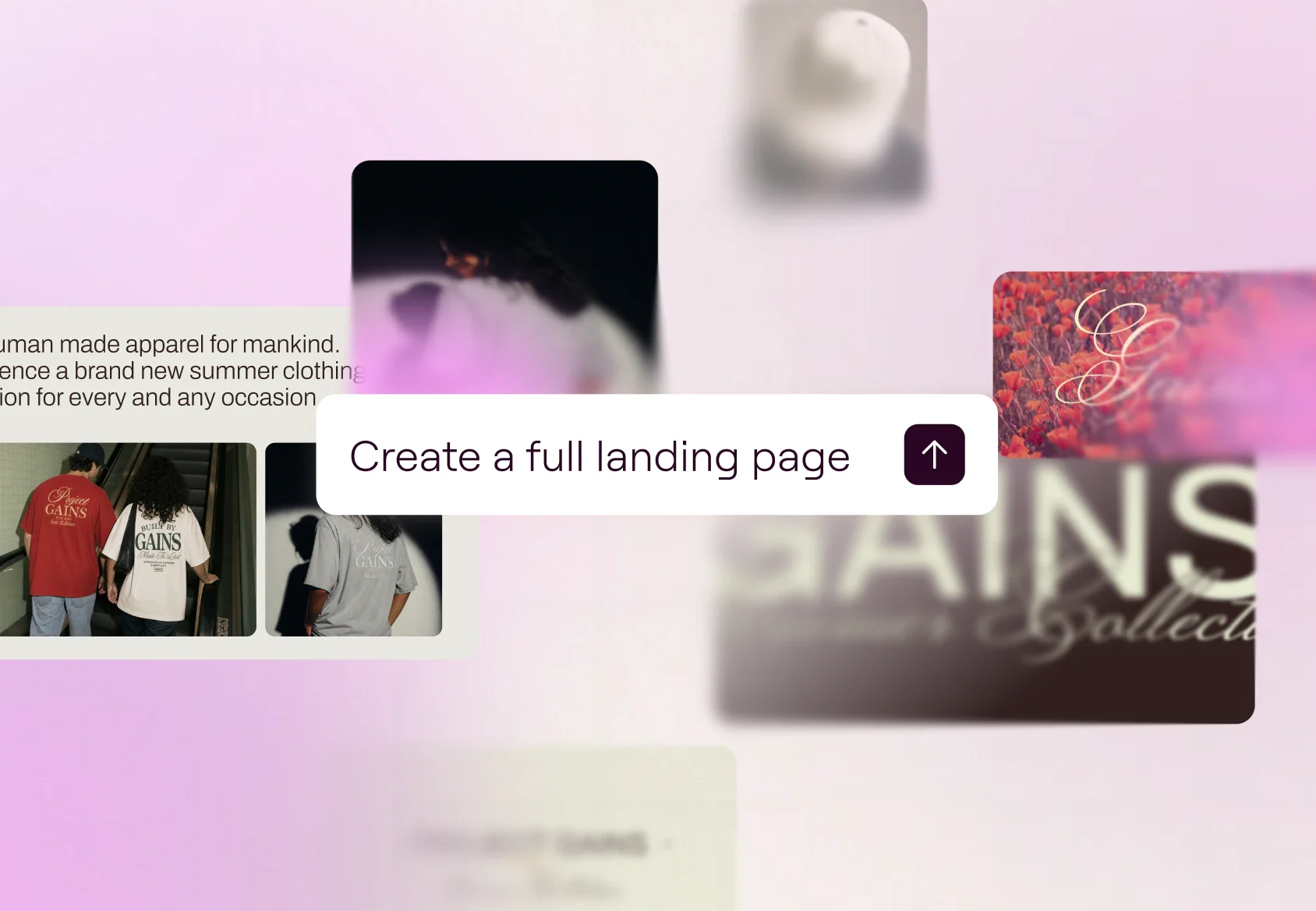
Create production-ready Elementor pages and widgets, WordPress snippets, visual apps, and custom post types.
Manage with Super Admin Mode
Run bulk operations, debug errors, and fix SEO gaps across your site, through chat. Angie reads your real data, and confirms a plan before taking any action.
Built for your site context
Angie inherits your installed plugins, theme settings, and content structure automatically. No context-setting, no setup required.
Your AI-powered expert WordPress developer
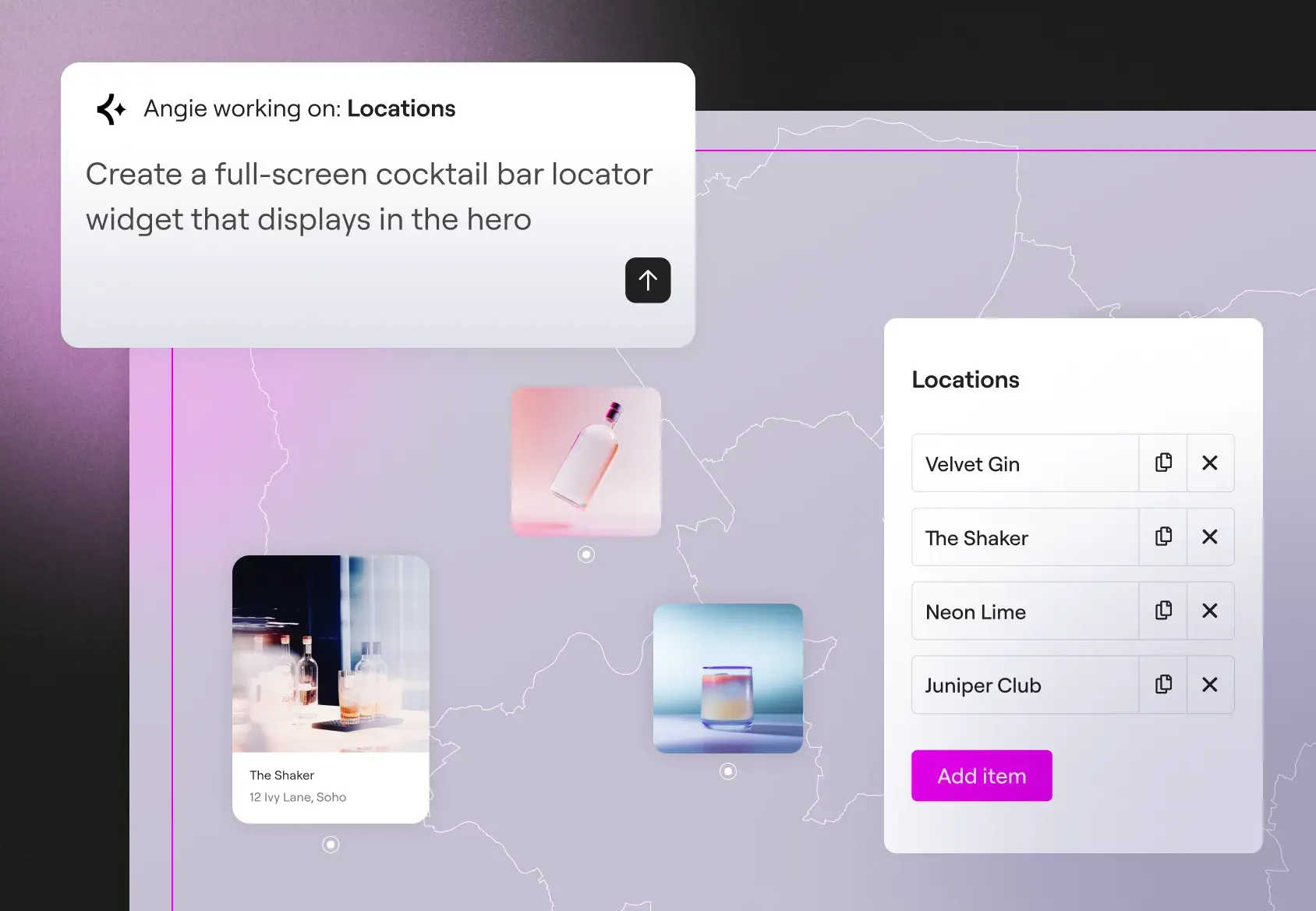
From custom widgets to visual WordPress apps, Angie Code delivers specialized categories of production-ready assets that integrate with your WordPress environment.
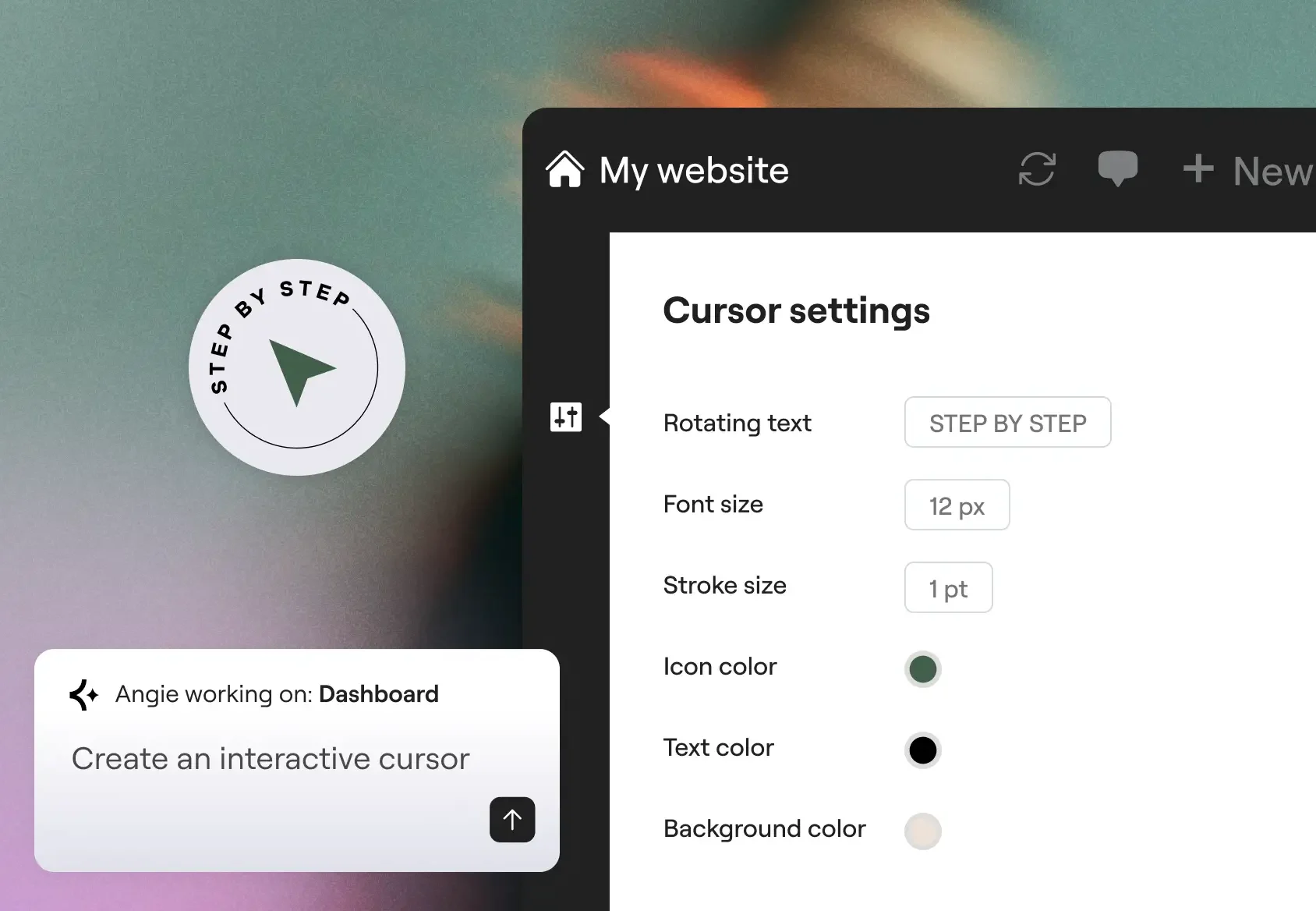
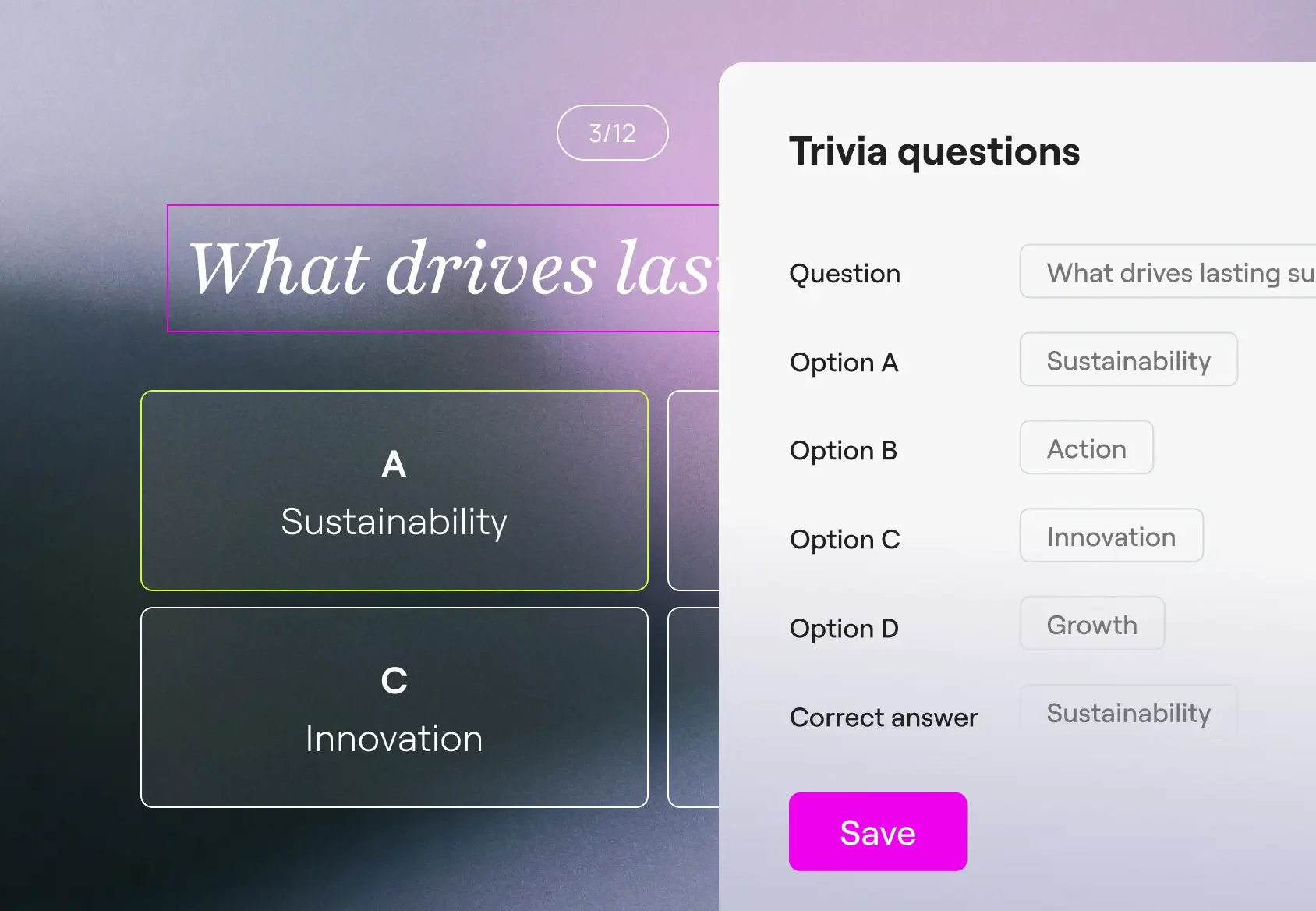
Built for confidence and scale
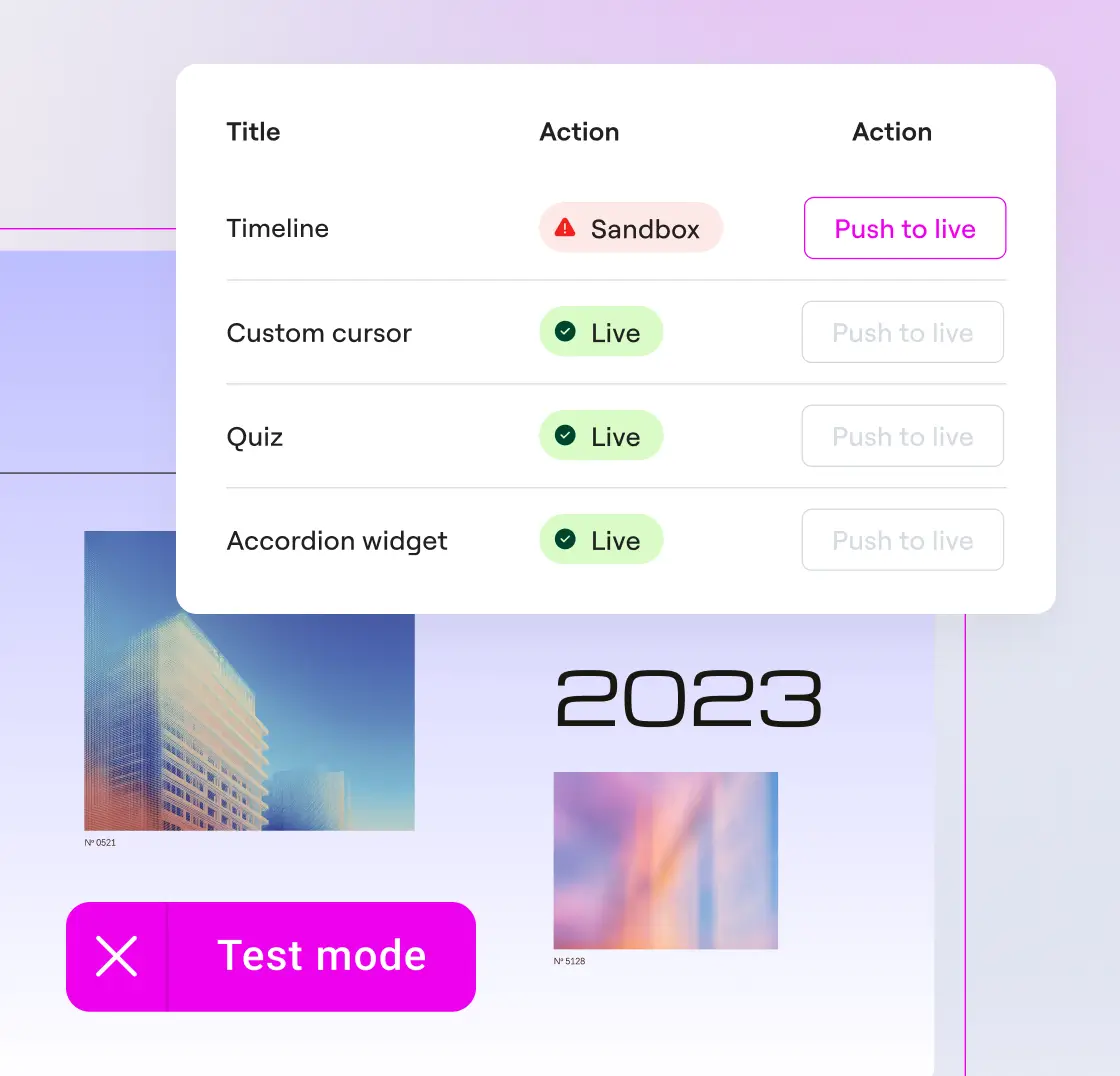
Build with a safety net
Preview widgets and snippets and iterate as many times as you need. Angie Code operates in a test environment, in complete isolation from your live site.
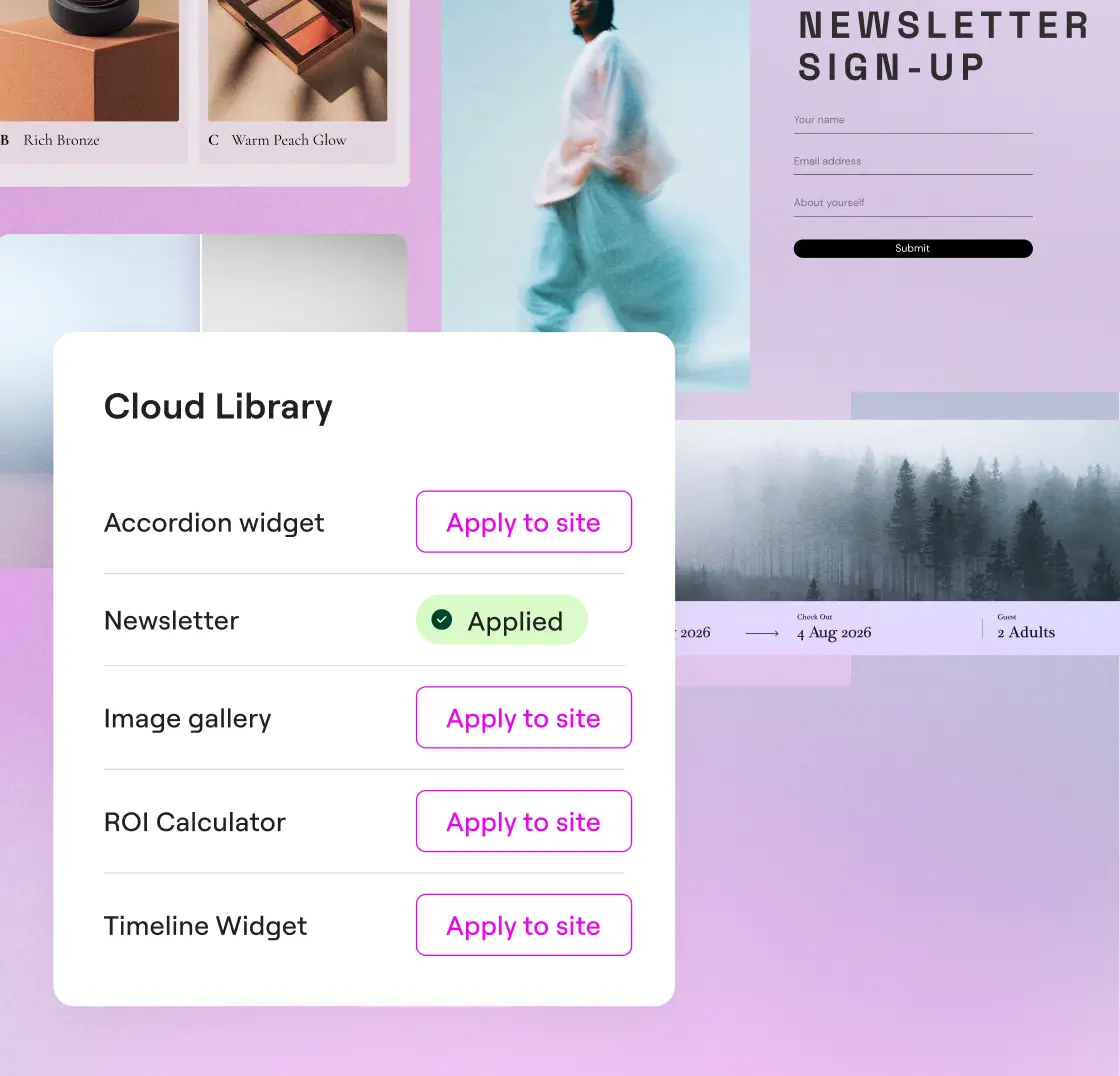
Reuse your creations across sites
Save your creations to the Cloud Library and reuse them across multiple WordPress sites, no rebuilding required.
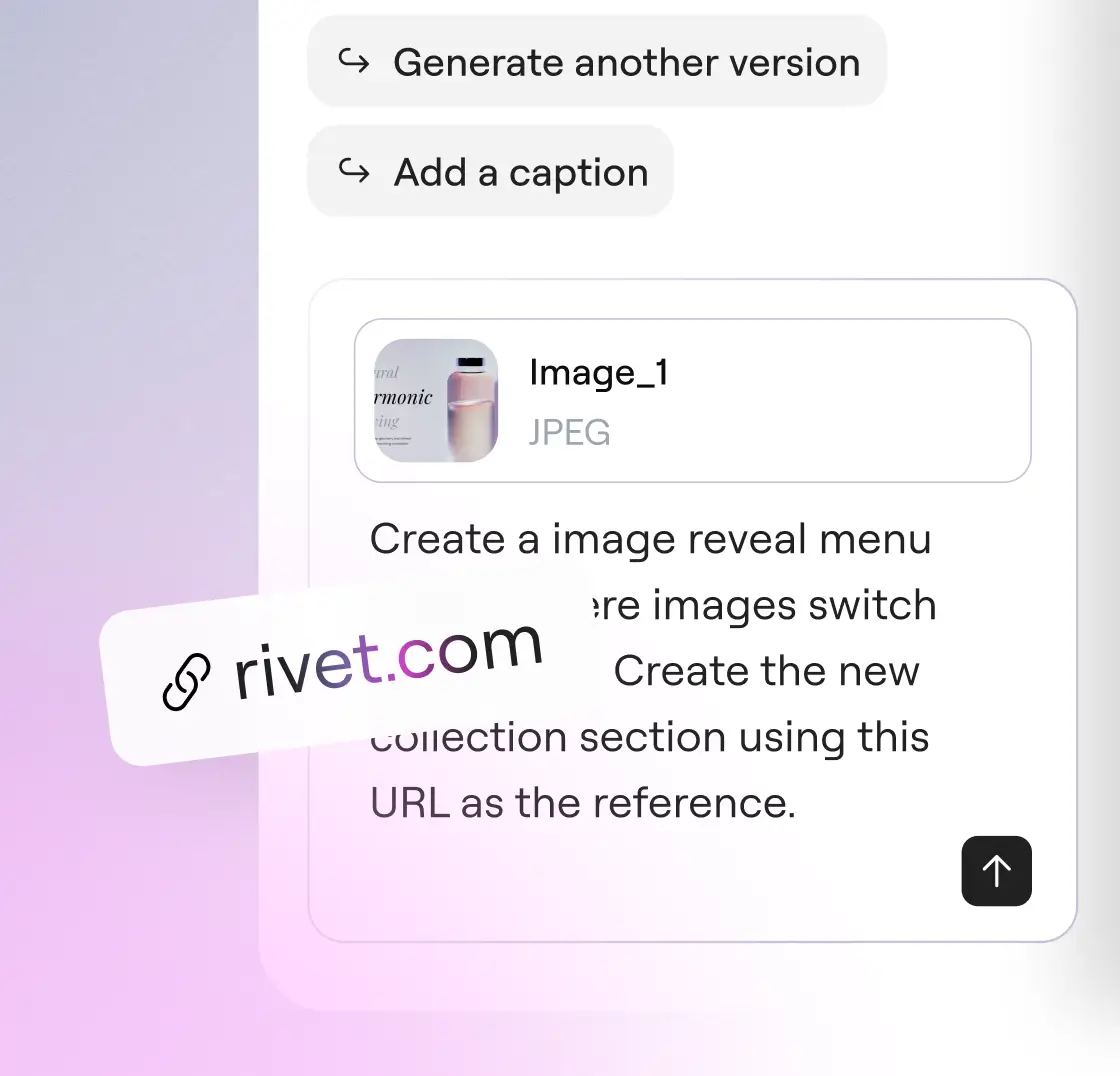
Talk to Angie your way
Describe what you need in words, upload a screenshot, or paste a URL as reference. All three input types work together or independently.
Trusted by agencies and web creators
Angie Super Admin Mode - take full control of your WordPress stack
Bulk operations, error debugging, and site-wide SEO fixes, all through conversation. Angie reads your actual data before acting and confirms every plan with you before anything runs.
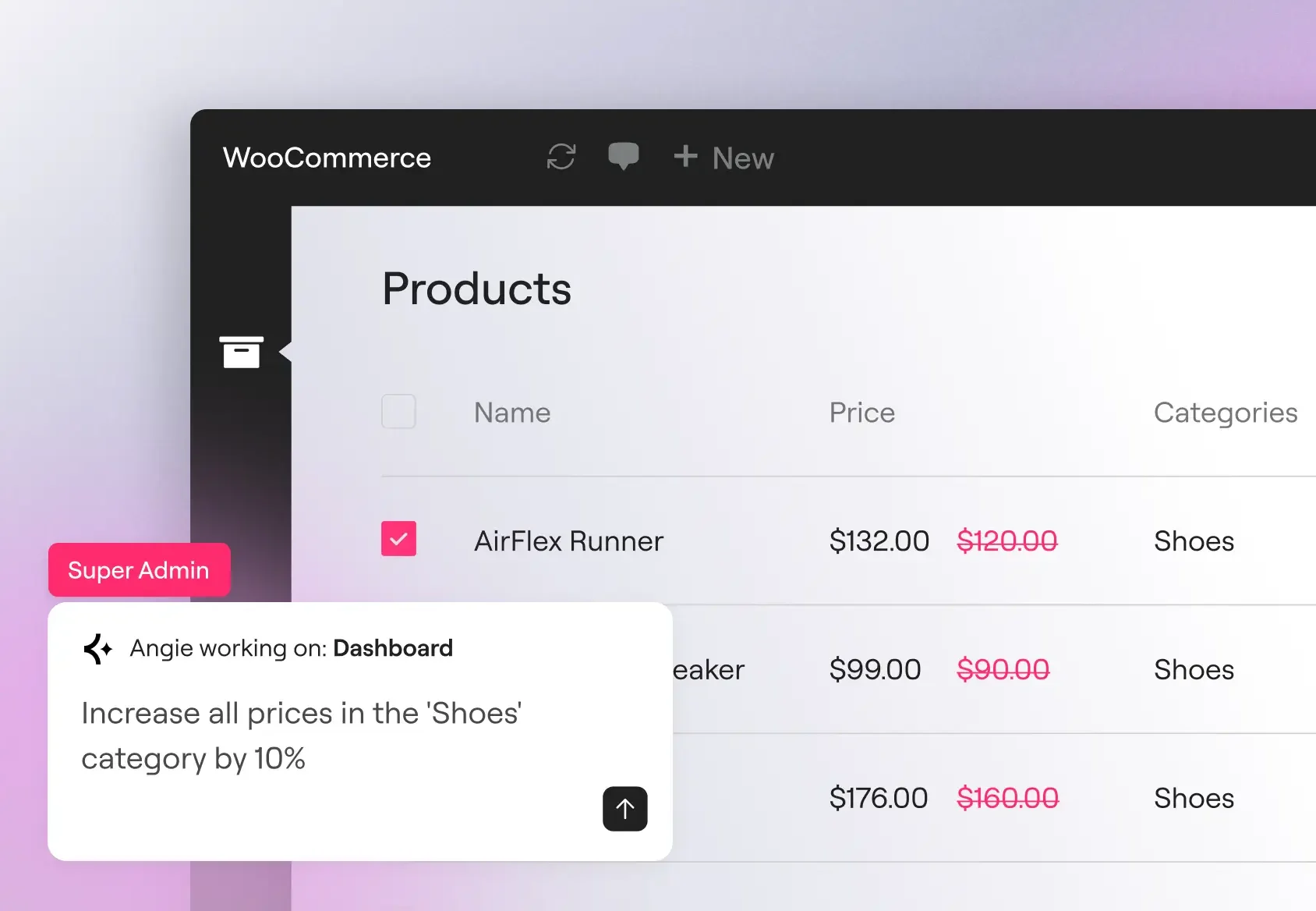
Download freeBulk operations at scale
Update product prices, user roles, and custom metadata across hundreds of records in a single prompt. Angie reads your actual data model before executing, so operations work against your real post types, registered fields, and active plugins.
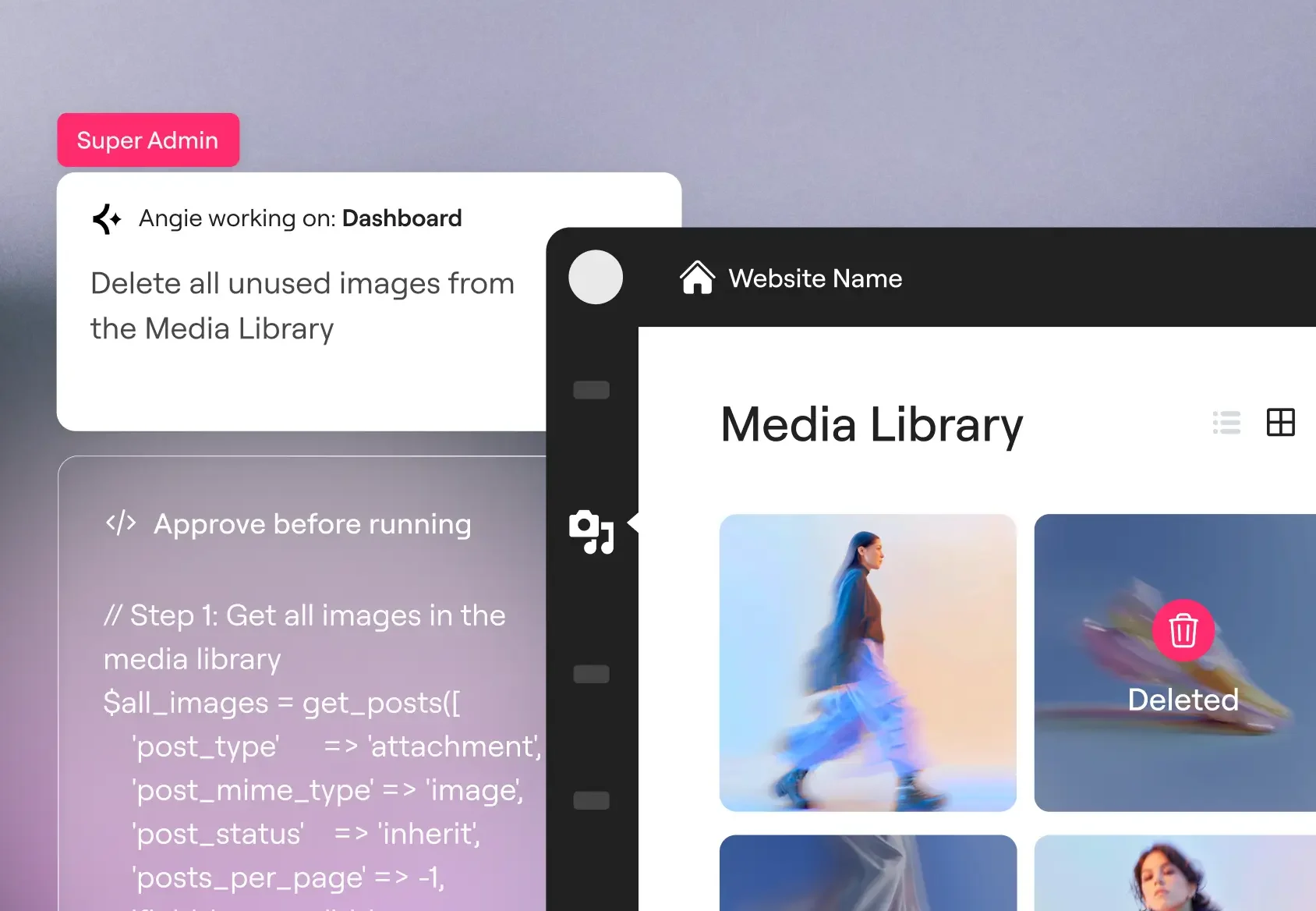
Debug errors
Trace SMTP failures, PHP conflicts, and API connectivity issues directly in the Angie chat. Angie reads your debug log, identifies recurring patterns, and can deactivate conflicting plugins or modify the relevant hook to resolve the issue.
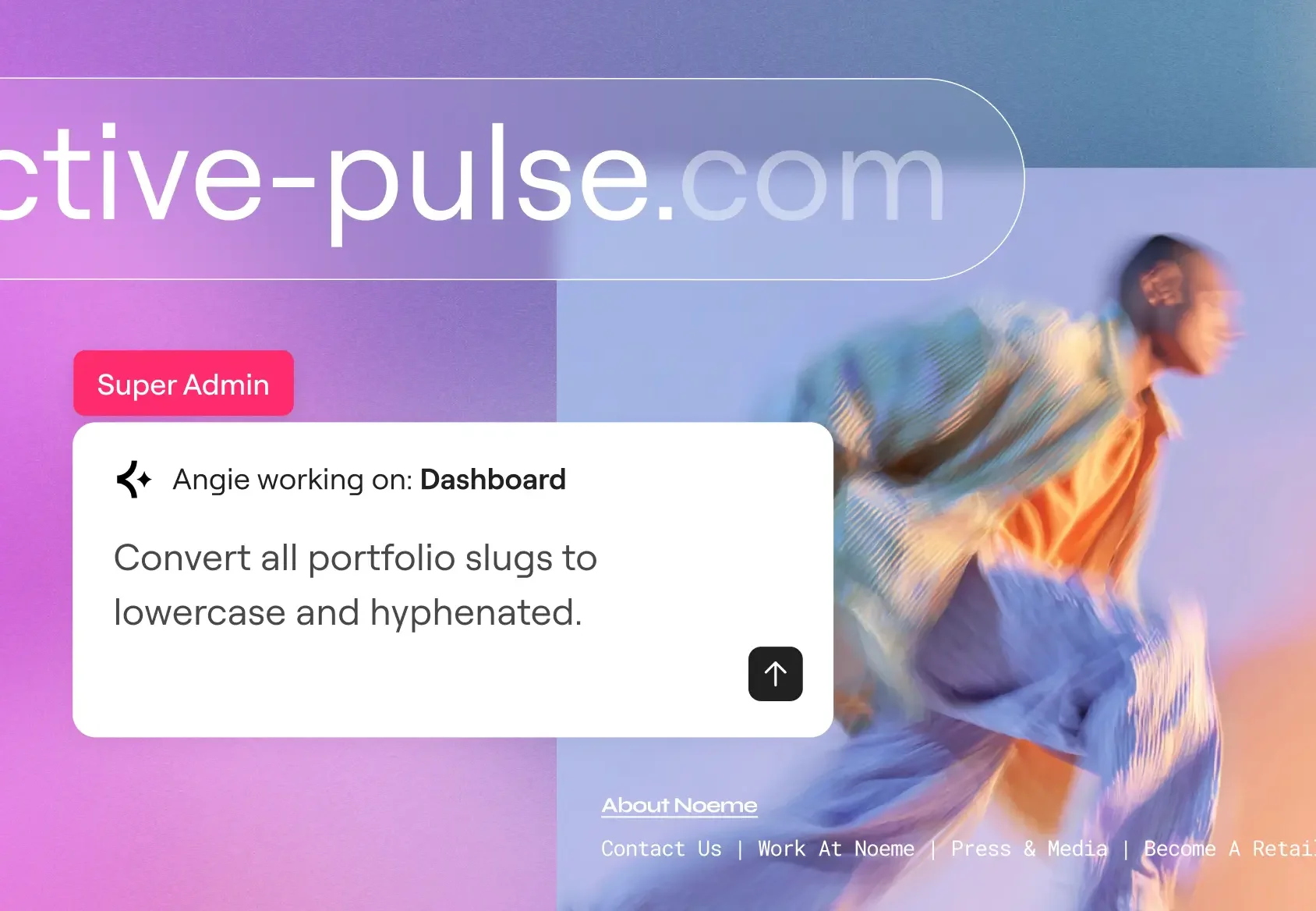
SEO and maintenance at scale
Populate missing meta descriptions, create redirect rules after a category restructure, and standardize URL slugs site-wide in a single session. Cleanup that scales with your catalogue, not your headcount.
Get started in minutes
Download free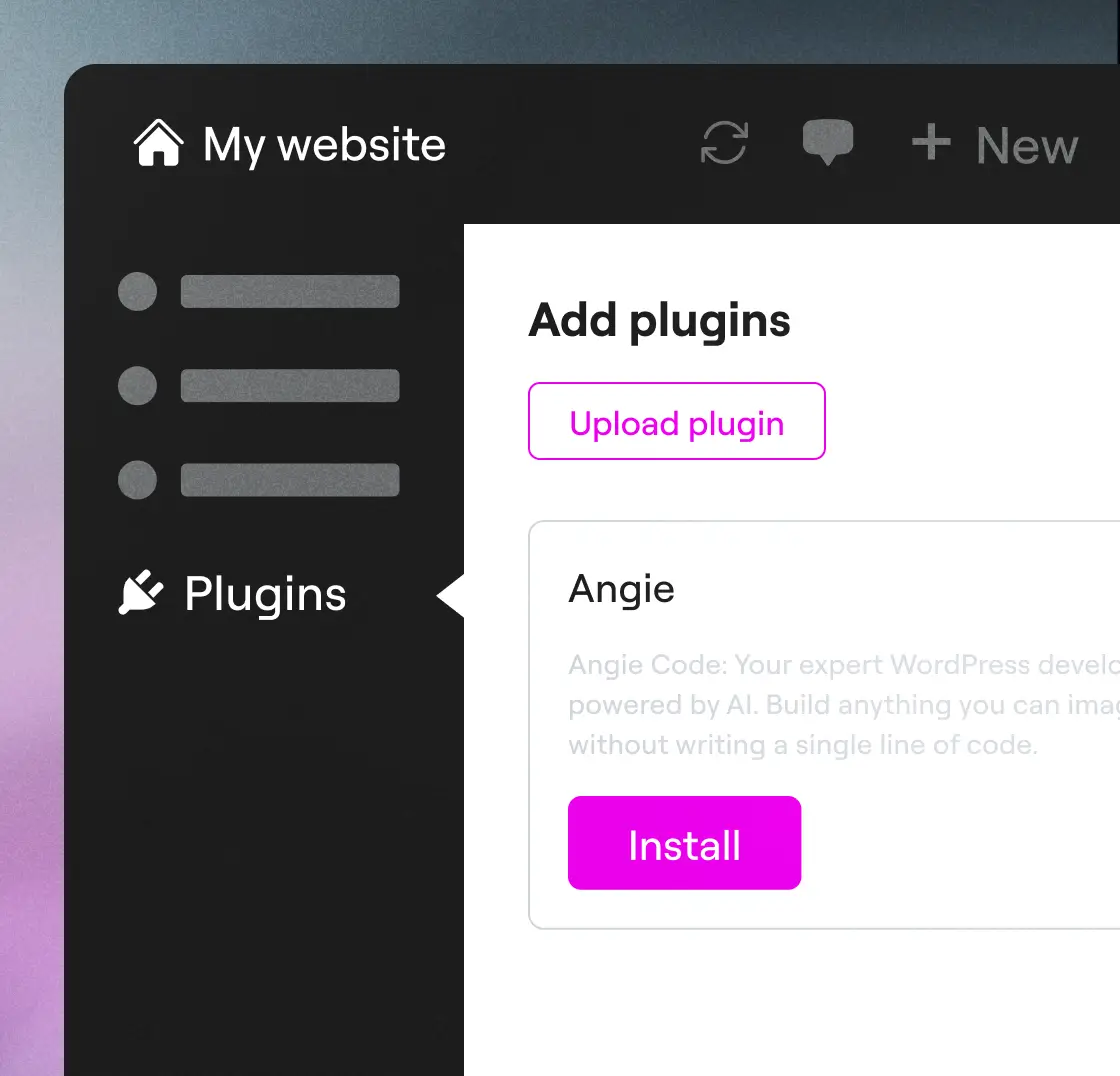
Step 1
Download Angie
Install Angie via your WordPress dashboard: go to Plugins → Add New → search “Angie”, click Install, then Activate to connect to your site.
Step 2
Prompt and go
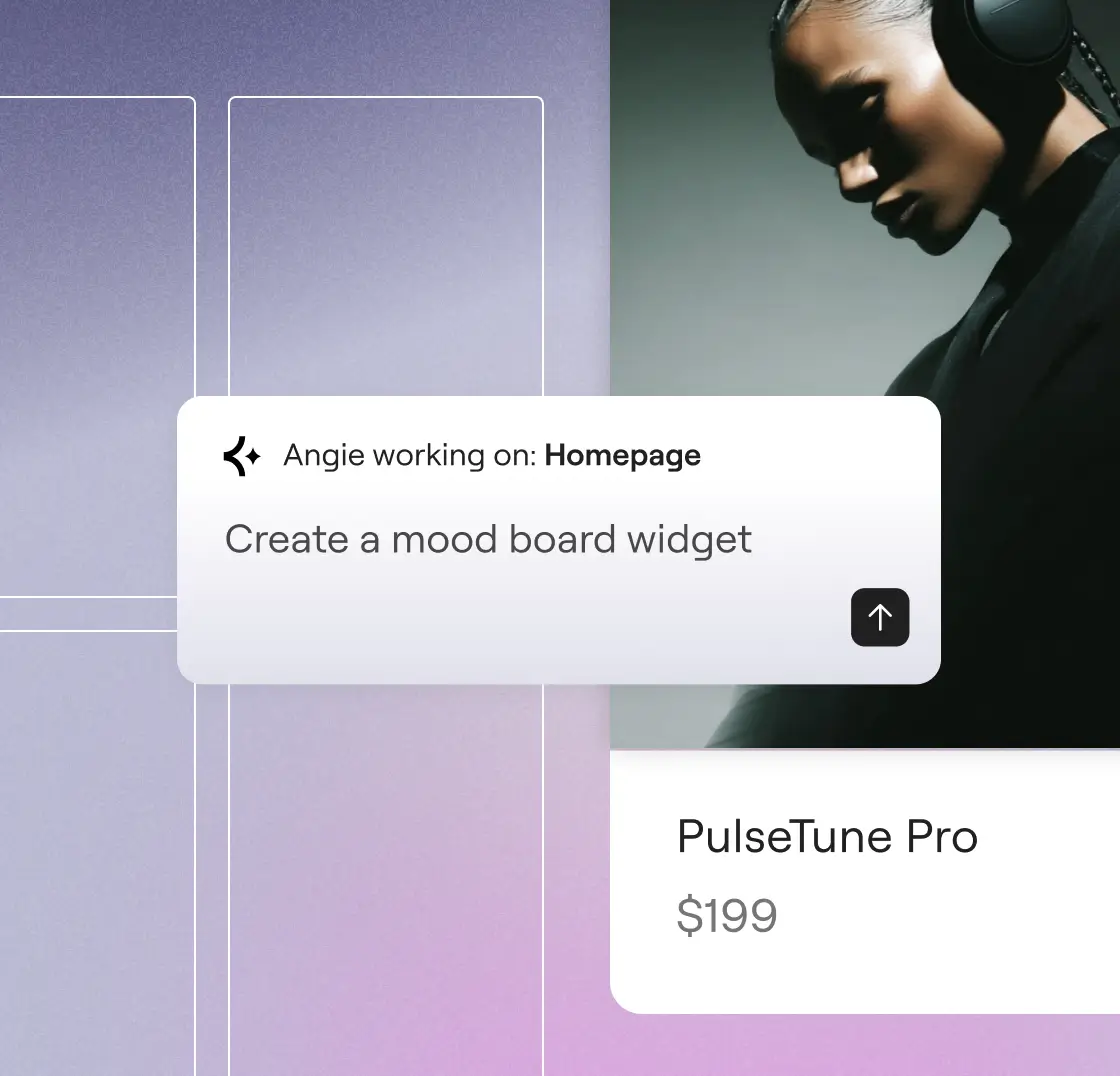
Describe what you want to create. Angie understands your intent, and builds it for you in minutes.
Step 3
Review and approve
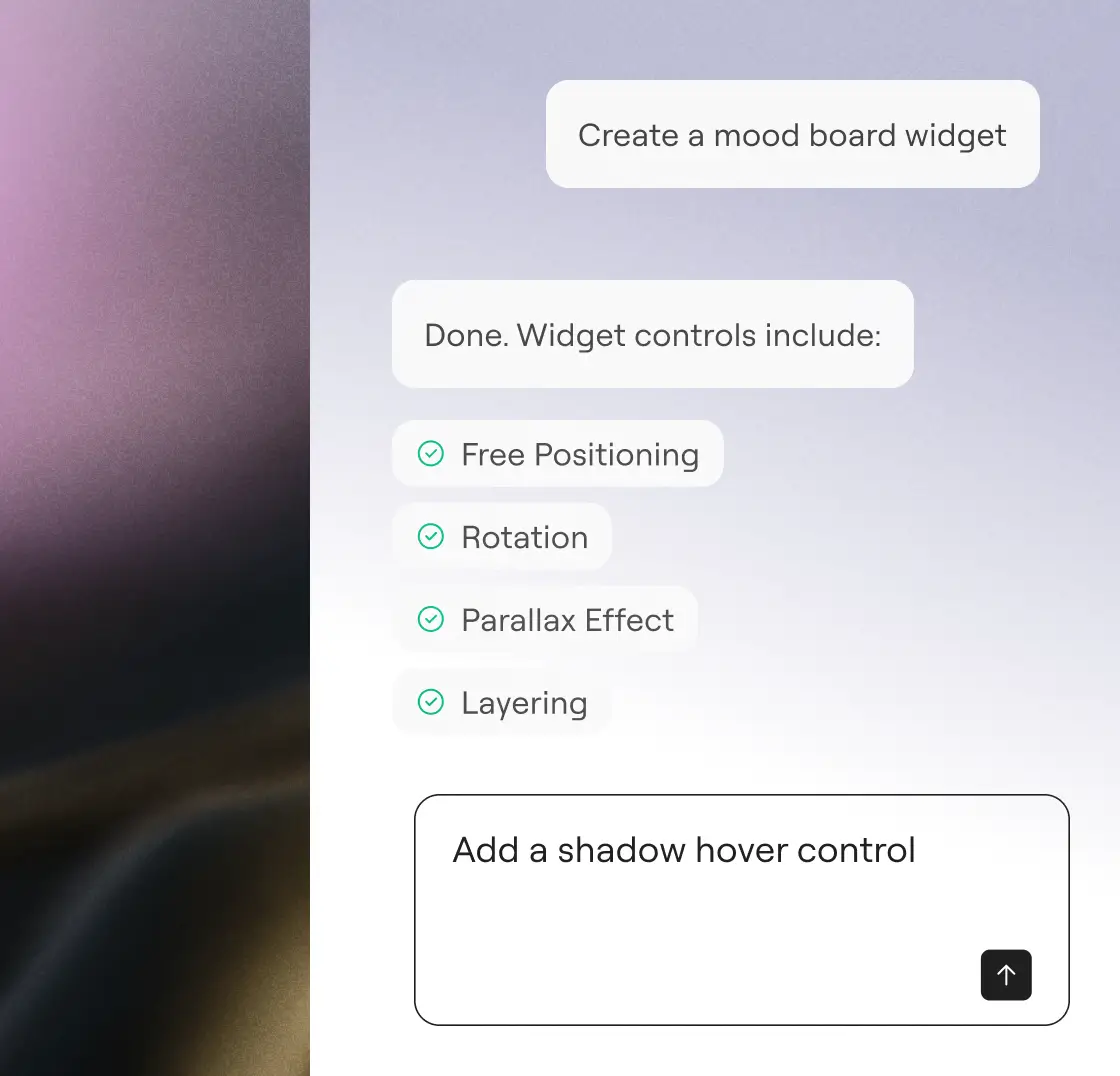
Review the work, optimize with simple prompts, and approve. With Angie, you’re always in control.
"I would have to pay someone like $20,000 to design and engineer this... But it did it first time. I was blown away."
Imran Siddiq Web SquadronStart your free trial
Describe what you want. Angie writes the code, applies it, and manages your site, without leaving WordPress.
More ways to grow with AI
Learn how Model Context Protocol enables Angie to act with context, powering integrations, workflows, and transformative WordPress capabilities.
AI prompt library
Get started with ready-to-use prompts for faster WordPress workflows and discover what you can do with Angie.
Learn moreMCP explained
Understand what Model Context Protocol is and how it creates the foundation for intelligent, native AI actions inside WordPress.
Learn moreAI-ready sites
Learn how to prepare your site for AI-driven workflows with practical steps that enable Angie’s full potential.
Learn more