Site Management for WordPress
One place to manage all your WordPress sites
Monitor, maintain, and optimize all your WordPress sites from one centralized dashboard.
Start free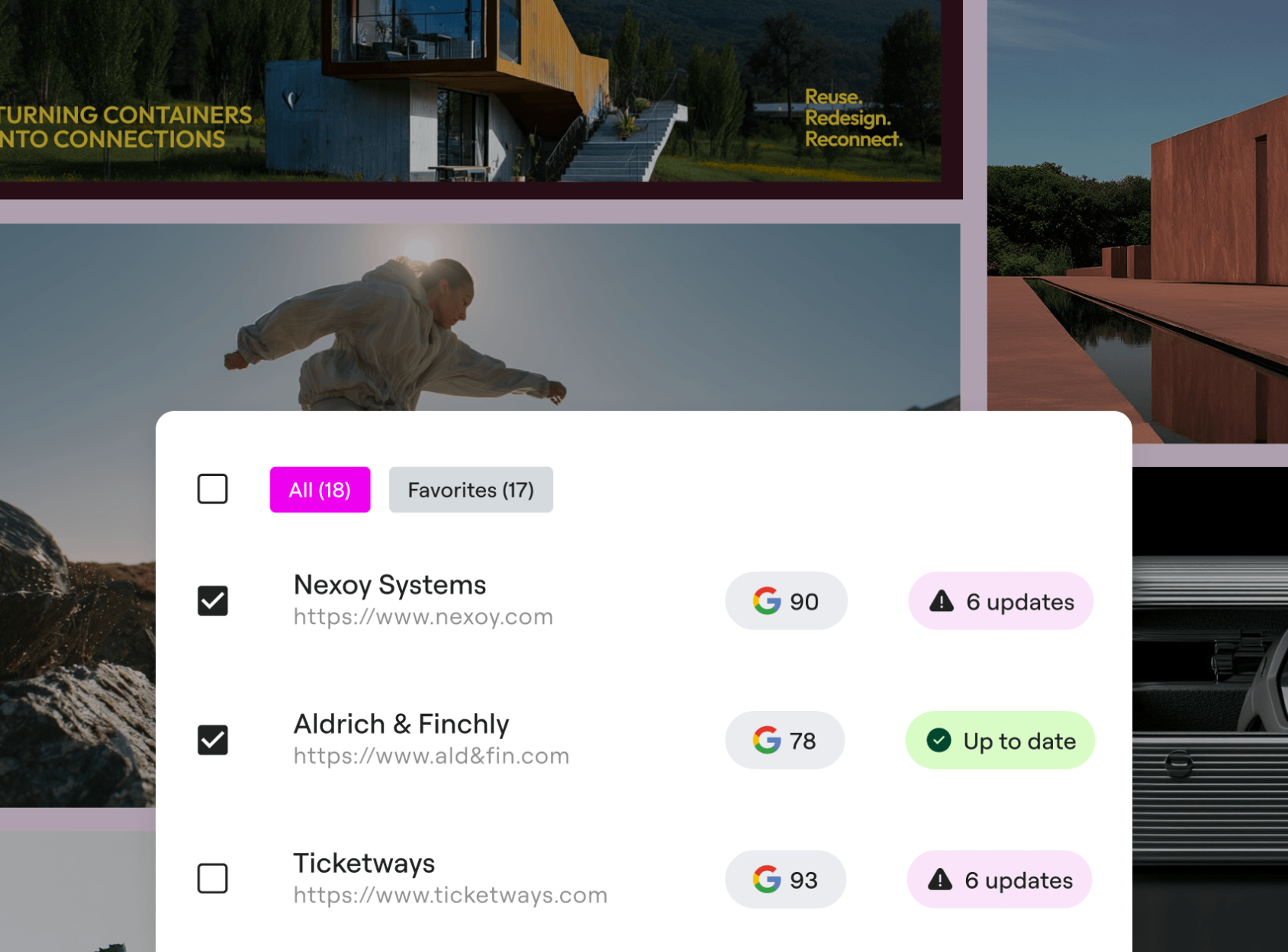
Monitor sites in real-time
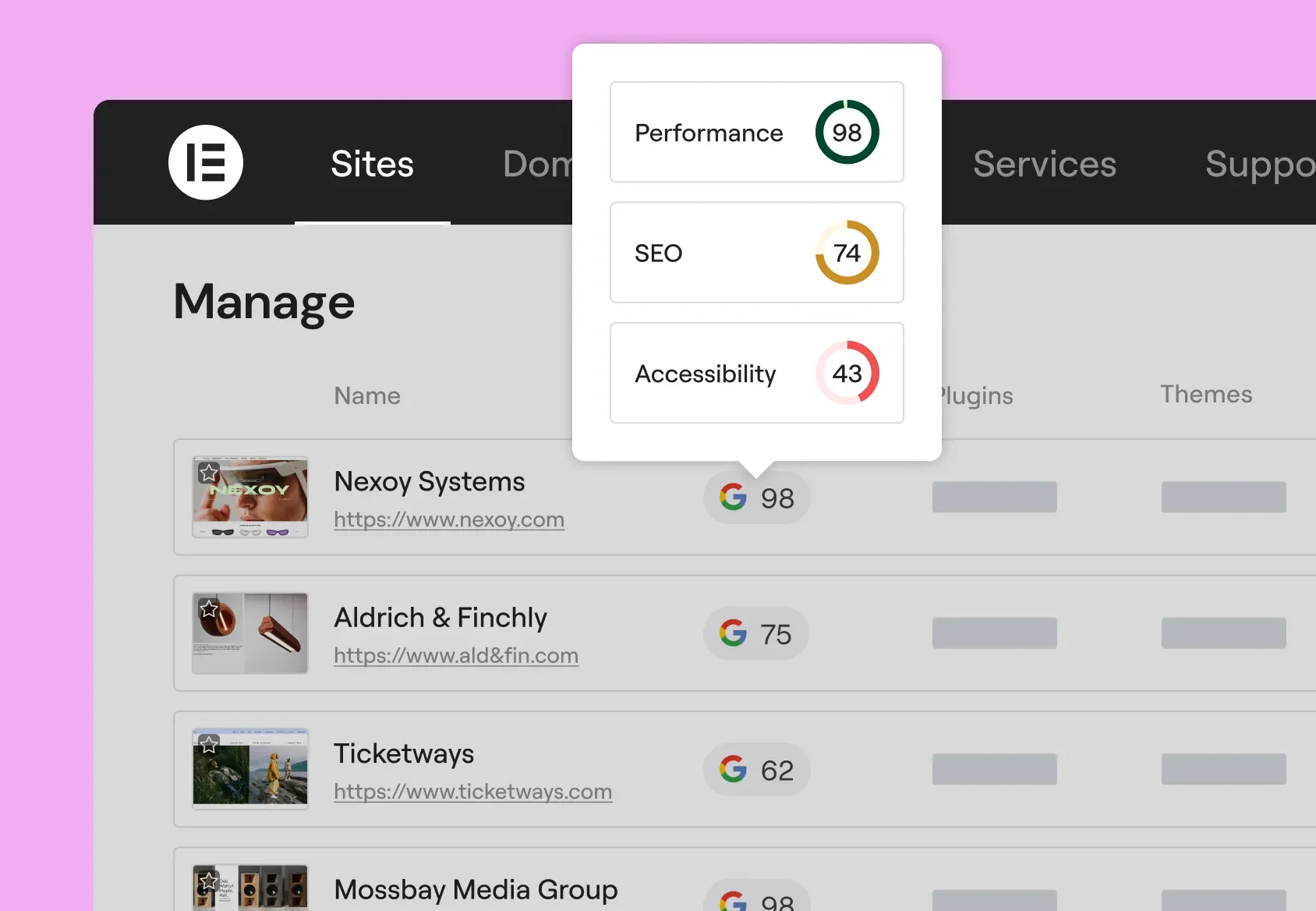
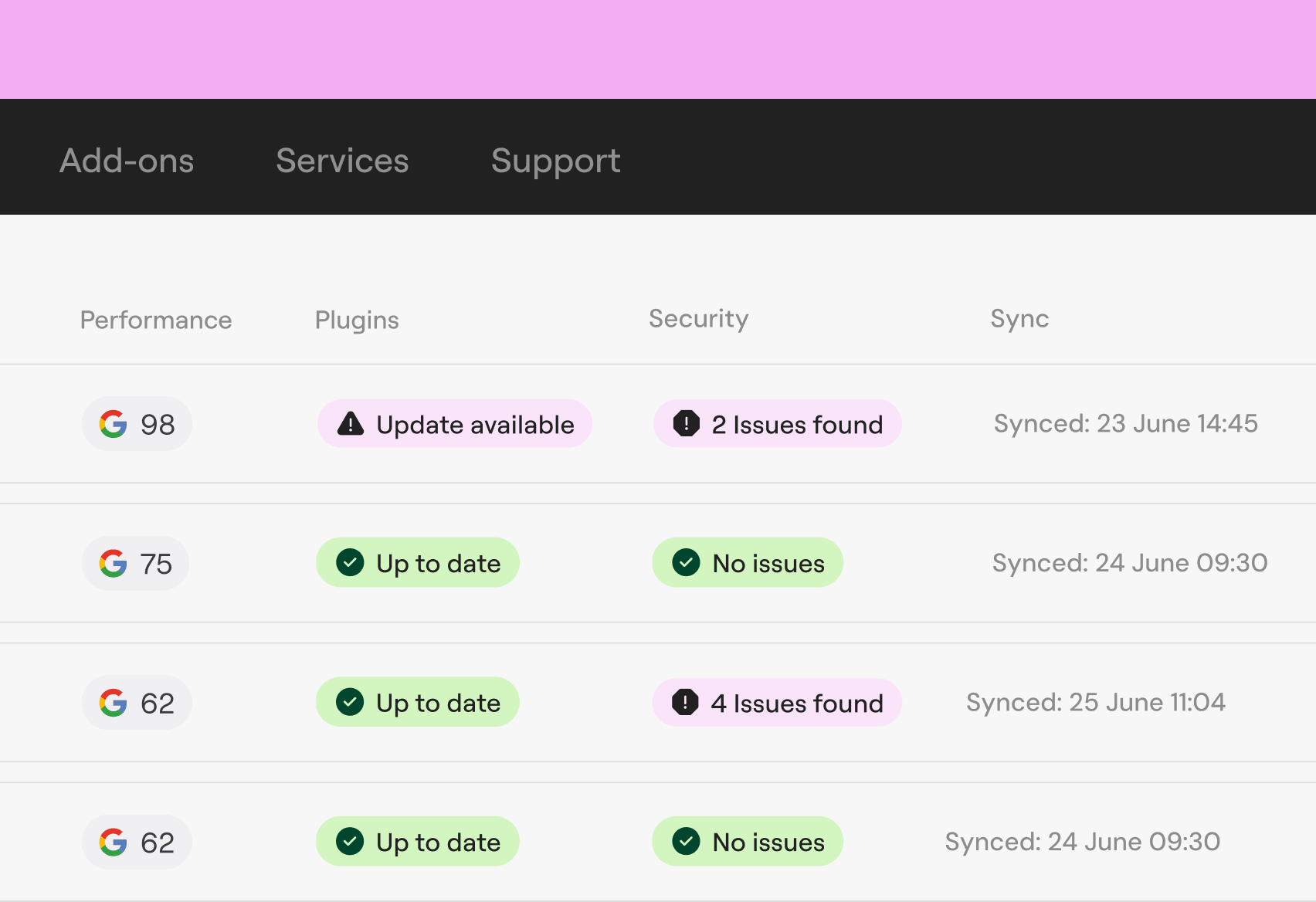
Get real-time visibility into uptime, speed, site health, and security from one command center.
Optimize across all your sites
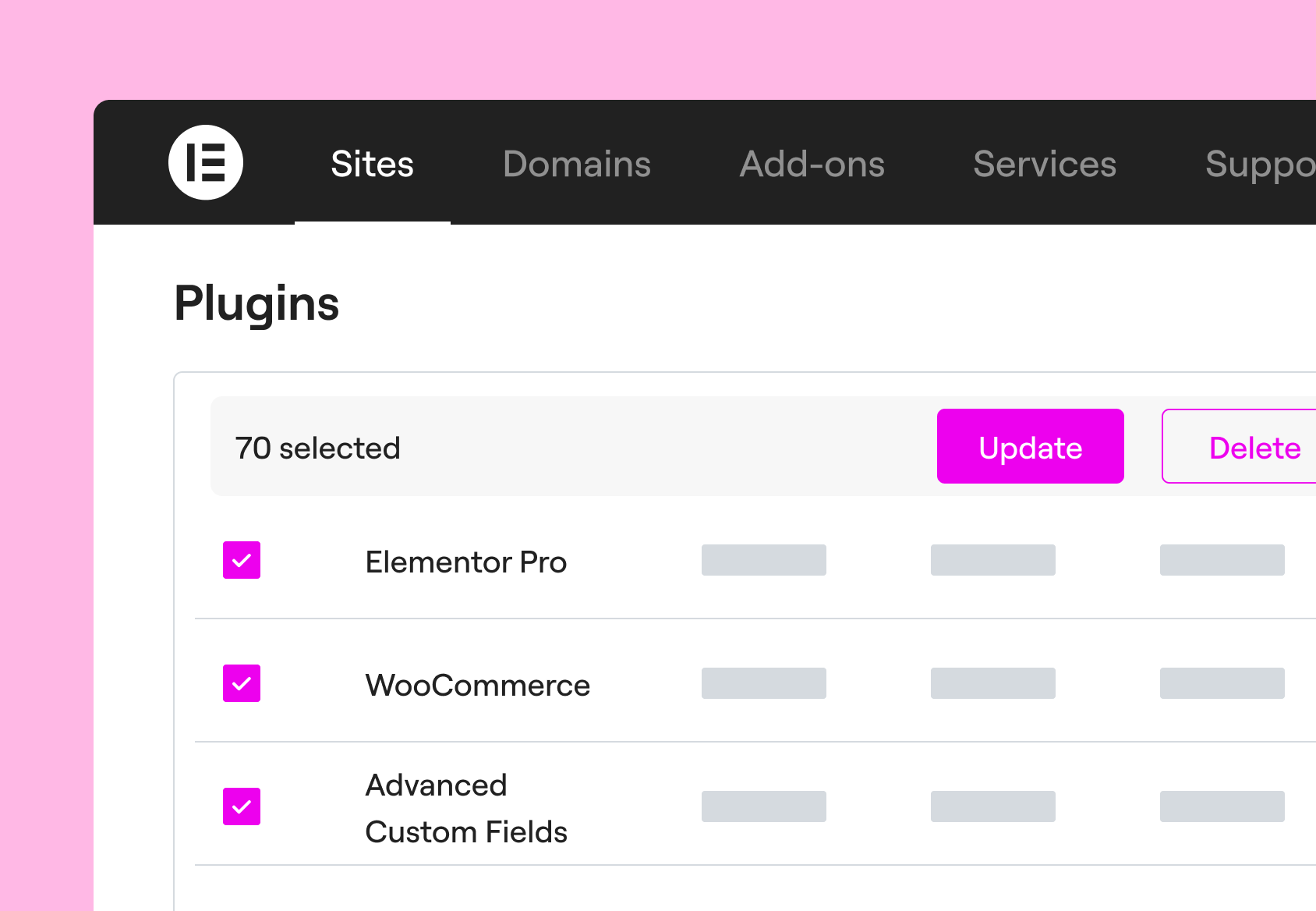
Update plugins, themes, or WordPress versions across all your sites at once.
Maintain sites with confidence
Keep every site running at its best with safe updates thanks to one-click rollbacks and proactive upkeep.
Stay ahead of issues, on every site, all the time
Spot and fix issues proactively. Make sure the only thing your clients notice is a website that never fails.
Trusted by agencies and web creators

Elementor One: everything built in
The premium version of Manage comes built into every Elementor One subscription, so you don’t just spot issues, you can fix them instantly.
With Elementor One, you also access Angie, Image Optimizer, Ally, Site Mailer, Manage and Cookiez, keeping every client site running at its best.
Start Manage for free
Get instant visibility into the health of your connected sites from one central dashboard.
Looking to take action with bulk updates, database cleanup, and much more? Premium features are included exclusively in the Elementor One plans featured below.
One
/Mo
/Mo
- Full feature set of , plus:
- 25,000 monthly One credits Editor Pro requires 0 credits. A shared credit pool is available for flexible use across AI features, image optimization, accessibility fixes, emails, and additional features as they're added.
- 1 site
- All features from Pro plans, including
- 85 Editor Pro widgets(included)
- AI generated code, copy, images, & layouts (included)Boost your workflow with powerful AI tools including custom code generation, layout building, image creation, and content writing.
- Image optimization (Valued at /yr)(included) Optimize site performance with bulk image processing for WebP & AVIF conversion.
- Site accessibility (Valued at /yr)(included) Enhance your site’s accessibility with scans, AI-powered fixes, and site-wide improvements, plus a customizable usability widget featuring 15+ tools, screen-reader support, language options, white-labeling, and usage analytics.
- Cookie consent (New)Add a cookie consent banner to your site with cookie scanning, script blocking, consent records, and support for GDPR, CCPA, and other privacy regulations, plus full control over banner design and styling.
- Store 30 Cloud Templates (included)Store sections, containers, and other design elements in the cloud, making them accessible across all your connected sites for a more flexible and scalable workflow.
- Collaborative Notes(included)
- Email deliverability (Valued at /yr)(included) Send reliable, transactional emails with built-in tracking, troubleshooting tools, and advanced authentication, no SMTP plugin required. Enjoy custom domains, detailed logs, resend/testing options, and smart suppression management for smoother, more professional email performance.
- Site management (New) A dedicated management dashboard for your site. Perform plugin and theme updates, track performance, detect security risks, and optimize your site's database from a single interface.(included)
- Full feature set of , plus:
- 25,000 monthly One credits Editor Pro requires 0 credits. A shared credit pool is available for flexible use across AI features, image optimization, accessibility fixes, emails, and additional features as they're added.
- 1 site
- Create
- 85 Editor Pro widgets(included)
- Theme Builder(included)
- Dynamic Content (included)Connect your design to your WordPress content. Use custom fields and post types to display dynamic data anywhere on your site.
- Form Builder (included)Collect leads with professional forms you can integrate with your favorite marketing tools. Then manage and analyze from one central dashboard in WordPress.
- Popup Builder(included)
- Custom code & CSS(included)
- eCommerce features(included)
- AI generated code, copy, images, & layouts (included)Boost your workflow with powerful AI tools including custom code generation, layout building, image creation, and content writing.
- Optimize
- Image optimization (Valued at /yr)(included) Optimize site performance with bulk image processing for WebP & AVIF conversion.
- Site accessibility (Valued at /yr)(included) Enhance your site’s accessibility with scans, AI-powered fixes, and site-wide improvements, plus a customizable usability widget featuring 15+ tools, screen-reader support, language options, white-labeling, and usage analytics.
- Cookie consent (New)Add a cookie consent banner to your site with cookie scanning, script blocking, consent records, and support for GDPR, CCPA, and other privacy regulations, plus full control over banner design and styling.
- Manage
- Store 30 Cloud Templates (included)Store sections, containers, and other design elements in the cloud, making them accessible across all your connected sites for a more flexible and scalable workflow.
- Collaborative Notes(included)
- Email deliverability (Valued at /yr)(included) Send reliable, transactional emails with built-in tracking, troubleshooting tools, and advanced authentication, no SMTP plugin required. Enjoy custom domains, detailed logs, resend/testing options, and smart suppression management for smoother, more professional email performance.
- Site management (New) A dedicated management dashboard for your site. Perform plugin and theme updates, track performance, detect security risks, and optimize your site's database from a single interface.(included)
One Agency
/Mo
/Mo
- Full feature set of , plus:
- 350,000 monthly One credits Credits can be used flexibly across AI features, image optimization, accessibility scans & fixes, emails and additional features as they're added.
- Unlimited sites
- All features from Pro plans, including
- 85 Editor Pro widgets(included)
- AI generated code, copy, images, & layouts(included) Boost your workflow with powerful AI tools including custom code generation, layout building, image creation, and content writing.
- Image optimization (Valued at /yr)(included) Optimize site performance with bulk image processing for WebP & AVIF conversion.
- Site accessibility (Valued at /yr)(included) Enhance your site’s accessibility with scans, AI-powered fixes, and site-wide improvements, plus a customizable usability widget featuring 15+ tools, screen-reader support, language options, white-labeling, and usage analytics.
- Cookie consent (New)Add a cookie consent banner to your site with cookie scanning, script blocking, consent records, and support for GDPR, CCPA, and other privacy regulations, plus full control over banner design and styling.
- Store 50,000 Cloud Templates(included) Store sections, containers, and other design elements in the cloud, making them accessible across all your connected sites for a more flexible and scalable workflow.
- Collaborative Notes(included)
- Email deliverability (Valued at /yr)(included) Send reliable, transactional emails with built-in tracking, troubleshooting tools, and advanced authentication, no SMTP plugin required. Enjoy custom domains, detailed logs, resend/testing options, and smart suppression management for smoother, more professional email performance.
- Site management (New) A centralized dashboard to manage your entire WordPress portfolio. Monitor performance, detect security risks and perform bulk updates and database optimizations from one place.(included)
- Full feature set of , plus:
- 350,000 monthly One credits Credits can be used flexibly across AI features, image optimization, accessibility scans & fixes, emails and additional features as they're added.
- Unlimited sites
- Create
- 85 Editor Pro widgets(included)
- Theme Builder(included)
- Dynamic Content (included)Connect your design to your WordPress content. Use custom fields and post types to display dynamic data anywhere on your site.
- Form Builder (included)Collect leads with professional forms you can integrate with your favorite marketing tools. Then manage and analyze from one central dashboard in WordPress.
- Popup Builder(included)
- Custom code & CSS(included)
- eCommerce features(included)
- AI generated code, copy, images, & layouts(included) Boost your workflow with powerful AI tools including custom code generation, layout building, image creation, and content writing.
- Optimize
- Image optimization (Valued at /yr)(included) Optimize site performance with bulk image processing for WebP & AVIF conversion.
- Site accessibility (Valued at /yr)(included) Enhance your site’s accessibility with scans, AI-powered fixes, and site-wide improvements, plus a customizable usability widget featuring 15+ tools, screen-reader support, language options, white-labeling, and usage analytics.
- Cookie consent (New)Add a cookie consent banner to your site with cookie scanning, script blocking, consent records, and support for GDPR, CCPA, and other privacy regulations, plus full control over banner design and styling.
- Manage
- Store 50,000 Cloud Templates(included) Store sections, containers, and other design elements in the cloud, making them accessible across all your connected sites for a more flexible and scalable workflow.
- Collaborative Notes(included)
- Email deliverability (Valued at /yr)(included) Send reliable, transactional emails with built-in tracking, troubleshooting tools, and advanced authentication, no SMTP plugin required. Enjoy custom domains, detailed logs, resend/testing options, and smart suppression management for smoother, more professional email performance.
- Site management (New) A centralized dashboard to manage your entire WordPress portfolio. Monitor performance, detect security risks and perform bulk updates and database optimizations from one place.(included)
Prices are rounded for display. Your final price at checkout may be slightly lower.
Prices are rounded for display. Your final price at checkout may be slightly lower.
All subscriptions renew based on your billing cycle at list price.
30-day money-back guarantee applies only for annual plans.
Widget List
Free
Essential Pro
Advanced / Advanced Solo / Expert / One / One Agency Pro
Here is the breakdown of credit usage per action
| Capability | Action | One credits* required per action |
|---|---|---|
| Editor Pro | No credits needed | 0 |
| Accessibility scans | No credits needed | 0 |
| Site management | No credits needed | 0 |
| Accessibility fixes | 1 AI accessibility fix | 20 |
| Image optimization | 1 image optimized | 10 |
| Email deliverability | 1 email delivery | 10 |
| Cookie consent | 1 consent | 1 |
| Cookie consent scans | 1 scan | 1 |
| AI Actions (text, code, image &, container generation and more) | 1 AI action | 1-40** |
*Required One credits per action may change from time to time, applying to all plans regardless of purchase date.
** AI Actions measure the usage of generative AI features like text, code, image, and container creation. The exact number of credits for each AI Action varies based on the use case and prompt.
Start free in three easy steps
Step 1
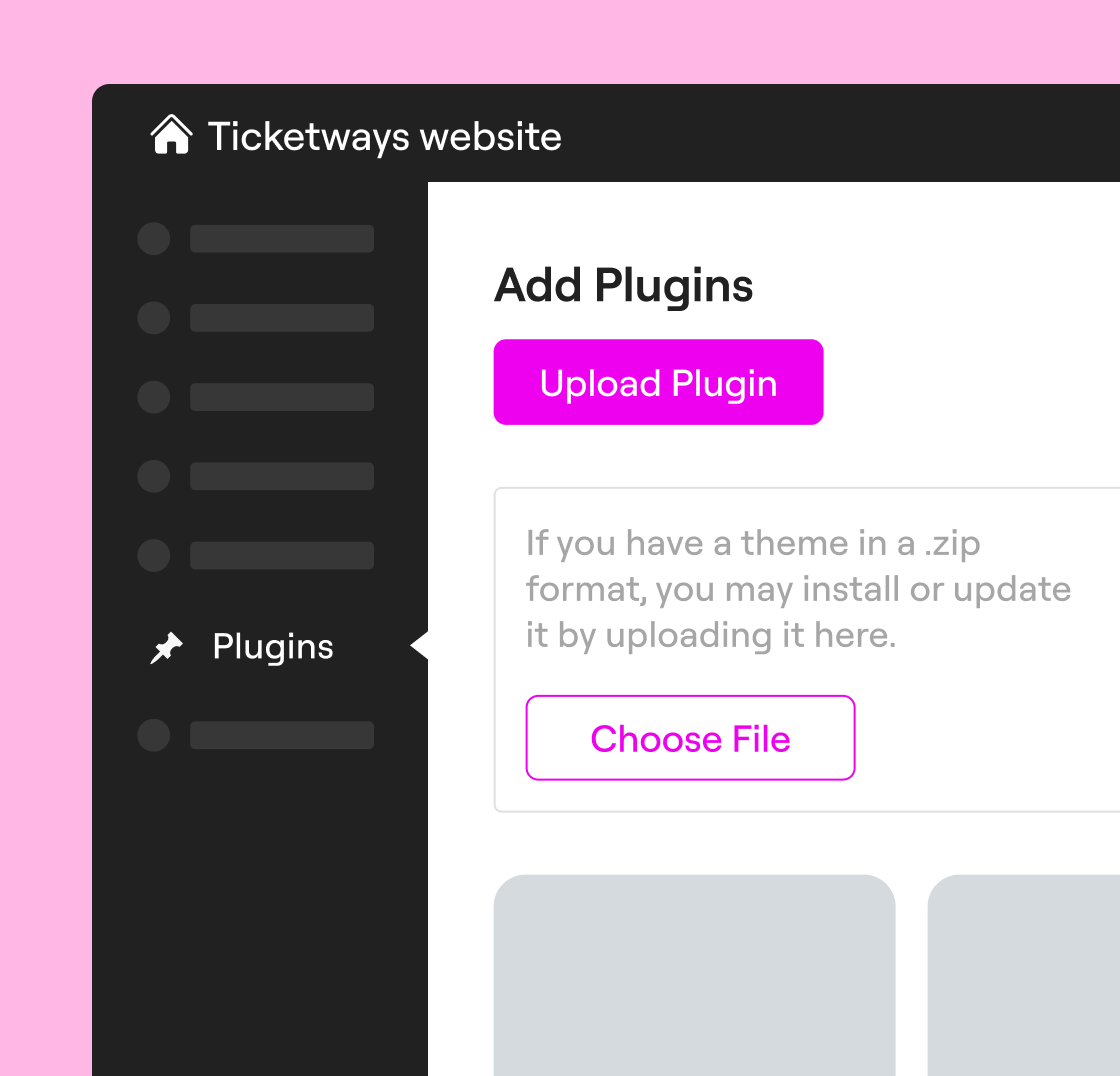
Download and install
Download Manage from the WordPress repository. Add the downloaded zip file on every site you want to use Manage on.
Step 2
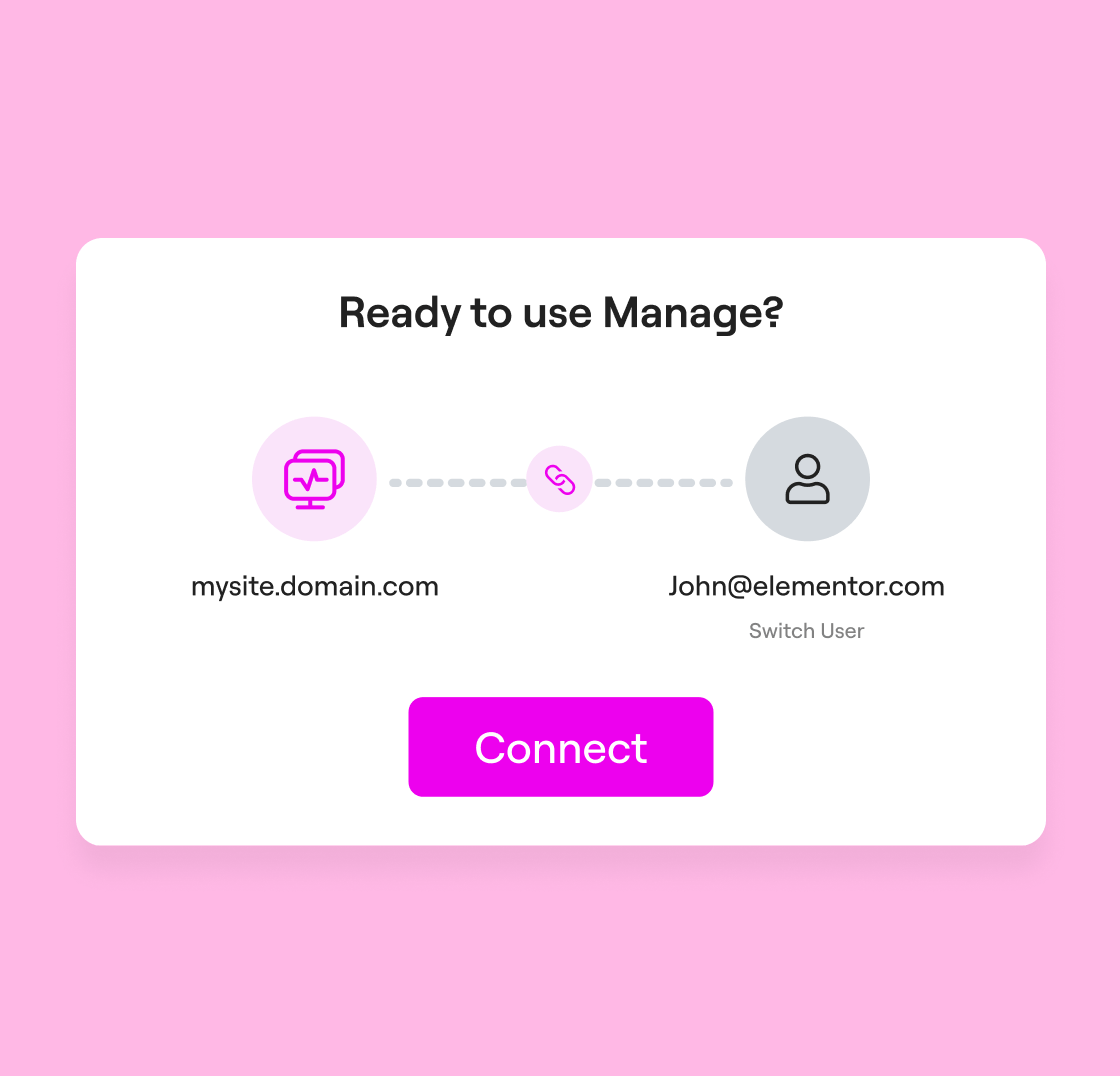
Connect and activate
Connect each site to your Elementor account with a single click. Manage across multiple sites is only a step away.
Step 3
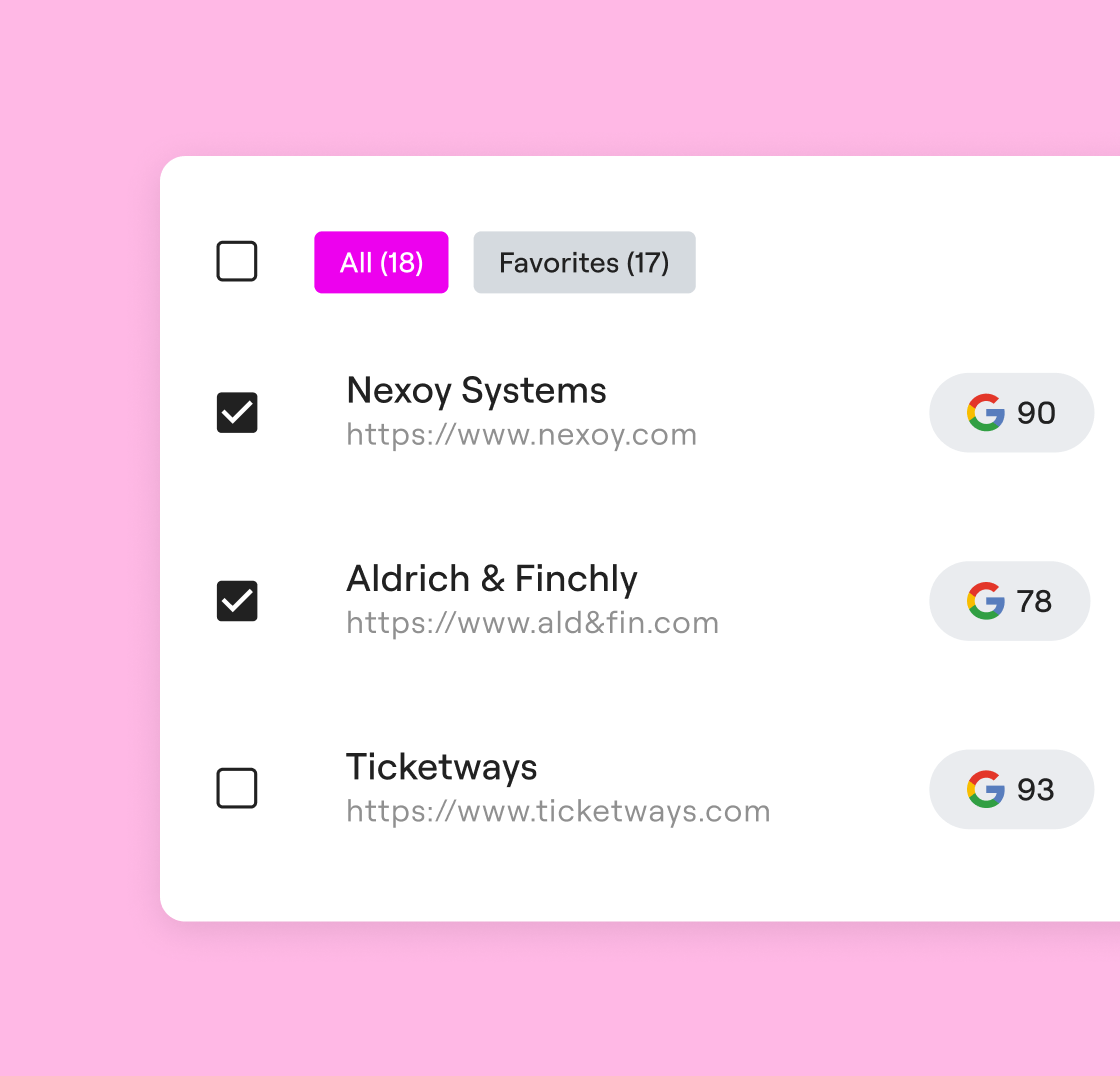
Manage sites
See all your sites at a glance. Monitor, update, and optimize all websites from one dashboard to ensure peak performance.
Manage is a WordPress plugin with a centralized dashboard that lets you manage multiple WordPress sites from one secure, user-friendly interface. Instead of manually logging into multiple WordPress installations, you can perform bulk updates to WordPress core, themes, and plugins across all your connected sites. It provides a comprehensive overview of your sites, allowing you to monitor, maintain, and optimize your portfolio from a single dashboard.
Manage is built for agencies, freelancers who want structured control over site maintenance and performance. It helps you stay in control over your growing list of clients and multiple websites.
For single-site owners, it provides continuous visibility into performance, accessibility, and security, all from one unified dashboard. Instead of manually checking different tools, you can monitor performance trends, run safe updates, clear database bloat, and keep your site optimized with minimal effort.
Manage centralizes operations for everyone. Run bulk plugin, theme, and WordPress updates, detect security risks, track performance history, and use built-in rollback protection to update WP sites with confidence.
Manually switching between WordPress dashboards, updating plugins one by one, and tracking site health separately increases the risk of issues falling between the cracks and wastes valuable time. Manage lets you monitor multiple websites from one dashboard, keeping everything well organized with one comprehensive overview and dashboard. With bulk updates, one-click rollbacks, and clear performance reports, you can maintain your WordPress websites faster, safer, and more efficiently.
While the free version provides visibility and monitoring, the premium version (included in Elementor One) unlocks the ability to take action. This includes:
- Bulk Updates: Update plugins and themes across multiple sites at once.
- Database Optimization: Reduce database bloat and optimize site speed.
- Advanced Security: Detects and flags security risks via an integration with Patchstack.
- Safe Updates: If needed to revert, perform one-click rollbacks for WordPress core, plugins, and themes.
The pricing for these features is included in a flat monthly fee as part of your Elementor One plan, giving you access to our full suite of management and optimization services.
Premium Manage features are available exclusively through the Elementor One subscription.
With Elementor One, you unlock advanced capabilities such as bulk updates, automatic daily performance scans as well as on-demand scans, database cleanup, and enhanced optimization tools, all integrated into the unified Elementor experience.
Manage’s premium functionality is not sold separately. It’s included with Elementor One, alongside AI, optimization, email, and additional professional tools, giving you a complete system to build, run, and grow your site.
Manage is designed to support both multiple WordPress installations (separate sites on different domains) and WordPress multisite setups, and supports an unlimited number of websites. Whether your sites live on a subdomain, a different server, or within a multisite feature network, you can connect and access them all through the Manage dashboard. This ensures you have a unified view of your entire network of sites regardless of the underlying installation type.
While other dashboard solutions offer site management, Manage is built to integrate seamlessly with the Elementor ecosystem. It provides a more intuitive and unified experience to manage multiple WordPress sites.
Manage offers a convenient “one-click” connection process. Furthermore, when paired with Elementor One, it bridges the gap between spotting a performance issue and taking corrective action.
Manage includes a “safety net” for every update action. Before you update, Manage automatically stores the previous version so you can automatically rollback to a previous version if needed. If a WordPress plugin or theme update causes an issue on a main site or any other sites, you can revert to the previous version with a single click from your dashboard, ensuring your visitors never see a broken page.
No. Whether you are on the free or premium plan, you can connect and manage multiple websites without any restrictions. You can log in, monitor, and create a comprehensive overview for as many WordPress domains as you need.
Manage tracks page speed, SEO, and Accessibility using Google Lighthouse, providing specific scores, optimization tips, and a 30-day history of your site’s performance trends.
While the free version includes automated scans every 14 days, the premium version (available through Elementor One) provides automated daily scans and the ability to trigger manual, on-demand scans as often as every 4 hours to see the immediate impact of your optimizations.
Yes. Patchstack is integrated into Manage, providing you with a trusted WordPress security partner that automatically detects known plugin vulnerabilities before they become threats. You’ll see insights regarding at-risk plugins across multiple WordPress sites, so you can take action fast.
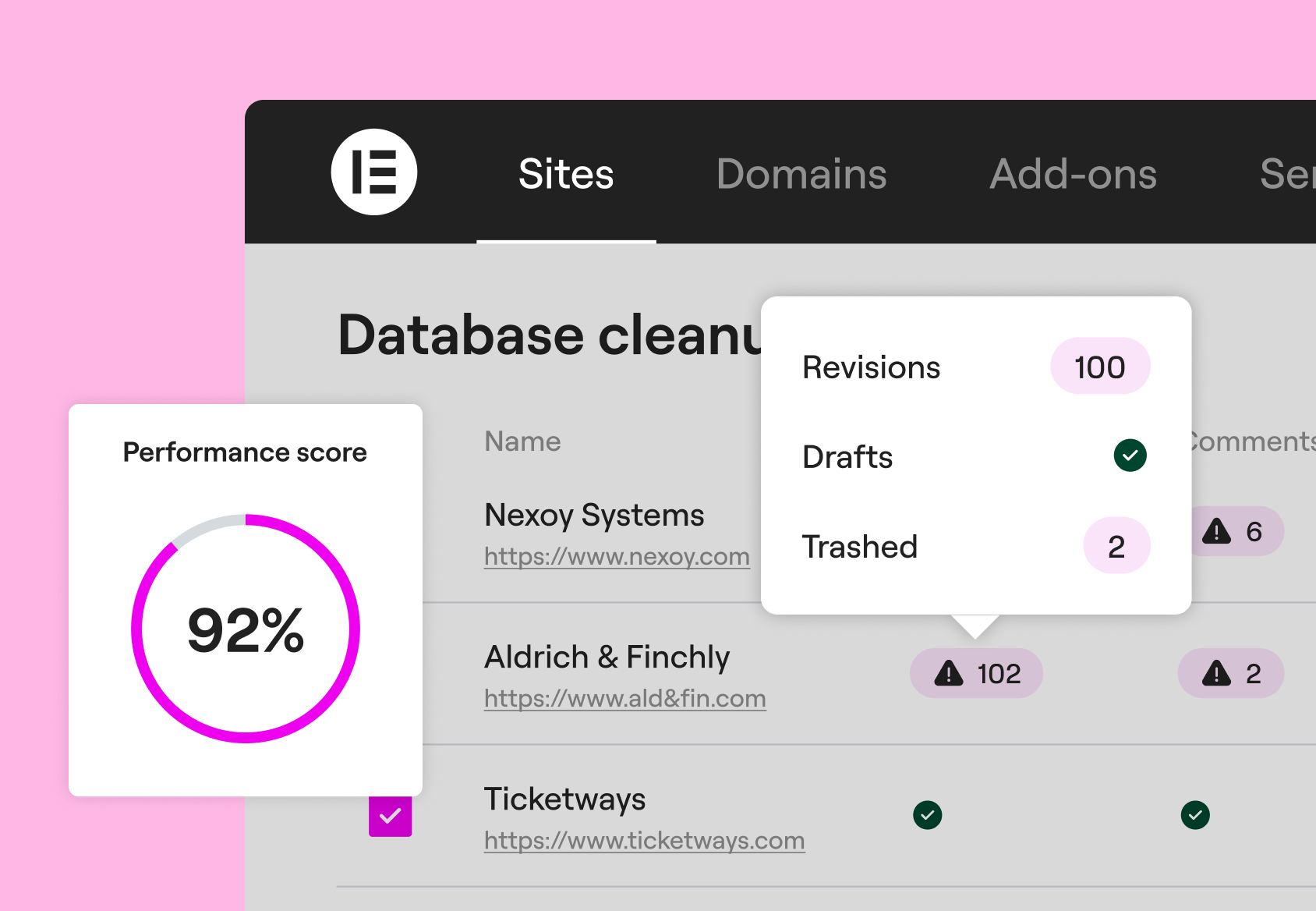
Absolutely. Manage allows you to optimize databases across multiple WordPress websites simultaneously. With Elementor One, you have access to Manage premium features, where you can selectively clear database bloat like post auto-drafts and revisions, comments, or transients to keep your sites lean. This functionality helps you maintain site health with less manual work, ensuring WordPress sites perform smoothly, especially for agencies handling many client websites or WordPress multisite setups.
Yes. The free plan includes unlimited connected sites with view-only performance scans, security risk detection, and one-click login to each site. You can connect as many WordPress websites as you like; there are no site limits.
Premium features such as bulk updates, automatic scans, and database optimization are available with the Elementor One subscription for professional site managing.
It’s a simple three-step process with the premium version of Manage:
- Download and install: Download the Manage plugin from the WordPress repository. Add the downloaded zip file on every site you want to use Manage on.
- Connect: Log into your Elementor account and access your sites with a single click.
- Manage: Start using the single dashboard to monitor, optimize, and manage your entire network of WordPress websites.
Manage integrates seamlessly with Elementor’s ecosystem. To improve performance scores, use image optimization and accessibility capabilities included within Elementor One.