The License option appears when you have an Elementor Pro plugin installed and activated.
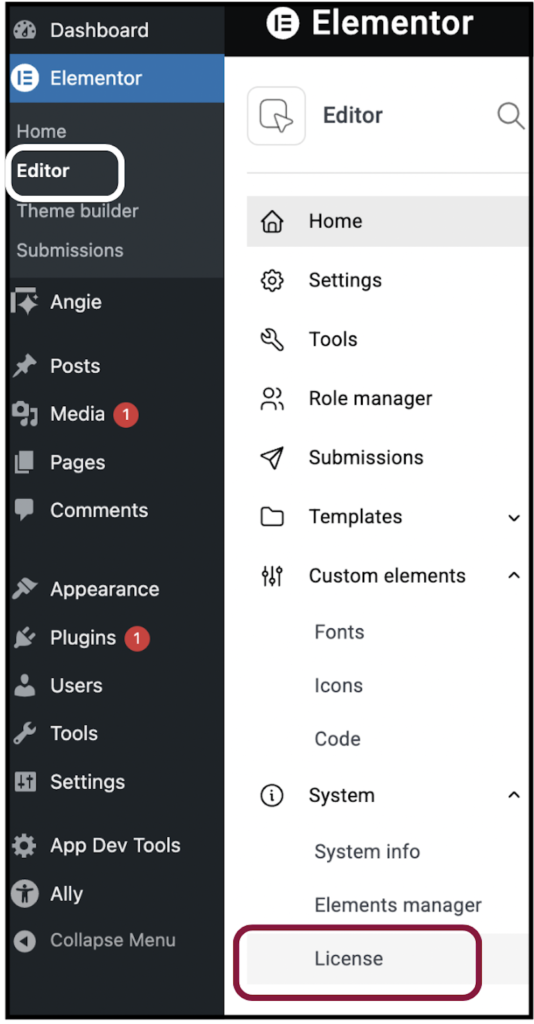
If the License option doesn’t appear:
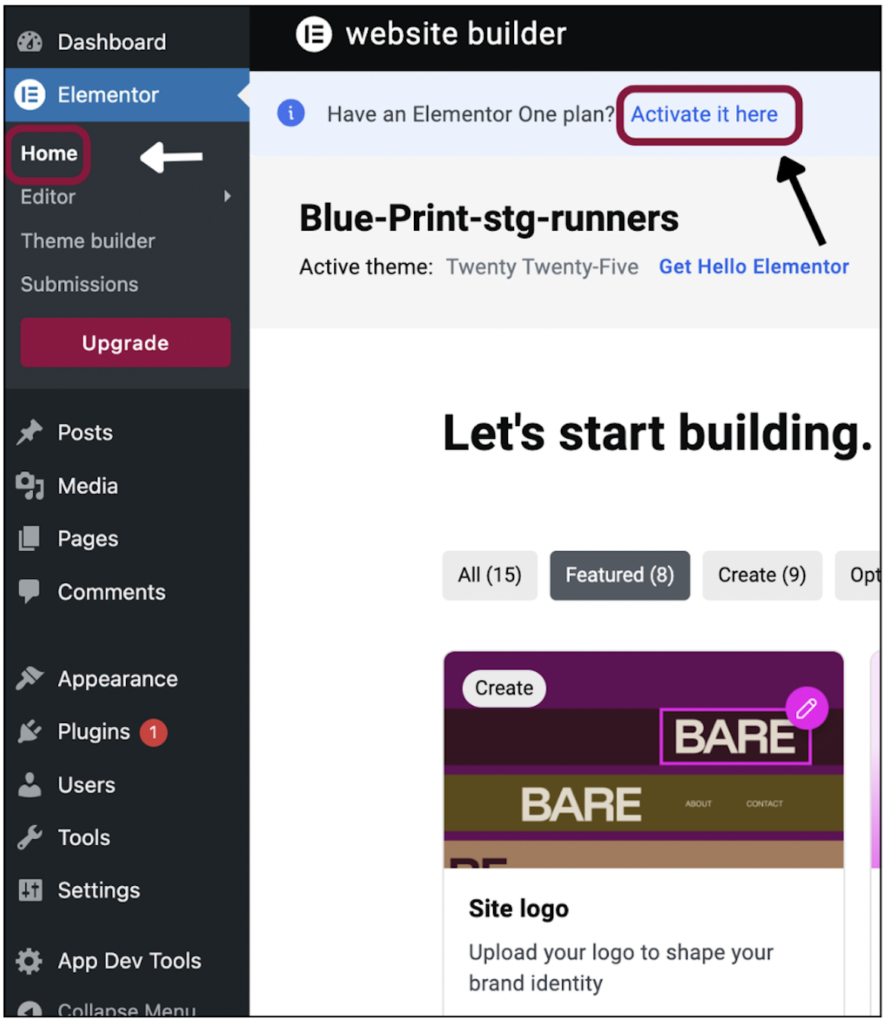
1. Install/activate both the Elementor, and Elementor Pro plugins or if you are ONE user go and activate it from the home page as seen in the next screenshot:
2. If you see an “Upgrade” prompt and no License screen, you probably only have the free plugin installed.
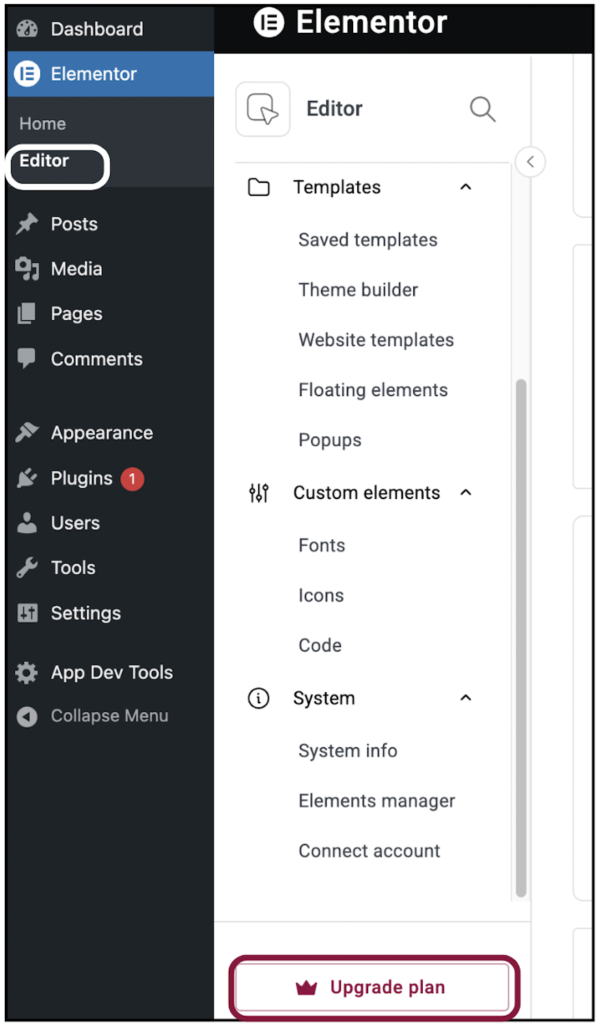
3. After installing Elementor Pro, follow the connection process and the License option will appear. For details, see Connect and activate Elementor Pro.

