In case you want to transfer your Elementor Pro license from one domain to another:
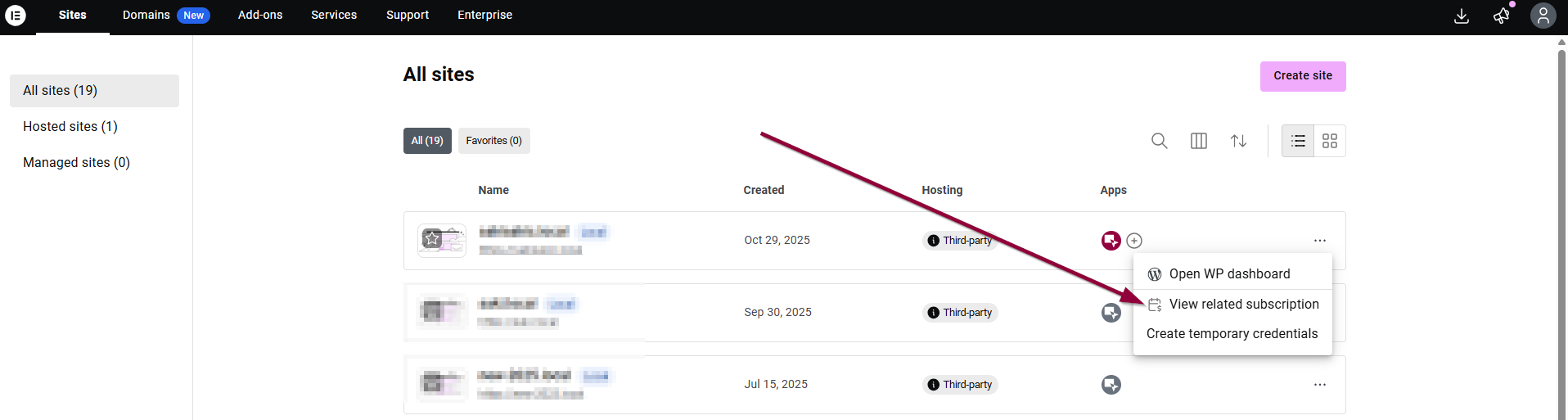
- Head over to your account , under ‘Sites’, locate the website you want to deactivate.
- Then, click on the 3 dots menu on that website, and click “View related subscription”.
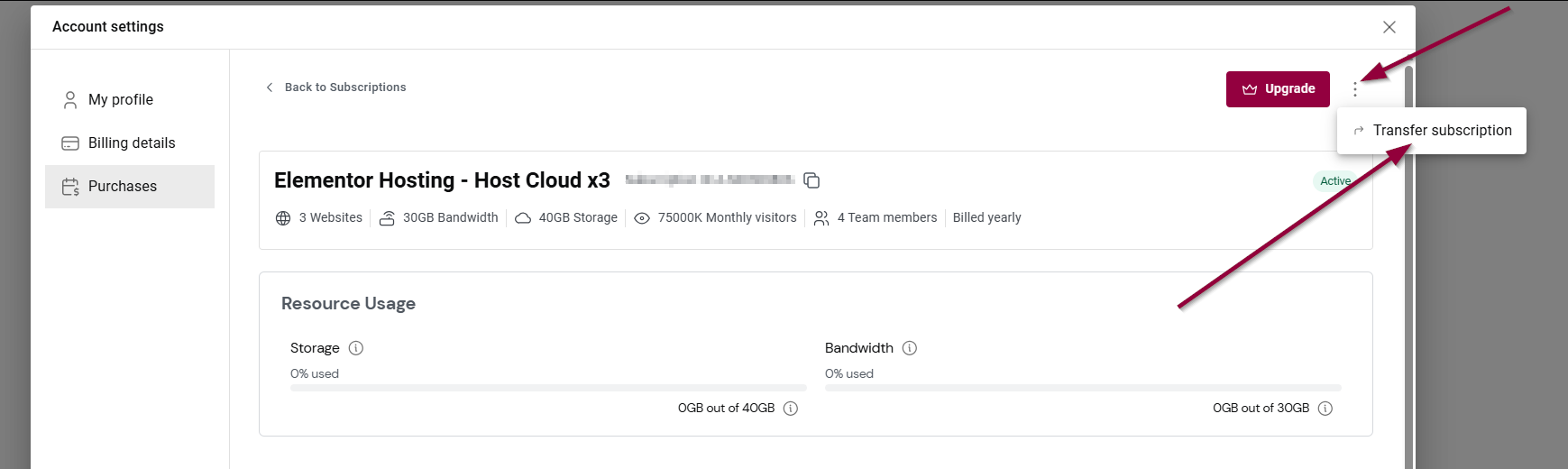
- Then, click on the three dots and click “Transfer Subscription”
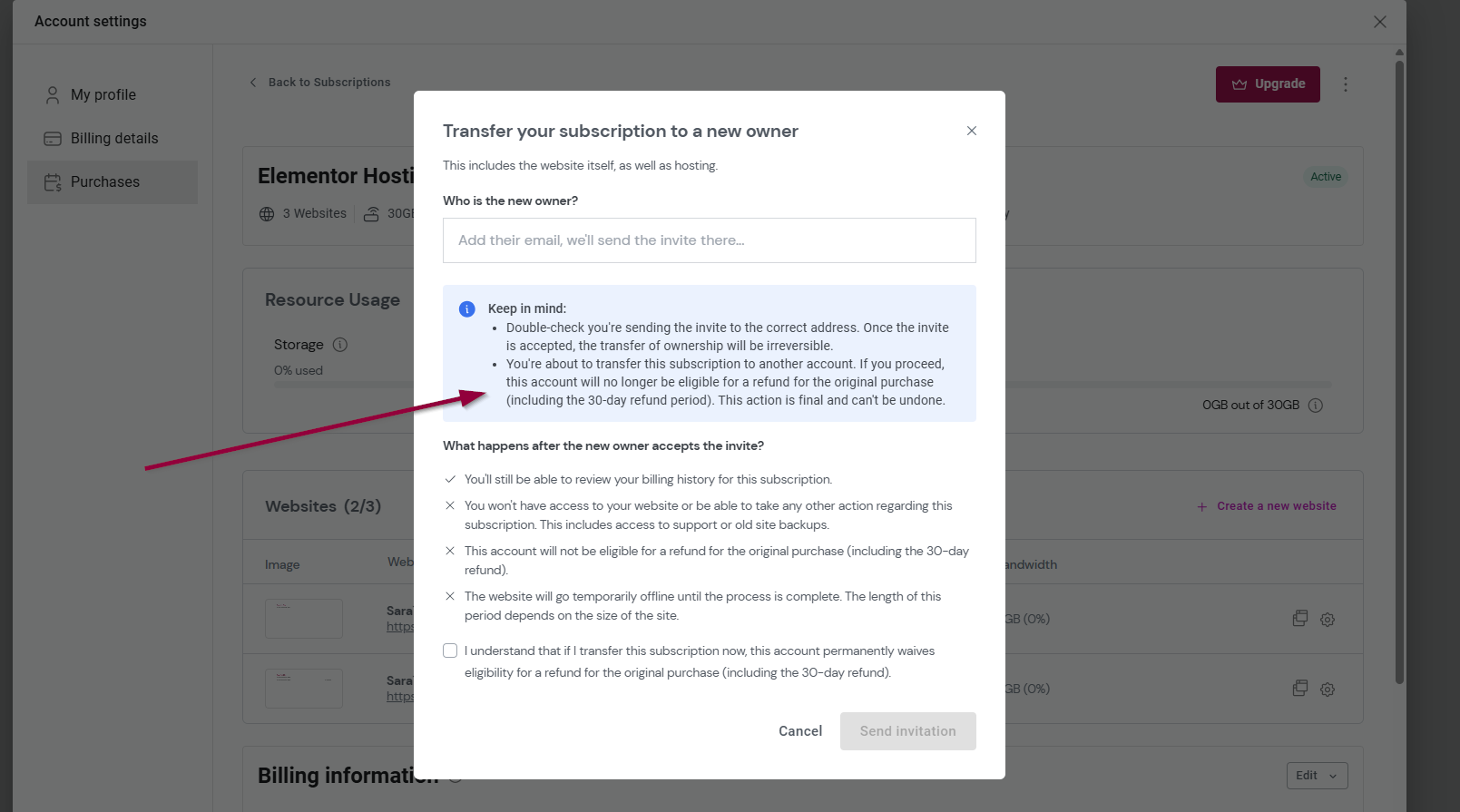
*Note that this account will not be eligible for a refund for the original purchase (including the 30-day refund).
In order to reactivate your Elementor Pro license on another domain see this article. Keep in mind, the ability to deactivate and reactivate on different unique domains is to enable you to change your website’s unique domain in time of need, and there is a limit on the number of unique domains that can be used under a subscription.

