
Privacy law can feel like a puzzle where the pieces keep changing shape. If your WordPress site gets visitors from California, the CCPA is one you can’t afford to ignore. Don’t worry, it’s simpler than it looks, and we’ll walk through it together.
Key Takeaways
- CCPA requires clear options for California residents to opt out of data sale or sharing.
- A visible “Do Not Sell My Info” link belongs on your homepage where visitors can find it.
- WordPress-native compliance tools keep your site fast and skip third-party dashboards.
- Google Consent Mode v2 support matters if you use Google Analytics or Ads.
- Consent logging is your primary proof of compliance during audits.
Why CCPA Compliance Matters for Your WordPress Site in 2026
Privacy rules have gotten stricter, and regulators now audit small and medium sites too, not just large corporations. Under the CCPA, personal information covers IP addresses, cookie identifiers, emails, and browsing history, so Google Analytics, Meta pixels, or marketing forms already count as data this law covers.
Meeting these standards isn’t just about avoiding fines. It’s about building trust, a clear privacy notice makes visitors feel safer, and that shows up as better engagement and cleaner data.
In 2026, the California Privacy Rights Act (CPRA) amendments raised the bar again: sharing data for cross-context behavioral advertising now counts the same as selling it, so your tracking scripts need a clear opt-out.

The Core Steps: How to Set Up CCPA Compliance on WordPress
Setting this up doesn’t take a law degree or a developer on retainer. Here are the five steps that matter most.
- Audit your tracking scripts and cookies, Run a scan that lists every cookie, pixel, and script on your site.
- Display a “Do Not Sell or Share My Personal Info” link, Place it in your footer so California visitors can opt out in one click.
- Set up a geo-targeted banner, Show CCPA notices only to California visitors.
- Update your Privacy Policy, Add a section covering California residents’ rights to access, delete, and opt out.
- Keep secure consent logs, Store a record of each opt-in or opt-out as proof if a regulator asks.
The right tool does most of this work for you.
What to Look for in a WordPress CCPA Compliance Tool
Not all consent tools are built the same. Some slow your site down, others make you leave WordPress just to change a button color. Keep these criteria in mind:
- Dashboard integration, Manage everything inside WordPress in one place.
- Geo-targeting capabilities, Shows banners based on visitor location.
- Customization options, Lets you match banners to your brand’s colors and layout.
- Google Consent Mode v2 support, Signals consent states directly to Google’s ad and analytics platforms.
- Automated scanning, Checks your site regularly for new cookies or scripts.
- Clean code execution, Avoids layout shift and keeps your pages loading fast.
10 Best CCPA Compliance Tools for WordPress (2026)
Here are the tools that can help you handle your California privacy obligations, chosen for ease of use and native integration.
1. Cookie Consent
If you want a modern way to handle compliance, Cookie Consent is a great place to start. It’s Elementor’s cookie consent capability, built natively for WordPress, so there’s no jumping between external accounts. Setup takes under five minutes.
You can scan your site, sort cookies into categories, and style banners that match your brand. Geo-targeting shows California users the required “Do Not Sell” options while European users see GDPR-specific choices, and Elementor’s Cookie Consent capability keeps your design consistent and fast.

- Builds custom consent banners that fit your site design.
- Scans your site automatically to find and categorize tracking cookies.
- Logs consent actions securely for a clear audit record.
- Supports Google Consent Mode v2 out of the box.
- Manages scripts from a single, centralized WordPress dashboard.
- Translates banners into multiple languages for global audiences.
Pros: No external dashboards, fast setup, clean WordPress integration.
Cons: Best suited for sites already using the Elementor ecosystem.
Verdict: The top pick for WordPress owners who want speed, native integration, and polished design.
2. CookieYes

CookieYes is a well-known name in the privacy space, with a dedicated WordPress integration that connects your site to its cloud platform. It includes a full scanning engine to catalog cookies, and setup is well-documented and beginner-friendly.
- Scans your site regularly to discover hidden tracking scripts.
- Generates customized privacy policy pages using simple templates.
- Blocks third-party scripts automatically until the user consents.
- Records consent choices in a cloud-based registry.
- Detects user locations to show location-specific privacy notices.
- Integrates with major tag managers to manage scripts.
Pros: Strong cloud-backed logs, a reliable cookie scanner, solid multilingual support.
Cons: Settings live on an external site, slowing your workflow.
Verdict: A reliable pick if you don’t mind an external cloud app.
3. Cookiebot

Cookiebot is an enterprise-grade compliance solution running through a dedicated cloud setup, valued for automated cookie-scanning that keeps your cookie list current. It’s useful for larger sites with hundreds of cookies. If you’re already using Elementor for your website design, Cookiebot adds its script through an external server.
- Identifies trackers using a large global cookie database.
- Holds scripts from loading until the visitor interacts with the banner.
- Delivers scanning reports directly to your inbox.
- Synchronizes with Google Consent Mode v2 to protect your ad metrics.
- Saves user consent states in a secure cloud environment.
- Displays clear opt-out options tailored to CCPA requirements.
Pros: Precise automated cookie detection and strong enterprise scaling.
Cons: Can get pricey for larger sites; setup means configuring tags in the cloud.
Verdict: A good fit for corporate sites that need hands-off cookie cataloging and the budget for it.
4. Complianz

Complianz is a privacy tool built specifically for WordPress. A step-by-step wizard asks about your business and configures your legal notices from your answers. It works entirely within your local WordPress database, so you keep full control of your data, and it supports both CCPA and GDPR with different layouts.
- Asks targeted questions to build a personalized compliance path.
- Creates custom legal documents like a “Do Not Sell” page.
- Connects to your local database to keep consent logs private.
- Styles notices using a built-in visual editor.
- Supports popular contact forms and analytics tools.
- Adjusts banner display based on visitor IP.
Pros: Clear wizard-driven setup; your data stays on your own server.
Cons: The interface can feel busy with so many settings and legal terms.
Verdict: A strong pick for hands-on owners who want a local, wizard-style walkthrough.
5. iubenda

iubenda takes a lawyer-led approach to compliance, giving you a full suite of legal documents, privacy policies, and cookie consent banners maintained by its legal team. When privacy laws shift in California or elsewhere, its team updates the text so your site stays protected without extra work on your end.
- Generates privacy and cookie policies drafted by legal experts.
- Updates legal text when privacy regulations change.
- Configures consent preferences through a cloud dashboard.
- Keeps records of user consent in secure storage.
- Matches your site design using responsive themes.
- Applies specific CCPA updates to your legal agreements.
Pros: Peace of mind knowing legal professionals write and update your compliance text.
Cons: Initial setup can feel dry and technical; pricing scales with site complexity.
Verdict: A great fit for businesses that want legal documents bundled with their cookie consent banner.
6. Termly

Termly is a compliance platform built with small businesses in mind. It bundles a cookie consent manager, a privacy policy generator, and terms and conditions templates in one external dashboard, walking you through basic questions to get your CCPA banner live quickly.
- Builds terms of service and cookie policies quickly.
- Categorizes cookies after scanning your site’s scripts.
- Displays a dedicated CCPA opt-out form.
- Translates content for international visitors.
- Maintains a compliance log for audits.
- Stylizes banners with a simple color picker.
Pros: Clean, modern cloud interface, accessible for non-technical users.
Cons: Entry-level plan includes Termly branding, and setup lives outside WordPress.
Verdict: A solid option for small businesses that need legal templates and a simple banner.
7. OneTrust

OneTrust is a prominent player in enterprise privacy management, built for large companies and high-traffic sites that need detailed compliance monitoring and custom data mapping. It’s heavy-duty, but has a WordPress integration path through custom script placement for large enterprise teams.
- Maps data flows across corporate networks and websites.
- Generates compliance audits for international teams.
- Saves historical consent data for legal reviews.
- Integrates with CRM systems to manage user deletion requests.
- Configures granular geo-targeting down to state level.
- Adapts to dozens of global privacy regulations.
Pros: Extensive compliance features and full corporate auditing tools.
Cons: Overkill for standard WordPress sites; steep learning curve and high cost.
Verdict: The right fit for enterprise organizations with dedicated legal and dev teams that need deep reporting.
8. Osano

Osano is an easy-to-use, reliable privacy platform. A cloud-managed script watches every script on your pages and blocks unauthorized trackers before they run.

- Monitors vendor scripts for privacy standards.
- Blocks non-compliant scripts before they load.
- Displays clear, localized banners based on location.
- Stores consent records in a secure format.
- Supports team workflows for agencies and brands.
- Keeps setup simple with one JavaScript snippet.
Pros: Reliable script-blocking technology and a clean, modern interface.
Cons: Customization on lower tiers is limited, and it requires an external platform.
Verdict: A strong mid-to-enterprise option for companies that want reliable script blocking and privacy monitoring.
9. WP GDPR Compliance
WP GDPR Compliance is a lightweight, community-favorite tool hosted on WordPress.org. Despite its name, it’s grown to help with privacy requirements including the CCPA, adding consent checkboxes and opt-in options directly to your contact forms, WooCommerce checkouts, and comment sections.
- Adds clear consent checkboxes to popular contact forms.
- Keeps all data local without any external API calls.
- Saves user consent history in a database table.
- Supports right-to-be-forgotten requests by letting users delete data.
- Works with standard WordPress themes cleanly.
- Keeps site speed high by avoiding heavy scripts.
Pros: Free, lightweight, excellent for managing form-specific consent.
Cons: Lacks advanced features like automated cookie scanning or visual banner builders.
Verdict: A good budget-friendly option if you only need legal checkboxes and handle cookie banners separately.
10. WebToffee GDPR Cookie Consent
WebToffee’s solution is a widely used, dedicated cookie consent tool for WordPress. It gives you an easy way to build a compliance banner, run cookie scans, and manage script loading, with CCPA templates and the required “Do Not Sell My Info” button ready to go.
- Scans your site from your WordPress admin dashboard.
- Generates a clean cookie policy page with a shortcode.
- Categorizes major scripts like Google Analytics automatically.
- Displays customizable banners matching your site layout.
- Exports consent logs to CSV for local backup.
- Includes templates built specifically for California compliance.
Pros: Simple dashboard layout and clear shortcode implementation.
Cons: Best styling options sit behind the premium version; scanning takes longer on slower servers.
Verdict: A reliable, classic WordPress tool that balances cost and features well.
Side-by-Side Comparison of the Top CCPA Tools
Here’s a quick comparison of how these options stack up on what matters most.
| Tool Name | WordPress-Native Dashboard | Geo-Targeting | “Do Not Sell” Link | Free Tier Available | Google Consent Mode v2 |
|---|---|---|---|---|---|
| Cookie Consent | Yes (Built-in) | Yes | Yes | Yes | Yes |
| CookieYes | No (Cloud-based) | Yes | Yes | Yes | Yes |
| Cookiebot | No (Cloud-based) | Yes | Yes | Yes | Yes |
| Complianz | Yes (Local Database) | Yes | Yes | Yes | Yes |
| iubenda | No (Cloud-based) | Yes | Yes | Yes | Yes |
| Termly | No (Cloud-based) | Yes | Yes | Yes | Yes |
| OneTrust | No (Enterprise Cloud) | Yes | Yes | No | Yes |
| Osano | No (Cloud-based) | Yes | Yes | Yes | Yes |
| WP GDPR Compliance | Yes (Local Database) | No | No | Yes | No |
| WebToffee Consent | Yes (Local Database) | Yes | Yes | Yes | Yes |
Best Practices for Maintaining CCPA Compliance
Once you’ve set up your tool, privacy compliance isn’t a one-time task. Build these habits into your regular routine:
- Perform quarterly cookie scans, New tools or pixels can add cookies unnoticed, so scans keep classifications current.
- Keep your team in the loop, Make sure agencies or teammates know any new script must pass through your consent tool first.
- Test your opt-out forms regularly, Open an incognito window, act like a California visitor, click “Do Not Sell My Info,” and confirm it blocks scripts.

“Compliance isn’t a set-it-and-forget-it project. The key to staying protected under the CCPA is keeping your cookie scanning continuous and your user logs secure and tamper-proof.”
– Itamar Haim, Web Compliance Specialist
Treat privacy as an ongoing habit, and you’ll avoid regulatory headaches while keeping things smooth for visitors.
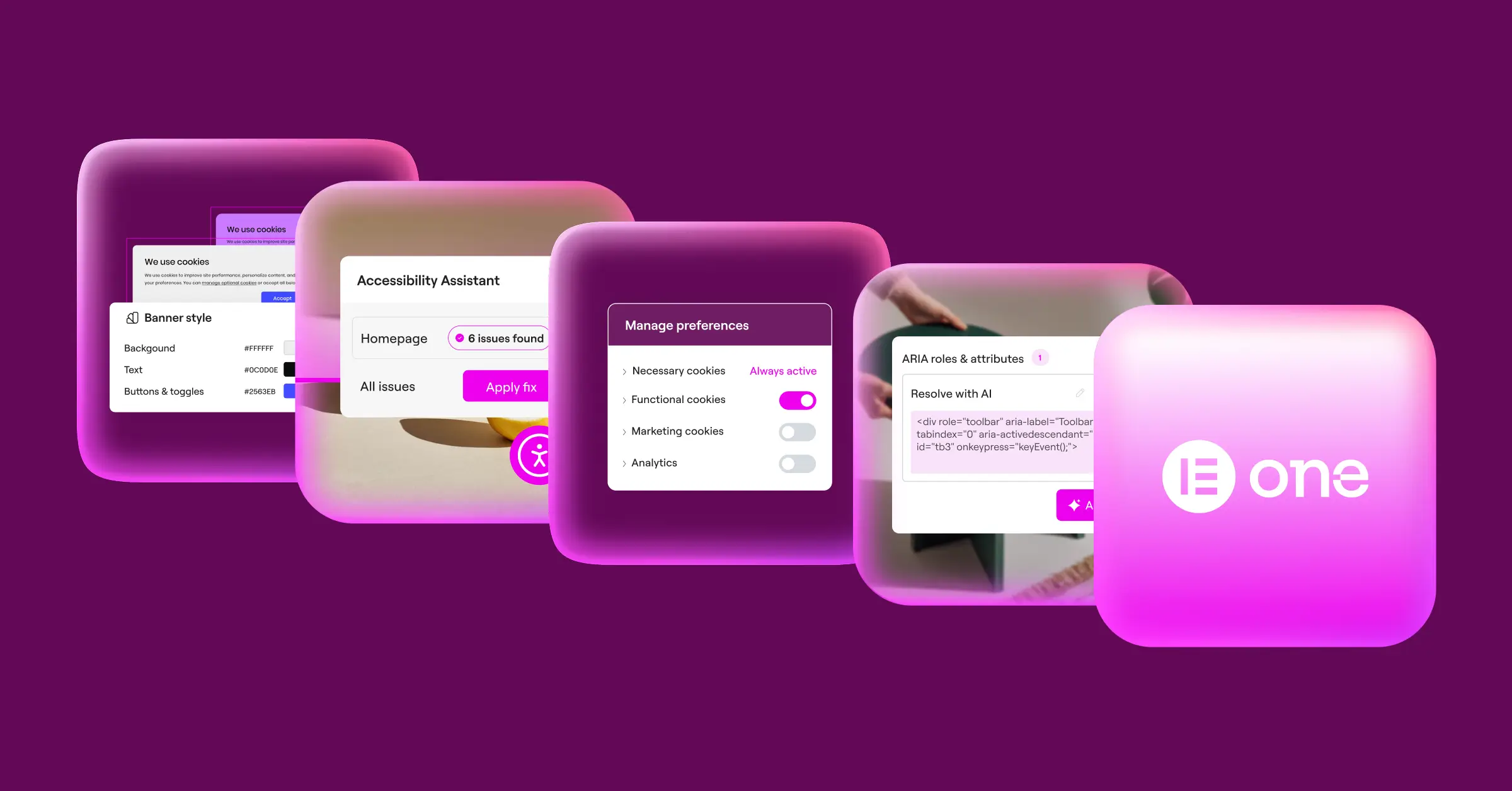
If you’re already using Elementor One, cookie consent and web accessibility sit side by side, a useful pairing for any site serious about compliance.
Frequently Asked Questions
Does the CCPA apply to my WordPress site if my business isn’t in California?
Yes. The CCPA covers any business that collects or processes personal data of California residents, no matter where it’s located. If you serve California visitors, you need to respect their privacy rights.
Do I really need a “Do Not Sell My Personal Information” link on WordPress?
Yes, if you use analytics, tracking pixels, or ad scripts that share user data. The CCPA treats that like selling data, so you need a clear opt-out link in your footer.
How does Google Consent Mode v2 help with CCPA compliance?
It sends your visitor’s consent status to Google Ads and Analytics, keeping your tracking compliant while still letting you gather modeling data when users opt out.
Can I use Cookie Consent for other privacy laws like GDPR?
Yes. Cookie Consent handles several global regulations, with geo-targeting that shows a GDPR-compliant banner to European visitors and a CCPA-compliant banner to California residents.
Is a free cookie consent tool enough to protect my website?
For many small to medium sites, a free tier of a reliable tool is enough, with the script blocking, banner customization, and cookie scanning you need to stay compliant.
What happens if I ignore CCPA compliance on WordPress?
Ignoring the CCPA can lead to civil penalties from the California Attorney General, plus reputation damage and lost visitor trust.
How do I test if my CCPA banner is actually blocking scripts?
Open an incognito window, right-click to open your browser inspector, and check the “Application” or “Storage” tab under Cookies. No non-essential cookies should appear until you give consent.
Does a CCPA banner slow down my WordPress loading speeds?
Some tools add a slight delay loading scripts from third-party servers. That’s one benefit of Cookie Consent, it runs inside WordPress and keeps performance high.

