Table of Contents
47% of users expect pages to load in under two seconds, which makes your platform choice anything but minor in 2026.
The old debate between open-source platforms and proprietary builders has only sharpened.
Key Takeaways
- WordPress powers 43% of the web, well ahead of the 8% combined share of leading builders.
- Proprietary builders carry hidden fees, up to 2% of e-commerce transactions on base plans.
- Data portability is a real risk: 81% of agencies won’t do manual migrations off closed ecosystems.
- Performance gaps keep widening: modern WordPress setups routinely hit a 109ms Time to First Byte (TTFB).
- Custom database architecture gives WordPress unlimited custom post types; builders stick to static pages.
- Unified subscriptions bring enterprise-grade tools to solo creators for roughly $168 a year.
- AI generation differs sharply: closed builders output static layouts; agentic AI in WordPress builds functional, database-driven assets.
The Core Architectural Difference in 2026
Open-source software and software-as-a-service run on different philosophies. WordPress hands you the codebase and database; a website builder rents you space and keeps the infrastructure. Closed platforms feel polished because they restrict what you touch, while WordPress hands you room to build relational databases a closed platform can’t handle.
The conversation isn’t about templates anymore. It’s about data structure. When you scale, you need relational databases, custom schema, and full server-side control to meet modern search engine requirements. Rented platforms eventually become technical debt.
Itamar Haim, SEO Team Lead at Elementor. A digital strategist merging SEO, AEO/GEO, and web development.
So your first decision sets your ceiling: a closed system caps what you can do, an open one hands you the potential to manage yourself.
Direct Feature and Ecosystem Comparison
Marketing pages blur these lines, so here’s where the real gaps in capability appear.
| Technical Capability | WordPress Ecosystem | Proprietary Website Builders |
|---|---|---|
| Database Access | Full MySQL/MariaDB access; completely unrestricted. | Zero direct access; locked behind APIs. |
| Code Modification | Core, themes, and plugins are 100% editable PHP/JS/CSS. | Restricted to custom CSS/JS injections in specific areas. |
| Extensibility | 59,000+ open-source plugins; custom code deployment. | Curated app stores with 300-500 approved integrations. |
| Hosting Infrastructure | Choose any provider; scale to dedicated enterprise servers. | Locked to the vendor’s shared cloud infrastructure. |
| Data Export | Full XML, SQL dumps, and media library extraction. | Limited CSV exports; media often requires manual scraping. |
The plugin repository defines the open-source route: if a feature doesn’t exist, you code it. Builders keep tighter control instead, curating and vetting apps.
The True Cost of Operation Over Five Years
Pricing pages lie by omission: 63% of business owners underestimate renewal costs by year three.
- The Base Subscription Phase – Website builders start at $16 to $25 a month. WordPress is free, though entry-level managed cloud hosting runs $5 to $30 a month.
- The Growth and Add-on Phase – By year two, builders charge premium add-ons, like $15 a month for a booking calendar. WordPress creators often turn to a unified ecosystem instead: Elementor One bundles 25,000 monthly AI credits and pro tools for roughly $168 a year.
- The E-commerce Scaling Phase – Proprietary platforms often take 1% to 2% of gross sales unless you upgrade to a $300+ tier. WooCommerce takes 0% in fees.
- The Enterprise Migration Phase – Outgrow a closed platform by year four and face a rebuild, easily $15,000 or more. WordPress just scales.
Open-source setups ask for upfront plugin purchases; closed platforms charge a permanent, growing tax.
Content Management and Relational Data
Publishing ten articles is easy anywhere, but a 4,000-resource library needs real architecture: structured content hubs generate 67% more qualified leads.
- Custom Post Types (CPTs) – WordPress lets you define distinct structures, separating “Podcasts,” “Team Members,” and “Case Studies.” Closed builders force everything into a generic “Post” or “Page.”
- Advanced Custom Fields – Attach metadata to those CPTs, so a “Real Estate” post gets fields for price, square footage, and agent contact.
- Dynamic Taxonomies – Beyond simple categories, build relational tags that let users filter content by specific cross-sections.
- Dynamic Templating – Design one template for “Case Studies” and the system populates it automatically, instead of 50 separate pages.
Proprietary platforms handle brochure sites well but struggle under relational data, so directories or large archives will frustrate a visual builder.
Performance Benchmarks and Core Web Vitals
Speed is a measurable ranking factor, and Google cares about Core Web Vitals, not your platform. Shared SaaS infrastructure often means noisy-neighbor syndrome: you get whatever server configuration they give you.
- Time to First Byte (TTFB) – Modern WordPress on Google Cloud C2 infrastructure routinely hits 109ms, versus 300ms to 500ms on hosted platforms.
- Asset Optimization – WordPress gives granular control over caching, including Redis object and edge HTML caching. Proprietary systems cache automatically, with no manual control.
- Image and Format Control – Open-source tools let you set exact compression ratios and force AVIF delivery. Image Optimization automates up to 60% file size reduction.
- Code Modularity – Builders load monolithic JavaScript globally. Professional WordPress setups load scripts only where needed.
You can’t fix a slow server on a closed platform, only ask support. Open source lets you migrate to a faster environment.
Design Flexibility and Customization Limits
Templates set boundaries, and 73% of professional designers feel creatively restricted by proprietary builders’ locked grids.
- The Rigid Template Approach – Basic website builders lock you into predefined rows and columns. You swap text and images, not the HTML.
- The Visual Canvas Approach – Advanced SaaS builders offer drag-and-drop freedom but generate heavy, non-semantic code. It looks good until you check the inspector.
- The CSS-First Architecture – Professional WordPress environments prioritize clean code. Elementor Editor Pro uses a V4 Atomic architecture with variables and atomic elements inside a visual interface.
You’re not just moving boxes, you’re authoring semantic HTML5, which matters for accessibility and design consistency at scale.
Third-Party Integrations and API Access
No platform exists in isolation. The average enterprise runs 83 SaaS applications, and your website has to talk to them.
- The REST API – WordPress ships with a fully built-out REST API, so mobile apps can read and write data directly.
- GraphQL Implementation – Modern setups let developers query specific data structures with GraphQL, keeping payloads small for decoupled front-ends.
- Headless Architecture – Run WordPress purely as a backend database and serve the front-end with React, Vue, or Next.js. Builders bind the two together instead.
- Custom Endpoints – Developers can build bespoke API endpoints for complex business logic.
When your business pivots, your stack must pivot too. Closed systems force you to adapt to their limits instead.
E-commerce Scaling and Transaction Fees
Selling goods raises the stakes on security, inventory, and payments: convenient on day one, a liability by day one thousand.
- The Transaction Tax – Base tiers of popular hosted builders charge up to a 2% penalty on third-party gateways, pushing you toward their own processor. WooCommerce respects whatever gateway you choose.
- Product Variations logic – Hosted platforms often cap variations at 100 per item, a ceiling you’ll hit fast selling apparel in multiple sizes and colors. Open databases allow unlimited matrices.
- Checkout Customization – Proprietary systems lock the checkout page down for security. WordPress lets you customize the entire checkout.
- Ownership of Customer Data – You need direct access to order tables for real business intelligence, not SQL queries against a closed database.
Convenience carries a price tag: you’re trading long-term margins for a simpler setup.
Platform Lock-in and Data Portability
Software vendors want you to stay, so migration gets built to be painful: 81% of web agencies flat-out refuse manual migrations off proprietary builders.
- The Content Trap – Closed builders may let you export blog text as CSV, but exporting page layouts, headers, or custom widgets is nearly impossible.
- The Media Library Hostage – Exporting 5,000 formatted images often means custom scraping scripts, with no bulk download.
- URL Structure Rigidity – Many hosted platforms force specific URL strings (like /p/ or /post/), so migrating means hundreds of 301 redirects. WordPress allows custom permalinks from day one.
- Vendor Solvency – If a SaaS company shuts down, your website disappears with it. A WordPress host going under just means restoring files elsewhere.
Your website is a business asset, and you wouldn’t store inventory in a warehouse where you don’t hold the keys.
Artificial Intelligence and Workflow Automation
AI in web creation isn’t a future concept, it’s the baseline. Closed platforms mostly use AI for static generation: type a prompt, get a generic layout with stock photos.
Open platforms push into agentic AI instead, with tools that take real action inside the database. Over 130,000 active users rely on the AI Site Planner to turn raw ideas into structured sitemaps, configuring dynamic content parameters along the way.
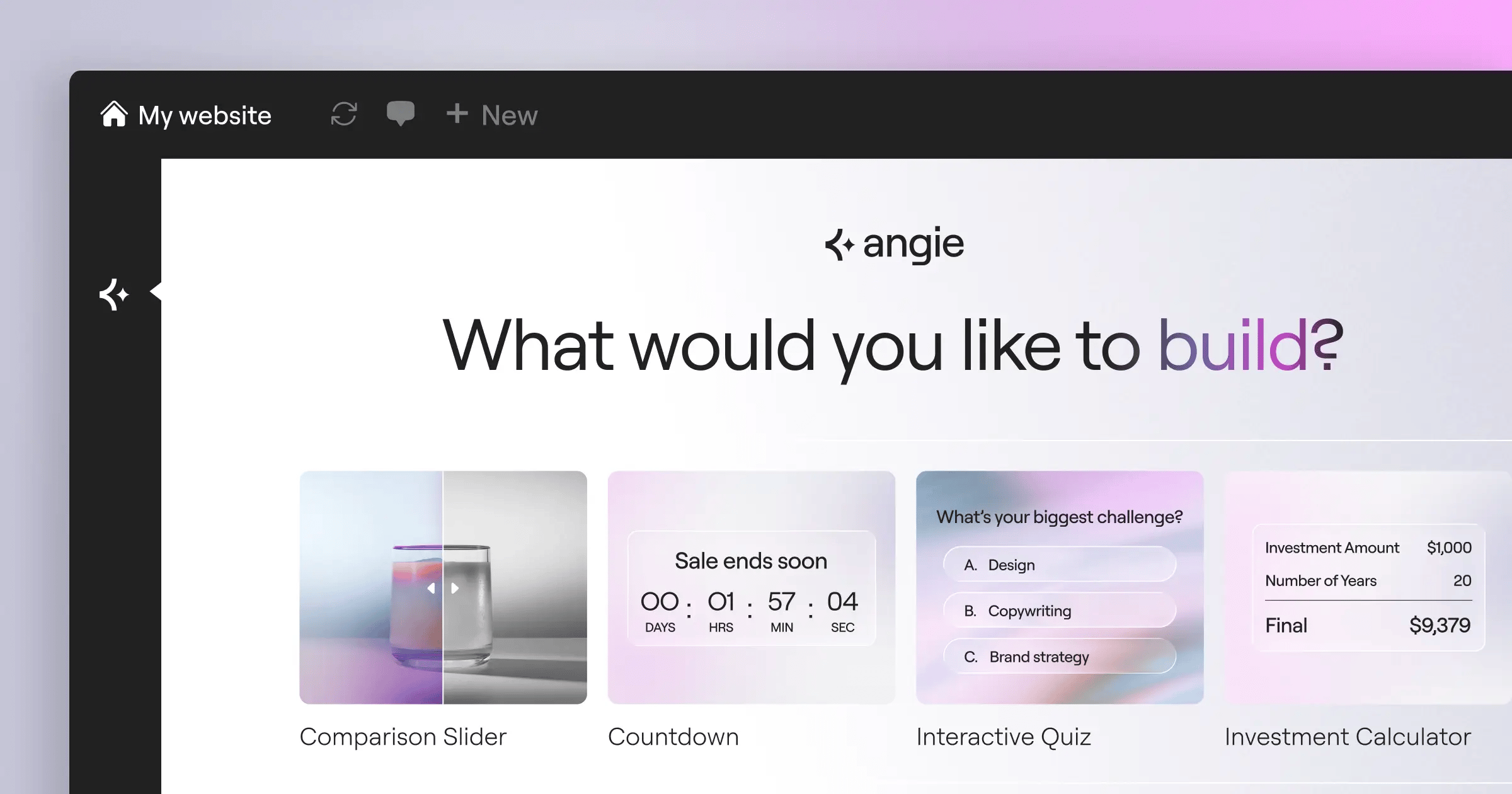
AI features like Angie go further with the Model Context Protocol, using natural language to build production-ready WordPress assets by executing PHP logic in the database layer, a depth closed systems can’t reach.
Maintenance Security and Upkeep Responsibilities
Freedom comes with responsibility, the strongest argument against open-source software. You’re the system administrator now, managing updates and security logs yourself.
- Vulnerability Patching – WordPress needs active management: when a vulnerability is disclosed, you update the component right away. Hosted platforms patch centralized code automatically.
- Backup Redundancy – Set up automated off-site backups, with a restoration plan ready if the server crashes. SaaS platforms keep backups internally.
- Performance Monitoring – Database bloat is real: revisions, spam comments, and transient options pile up, and you clean it yourself. Closed systems optimize invisibly.
- Accessibility Compliance – Meeting WCAG standards falls on you. The Web Accessibility AI scanner flags over 180 issues, but you implement fixes.
You’re trading time for control: a hosted solution takes the risk off your plate, while full control means budgeting time for upkeep.
Which Platform Deserves Your Investment?
There’s no universal answer, only the right one for your operational capacity and business model.
- Choose a proprietary website builder if – you’re launching a temporary project, validating an MVP, or running a micro-business with no technical staff.
- Choose WordPress if – your website is your primary business asset, you plan to scale content marketing, or you need complex permissions and database interactions.
- Adopt a unified ecosystem if – you want WordPress’s power without managing forty vendors. Subscriptions like Elementor One bridge that gap with flexible AI website creation and management tools.
Base the decision on ownership and scalability: visual design is temporary, system architecture is permanent.
Frequently Asked Questions
Can I migrate from a website builder to WordPress later?
Yes, but mostly by hand: expect to rebuild the design and import content manually, since tools rarely map layouts well.
Is WordPress inherently less secure than hosted builders?
No. Most vulnerabilities come from abandoned plugins or weak server setups, both fixable with good hosting.
Do I need to know how to code to use WordPress?
You don’t. Visual tools like Elementor Editor Pro handle the code, though basic CSS helps with troubleshooting.
Why are website builder loading speeds sometimes slower?
They rely on shared infrastructure and monolithic code, loading heavy global JavaScript on every page with no way to trim.
Can I use custom domains on both platforms?
Yes. Builders usually require a paid tier to remove their brand from your URL; open-source setups allow custom domains free.
What happens if a proprietary builder goes out of business?
You lose the website. Since you don’t own the codebase or server, a shutdown means your asset disappears entirely.
Are SEO capabilities better on one platform?
Open databases allow deeper technical SEO: server-side caching, granular schema, and exact canonical control. Builders offer basic metadata editing only.
How does AI differ between the two options?
Builders generate static text and template sections. WordPress uses agentic AI to write PHP code and run workflows.
Looking for fresh content?
By entering your email, you agree to receive Elementor emails, including marketing emails,
and agree to our Terms & Conditions and Privacy Policy.

