Table of Contents
43.5% of all websites globally run on WordPress in 2026. But the agency development market, currently valued at $41.8 billion, demands more than just basic open-source setups. You need pure speed, rigid client handoff controls, and development platforms that don’t break under pressure.
Look, building sites for clients isn’t just about pretty designs anymore. It’s about profit margins and scalability. The tools you choose directly dictate how fast your team can ship a minimum viable product, get client approval, and launch without getting bogged down in endless revision cycles.
Key Takeaways
- Speed equals revenue – A 0.1-second improvement in site speed increases retail conversion rates by 8.4%.
- Mobile urgency – 53% of mobile site visits are abandoned if a page takes longer than 3 seconds to load.
- Ecosystem dominance – Elementor Editor Pro powers 13% of all global sites, making it the primary standard for WordPress agencies.
- Design matters – 48% of users cite website design as the absolute top factor in determining business credibility.
- High-fidelity shifts – Framer saw a 400% increase in community templates in 2026, pulling massive market share for landing pages.
- SEO priority – 78% of development agencies rank built-in SEO tools as their top platform requirement.
Selection Criteria for Agency Platforms in 2026
We’ve officially moved past the era of hand-coding every single div tag for standard brochure sites. But you still need absolute technical control.
So, how do you evaluate a platform when every marketing page claims to be the best? You look at raw output. You measure the actual time to deployment. You test the boundaries of the CMS.
Here’s exactly what modern development teams require:
- Unrestricted Design Freedom – Platforms must support modern CSS logic (like CSS Grid and Flexbox) natively. Workarounds cost money.
- Client Management Portals – You can’t manage 50 clients through messy email threads. Built-in commenting and staging environments are mandatory.
- Performance SLAs – Top-tier agency builders like Elementor Host Cloud guarantee 99.9% uptime. That’s critical for maintaining your own SLA compliance with enterprise clients.
- White-Labeling – Your clients should see your logo, not your software vendor’s branding.
Agencies operate on strict timelines. If a platform requires three third-party plugins just to handle custom post types, it’s a liability.
1. Elementor Editor Pro and Host Cloud
This is the industry standard for WordPress agencies. Period. Elementor has evolved from a simple page builder into a massive ecosystem.
With Elementor Editor Pro, you get complete access to 118+ widgets (32 Core and 86 Pro). The introduction of Editor V4 (Atomic) fundamentally changed how developers use the platform. It features a CSS-first foundation, allowing agencies to use global classes and variables to maintain strict design systems across hundreds of pages.
To scale an agency today, you need a single source of truth for design, performance, and SEO. Fragmentation is the enemy of profit. When you unify your hosting and your builder, you eliminate the friction that normally kills project timelines.
Itamar Haim, SEO Team Lead at Elementor. A digital strategist merging SEO, AEO/GEO, and web development.
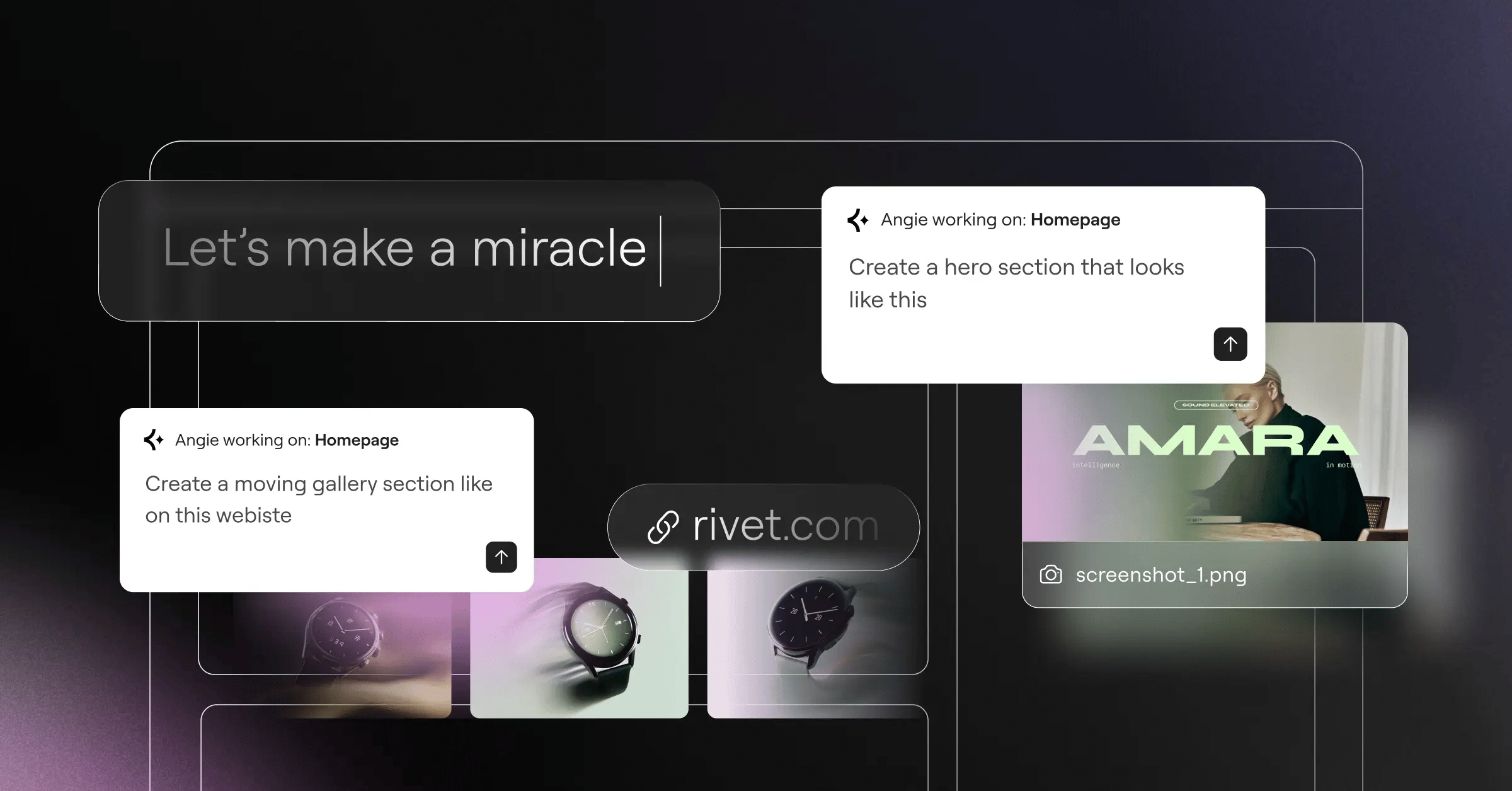
And let’s talk about artificial intelligence. Angie is Elementor’s native AI for WordPress. It uses the Model Context Protocol (MCP) to actually take action. You don’t just get text suggestions. You give it a natural language prompt, and it generates production-ready WordPress assets directly into your environment.
Pricing is built specifically for scale. The One Agency plan costs $444/yr. That gives you unlimited sites and 350K AI credits per month. It includes the entire suite: Editor Pro, Image Optimization, Ally for accessibility scanning, and the Hello theme.
But performance is where the rubber meets the road. Elementor Host Cloud runs on Google Cloud C2 instances with an Enterprise Cloudflare CDN. The result is a blazing 109ms TTFB (Time to First Byte).
Best for agencies that want professional, powerful tools with total design freedom.
2. Webflow
Imagine a client walks into your firm. They demand pixel-perfect animations, a headless CMS architecture, and zero reliance on plugins. They have a $50,000 budget.
That’s the exact scenario where Webflow shines. It bridges the gap between high-fidelity Figma mockups and live production code. You manipulate the DOM visually. You build custom interactions that would normally require days of writing complex JavaScript.
The pricing structure can confuse new users. You pay $0 for the baseline agency workspace. But you still need site-specific plans, which start at $14/month just for basic CMS functionality. For a 50-page site with heavy traffic, those costs escalate quickly.
But the output is clearly clean. Webflow generates semantic HTML and CSS.
Here’s the catch. The learning curve is brutal for junior designers. If you don’t understand the CSS box model, you’ll break the layout within five minutes. It’s not a simple drag-and-drop tool for beginners.
Webflow targets boutique design agencies charging premium rates for bespoke marketing sites. It demands technical design knowledge.
3. Wix Studio
Wix spent years fighting a reputation as a cheap DIY tool. Wix Studio is their aggressive, highly successful pivot toward professional development agencies.
The platform introduces a completely multi-device design workspace. It features responsive AI that automatically adjusts layouts across breakpoints. You don’t have to manually tweak the padding on mobile for every single container. (A massive time saver for low-budget projects).
Let’s weigh the reality of the platform:
- The Good – Incredible rapid prototyping. Built-in client management dashboards that track billing and roles.
- The Bad – Absolute platform lock-in. You can’t export your code and move to AWS later.
- The Ugly – The visual editor can sometimes generate heavy, heavy code behind the scenes compared to native WordPress.
- The Bottom Line – It handles the business side of running an agency better than almost anything else.
Agency-specific plans range from $19 to $159+ per month per site. That recurring overhead cuts into your maintenance retainers. But 78% of agencies prioritize built-in SEO tools, and Wix Studio actually delivers strong native indexing features.
Best for high-volume agencies churning out fast, reliable builds for small businesses.
4. Duda
Managing three clients is easy. Managing three hundred clients requires a completely different operational model.
Duda focuses obsessively on white-labeling and scale. It’s built for SaaS companies and local SEO agencies that need to deploy functional, fast websites in hours, not weeks.
Your clients log into a portal that features your agency’s logo and colors. Duda completely disappears from the equation.
Here are the primary tactics agencies use to scale with Duda:
- Automated Client Feedback – Clients leave comments directly on the staging site. No more messy email screenshots.
- Content Injection API – You can automatically populate site templates using data from a CRM or Google Sheet.
- Widget Builder – Create custom functional blocks using React and reuse them across hundreds of client sites.
- Team Collaboration – Assign granular permissions to copywriters, designers, and clients.
The Agency plan costs $59/month (billed annually). It’s incredibly cost-effective.
However, you trade design flexibility for speed. You won’t build wildly experimental, award-winning CSS animations here. The grid system is rigid. But for a local plumbing business, they don’t care about experimental scroll transforms. They care about leads.
5. WordPress Core and Gutenberg
Some agencies refuse to use third-party builders entirely. They rely strictly on native WordPress with the Gutenberg block editor.
In 2026, Full Site Editing (FSE) is fully mature. You define your design tokens in a single theme.json file. You build custom React blocks for specific client needs. The performance is unmatched because there’s virtually no overhead.
Before launching a native block site, you run through this strict performance checklist:
- Verify that CSS is loading conditionally per block, not globally.
- Ensure image assets use modern AVIF formats and native lazy loading.
- Test the Block Patterns library to confirm clients can’t break the layout.
- Audit the theme.json file for unnecessary font weight declarations.
- Check the React hydration strategy for dynamic blocks.
Data shows that 88% of online consumers are less likely to return to a site after a bad user experience. Speed is the ultimate UX metric.
you can still use AI here. Angie functions as a standalone plugin. It works perfectly with native Gutenberg, allowing you to prompt the creation of complex block layouts without leaving the native editor.
This path requires deep HTML, CSS, and React knowledge. If you lack senior developers, don’t attempt this at scale.
6. Framer
Framer is stealing massive market share from Webflow right now. Why? Because it offers the fastest design-to-live workflow in the industry.
It started as a prototyping tool. Now, it’s a full production environment favored by startup marketing agencies. It features native Figma import. You literally copy a frame in Figma and paste it into Framer, and it converts to functional web elements.
The workflow usually looks exactly like this:
- Design the high-fidelity mockups in Figma, establishing all auto-layouts.
- Paste directly into the Framer canvas and map the responsive breakpoints.
- Apply advanced scroll transforms and framer-motion animations visually.
- Connect the lightweight CMS for the blog or portfolio items.
- Hit publish and deploy instantly to their global edge network.
Framer saw a 400% increase in community-made templates recently. The community is rabid.
But it fails at complex logic. If you need a heavy user-portal, e-commerce, or deep database relationships, Framer isn’t the right tool. It’s a presentation layer.
Pricing scales via Pro and Enterprise tiers, mostly based on traffic and CMS items. It’s perfect for high-end landing pages.
7. Shopify Plus
What happens when a retail client does $50 million in annual revenue? You don’t put them on a standard $29/month plan.
Shopify Plus is the enterprise grade. It completely dominates the high-volume e-commerce agency space. It offers advanced checkout extensibility, allowing your developers to build custom apps that modify the checkout flow directly.
Let’s address the massive elephant in the room: the cost. Shopify Plus starts at $2,000/month. (Yes, you read that correctly). That limits your client pool significantly.
Who is this actually for?
It’s for brands that need multi-currency, multi-language, and multi-store management from a single dashboard. It’s for agencies building Headless commerce architectures using Hydrogen (Shopify’s React-based framework).
You get direct API access that standard Shopify stores don’t. You can automate inventory logic across ten different global warehouses.
The development experience uses Liquid (their templating language) or full headless React. It’s incredibly secure. You won’t ever worry about server crashes during Black Friday.
But for a local boutique selling custom t-shirts? It’s severe overkill.
8. HubSpot Content Hub
Web design and marketing automation are merging. HubSpot Content Hub exists for agencies that focus entirely on B2B lead generation.
93% of online experiences begin with a search engine. But once that traffic lands, what happens? HubSpot turns the website into an active data collection machine.
The builder itself is competent, though slightly rigid compared to Elementor. The real power lies in the data integration.
Here are the marketing features agencies sell to clients:
- Smart Content – The website literally changes its text and images based on the specific visitor’s CRM data.
- Native A/B Testing – Test two different landing pages without third-party scripts slowing down the DOM.
- Deep CRM Sync – Every form submission instantly triggers complex email automation workflows.
- Revenue Attribution – Prove to clients exactly which blog post generated a closed $10,000 deal.
You pay a premium for this data synchronization. Professional and Enterprise tiers cost hundreds or thousands monthly.
Honestly, the pure design tools can feel clunky. You won’t enjoy building complex CSS grids here. But B2B clients care about lead attribution, not fancy hover states.
9. Sitejet
Tool sprawl kills agency profitability. You pay for Figma, Asana, Slack, a web host, and a billing platform. Sitejet attempts to crush all of that into one interface.
It’s a highly capable website builder wrapped inside a project management system.
The daily process using Sitejet follows a very specific path:
- The client fills out an automated intake form directly in the Sitejet portal.
- The project manager assigns tasks and timelines within the same dashboard.
- Developers use the code-friendly editor (HTML/CSS/JS) to build the site rapidly.
- The system generates a secure staging link for the client.
- The client leaves visual feedback directly on the elements they want changed.
It drastically simplifies internal processes for small teams. You don’t lose client notes in random email chains.
The downside? The ecosystem is much smaller. You won’t find thousands of third-party plugins or a massive community forum if you hit a technical wall.
Agency-focused monthly billing makes it affordable. It’s an excellent choice for teams of 2-5 people trying to optimize their workflow and reduce software subscriptions.
10. Comparison Summary and Final Recommendation
Choosing the right platform dictates your agency’s operational capacity for the next five years. You can’t afford to migrate 100 clients later because you made a poor structural decision today.
Here’s how the top options stack up across critical agency metrics.
| Platform | Primary Use Case | Starting Agency Cost | White-Labeling | Learning Curve |
|---|---|---|---|---|
| Elementor Editor Pro | Custom WP Development | $444/yr (Unlimited) | High | Moderate |
| Webflow | Premium Boutique Design | $14/mo per site | Moderate | Steep |
| Wix Studio | High-Volume SMB | $19/mo per site | Low | Low |
| Duda | SaaS & Local SEO | $59/mo | Very High | Low |
| Shopify Plus | Enterprise E-commerce | $2,000/mo | Moderate | Steep |
So, what’s the verdict for 2026?
If you’re running a balanced agency that needs to handle both small local businesses and complex custom applications, Elementor remains the most powerful choice. The combination of the One Agency plan, the new Atomic design framework, and the raw speed of the Host Cloud gives you the best margin-to-performance ratio.
Frequently Asked Questions
Do agencies still use WordPress in 2026?
Absolutely. It currently powers 43.5% of the internet. Open-source flexibility combined with modern tools like Elementor Editor Pro keeps it highly relevant for custom development.
Is white-labeling really that important for small agencies?
Yes. It establishes brand authority. When clients log into a portal featuring your logo instead of a vendor’s, it justifies higher monthly maintenance retainers.
What is the most cost-effective builder for 50+ clients?
The Elementor One Agency plan is incredibly aggressive on pricing at $444/year for unlimited sites. Duda is also very strong for high-volume local SEO builds at $59/month.
Can Webflow replace a dedicated developer?
No. You still need deep knowledge of CSS architecture and DOM structure to use Webflow effectively. It replaces the act of writing code, not the logic behind it.
How does AI actually help build websites now?
Tools like Angie use agentic AI to take action. You don’t just get code snippets to copy. You prompt the AI, and it actively generates production-ready assets and layouts directly into your CMS.
Why is Shopify Plus so expensive?
It guarantees massive scale without server crashes. At $2,000/month, you’re paying for enterprise-grade security, headless API access, and advanced checkout customization that standard plans restrict.
Should I migrate my existing clients to Framer?
Only if they have simple marketing sites. Framer excels at high-fidelity animations and speed, but it lacks the deep database capabilities needed for complex user portals or large stores.
Looking for fresh content?
By entering your email, you agree to receive Elementor emails, including marketing emails,
and agree to our Terms & Conditions and Privacy Policy.

