
Comparing website builder pricing can feel overwhelming fast, since you’re never just picking one monthly fee. Domain registration, hosting, and template costs all creep in right when you’re ready to publish. We’ve done the digging, so you can see what you get for your money and find the right fit for your budget.
Key Takeaways
- Look at total ownership costs, not just the intro rate. Factor in domains, email, and transaction fees.
- Match your business model to the right builder, hosted all-in-one or flexible open-source.
- Check scaling costs early, since cheap entry plans often charge more for real growth features.
- Put visual control first so you’re not paying a developer for every small layout tweak.
Understanding Website Builder Pricing
Most platforms bill monthly or annually, and paying annually saves money but means committing upfront. You’re really choosing between a fully hosted proprietary platform and a self-hosted visual builder.
A hosted platform bundles hosting, security, and editing into one package, convenient but tied to their system, so moving later usually means rebuilding from scratch. A self-hosted builder like WordPress gives full ownership instead, often at a lower long-term cost.
Watch for extra costs too: a free first-year domain that renews much higher, plus business email, premium templates, and transaction fees.
The Ultimate Website Builder Pricing Comparison
This table shows how these platforms structure their plans and where each one delivers the most value for small business owners.
| Website Builder | Primary Audience | Pricing Model | Key Strength |
|---|---|---|---|
| Elementor | Business owners, freelancers, and agencies | Free core builder + paid Pro plans (self-hosted WordPress) | Complete visual design freedom with no proprietary lock-in |
| Wix | Small businesses and solopreneurs | Tiered hosted subscriptions | Intuitive all-in-one managed platform |
| Squarespace | Aesthetic-focused brands and portfolio sites | Tiered hosted subscriptions | Beautifully designed templates with a clean grid editor |
| Webflow | Design-savvy professionals and agencies | Site and workspace plan tiers | Visual editing that generates production-ready code |
| WordPress.com | Bloggers and content creators | Tiered hosted subscriptions | Managed hosting built on the WordPress core |
| Shopify | Dedicated retail and e-commerce brands | E-commerce focused monthly tiers | Highly specialized inventory management systems |
| Weebly | Beginners looking for simplicity | Free to paid hosted tiers | Straightforward, basic drag-and-drop editor |
| GoDaddy Builder | Business owners wanting a quick setup | All-in-one hosted subscriptions | Quick integration with local marketing and domains |
| Hostinger Builder | Extremely budget-conscious beginners | Low-cost hosted tiers | Highly affordable entry-level packages |
| Beaver Builder | WordPress developers and agencies | Annual site license | Stable, developer-friendly modular building |
Some people just need a simple portfolio, while others need a store that handles thousands of product variations. Here’s how the top ten compare.
1. Elementor Website Builder
If you want the freedom to design a website exactly how you picture it, the Elementor website builder is the professional standard. It runs on WordPress and replaces the block editor with a live drag-and-drop workflow, so you see changes as you make them. Browse the full Elementor features library, from simple widgets to advanced custom CSS controls.
The real cost of a website isn’t the initial build, it’s the ongoing maintenance and layout updates. A visual builder with full design ownership and no proprietary lock-in saves thousands over your brand’s lifecycle.
Itamar Haim, Web Development Specialist
- Builds responsive pages for mobile, tablet, and desktop.
- Controls global fonts and colors for brand consistency.
- Connects with WooCommerce to power a full online store.
- Generates custom layouts with containers and motion design.
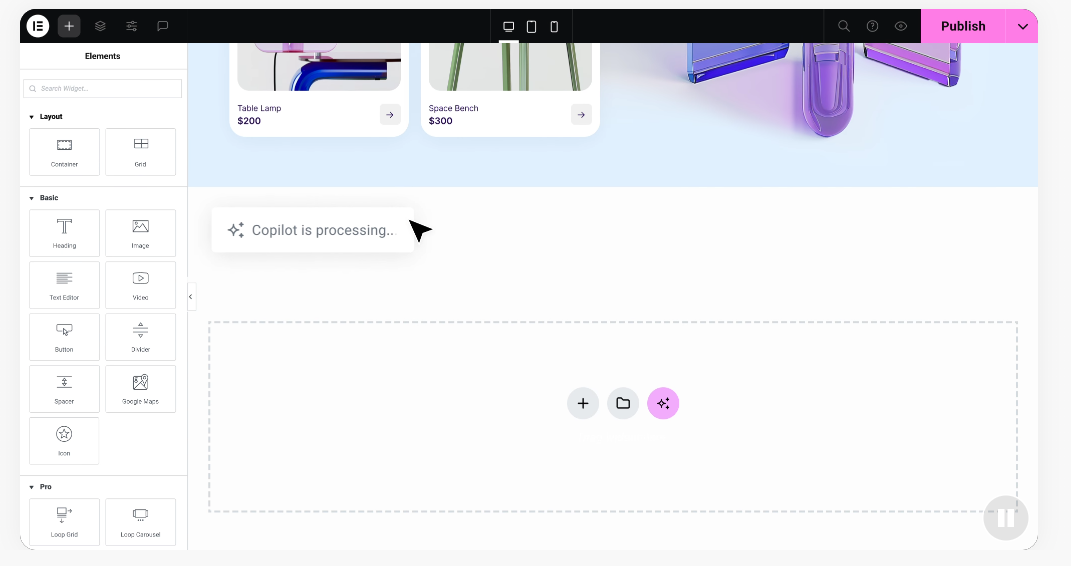
Elementor pricing stays flexible: start free, or move up for marketing tools and premium design kits. You only pay for hosting with their managed option.
Pros:
- Unmatched design freedom on the world’s most popular CMS.
- A huge community of tutorials, templates, and add-ons.
- Strong built-in styling tools for complex designs.
Cons:
- You’ll need your own hosting and domain if self-hosted.
- The full feature set takes some time to learn.
Verdict: The best overall pick for owners, freelancers, and agencies who want full visual ownership without hitting design limits later.
2. Wix
Wix is a widely used hosted builder with an absolute-positioning drag-and-drop system that lets you place any element exactly where you want, though items don’t always snap to a grid on mobile. The entry-level plan carries Wix branding and skips a custom domain, while mid-tier plans drop those limits and open the full marketing suite.
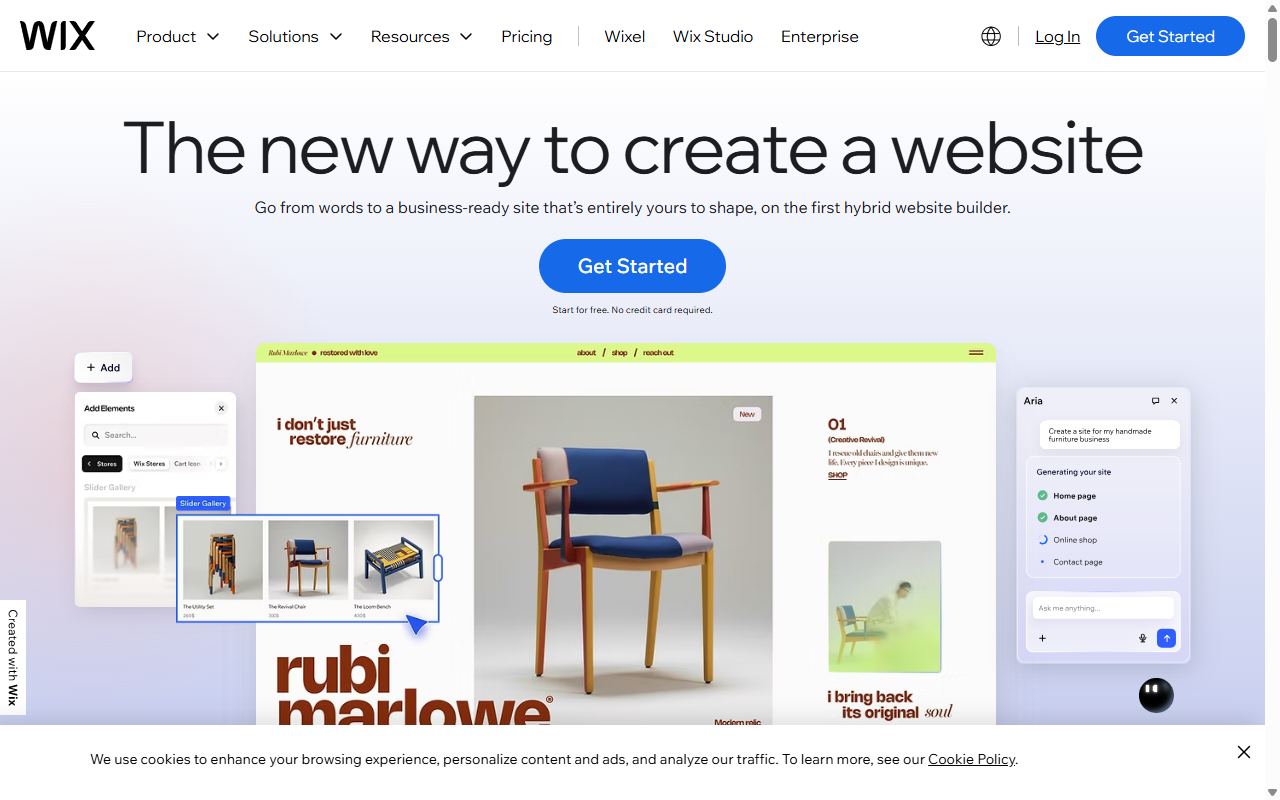
- Designs visually rich pages with an absolute drag-and-drop workspace.
- Bundles pre-built apps for booking, reservations, and inquiries.
- Includes automatic security updates and server maintenance.
- Tracks site analytics right from the dashboard.
Pros:
- No coding needed to build a fully functional page.
- A large app store adds features easily.
- Hosting and security are fully managed from day one.
Cons:
- You can’t switch templates once live without re-entering content.
- The editor makes responsive mobile design a bit fiddly.
Verdict: A reliable pick for local service businesses and solopreneurs who want a fully managed platform at a monthly premium.
3. Squarespace
Squarespace built its name on clean, minimalist design, popular with photographers, designers, and boutique brands that want their imagery front and center. It uses a structured grid editor for organized, mobile-responsive layouts. There’s no permanent free tier, just a trial, and the Business plan is the sweet spot, though it charges a small transaction fee unless you upgrade to Commerce.
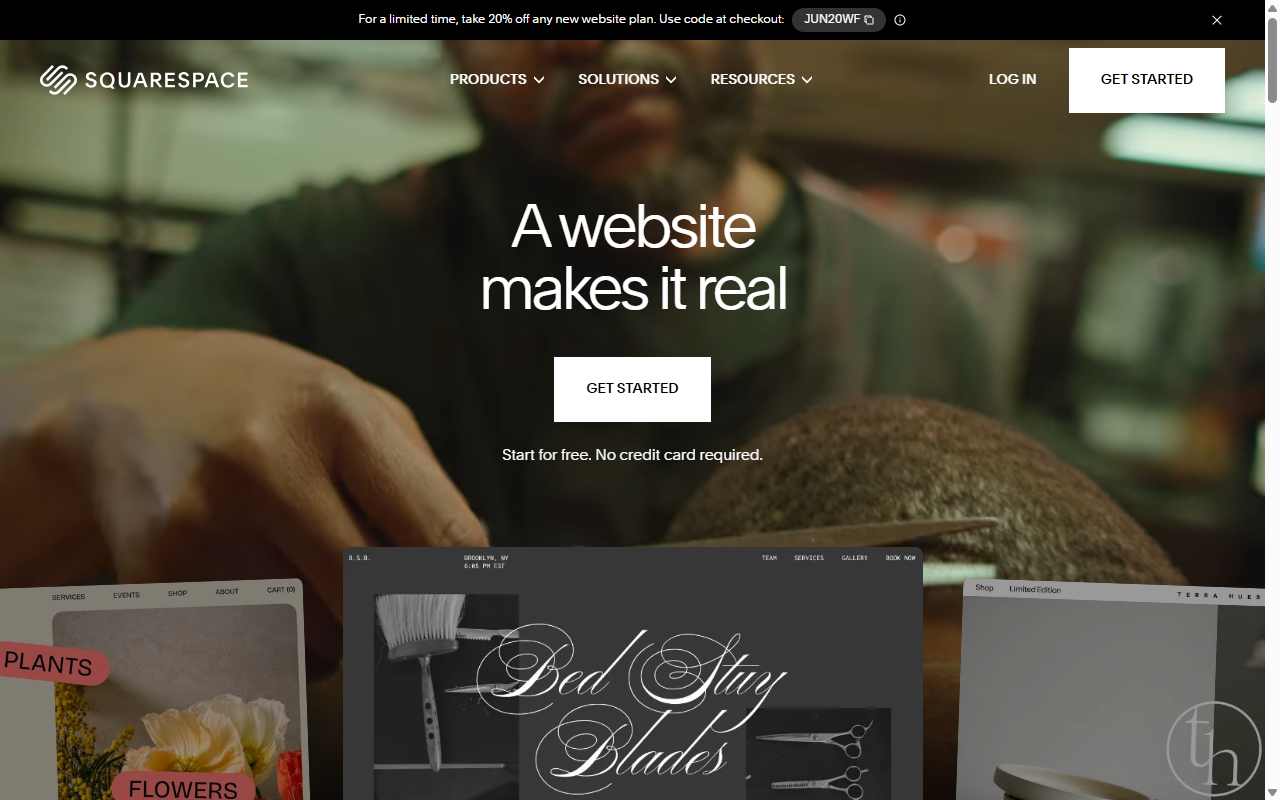
- Formats text and imagery into clean, adaptive columns.
- Manages store layouts with elegant product grids and checkout.
- Delivers polished typography from curated font pairings.
- Automates email campaigns pulled from your blog and products.
Pros:
- Template designs among the most polished in the industry.
- Reliable managed hosting with solid support.
- The grid editor makes an off-brand layout hard to create.
Cons:
- Can feel rigid if you want elements outside the grid.
- Third-party extensions are more limited than open-source options.
Verdict: A strong hosted option for aesthetic-focused brands that want beautiful presentation with minimal setup.
4. Webflow
Webflow is a professional design platform for people who know, or want to learn, web design fundamentals. It turns your visual layouts into clean, standards-compliant code, real design power with a steeper learning curve. A standard site needs a General Site plan, and a blog means stepping up to the CMS tier.
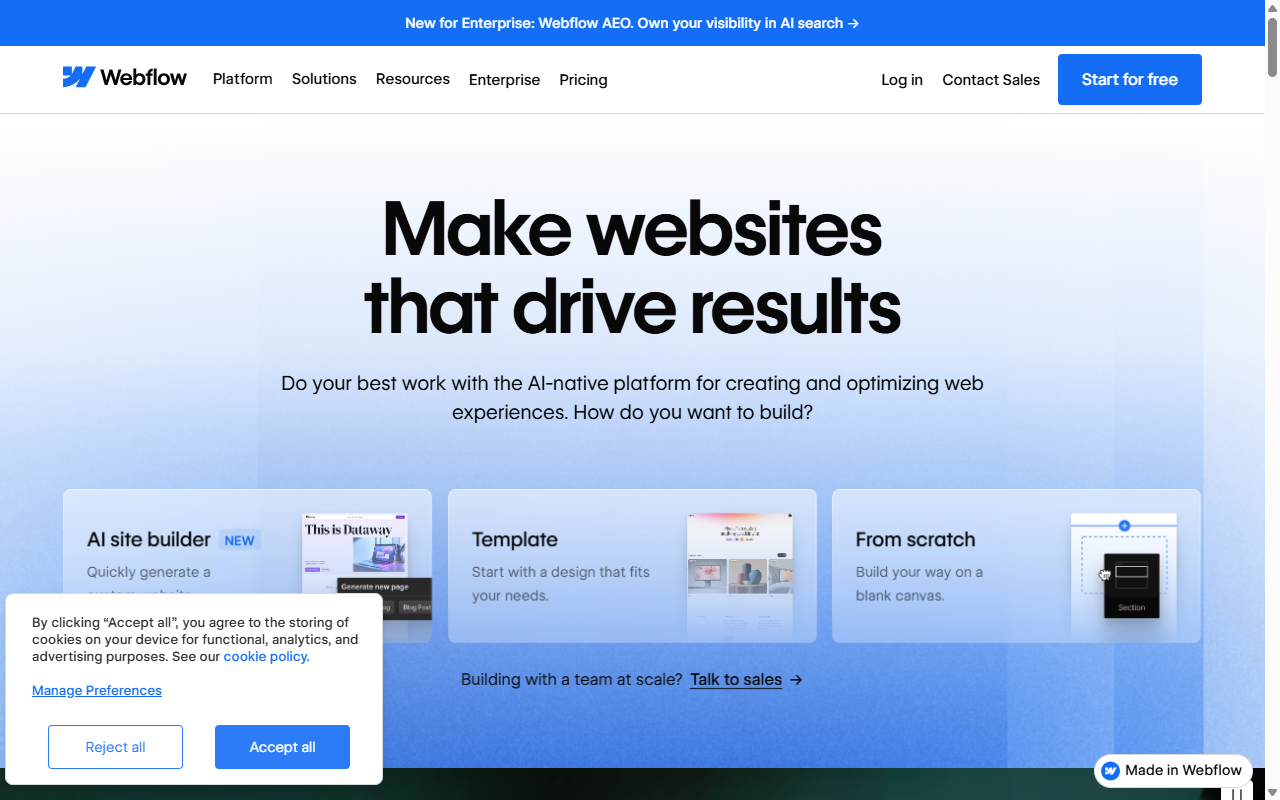
- Translates design choices into production-ready code in real time.
- Builds animations and transitions triggered by scroll or hover.
- Stores structured content in a built-in visual CMS.
- Hosts your files on a global CDN for fast loads.
Pros:
- Strong control over layouts, CSS interactions, and animation.
- Generates clean code that loads well on modern browsers.
- Good for designers building client sites without hand-coding.
Cons:
- Assumes a solid understanding of CSS box models.
- Costs climb once you add dynamic content and team tools.
Verdict: A capable design environment for startups and agencies that want animation control and code-level flexibility.
5. WordPress.com
WordPress.com is a fully hosted service run by Automattic, built on the open-source WordPress core, a middle ground between closed hosted platforms and fully self-hosted WordPress. Installing custom themes or third-party tools takes a Business-level plan.
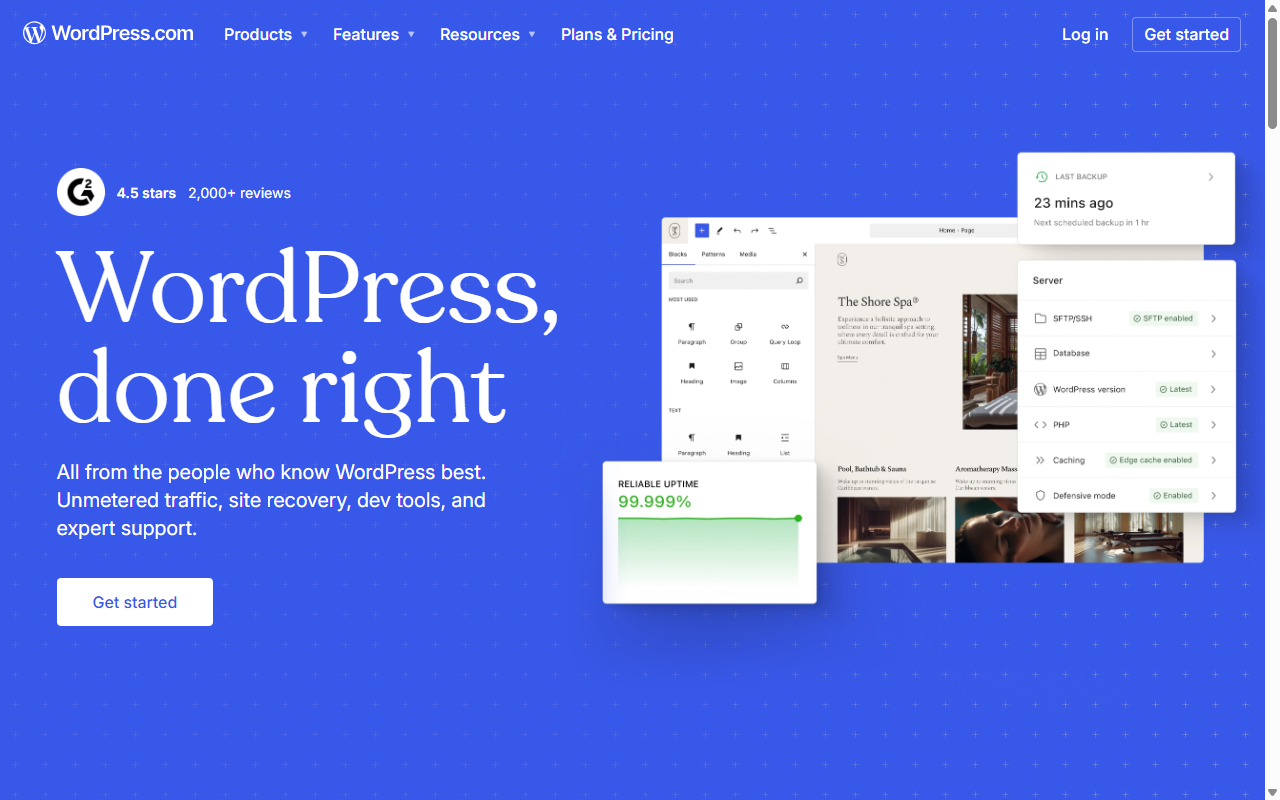
- Secures your install with backups, malware scanning, and firewalls.
- Connects your content to a large distribution network.
- Updates system files automatically, no server management needed.
- Optimizes media on the fly for faster loads.
Pros:
- Excellent blogging and publishing tools out of the box.
- A worry-free setup that handles security and performance.
- A clear export path if you migrate to self-hosted later.
Cons:
- Third-party tools stay limited to pricier plans.
- The block editor feels less intuitive for complex layouts.
Verdict: A great choice for writers and small businesses that want to focus on content, not server admin.
6. Shopify
When selling products online is the goal, Shopify holds a well-established spot in e-commerce, a full retail ecosystem covering inventory tracking, tax calculations, and point-of-sale integration. Plans hinge on transaction volume, and specialized layouts or business apps often carry extra monthly fees that add up as your store grows.
- Tracks inventory across multiple locations and channels.
- Processes payments securely, supporting wallets and local currencies.
- Calculates real-time shipping rates and sales tax at checkout.
- Pulls sales reports on trends and inventory turnover.
Pros:
- A wide range of e-commerce and shipping tools in one place.
- A secure checkout built to convert visitors into buyers.
- Solid scaling for real spikes in transaction volume.
Cons:
- Leans heavily toward commerce, with less room for blogs or storytelling.
- Extra fees apply if you skip Shopify’s native payment gateway.
Verdict: A well-regarded option for online stores that need a transaction-first platform with strong inventory tools.
7. Weebly
Weebly, owned by payments company Block (formerly Square), is one of the more approachable builders around, built for simplicity from the start. It suits local service providers, community groups, and first-timers who want a clean site live in an afternoon. Being owned by Square gives its paid tiers solid e-commerce integration.
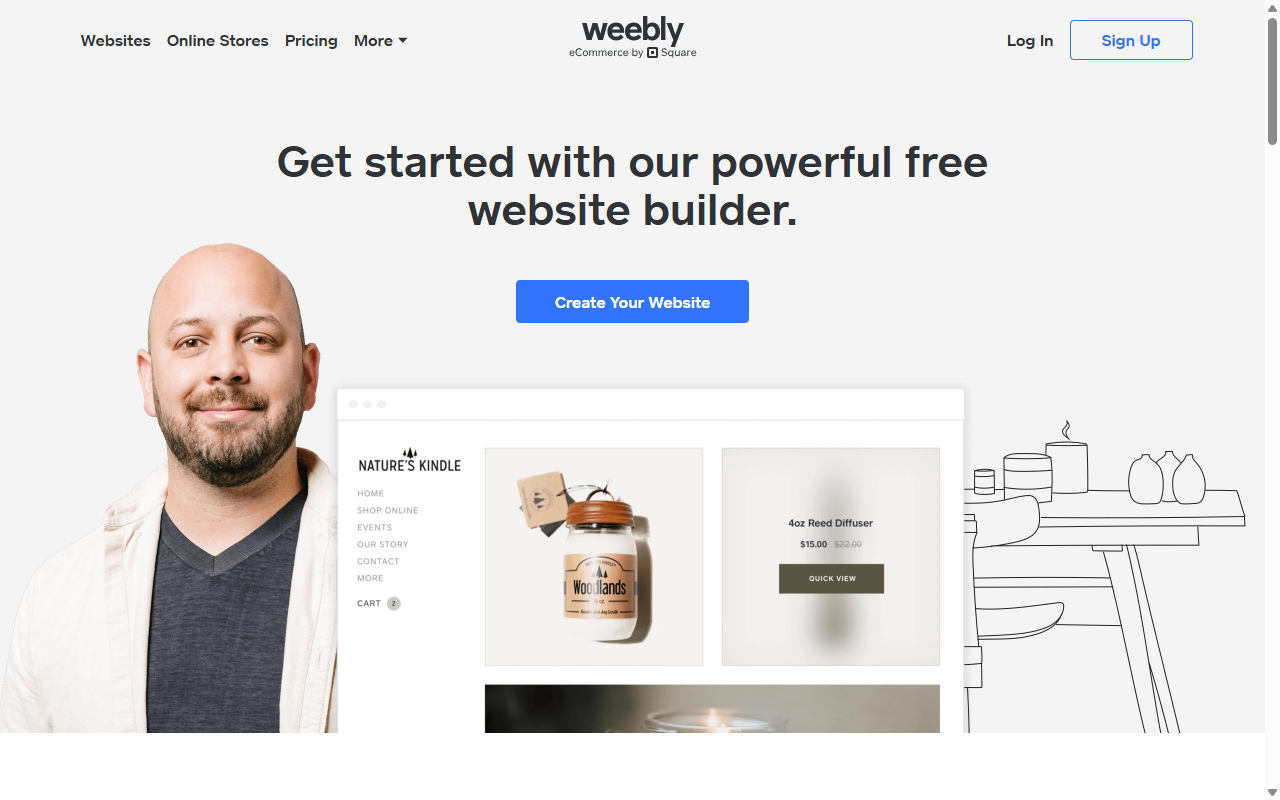
- Arranges basic design sections on a simplified grid.
- Integrates Square payments out of the box.
- Generates automatic mobile versions with no manual work.
- Connects to basic local SEO settings.
Pros:
- Very easy to pick up with zero experience.
- Affordable tiers built for new and small businesses.
- A natural link to the Square payment ecosystem.
Cons:
- Design options stay fairly limited for custom layouts.
- Gets fewer major feature updates than other builders.
Verdict: A solid, budget-friendly pick for local businesses and beginners that need an easy way to accept payments.
8. GoDaddy Website Builder
GoDaddy’s builder centers on speed and simplicity, assembling pre-designed sections like a contact form or gallery instead of editing elements from scratch. That makes it hard to break your layout, and a simple site can go live fast. It’s affordable during promotional windows though renewals climb, and it fits businesses already managing domains through GoDaddy.
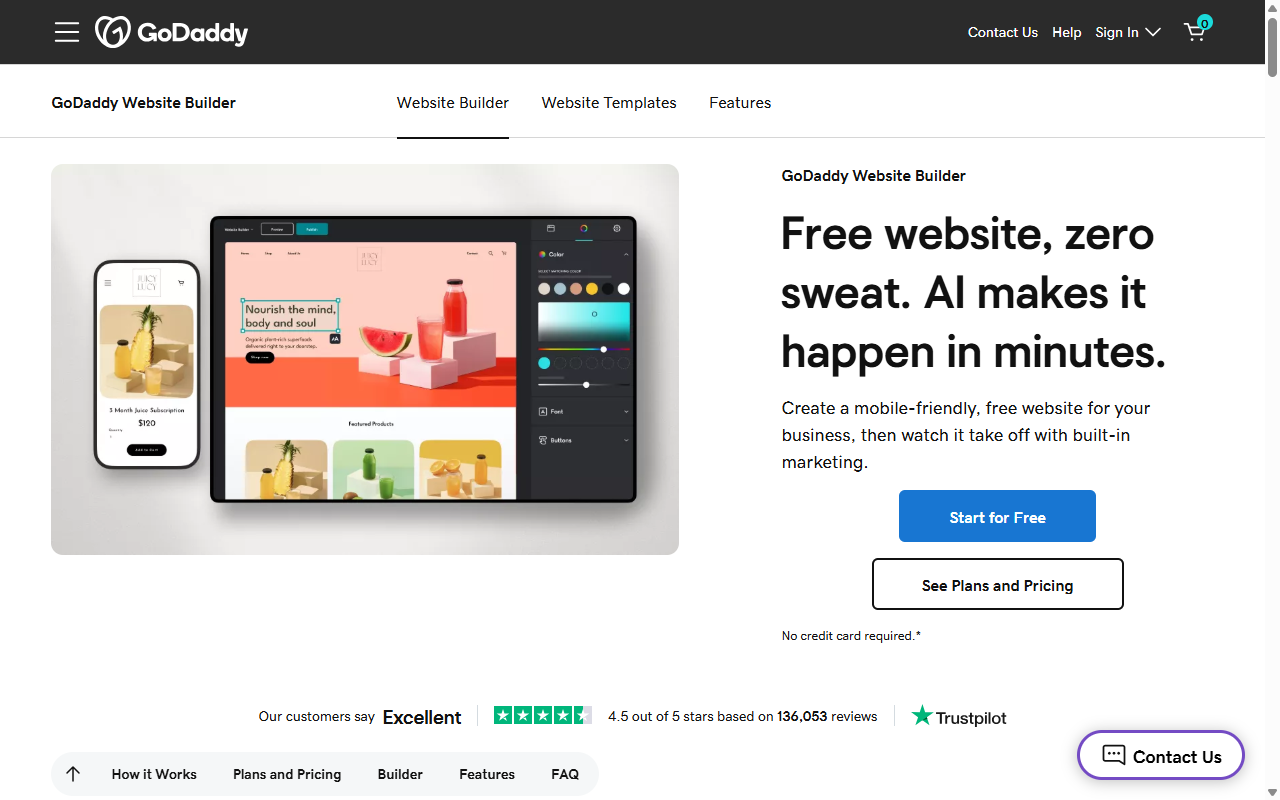
- Builds pages quickly using industry-specific layout sections.
- Syncs your site styles with social profiles and emails.
- Schedules appointments through a simple integrated calendar.
- Manages basic contacts through an integrated dashboard.
Pros:
- Probably the fastest route from blank screen to live site.
- A simple system needing no design knowledge.
- Includes helpful marketing tools like email and social posts.
Cons:
- Limited flexibility, so you can’t build fully custom layouts.
- Lacks deeper blogging or advanced e-commerce tools.
Verdict: A practical pick for owners who need a basic site up fast with minimal setup.
9. Hostinger Website Builder
Hostinger Website Builder is a newer entrant leaning on affordability and smart assistant tools that generate initial layouts, copy blocks, and design assets to get you moving faster. It runs mainly on discounted multi-year plans, appealing to bootstrapping startups that want low overhead early on.
- Generates initial templates and copy through assistant wizards.
- Draws clean lines with a smart grid editor.
- Includes affordable cloud hosting in the monthly plan.
- Adds basic image editing and logo tools in the workspace.
Pros:
- Some of the lowest hosting and builder rates around.
- Automated assistants help you draft copy and design fast.
- A clean, easy-to-learn workspace for new users.
Cons:
- Renewal rates climb past the promotional pricing.
- Not suited to complex database sites or large custom apps.
Verdict: A budget-friendly option for small businesses and side projects in their early growth phase.
10. Beaver Builder
Beaver Builder is a well-established WordPress builder built around stability and clean, developer-friendly output, a drag-and-drop editor that builds pages from pre-defined modules without software conflicts. It’s sold on an annual license that installs on unlimited sites, popular with agencies that spread the cost across many client projects.
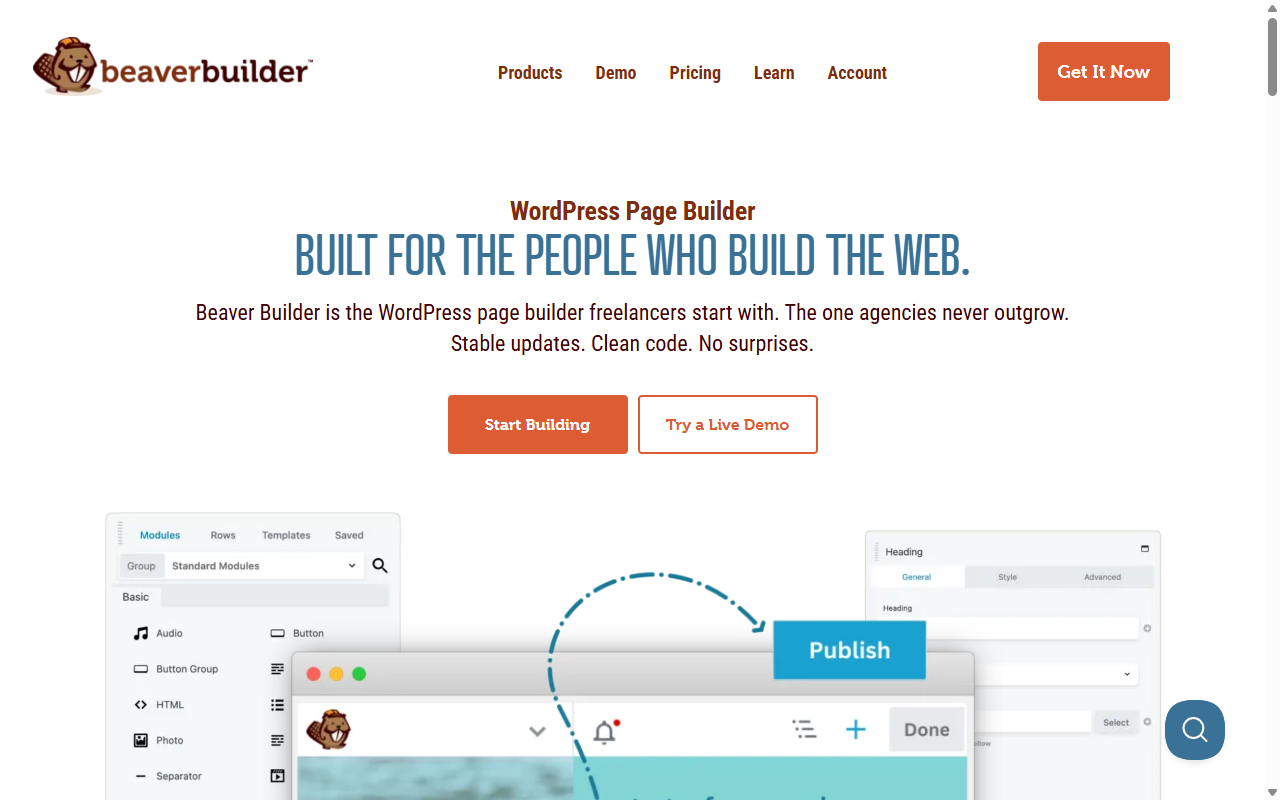
- Constructs modular pages that translate cleanly across browsers.
- Separates your content from design styling.
- Lets developers build custom modules with PHP and CSS.
- Maintains a stable code base with few conflicts.
Pros:
- A stable code base that rarely conflicts with other software.
- A developer-friendly structure that’s easy to extend.
- Unlimited site licenses good for multiple client projects.
Cons:
- The interface looks more dated than newer builders.
- Lacks the advanced styling and motion design of newer platforms.
Verdict: A reliable builder for developers and owners who value stability over modern visual effects.
How to Choose the Right Plan for Your Small Business
A simple process helps you avoid paying for features you’ll never touch.
- Identify your main goal. Complex shipping and lots of products call for Shopify. Full visual control points to a builder on WordPress, like Elementor.
- Calculate the true cost. Add up a domain, email, marketing apps, and transaction fees.
- Weigh your technical comfort. Want it hands-off? Go managed hosted. Prefer ownership and lower costs? Go self-hosted.
Matching your goals to the right platform makes a real difference over time.
Frequently Asked Questions
Is it possible to build a professional business website for free?
Free tiers exist, but with real limits: platform branding, restricted design options, and no custom domain (so your address reads “yourbusiness.wixsite.com”). Most businesses do better with a paid plan and a custom domain for credibility.
What is the difference between hosted and self-hosted website builders?
A hosted builder (Wix, Squarespace, Shopify) bundles design tools, hosting, and security into one subscription. A self-hosted builder (Elementor on WordPress) gives you full file ownership, more flexibility, and freedom to move anytime.
Will I have to pay transaction fees on my e-commerce sales?
It depends on your plan. Some platforms waive fees for their native payment gateway. Others charge a percentage per sale on lower tiers unless you upgrade to an e-commerce plan. Check the fine print first.
Can I switch my website builder down the road without losing my design?
Moving between proprietary hosted builders is a real undertaking, since Wix and Squarespace run closed code you can’t export elsewhere. An open-source setup like WordPress makes migrations far more manageable.
Do I need to buy domain names and email addresses from my website builder?
No. It’s often cheaper to buy your domain from a dedicated registrar and email from a provider like Google Workspace. Most builders connect third-party domains and email with a few DNS adjustments.
What are the hidden costs of building a business website?
The usual suspects: domain renewal fees (often jumping after year one), business email, premium templates, third-party apps, and payment processing fees. Some platforms also charge extra for SEO tools or storage.
Is WordPress actually cheaper than hosted builders like Wix or Squarespace?
WordPress can run a lot cheaper, depending on setup. The core software is free, so your main costs are hosting and a domain. A visual builder on WordPress gives strong design capability without the fees of all-in-one platforms, though stacking premium add-ons over time can close that gap.

