What is WP Admin
Elementor works in conjunction with, and expands upon, the WordPress Content Management System. You’ll need to access WP Admin (WordPress Admin) to create new pages and posts, access your pages and posts, manage your site’s access, control many of your site’s settings and more.
Accessing WP Admin
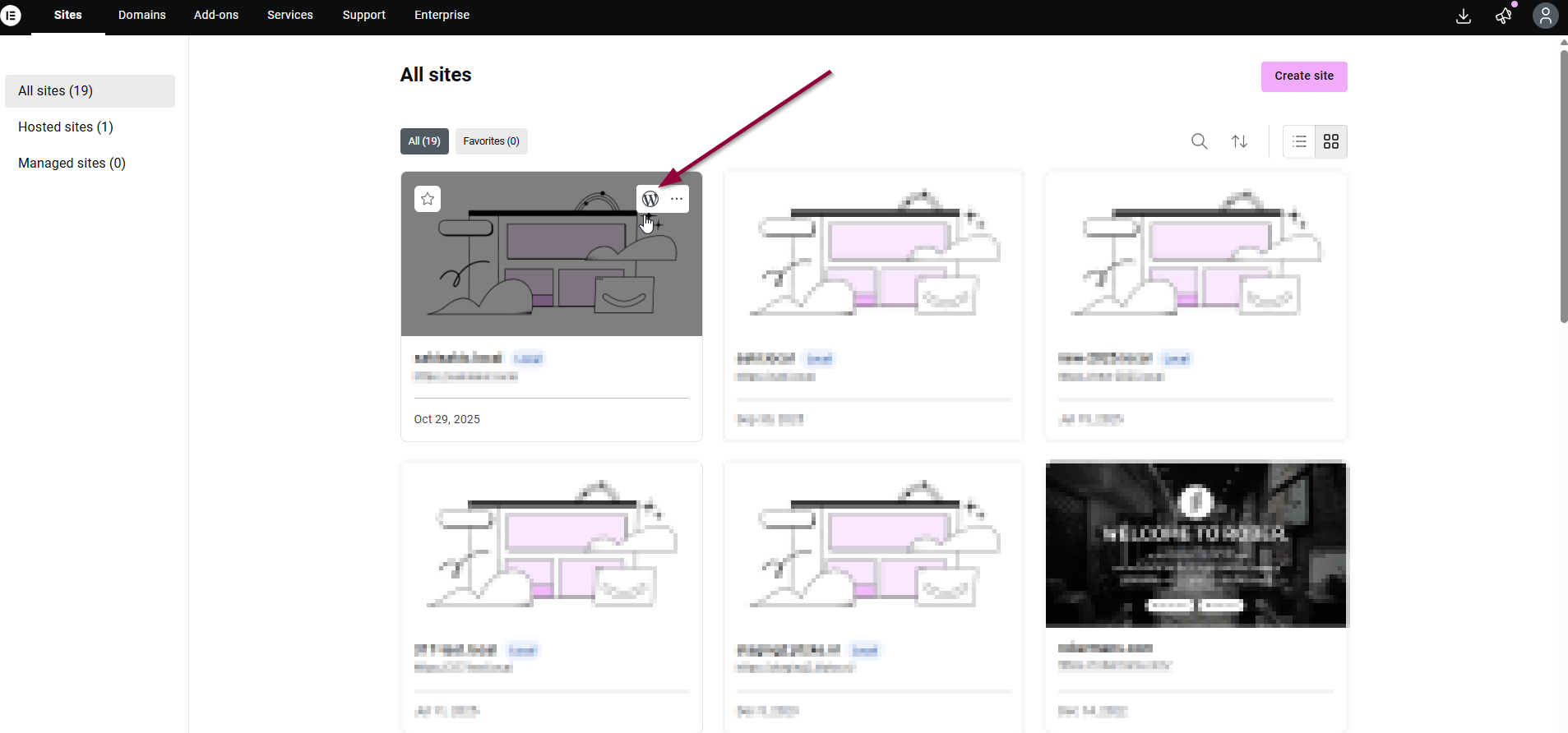
To access WP Admin from the website management screen:
- Go to your “My Elementor” dashboard.
- Hover over the website card of the site you want to access and click Open WP Dashboard icon.