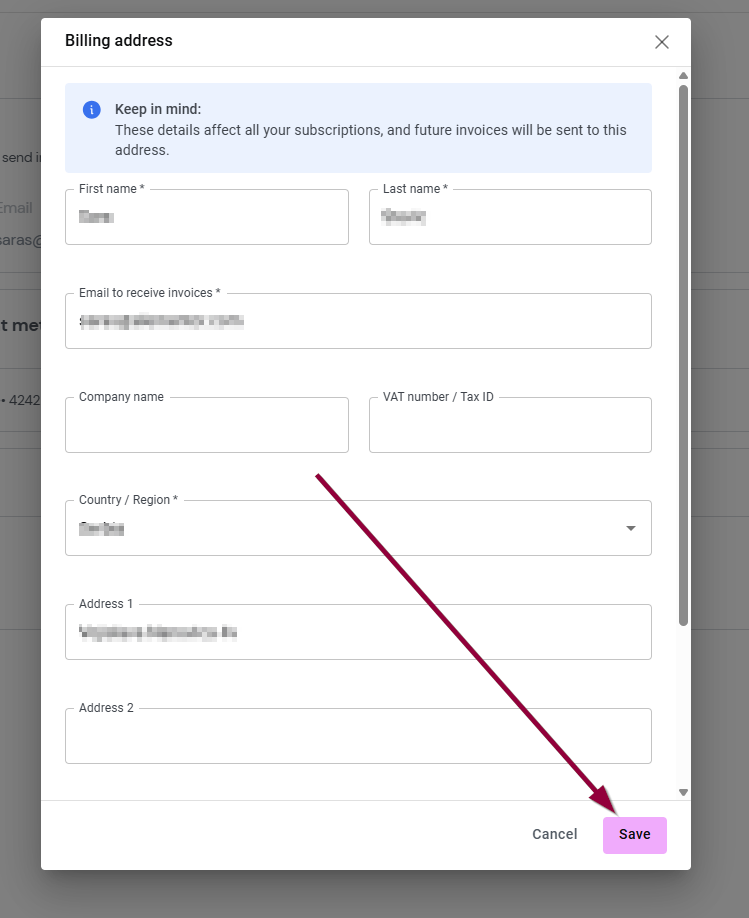
Your billing address is used to generate your invoices and therefore it’s important to keep it up-to-date.
View and edit your billing address
Note
Each user can have only one billing address.
To view and edit your billing address:
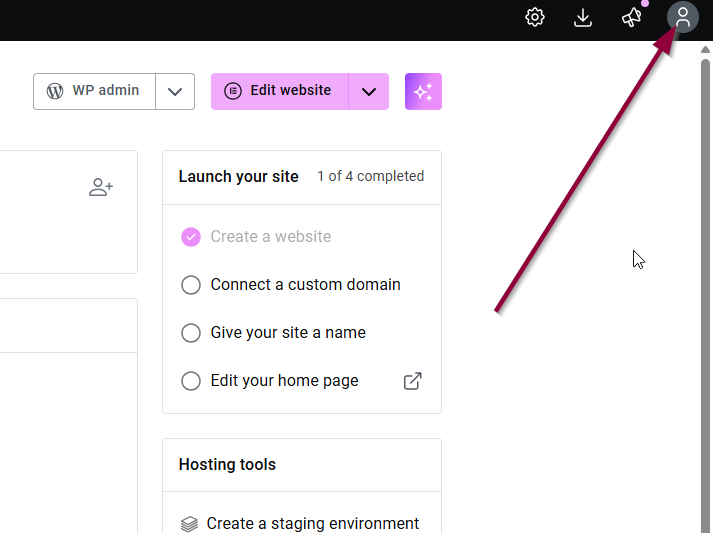
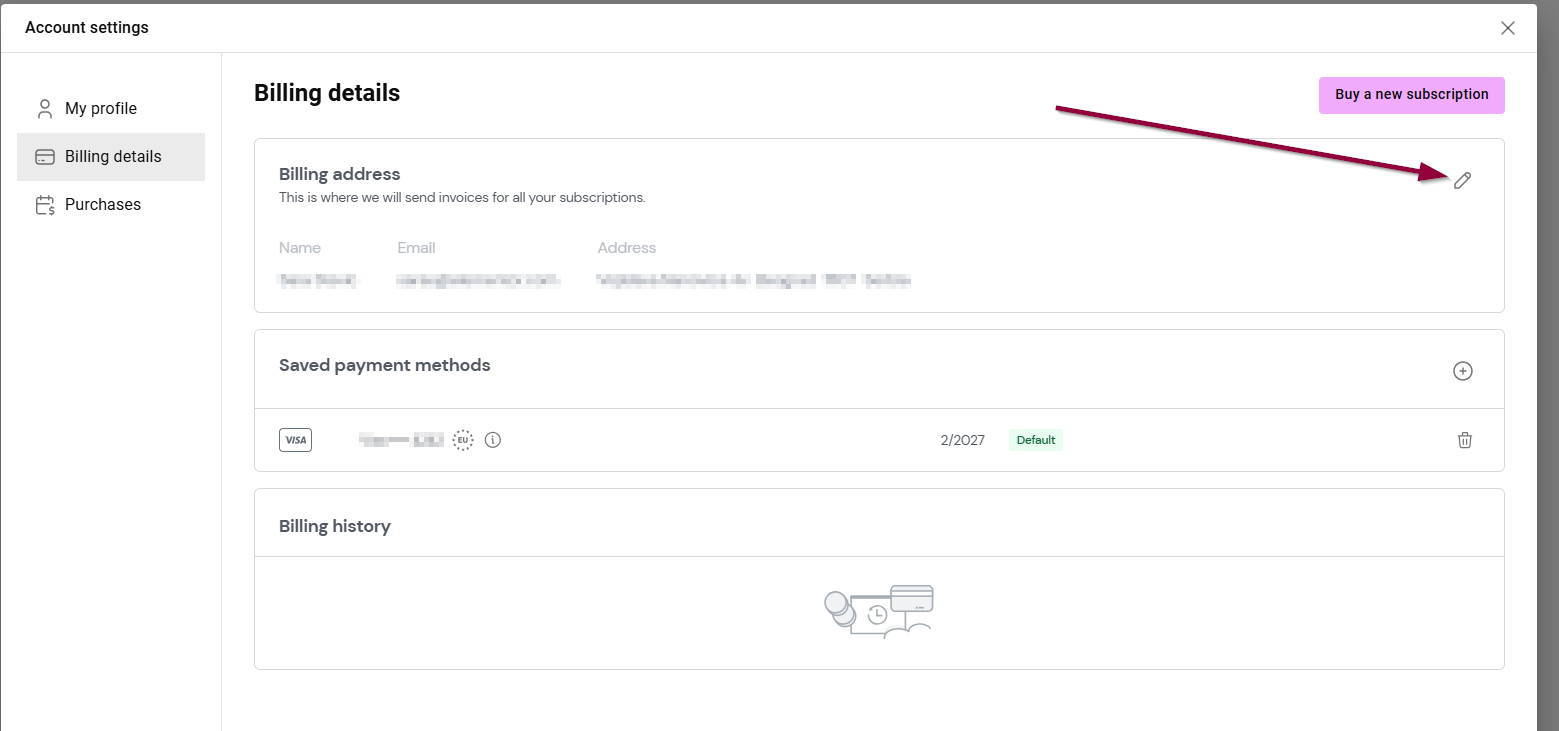
- Go to your My Elementor dashboard and click on your Account icon
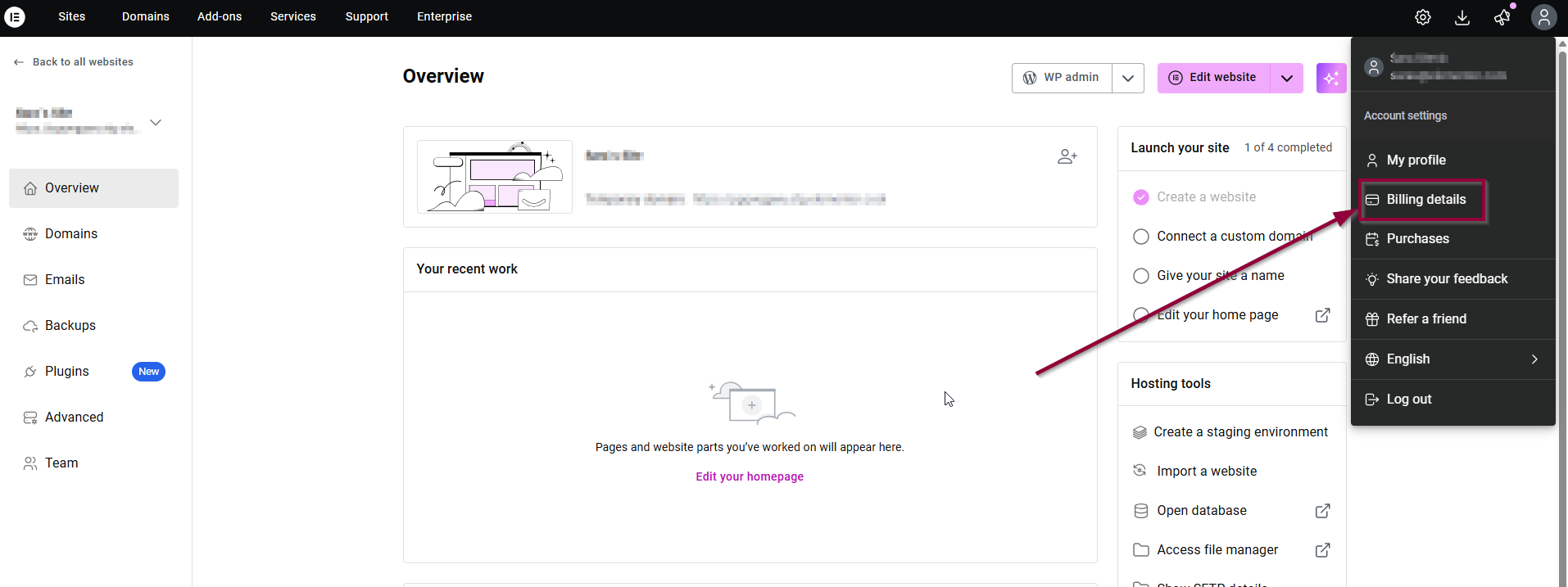
- Then, click on Billing details.
- Your billing address will appear.
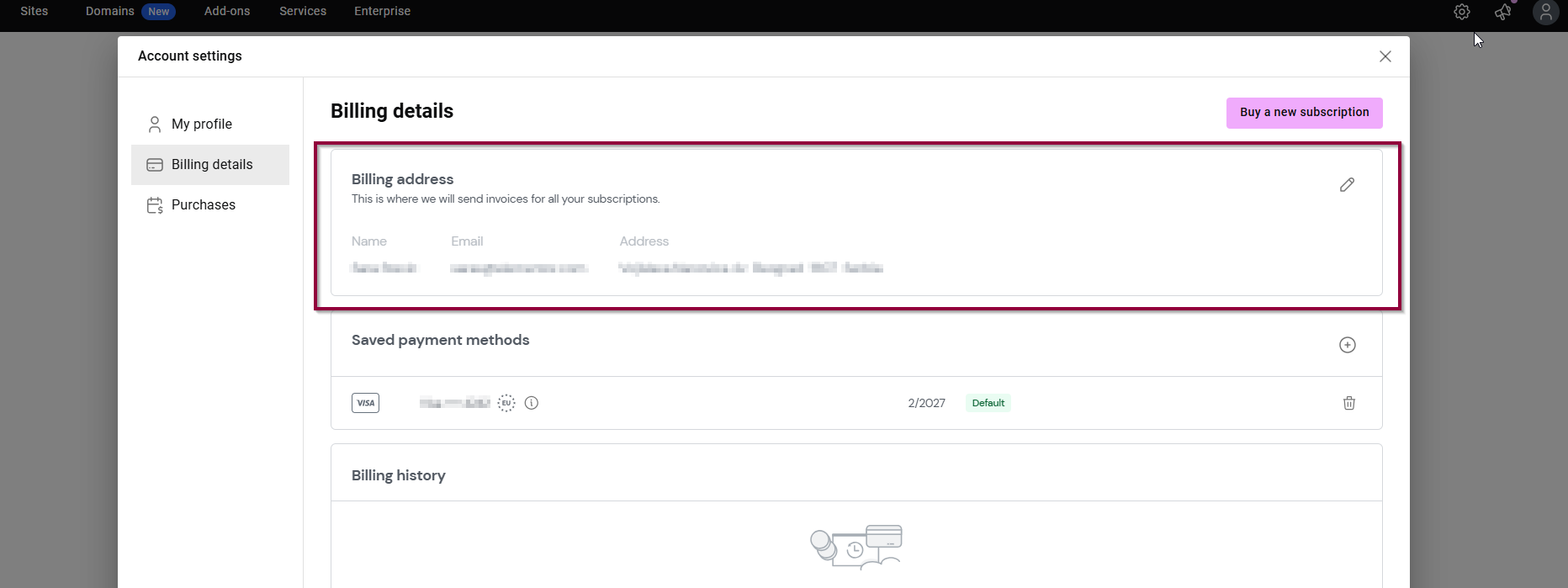
To edit your billing address:
- Click the pencil icon
.
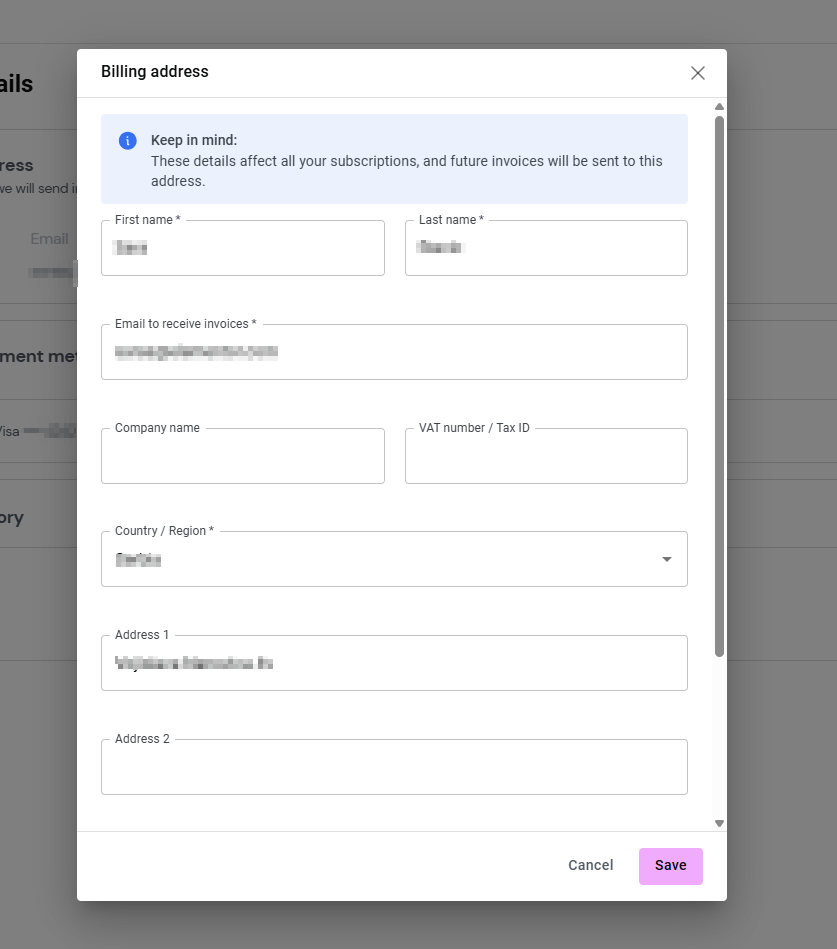
- Fill in the new address and click Save.