Agent Ready Scanner
Can AI agents find, read and act on your site?
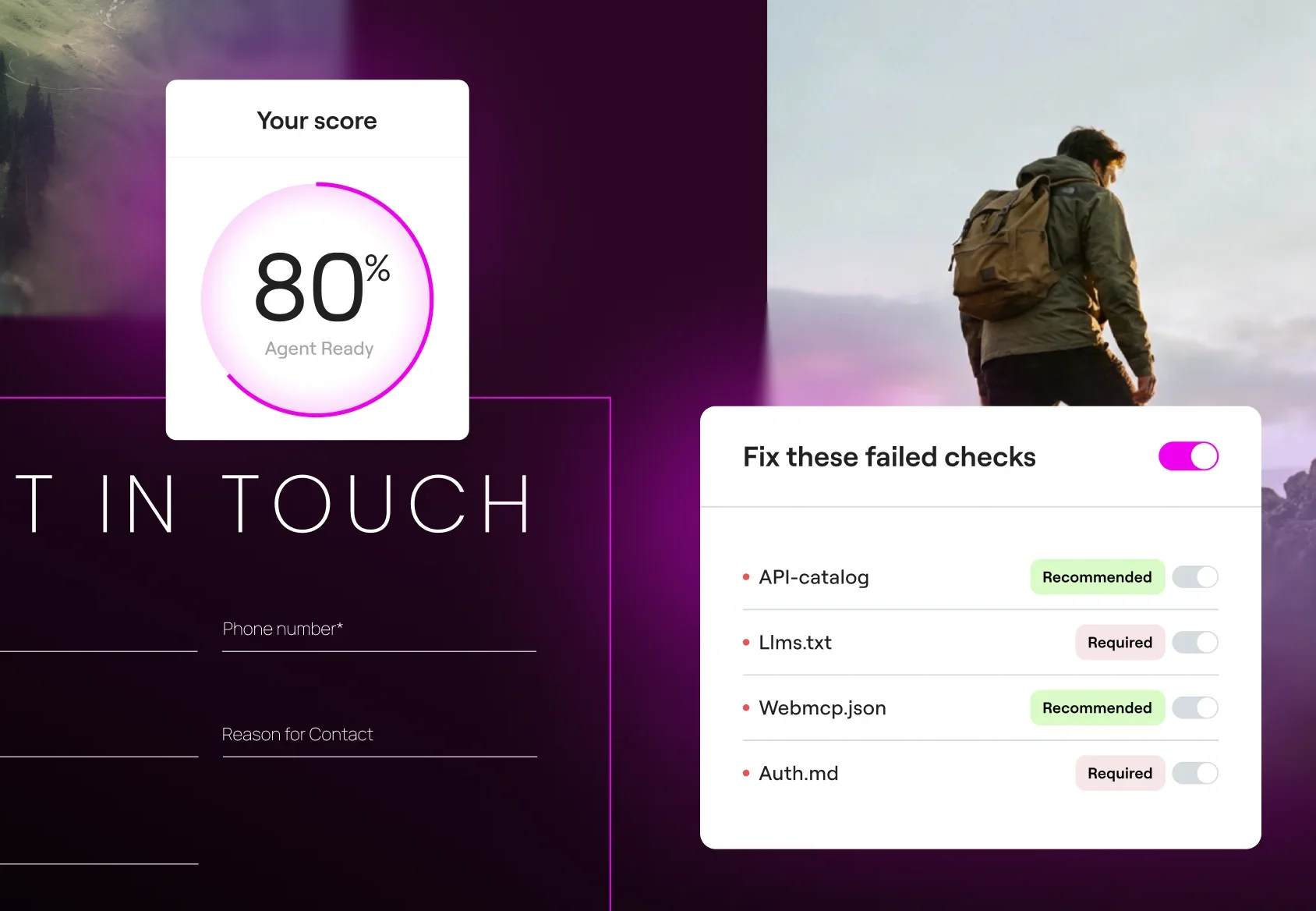
Enter any public URL to see how agents experience your site. You’ll get a readiness score that shows where agents get stuck on your site, with a clear fix for every failed check.
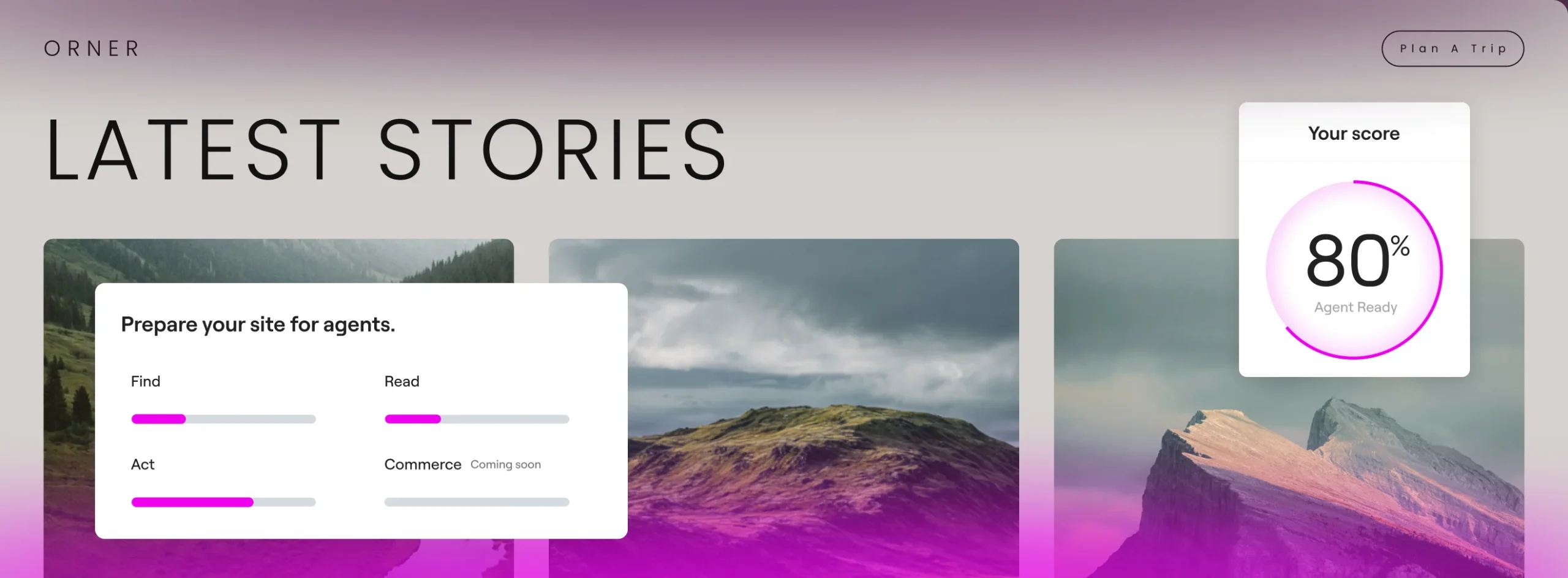
Some of your site's visitors are AI agents
People are already sending AI agents like ChatGPT, Claude, Mistral and more to browse sites, compare options, and act on their behalf.
How we check agent readiness
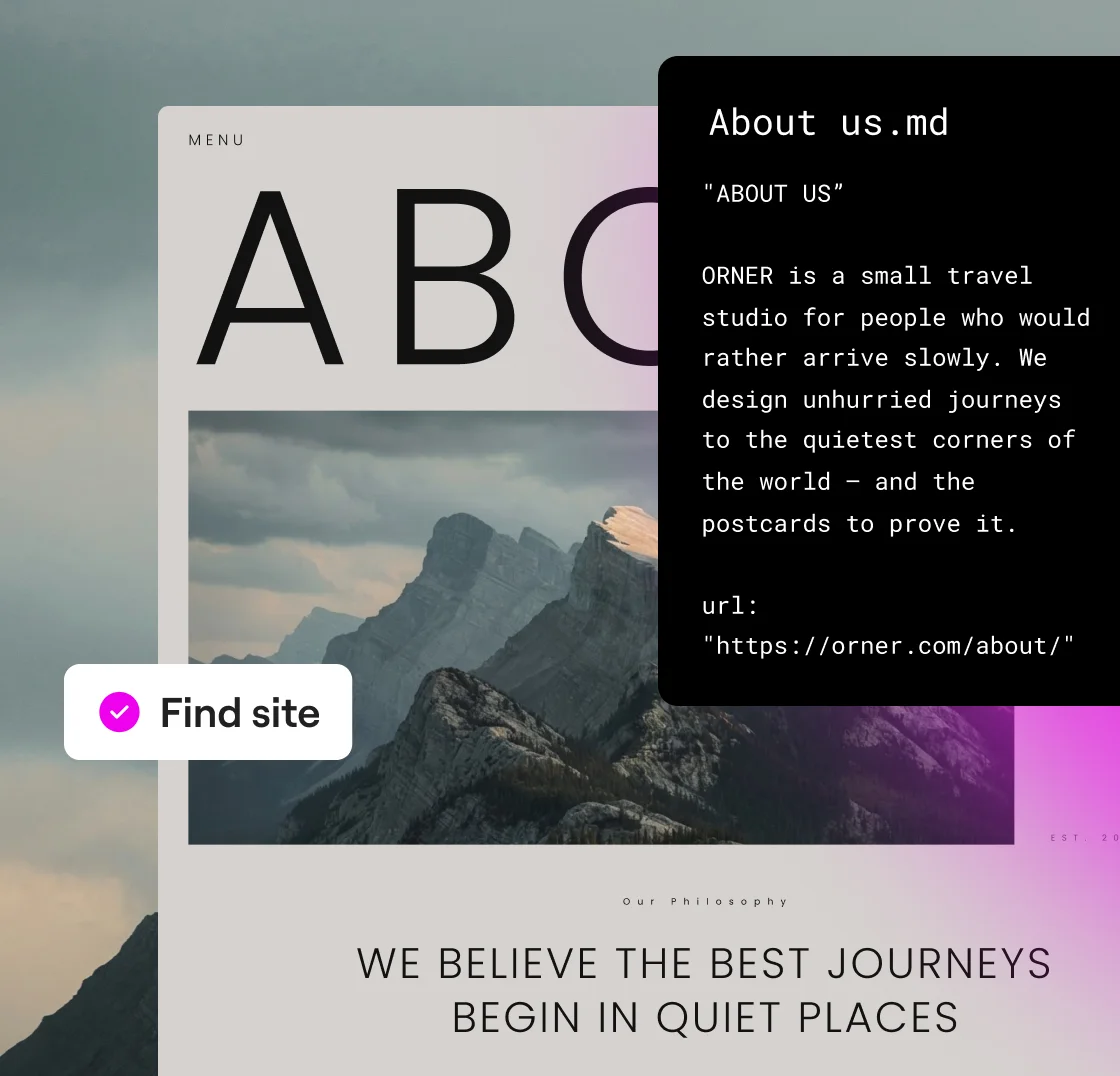
Find · Access and discovery

AI agents are allowed in, not blocked
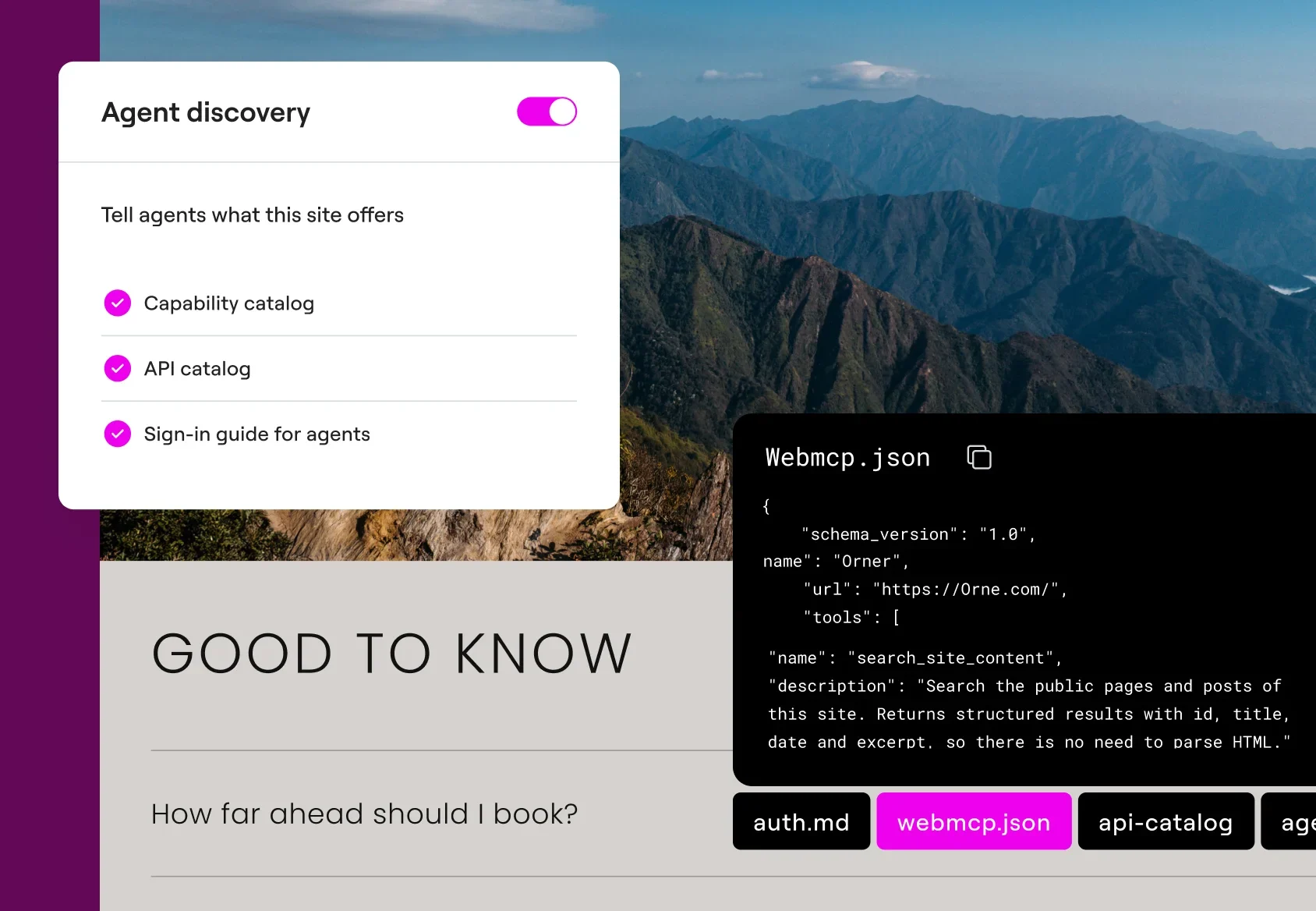
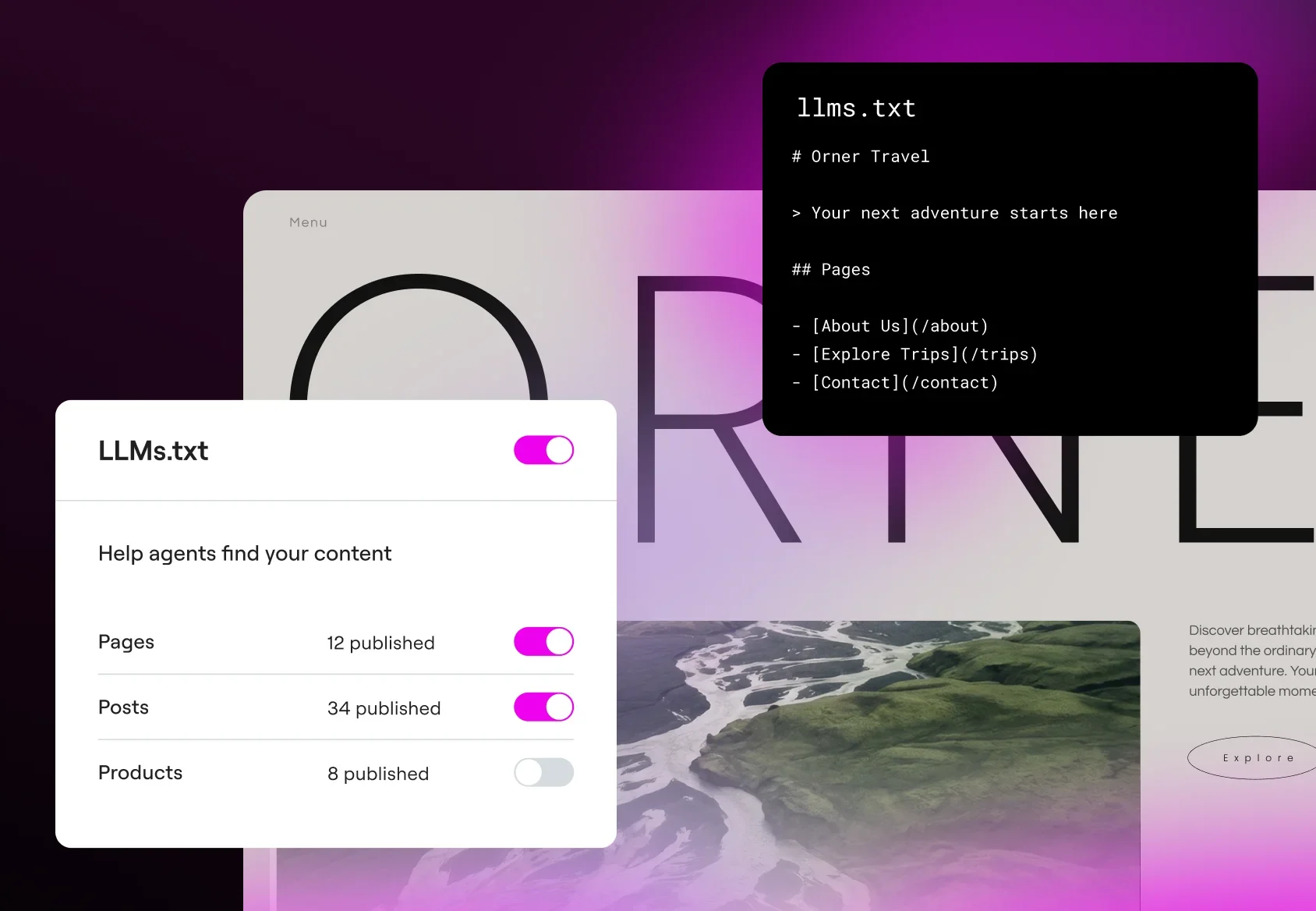
Agents have a guide to what’s on your site
Agents have a list of your pages to follow
Your content is visible to agents that can’t run scripts
Read · Content and structure
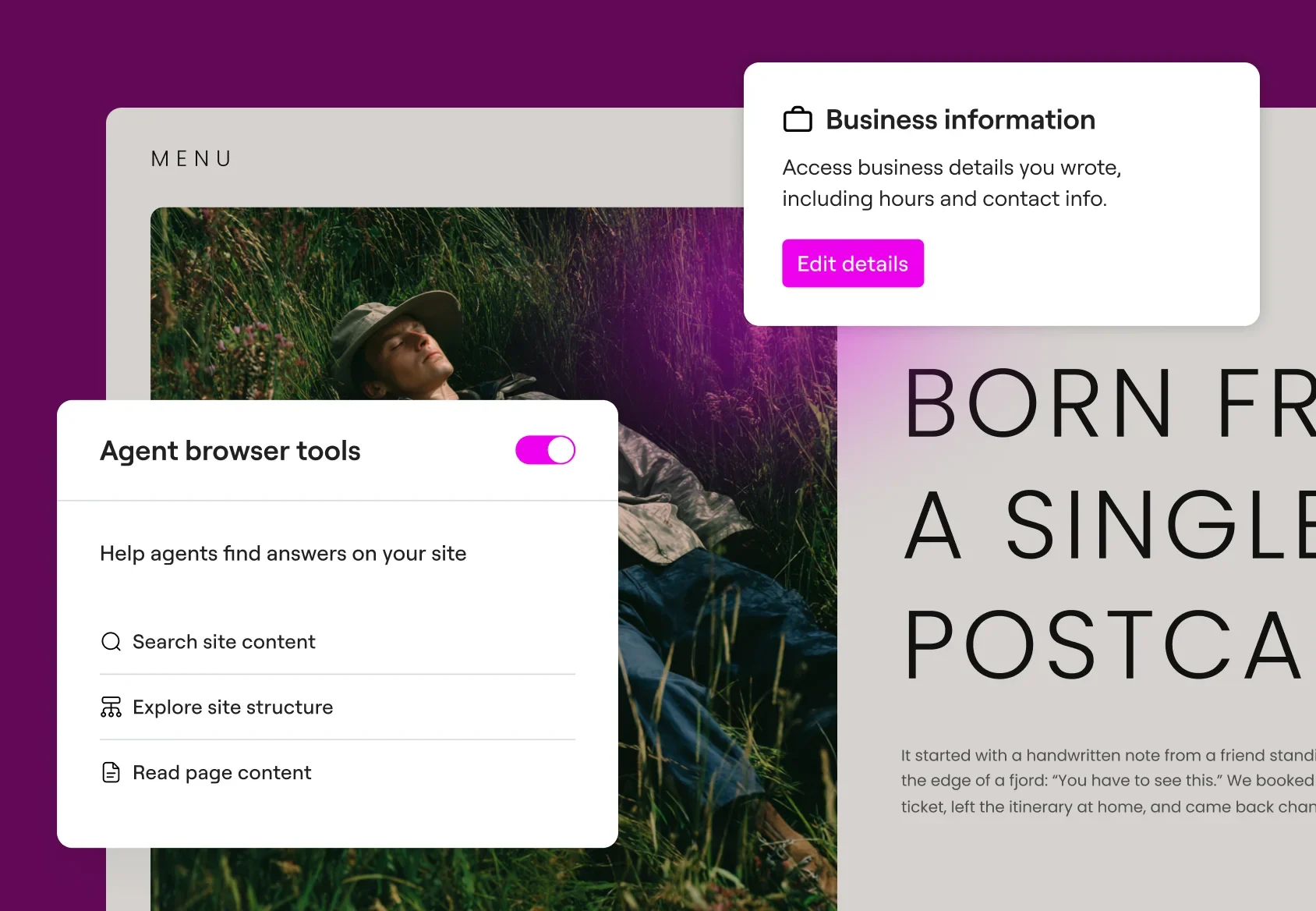
Who you are and what you do
What your products or services cost
Where you serve or ship
How to contact you
Act · Forms and actions
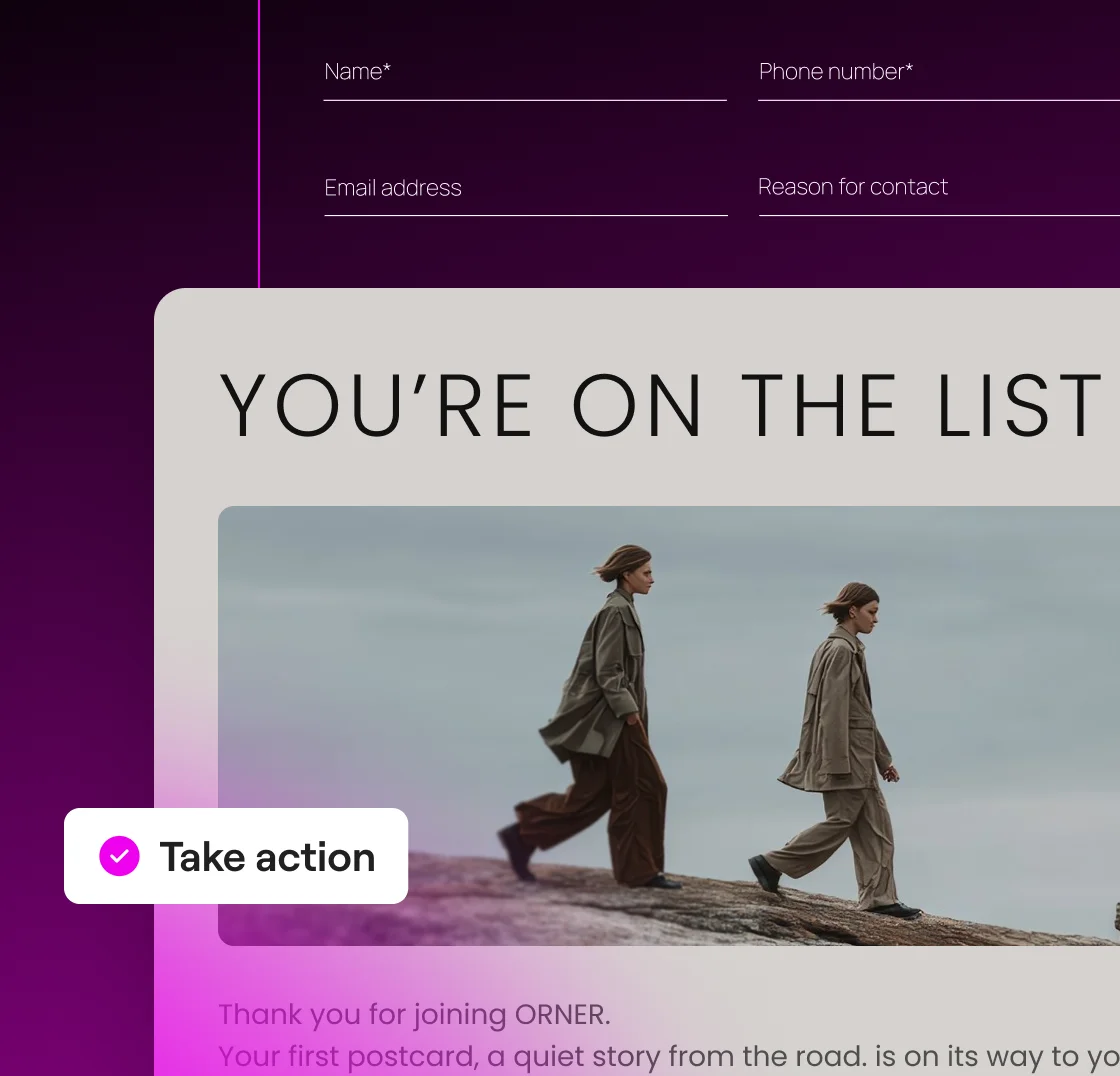
Understand and fill in your forms
Find a clear route to buy or book
Find your policies, like returns and shipping
Get a clean text version of your pages
Get agent ready faster with Elementor
Already on Elementor? Agent ready is already built in, directly on your WordPress admin. Open it from your WordPress dashboard and switch the basics on.
Fix with ElementorElementor’s Agent Ready Scanner is a free tool that checks how well your website is prepared for AI agents to find, read, and use. AI agents visit websites to gather information or complete tasks on behalf of users. Enter a public URL to receive an agent readiness score, a breakdown of the checks, and guidance on how to address failed checks.
SEO focuses on visibility in organic search results. GEO focuses on visibility in AI-generated answers, including mentions and citations. Agent readiness focuses on whether AI agents can access your content, understand it, and use the features your website offers. These areas overlap, but a website can perform well in search while still being difficult for agents to use.
The scanner checks three areas of AI agent readiness:
- Find: Signals that help agents discover your content and available tools.
- Read: Whether agents can access content in formats they can process, including Markdown.
- Act: Whether your site offers tools that compatible agents can call.
Checks include robots.txt, llms.txt, links in agent-facing files, structured data, Markdown availability, and WebMCP tools. The report explains the result of each check and provides guidance for addressing issues.
No. The public scanner identifies issues and recommends fixes, but it does not change your website. Recommendations include instructions and copyable prompts you can use with an AI tool to help make changes. On Elementor sites, supported fixes may be available through built-in settings or tools. After applying changes, run another scan to check the results.
You can scan publicly accessible websites built on WordPress or other platforms. The scanner does not require your site to use Elementor. Each report includes guidance for addressing failed checks, although the steps depend on your platform. WordPress sites using Elementor can use its built-in Agent Ready features for supported fixes. Other sites can use the report’s instructions and prompts to make changes through their own tools or developers.
Elementor’s Agent Ready features let you enable llms.txt, Markdown versions of your pages, and agent discovery files under /.well-known/. You can also manage bot access preferences and content-use signals through robots.txt.
These features are separate from the public scanner. You choose what to enable, and files are only created after you opt in. Existing llms.txt files are not overwritten automatically. Bot access settings communicate your preferences, but they do not guarantee that every bot will follow them.
No. Elementor’s Agent Ready Scanner checks your website’s technical readiness for AI agents. It does not track agent visits, identify which agents have accessed your site, or report changes in AI traffic over time. The readiness score also does not measure how often your website appears in AI-generated answers.
A lower score means your website did not pass some of the scanner’s checks. Possible issues include broken links in llms.txt, missing or incomplete structured data, or unavailable WebMCP tools. Review the individual findings to understand what the scanner detected and which changes are relevant to your website. After making changes, scan again to see whether the results improve.
WebMCP is a proposed web standard that lets websites offer functions, such as searching content or retrieving business information, as structured tools that compatible AI agents can call. Depending on what a website implements, these tools may also support actions such as filling out forms or making bookings.
The scanner checks for WebMCP as part of its assessment of how agents can act on your site. Agents may still use websites without WebMCP. Available actions depend on the website’s implementation and support from the browser and agent.
Yes. You can enter a competitor’s public URL to check its agent readiness. The report assesses publicly accessible signals and tools using the scanner’s checks. It does not reveal private analytics, AI traffic, or how often that competitor appears in AI-generated answers.
Yes. Elementor’s Agent Ready Scanner is free, with no limit on the number of scans you can run. You can scan your website again after making changes or check other publicly accessible websites.
A higher score does not guarantee better Google rankings, more AI citations, or successful interactions with every agent. The score reflects Elementor’s technical checks. Some improvements also support SEO, GEO and accessibility, while others help specific agents access content or use website tools. Search visibility and AI citations need to be measured separately. Read more: What agent readiness means for your website
What AI agents actually use to access and interact with websites