Table of Contents
Website Builder vs Hand Coding: Which Is Better in 2026?
The debate over how to build the web isn’t new, but the technology behind it keeps changing. You’re probably wondering whether to hand-code your next project or lean on a modern visual platform.
The honest answer isn’t what it was five years ago. The line between writing code and building visually has blurred, which is good news for your budget: what matters is knowing where to spend your time, money, and energy.
Key Takeaways
- WordPress currently powers 43.5% of all websites, with Elementor running 9.6% of the global web.
- The global no-code market hits $148.1 billion by 2030, reshaping agency workflows.
- Custom coding a professional business site costs $5,000 to $50,000+ upfront.
- A 1-second load delay drops conversions by 7%, making performance optimization mandatory.
- Over 80% of design tasks involve AI assistance, like Angie by Elementor.
- Every $1 invested in UX yields a $100 return, favoring platforms built for rapid iteration.
- 95% of security breaches stem from human error, common in manual coding.
At-a-Glance Comparison Matrix
Let’s cut the jargon: in 2026 you have three paths, visual builders, raw HTML/CSS, or JavaScript frameworks, each with its own cost and complexity. An agency charging $61 to $80 an hour drains a budget fast on basic layout, though a specific web app may still need that control.
| Feature/Metric | Elementor Editor Pro | Hand-Coded (HTML/CSS) | Custom Framework (React/Vue) |
|---|---|---|---|
| Initial Cost | Low (Subscription based) | High ($5k-$15k average) | Very High ($15k-$50k+) |
| Deployment Speed | Days to Weeks | Weeks to Months | Months |
| Maintenance Burden | Standardized (Updates) | Manual code patching | High (Dependency hell) |
| Design Iteration | Immediate (Visual) | Slow (Requires dev time) | Slow (Requires dev time) |
| Best Use Case | Marketing, E-commerce, Content | Static brochure sites | Complex proprietary SaaS |
Building basic HTML forms from scratch rarely makes sense today. Save the budget for genuine engineering problems.
Development Speed and Time-to-Market
Speed matters more than ever. The low-code market reached $148.1 billion because businesses refuse to wait, and by 2026 about 80% of development tasks touch AI in some way.
- Prototyping: Hand-coding means wireframes, Figma mockups, then manual HTML. Visual platforms skip that, letting you design in-browser with Elementor AI generating layouts and copy together.
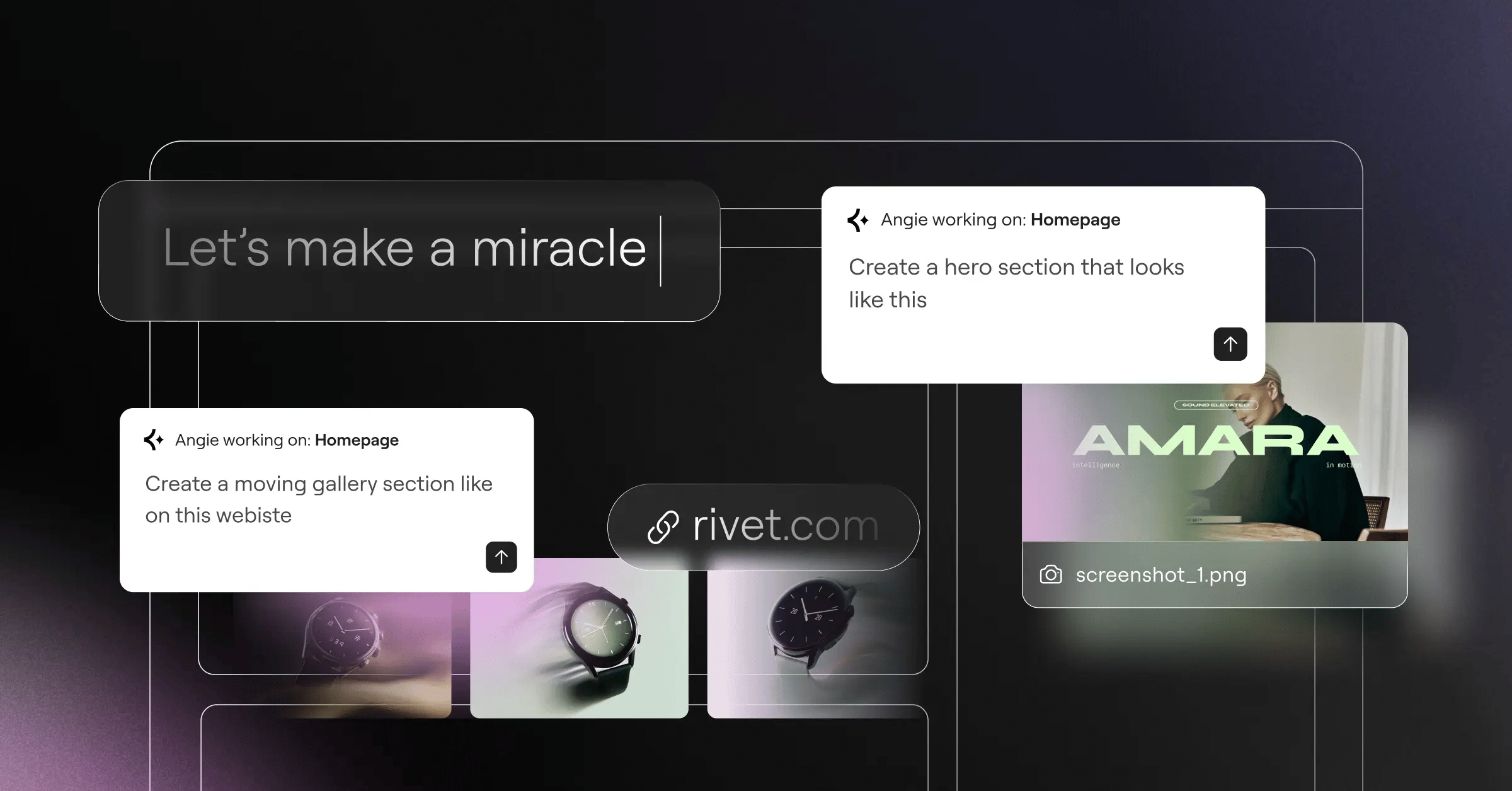
- Asset generation: Instead of hand-writing post loops, you automate. Angie by Elementor, agentic AI on the Model Context Protocol, works inside WordPress: type a prompt, and it builds the assets itself.
- Client revisions: Hand-coded changes need a developer to edit, commit, and redeploy. Visual builders let stakeholders tweak padding or swap images on staging in seconds.
Developers still write custom scripts, just not hours of CSS grids for a footer. They automate routine work and save their focus for custom logic.
Cost Analysis and Financial Reality
For most businesses, custom development is a sobering financial reality: an ongoing relationship with your codebase, not just an upfront build.
A US developer averages $61 to $80 an hour, and a simple corporate site takes roughly 150 hours, a minimum of $9,150 to launch. Compare that to Elementor One at $168 a year, bundling design, caching, and AI into one subscription.
- Initial capital expenditure: Custom builds run $5,000 to $50,000+. Builder sites cost a fraction of that, with fewer hours in layout work.
- Ongoing maintenance: Forbes data shows custom maintenance averages $500 to $1,000 a month, just to update libraries or fix a broken menu.
- Opportunity cost of UX: Forrester shows every $1 invested in UX returns $100 (a 9,900% ROI), freeing up budget for testing instead of boilerplate code.
- Plugin ecosystem savings: WordPress has over 59,000 free plugins. A custom booking engine costs thousands; a good plugin costs next to nothing.
Unless you’re building something highly specialized, like a banking portal or proprietary SaaS, hand-coding a marketing site is hard to justify in 2026.
Design Flexibility and Creative Control
Visual builders used to mean rigid templates. Not anymore. 94% of first impressions are design-related, so your site needs to look sharp regardless of how you built it. Raw CSS gives pixel-perfect control, and full responsibility for every breakpoint.
- Responsive breakpoints: GoodFirms reports 73.1% of web designers cite non-responsive design as the top bounce cause. Elementor Editor Pro handles breakpoints visually, letting you adjust typography per device instantly.
- Flexbox and CSS Grid: Modern builders skip positioning hacks and use native Flexbox and Grid, writing optimal CSS behind the scenes.
- Global design systems: Raw CSS variables work, but Global Brand Settings do it faster: change the brand color once, the whole site updates.
- Atomic elements: Elementor Editor V4 (Atomic), launching in 2026, is entirely CSS-first, producing code that reads like a senior developer wrote it by hand.
You can still drop custom CSS into a widget for a hover animation or clip-path, without losing control.
Performance, SEO, and Core Web Vitals
Hand-coding purists make their stand here: builders supposedly bloat the DOM and slow pages down. Google’s data shows 53% of mobile visits abandon a page past 3 seconds, and a 1-second delay costs 7% of conversions. The “bloat” argument, though, is outdated.
“The old narrative that visual platforms inherently ruin SEO is dead. Modern engines prioritize optimized DOM output, native CSS variables, and server-side caching. If you configure your environment correctly, a visually built site will easily pass Core Web Vitals and outrank a poorly maintained hand-coded site every single time.”
Itamar Haim, SEO Team Lead at Elementor. A digital strategist merging SEO, AEO/GEO, and web development.
- DOM output: A skilled developer can hand-code a lean DOM, but modern platforms cut wrapper divs and output semantic HTML5.
- Asset loading: Custom Webpack configs for lazy loading are tedious. Platforms load only the CSS and JS a page needs.
- Image compression: Hand-compress images and write picture tags for WebP, or use Image Optimization to cut file sizes up to 60%.
- Server-side delivery: A hand-coded site on cheap hosting fails Web Vitals. A site on Elementor Managed Cloud Hosting (Google Cloud C2, Cloudflare Enterprise) hits a 109ms Time to First Byte.
Speed isn’t about the tool anymore. It’s about infrastructure and asset management.
Security Protocols and Maintenance Burdens
Security can feel scary: the World Economic Forum notes 95% of cybersecurity breaches come down to human error. Custom PHP or Node.js backends need rigorous sanitization, parameterized queries, and constant dependency monitoring.
- Standardized updates: A vulnerability in WordPress core or a major plugin gets patched across millions of sites at once.
- Server-side hardening: Hand-coding often means managing your own server, firewalls, and DDoS defenses. Managed platforms handle this at the network level.
- Dependency hell: Custom JS frameworks decay fast; a React app built three years ago might not compile today without refactoring.
- Accessibility compliance: A real legal liability. Writing ARIA labels by hand across thousands of components is exhausting; Web Accessibility scans for over 180 WCAG issues automatically.
You shouldn’t roll your own crypto, and probably not your own authentication system either.
Scalability and Handling Technical Debt
The platform you pick today decides the technical debt you carry tomorrow. React remains the top choice for complex logic, used by 42.62% of developers, but scalability means different things for different projects.
- High-volume e-commerce: A hand-coded cart and inventory database is financially reckless. Elementor + WooCommerce designs product pages and checkouts visually in days, handling thousands of SKUs with ease.
- Proprietary enterprise SaaS: Real-time websocket updates, multi-tenant data, and drag-and-drop kanban boards need React or Next.js and hand-coded state management. A builder isn’t built for this.
- Media publishing: 50 articles a day, author roles, paywalls: this is why 43.5% of the web runs on WordPress. A custom CMS from scratch wastes engineering resources.
Pick the architecture that fits your actual growth trajectory. No need to build a spaceship to cross the street.
The Hybrid Development Approach
The best agencies in 2026 don’t choose strictly between builders and hand-coding. They run a hybrid: the visual platform for heavy lifting, custom code only where it’s needed.
- Custom CSS injections: Design the layout visually, then drop custom CSS into widgets for pseudo-elements or grid overlaps the UI doesn’t support yet.
- Custom JavaScript and hooks: Need a specific API integration? Write a custom PHP function or JS script that talks to the visually built DOM.
- Custom post types and dynamic data: Build data architectures (CPTs, ACF fields) through code, then use the Theme Builder to map that content into visual templates.
- HTML widgets: Sometimes it’s faster to paste a raw HTML snippet from CodePen than rebuild it with widgets.
- Agentic AI assistance: Hit a roadblock with a custom snippet? Use Angie in the dashboard to build and implement the PHP filter needed, pairing AI with human oversight.
This hybrid workflow cuts time to launch while keeping technical standards high.
Workflows, Handoffs, and Team Collaboration
Solo freelancers only argue with themselves, but agencies and marketing teams hit a real bottleneck: hand-coded sites depend on engineering for every headline change or new landing page, sprint locked.
- The engineering bottleneck: Hand-coded sites tie up expensive senior developers on minor copy updates and image swaps.
- Marketing autonomy: Visual builders let marketing teams act alone: duplicate a page, swap the hero image, adjust the layout, launch a campaign.
- Role-based access: Modern platforms lock down design elements: give a client “Editor” access for text and images, but restrict “Admin” so they can’t break the global CSS.
- Design system continuity: A theme like Hello Biz with pre-built kits guides a junior designer toward the typography and colors the team already set.
Build for whoever will actually maintain the site: if they can’t code, don’t hand them a custom React app.
Final Verdict and Recommendations
Which one is actually better in 2026? It depends on your goals, budget, and team’s skill. Code is just a tool for solving a business problem: if a visual platform solves it faster, cheaper, and just as well, use the platform.
- Choose a website builder if you’re building marketing sites, lead funnels, portfolios, or standard e-commerce: speed to market and marketing autonomy make Elementor the stronger financial choice.
- Choose the hybrid approach if you run an agency delivering high-end custom work: builder for 90% of the layout, custom CSS/JS for the 10% of micro-interactions that make it award-worthy.
- Choose hand-coding if you’re building a highly interactive, state-heavy application, like a complex SaaS dashboard or banking portal: you need a custom React/Next.js stack, and a visual builder will only get in your way.
The smartest developers aren’t the ones who write everything from scratch. They’re the ones who know exactly what to automate and what to hand-craft.
Frequently Asked Questions
Can a visual builder really pass Google Core Web Vitals?
Yes, easily. With solid hosting, optimized images, and a theme like Hello Theme, sites often score in the 90s on PageSpeed Insights.
Does hand-coding offer better SEO than WordPress?
No. Search engines crawl rendered HTML, not your source code. WordPress has an edge: SEO plugins handle schema, canonical tags, and sitemaps automatically.
What happens to my code if I stop using the builder?
You lose the layouts it generated, left with standard WordPress content and shortcodes. Hand-coded sites are portable, but moving them still needs a developer.
How does AI fit into modern web development?
AI isn’t just generating text anymore. Angie by Elementor uses agentic AI to build structure, configure settings, and deploy assets inside WordPress from a prompt.
Are custom-coded sites more secure?
Not inherently. A custom site is only as secure as its developer; one missed vulnerability leaves you exposed. Major platforms push patches to millions of sites at once, often safer for users.
Is there a steep learning curve for modern visual platforms?
There’s a curve for advanced features like Flexbox containers and dynamic data loops, but it’s days or weeks, not the years raw JavaScript and backend architecture take.
Can I use both methods on the same project?
Absolutely, it’s the industry standard for advanced projects: build the structure visually, then add custom PHP, CSS, or JS hooks for specific functionality or animations.
Looking for fresh content?
By entering your email, you agree to receive Elementor emails, including marketing emails,
and agree to our Terms & Conditions and Privacy Policy.

