
If you run a web design agency, you know how fast the website builder market moves. We’ve pulled together the latest data and trends to help you make sense of it. Picking the right tool for a client isn’t just about features, it’s about building a business that lasts. Here’s what the numbers mean for your agency this year.
Key Takeaways
- WordPress still holds the largest slice of the global CMS pie, running more than forty percent of active websites.
- Visual builders on open-source systems give agencies the best blend of fast development and design control.
- SaaS platforms like Wix and Squarespace keep a strong hold on small business owners who want managed hosting.
- Visual tools like Webflow are growing among designers who want high fidelity and custom code exports.
- Successful agencies diversify their portfolios, matching client needs to the right builder platform.
Understanding the Website Builder Market Share in 2026
The web moves fast, with thousands of new sites going live every day. For agency owners, these choices reveal real business trends: growing platforms bring more client requests, while platforms losing ground may not be worth training your team on.
Market share splits into two categories: content management systems (CMS) like WordPress, which handle complex databases and large-scale applications, and dedicated website builders, hosted services built to simplify design and publishing. Both have their place, but their numbers tell very different stories.
The platform you choose also shapes how you run your agency. A large global market share means a bigger ecosystem of developers, templates, and integrations, so client requests rarely mean starting from scratch. Smaller platforms may look great but can leave you stuck on advanced database work.
Key Players in the Modern CMS and Website Builder Industry
The industry splits into open-source platforms and proprietary hosted services. Open-source gives you full ownership of your files and database. Hosted services handle security and servers for you, but keep you inside their ecosystem.
WordPress is still the giant of the web, powering more than forty percent of all websites online today. Being open-source means infinite customization: host anywhere, move your data freely, modify the core code as you see fit. That flexibility has kept it on top for over a decade.
Here’s why WordPress holds its lead:
- Keeps data ownership in the hands of the creator instead of a closed platform.
- Supports thousands of themes and tools that extend site functionality.
- Works with diverse web hosts, allowing for scalable performance.
- Maintains a massive community of developers who fix issues and build updates.
- Integrates with e-commerce systems like WooCommerce without locking users in.
Not every business wants to manage its own hosting or security updates, which is why hosted software-as-a-service (SaaS) builders have grown popular. One subscription gets you the editor, hosting, and support, a convenient trade-off for less deep customization.
Website Builder Market Share Analysis
WordPress remains the largest single force, but hosted builders have made real gains in specific sectors: e-commerce sites often favor specialized builders, while creative agencies lean toward visual-first tools. If your clients are local service businesses, look for a tool that builds and hands off sites quickly. Large online stores need a platform built for high-volume transactions.
Here’s a direct comparison of the leading platforms active today:
| Platform | Primary Market Focus | Relative Market Position | Major Benefit | Hosting Model |
|---|---|---|---|---|
| WordPress (Self-Hosted) | All site types, from blogs to massive enterprise portals | Dominant global leader with over 40% total web share | Complete design freedom and full ownership of data | Self-hosted (choose your own provider) |
| Wix | Small businesses, portfolios, and beginner creators | Leading hosted builder with strong consumer adoption | Simple drag-and-drop building with zero setup code | Fully hosted SaaS |
| Squarespace | Creative professionals, artists, and boutique online stores | Highly popular for visually styled aesthetic sites | Beautifully structured layouts and simple editor interface | Fully hosted SaaS |
| Shopify | E-commerce businesses of all sizes | Leading platform for digital and physical retail stores | Strong built-in payment systems and inventory management | Fully hosted SaaS |
| Webflow | Design agencies and professional visual developers | Growing niche among visual-first creators | Generates clean, production-ready code visually | Hosted with custom code export options |
No single platform fits every client. The market has split into specialized areas, and your job is guiding clients to the system that matches their goals and budget.
WordPress Ecosystem and Visual Editors in 2026
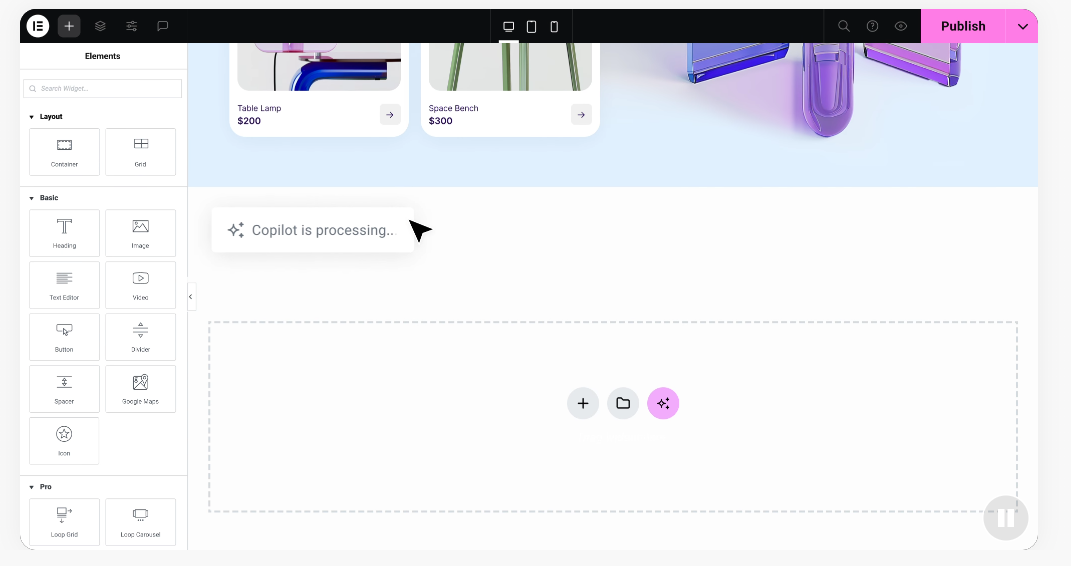
Many agency teams build exclusively on WordPress but skip hand-coding daily layouts. That’s where visual systems come in. The Elementor website builder is a professional standard for WordPress, pairing design freedom with a visual workflow: drag-and-drop editing with live preview, so you see changes instantly.
A large share of WordPress sites run on visual editors. Elementor’s features give you more than one hundred widgets, responsive editing for up to seven devices, and global styles for custom layouts without hand-coding.
A visual workflow on Elementor keeps development hours low, so you can take on more clients without burning out staff, and that speed translates into higher profit margins.
Here are the built-in tools that make visual building efficient:
- Generates custom website text using built-in AI copywriting tools.
- Creates unique images directly inside the media editor.
- Designs custom logos tailored to the client’s brand.
- Plans site layouts using an integrated site planning assistant.
To get the most from your visual workflow, follow a structured setup:
- Set up your global style guide including primary colors and typography.
- Build and save custom header and footer templates.
- Design and save reusable global widgets for consistent layout structures.
Keeping everything in one dashboard means less time switching between design apps and code editors, which is why visual builders on WordPress have captured such a large share of the professional market.
Detailed Overview of Key Platforms
Here’s a closer look at each major platform.
Wix
Wix is a fully hosted builder built for ease of use. Its free-form editor lets you place elements almost anywhere, though that can cause mobile layout issues if not managed carefully. Wix handles security, updates, and server maintenance, a low-hassle option for busy owners.
- Gives drag-and-drop flexibility for simple layout adjustments.
- Handles all hosting so users don’t have to buy separate servers.
- Includes built-in marketing and booking systems for small business owners.
Squarespace
Squarespace focuses on high-end design and clean aesthetics, using a structured grid instead of a free-form editor. It’s popular with artists, photographers, and boutique brands, and it handles technical issues behind the scenes.
- Features highly structured templates that maintain clean visual proportions.
- Connects directly to mailing lists and basic digital sales tools.
- Handles all security updates automatically behind the scenes.
Webflow
Webflow is built for designers who want full code control without hand-coding, turning visual choices into clean, semantic HTML, CSS, and JavaScript. It has a steeper learning curve, but unmatched design precision.
- Generates clean, production-ready code as you design visually.
- Gives complete control over CSS properties like flexbox and grid.
- Builds custom animations and complex interactions without manual JavaScript.
WordPress.com
WordPress.com is a hosted version of open-source WordPress, run by Automattic. It’s a solid middle ground for starting quickly while still adding tools and themes as the business grows, in a managed, secure, fast environment.
Emerging Trends Influencing Web Platform Adoption in 2026
The website builder market keeps changing as new technology emerges. AI is one of the biggest shifts, moving directly into the design workflow and helping creators build sites faster, so clients now expect a functional site in days, not months.
Accessibility compliance is another big trend, as governments enforce stricter guidelines for digital content. Platforms with built-in accessibility checkers are gaining an edge with corporate clients, since agencies need tools that make it easy to add alt text, structure headings, and keep proper color contrast.
If you want to stay ahead of these shifts, you need a systematic way to evaluate platform trends. Here are the steps:
- Identify the primary industry focus of your core client base.
- Review the specific platform features that match their business size.
- Analyze the long-term support and development activity of the underlying tool.
Follow these steps and your agency won’t be stuck building on outdated technology.
Choosing the Right Builder for Your Agency Clients
Your agency’s success comes down to matching the right client with the right tool. A small local bakery doesn’t need a custom, hand-coded application, just a simple site the owner can update alone. An enterprise SaaS company will quickly outgrow a drag-and-drop builder and need a database-driven system.
Focus your recommendations on long-term management costs and how easy a site is to edit. Clients who can’t update text without calling you will get frustrated. Look for builders with clean user roles, so clients can edit text and swap images while the design grid stays locked.
Here are the strategic steps for agency growth in the coming year:
- Assess your team’s current development and design skill levels.
- Build a reusable template kit to speed up project kickoffs.
- Document your handoff process to make client training smooth and fast.
Standardize your visual workflows and you can deliver high-quality sites on time and under budget, keeping your agency profitable in a highly competitive market.
“The shift we’re seeing in the market isn’t just about who has the absolute largest share, but where the high-value client sites are being built. Agencies are moving toward visual workflows that sit on top of open systems like WordPress, giving them both design speed and full ownership of their code.”
(Itamar Haim, Web Development Specialist)
Frequently Asked Questions
Why does WordPress still dominate the market share in 2026?
WordPress keeps its lead because it’s open-source, customizable, and backed by a massive developer community. It gives owners full ownership of their data and files, so they can move to any host, and its huge tool library fits almost any site.
Is Elementor suitable for large-scale agency websites?
Yes. Elementor is widely used by professional agencies for complex, high-performance sites, offering strong design features, global styling, and deep WooCommerce integrations that speed up development without losing visual control.
How does Webflow compare to self-hosted WordPress for agency work?
Webflow is a hosted platform focused on clean, visual code generation, popular with agencies that want custom animations. Self-hosted WordPress gives more flexibility, a bigger tool ecosystem, and full data ownership, often the more scalable option.
What are the main differences between Wix and Squarespace?
Wix uses a free-form drag-and-drop editor that lets you place elements anywhere, giving maximum creative freedom. Squarespace uses a structured grid system that keeps layouts aligned, suited to portfolios and boutique stores that want a clean look.
Does the choice of website builder affect search engine optimization?
Yes. Your platform choice affects site speed, code structure, and meta tags. Most major builders now include built-in SEO tools, but open platforms like WordPress give deeper access to technical SEO settings and schema markup.
Can I export my design if I use a hosted website builder?
Generally, hosted platforms like Wix and Squarespace don’t let you export your full site design or database elsewhere, so leaving often means rebuilding from scratch. Webflow lets you export static HTML/CSS code, while WordPress lets you export your entire database and files.
What is the impact of AI tools on website builder market share?
AI tools help users build websites much faster, lowering the barrier to entry for beginners. Platforms that quickly add AI assistants for layout generation, copywriting, and image creation are seeing faster adoption, especially among small business owners and solo creators.
How should an agency handle client training after handoff?
Agencies should provide simple, recorded video tutorials showing clients how to update text, swap images, and check form submissions. Clear user permissions keep clients from breaking the design grid, keeping support requests low and satisfaction high.

