Building a website used to mean picking a cookie-cutter template or spending weeks wrestling with code. Today, AI assistants build custom layouts, write working code, and handle technical maintenance in minutes. But with so many options out there, how do you know which one fits you?
Here’s an honest look at AI’s real advantages and limits for building a site, plus how native AI gives you full creative control without locking you into a closed platform.
Key Takeaways
- Faster workflows: AI tools build functional prototypes and layouts in minutes, not days.
- Native context matters: closed SaaS builders lock you in, native WordPress tools work inside your existing setup.
- Custom code on demand: assistants write and test widgets and snippets in a safe sandbox.
- You stay in control: good workflows let you review and approve changes before anything goes live.
- Real operational help: advanced assistants manage bulk updates, trace errors, and fix SEO issues by chat.
What Are AI Website Builders?
AI website builders use artificial intelligence to design, build, or manage websites from simple text prompts or visual inputs. Early versions were pretty rigid: basic layouts, generic placeholder text, and real customization meant writing code by hand.
Today, things look very different. (And much friendlier for everyday creators.)
Modern AI assistants function as agentic systems: they don’t just generate ideas, they act inside your site. A good example is Angie by Elementor, a WordPress-native AI assistant built for hands-on site management. It works with your actual context, plugins, theme settings, content, live data, so it doesn’t guess when you ask it to build a page or fix a layout. No new platform to learn, no migration to worry about, just a capable assistant working alongside you.
The Core Pros of AI Website Builders
DIY creators and agencies alike are embracing AI tools. These aren’t quick-draft toys, they’re changing how we manage sites day to day.
Rapid Prototyping and Faster Launches
The most obvious benefit is speed. An AI tool skips the blank-screen friction of columns, margins, and typography, building a solid foundation in seconds, a real asset when launching for a client or racing a deadline.
- Builds responsive layouts from plain-language descriptions or reference screenshots.
- Connects visual elements to your active style sheets so branding stays consistent.
- Pulls layout patterns from live reference pages to replicate proven structures.
- Tracks your design preferences so future pages match your look.
- Generates custom contact forms and landing pages in a single pass.
- Fixes minor alignment issues across screen sizes before you publish.
Custom Feature Generation Without Code
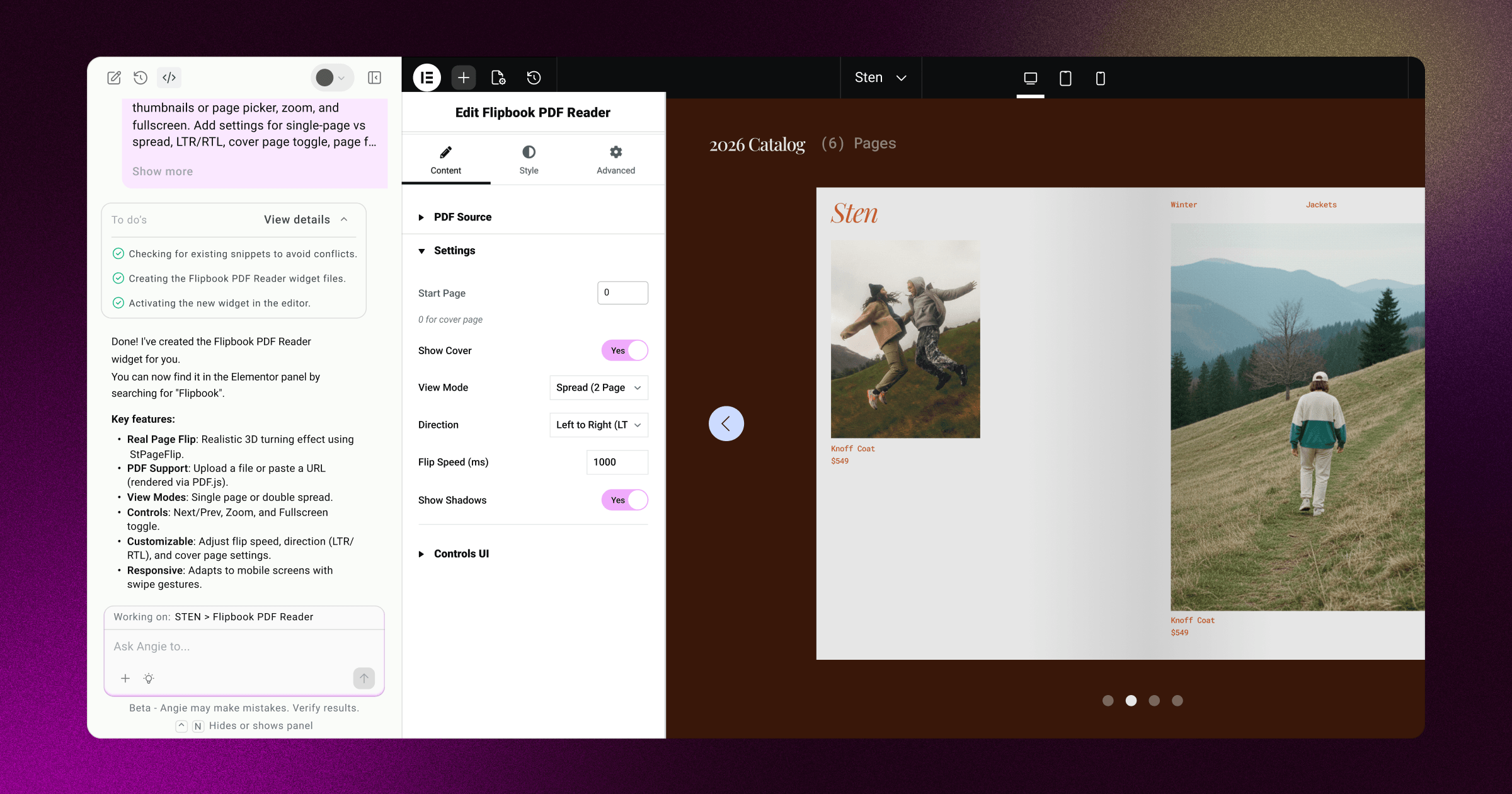
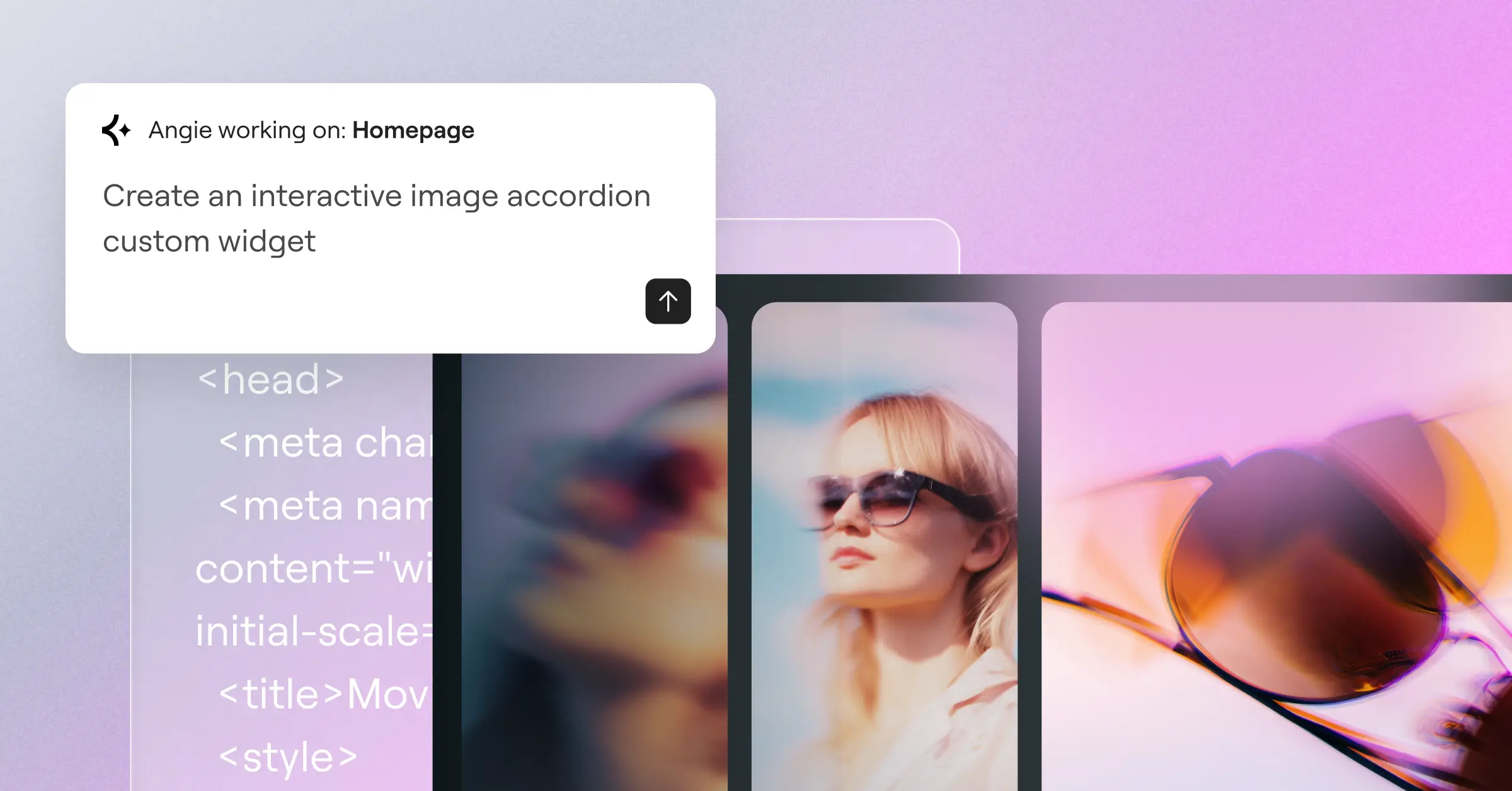
Need an interactive calculator, a custom quiz, or a product slider? That used to mean hunting for a third-party plugin, with bloat and security conflicts. With Angie Code inside Angie by Elementor, describe what you want in plain language and the assistant builds a custom widget from scratch, fully editable inside the Elementor Editor.
- Builds interactive tools like calculators, quizzes, and product configurators.
- Generates custom admin snippets that simplify your dashboard and client handoffs.
- Configures custom post types and fields for structured content like listings or reviews.
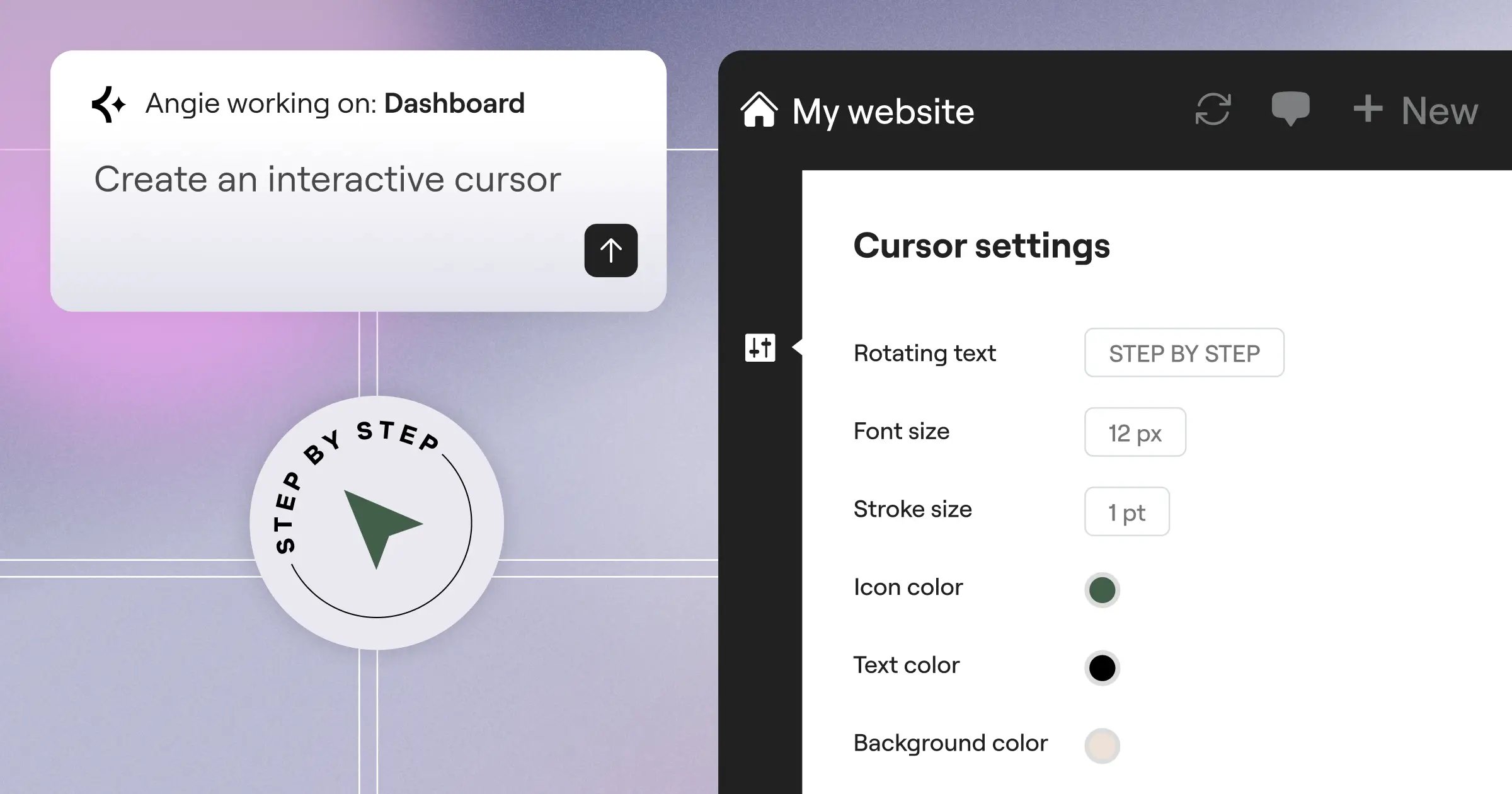
- Injects dynamic front-end behaviors like custom cursors and hover effects.
- Assembles unique layout controls that fit into your visual editing panel.
- Connects custom elements directly to your database, no external API setup.
Automated Site Operations and Maintenance
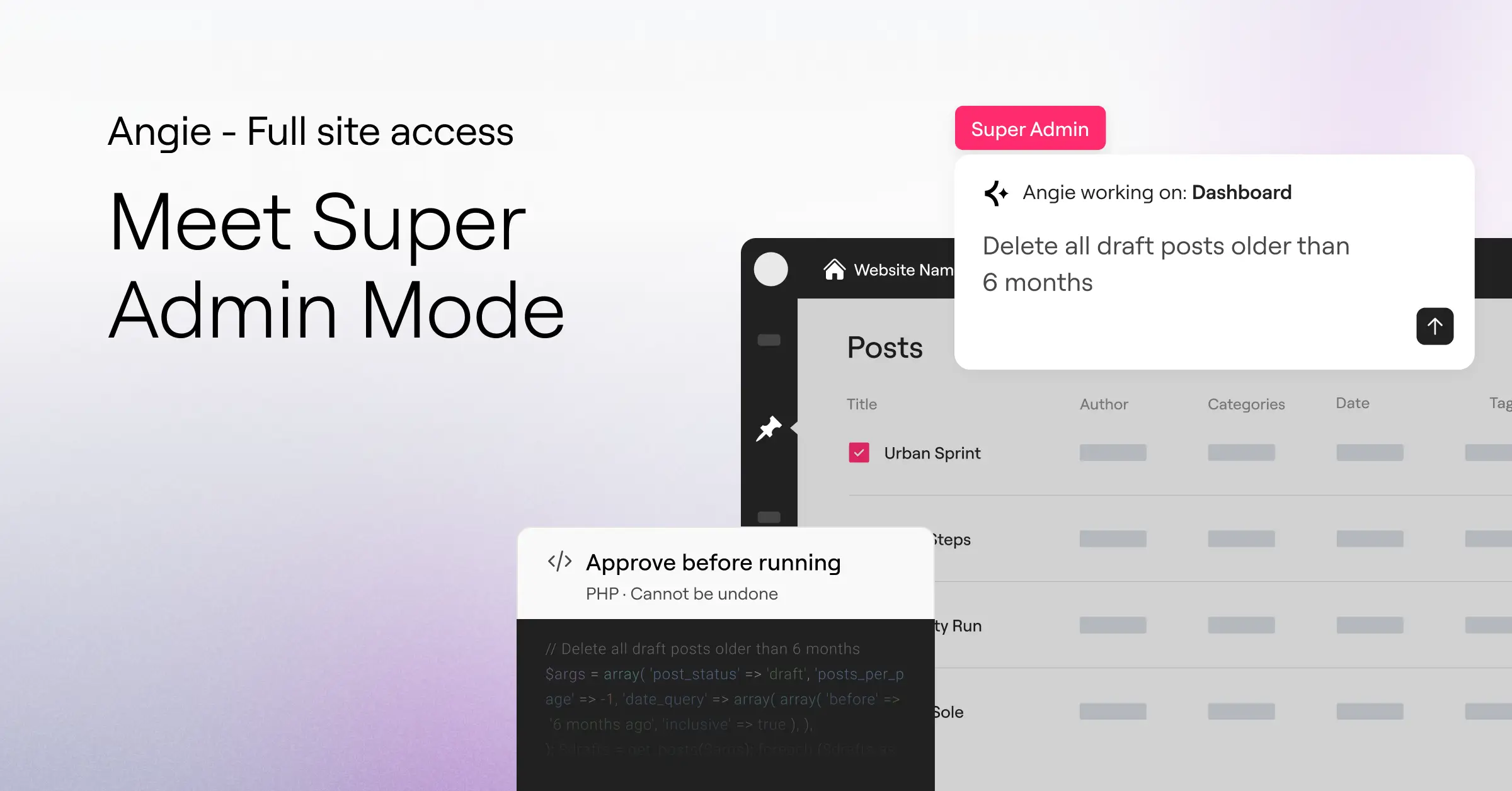
A lot of people assume AI builders only help with layout. But the real headache of running a site is ongoing maintenance. (This trips people up constantly.) Broken redirects, database updates, plugin conflicts: native AI tools handle these through plain conversation, once you grant Super Admin Mode secure, opt-in read-write access to your files, database, and PHP layer, reviewing a clear plan first.
- You opt into advanced system access inside your dashboard settings.
- You describe a problem, like missing meta descriptions across hundreds of pages.
- The assistant scans your live data model and presents a step-by-step plan.
- You review the changes to confirm they match your goals.
- You click confirm, and the AI safely executes them.
The Core Cons of AI Website Builders
The advantages are genuinely exciting, but the downsides deserve an honest look too. Knowing AI’s limits helps you avoid costly mistakes.
The Cookie-Cutter Design Trap
A common issue with general-purpose AI builders: their designs tend to look remarkably similar, since many platforms train on a limited pool of standard templates. Rely on generic prompts alone, and your site can end up looking like your competitor’s.
- Repeats predictable row-and-column structures that lack brand identity.
- Limits your ability to create specific or artistic layouts without manual work.
- Deploys standard font pairings and color palettes that feel safe but uninspiring.
- Restricts creative freedom when the platform skips a direct visual editing mode.
- Standardizes spacing and margins in ways that can feel rigid.
- Creates generic hero sections that don’t grab visitors’ attention.
The fix: use an assistant that works inside a strong visual editor. Let the AI handle the heavy lifting, then step in for final styling yourself.
Security Vulnerabilities and Code Bloat
Ask a generic AI to write custom scripts, and the output can sometimes be insecure or unnecessarily heavy. Paste that straight into your live site, and you risk performance lags or security holes. Safety guardrails aren’t optional: a quality tool needs a sandboxed staging area for testing first.
System Lock-In and Migration Challenges
Many popular AI website builders run on closed, proprietary SaaS systems: easy to click “generate” and launch on their subdomain, but hard to leave. Exporting your database, design settings, or custom features later becomes a major challenge, and you stay tied to their subscription plans. Choose an assistant built natively for WordPress instead, and you keep total code ownership, free to switch hosts or themes whenever you like.
How Native Agentic AI Solves Traditional AI Cons
The move from generic AI tools to native agentic systems is a meaningful step forward: native assistants bridge the gap between automated generation and full creative control, keeping you safe from the pitfalls of closed platforms. With a native tool like Angie, the whole workflow is grounded in your actual site: it checks your PHP version, active plugins, and design framework instead of writing generic code in a vacuum, so compatibility issues drop and your site stays fast.
Step-by-Step Native Flow
A helper that handles the tedious details while you make the final calls.
- Prompt – Describe your vision in natural language, or paste a reference screenshot or URL.
- Brief (Plan Mode) – For larger projects, the assistant asks clarifying questions to map out scope first.
- Connect – The AI links directly to your active systems, like WooCommerce or your form builders.
- Execute – The assistant builds and tests your widget or snippet inside a safe, isolated sandbox.
- Iterate – Review the result in real time, refine through conversation, or polish it visually yourself.
Don’t like a button style or layout? Skip the text prompts, switch to your visual builder panel, and drag, drop, or recolor elements yourself, AI’s speed paired with manual precision.
“Integrating AI directly into the heart of WordPress completely changes the development loop. When an AI agent understands your active themes, custom fields, and plugins, it transitions from a simple code generator into a genuine administrative partner.”
– Itamar Haim, WordPress AI Specialist
Comparative Analysis: AI Builder Types
Here’s a factual side-by-side comparison of the three primary types of AI website building tools today.
| Feature / Capability | Native Agentic AI (e.g., Angie) | Closed SaaS AI Builders | Prompt-to-Design Platforms |
|---|---|---|---|
| Platform Environment | Runs natively inside your WordPress dashboard. | Operates on closed, proprietary cloud servers. | Works inside standalone design canvases. |
| Context Awareness | High. Reads active plugins, themes, and dynamic site data. | Low. Relies on external general templates. | Medium. Focuses mainly on visual assets. |
| Custom Code Safety | High. Code is tested inside an isolated sandbox before launch. | None. Code is usually locked inside a closed system. | Medium. Exports standard HTML/CSS code sheets. |
| Site Control & Migration | Complete ownership. Open-source code is fully portable. | Strict lock-in. Exporting pages is very difficult. | High portability, but requires manual hosting setup. |
| Administrative Powers | Handles bulk database operations and debugs site errors. | Limited to basic visual settings and simple forms. | None. Limited to design layout generation. |
How to Choose the Right AI Builder for Your Project
With so many options out there, picking the right route comes down to your project’s needs and your own comfort level.
- Evaluate your hosting and platform freedom. Want full ownership of your database and content? Look for a tool built on open-source systems. Fine with subscription lock-in? A closed SaaS builder works for simple projects.
- Decide how much design control you need. Need precise visual tweaks later? Choose a system linked to a visual editor. Avoid tools limited to text-prompt layout changes, that gets frustrating fast.
- Think about custom coding requirements. Unique interactive features call for an assistant with safe widget building and built-in sandboxing.
- Review your operational budget. Avoid paying separately for SEO, design, and code tools. Angie is included in Elementor Pro plans, alongside the visual builder.
Additional Native Capabilities
Beyond building pages, a native assistant keeps your whole site running smoothly, skipping the need to hire a specialist for routine tasks.
- Inherits your active style settings so new pages look consistent from day one.
- Saves custom-built assets in a light, editable format that won’t slow page speed.
- Traces server conflicts, PHP errors, and API disconnects inside your chat panel.
- Corrects missing metadata and broken redirects across hundreds of posts at once.
- Updates custom database fields in bulk, saving hours of manual entry.
- Maintains a secure revision record so you can roll back changes if something goes wrong.
With a native assistant in your dashboard, focus on what actually matters: growing your brand, designing great experiences, and connecting with your audience. You’re never building alone.
Frequently Asked Questions
Can Angie by Elementor write blog posts or copy?
No, Angie’s focus areas are custom functionality, code generation, and site-wide operations. It doesn’t handle content writing or image generation, which keeps it focused on high-level design, custom widget creation, and administrative tasks.
Do AI website builders replace the need for web developers?
No. They help designers, DIY creators, and agencies work faster on repetitive tasks and base code, while developers stay focused on complex logic, security, and creative direction.
Is Super Admin Mode safe to use on a live website?
Yes, but use it thoughtfully. Super Admin Mode is entirely opt-in. It reads your site data model, presents a clear plan, and takes no action without your explicit confirmation, with strict guardrails to keep your database protected.
Do I need separate API keys to use a native AI builder?
No, a native assistant like Angie connects directly to the active tools in your WordPress ecosystem, integrating with WooCommerce, ACF, form builders, and more right out of the box.
Can I edit the custom widgets that the AI creates?
Yes, absolutely. Every asset generated is fully open and editable. Refine it through continued conversation, or switch to the visual editor for full control. Nothing is locked.
How do native AI builders protect my site performance?
Native assistants build lightweight, clean code that integrates directly into your theme framework. Since they write specific custom snippets instead of loading bulky third-party tools, your site stays clean and fast.
Can I use screenshots or reference links to build new layouts?
Yes. Describe what you need in natural language, upload a screenshot, or paste a reference URL. The AI analyzes the layout structure and helps you recreate a similar responsive design inside your sandbox.
Is Angie included in standard Elementor plans?
Yes, Angie is included in Elementor Pro plans, so you get the full agentic AI experience as part of your subscription, alongside hosting packages that pair high-performance cloud hosting with the visual builder.

