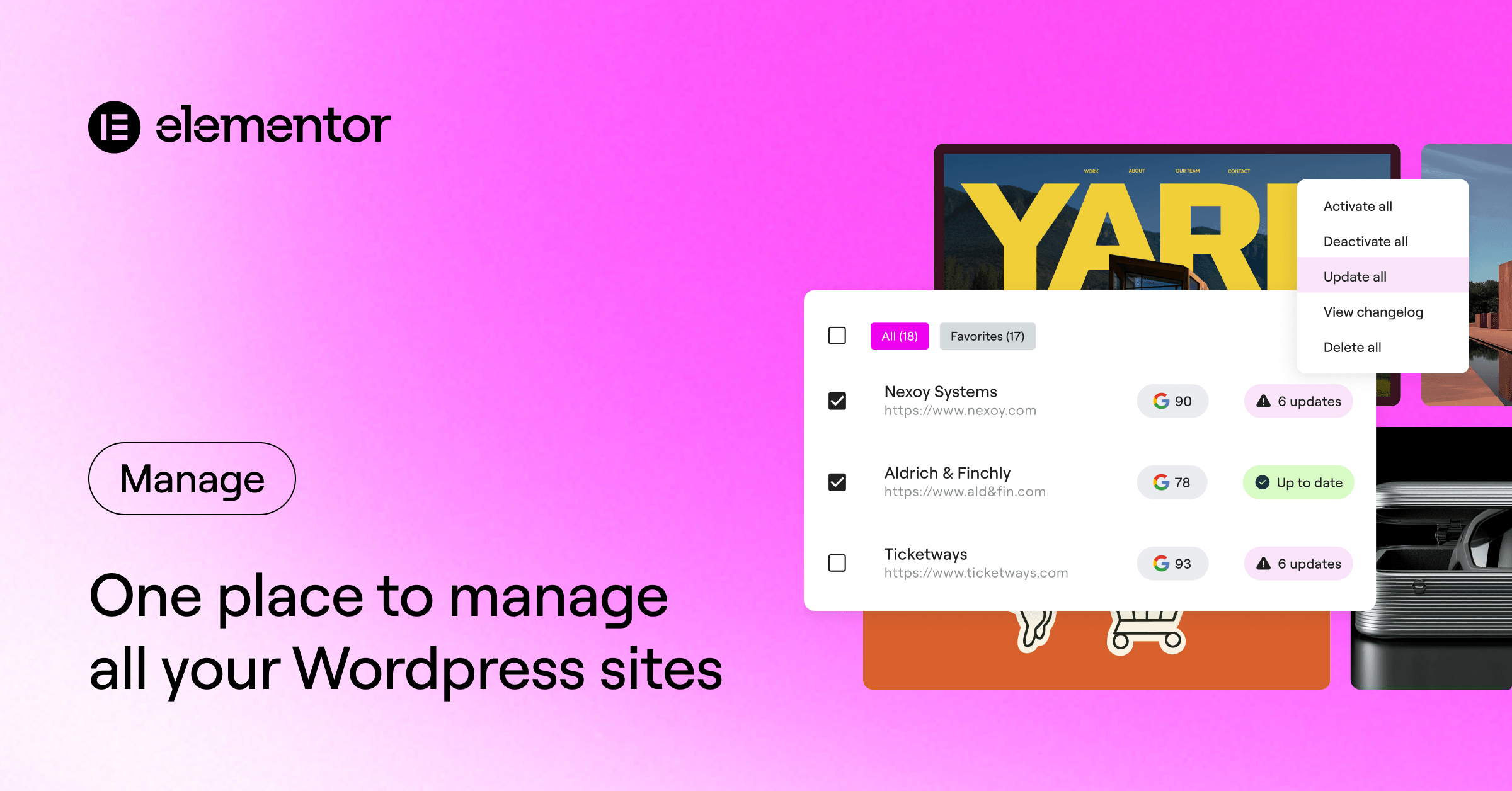
We’ve just launched Manage, a centralized site management dashboard that lets you monitor, optimize and maintain every WordPress site you run from one place. Manage is built to handle site management across one site or hundreds. It centralizes bulk updates, security monitoring, database optimization, and performance tracking in a single interface, fully integrated with the Elementor ecosystem you already know.
What you can do with Manage:
- Site monitoring: Automated performance scans (and on-demand scans in the premium version) for performance, SEO, and accessibility with a 30-day performance score history.
- One-click login: Access each site’s WordPress Admin without needing to input login credentials.
- Security risk detection: Real-time security risk insights via Patchstack integration.
- Bulk updates (Premium): Remote management of plugins, themes, and WordPress core across multiple sites from one dashboard.
- Safe updates & rollback (Premium): Integrated one-click rollback option for instant reverting to a previous version if an update causes a conflict.
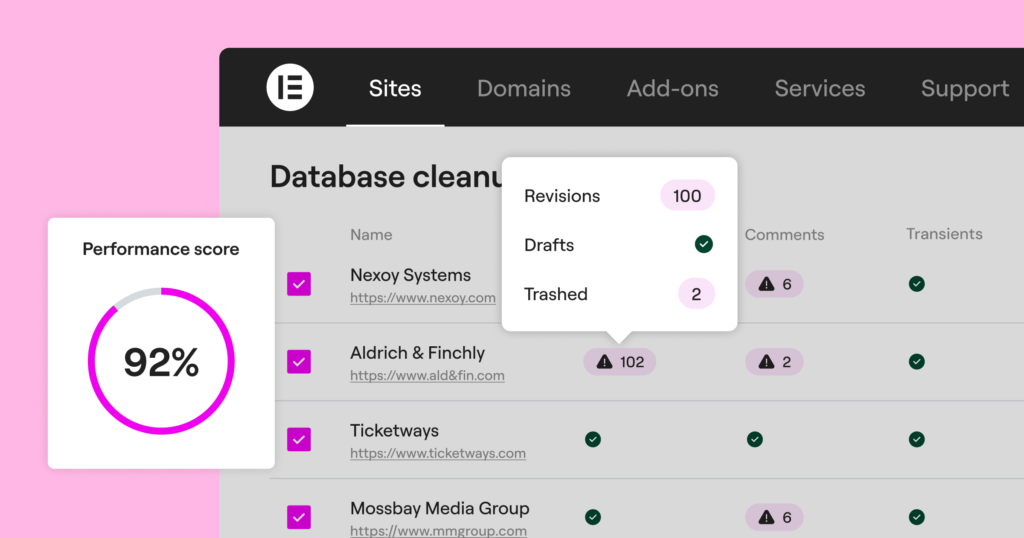
- Database cleanup (Premium): Bulk cleanup of transients, posts and comments to improve site speed.
1. Site monitoring
A fast, high-performing website is the foundation of success, from solo projects to full client portfolios. Your clients expect fast, high-performing websites. Manage ensures you spot slowdowns before they do. We’ve integrated Google Lighthouse directly into the Manage dashboard to give you full visibility into performance, SEO, and accessibility scores for every connected site
Even if you’re managing a single site, it’s easy to miss silent issues like sudden performance dips or security risks that happen when you’re not looking. Manage acts as your professional checklist, showing you exactly what a healthy site needs to stay in peak condition.
💡 Pro tip: Use the 30-day performance history to spot “performance drift.” If you see a score trending downward while your Activity Log shows no recent changes, it’s a sign of external bloat, like a client uploading unoptimized images. Catching this early prevents performance slowdowns later on.
2. Database cleanup
Over time, WordPress databases often accumulate “bloat”: expired transients, comments, and often dozens of post revisions and auto-drafts. This slows down queries and can noticeably impact site performance.
Manage allows you to perform a deep database optimization across your sites in one action. By clearing out this clutter, you can ensure your sites stay lean and improve performance scores.
💡 Pro Tip: Schedule a database cleanup before a client review. Run an on-demand performance scan immediately after to show them a “before and after” performance boost.
3. One-click login
If you manage multiple client sites, you know the friction of tracking dozens of credentials. Manage’s one-click login eliminates that entirely. From your dashboard, one click takes you directly into that specific site’s WordPress admin. It’s faster than a password manager and safer than a spreadsheet with login credentials.
4. Security risk detection
The impact of missing an unpatched security risk in a plugin or theme is high. It can lead to SEO blacklisting by Google, malware injections that redirect your visitors, and the potential loss of sensitive client data. For a single site, this can mean a loss of traffic; for an agency this can impact your reputation and your daily work plan.
5. Bulk updates & safe rollback options
Logging into 20 different sites to update the same plugin is a waste of valuable time and billable hours. Manage turns hours of site maintenance into minutes with bulk actions.
From a single screen, you can activate, deactivate and update every plugin, theme, and WordPress version across a site or your entire portfolio.
Updates are essential, but they can be risky. Manage provides a “safety first” workflow with the one-click rollback giving you an instant “undo” button, allowing you to restore a previous version and keep the site stable while you investigate the conflict.
The power of the Elementor Ecosystem
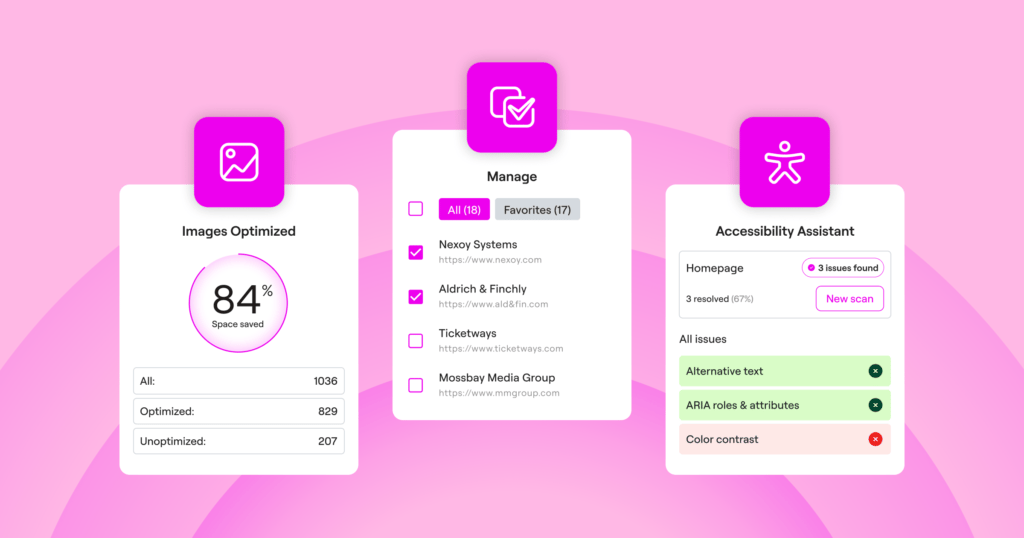
Because Manage is natively integrated into the Elementor ecosystem, Elementor One users can leverage existing capabilities in their subscription like image optimization and site accessibility to directly improve performance scores reflected in Manage.
Free vs. premium
A free version of Manage is available to any WordPress user. While the free version provides essential visibility, the premium features of Manage (available only via Elementor One) let you take action directly from the dashboard to make sure you’re not just monitoring, but saving hours of repetitive maintenance and staying on top of every site’s health.
| Capability | Free | Elementor One |
| Centralized Dashboard | ✓ | ✓ |
| Performance Scans | Every 14 days | Daily + on-demand |
| 30-Day Performance Score History | 2 scores per month | Daily score trend history |
| One-Click Login | ✓ | ✓ |
| Security Risk Detection | ✓ | ✓ |
| Bulk Updates (Plugins, Themes, Core) | — | ✓ |
| Safe Updates & Rollback | — | ✓ |
| Database Cleanup | — | ✓ |
Get Started
- New to Manage? Download the Manage plugin from the WordPress repository and connect it to your Elementor account.
- Already on Elementor One? Your sites are ready for you. Head to my.elementor and start managing.
FAQ
What is Manage?
Manage is a WordPress plugin with a centralized dashboard that lets you manage multiple WordPress sites from one secure, user-friendly interface. Instead of manually logging into multiple WordPress installations, you can perform bulk updates to WordPress core, themes, and plugins across all your connected sites. It provides a comprehensive overview of your sites, allowing you to monitor, maintain, and optimize your portfolio from a single dashboard.
Who is Manage for?
Manage is built for agencies, freelancers who want structured control over site maintenance and performance. It helps you stay in control over your growing list of clients and multiple websites.
For single-site owners, it provides continuous visibility into performance, accessibility, and security, all from one unified dashboard. Instead of manually checking different tools, you can monitor performance trends, run safe updates, clear database bloat, and keep your site optimized with minimal effort.
Manage centralizes operations for everyone. Run bulk plugin, theme, and WordPress updates, detect security risks, track performance history, and use built-in rollback protection to update WP sites with confidence.
Why should I use Manage instead of handling sites individually?
Manually switching between WordPress dashboards, updating plugins one by one, and tracking site health separately increases the risk of issues falling between the cracks and wastes valuable time. Manage lets you monitor multiple websites from one dashboard, keeping everything well organized with one comprehensive overview and dashboard. With bulk updates, one-click rollbacks, and clear performance reports, you can maintain your WordPress websites faster, safer, and more efficiently.
What are the key features of the premium plan?
While the free version provides visibility and monitoring, the premium version (included in Elementor One) unlocks the ability to take action. This includes:
- Bulk Updates: Update plugins and themes across multiple sites at once.
- Database Optimization: Reduce database bloat and optimize site speed.
- Advanced Security: Detects and flags security risks via an integration with Patchstack.
- Safe Updates: If needed to revert, perform one-click rollbacks for WordPress core, plugins, and themes.
The pricing for these features is included in a flat monthly fee as part of your Elementor One plan, giving you access to our full suite of management and optimization services.
How do I get the premium features of Manage?
Premium Manage features are available exclusively through the Elementor One subscription.
With Elementor One, you unlock advanced capabilities such as bulk updates, automatic daily performance scans as well as on-demand scans, database cleanup, and enhanced optimization tools, all integrated into the unified Elementor experience.
Manage’s premium functionality is not sold separately. It’s included with Elementor One, alongside AI, optimization, email, and additional professional tools, giving you a complete system to build, run, and grow your site.






