Table of Contents
12 Best WordPress Alternatives in 2026
You’re tired of plugin conflicts breaking your site at 2 AM. I totally get it.
But abandoning the world’s most popular content management system isn’t a decision you’ll make lightly. Here’s a hard look at your actual options in 2026, relying on hard data instead of marketing fluff.
Key Takeaways
- WordPress market share has stalled at 43.3%, while proprietary builders show 12% annual growth.
- Ghost delivers server response times up to 1,900% faster than standard PHP setups.
- SaaS alternatives eliminate the 2-5 hours average users spend monthly on manual maintenance.
- Webflow now hosts over 100,000 enterprise-level sites, proving no-code can scale.
- Wix passes Google’s Core Web Vitals at a 70.4% rate, beating traditional open-source averages.
- Elementor Editor Pro offers a hybrid path, retaining open-source freedom while adding SaaS-like stability.
Why Look for WordPress Alternatives in 2026?
The writing is on the wall. As of late 2026, WordPress powers 43.3% of all websites. But that massive footprint comes with severe growing pains.
Its growth has plateaued. Proprietary SaaS builders are growing at 12% annually. Why? Because the maintenance burden is breaking people’s patience.
Here’s what drives users away from traditional self-hosted setups:
- The Security Nightmare – A staggering 90% of all CMS-based website infections happen on WordPress. Worse, 70% of those vulnerabilities originate from third-party plugins.
- The Hidden Time Tax – The average site owner burns 2-5 hours per month purely on manual updates, backups, and security monitoring.
- Performance Bottlenecks – Stacking plugins degrades site speed rapidly. And 53% of mobile users will abandon a page if it takes longer than 3 seconds to load.
The Rise of the Managed Web
People don’t want to play server administrator anymore. They want to build. You’ll notice a massive shift toward platforms that handle infrastructure natively.
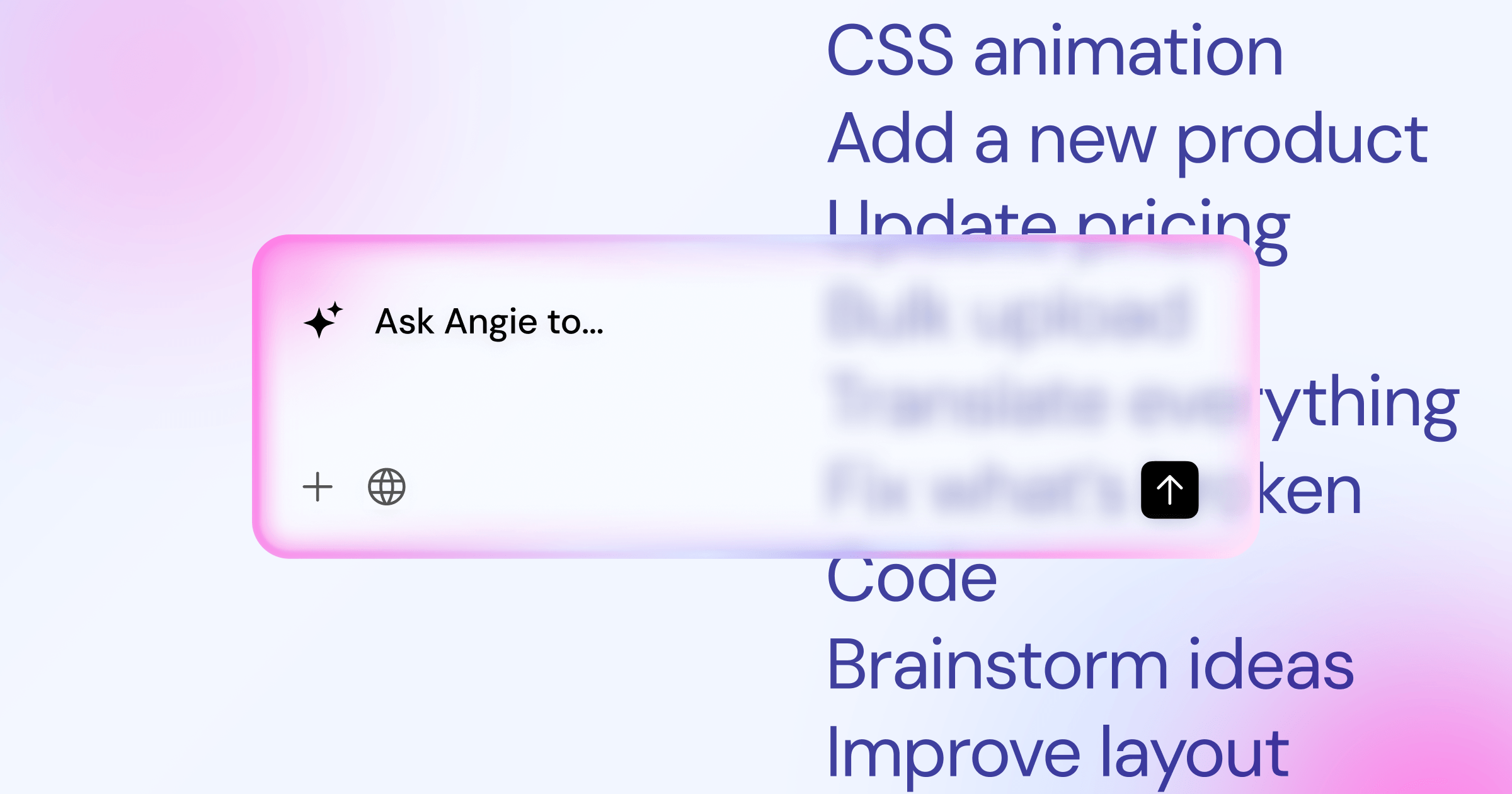
Even within the open-source ecosystem, workflows are changing. Modern creators bypass manual coding entirely. They’re using tools like Angie, an agentic AI built into the Elementor ecosystem. It creates production-ready WordPress assets simply through conversation, actively writing the structures you need so you don’t have to wrestle with templates.
When WordPress is Still the Right Choice
Don’t burn your bridges just yet. Open-source flexibility is hard to replicate.
If you need complex, highly specific database relationships, you’ll hit a wall on most SaaS builders. But if your goal is pure speed and zero maintenance, it’s time to explore the alternatives.
1. Wix: The Best All-in-One Website Builder
Forget the old reputation. Wix has quietly rebuilt its entire infrastructure.
Today, 70.4% of Wix sites pass the Core Web Vitals threshold. That directly beats the average open-source installation.
Target User: Small Business Owners
You’re running a local service business. You don’t have an IT department. You just need a site that looks professional and never goes down.
Features, Pricing, and Comparison
The introduction of Wix Studio changed the dynamic. It brings advanced responsive controls that rival professional agency tools.
The Pros:
- Zero maintenance or security patching required.
- Native booking and scheduling features work instantly.
- Built-in AI site generation gets you live in minutes.
- Pricing is straightforward, ranging from $16 to $159 per month.
The Cons:
- You can’t export your site if you decide to leave.
- Storage limits on lower tiers feel restrictive.
- The app market is much smaller than the plugin directory.
- Complex data structures require custom Velo code.
2. Squarespace: The Aesthetic Leader for Creatives
Squarespace reached 4.2 million unique subscriptions this year. They own the creative market completely.
Their templates aren’t just good. They’re the industry benchmark for visual design.
Target User: Photographers and Designers
You sell visually. Your portfolio needs massive images, clean typography, and zero layout shifts. You aren’t building complex user portals.
Features, Pricing, and Comparison
Squarespace’s Fluid Engine replaced their old block system. It gives you precise drag-and-drop control on a grid layer.
Scenario A: The Independent Artist
You sell prints online. Squarespace integrates your portfolio, your commerce engine, and your shipping calculations natively for $16 a month. No plugin conflicts. No broken checkouts.
Scenario B: The Boutique Agency
You need client handoff to be completely frictionless. You build the site, transfer ownership, and your client can actually edit their own text without calling you in a panic.
Honestly, this is where Squarespace really shines. The client experience is beautiful.
3. Webflow: The Professional Designer’s Choice
Webflow bridges the brutal gap between Figma designs and live code. It writes clean HTML, CSS, and JavaScript visually.
It’s dominating the agency space. They now host over 100,000 enterprise-level sites.
Target User: Agencies and UI/UX Designers
You understand CSS Grid. You know how Flexbox works. You just don’t want to write the syntax by hand.
Features, Pricing, and Comparison
Webflow’s CMS is strictly structured. It’s incredibly powerful but demands technical planning.
You define your database fields precisely. It mimics Advanced Custom Fields (ACF) but lives in a closed ecosystem. The ‘Basic’ site plan starts at $14 per month, billed annually.
But the visual canvas isn’t the only way to build anymore. Conversational generation is catching up fast. Tools like Angie inside Elementor prove that agentic AI can build complex layouts just by interpreting natural language commands. Webflow requires manual visual assembly; agentic AI requires clear direction. Both eliminate traditional coding, but they approach the problem from opposite ends.
Modern search engines demand performance at the server level. Moving to a closed ecosystem can fix your Core Web Vitals instantly, but you’re trading technical control for convenience. You’ve to decide if that trade-off aligns with your long-term organic growth strategy.
Itamar Haim, SEO Team Lead at Elementor. A digital strategist merging SEO, AEO/GEO, and web development.
4. Shopify: The E-commerce Gold Standard
If you sell physical goods, this isn’t a debate. Shopify is the definitive answer.
You’re paying for their massive, hyper-optimized checkout infrastructure. They handle the hard parts of PCI compliance natively.
Target User: Serious Online Retailers
You manage actual inventory. You’ve shipping logistics. You can’t afford a database crash on Black Friday.
Features, Pricing, and Comparison
Speed is revenue. Remember, 53% of mobile users leave if a page takes longer than 3 seconds to load. Shopify’s CDN ensures that doesn’t happen.
| Feature | Shopify | Traditional WooCommerce |
|---|---|---|
| Security | Fully managed, PCI compliant natively. | User’s responsibility; requires constant patching. |
| Hosting | Included via global CDN infrastructure. | Requires dedicated managed cloud hosting. |
| Basic Cost | $39/month entry level. | Free core, but plugins/hosting cost $50-$200/mo. |
| Retail POS | $89/month for full integration. | Requires complex third-party syncing. |
You’ll pay a premium for Shopify apps. But the stability is usually worth the monthly fee.
5. Ghost: The Best for Modern Publishers
Ghost stripped away everything that wasn’t publishing. There’s no heavy theme engine here.
Built on Node.js, Ghost is benchmarked to be up to 1,900% faster than legacy PHP applications in server-side response times.
Target User: Substack Refugees and Professional Bloggers
You write. You send newsletters. You collect subscription revenue. You don’t build custom post types for real estate listings.
Features, Pricing, and Comparison
Before you migrate to Ghost, check this list. You need to be sure it fits your model.
- Built-in Memberships – You don’t need a clunky paywall plugin. It’s native.
- Newsletter Routing – Publishing a post automatically sends it to your email list.
- Clean Editor – The writing experience is distraction-free, similar to Medium.
- Zero Transaction Fees – You keep 100% of your subscription revenue (minus Stripe fees).
- Speed Advantage – The modern architecture handles traffic spikes effortlessly.
- Limited Design – Customizing the look requires actual coding knowledge.
6. Framer: The Best for High-Interaction Sites
Framer started as a prototyping tool. Now, it’s a full production site builder.
It behaves exactly like Figma. If you can design it, you can publish it.
Target User: Tech Startups and Product Designers
You want scroll animations that look like Apple’s marketing pages. You need to launch your SaaS landing page yesterday.
Features, Pricing, and Comparison
The pricing is aggressive. The ‘Mini’ plan for simple landing pages is just competitive rates. The ‘Pro’ plan for complex sites sits at $30 per month.
Here are three tips for deploying a Framer site successfully:
- Map your breakpoints early. Framer’s absolute positioning can get messy if you don’t anchor elements correctly for mobile screens.
- Use components for everything. Build your buttons and nav bars as master components so global changes apply instantly.
- Watch your scroll effects. Just because you can animate every single headline doesn’t mean you should. Keep it clean.
7. HubSpot CMS: The Best for B2B Marketing
This isn’t just a website builder. It’s a massive marketing engine disguised as a CMS.
You aren’t buying hosting. You’re buying behavioral data tracking.
Target User: Marketing Teams and Sales-Driven Orgs
You run complex B2B sales cycles. You need to know exactly which blog post a lead read before they booked a demo.
Features, Pricing, and Comparison
HubSpot CMS Hub Professional starts at an eye-watering $360 per month. It targets mid-market companies that require serious automation.
Migrating to HubSpot requires a specific workflow:
- Audit your current traffic. Identify your top 50 performing pages before moving a single asset.
- Map your forms to the CRM. Every single conversion point must tie directly into HubSpot’s native contact database.
- Set up smart content. Use the platform’s ability to show different headlines to returning visitors versus first-time buyers.
- Train your sales team. The CMS is useless if sales reps aren’t using the contact timeline data.
8. Bubble: The Best for Web Applications
The global no-code development market is projected to reach $187 billion by 2030. Bubble is the undisputed king of that market.
You don’t use Bubble to build a blog. You use it to build Airbnb clones.
Target User: SaaS Founders and Internal Tool Builders
You need user logins, complex database queries, and conditional logic. You’re building software, not a brochure.
Features, Pricing, and Comparison
Is Bubble hard to learn?
Yes. The learning curve is brutal. You’re doing visual programming, which still requires a developer’s mindset regarding database structures.
Can it handle heavy traffic?
It scales well, but query optimization is entirely your responsibility. Poorly built databases will run slow and cost you expensive capacity upgrades.
How does it compare to custom post types?
It completely destroys them. Bubble’s relational database logic is far superior to standard taxonomy setups.
9. Carrd: The Best for Simple Landing Pages
Sometimes a full content management system is completely overkill.
Carrd builds single-page sites. That’s all it does. And it does it perfectly.
Target User: Personal Brands and Event Organizers
You need a link-in-bio page. Or an email capture page for an upcoming webinar. You don’t need an archive structure.
Features, Pricing, and Comparison
Carrd is practically free. Their ‘Pro Lite’ plan costs just $19 per year. That makes it the most cost-effective alternative on the internet.
Use cases where Carrd completely wins:
- Email validation pages – Hook up a simple form directly to Mailchimp in three clicks.
- Event RSVPs – Clean, fast-loading mobile pages for wedding or conference registrations.
- App launch teasers – A bold headline, a mockup, and a ‘notify me’ button.
- Portfolio hubs – A central directory linking out to your Dribbble, GitHub, and LinkedIn profiles.
10. Joomla: The Flexible Middle Ground
Joomla sits awkwardly between the ease of standard site builders and the massive complexity of enterprise systems.
But it has native features that require expensive plugins elsewhere.
Target User: Developers Seeking Built-in Complexity
You manage sites with multiple languages and incredibly complex user permissions.
Features, Pricing, and Comparison
Let’s look at why developers still choose Joomla, even as its market share shrinks. The architecture is inherently structured for complex environments.
Native Multilingual Core: You don’t need third-party translation plugins. The system routes languages natively out of the box.
Advanced Access Control List (ACL): This is Joomla’s superpower. You can dictate exactly what any user can see, edit, or delete down to the individual module level.
Honestly, the interface feels dated. But it saves you the 2-5 hours a month of maintenance caused by stringing together 15 different permission and translation plugins.
11. Drupal: The Enterprise-Grade CMS
Drupal isn’t for your local bakery. It’s used by 12.8% of the top 10,000 websites globally.
Universities, government agencies, and massive media conglomerates rely on it.
Target User: Large Organizations with IT Teams
You’ve a dedicated engineering team. Security compliance isn’t a feature; it’s a strict legal requirement.
Features, Pricing, and Comparison
Drupal’s security architecture is legendary. It practically invented the decoupled (headless) CMS movement.
Enterprise security requires strict protocols:
- Granular API control – Serve content to iOS apps, smartwatches, and web browsers from a single centralized database.
- Taxonomy mastery – Organize millions of articles with infinitely deep categorization layers.
- Strict release cycles – Security patches are highly regulated and predictable.
- Zero plugin bloat – Modules are developer-vetted, avoiding the Wild West ecosystem of smaller platforms.
12. Weebly (Square Online): The Best for Local Retail
Square bought Weebly to dominate local commerce. They integrated their physical point-of-sale systems directly into the digital builder.
It isn’t glamorous. But it works flawlessly for retail.
Target User: Local Brick-and-Mortar Shops
You run a cafe or a boutique. You need your digital inventory to match the physical register in real-time.
Features, Pricing, and Comparison
Syncing physical and digital stores is notoriously difficult. Square Online solves this natively.
Do this:
- Use the native local delivery features for radius-based shipping rules.
- Sync your customer loyalty points between in-store purchases and online checkouts.
- Use their automated tax calculators for your specific county.
Don’t do this:
- Don’t expect massive SEO flexibility. The URL structures are fairly rigid.
- Don’t try to build a massive editorial blog here. The text tools are basic.
- Don’t ignore their payment processing fees. They take a standard cut of every swipe.
The Ultimate WordPress Alternative Decision Matrix
You’ve seen the data. You understand the specific use cases. Now it’s time to map them directly against each other.
Choosing the wrong platform costs you months of migration headaches.
| Platform | Best For | Starting Price | Maintenance Burden |
|---|---|---|---|
| Wix Studio | Agencies / Small Biz | $16/mo | Zero |
| Shopify | E-commerce | $39/mo | Very Low |
| Webflow | Pro Designers | $14/mo | Zero |
| Ghost | Publishers | $9/mo | Zero |
| Elementor Hybrid | Scalable Growth | $60/yr | Low (Managed) |
Choosing Your Path: Elementor as the Hybrid Solution
Look, maybe you don’t actually want to leave the open-source world. You just want it to stop breaking.
This is where Elementor Editor Pro changes the math completely. Paired with proper managed hosting, it delivers the SaaS feel without platform lock-in. You retain total ownership of your data.
And when you integrate Elementor One, you’re plugging directly into advanced tools. Instead of wrestling with themes, you use Angie to generate entire layouts through agentic AI conversations. It handles the heavy lifting instantly. You get the speed of a proprietary builder combined with the absolute freedom of an open-source foundation.
Frequently Asked Questions
Is it hard to migrate away from WordPress?
Yes. Moving purely text-based blogs is relatively easy via RSS or CSV exports. But migrating custom data types, user accounts, and specific SEO settings requires manual rebuilding on most SaaS platforms.
Will leaving WordPress hurt my SEO?
It doesn’t have to. Platforms like Webflow and Ghost have excellent technical SEO frameworks. But if you fail to set up proper 301 redirects during the move, your organic traffic will absolutely crash.
Can I still own my data on a SaaS platform?
You own your content, but you don’t own the infrastructure. If Wix or Squarespace bans your account, your site disappears. Open-source solutions guarantee you control the physical database.
What’s the cheapest alternative for a basic site?
Carrd wins the pricing war easily. At $19 per year for the Pro Lite plan, it’s unbeatable for single-page layouts. For multi-page setups, traditional shared hosting remains the cheapest, though not the fastest.
Do I lose access to custom email addresses?
Most SaaS platforms don’t provide native email hosting. You’ll need to route your domain through a dedicated provider like Google Workspace or Microsoft 365, which adds an extra monthly cost.
How do SaaS builders handle traffic spikes?
They handle it brilliantly. Because tools like Shopify and Framer run on massive global CDNs, they absorb sudden viral traffic instantly. You aren’t penalized for server limits.
Are these alternatives actually more secure?
Absolutely. Because you aren’t managing third-party plugins or open PHP frameworks, the attack surface shrinks massively. The platform’s security team handles threats globally before they ever reach your specific site.
Looking for fresh content?
By entering your email, you agree to receive Elementor emails, including marketing emails,
and agree to our Terms & Conditions and Privacy Policy.






