Table of Contents
The State of AI Web Design in 2026
The global AI web development market hit $14.2 billion in 2026. That’s a staggering figure. And it makes perfect sense when you realize 73% of businesses actively use or plan to use these tools to ship digital products faster. You aren’t just looking for a toy that spits out generic text anymore. You’re hunting for a serious ai website design generator that writes clean code, handles custom post types, and scales without breaking.
We’ve moved entirely past the gimmick phase. The best platforms now handle the heavy lifting of layout generation while leaving you in total creative control. So let’s look at the absolute best options on the market right now.
Key Takeaways
- 45% of front-end UI code will be generated by AI by the end of 2026.
- Agentic AI frameworks (like Angie) are replacing simple text-prompt generators.
- AI website builders can reduce initial design and wireframing phases by up to 60%.
- Speed optimizations in AI-native platforms show a 2x improvement in LCP scores.
- Personalization driven by AI layouts increases conversion rates by an average of 17%.
- You can now generate a fully functional, custom WordPress widget via natural language in under three minutes.
Selection Criteria for 2026
Picking the right tool isn’t about counting features. It’s about matching the tool’s output to your production standards. You’ll notice a massive divide between tools meant for local plumbers and platforms built for professional developers. Here’s exactly what matters this year.
- Context Awareness: The AI must understand your existing site structure (colors, fonts, active plugins) before generating new assets.
- Code Quality: Generated code needs to be production-ready, accessible, and lightweight.
- Platform Lock-in: Tools that let you export code or work natively within open-source platforms (like WordPress) score higher.
- Speed to Market: True prompt-to-site capabilities should yield a viable wireframe in under 11 minutes.
1. Angie by Elementor: The Agentic WordPress Pioneer
Look, most AI assistants are completely blind. They don’t know your active theme, your installed plugins, or your global CSS variables. Angie fixes this core flaw entirely. It’s a completely free, agentic AI framework built specifically for WordPress.
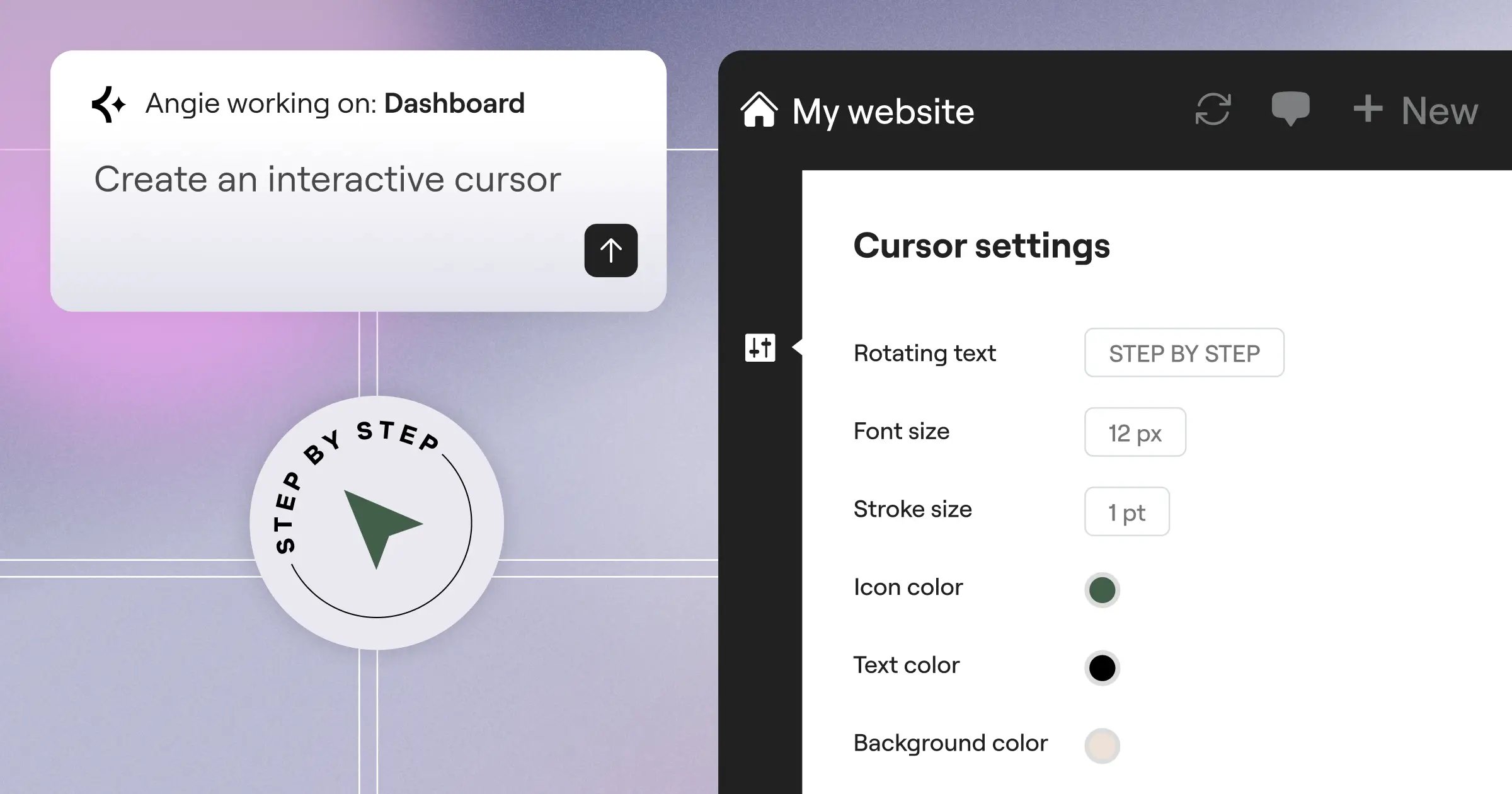
Instead of just pasting text, Angie takes direct action. (It uses a Model Context Protocol to inherit your site’s exact environment automatically). You simply type what you want, and Angie builds it directly into your WordPress install safely. Honestly, watching Angie build a custom post type from a single prompt feels like cheating.
AI is no longer about generating generic templates. It’s about agentic systems that understand your site’s architecture and execute complex technical tasks securely.
Itamar Haim, SEO Team Lead at Elementor. A digital strategist merging SEO, AEO/GEO, and web development.
Overview
Angie operates in a safe sandbox environment. You experiment, review the code, and push to production only when you’re completely satisfied. It bridges the massive gap between raw AI code generation and native WordPress integration.
Key Features
- Agentic Execution: Plans and executes multi-step tasks across the WordPress ecosystem.
- Contextual Awareness: Reads your exact site data via MCP to ensure perfect design alignment.
- Custom Assets: Generates native Elementor widgets, WordPress admin snippets, and front-end functions.
- Safe Sandbox: Test everything in a staging state before pushing to your live site.
Pricing
Angie is currently a completely free WordPress plugin, making it the highest ROI tool on this list.
Pros & Cons
Pros:
- Purpose-built specifically for WordPress architecture.
- Goes from raw idea to production-ready asset in minutes.
- Zero risk of breaking your live site due to the sandbox environment.
- Offers full creative control over the final output.
Cons:
- Requires an existing WordPress installation.
- Advanced custom post-type generation requires basic structural knowledge.
Verdict
This is where WordPress development is heading. If you use Elementor or WordPress, Angie isn’t just an option. It’s an absolute necessity.
2. Elementor Editor Pro: The Unified Design Powerhouse
If Angie handles the underlying code and structure, Elementor Editor Pro handles the visual canvas. Elementor powers over 21 million websites globally. And their integration of native AI has completely changed how professionals build pages. The platform combines their powerful AI Site Planner with deep in-editor AI controls.
You don’t have to leave the editor to generate custom CSS. You just highlight a container, ask the AI to apply a specific hover effect, and it’s done. (This alone saves hours of manual coding each week).
Overview
Elementor Pro is a unified website creation platform. It merges planning, design, and optimization into one workspace. And with Editor V4 (Atomic), the CSS-first foundation makes generated layouts insanely fast.
Key Features
- AI Layout Containers: Prompt-to-layout generation that snaps perfectly into your existing grid.
- AI Code Assistant: Writes custom CSS and HTML snippets directly attached to specific widgets.
- AI Image Optimizer: Auto-compresses and converts formats (up to 60% file size reduction).
- Accessibility Scans: Integrates with Ally to fix WCAG issues automatically.
Pricing
The Elementor One subscription starts at $168/year. This includes the Pro Editor, 25K AI credits per month, advanced hosting, and premium support.
Pros & Cons
Pros:
- Data shows a 2x improvement in LCP scores using their optimized AI layouts.
- Eliminates the need for dozens of third-party performance plugins.
- Global brand settings ensure AI-generated sections match your exact style guide.
- Incredible value with the unified subscription model.
Cons:
- The sheer number of widgets (118+) can overwhelm absolute beginners.
- Requires understanding basic web design principles to use effectively.
Verdict
Best for modern web creators who demand absolute precision. You get the speed of AI generation without sacrificing a single pixel of manual control.
3. Wix Studio: The Enterprise Solution
Wix didn’t just update their old builder. They built Wix Studio specifically for agencies managing dozens of client sites. It relies heavily on AI to solve the most annoying part of web design: mobile responsiveness. 90% of leading AI generators now include automatic breakpoint generation, but Wix handles it exceptionally well.
You design the desktop view. The AI mathematically calculates how elements should stack and scale on tablets and mobile devices. It works surprisingly well.
Overview
This platform targets teams. It includes centralized client billing, reusable templates, and a very capable built-in code editor for custom JavaScript.
Key Features
- AI Responsive Toggle: Automatically creates cascading breakpoints across all device sizes.
- AI Text Creator: Generates localized copy based on your client’s industry.
- Image Enhancer: Upscales client photos and removes backgrounds natively.
- Centralized Dashboard: Manage all agency clients from a single login.
Pricing
Professional plans start at $17/month for the Basic tier. Enterprise-grade features push the price up to $159/month.
Pros & Cons
Pros:
- The auto-responsive feature genuinely saves hours per project.
- Client handover is exceptionally smooth and professional.
- Built-in animations are smooth and lightweight.
Cons:
- You’re locked into a closed ecosystem. You can’t export your code.
- Higher monthly recurring costs compared to WordPress solutions.
Verdict
Best for large agencies that prioritize client management and centralized billing over open-source flexibility.
4. Framer AI: The High-Fidelity Design Engine
Designers absolutely love Framer. It feels exactly like Figma, but it outputs actual React code. Framer AI takes this a step further by offering a wild prompt-to-site experience. You type “dark mode portfolio for a 3D artist,” and it generates a fully responsive landing page in approximately 30 seconds.
But here’s the catch. The initial output is just a starting point. You still need to know your way around flexbox and positioning to refine it.
Overview
Framer bridges the gap between high-end visual design and production hosting. It excels at scroll-based animations and typography-heavy layouts.
Key Features
- Rapid Prompt-to-Site: Generates unique layouts, color palettes, and copy instantly.
- Figma to HTML: Copy elements directly from Figma and paste them into Framer.
- AI Localization: Translates your entire site into multiple languages dynamically.
- Advanced Motion Controls: Spring animations and scroll-transforms built-in.
Pricing
The Pro plan costs $30/site/month. This gets expensive quickly if you manage multiple domains.
Pros & Cons
Pros:
- Produces the most visually stunning aesthetic output on the market.
- Unmatched animation and interaction capabilities.
- Extremely fast global CDN hosting included.
Cons:
- The interface is highly complex if you aren’t a trained UI designer.
- Per-site pricing makes portfolio management costly.
Verdict
Best for aesthetic-driven startups and UI designers who want a direct pipeline from visual design to a live, animated site.
5. 10Web: The Automated Site Replicator
Migration is usually a nightmare. 10Web built their entire business model around solving this single problem. Their AI doesn’t just build sites from scratch. It literally scans an existing URL, dissects the layout, and recreates it inside a WordPress environment using Elementor widgets.
(Yes, you can actually point it at an old HTML site and get a modern WordPress site back in minutes). It’s incredibly powerful.
Overview
10Web is essentially an automated hosting and migration service masked as a website builder. It targets users trapped on legacy platforms.
Key Features
- AI Website Replicator: Clones public website layouts into editable WordPress pages.
- Automated PageSpeed Optimization: Guarantees 90+ Google Lighthouse scores automatically.
- Google Cloud Hosting: Fully managed infrastructure with automated backups.
- AI Content Generation: Fills out missing pages with contextually relevant text.
Pricing
The Starter plan is very accessible at $10/month. Agency plans scale up to $30/month for heavier usage.
Pros & Cons
Pros:
- The absolute fastest way to migrate a legacy website into WordPress.
- Performance optimization is completely hands-off.
- Excellent value for combined hosting and AI tools.
Cons:
- The replicated code can sometimes require manual cleanup.
- You don’t get the deep agentic capabilities found in Angie.
Verdict
Best for developers and business owners who need to quickly modernize an outdated website without starting entirely from scratch.
6. Hostinger AI Builder: The Small Business Starter
Not everyone needs a complex React framework or custom WordPress post types. Sometimes, a local bakery just needs a functional website by Tuesday. Hostinger AI Builder is the undisputed champion of the entry-level market. It asks you three basic questions and spits out a surprisingly clean, mobile-ready site.
And it’s incredibly cheap. It’s essentially bundled free with their basic hosting packages.
Overview
Hostinger focuses purely on speed and simplicity. It removes almost all complex design choices to prevent beginners from breaking their layouts.
Key Features
- Guided AI Setup: A conversational interface that determines your business needs.
- AI Heatmaps: Predicts where users will click before you even launch the site.
- Built-in Logo Maker: Generates basic branding assets on the fly.
- Integrated SEO Tools: Automatically fills out meta tags based on your industry.
Pricing
Plans start at an incredibly low competitive ratesnth. This includes a free domain name for the first year.
Pros & Cons
Pros:
- The most professional option currently available.
- The AI heatmaps actually provide useful, data-driven UX insights.
- Zero technical knowledge required to launch.
Cons:
- Design flexibility is severely limited compared to professional tools.
- You’ll outgrow the platform quickly if your business scales.
Verdict
Best for solopreneurs, freelancers, and local businesses who need a professional web presence for the lowest possible cost.
7. Durable AI: The 30-Second Local Generator
Speed is everything. Durable AI aggressively markets itself as the 30-second website builder. They specifically target the 400 million+ small businesses globally that still don’t have a website. You type in your location and business type, and Durable generates a site, complete with local SEO copy and stock images.
Honestly, the results are slightly generic. But for a local roofer or landscaper, it’s often more than enough to start capturing leads.
Overview
Durable isn’t just a site builder. It’s a localized marketing engine. It includes a basic CRM and invoicing system right out of the box.
Key Features
- Hyper-Speed Generation: A complete site built in exactly 30 seconds.
- Integrated CRM: Captures form submissions and organizes local leads.
- Automated Review Sync: Pulls in Google Business reviews automatically.
- AI Blog Writer: Generates local SEO content to drive organic traffic.
Pricing
The Starter tier costs $12/month. This includes custom domain routing and AI features.
Pros & Cons
Pros:
- Unmatched speed from zero to a live, public URL.
- The built-in CRM is perfect for service-based businesses.
- Requires absolutely zero design sense to operate.
Cons:
- Templates are very rigid and look somewhat similar to each other.
- Not suitable for eCommerce or complex content structures.
Verdict
Best for local service providers (plumbers, electricians, lawyers) who view a website purely as a digital business card.
8. Divi AI: The Ecosystem Alternative
Elegant Themes took a completely different approach with Divi AI. Instead of building a standalone generator, they integrated unlimited AI directly into their existing WordPress theme framework. If you’re already deeply invested in the Divi ecosystem, this is a massive upgrade.
You can generate text, write custom code, and create images directly inside the Divi visual builder. (The unlimited generation aspect is a huge selling point here).
Overview
Divi AI acts as an ever-present assistant while you build. It understands the specific Divi module you’re currently editing and provides context-aware suggestions.
Key Features
- Unlimited Generation: No credit limits on text or image creation.
- Contextual Code Writing: Generates custom CSS tailored specifically for Divi modules.
- Image Variations: Select an existing image and ask the AI to alter its style.
- Quick Actions: One-click buttons to expand, shorten, or translate text.
Pricing
Divi AI is offered as an add-on for $18/month. You must already have an active Divi theme license to use it.
Pros & Cons
Pros:
- Unlimited usage removes the anxiety of burning through API credits.
- Deep integration with an already established WordPress theme.
- Excellent for content-heavy affiliate sites or blogs.
Cons:
- Requires buying into the specific Divi ecosystem.
- The Divi builder can feel heavier and slower than Elementor Pro.
Verdict
Best for agencies and freelancers who already use Divi across multiple client sites and want predictable monthly costs.
9. Site123: The Structured Layout Builder
Sometimes, giving users too much freedom is a mistake. Site123 built their AI around structure. You literally can’t drag an element out of place. The AI assists you in choosing pre-calculated layout blocks that are mathematically guaranteed to look good on any screen size.
This strict boundary system is exactly what some users need. You won’t accidentally break your mobile menu because the system simply won’t let you.
Overview
It’s the ultimate “guardrails” approach to web design. The AI focuses heavily on multi-language translation and structure selection.
Key Features
- Assisted Structure Selection: Suggests the best mathematical layout for your content.
- Multi-Language AI: Translates entire sites accurately for global audiences.
- Error-Proof Editor: Locks critical elements to prevent design mistakes.
- Built-in Audio Player: Surprisingly strong tools for musicians and podcasters.
Pricing
There’s a very limited free tier. The Premium plan unlocks real features at $12.80/month.
Pros & Cons
Pros:
- It’s virtually impossible to make an ugly website here.
- Customer support is consistently rated extremely high.
- Great native tools for selling digital audio and files.
Cons:
- You’ve almost zero creative freedom. It’s their way or nothing.
- The AI features aren’t as advanced as platforms like Framer or Elementor.
Verdict
Best for absolute beginners who want a guided, error-proof experience without worrying about technical design principles.
10. TeleportHQ: The Developer Bridge
Let’s finish with something highly technical. TeleportHQ isn’t really for beginners. It’s a low-code platform that uses AI to generate production-ready code for front-end developers. By 2026, tools like this have reduced standard coding tasks by up to 60%. You can literally sketch a wireframe on a napkin, show it to their Vision API, and get a working React component.
It bridges the massive communication gap between UI designers and front-end engineers.
Overview
TeleportHQ exports clean code. You build visually using AI assistance, and then you export to React, Next.js, Vue, or HTML/CSS. It respects standard coding practices.
Key Features
- Vision API: Converts hand-drawn sketches or wireframes directly into code.
- ChatGPT Integration: Write custom logic and state management via prompts.
- Framework Export: Push code directly to GitHub in your preferred JS framework.
- Collaborative Environment: Real-time multiplayer editing similar to Figma.
Pricing
The Professional plan is priced at $15/editor/month. Hosting is handled separately or exported.
Pros & Cons
Pros:
- Generates highly semantic, clean code that developers actually want to use.
- The sketch-to-code feature is legitimately mind-blowing.
- No vendor lock-in. You own the exported code completely.
Cons:
- Massive overkill for a simple local business website.
- Requires a solid understanding of web development frameworks.
Verdict
Best for front-end developers and technical teams building complex web applications rather than simple static sites.
Comparison Summary: 2026 AI Website Generators
We’ve covered a lot of ground. Here’s a direct comparison of the top platforms based on target audience, starting price, and platform ecosystem.
| Platform | Best For | Starting Price | Key Differentiator | Ecosystem |
|---|---|---|---|---|
| Angie by Elementor | Custom WordPress Assets | Free Plugin | Agentic Execution (MCP) | WordPress Native |
| Elementor Pro | Professional Designers | $168/yr (Unified) | Pixel-Perfect Visual Control | WordPress Native |
| Wix Studio | Scaling Agencies | $17/mo | AI Auto-Responsive | Closed Platform |
| Framer AI | UI/UX Designers | $30/mo | High-End Motion/Animation | Closed Platform |
| 10Web | Site Migrations | $10/mo | URL-to-WordPress Cloning | WordPress Native |
| Hostinger | Budget Starters | competitive rates | Built-in Heatmaps | Closed Platform |
| Durable AI | Local Services | $12/mo | 30-Second Generation | Closed Platform |
| Divi AI | Content Sites | $18/mo (Add-on) | Unlimited Generation | WordPress Native |
| Site123 | Absolute Beginners | $12.80/mo | Error-Proof Layouts | Closed Platform |
| TeleportHQ | Front-End Devs | $15/mo | Sketch-to-React Export | Code Export |
Final Recommendation: Choosing Your AI Builder
Making a decision here comes down to your technical comfort level and your long-term goals. Fifty percent of consumers now believe AI-generated layouts improve overall user experience, mostly because these tools enforce good design practices. You shouldn’t ignore this shift.
- For WordPress Professionals: Start with Angie to handle your custom code and site structure. It’s free, it’s agentic, and it won’t break your site. Pair it with Elementor Editor Pro for the visual frontend. This combination gives you 100% control over a platform that powers 13% of the internet.
- For Agency Scaling: Look at Wix Studio. The $17/month starting price is justified by the auto-responsive AI features alone. It simplifies client handoff beautifully.
- For Pure Speed: If you need a site live before you finish your coffee, use Durable AI. It won’t win design awards, but it gets your phone ringing.
Frequently Asked Questions
Will AI website generators replace human web designers?
No, they won’t. AI handles the repetitive structural tasks, allowing humans to focus on strategy, custom UX, and complex logic. The role is shifting from pixel-pusher to creative director.
Does Google penalize AI-generated websites?
Google doesn’t penalize sites simply because they’re built with AI. They penalize poor user experience, slow load times, and thin content. Tools that generate clean, semantic code actually improve your SEO potential.
Can I export my site from an AI builder to another host?
It depends entirely on the platform. Closed systems like Wix or Squarespace lock you in. WordPress-native tools (like Elementor and Angie) or export-focused tools (like TeleportHQ) give you full ownership of your code.
What is “agentic” AI in web design?
Agentic AI doesn’t just answer questions. It takes action. Instead of giving you a snippet of CSS to copy, an agentic system (like Angie) navigates your WordPress backend, creates the file, and implements the code securely.
Are AI-generated websites accessible (WCAG compliant)?
Out of the box, most aren’t perfect. However, platforms using tools like Elementor’s Ally feature can scan and automatically fix up to 180+ common accessibility issues during the build process.
How do AI tools handle mobile responsiveness?
The best tools use mathematical algorithms to calculate exact breakpoints. They analyze the desktop layout and automatically stack or scale elements to fit tablet and mobile views smoothly.
Is it secure to let AI write custom WordPress plugins or snippets?
Yes, provided you use a tool with a sandbox environment. You should always review generated code in a staging state before pushing it live to prevent conflicts with existing plugins.
Looking for fresh content?
By entering your email, you agree to receive Elementor emails, including marketing emails,
and agree to our Terms & Conditions and Privacy Policy.






