We’re sad to see you go, but if you’ve tried the Elementor Builder or Elementor Host and decided it’s not for you, we’ll gladly cancel your subscription and refund you for your purchase, if it’s within 30 days.
Before continuing, please note the following:
- Upgrades and renewals are not eligible for a refund.
- Elementor AI subscriptions are not eligible for a refund.
- Refunds will be issued for first purchases within the first 30 days.
- By requesting a refund you are essentially canceling your Elementor paid subscription, which will result in losing access to Elementor Pro and its widgets.
- For Elementor Host websites, 72 hours after canceling your subscription, your website will go offline and can’t be recovered so make sure to back up your site.
- If you received a free domain name with an Elementor Host subscription, we are not able to refund the cost of the domain name
- Refunds are issued to the payment method used upon purchasing the subscription.
- PayPal refunds usually happen within 24 hours. Credit card refunds take approximately 5-10 business days, depending on your bank.
- If you have multiple subscriptions, make sure you specify which subscription you want to cancel
We recommend having the following prepared for smoother handling:
- The email address associated with the account and your current contact email if it changed
- The plan type (e.g., Essential, Advanced, Host Cloud)
- Proof of purchase
- The last 4 digits of the card used to purchase the subscription, the cardholder’s name, the purchase amount
- The PayPal Transaction ID
- The invoice number
To cancel your subscription and get a refund:
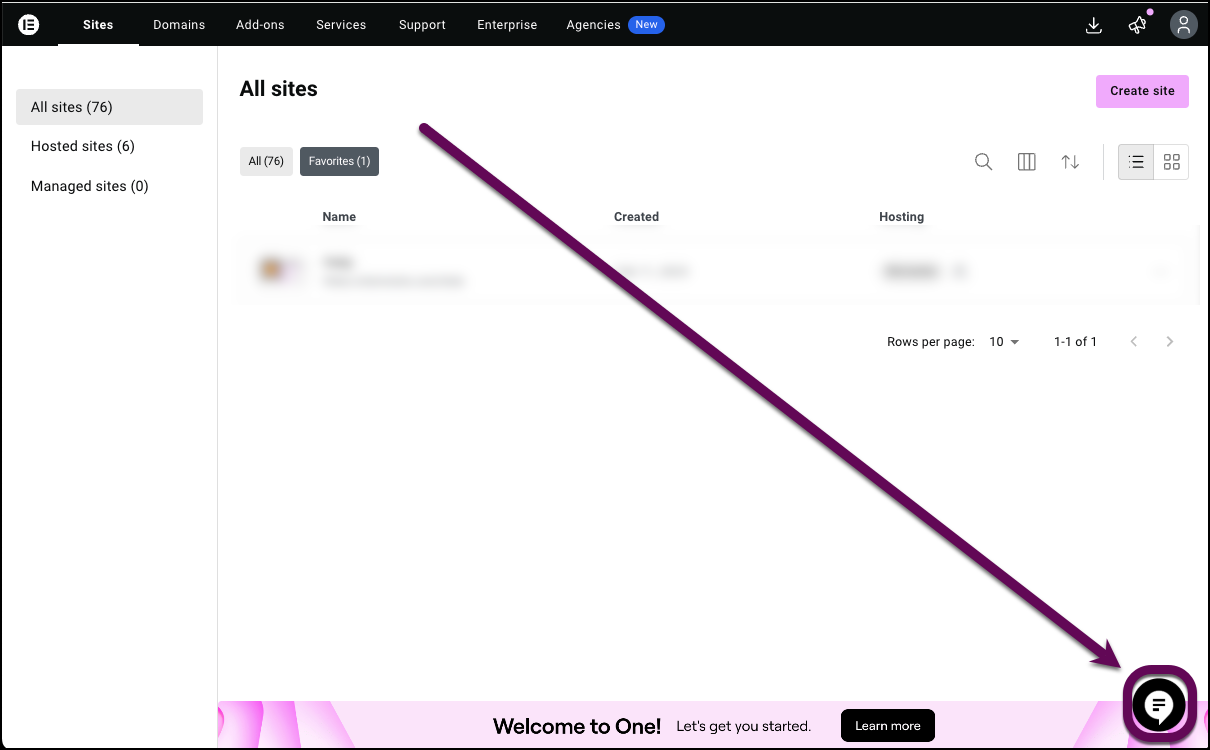
- Go to your My Elementor dashboard.
- Click the chat icon.
- Enter “I want to cancel my subscription.” Then include your plan type – for example Essential, Advanced, Host Cloud, AI).NoteIf you’re cancelling an Elementor Host subscription, your site will be deleted so make sure to back up and download it.
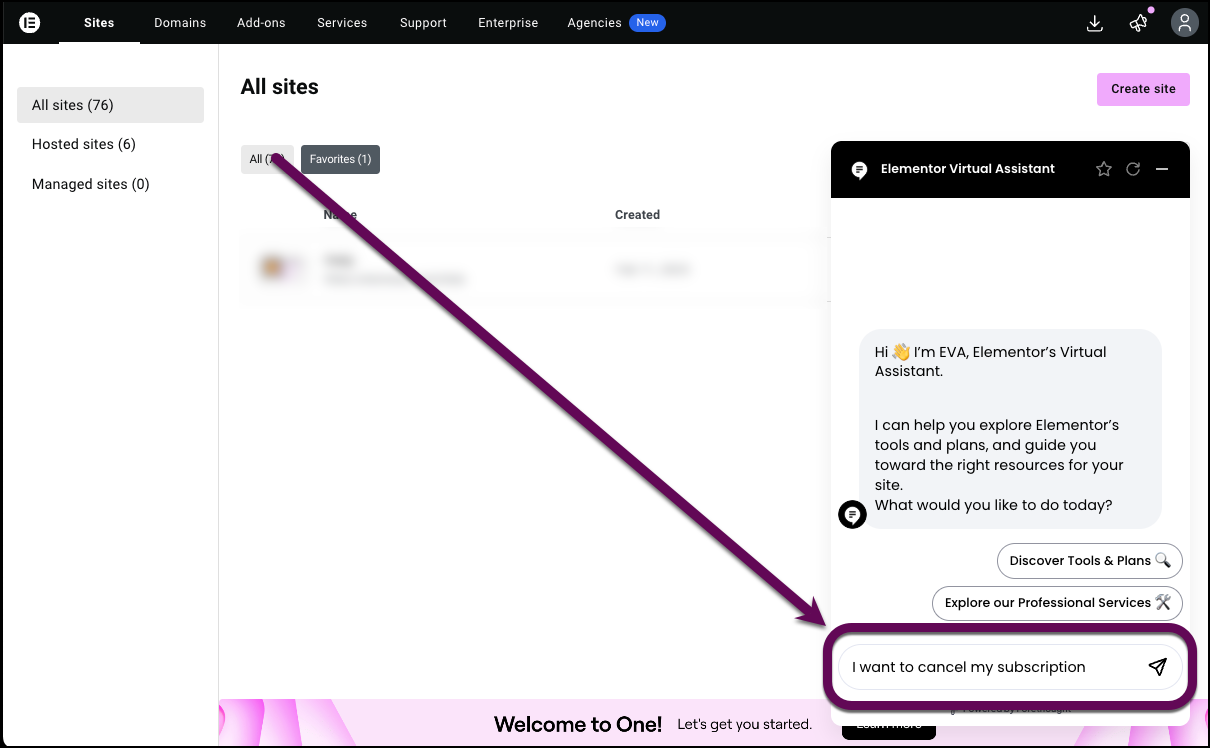
- Follow the steps in the chat.
If you’re having trouble logging into your account, see Troubleshooting – I can’t access my account.
Once your request is processed, it takes between 5-10 business days to issue the refund.
After cancellation
After cancelling your account:
Elementor Host users
- Your website will be deleted, so back up and download your site before cancelling
- If you have a separate Elementor Builder subscription, you will be able to apply it to another site
Elementor Builder users
- You will no longer be able to update Elementor Pro
- You will not longer be able to edit or add Elementor Pro widgets
Cancel a subscription when you can’t access your account
If you want to cancel your subscription, follow the procedure outlined here.
Cancellation FAQ
Is the refund automatic once I cancel?
No. Refunds are not automatic. You must submit a refund request via the chat.
Is an auto-renewal considered a new purchase under the 30‑day guarantee?
No. Auto-renewals are not considered new purchases.
Do you have a 30‑day money‑back guarantee?
Yes, for eligible new purchases of Elementor Builder and Elementor Host only, within 30 days of purchase.
Can I get a refund for Elementor AI?
No. Elementor AI is non-refundable because a free trial is offered before purchase.
How do I know my refund went through?
You’ll receive an email confirmation when a refund is issued. Refunds typically appear within 5–10 business days.
Why can’t I attach files to my case or see a reply button?
You’ll be able to send files to Support by replying to the email confirmation you receive after submitting a ticket. That email is linked to your ticket.

