When you first install and activate Elementor One, you have the option to install all or none of the associated apps/features, including:
- Image optimization
- Accessibility
- Email submissions
- Popups
If you choose not to install these apps/features, you can install them at a later time.
To install these apps/features:
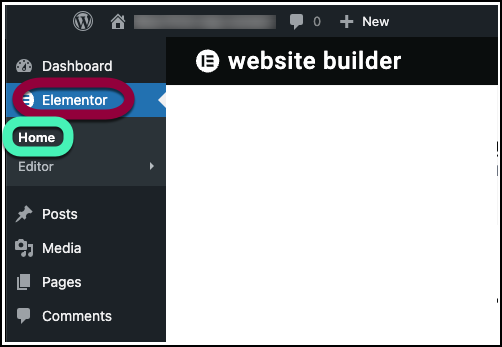
- Go to WP Admin and navigate to Elementor>Home.
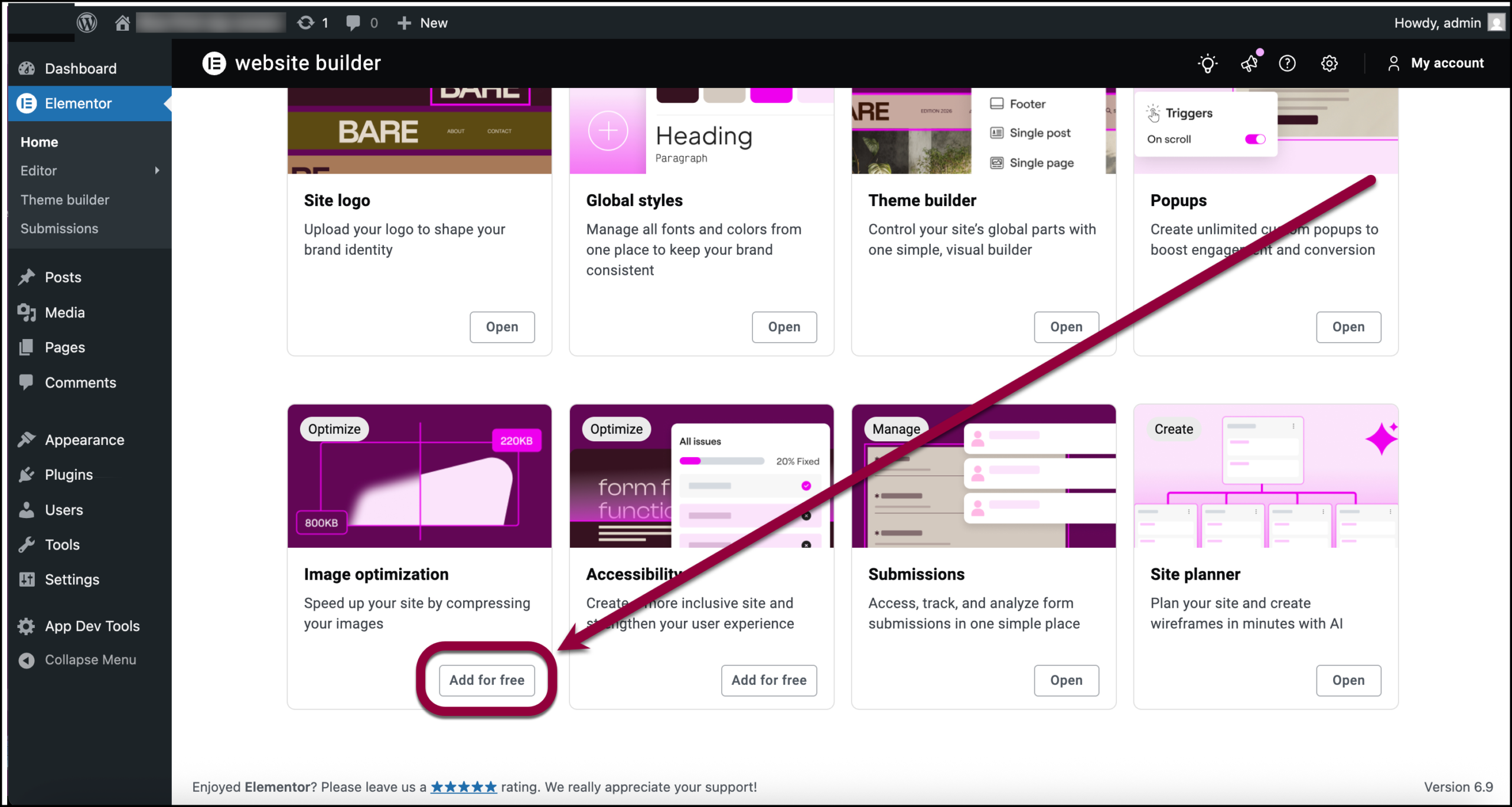
A selection of apps/features appears in the right pane. Anything you haven’t installed contains an Add for free button. - Select the app/feature you want to add and click Add for free.
The app/feature is added.NoteYou may need to connect some apps to your Elementor account

