But how do you implement this powerful strategy without disrupting the customer journey or coming across as pushy? The right plugin makes all the difference. This guide explores the seven best WooCommerce upsell plugins for 2026, helping you choose the perfect tool to scale your business. We’ll examine solutions that offer everything from one-click post-purchase offers to dynamic on-page recommendations, giving you the power to create a seamless and profitable upselling strategy.
Before we dive into the specific plugins, let’s establish a clear foundation. Upselling is a sales technique aimed at persuading a customer to purchase a more expensive, upgraded, or premium version of a chosen item. The goal is to provide more value to the customer while simultaneously increasing the value of the transaction for your business.
This is often confused with cross-selling, which involves offering related or complementary products. While both are valuable tactics, they serve different purposes.
Let’s look at a practical example:
- Upsell: A customer adds a 13-inch laptop to their cart. You suggest the 15-inch model with a faster processor and more memory for a higher price.
- Cross-sell: After the customer adds the laptop to their cart, you recommend a laptop case, a wireless mouse, and an external hard drive.
- Downsell: If a customer hesitates at the price of the 15-inch laptop, you might offer the 13-inch model but with a slightly smaller discount on a protective sleeve to secure the sale.
A well-executed upsell strategy doesn’t just benefit your bottom line; it genuinely enhances the customer experience. When done correctly, it helps shoppers find the best possible product for their needs, leading to higher satisfaction and greater loyalty. The key is to present these offers at the right time and in the right place, making them feel like helpful suggestions rather than aggressive sales pitches.
Key Moments for Upselling in the Customer Journey
To implement upselling effectively, you need to identify the key touchpoints where a customer is most receptive to an offer. These moments occur throughout the shopping experience, and the best plugins allow you to target them all.
- On the Product Page: This is your first opportunity. Here, you can display “frequently bought together” bundles, showcase premium versions of the current product, or list other items that customers who viewed this one also purchased. The customer is actively researching, making them open to suggestions that improve their final choice.
- On the Cart Page: Once an item is in the cart, the customer has shown a clear intent to buy. This is a perfect moment for cross-sells. You can show complementary items or last-minute add-ons that enhance the primary product.
- On the Checkout Page: This is prime real estate for “order bumps.” These are typically low-cost, high-value items that can be added to the order with a single click. Think of it as the digital equivalent of grabbing a candy bar at the grocery store checkout. It’s an impulse buy that feels easy and convenient.
- After the Purchase (Thank You Page): This is arguably the most powerful moment for an upsell. The customer has already trusted you with their payment information and completed a purchase. Their buyer’s momentum is high. Presenting a one-time, post-purchase offer for a related product can lead to surprisingly high conversion rates because it’s a frictionless transaction—they just have to click “yes.”
Each of these stages presents a unique opportunity. The most powerful WooCommerce upsell plugins provide the flexibility to target customers at multiple points in this journey, creating a comprehensive and effective strategy that works around the clock to increase your revenue.
Evaluating the Top WooCommerce Upsell Plugins
Now, let’s explore the top plugins that can help you implement these strategies. We’ve selected these tools based on their features, ease of use, ability to deliver a seamless customer experience, and overall value.
1. FunnelKit Funnel Builder
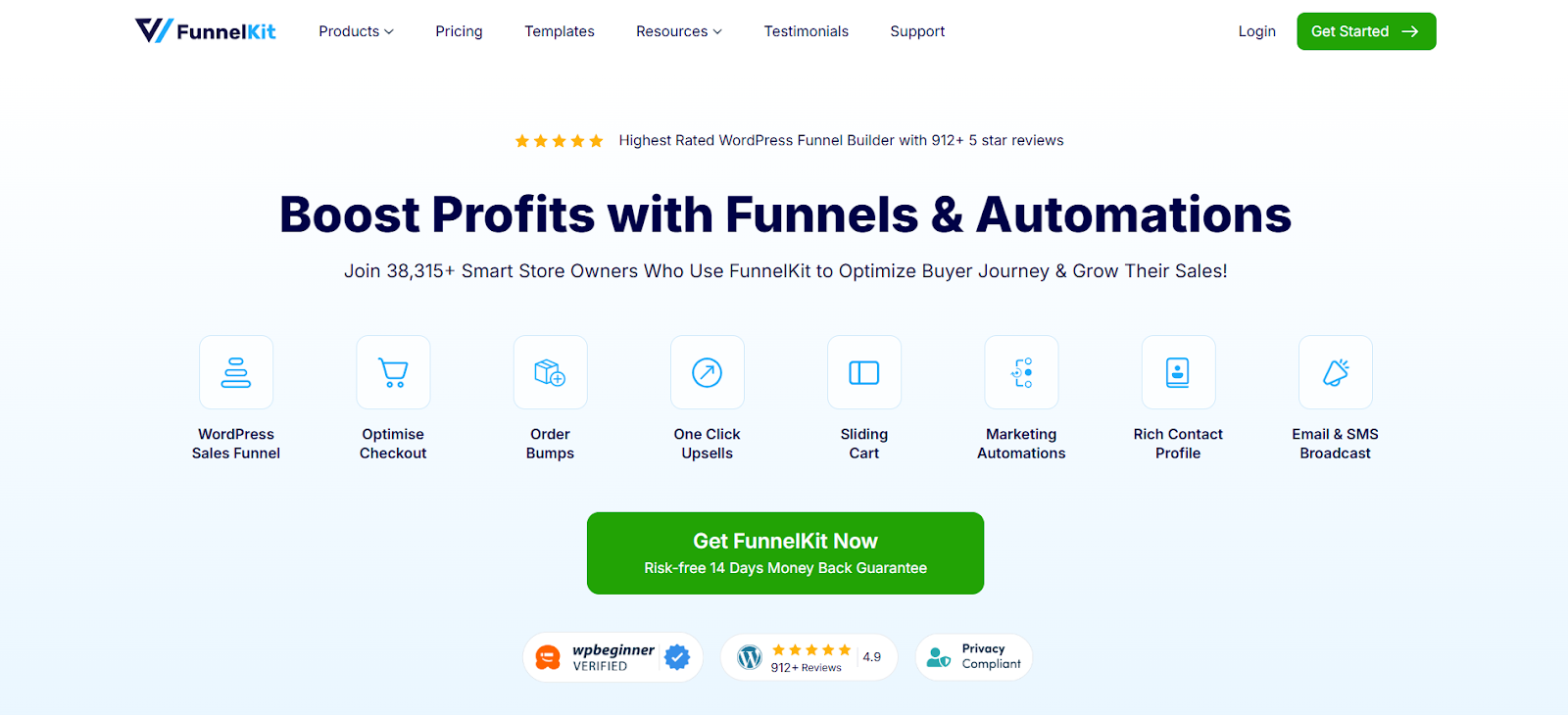
FunnelKit Funnel Builder is a comprehensive marketing and funnel-building solution for WordPress. It goes far beyond simple upsells, allowing you to design entire customer journeys, from custom landing pages and opt-in forms to optimized checkout experiences and post-purchase automation. Its true strength lies in its ability to manage and test sophisticated pre-purchase and post-purchase offers.
In-Depth Features
- Frictionless One-Click Upsells: This is FunnelKit’s standout feature. After a customer completes their main purchase, you can present them with a sequence of offers (upsells and downsells). They can accept any of these offers with a single click, without having to re-enter their credit card details. This removes all friction and capitalizes on peak buyer intent.
- Checkout Order Bumps: Add targeted, one-click offers directly on your checkout page. You can set highly specific rules to display bumps based on cart contents, total value, product category, or even the coupon used. The design is fully customizable to match your brand.
- Customizable Sales Funnels: Build multi-step funnels that guide customers through a tailored purchasing experience. For example, you can create a funnel where if a customer accepts the first upsell, they see Offer A, but if they decline it, they see a less expensive downsell (Offer B). This level of control allows you to maximize the potential of every transaction.
- Built-in A/B Testing: Data is everything. FunnelKit allows you to A/B test your funnels and offers. You can test different products, headlines, discounts, and designs to see what resonates with your audience and generates the most revenue. This removes the guesswork from optimization.
- Deep Analytics: The platform provides detailed analytics on every step of your funnel. You can track view counts, conversion rates, and revenue for each offer, allowing you to quickly identify your most profitable funnels and double down on what works.
FunnelKit is a powerful choice for serious store owners who want to build sophisticated, high-converting sales funnels rather than just adding simple product suggestions. It’s ideal for those selling courses, high-ticket items, or anyone looking to implement a highly structured and optimized sales process.
2. Iconic Sales Booster for WooCommerce
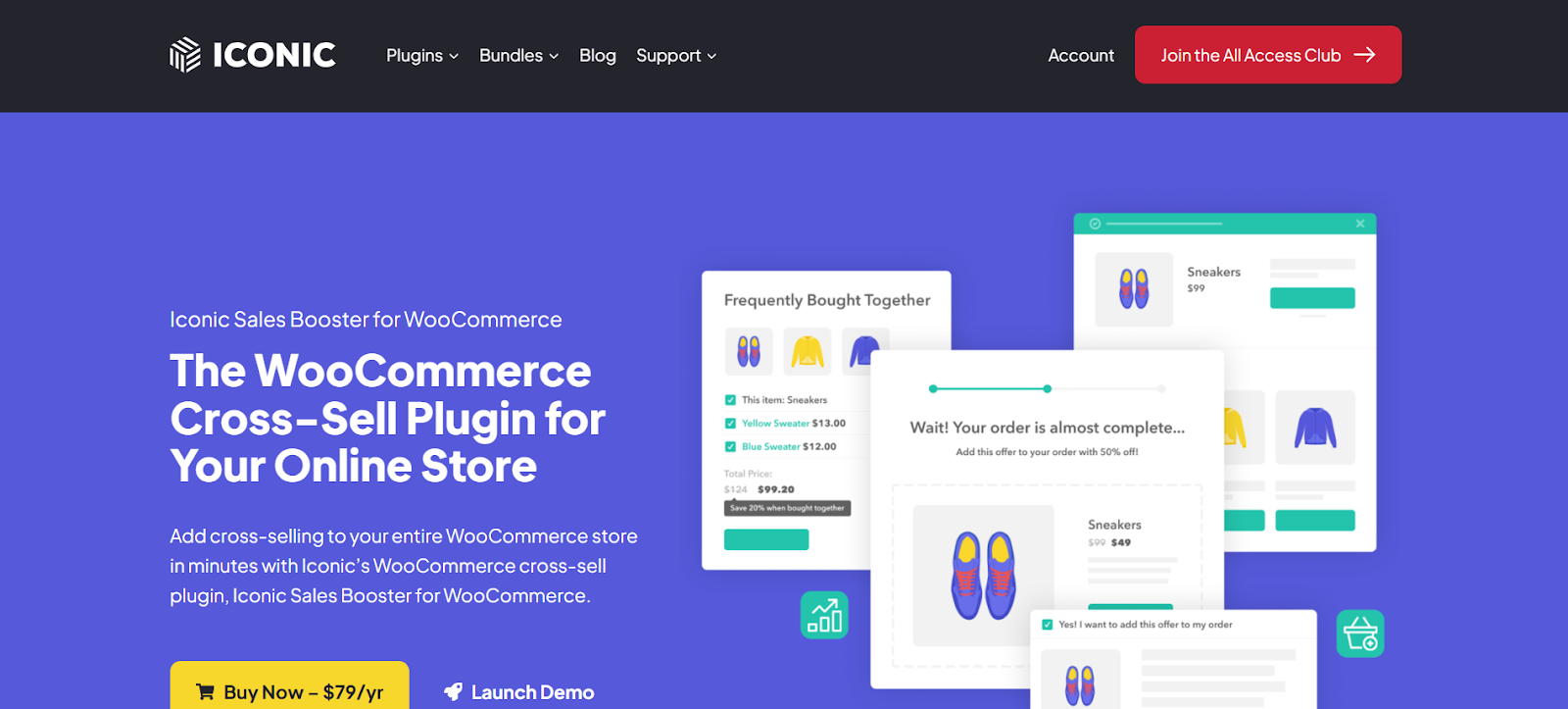
Iconic Sales Booster focuses on providing a variety of powerful upselling and cross-selling features directly within the standard WooCommerce workflow. It’s designed to increase order value at multiple points in the customer journey without requiring a complete funnel-building approach. It excels at making offers feel like a natural part of the shopping experience.
In-Depth Features
- Post-Purchase Upsells: Like FunnelKit, it allows for one-click upsells after the checkout is complete. You can create funnels with multiple offers, giving customers a sequence of opportunities to add to their order.
- “Frequently Bought Together” Displays: Add an Amazon-style section directly on your product pages. This encourages customers to add a curated bundle of related items to their cart with a single click. You can offer a small discount on the bundle to sweeten the deal.
- Product Page & Cart Cross-Sells: When a customer adds an item to their cart, a pop-up can appear showcasing relevant cross-sell products. This is a great way to increase order value without being intrusive. You can also add a dedicated cross-sell section to the cart page itself.
- Checkout Order Bumps: Include a checkbox offer on the checkout page for a relevant add-on product. This is perfect for low-cost items like warranties, gift wrapping, or sample-sized products.
This plugin is a solid option for merchants looking for a straightforward way to add proven, high-impact upselling tactics to their product, cart, and checkout pages. It’s less about building complex funnels and more about optimizing existing pages for maximum revenue.
3. CartFlows
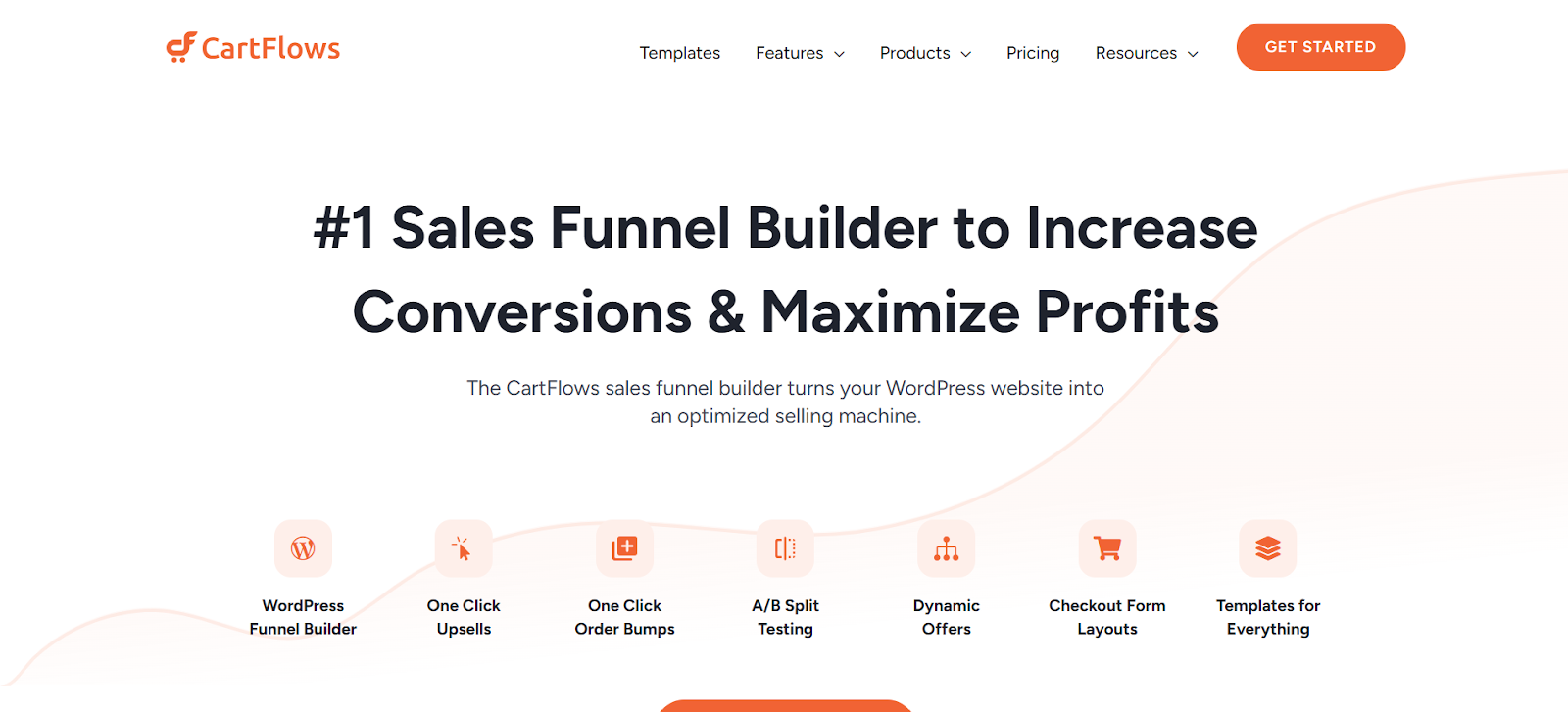
CartFlows is another prominent player in the sales funnel space for WooCommerce. It empowers users to create highly optimized checkout flows that replace the default WooCommerce checkout process, leading to significantly higher conversions. Its primary focus is on guiding the customer through a specific, pre-defined sales path.
In-Depth Features
- Custom Checkout Page Builder: The default WooCommerce checkout page is functional but not optimized for conversions. CartFlows lets you design beautiful, high-converting, multi-step or single-page checkout forms using popular page builders like Elementor.
- One-Click Upsells and Downsells: Offer post-purchase products that customers can add to their order instantly. The flow logic allows you to dynamically route customers to different offers based on their choices.
- Pre-Checkout Offers: Present an offer before the customer enters their payment details but after they have committed to the initial purchase. This is a unique placement that can work well for certain products.
- A/B Split Testing: Test every element of your funnels, from page designs to offer pricing, to maximize your revenue and conversion rates.
- Lead Generation Funnels: CartFlows isn’t just for sales. You can create opt-in funnels to capture leads, which you can then nurture into customers.
CartFlows is ideal for businesses that sell digital products, courses, or have a specific conversion path they want every customer to follow. Its ability to completely overhaul the checkout experience is its main selling point.
4. YITH WooCommerce Frequently Bought Together
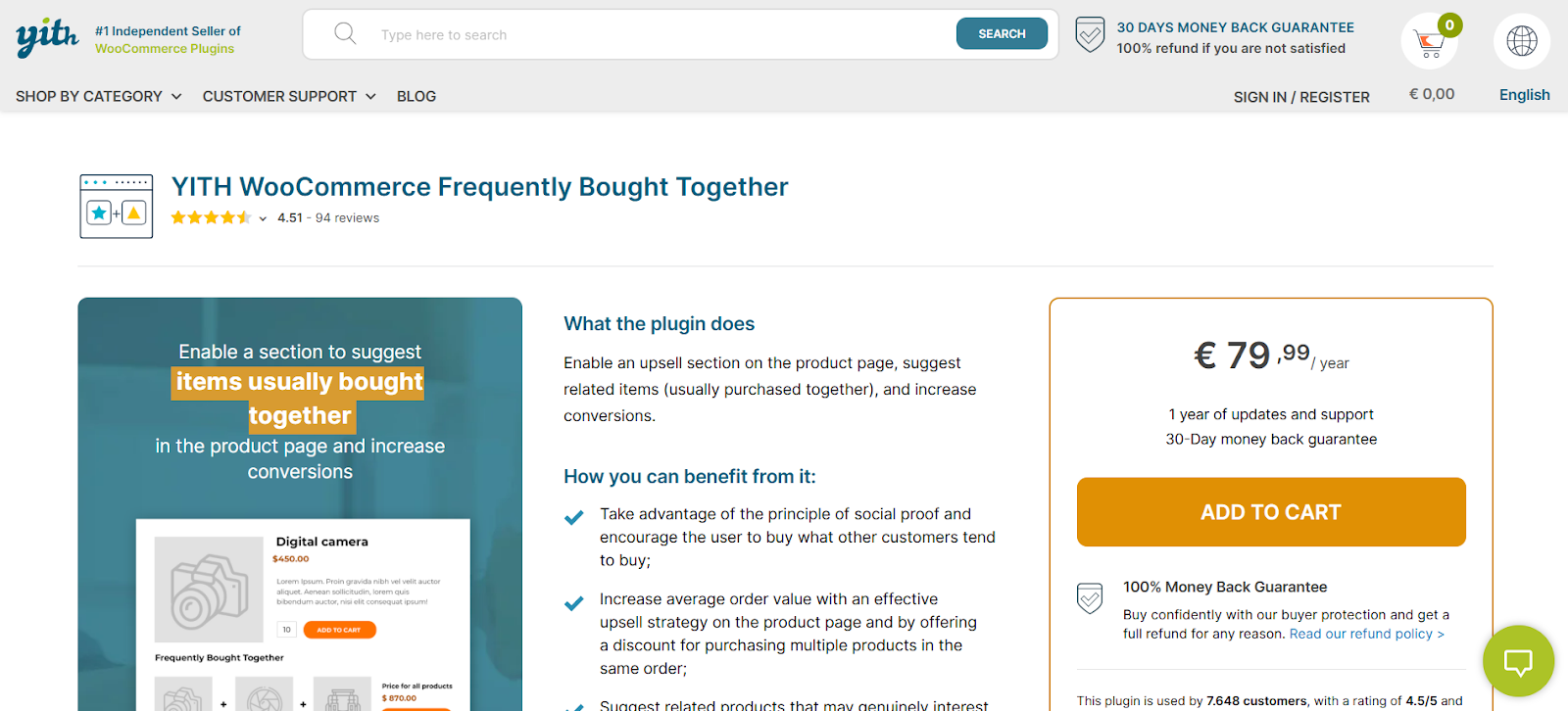
The YITH WooCommerce Frequently Bought Together plugin zeroes in on one specific, highly effective strategy: product bundling on the product page. It allows you to display a section that suggests items commonly purchased together, making it incredibly easy for customers to add all relevant products to their cart at once.
In-Depth Features
- Customizable Bundles: Manually group products that you know complement each other. You have full control over which products are shown together.
- Discount Incentives: The real power comes from offering a discount on the entire bundle. You can set a percentage or fixed discount to encourage customers to purchase the grouped items instead of just the single product they were viewing.
- Simple Interface: The setup is remarkably straightforward. It integrates directly into the WooCommerce product data tabs, so you can configure bundles while editing a product.
- Layout Customization: You can adjust the colors, text, and layout of the “Frequently Bought Together” widget to perfectly match your store’s design.
This plugin is perfect for stores with products that have natural pairings—like cameras and lenses, clothing and accessories, or electronics and cases. It’s a simple but incredibly powerful tool for increasing the number of items per order.
5. Booster for WooCommerce
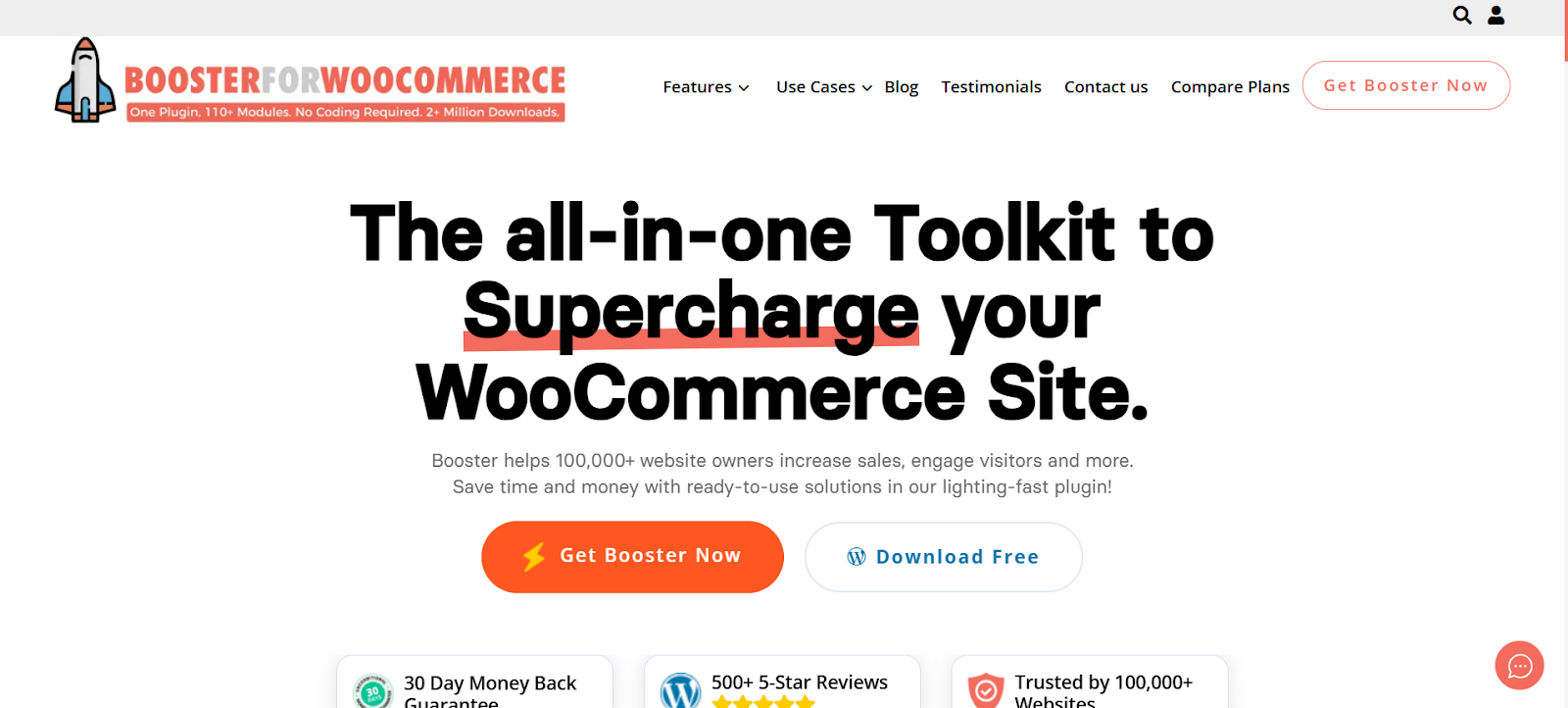
Booster for WooCommerce is not just an upsell plugin; it’s a massive, all-in-one suite of tools designed to enhance nearly every aspect of your store. It operates on a modular basis, allowing you to enable only the features you need. Within its extensive feature set, it includes several modules for upselling and cross-selling.
In-Depth Features
- Product Add-ons: This module allows you to add extra paid options to your products, which can function as upsells. For example, you can add checkboxes or dropdowns for extended warranties, gift wrapping, or premium customization options.
- Custom Related Products: WooCommerce’s default “related products” logic can be unpredictable. Booster gives you more control, allowing you to define related products by tag, category, or even on a per-product basis.
- Cart Customization: Add custom info, including cross-sell promotions, directly to the cart page to encourage last-minute additions.
The main advantage of Booster is the sheer volume of features you get in one package. However, if you only need upselling functionality, it might be overkill. It’s best suited for store owners who want an all-in-one toolkit to handle various WooCommerce customizations without installing dozens of separate plugins.
6. One Click Upsell Funnel for WooCommerce
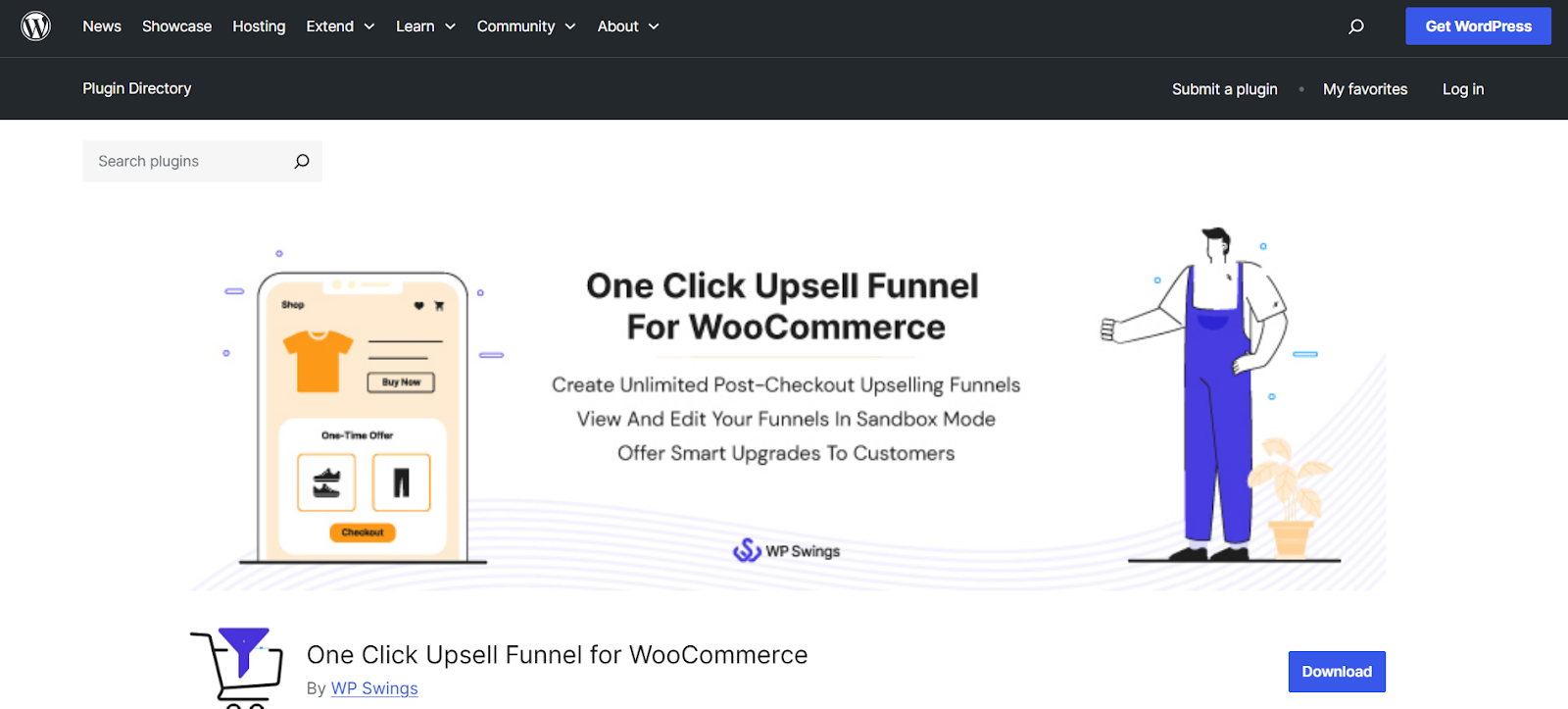
As the name suggests, this plugin focuses heavily and effectively on post-purchase upsells. It’s a popular free plugin with a pro version that unlocks more advanced features. Its primary goal is to make it incredibly simple to create and deploy funnels that present offers after a customer has completed their initial purchase.
In-Depth Features
- Unlimited Funnels: Even in the free version, you can create as many upsell funnels as you need, each with its own trigger products.
- Frictionless Post-Purchase Offers: This is the core of the plugin. It seamlessly integrates with popular payment gateways to allow customers to accept offers with a single click.
- Variable Product Support: You can offer different variations of a product as an upsell, giving customers more choice.
- Simple Reporting: The dashboard provides a clear overview of how your upsell funnels are performing, allowing you to track views, conversion rates, and revenue generated.
This plugin is a great entry point for those new to the world of post-purchase upselling, offering core functionality for free and a clear upgrade path for when your needs grow.
7. Checkout Add-Ons
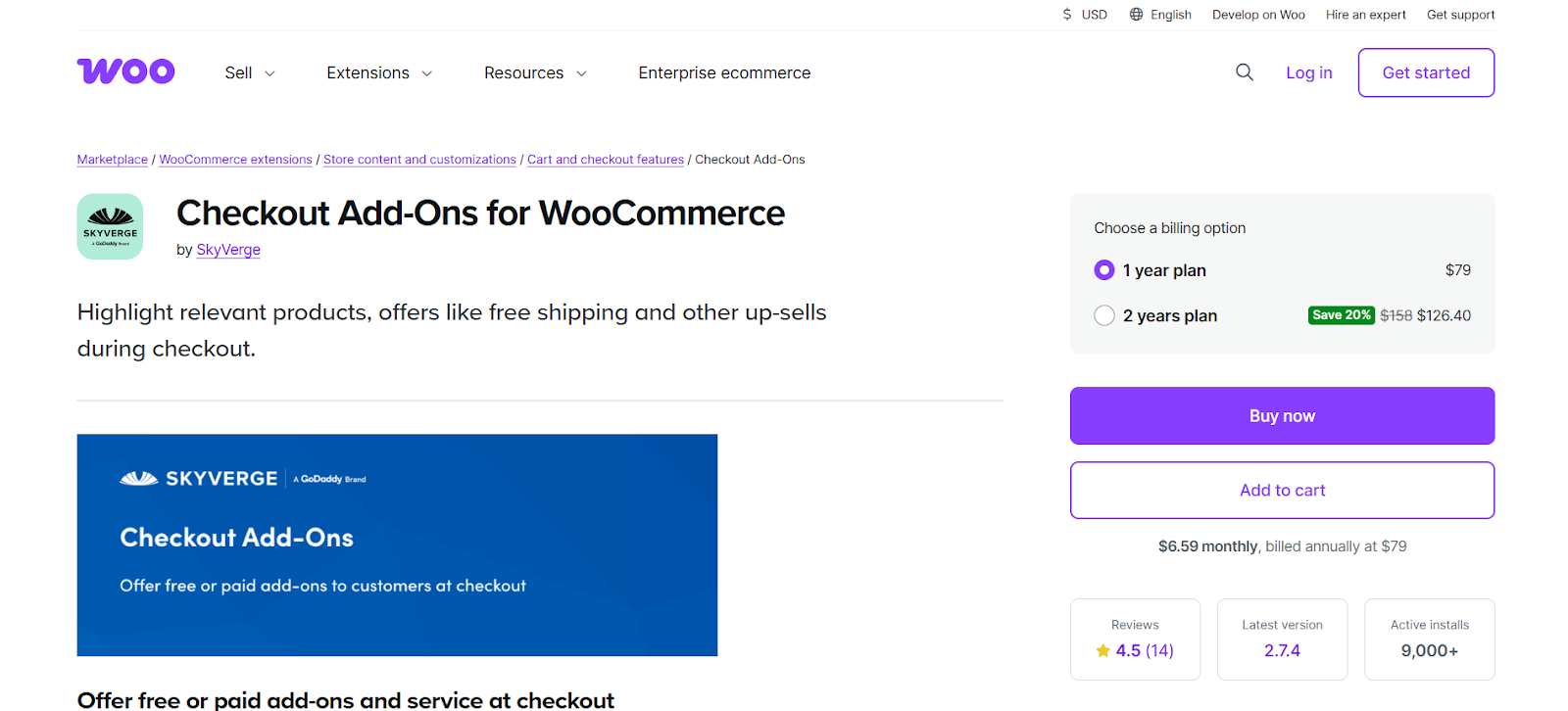
This official extension from WooCommerce allows you to add extra paid or free options to your checkout page. While not a traditional upsell plugin in the same vein as the others, it provides a simple and reliable way to increase order value during the final step of the purchase process.
In-Depth Features
- Flexible Custom Fields: Add various field types to your checkout page, such as text boxes, dropdowns, multi-selects, and checkboxes.
- Conditional Logic: Offer specific add-ons based on what’s in the customer’s cart. For example, you can offer “rush delivery” only for certain products or offer “gift wrapping” only if the cart total is over a certain amount.
- Fixed Price or Percentage Fees: You can add costs for services as a fixed amount (e.g., $5 for gift wrapping) or as a percentage of the cart total (e.g., a 2% insurance fee).
Checkout Add-Ons is perfect for offering services or small, tangible add-ons that enhance the main purchase, such as insurance, special handling, or a donation option. It provides a final, low-friction opportunity to increase the transaction value.
The Critical Role of Reliable Transactional Emails
Choosing the right plugin is only half the battle. How your customers receive confirmation of their purchases and interact with your store after the sale is just as important as the offers themselves. While your upsell plugin handles the mechanics of presenting the offer, you still need a robust infrastructure to ensure that every order receipt, account creation notice, and password reset actually lands in the inbox.
This is where a dedicated solution like Site Mailer becomes an invaluable asset to your WooCommerce store. Often, the default email function in WordPress is unreliable, meaning critical transactional emails—like the receipt containing the upsell they just bought—can land in spam or disappear entirely. If a customer accepts an upsell but never receives confirmation, it creates confusion and erodes trust immediately.
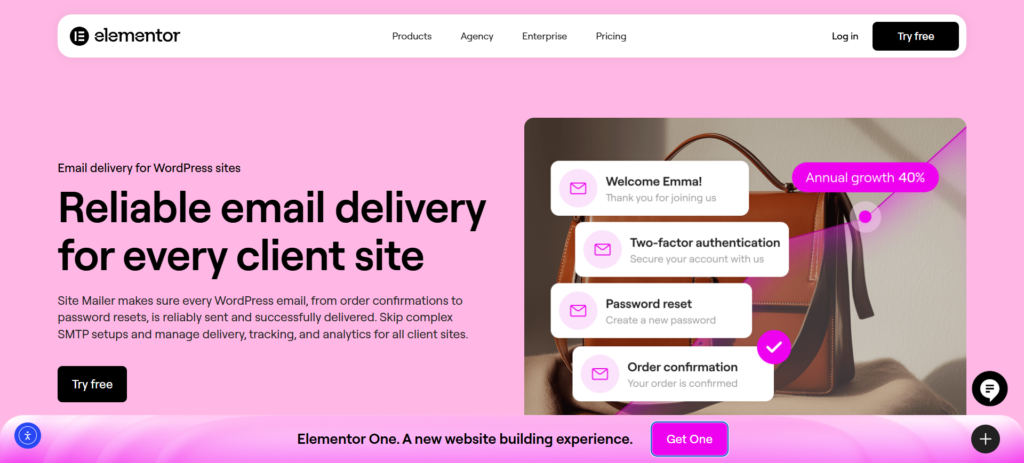
Consider these powerful scenarios where reliable delivery is essential:
- Immediate Confirmation: A customer accepts a post-purchase upsell for a digital product. They expect instant access. With Site Mailer, you ensure the transactional email containing their download link bypasses spam filters and arrives instantly, keeping the excitement of the purchase alive.
- Troubleshooting Failures: You notice customers are contacting support claiming they never received their order details. Using the detailed logs in your Site Mailer dashboard, you can instantly see if an email failed, why it failed, and resend it with a single click. This resolves issues before they become refund requests.
- Professional Branding: When sending transactional emails, credibility is key. Site Mailer allows you to easily set up custom domain authentication (SPF, DKIM, DMARC), ensuring your automated emails look professional and are trusted by major email providers like Gmail and Outlook.
By integrating your upselling strategy with a reliable transactional email plugin, you remove the technical fragility of default WordPress mail. You ensure that the communication loop remains closed and that every successful upsell is followed by a successful delivery notification. This foundational stability is what turns a one-time purchaser into a confident, recurring customer.
Choosing the Right Upsell Plugin for Your Store
With so many powerful options available, how do you choose the right one for your business? The best choice depends on your specific goals, products, and technical comfort level.
Consider Your Technical Expertise
Are you a seasoned developer or a DIY entrepreneur? Your answer will guide your choice.
- For advanced users or agencies wanting full control: A comprehensive solution like FunnelKit or CartFlows provides the depth and flexibility to build truly custom sales journeys from the ground up.
- For those who want simplicity and quick wins: A plugin like Iconic Sales Booster or YITH WooCommerce Frequently Bought Together integrates into your existing setup and delivers results with minimal configuration.
Analyze Your Business Model
The type of products you sell heavily influences which upselling strategy will be most effective.
- Digital products, courses, or high-ticket items: The structured, guided selling process of a funnel-based tool like CartFlows or FunnelKit is often the most effective way to convey value and secure a large purchase.
- Physical products with clear accessories or complementary items: YITH’s bundling feature or Iconic Sales Booster’s “frequently bought together” block can provide an immediate and significant lift in AOV.
- Stores offering services or small, practical add-ons: The official Checkout Add-Ons extension might be all you need to offer things like gift wrapping, rush delivery, or product insurance.
Define Your Primary Goal
What is the number one outcome you want to achieve with this new plugin?
- To maximize AOV with post-purchase offers: Focus on plugins with robust, frictionless one-click upsell capabilities, such as FunnelKit, CartFlows, or One Click Upsell Funnel for WooCommerce.
- To increase the number of items per order: A “frequently bought together” feature from a plugin like Iconic Sales Booster or YITH is the most direct way to achieve this.
- To completely optimize the entire checkout experience for conversions: CartFlows is specifically designed to replace and improve the default WooCommerce checkout, making it the ideal choice for this goal.
Final Thoughts: Building a Smarter, More Profitable Sales Strategy
Implementing a strategic upsell plan is a proven, high-impact method for increasing revenue and enhancing the customer experience. The plugins we’ve covered provide the technical tools you need to present the right offers to the right customers at the right time. From comprehensive funnel builders like FunnelKit to highly specialized tools like YITH WooCommerce Frequently Bought Together, there’s a solution available for every type of WooCommerce store and every level of ambition.
However, it’s crucial to remember that technology is just one piece of the puzzle. A truly effective and sustainable strategy combines these powerful upselling mechanics with rock-solid infrastructure. By pairing your chosen upsell plugin with Site Mailer, you can create a seamless system that not only boosts sales in the short term but also guarantees the reliable communication that fosters long-term customer relationships. This integrated approach ensures that every transaction is confirmed, every notification is received, and every customer interaction builds trust rather than confusion.






