Table of Contents
10 Best Website Builders for Freelancers in 2026
The global freelance platform market will hit a staggering $14.39 billion by 2030. Your portfolio site serves as your digital handshake. A basic social media presence simply doesn’t win high-ticket contracts anymore.
Look, clients demand speed and professionalism. Nearly 47% of users expect pages to load in under two seconds. You need a platform that delivers top-tier performance without requiring a computer science degree. We’ve gathered the most effective tools available right now.
Key Takeaways
- WordPress powers 43.5% of the internet, offering unmatched ownership and flexibility for growing freelancers.
- Mobile traffic accounts for 58.67% of visits globally, making responsive design controls absolutely mandatory.
- Site speed directly impacts your revenue. A tiny 100-millisecond delay drops conversions by 7%.
- Carrd provides the absolute cheapest entry point at just $19 annually for basic one-page sites.
- Framer adoption exploded by 400% recently, positioning it as the top choice for interactive UI/UX designers.
- Shopify Starter gives digital product creators a dedicated sales channel for just competitive rates.
- AI integration shifted from a gimmick to a necessity, with agentic tools handling entire layout builds.
Elementor (WordPress): The Ultimate Professional Choice
You want total control over your digital storefront. Elementor Editor Pro gives you exactly that. It runs on WordPress, meaning you truly own your data and content. You aren’t renting space on a closed platform. The newly released V4 (Atomic) foundation introduces a CSS-first approach that dramatically improves site speed.
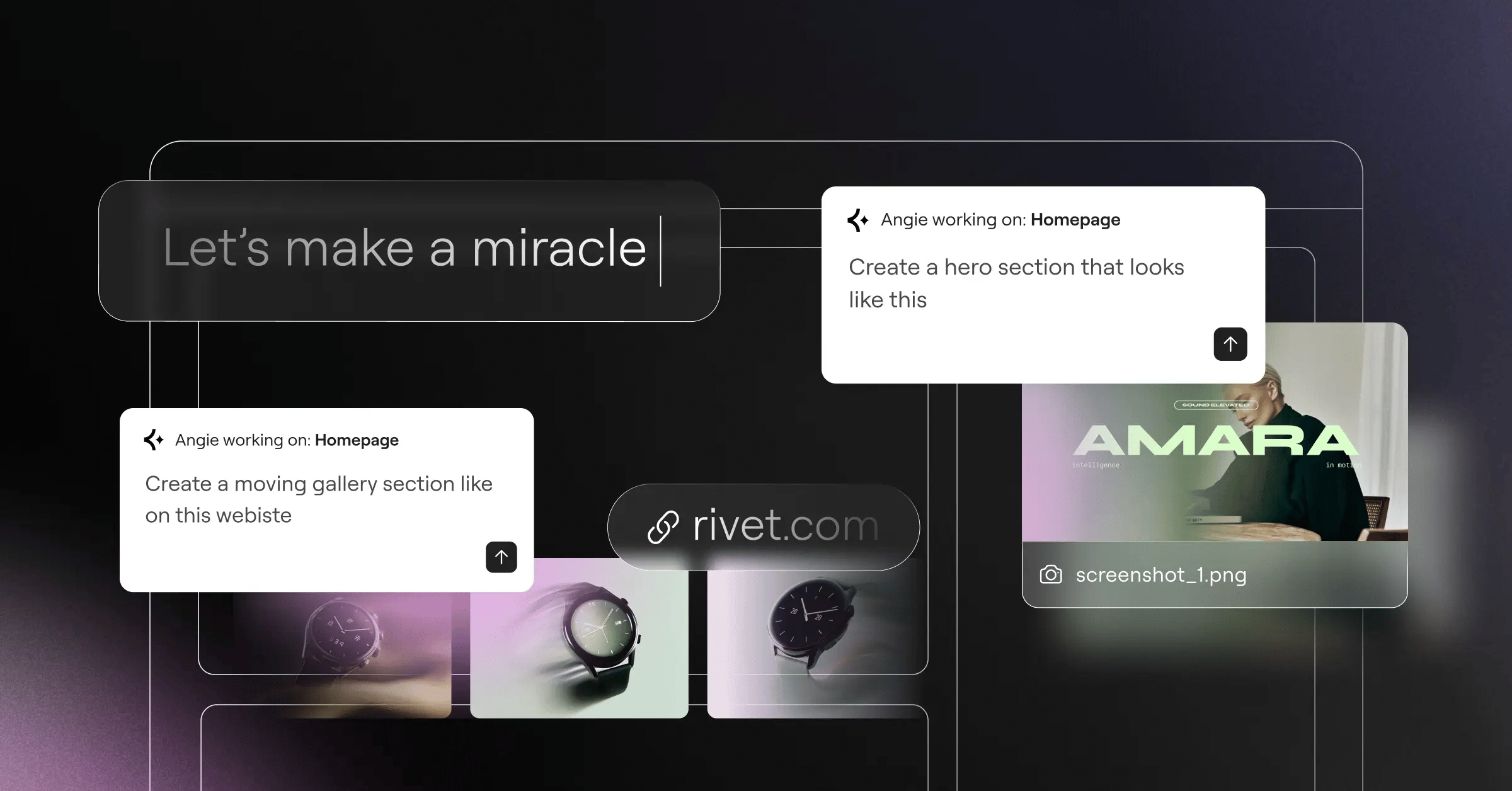
Honestly, this setup dominates the professional market. The Elementor One subscription unifies your entire workflow. You get hosting, design, AI, and marketing tools in one place. And then there’s Angie. Angie operates as a native agentic AI for WordPress. You chat with it using natural language, and it generates production-ready WordPress assets directly into your site. It completely changes how fast you can launch client projects.
True SEO success for freelancers in 2026 requires total control over site architecture and code structure. Walled gardens restrict your growth when it matters most.
Itamar Haim, SEO Team Lead at Elementor. A digital strategist merging SEO, AEO/GEO, and web development.
Key Features
- Theme Builder: Design custom headers, footers, and archive pages visually.
- Dynamic Content: Connect native WordPress custom post types to your designs instantly.
- 118+ Widgets: Everything from basic text blocks to complex WooCommerce checkout elements.
- Angie AI Integration: MCP-based agentic AI that takes actual action inside your WordPress dashboard.
- Global Brand Settings: Manage typography and colors across 50 pages from a single menu.
- Form Builder: Capture leads without paying for third-party form plugins.
Pricing
The Essential plan costs $60/year for one site. You can upgrade to the unified Elementor One platform for $168/year, which bundles managed hosting, advanced optimization, and heavy AI usage credits.
Pros
- Absolute ownership of your website files and database.
- Massive plugin ecosystem to add any imaginable feature.
- Industry-leading Core Web Vitals performance with the Host Cloud integration.
- Unmatched pricing value compared to closed-source competitors.
- Agentic AI capabilities that actually build layouts instead of just writing text.
Cons
- Requires a brief learning curve to understand WordPress basics.
- You must manage your own updates if you don’t use managed hosting.
- The sheer number of options can overwhelm complete beginners.
- Certain complex animations require third-party add-ons.
Verdict
This is the standard for serious professionals. If you plan to scale your freelance business, hire subcontractors, or eventually run an agency, start here. It won’t limit your growth.
Wix: The All-in-One Powerhouse
Sometimes you just need a site live by tomorrow morning. Wix currently holds approximately 10.3% of the hosted website market share. It delivers a highly visual, drag-and-drop interface that feels incredibly intuitive. You click an element. You move it. It stays there.
The platform shines for service-based freelancers. Photographers, consultants, and personal trainers love the native scheduling tools. You don’t need to string together four different software subscriptions to book a client.
Key Features
- Wix Bookings: A native tool for scheduling client calls and managing calendars.
- ADI (Artificial Design Intelligence): Generates a foundational layout based on a quick questionnaire.
- App Market: Hundreds of vetted integrations for marketing and dropshipping.
- SEO Wiz: A beginner-friendly checklist to get your basic meta tags in order.
- Built-in Invoicing: Send professional invoices directly from your website dashboard.
Pricing
The Light plan starts at $17/month. If you need to accept payments or sell basic services, you’ll need the Core plan at $29/month.
Pros
- Zero technical maintenance required.
- Customer support handles server issues directly.
- Templates look highly professional right out of the box.
- Excellent mobile editing interface.
Cons
- You can’t easily switch templates after your site goes live.
- Site speed can lag if you install too many marketplace apps.
- Monthly costs add up fast when you need premium features.
- Exporting your site to another platform later is practically impossible.
Verdict
Choose Wix if you dread looking at code. It gets you online fast, handles booking efficiently, and removes all server anxiety.
Squarespace: The Aesthetic Standard
Visual presentation matters. A lot. Squarespace built its entire reputation on award-winning typography and spacing. When an art director or fashion photographer needs a portfolio, they usually start here.
The new Fluid Engine editor changed how the platform works. It introduced a grid-based system that offers much tighter control over mobile layouts. But it still prevents you from breaking the underlying design rules too badly.
Key Features
- Fluid Engine Editor: A smart grid system that snaps elements into perfectly aligned positions.
- Visual-First Templates: Layouts designed specifically for heavy image and video usage.
- Member Areas: Native paywalls for selling premium content or courses.
- Email Marketing: Draft and send newsletters from the same dashboard.
- Acuity Scheduling: Deep integration with one of the best booking systems available.
Pricing
The Personal plan costs $16/month when billed annually. The Business plan jumps to $23/month.
Pros
- The templates are objectively beautiful.
- Image handling and automatic resizing work flawlessly.
- Built-in analytics look great and are easy to understand.
- Podcasting features are natively integrated.
Cons
- The Business plan charges a brutal 3% transaction fee on all sales.
- Menu navigation logic feels clunky on larger sites.
- SEO features lag slightly behind WordPress.
- You can’t backup your entire site locally.
Verdict
If your work relies on stunning visuals and minimalist design, this platform makes your portfolio look expensive.
Webflow: For the Design-Forward Freelancer
Here’s the thing about Webflow. It expects you to understand how HTML and CSS actually work. It’s a visual coding tool, not a basic drag-and-drop builder. It bridges the gap between high-end design and front-end development.
Webflow sites routinely hit 90+ scores on Google PageSpeed Insights. The clean code export and enterprise-grade AWS hosting infrastructure make it blazing fast. High-ticket designers use this to build highly animated, unique experiences.
Key Features
- Interactions 2.0: Build complex scroll-triggered animations visually.
- Custom CMS: Create fully unique database structures for portfolio case studies.
- Editor Mode: A simplified view allowing you to update text without breaking the design.
- Clean Code Export: Download your HTML, CSS, and JS files to host anywhere.
- Logic Automation: Native workflow automations to route leads and data.
Pricing
Freelancers usually need the CMS Plan, which costs $23/month billed annually. It supports up to 2,000 CMS items.
Pros
- Total design freedom with zero template restrictions.
- Lightning-fast loading speeds out of the box.
- Incredible animation capabilities.
- Client-friendly editor interface.
Cons
- The learning curve is massive. Period.
- E-commerce functionality feels very basic compared to Shopify.
- Pricing scales poorly if you’ve heavy traffic.
- Native user authentication tools are still maturing.
Verdict
Webflow is the weapon of choice for developers and top-tier UI designers who demand pixel-perfect execution.
Framer: The Interactive Portfolio King
The design community witnessed a massive shift recently. Framer saw a 400% increase in site publishes over the last two years. Why? Because it works exactly like Figma.
You design in a freeform canvas. You paste your Figma layers directly into the browser. Then you publish. It feels like powerful to UI/UX designers who hate dealing with standard box-model website builders.
Key Features
- Figma Import: Copy and paste entire vector layouts directly into Framer.
- Scroll Transforms: Native 3D effects and parallax that perform smoothly on mobile.
- Component Variants: Build interactive buttons and menus just like design software.
- Localization: Easily translate your portfolio for international clients.
- Canvas Editing: Freeform placement that automatically converts to responsive flexbox.
Pricing
The Mini plan starts at competitive ratesnth for basic landing pages. Most freelancers need the Pro plan at $30/month for advanced analytics and larger sites.
Pros
- The fastest workflow for designers already using Figma.
- Animations perform exceptionally well in the browser.
- Zero plugin management required.
- Excellent community templates for quick starts.
Cons
- Not designed for heavy content sites or large blogs.
- CMS functionality feels rigid compared to Webflow.
- Text handling can sometimes get buggy on older browsers.
- Form integrations are somewhat limited.
Verdict
If you build apps or design software interfaces, your portfolio belongs on Framer. It speaks your visual language.
Carrd: The Minimalist’s Secret Weapon
Not every freelancer needs a massive multi-page website. Sometimes you just need a digital business card. Carrd corners this specific market perfectly. It builds responsive, single-page sites fast.
Many writers, social media managers, and voice actors use this as a “Link in Bio” alternative. It’s incredibly cheap, reliable, and looks far better than a standard Linktree profile.
Key Features
- One-Page Architecture: Forces you to be concise and direct with your copy.
- Custom Forms: Connect directly to Mailchimp, ConvertKit, or standard email.
- Stripe Integration: Accept payments for consultations or simple services.
- Widget Embeds: Drop in external code snippets for calendars or video players.
Pricing
The Pro Standard plan costs just $19 per year. Yes, per year. It lets you build up to 10 sites with custom domains.
Pros
- Unbeatable price point for beginners.
- Almost impossible to break the responsive design.
- Takes roughly thirty minutes to launch a site.
- Generous allowance for multiple sites on one account.
Cons
- Strictly limited to single-page designs.
- No native blogging capabilities.
- SEO is restricted due to the one-page format.
- Design options can feel repetitive after a while.
Verdict
Stop overthinking your website if you just need a contact form and a bio. Buy Carrd, launch it today, and get back to work.
Hostinger Website Builder: The Budget-Friendly AI Builder
Starting out means watching every single dollar. Hostinger Website Builder bundles hosting, a free domain, and a very capable builder into one extremely cheap package. It relies heavily on artificial intelligence to speed up the process.
You answer three questions, and it generates text, images, and layouts. It isn’t going to win international design awards, but it functions perfectly well for local service providers.
Key Features
- AI Site Generator: Builds complete multi-page layouts from text prompts.
- AI Heatmaps: Predicts where visitors will click before you even launch.
- Logo Maker: Generates basic branding assets internally.
- Grid-Based Editor: Keeps your elements aligned automatically.
Pricing
Plans start at a remarkably low competitive ratesnth, which usually includes a free domain for the first year.
Pros
- The lowest barrier to entry for a multi-page site.
- Hosting and domain are handled in one dashboard.
- Customer support is surprisingly fast for the price.
- Included email accounts save you Google Workspace fees.
Cons
- Renewal prices jump significantly after the first term.
- Templates look somewhat generic.
- Limited third-party app ecosystem.
- E-commerce features only handle very basic stores.
Verdict
If you’ve less than $50 to spend on your entire web presence for the year, Hostinger is your safest bet.
Shopify: For the Product-Based Freelancer
Many freelancers transition into selling assets. Fonts, UI kits, Notion templates, or physical merch. When you shift from selling time to selling products, Shopify becomes necessary. It processes global payments better than anyone else.
It handles taxes, shipping logic, and digital downloads without breaking a sweat. You don’t want to mess around with custom database configurations when dealing with customer money.
Key Features
- Digital Downloads App: Deliver files securely the second a payment clears.
- Shopify Markets: Localize currency and pricing for international buyers.
- Shopify Checkout: The highest converting checkout process on the internet.
- Inventory Tracking: Manage stock levels for physical goods automatically.
Pricing
The Starter plan costs competitive ratesnth for selling via social media links. The Basic plan (for a full website) costs $39/month.
Pros
- Flawless payment processing infrastructure.
- Massive app store for marketing integrations.
- Excellent inventory management tools.
- Top-tier security for customer data.
Cons
- Blogging features are an absolute afterthought.
- Premium themes cost upwards of $300.
- Transaction fees apply if you don’t use Shopify Payments.
- Overkill if you only sell one or two services.
Verdict
Don’t use this just for a portfolio. But if digital or physical products generate your primary income, Shopify easily pays for itself.
Ghost: The Writer’s Choice
Freelance journalists and copywriters have specific needs. You want a distraction-free writing environment. Ghost delivers exactly that. It’s built specifically for independent publishers and creators.
It natively handles paid memberships and newsletter delivery. You write a post, click publish, and it simultaneously updates your website and emails your subscribers. No third-party email tools required.
Key Features
- Native Memberships: Gate your content behind free or paid subscription tiers.
- Newsletter Delivery: Send beautifully formatted emails directly from the editor.
- Markdown Support: Write faster using standard markdown formatting.
- SEO Optimization: Clean code and automated XML sitemaps built right in.
- Creator Dashboard: Track subscriber growth and open rates easily.
Pricing
The Starter plan costs $9/month. The Creator plan runs $25/month and unlocks custom themes.
Pros
- The writing experience is incredibly smooth and fast.
- Replaces Substack while letting you keep your own domain.
- Takes 0% of your membership revenue (unlike competitors).
- Blazing fast page load speeds.
Cons
- Design customization requires coding knowledge (Handlebars.js).
- Very few options for selling non-subscription products.
- No drag-and-drop page builder for landing pages.
- Theme marketplace is relatively small.
Verdict
If words are your business, Ghost provides the cleanest, most professional platform for building a loyal readership.
WordPress.com: The Managed Alternative
We need to clarify something important. WordPress.org is the software. WordPress.com is a managed hosting service built around that software. It gives you the power of WordPress without the server maintenance headaches.
You get automatic backups, built-in security, and global CDN delivery. Plus, you can still install tools like Elementor and access brilliant AI features. For instance, Angie works beautifully here too. As an agentic AI, Angie can connect to your managed WordPress setup and deploy entire page structures while you focus on client communication.
Key Features
- Jetpack Integration: Built-in security scanning and brute-force protection.
- Global CDN: Serves your images from servers closest to your visitors.
- Automated Updates: Keeps core files and plugins patched silently.
- Activity Log: Tracks every single change made to your site.
- Monetization Tools: Native blocks for accepting donations or payments.
Pricing
The Explorer plan costs $8/month. However, you’ll need the Creator plan at $25/month to install custom plugins and themes.
Pros
- Zero anxiety about server management or downtime.
- Incredible customer support directly from Automattic.
- Scales effortlessly if a post goes viral.
- Access to the full WordPress ecosystem on higher tiers.
Cons
- The $25/month requirement for plugins is steep.
- You’ve slightly less server-level control than self-hosting.
- The dashboard interface mixes WordPress.com ads with native settings.
- Terms of service dictate what you can and can’t publish.
Verdict
It’s perfect for freelancers who want the unmatched power of WordPress but refuse to learn how to manage a server.
Comparison Summary: 2026 Freelancer Builder Matrix
Let’s look at how these platforms stack up directly against each other. Pricing reflects entry-level professional tiers.
| Platform | Starting Price | Ease of Use | Best Use Case |
|---|---|---|---|
| Elementor (WP) | $60/year | Medium | Scalable Pro Portfolios |
| Wix | $17/month | High | Service Providers |
| Squarespace | $16/month | High | Visual Artists |
| Webflow | $23/month | Low | Front-End Devs |
| Framer | competitive ratesnth | Medium | UI/UX Designers |
| Carrd | $19/year | High | One-Page Bios |
| Hostinger | competitive ratesnth | High | Absolute Beginners |
| Shopify | competitive ratesnth | Medium | Product Sellers |
| Ghost | $9/month | Medium | Writers/Journalists |
| WordPress.com | $25/month | Medium | Managed WP Users |
Final Recommendation: Which One Should You Choose?
Making a decision paralyzes many freelancers. Don’t let it. Your platform should match your actual daily workflow.
- The Growth-Minded Professional: Choose Elementor. It gives you 100% ownership, elite SEO controls, and the ability to add any feature imaginable later. You won’t outgrow it.
- The Interactive Designer: Go with Framer. If you spend your days in Figma, Framer translates your exact skill set directly into the browser.
- The Minimalist: Buy Carrd. Spend $19, take an hour on Sunday, and launch your one-page site. Done.
- The Writer: Pick Ghost. Stop fighting complex page builders and focus entirely on your newsletter growth.
Frequently Asked Questions
Do I really need a website, or is LinkedIn enough?
A LinkedIn profile proves you exist. A website proves your authority. Clients consistently hire freelancers who control their own branding and present case studies on dedicated domains.
Can I change my website builder later?
It depends heavily on the platform. Moving from Wix or Squarespace requires rebuilding from scratch. Moving from a self-hosted WordPress setup is much easier since you own the underlying database.
What is agentic AI for websites?
Unlike basic text generators, agentic AI takes action. Tools like Angie connect to your system via API and actually build the layout, configure settings, and deploy elements based on your plain-text instructions.
Should I pay for a custom email address?
Yes. Absolutely. Sending an invoice from a generic Gmail address looks unprofessional. Most domain registrars offer cheap email routing, or you can use Google Workspace.
How much does a domain name cost in 2026?
A standard .com domain generally costs between $12 and $20 per year. Many builders like Hostinger or Squarespace include the first year for free when you sign up.
What is an SSL certificate and do I need one?
SSL encrypts data between your site and the visitor. It’s mandatory. Browsers will literally block users from seeing your site without one. Fortunately, every builder on this list includes one automatically.
Can I use my portfolio to sell digital courses?
Yes, but you’ll need specific features. Squarespace has Member Areas, Ghost handles subscriptions natively, and WordPress handles it beautifully via plugins like LearnDash or standard Elementor integrations.
Are website builder templates bad for SEO?
Not inherently. The problem arises when templates load massive, unoptimized code. Always compress your images and stick to clean platforms that prioritize Core Web Vitals.
Do I need to hire a developer to use WordPress?
No. Visual builders completely eliminated that requirement. You drag, drop, and publish without touching a single line of PHP or CSS.
Looking for fresh content?
By entering your email, you agree to receive Elementor emails, including marketing emails,
and agree to our Terms & Conditions and Privacy Policy.






