
We’ll explore a curated list of solutions built for different needs, from all-in-one communication toolkits designed specifically for WordPress to powerful platforms that serve larger enterprises. Whether you’re a freelance web creator looking to add value for your clients or a store owner focused on scaling your own brand, we’re here to help you find the right tool to connect with your customers and grow your business.
What to Look for in a WooCommerce Email Marketing Tool
Before we dive into the list of best email marketing tools for WooCommerce, what exactly makes an email marketing tool a great fit for WooCommerce? It’s not just about sending pretty newsletters. Successful WooCommerce merchants understand the need to build a tailored marketing stack using specialized tools for each key function rather than relying on a single, one-size-fits-all solution. Your e-commerce business has unique needs shaped by your products, audience, and growth stage, so your marketing tools should be just as customized.
Understanding the core categories of marketing tools will help you build a strategic combination that addresses your specific challenges and growth opportunities. Here are the essential features and qualities to look for when making your decision.
Deep WooCommerce Integration
The single most important factor is how well the tool integrates with WooCommerce. A deep and seamless integration allows you to automatically sync critical data, including customer information, purchase history, and product catalogs. This data is the bedrock of any effective marketing strategy, enabling you to create personalized campaigns that resonate with your audience.
When evaluating a tool, ask yourself:
- Does it automatically sync new customers and their order data in real time?
- Can I easily access purchase history to segment my audience?
- Does the integration allow me to pull product details (like images, prices, and descriptions) directly into my emails?
A truly native integration, where the tool operates within your WordPress dashboard, often eliminates common headaches like data syncing issues and plugin conflicts, creating a more stable and reliable system.
Powerful Automation Capabilities
Marketing automation is your key to scaling your efforts efficiently. The right tool should empower you to send the right message at the right time to the right person—all without manual intervention. This not only saves you countless hours but also ensures a consistent and timely experience for your customers.
Essential automation workflows for any WooCommerce store include:
- Abandoned Cart Reminders: This is non-negotiable for e-commerce. With cart abandonment rates hovering around 66.5%, having an automated series of emails to recover those potential sales is crucial for maximizing revenue.
- Welcome Series: First impressions matter. A welcome series allows you to greet new subscribers, introduce your brand story, set expectations, and maybe even offer a small incentive to encourage their first purchase.
- Post-Purchase Follow-ups: The customer journey doesn’t end at checkout. Automated post-purchase emails can thank customers, request product reviews, recommend related items, and build the foundation for a long-term relationship.
- Re-engagement Campaigns: Every email list has subscribers who become inactive over time. A win-back campaign can automatically reach out to these customers with a special offer or a simple “we miss you” message to bring them back into the fold.
Look for a platform with pre-built, customizable templates for these flows to get started quickly.
Ease of Use and an Intuitive Interface
You and your team will be using this tool every day, so it needs to be user-friendly. A clean, intuitive interface and straightforward navigation can make a world of difference in your daily productivity. This is even more critical for web creators who are building sites for clients. A solution that fits naturally into the WordPress dashboard lowers the learning curve and makes managing campaigns straightforward for everyone involved, regardless of their technical expertise.
A drag-and-drop email builder is now a standard feature, but not all are created equal. Test out the editor to see how easy it is to create professional, responsive emails that look great on any device.
Advanced Segmentation and Personalization
Modern consumers expect personalization. In fact, 60% of consumers say they’ll become repeat purchasers after a personalized shopping experience. Generic, one-size-fits-all email blasts just don’t cut it anymore. Your chosen tool must allow you to slice and dice your audience into specific segments based on a variety of factors:
- Purchase History: Target customers who bought a specific product, spent over a certain amount, or haven’t purchased in a while.
- Browsing Behavior: Send follow-ups to users who viewed a product but didn’t add it to their cart.
- Demographics: Tailor your messaging based on location, age, or other known customer attributes.
- Email Engagement: Create segments for your most engaged subscribers or target those who haven’t opened an email recently.
The ability to use this data to personalize email content with dynamic product recommendations or custom offers is what transforms a good campaign into a great one.
Clear Analytics and Reporting
How do you know if your campaigns are actually working? Clear, actionable analytics are essential. Your email marketing tool should provide easy-to-understand reports on the key metrics that matter most to an e-commerce business. Look beyond simple open and click rates. You need to see:
- Conversion Rates: How many people made a purchase after clicking a link in your email?
- Revenue Attribution: How much revenue did each email or campaign generate for your store?
- Return on Investment (ROI): Is your investment in this tool paying for itself?
Having this data readily available, especially within the WordPress dashboard, makes it easy to track your progress, optimize your strategy, and demonstrate the value of your marketing efforts to clients or stakeholders.
The 7 Best Email Marketing Tools for WooCommerce
Ready to find the perfect tool for your store? Here is our list of the top seven email marketing solutions that integrate with WooCommerce, designed to help you engage customers and drive sales in 2026 and beyond.
1. Site Mailer
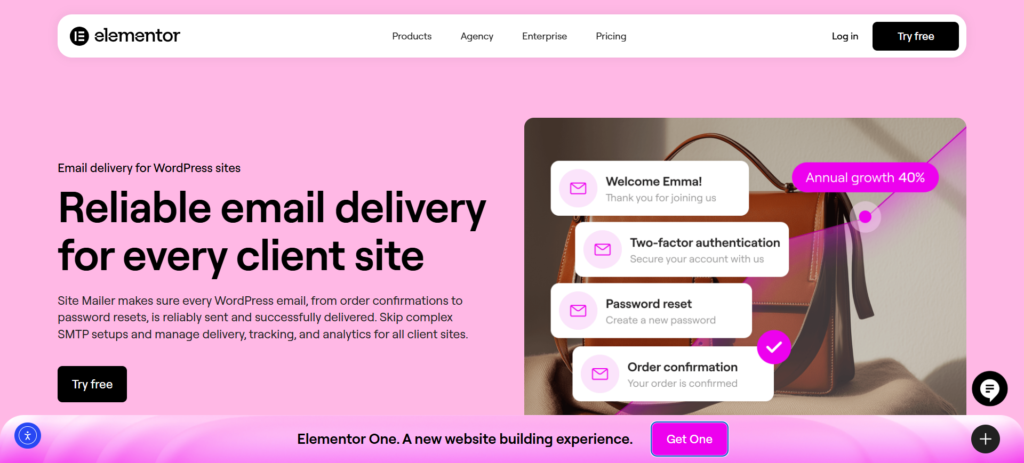
While marketing emails drive sales, transactional emails—like order confirmations, password resets, and shipping updates—build trust. Site Mailer is the essential foundation for any WooCommerce store, ensuring that these critical communications actually reach the inbox rather than getting lost in spam folders.
Many WooCommerce stores rely on the default WordPress PHP mail function, which is often unreliable and lacks proper authentication. Site Mailer solves this by providing a robust, one-step delivery solution that bypasses complex SMTP setups. For web creators and store owners, this means fewer support tickets about “missing emails” and a smoother post-purchase experience for customers.
Key Features
- No SMTP Headaches: Unlike traditional solutions that require complex server configurations, API keys, and port management, Site Mailer works out of the box with a simple setup wizard.
- High Deliverability: By automatically handling authentication protocols like SPF, DKIM, and DMARC, Site Mailer ensures your emails pass spam filters, boasting a 95%+ average inbox placement rate.
- Real-Time Analytics: Gain full visibility into your email performance directly from the WordPress dashboard. Track open rates, delivery status, and identify any failures instantly.
- Troubleshooting & Resending: If an email fails, you can see exactly why and resend it with a single click—a lifesaver for recovering lost order notifications or form submissions.
- Custom Domain Support: Establish a professional brand image by easily verifying and sending emails from your own custom domain.
Why It Works for WooCommerce
For a WooCommerce store, a lost order confirmation can lead to a confused customer and a potential chargeback. <a href=”https://elementor.com/products/site-mailer/”>Site Mailer</a> acts as your insurance policy, ensuring the transactional backbone of your store is solid. It transforms the often-technical burden of email delivery into a “set it and forget it” experience, allowing you to focus on marketing and growth with the confidence that your core communications are secure.
2. Yotpo Email Marketing & SMS
Yotpo provides a unified platform for managing both email and SMS marketing campaigns. It is designed to help e-commerce brands grow their subscriber base through compliant opt-in forms and allows for precise audience segmentation using over 180 different customer data points to deliver personalized messages. The platform also supports advanced multi-channel campaigns and provides comprehensive performance analytics and A/B testing capabilities to help users continuously optimize engagement and ROI.
Features
- A single platform for both email and SMS channels.
- Audience segmentation using more than 180 customer data points.
- Includes A/B testing and detailed performance analytics.
Pricing
Yotpo Email & SMS offers a pay-as-you-go pricing model rather than fixed monthly plans. This structure avoids platform fees, contact list fees, and carrier fee increases. The service also includes free access to Black Crow AI for its customers.
3. AdRoll
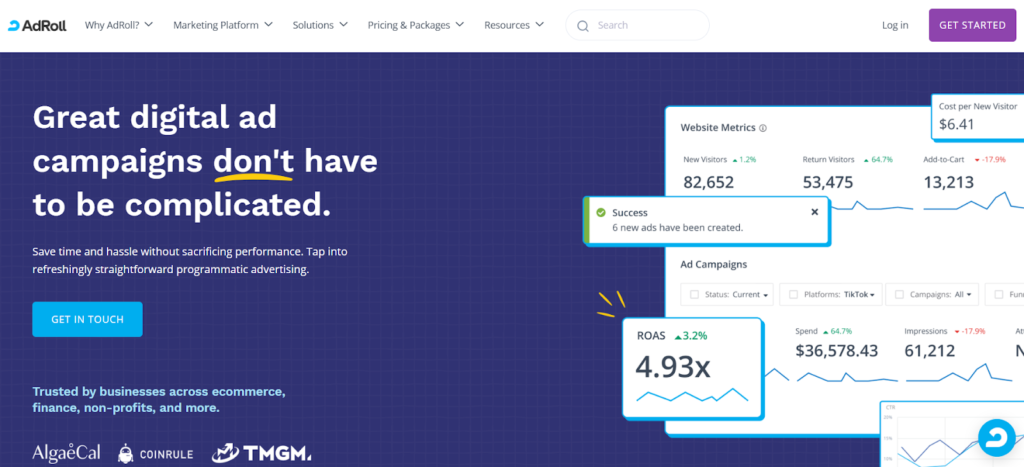
AdRoll is a digital advertising platform focused on helping businesses increase brand awareness and drive website visitors through personalized advertisements. The platform is trusted by over 140,000 companies to help drive performance and scale their marketing operations. It provides a range of features designed to improve customer engagement at different stages of the marketing funnel, including retargeting campaigns, automated audience segmentation, and detailed analytics.
Features
- Manages retargeting campaigns to re-engage past visitors.
- Offers automated audience segmentation and various targeting options.
- Provides analytics and attribution reporting to measure performance.
Pricing
AdRoll Marketing & Advertising is available as a free-to-use Shopify app, though the free plan does not include marketing automation or social media integrations. To access these features, paid packages are required. For websites with 1 to 1,000 monthly visitors, the plan costs $40 per month, while the plan for 1,001 to 5,000 visitors is $80 per month. Both paid plans require an additional minimum daily budget of $5 for ad campaigns.
4. Moz
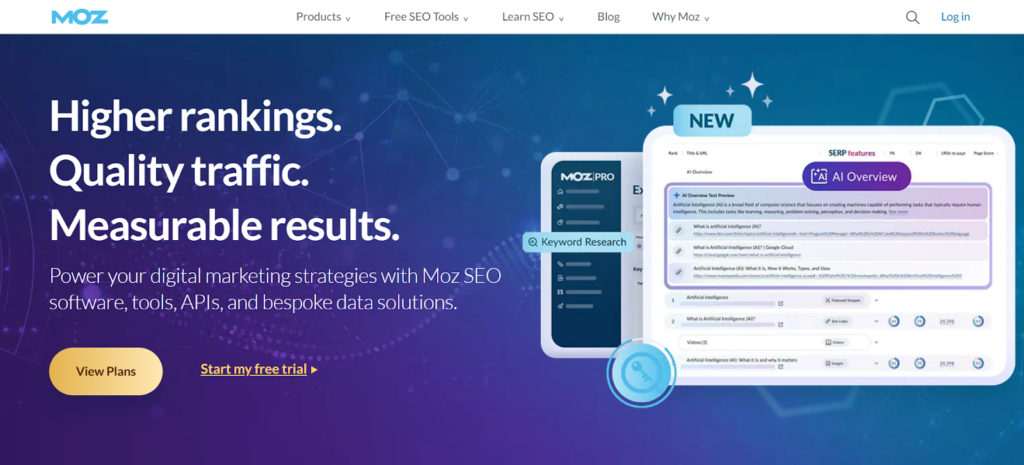
Moz offers a comprehensive suite of SEO tools designed to help e-commerce businesses improve their visibility in search engine results and increase organic traffic. For Shopify merchants, Moz’s toolset is particularly useful for addressing challenges such as product page optimization, managing site structure, and resolving duplicate content issues. Key features include site audit capabilities to identify technical SEO problems, keyword research tools to uncover valuable commercial search terms, and competitor analysis features to benchmark performance.
Features
- Conducts site audits to find technical SEO problems.
- Includes keyword research tools like Keyword Explorer.
- Provides competitor analysis to identify content gaps and opportunities.
Pricing
Moz offers several free tools, including Keyword Explorer and MozBar, for basic SEO tasks. For more advanced functionality, Moz Pro plans start at $49 per month for the “Starter” tier and go up to $299 per month for the “Large” tier, with a 20% discount offered for annual subscriptions.
5. Lucky Orange
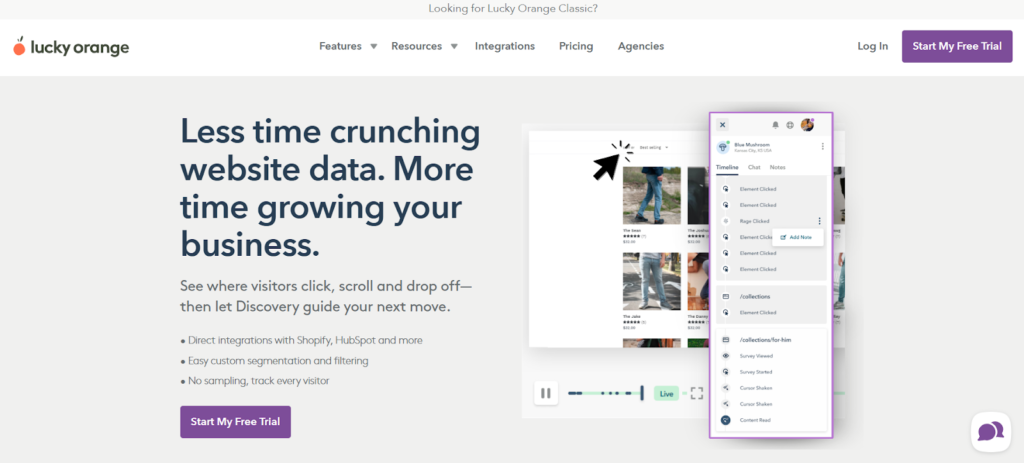
Lucky Orange is an analytics tool designed to help businesses understand customer behavior and optimize their website for higher conversion rates. The platform equips brands with a robust suite of features, including dynamic heatmaps, session recordings, surveys, and checkout analytics, to uncover actionable insights. It is designed to integrate seamlessly into existing tech stacks, allowing users to start gaining value quickly. The dynamic heatmaps help identify which site elements are capturing user attention and which may need improvement.
Features
- Provides dynamic heatmaps and session recordings to visualize user behavior.
- Allows businesses to gather direct customer feedback through on-site surveys.
- Offers checkout analytics to identify drop-off points in the purchase process.
Pricing
Lucky Orange provides a free plan with a limited number of sessions to help brands get started. For higher traffic volumes and access to advanced features, paid plans are available. The “Launch” plan is $19 per month for 500 sessions, the “Build” plan is $39 per month for 5,000 sessions, and the “Grow” plan is $89 per month for 15,000 sessions.
6. BuzzSumo
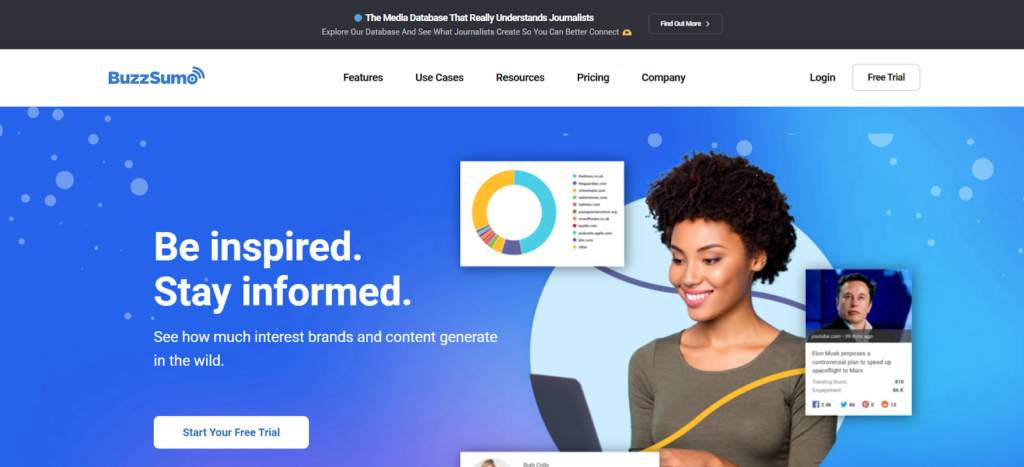
BuzzSumo is a content marketing research tool that helps Shopify merchants and other businesses identify trending content and influential voices within their product niche. The platform aggregates top-performing content from social media, blogs, and news platforms and presents it in an intuitive dashboard. For e-commerce businesses, BuzzSumo is particularly useful for discovering trending topics for blog posts, identifying industry influencers for potential partnerships, analyzing competitor content performance, and monitoring brand mentions across the web.
Features
- Discovers trending topics and content ideas related to your products.
- Identifies key industry influencers for collaborations and partnerships.
- Analyzes competitor content strategies to benchmark your own efforts.
Pricing
BuzzSumo offers a free plan with limited search functionality. For growing e-commerce businesses that need more robust features, paid plans start at $199 per month, which includes unlimited searches and other advanced capabilities.
7. Shopify Inbox
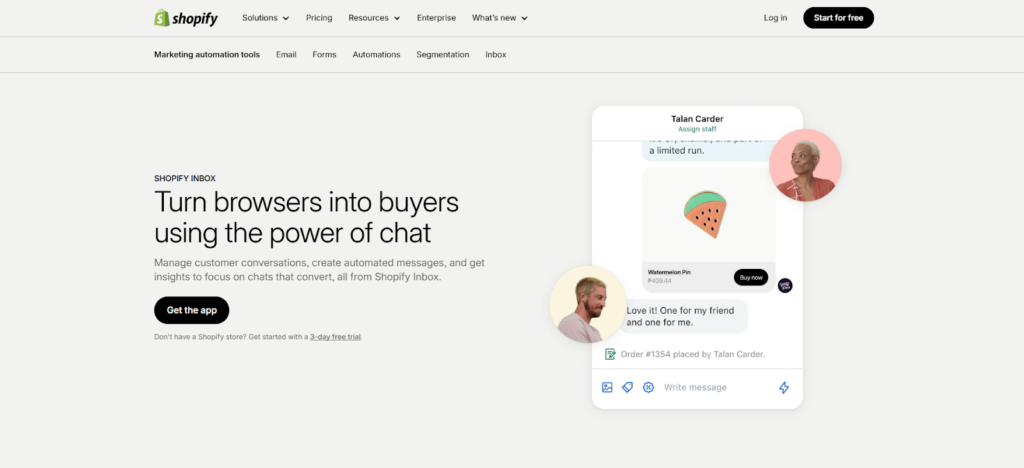
Shopify Inbox is a free messaging application that enables merchants to engage in live chat conversations with customers as they browse their online store. The tool is designed to help reduce friction in the buying process by allowing merchants to answer shopper questions in real time. It provides valuable context—such as the products a customer has viewed or what’s in their cart—which allows for personalized support, targeted product recommendations, and timely discount offers to encourage purchases.
Features
- Offers free live chat functionality to engage with customers on-site.
- Features AI-powered instant answers and suggested replies to save time.
- Provides valuable customer context, like cart contents and browsing history.
Pricing
Shopify Inbox is available for free to all Shopify store owners.
How a WordPress-Native Tool Elevates Your WooCommerce Strategy
Choosing a tool that is truly WordPress-native, like <a href=”https://elementor.com/products/site-mailer/”>Site Mailer</a>, offers distinct and powerful advantages that can significantly elevate your workflow, your clients’ success, and your bottom line. While many platforms can connect to WooCommerce, a native solution is designed from the ground up to live and breathe within the WordPress ecosystem. This fundamental difference creates a more cohesive, efficient, and powerful experience.
The Power of a Single, Unified Dashboard
One of the most immediate and impactful benefits of a native tool is the ability to manage your critical communication infrastructure from a single, familiar dashboard. You no longer have to constantly switch between your website’s backend and a separate, external email service provider or SMTP configuration panel. This consolidation offers several key advantages that streamline your entire operation:
- Simplified Workflow: Imagine this: a customer fills out a contact form or resets their password. Instead of logging into a third-party email host to check if the message went through, you can verify the delivery status right within the WordPress admin area. This seamless visibility reduces friction and saves you and your team valuable time.
- Reduced Complexity and Lower Learning Curve: Managing multiple platforms means juggling different interfaces, terminologies, and support teams. It can be confusing and inefficient. A native solution drastically lowers the learning curve because it uses UI patterns and navigation that are already familiar to anyone who uses WordPress.
- Elimination of Fragile Connections: When you rely on non-native SMTP plugins, you are often dependent on complex API keys and server credentials that can break when hosts change or passwords expire. <a href=”https://elementor.com/products/site-mailer/”>Site Mailer</a> removes this fragility by handling the connection directly, ensuring your transactional emails fire precisely when they should.
Built for Web Creators and Their Client Relationships
Tools that are born for WordPress are often meticulously designed with the specific needs of web creators and agencies in mind. They understand that the goal isn’t just to provide a piece of software, but to help creators build more reliable and professional sites for their clients.
Site Mailer, for example, is explicitly positioned to solve the “it went to spam” complaint that plagues so many agencies. By ensuring reliable delivery for every client site:
- It reduces the volume of support tickets regarding missing order notifications or form submissions.
- It strengthens the client relationship by providing a professional, “white-label” feel with custom domain verification.
Furthermore, the clear, real-time analytics provided by a native tool make it incredibly easy to demonstrate reliability. When you can sit down with a client and show them, directly within their website’s dashboard, that their emails are hitting the inbox with a 95%+ success rate, it’s a powerful way to prove the stability of the solution you’ve built for them.
Deeper Visibility for Better Troubleshooting
Because a native tool has direct access to your WordPress environment, it unlocks powerful possibilities for troubleshooting that are often difficult with third-party platforms. You get granular details on every single email event.
For example, you can instantly identify if a specific email failed because of a typo in the customer’s address or a server rejection. This level of detail allows you to resolve issues proactively—often before the customer even complains—ensuring a frictionless experience that keeps your store running smoothly.
Conclusion
Selecting the right email tools is a critical strategic decision in scaling your WooCommerce business. The solutions we’ve reviewed offer a range of powerful capabilities to help you promote your products and ensure your operations run without a hitch. From recovering abandoned carts with marketing tools to ensuring your order receipts actually arrive with <a href=”https://elementor.com/products/site-mailer/”>Site Mailer</a>, the right stack can become the engine of your growth.
Whether your primary goal is to increase your average order value or simply ensure your customers receive their digital downloads instantly, the key is to align your chosen tools with your specific business objectives. For businesses and web creators who live and work within the WordPress ecosystem, a native solution offers a level of seamless integration and reliability that external platforms often cannot match. By consolidating your efforts within a single, familiar environment, you can streamline your operations and focus your energy on what truly matters: growing your business.






