Table of Contents
10 Best WordPress Page Builders in 2026
WordPress now powers 43.5% of all websites worldwide, and the CMS market is set to hit $27.3 billion by 2028. Choosing a builder means choosing your business’s infrastructure, not just a design tool.
Get it wrong and you’re looking at slow load times, frustrated clients, and lost revenue. Let’s skip the fluff and see what these tools actually do.
Key Takeaways
- Elementor Pro leads the market, running on 9.6% of all websites with its new CSS-first Atomic foundation.
- Site speed is critical: 53% of mobile visits are abandoned if a page takes longer than 3 seconds to load.
- The WordPress Block Editor (Gutenberg) is now active on over 100 million websites.
- A 100-millisecond delay in load time can hurt your conversion rates by up to 7%.
- Google defines a ‘Good’ Largest Contentful Paint (LCP) as occurring within 2.5 seconds.
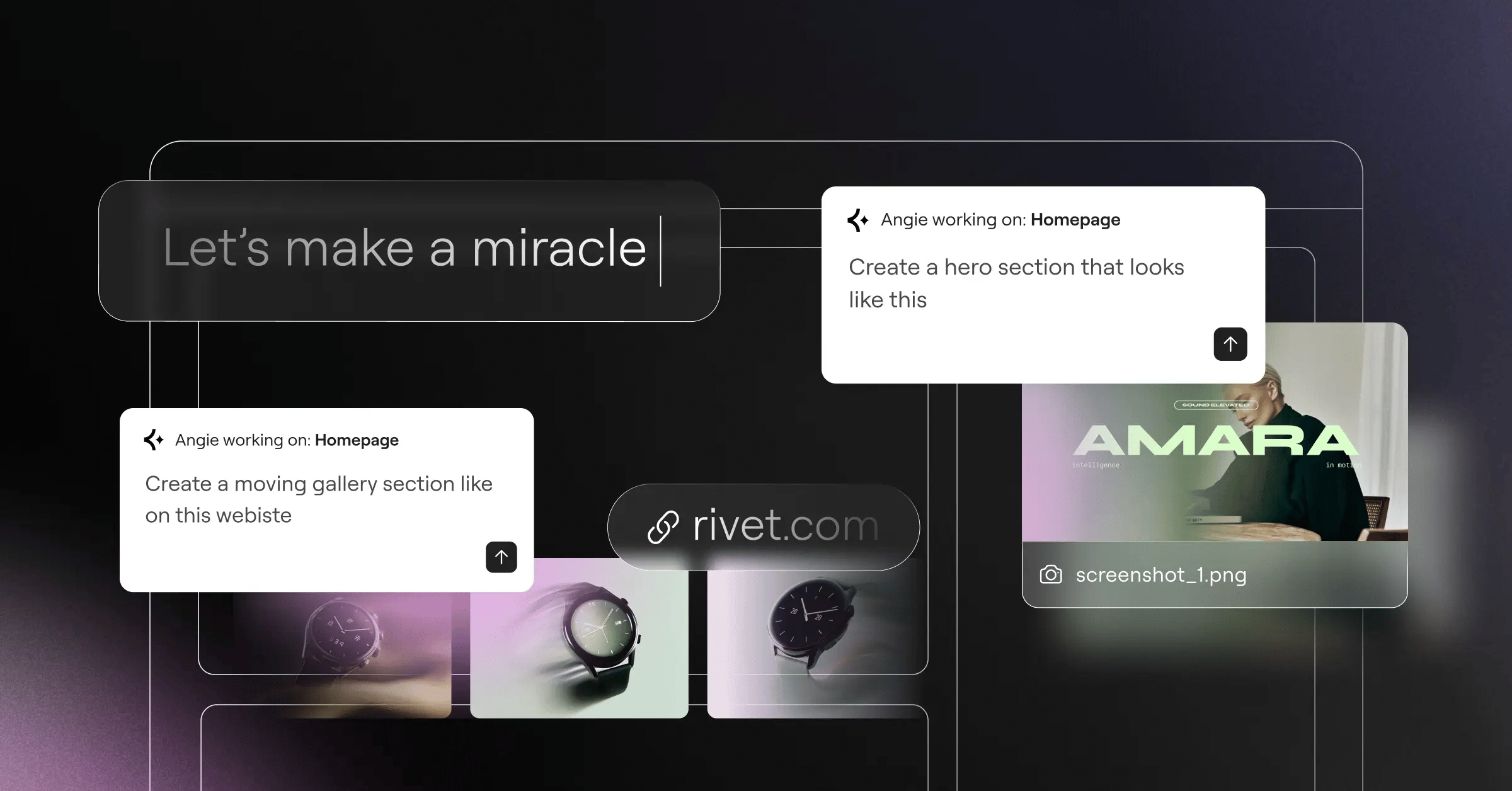
- Agentic AI tools like Angie are replacing manual asset creation by generating production-ready elements directly from chat.
The WordPress ecosystem looks different than it did a few years back: Gutenberg has matured, and AI now writes real, functional code instead of mediocre blog posts. Page builders haven’t disappeared, though. They’ve evolved into full-site suites that handle dynamic data, WooCommerce loops, and server-side rendering.
Here’s how we judged them, across five pillars:
- Performance Architecture – Clean HTML, or nested div soup?
- Design Flexibility – Can you edit CSS variables and pseudo-classes directly?
- Ecosystem Size – Are reliable third-party addons available?
- Learning Curve – How fast can a new hire get productive?
- Value for Money – Does the price fit your agency size?
1. Elementor Pro
Elementor is still WordPress’s heavyweight champion in 2026, and it’s not the tool you remember from five years back.
Overview
The CSS-first Editor V4 (Atomic) drastically cuts DOM size, and it’s inseparable from Angie, an agentic AI that turns a prompt like “add a pricing table with hover states” into a finished layout.
Key Features
- Theme Builder – Controls headers, footers, WooCommerce archives.
- Dynamic Content – Hooks into Advanced Custom Fields and Pods.
- Global Brand Settings – Centralizes CSS variables sitewide.
- AI Integration – Generates text, code, images via native Elementor AI.
- Agentic Automation – Builds assets with Angie from chat.
Pricing
The pricing structure runs $60/year (1 site), $99/year (3 sites), $204/year (25 sites), or the bundled Elementor One at $168/year.
Pros
- Largest third-party ecosystem in WordPress.
- Rarely needs custom CSS to look great.
- Cleaner code than earlier versions.
- Angie cuts hours of repetitive styling.
Cons
- Widget library can overwhelm beginners.
- Needs strict global styles to avoid bloat.
- Agency pricing adds up at scale.
Verdict
The safest, most profitable pick if you build client sites for a living.
2. Divi Builder
Elegant Themes keeps Divi relevant with heavy visual flair: developers tend to grumble, designers tend to love it.
Overview
Divi works on a deeply visual level, so you’ll rarely touch code. Its wireframe mode untangles overlapping Z-index layers, and Divi Cloud lets freelancers push saved designs to new client sites instantly.
Key Features
- Built-in A/B Testing – Runs native split testing, no plugins.
- Divi Cloud – Manages assets across domains.
- Advanced Animation Engine – Builds scroll effects and micro-interactions.
- Wireframe View – Untangles complex layouts fast.
Pricing
You pay $89/year for unlimited sites, or a one-time $249 for lifetime access, a steal for high-volume freelancers.
Pros
- Lifetime license is an unbeatable return on investment.
- Very intuitive with zero coding background.
- Split testing built in, no extra tools.
- Massive library of pre-made layout packs.
Cons
- Relies on shortcodes; deactivating it leaves a mess.
- Feels sluggish on older machines.
- CSS engine is hard to override by hand.
Verdict
Best for freelancers who’d rather buy once and reuse it across 47 client projects, renewal-free.
3. Beaver Builder
If Divi is the flashy sports car, Beaver Builder is the reliable diesel truck. It isn’t flashy. It just works.
Overview
Beaver Builder puts stability above everything else, so its sites rarely break during major WordPress core updates. It outputs clean HTML with none of the wrapper-div bloat you’ll find elsewhere, and the dated-looking interface is intentional.
Key Features
- Developer-Friendly API – Opens hooks for custom modules.
- Beaver Themer – Routes layouts for custom post types.
- White-Labeling – Hides branding from clients.
- Unrestricted Usage – Runs on unlimited sites.
Pricing
Standard is $99/year for unlimited sites; Multisite and Beaver Themer need the Pro ($199) or Agency ($399) tiers.
Pros
- Legendary stability through core updates.
- Clean code that performs well on speed tests.
- Full white-labeling on the Agency plan.
- Excellent documentation and developer support.
Cons
- Interface feels stuck in 2019.
- Lacks flashy extras of newer competitors.
- Beaver Themer costs extra on lower tiers.
Verdict
Best for developers on high-stakes client sites where stability beats scroll animations.
4. Brizy
Speed matters: a 100-millisecond delay can drop your conversion rates by up to 7%. Brizy takes that seriously.
Overview
Brizy runs one of the most modern interfaces around, built on contextual, inline editing: click a text element and its controls appear right there. That simplicity costs you the deep CSS controls of more technical builders.
Key Features
- Inline Text Editing – Type right on the canvas.
- Global Styling – Links colors and typography to design tokens.
- Brizy Cloud – Hosts landing pages outside WordPress.
- Mega Menu Builder – Builds complex navigation visually.
Pricing
Brizy starts at $49/year (1 site); Freelancer is $99 for 100 sites, and Agency is $199/year for 500 sites with white-labeling.
Pros
- Fastest learning curve of any builder here.
- Contextual UI keeps your workspace clutter-free.
- Solid integration with marketing platforms.
- Handy fallback for non-WordPress projects.
Cons
- Smaller third-party addon market.
- Limited advanced dynamic data routing.
- Not built for complex, data-heavy directories.
Verdict
Best for small business owners and freelancers who need landing pages fast.
5. Spectra Pro
The native WordPress Block Editor now runs on over 100 million websites, and Spectra (formerly Ultimate Addons for Gutenberg) makes it usable for complex designs.
Overview
Spectra bridges Gutenberg and traditional page builders without a separate interface; it lives right inside the native editor. Because it sticks to native styling conventions, code bloat stays near zero and Core Web Vitals get a lot easier to pass.
If you aren’t passing Core Web Vitals in 2026, you aren’t competing. Search engines demand clean DOM structures. Builders that output native, semantic HTML will always win the technical SEO battle.
Itamar Haim, SEO Team Lead at Elementor. A digital strategist merging SEO, AEO/GEO, and web development.
Key Features
- 30+ Advanced Blocks – Adds layout controls missing from Gutenberg.
- Flexbox Containers – Builds responsive layouts natively.
- Block Patterns – Drops pre-designed wireframes into any page.
- Performance Settings – Loads assets only when used.
Pricing
The free version has over 600,000 active installations; Spectra Pro adds dynamic features from $49/year.
Pros
- Near-zero bloat, some of the fastest pages possible.
- Built directly into WordPress core.
- Great for hitting the 2.5-second LCP threshold.
- Very affordable entry price.
Cons
- Still bound by Gutenberg’s clunky UX.
- Fewer positioning controls than standalone builders.
- No agentic AI features on Angie’s level.
Verdict
Best for people who want to stay close to WordPress core while still building professional layouts.
6. Bricks Builder
Bricks Builder burst onto the scene a few years back and won over the technical crowd with its obsessive focus on clean code.
Overview
Unlike Elementor or Divi, Bricks is a theme, not a plugin, replacing your entire frontend architecture. Built on Vue.js, it won’t lag when saving or switching breakpoints, but it assumes you already know CSS, flexbox, and grid.
The typical Bricks setup flow:
- Define global CSS variables natively in the Bricks interface.
- Set up custom query loops for specialized post types.
- Assign conditions to global templates (headers, footers, archives).
Key Features
- Vue.js Interface – Responds instantly, zero reloading delays.
- Advanced Query Loops – Pulls data from any custom field.
- Native CSS Framework Integration – Maps classes to ACSS or Core Framework.
- Built-in Accessibility – Puts semantic tags and ARIA labels front and center.
Pricing
Bricks recently moved to a subscription model: Starter is $79/year (1 site), Ultimate is $249/year (unlimited sites).
Pros
- Top-tier performance right out of the box.
- Unmatched control over dynamic data and custom post types.
- No nested div bloat; HTML stays pristine.
- Active, highly technical community.
Cons
- Steep learning curve for non-developers.
- Shift away from lifetime pricing upset early adopters.
- Fewer pre-built templates than mainstream rivals.
Verdict
The developer’s playground: best for technical SEOs who want total control over the frontend code.
7. Oxygen Builder
Oxygen Builder disables the WordPress theme system completely. You’re not just designing a page here. You’re building the entire application architecture from scratch.
Overview
If Bricks is a developer’s playground, Oxygen is a developer’s laboratory: raw power, including writing custom PHP directly into the builder. That gives you complete authority over the output, but a bad loop can break your site entirely.
Key Features
- Theme System Bypass – Disables native themes for max performance.
- Code Execution – Runs raw PHP, HTML, and CSS in the editor.
- Composite Elements – Bundles pre-built structures editable at code level.
- Deep Dynamic Integration – Pulls data from almost any database table.
Pricing
Oxygen sticks with a one-time payment: Basic starts at $129, Ultimate (WooCommerce plus Gutenberg block creation) is $179.
Pros
- Cleanest code output of any visual builder around.
- No annual renewal fees; buy once, own it.
- Serious power for complex web applications.
- Advanced color management and CSS class system.
Cons
- Highest technical barrier to entry on this list.
- Incompatible with plugins that lean on the theme system.
- Development has slowed as the team focuses on Breakdance.
Verdict
Best for hardcore developers building complex web apps who’d rather skip subscription fees.
8. Breakdance
Oxygen’s own team realized their tool was too hard for most people, so they built Breakdance instead, aimed at Elementor alternative seekers.
Overview
Breakdance blends Oxygen’s performance ideology with a friendlier, mainstream approach, shipping with over 130 built-in elements. It’s heavily optimized for WooCommerce, giving storefront owners granular control over cart, checkout, and account pages without external addons.
Key Features
- 130+ Built-in Elements – Cuts your need for third-party widgets.
- WooCommerce Integration – Covers every checkout step natively.
- Form Builder – Handles conditional logic in native forms.
- Performance Optimized – Disables theme bloat by default.
Pricing
Pricing is simple: $199/year for unlimited sites, with no lower-tier single-site plan.
Pros
- Solid balance of ease-of-use and performance.
- Top-tier WooCommerce customization out of the box.
- Standard features without extra addons.
- Clean, modern CSS output.
Cons
- The $199 price feels steep for one small site.
- Smaller third-party ecosystem than older competitors.
- UI can feel cluttered given the volume of options.
Verdict
Best for WooCommerce store owners and mid-sized agencies who want speed without losing friendly controls.
9. Visual Composer
Forget the old WPBakery you might remember from ThemeForest back in 2014. The modern Visual Composer has reinvented itself as a cloud-based asset platform.
Overview
Active since 2011, Visual Composer today powers over 1.5 million websites. The modern version leans on the Visual Composer Hub, a cloud directory for elements, templates, and stock images, keeping the base plugin light.
Key Features
- Visual Composer Hub – Stores a cloud repository of blocks and templates.
- Theme Builder – Designs custom headers, footers, and sidebars.
- Dynamic Content – Connects natively with custom fields.
- Font Manager – Hosts Google Fonts locally for GDPR compliance.
Pricing
Pricing starts at $49/year (1 site), scaling to $349/year for the Agency plan (1,000 sites).
Pros
- Hub approach keeps your backend free of unnecessary code.
- Massive library of professionally designed templates.
- Reliable, battle-tested infrastructure.
- Excellent customer support.
Cons
- Predecessor’s legacy reputation still causes confusion.
- A few more clicks for simple tasks than Brizy.
- Can feel heavy with too many Hub assets.
Verdict
Best for traditional web designers who want a big, organized library of pre-made elements.
10. SeedProd
SeedProd started as a simple “Coming Soon” plugin. Today, it’s the number one landing page builder in the repository, with over 1 million active installations.
Overview
With 53% of mobile visits abandoned after a 3-second delay, landing page speed dictates your profit margin. SeedProd isn’t built for massive directories; it’s built to capture leads fast, often paired with AI copywriting tools the way Elementor pairs with Angie.
Key Features
- Conversion Blocks – Bundles countdown timers, opt-in forms, giveaways.
- Subscriber Management – Tracks leads natively, no third-party tools.
- Maintenance Mode – Toggles coming-soon pages and 404s instantly.
- Email Integrations – Connects to Mailchimp, ActiveCampaign, and others.
Pricing
Basic is $39.50/year; Elite (full theme building plus WooCommerce) runs $239.50/year.
Pros
- Fast interface built specifically for landing pages.
- Very low learning curve for marketers and copywriters.
- Strong built-in tools for lead generation.
- Zero impact on site speed when used selectively.
Cons
- Lacks the deep styling of Oxygen or Bricks.
- Full site-building features sit behind the priciest tier.
- Not suited for complex dynamic data looping.
Verdict
Best for digital marketers and affiliate managers deploying high-converting landing pages fast, without touching code.
Comparison Summary & Final Recommendation
Choosing the right builder comes down to your technical skill and use case. Here’s how the top tools stack up.
| Page Builder | Best For | Pricing Model | Code Quality |
|---|---|---|---|
| Elementor Pro | Agencies & Professionals | $60 – $399 / year | Excellent (V4) |
| Divi Builder | Visual Designers | $89/yr or $249/life | Average |
| Beaver Builder | Cautious Developers | $99 – $399 / year | Very Good |
| Bricks Builder | Technical SEOs | $79 – $249 / year | Exceptional |
| Oxygen Builder | Advanced App Devs | $129+ One-Time | Exceptional |
| Breakdance | WooCommerce Stores | $199 / year | Very Good |
Running a serious agency? Standardize on Elementor Pro: the Angie integration and massive third-party market make it the safest, most scalable choice.
Hate subscription fees and love raw control? Buy Oxygen. Obsessed with Core Web Vitals and comfortable with Vue.js? Use Bricks.
Frequently Asked Questions
Do page builders ruin WordPress site speed?
Not anymore. Modern tools use CSS flexbox and semantic HTML to keep loads under 2 seconds. Caching and hosting matter more than the builder now.
Will Gutenberg replace third-party builders completely?
No. Gutenberg is great for writing posts, but it still lacks the visual control, custom breakpoints, and database querying complex sites need.
What is the difference between a theme and a page builder?
A theme controls your site’s overall structure; a page builder handles the layout within it. Tools with Theme Builder features let you override the theme entirely.
Can I switch from one builder to another without losing content?
Usually, no. Builders rely on proprietary data structures, so switching from Divi to Bricks means rebuilding your layouts. Always test on staging first.
How does AI change the site building process?
AI has moved past text generation. Agentic AI like Angie executes commands inside WordPress, building layouts, mapping custom fields, and configuring settings from chat prompts.
Is lifetime pricing actually a good deal?
Yes, if the company sticks around. Lifetime deals can save agencies real money, so check its update track record before committing a large sum.
Which tool is best for highly customized WooCommerce stores?
Breakdance and Elementor Pro have the strongest native widgets for WooCommerce, letting you customize the cart, checkout, and product templates without extra plugins.
Looking for fresh content?
By entering your email, you agree to receive Elementor emails, including marketing emails,
and agree to our Terms & Conditions and Privacy Policy.

