Agentic AI for WordPress
Angie: AI built for WordPress sites
From production-ready widgets to complex backend extensions, Angie is the agentic partner that moves beyond simple chat.
Download free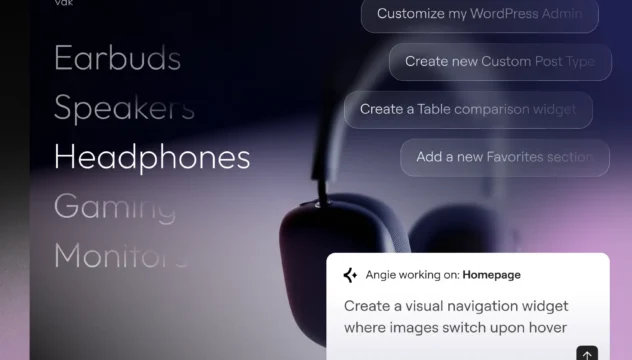
Production-ready output
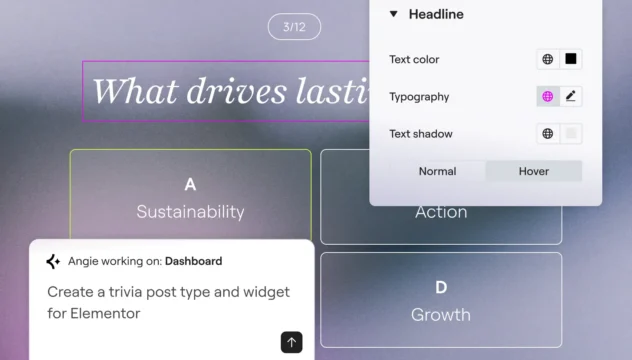
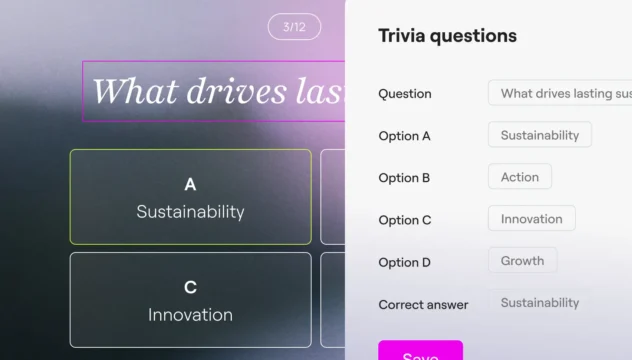
Create persistent, editable widgets, snippets, and extensions that integrate directly into your site.
Built for your site context
Generate functionality that automatically applies your global colors, fonts, and content structure.
Iterate until satisfied
Refine what Angie builds through chat or edit directly in the Elementor Editor.
Your AI-powered expert WordPress developer
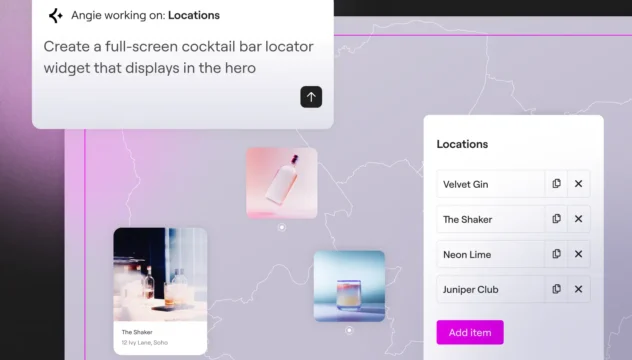
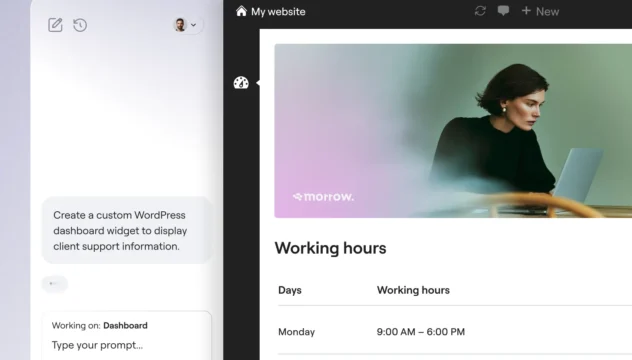
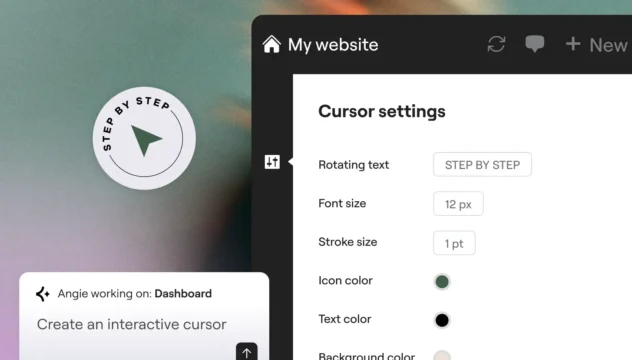
From custom widgets to visual WordPress apps, Angie Code delivers specialized categories of production-ready assets that integrate with your WordPress environment.
Built for confidence and scale
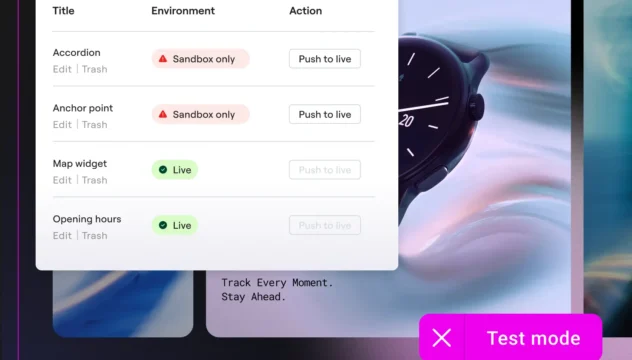
Build with a safety net
Preview widgets and snippets and iterate as many times as you need. Angie Code operates in a test environment, in complete isolation from your live site.
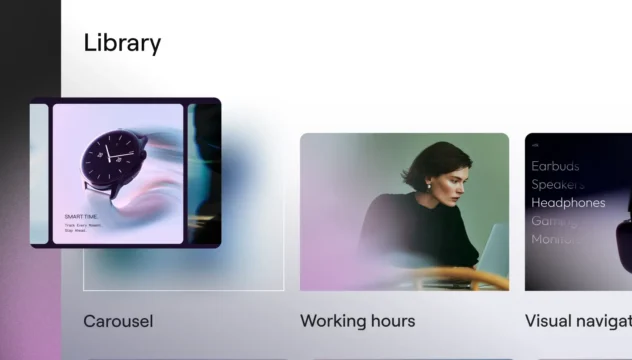
Reuse your creations across sites
Save your creations to the Cloud Library and reuse them across multiple WordPress sites, no rebuilding required. (Coming soon)
Trusted by agencies and web creators
Describe what you need in a way that works for you
Share your ideas in the format that fits your workflow, and Angie turns them into accurate, context-aware execution.
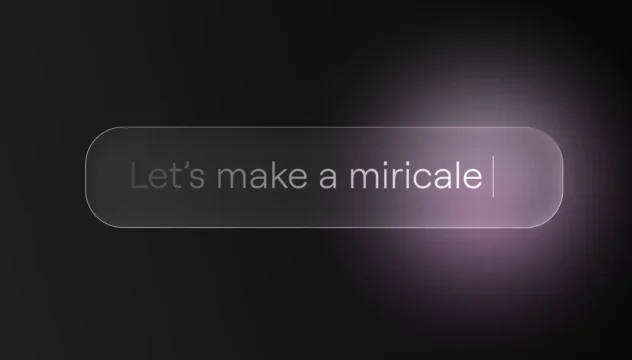
Download freeDescribe in words
Explain what you want to build using natural language. Angie understands context, technical requirements, and design preferences from conversation.
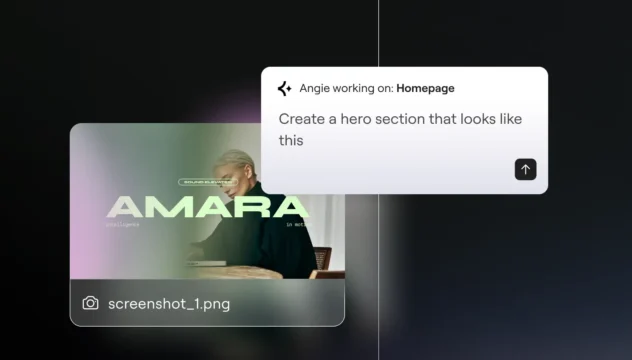
Share an image
Upload a screenshot, design mockup, or reference image. Angie analyzes visual elements and translates them into functional assets.
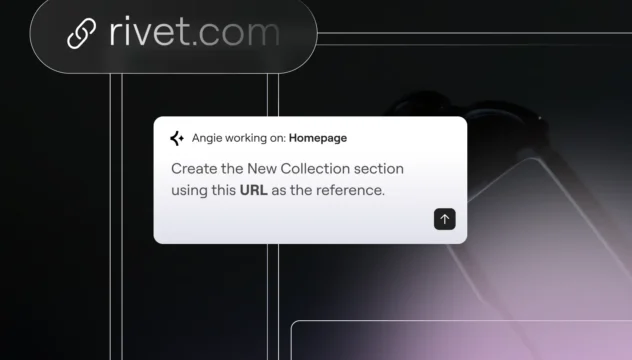
Reference a URL
Point to an existing site, section, or example. Angie examines the structure, functionality, and styling to recreate or adapt it for your needs.
Get started in minutes
Download free
Step 1
Download Angie
Install Angie via your WordPress dashboard: go to Plugins → Add New → search “Angie”, click Install, then Activate to connect to your site.

Step 2
Prompt and go
Describe what you want to create. Angie understands your intent, and builds it for you in minutes.

Step 3
Review and approve
Review the work, optimize with simple prompts, and approve. With Angie, you’re always in control.
More ways to grow with AI
Learn how Model Context Protocol enables Angie to act with context, powering integrations, workflows, and transformative WordPress capabilities.
AI prompt library
Get started with ready-to-use prompts for faster WordPress workflows and discover what you can do with Angie.
Learn moreMCP explained
Understand what Model Context Protocol is and how it creates the foundation for intelligent, native AI actions inside WordPress.
Learn moreAI-ready sites
Learn how to prepare your site for AI-driven workflows with practical steps that enable Angie’s full potential.
Learn more