Elementor Static Hosting supports Elementor forms out of the box. There is no need to enable any specific settings. Below are the Elementor Forms features that are supported on Elementor Static Hosting websites.
Form Fields
| Text* ✔️ Email ✔️ Text Area* ✔️ URL ✔️ Tel ✔️ Radio ✔️ Select ✔️ Checkbox ✔️ Acceptance ✔️ Number ✔️ Date ✔️ Time ✔️ File Upload ✔️(single file only) Password ✔️ HTML ✔️ Hidden* ✔️ reCAPTCHA ???? reCAPTCHA V3 (learn more) Honeypot ???? Step (multi-step) ???? * Text fields, text area, and hidden fields support dynamically populating fields from query parameters. | 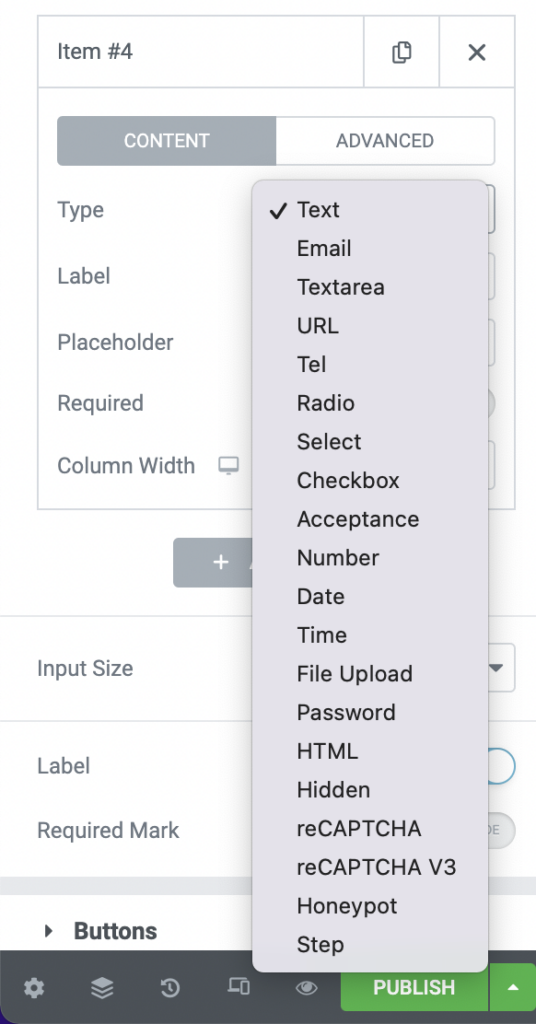 |
Actions After Submit
| Collect Submissions ✔️ Email ✔️ Email 2 ✔️ Redirect **✔️ Webhook ✔️ MailChimp* Drip* ActiveCampaign* GetResponse* ConvertKit* MailerLite* Slack* Discord* Popup ???? * You can connect these services by using the Webhook with Zapier. ** Redirect to URL only, dynamic tags are not supported. | 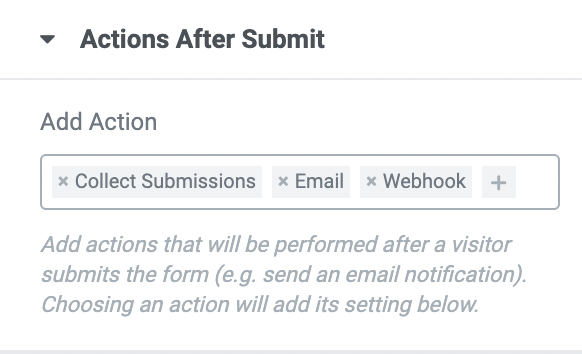 |
Required Fields
You can make any field required!
Confirmations
After a user fills out a form, you can display a thank you message underneath the form.
Send an email notification upon submission.
Supported features:
- “To” field ✔️
- “Subject” field ✔️
- “Message” field ✔️
- “From Email” ???? (All emails sent from Strattic’s server will be sent from
[email protected], in order to send from your own custom domain, you need to configure your own SMTP server.) - “From Name” field ✔️
- “Reply-To” field ✔️
- “CC” field ✔️
- “BCC” field ✔️
- “Meta Data” tags ✔️
Other supported features
Form Submissions
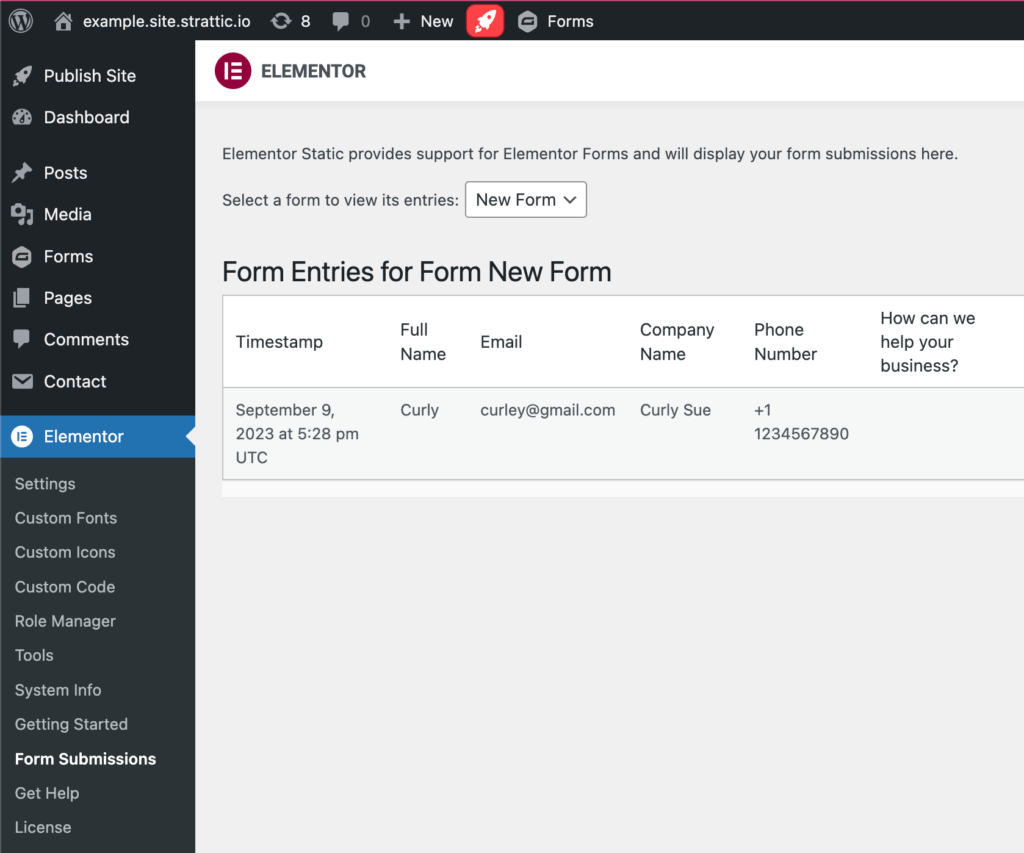
To view all form submissions:
1. From the left side menu, navigate to Elementor > Form Submissions.
2. From the drop down box, select a form to view it’s entries.