Agentische KI für WordPress
Angie: KI speziell für WordPress-Seiten
Generate full pages, custom WordPress assets and manage your entire site, all through the same chat interface. Describe it, and Angie executes it.
Kostenlos runterladen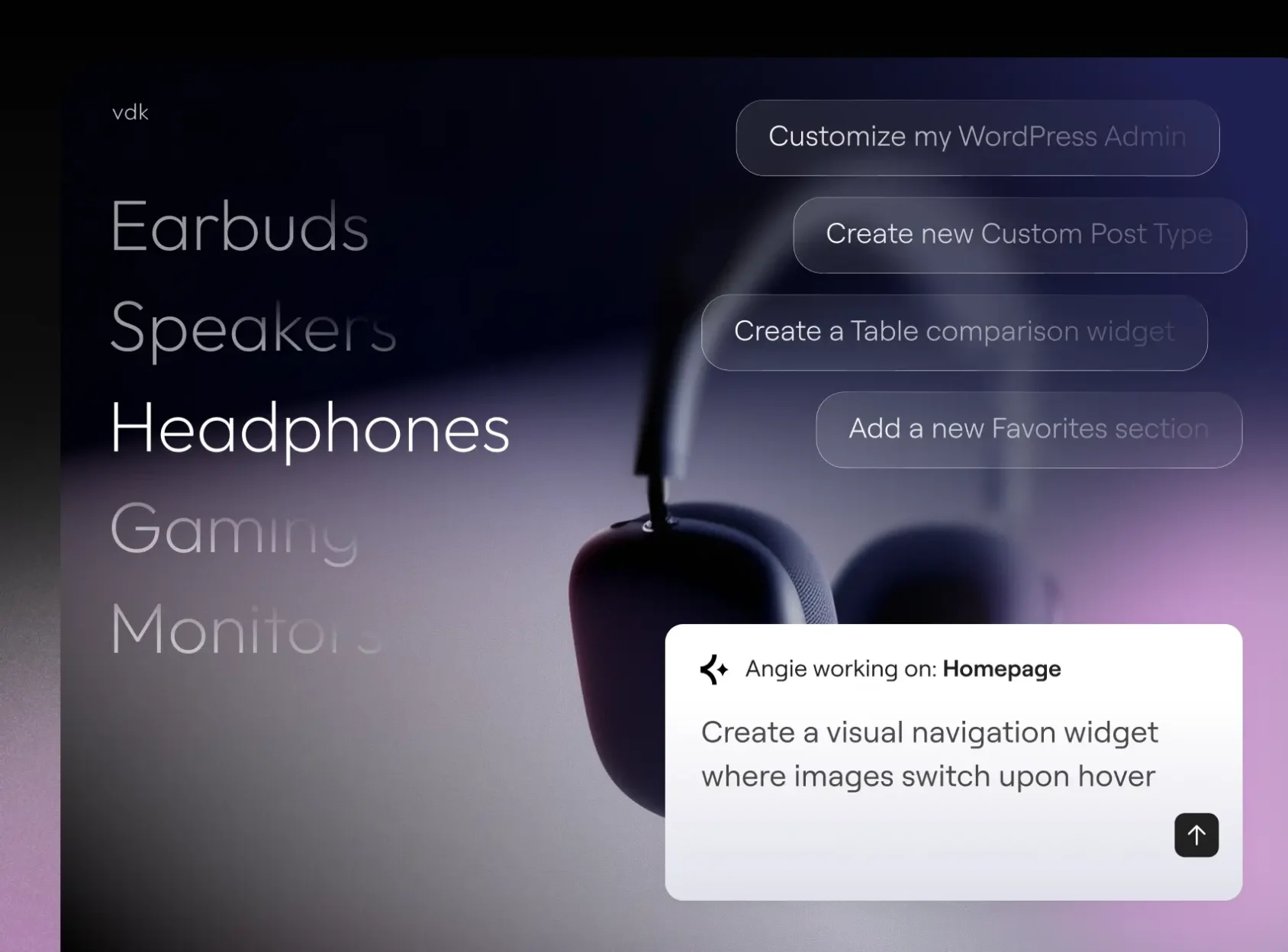
Erstelle mit Angie Code
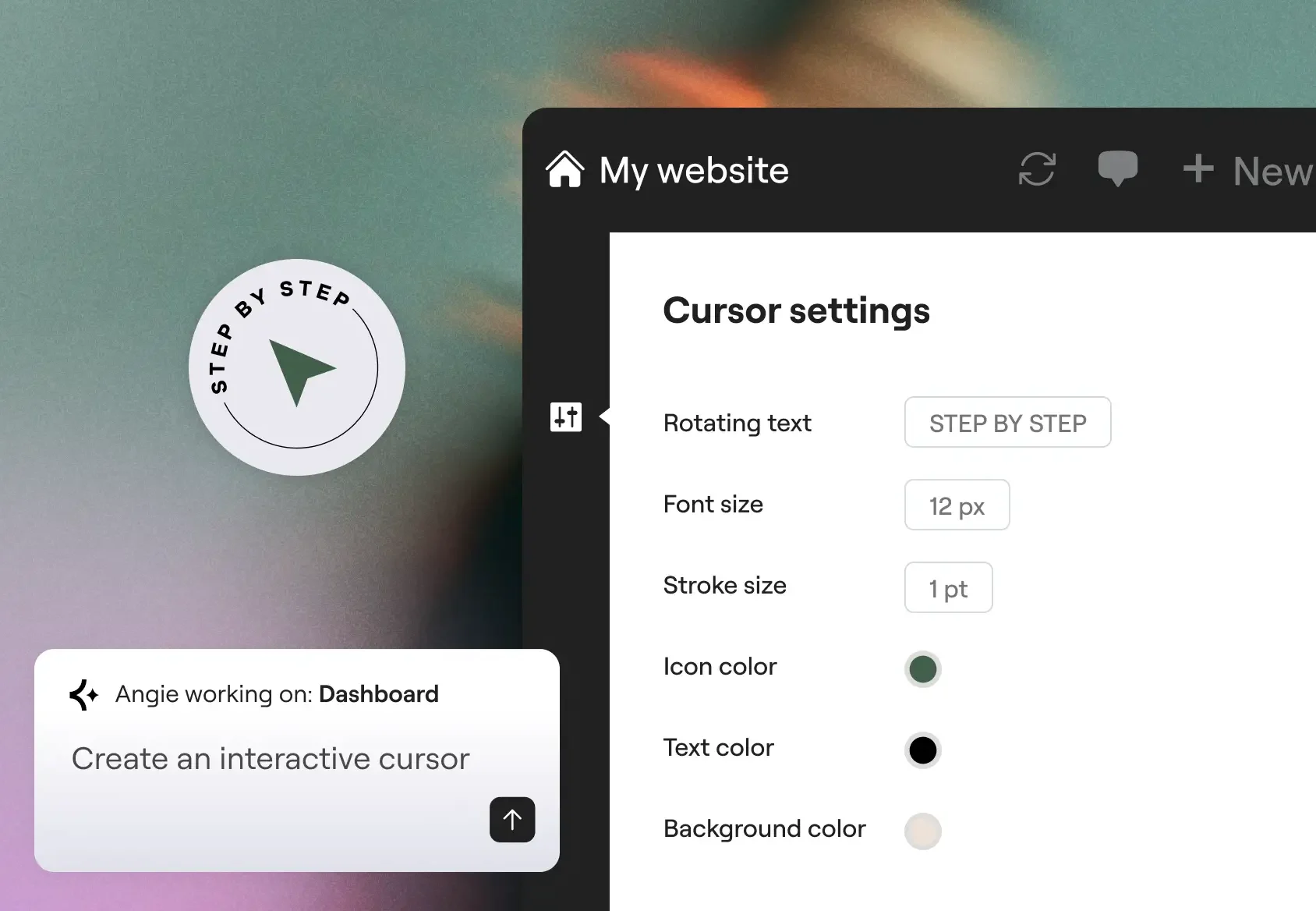
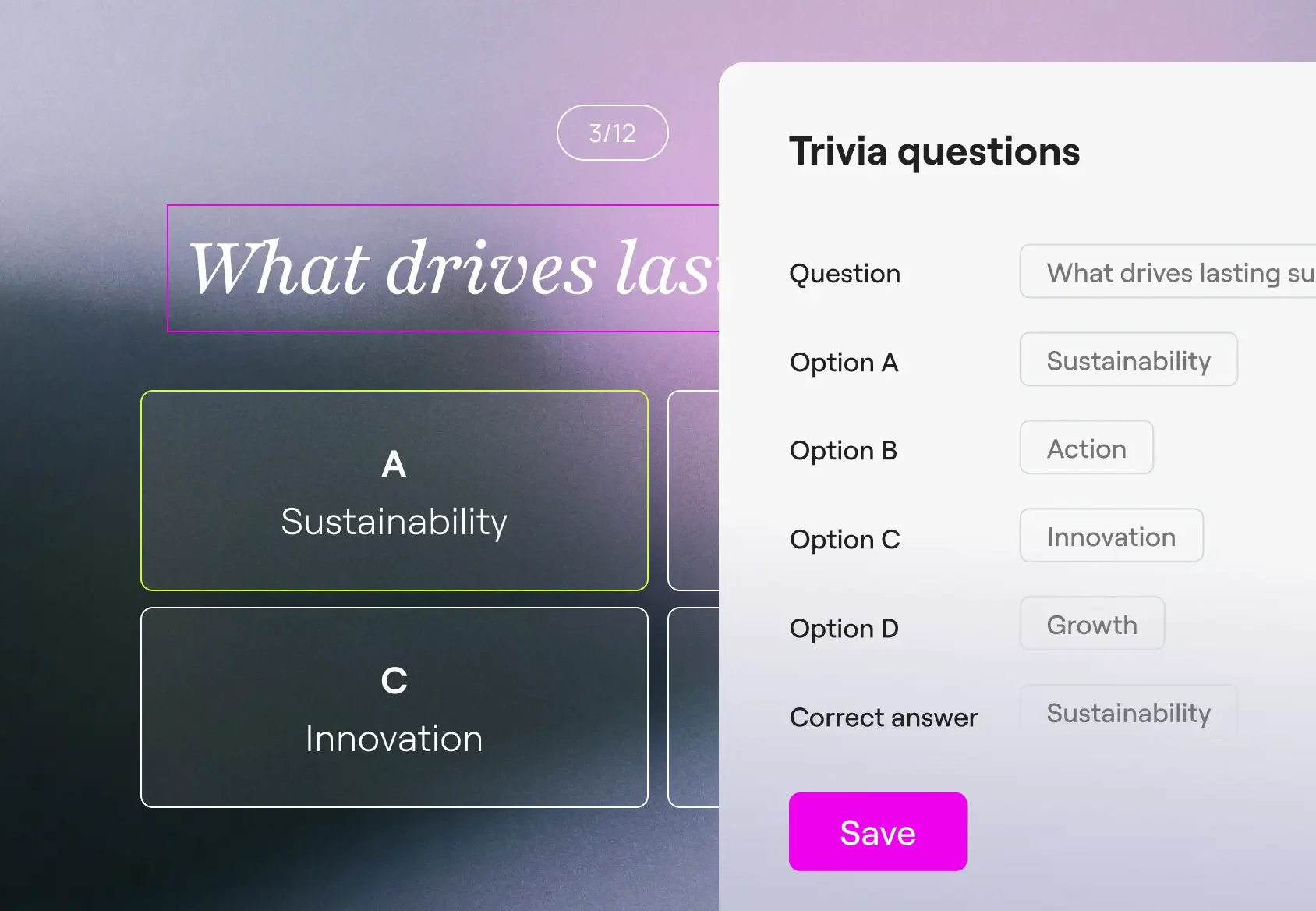
Create production-ready Elementor pages and widgets, WordPress snippets, visual apps, and custom post types.
Im Super-Admin-Modus verwalten
Führe über den Chat Massenvorgänge durch, behebe Fehler und schließe SEO-Lücken auf deiner gesamten Website. Angie wertet deine tatsächlichen Daten aus und bespricht den Plan mit dir, bevor sie Maßnahmen ergreift.
Für deinen Website-Kontext gemacht
Angie übernimmt automatisch deine installierten Plugins, Theme-Einstellungen und die Inhaltsstruktur. Keine Konfiguration, kein Einrichten erforderlich.
Dein KI-gestützter WordPress-Entwickler
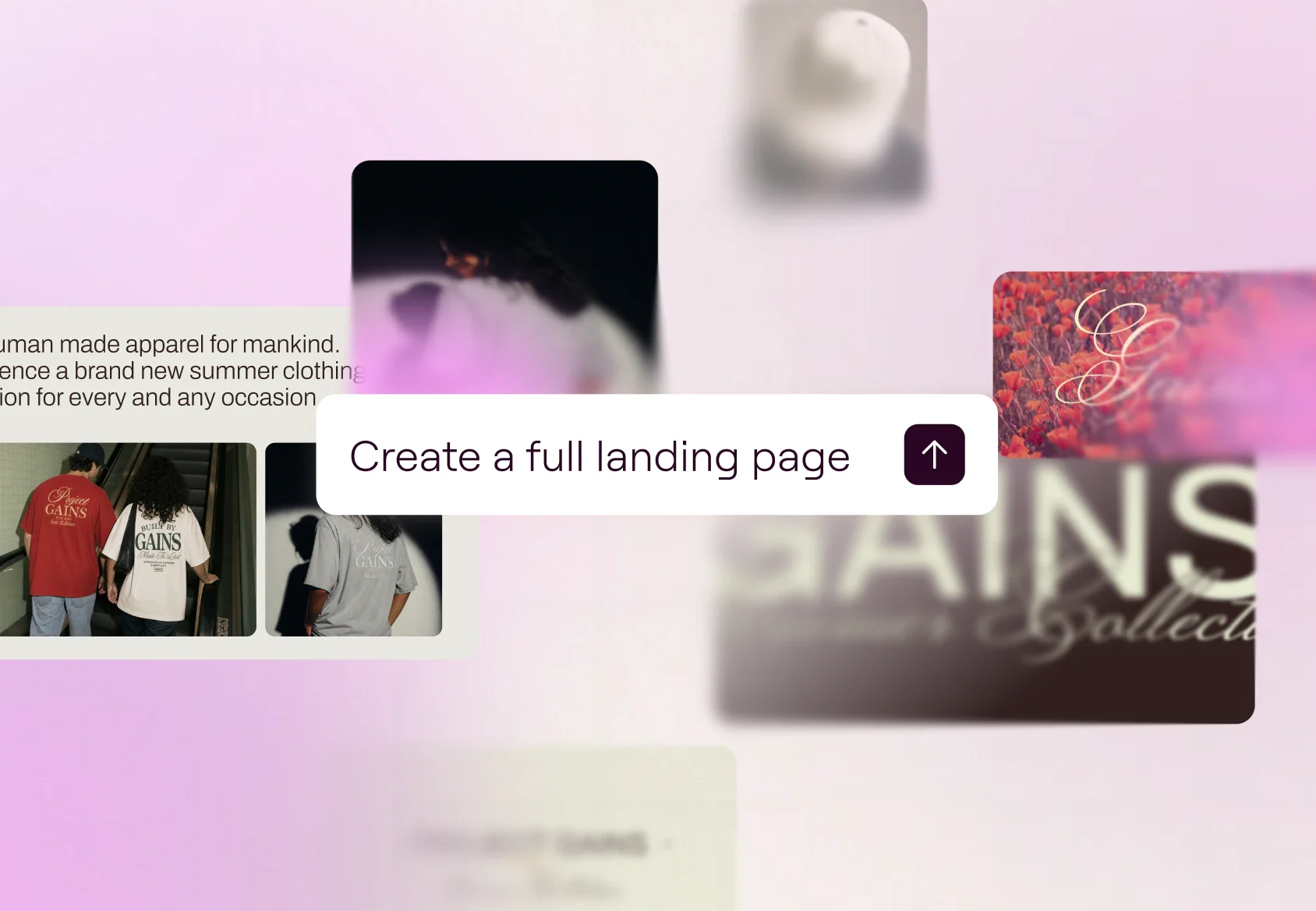
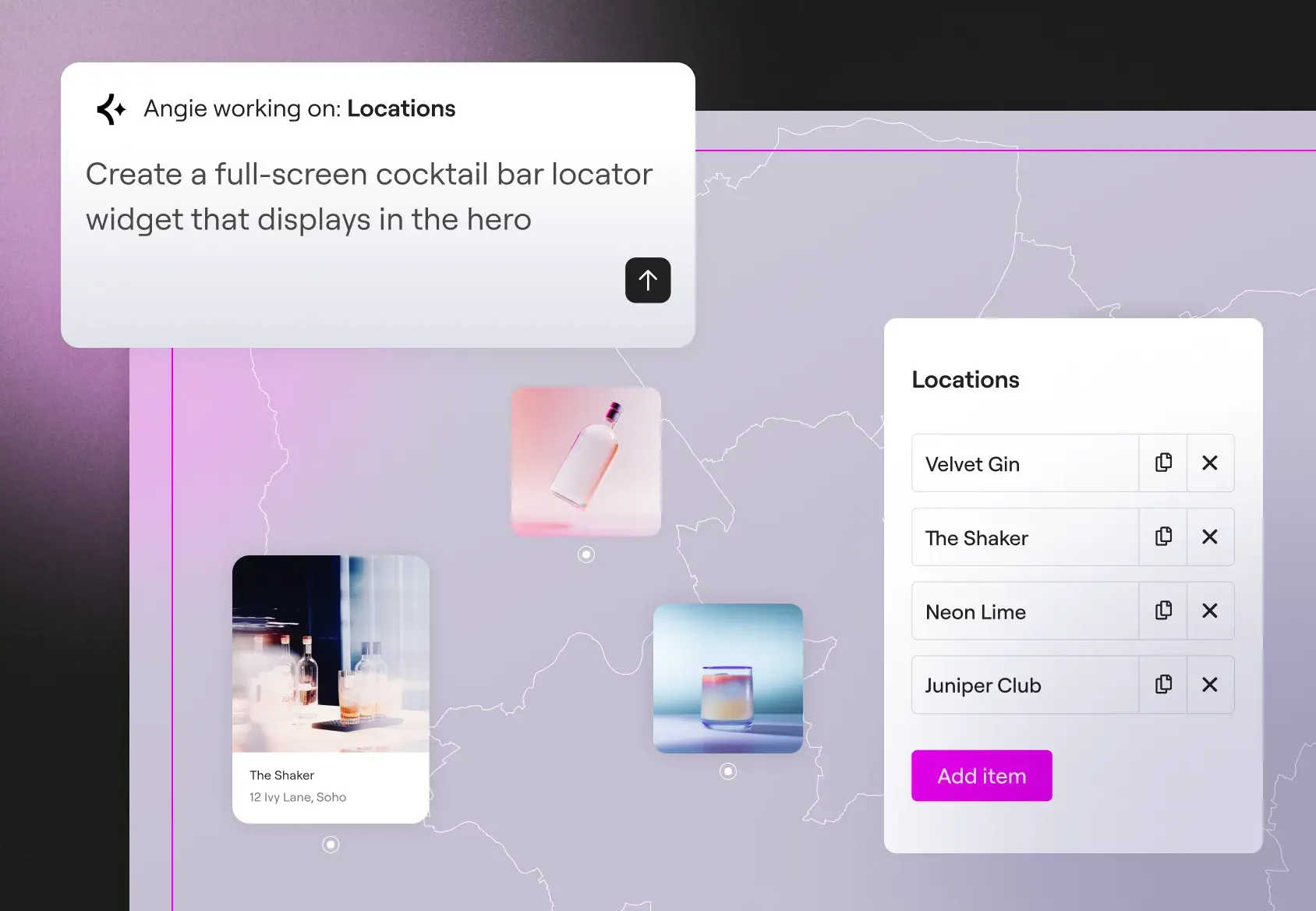
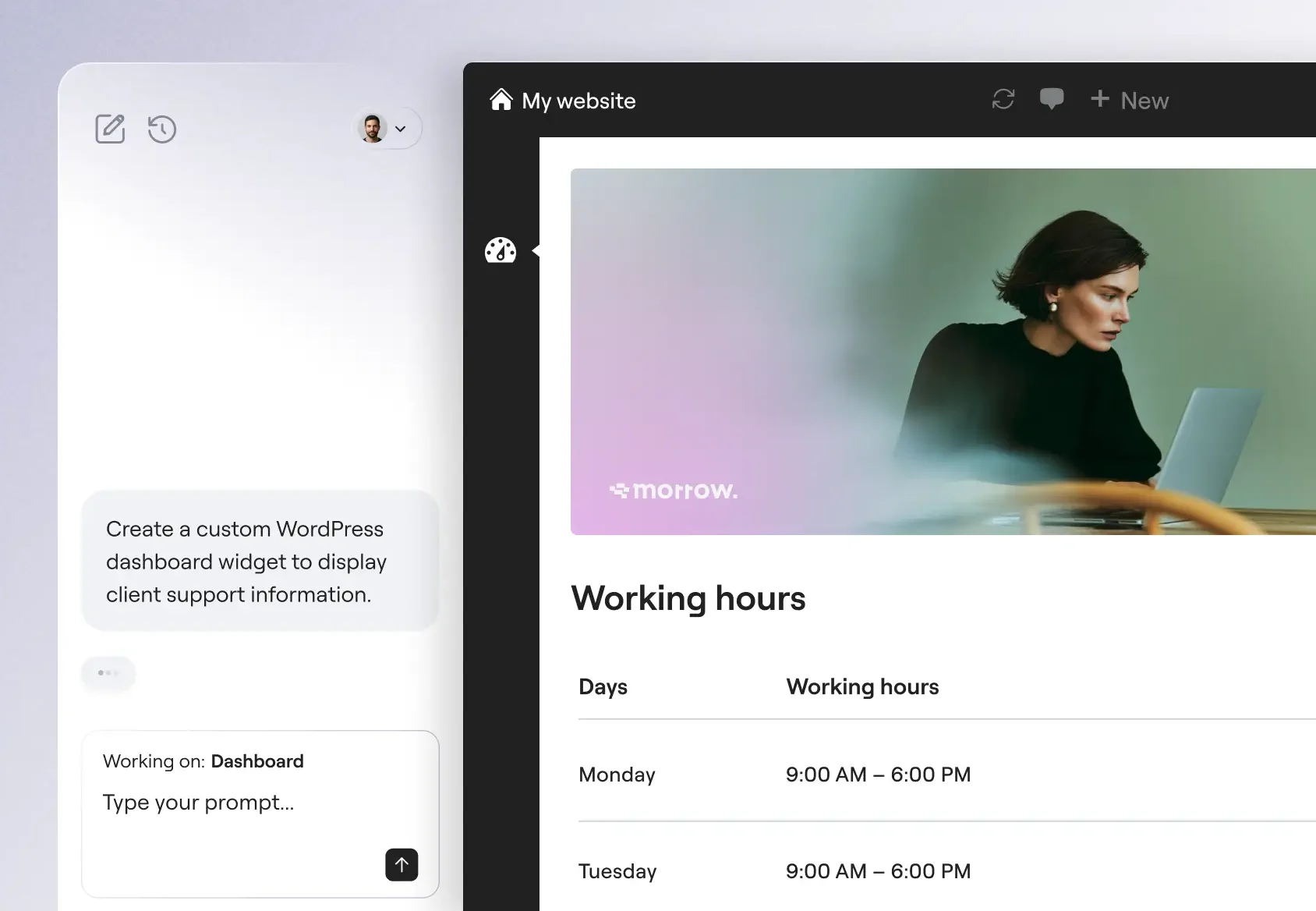
Von benutzerdefinierten Widgets bis hin zu visuellen WordPress-Apps bietet Angie Code spezielle Kategorien produktionsreifer Assets, die sich in deine WordPress-Umgebung integrieren lassen.
Entwickelt für Zuversicht und Skalierbarkeit
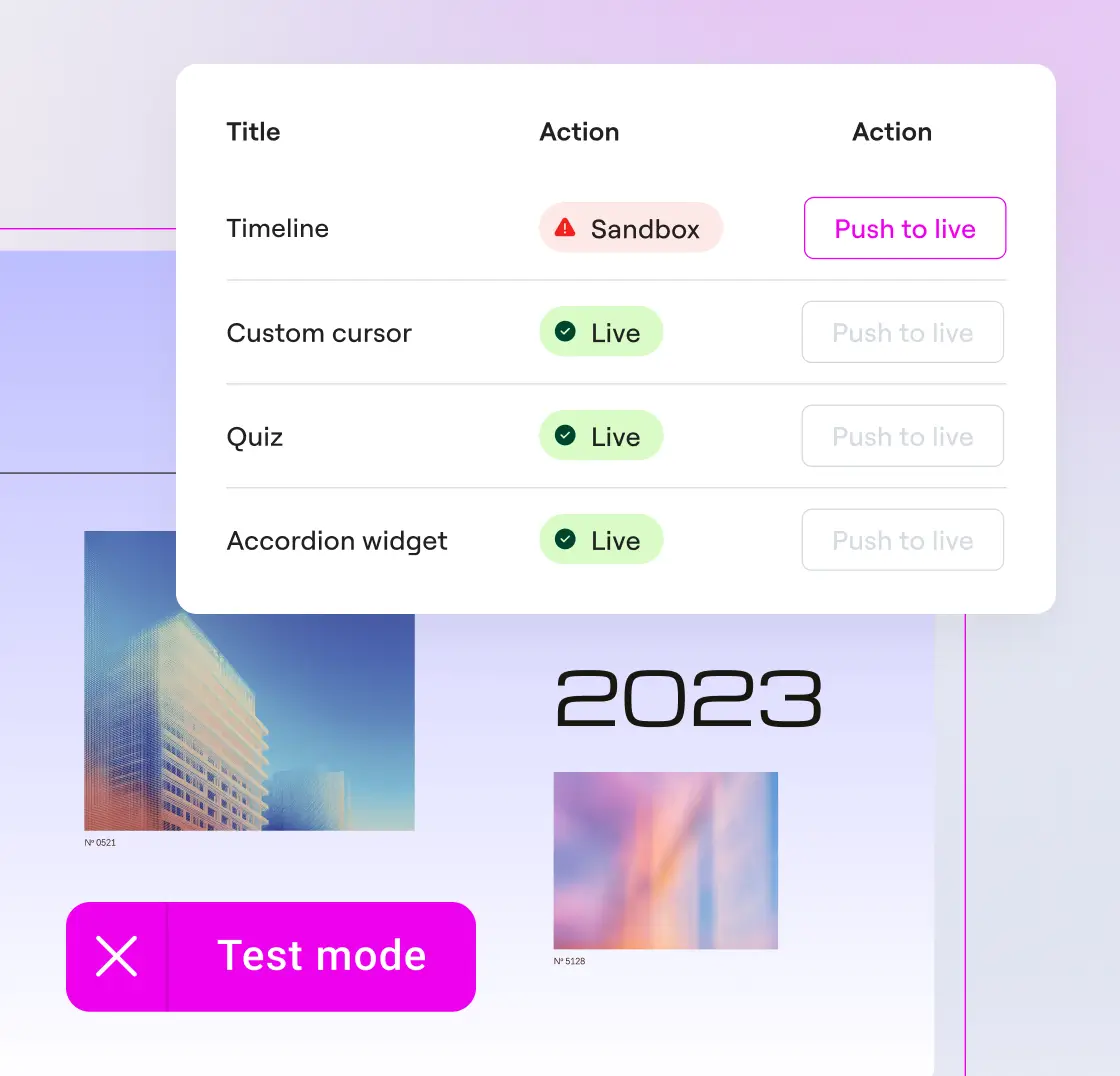
Mit einem Sicherheitsnetz bauen
Schau dir Widgets und Snippets an und probier sie so oft aus, wie du willst. Angie Code läuft in einer Testumgebung, komplett getrennt von deiner Live-Seite.
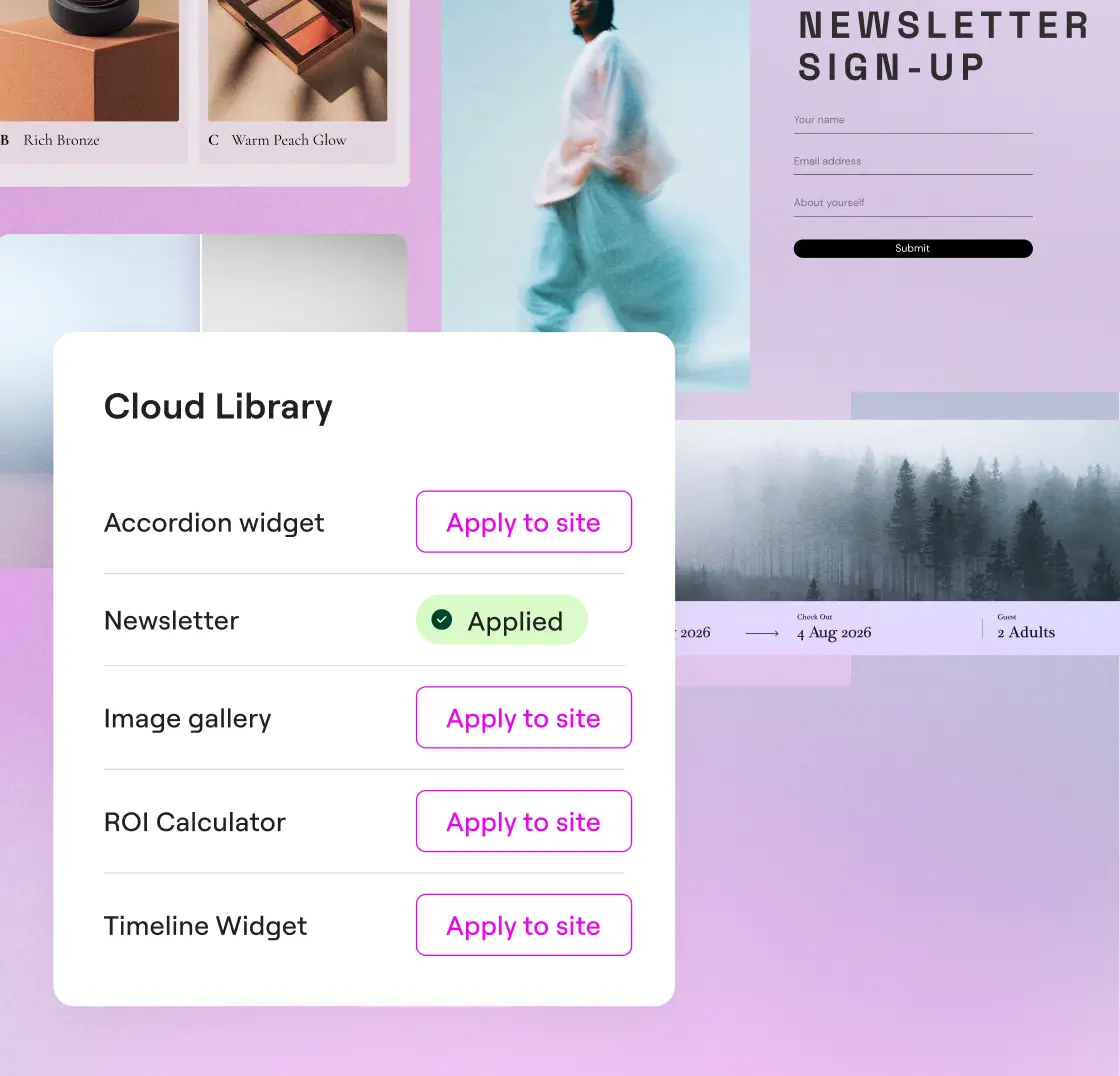
Verwende deine Kreationen auf mehreren Websites wieder
Speichere deine Kreationen in der Cloud-Bibliothek und verwende sie auf mehreren WordPress-Seiten wieder, ohne sie neu erstellen zu müssen.
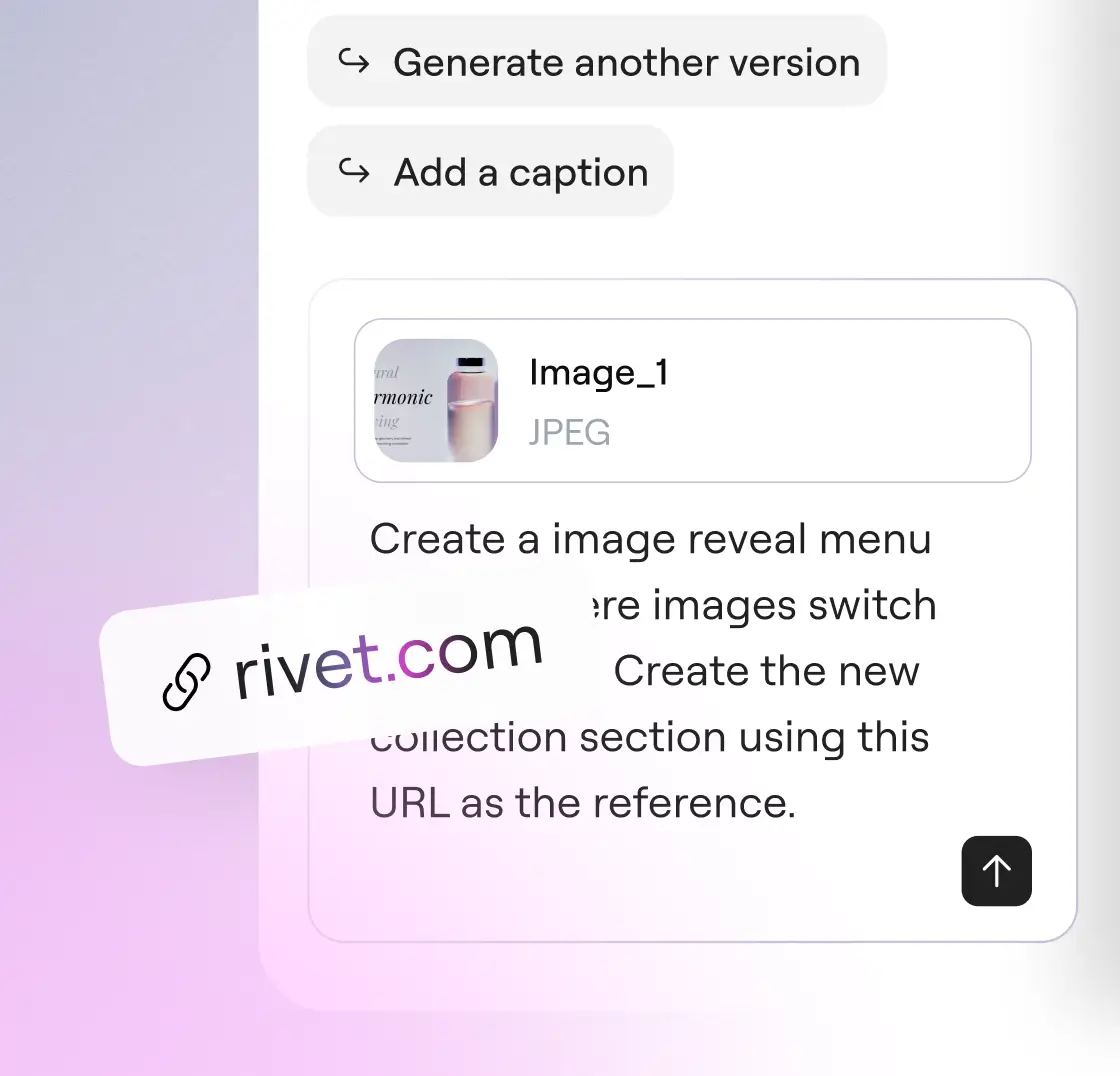
Sprich mit Angie auf deine Art
Beschreibe dein Anliegen in Worten, lade einen Screenshot hoch oder füge eine URL als Referenz ein. Alle drei Eingabemöglichkeiten können zusammen oder unabhängig voneinander genutzt werden.
Vertraut von Agenturen und Web-Creatorn
Angie Super-Admin-Modus – Übernimm die volle Kontrolle über deinen WordPress-Stack
Bulk operations, error debugging, and site-wide SEO fixes, all through conversation. Angie reads your actual data before acting and confirms every plan with you before anything runs.
* Angie can make mistakes, verify results
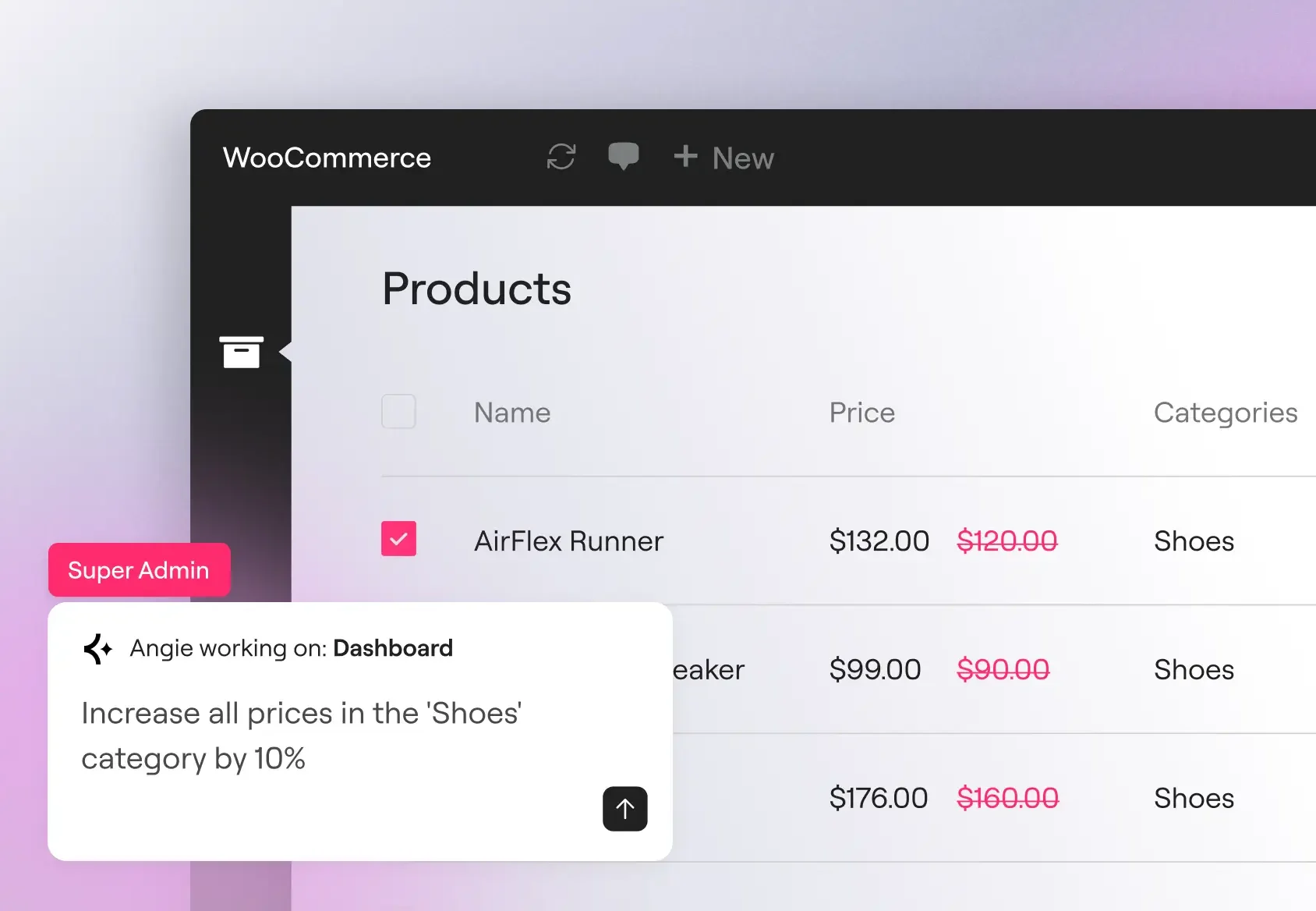
Massenoperationen in großem Maßstab
Aktualisiere Produktpreise, Benutzerrollen und benutzerdefinierte Metadaten in Hunderten von Datensätzen mit einem einzigen Befehl. Angie liest vor der Ausführung dein aktuelles Datenmodell ein, sodass die Vorgänge auf deine tatsächlichen Beitragstypen, registrierten Felder und aktiven Plugins angewendet werden.
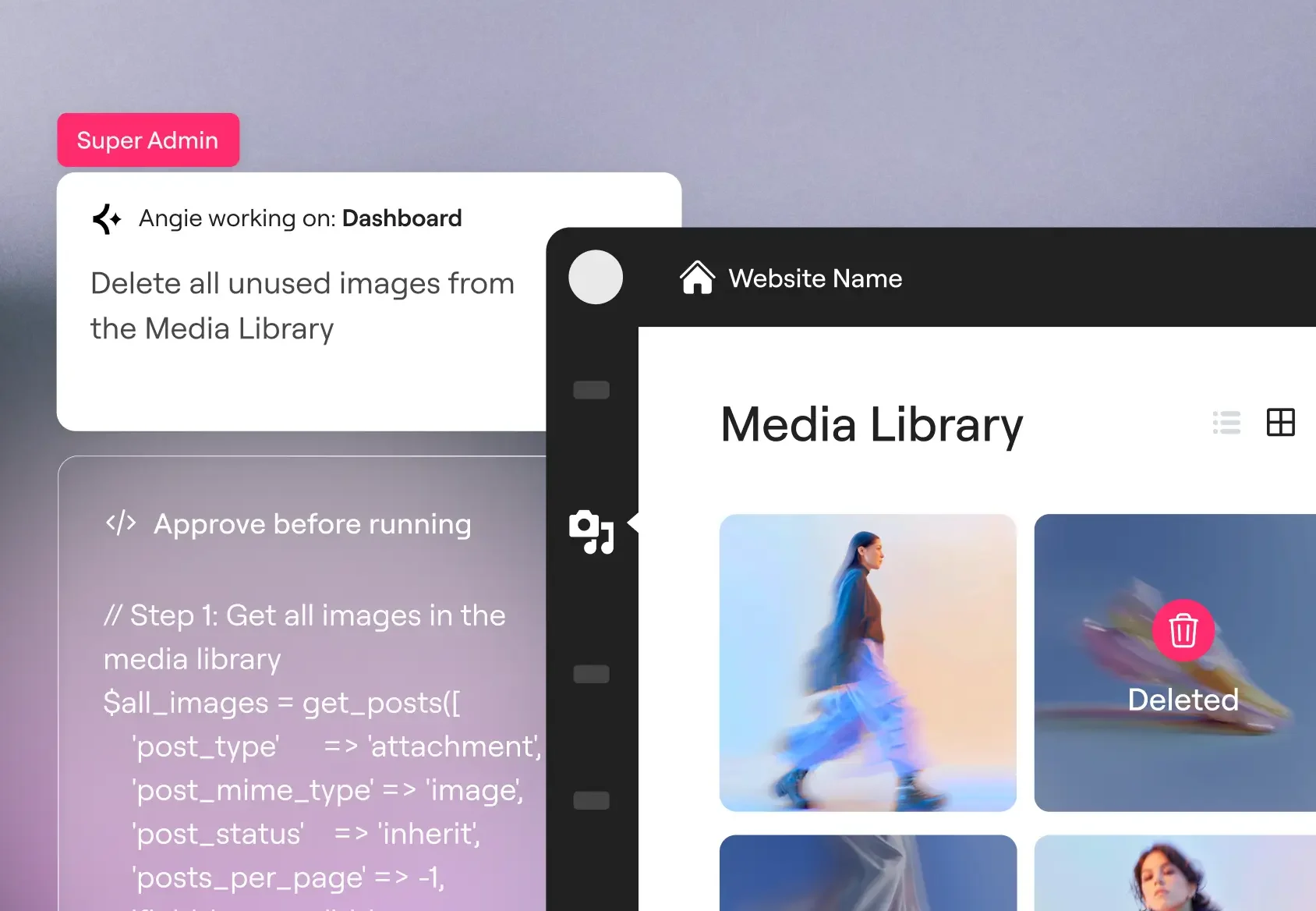
Fehler beheben
Verfolge SMTP-Fehler, PHP-Konflikte und Probleme mit der API-Verbindung direkt im Angie-Chat. Angie liest dein Debug-Protokoll, erkennt wiederkehrende Muster und kann konfliktbehaftete Plugins deaktivieren oder den entsprechenden Hook anpassen, um das Problem zu beheben.
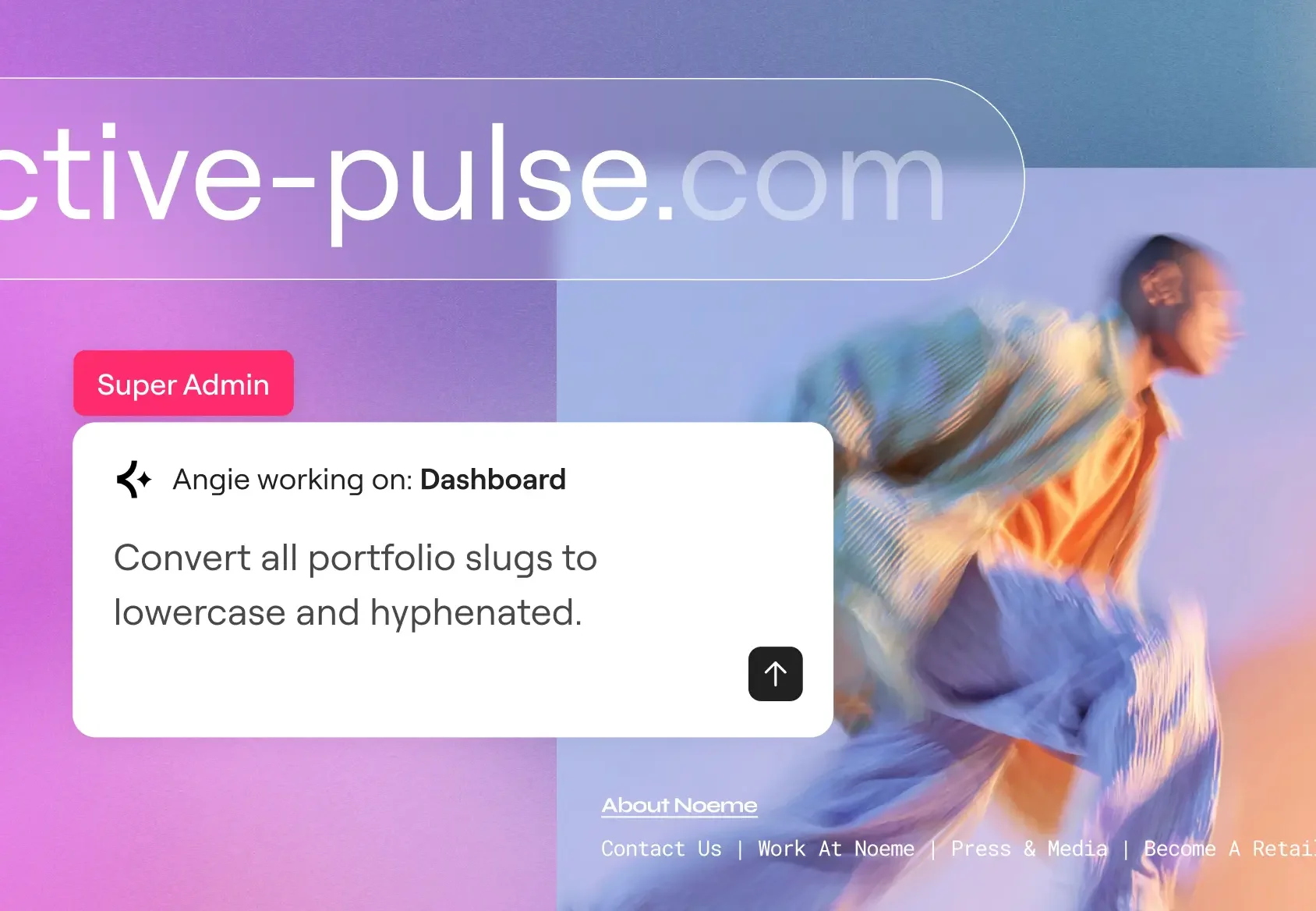
SEO und Wartung in großem Maßstab
Ergänze fehlende Meta-Beschreibungen, erstelle Weiterleitungsregeln nach einer Kategorieneumstrukturierung und vereinheitliche die URL-Slugs siteweit in nur einem Arbeitsgang. Eine Bereinigung, die sich nach deinem Sortiment richtet, nicht nach deiner Mitarbeiterzahl.
In wenigen Minuten loslegen
Kostenlos runterladen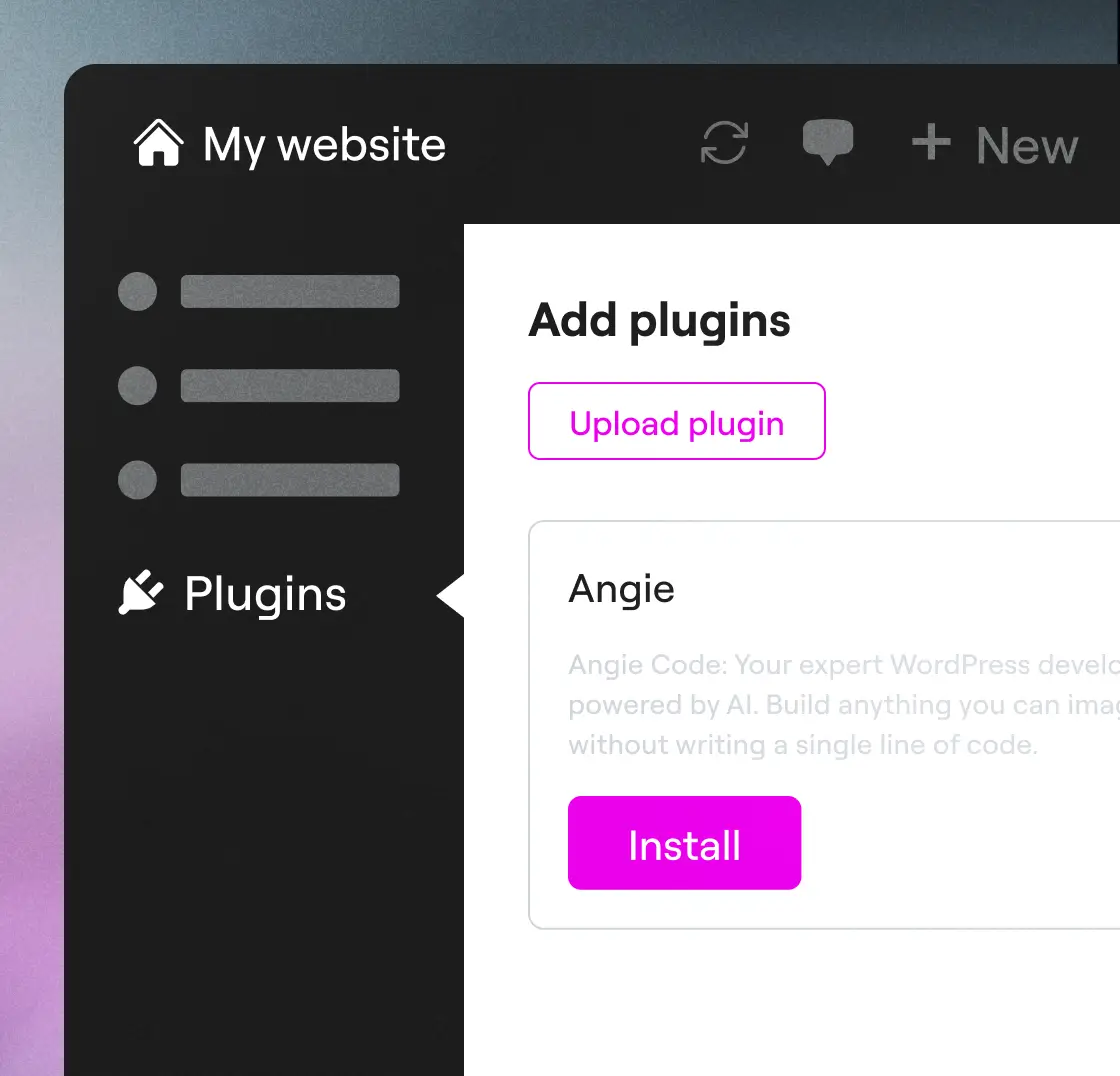
Schritt 1
Angie runterladen
Installiere Angie über dein Dashboard: Geh zu Plugins → Neu hinzufügen → suche nach „Angie“, klicke auf Installieren und dann auf Aktivieren, um eine Verbindung zu deiner Website herzustellen.
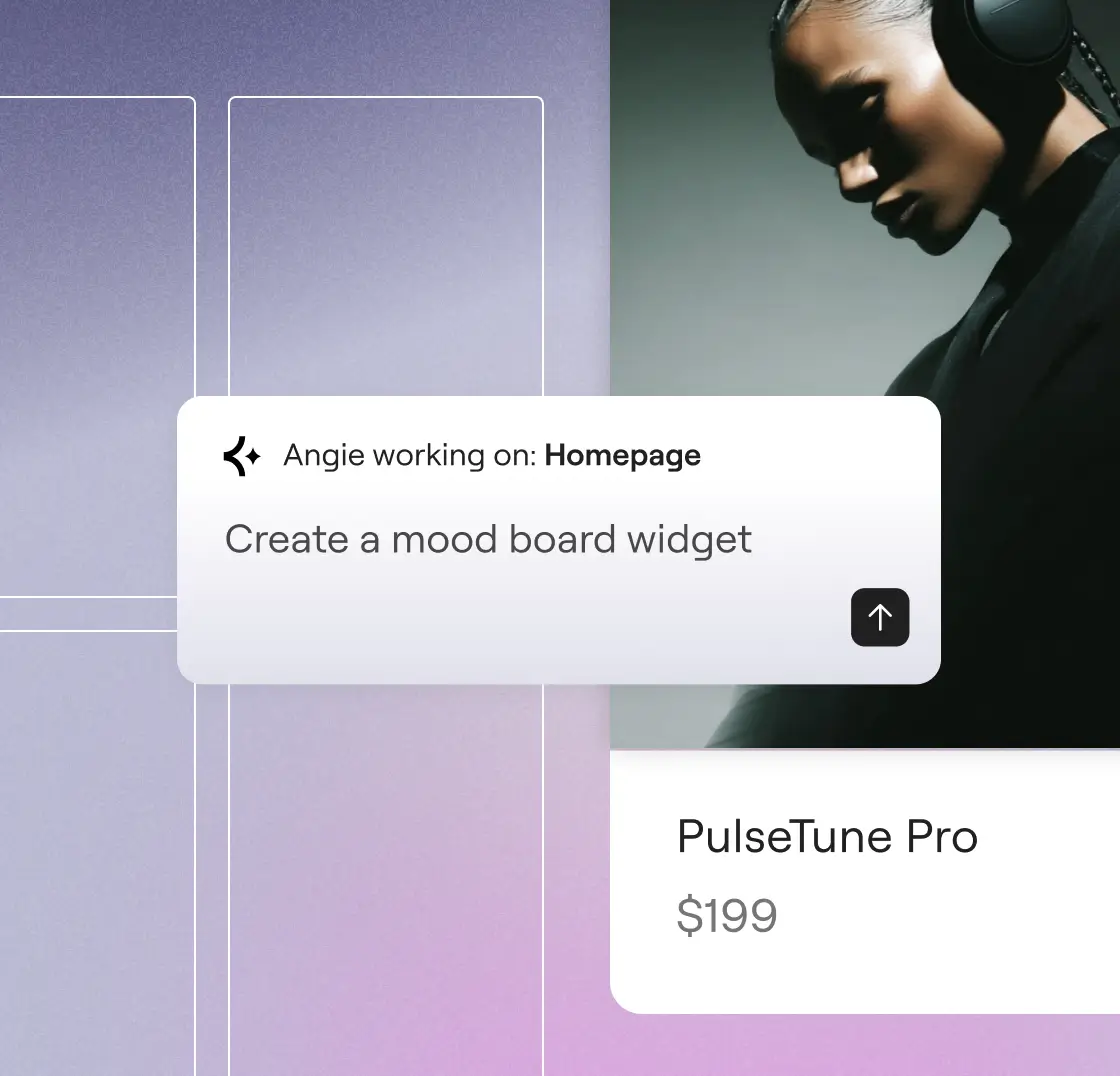
Schritt 2
Los geht's!
Sag uns, was du erstellen möchtest. Angie versteht, was du vorhast, und macht es in wenigen Minuten für dich.
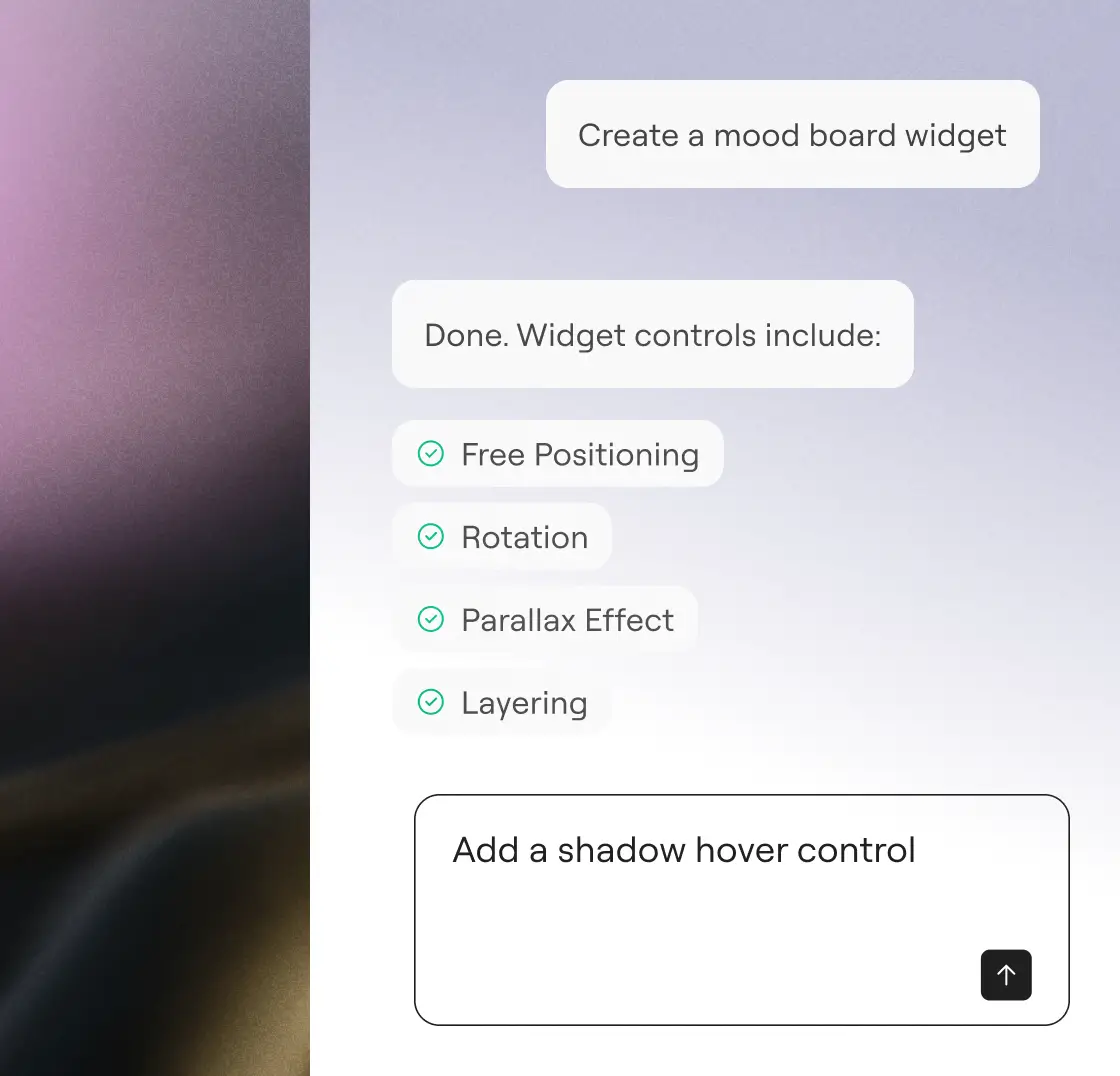
Schritt 3
Überprüfen und genehmigen
Schau dir die Arbeit an, mach ein paar einfache Optimierungen und gib dein Okay. Mit Angie hast du immer alles im Griff.
„Ich hätte jemandem etwa 20.000 Dollar zahlen müssen, um das zu entwerfen und zu entwickeln … Aber es hat auf Anhieb geklappt. Ich war total begeistert.“
Imran Siddiq Web-SquadronStarte deine kostenlose Testphase
Describe what you want. Angie writes the code, applies it, and manages your site, without leaving WordPress.
Mehr Möglichkeiten, mit KI zu wachsen
Erfahre, wie das Model Context Protocol Angie dabei hilft, kontextbezogen zu handeln, und so Integrationen, Workflows und transformative WordPress-Funktionen ermöglicht.
KI-Prompt-Bibliothek
Leg los mit sofort einsatzbereiten Eingabeaufforderungen für schnellere WordPress-Workflows und entdecke, was du mit Angie alles machen kannst.
Mehr erfahrenMCP erklärt
Versteh, was das Model Context Protocol ist und wie es die Basis für intelligente, native KI-Aktionen in WordPress schafft.
Mehr erfahrenAI-fähige Websites
Lerne, wie du deine Website mit praktischen Schritten für KI-gesteuerte Arbeitsabläufe vorbereiten kannst, um das volle Potenzial von Angie auszuschöpfen.
Mehr erfahren