Skip to content
Elementor Logo
Products
Close Products
Open Products
Build with Elementor One
New
Everything you need to create, optimize, and manage WordPress sites. Faster, smarter, and all in one place.
Get Elementor One
Create
Build with Editor
Drag & drop, no code needed
Choose a theme
Apply a lightweight theme to your site
Generate wireframes with AI
Structure full sites faster
Create content with AI
Generate code, copy, images, & layouts
Optimize
Optimize images
Speed up your site with leaner images
Improve accessibility
Scan & fix issues with guided tools and AI
Boost performance
Accelerate your website’s speed
Manage cookie consent
Coming soon...
Manage & Host
Host your website
High-speed, secure cloud hosting
Register a domain
Get the perfect domain for your brand
Ensure email delivery
Reliable sending with built-in tracking
Manage connected sites
Coming soon...
a
n
gie
Chat with Angie, the native AI layer for WordPress to build, manage and control sites entirely through conversation
Agency
Enterprise
Pricing
Language selector
Mobile Buttons
Close Mobile Buttons
Open Mobile Buttons
Log in
Get started
Log in
Get started
Build & Manage Your Design System
Get Elementor Pro
GLOBAL SITE SETTINGS
Global Design System
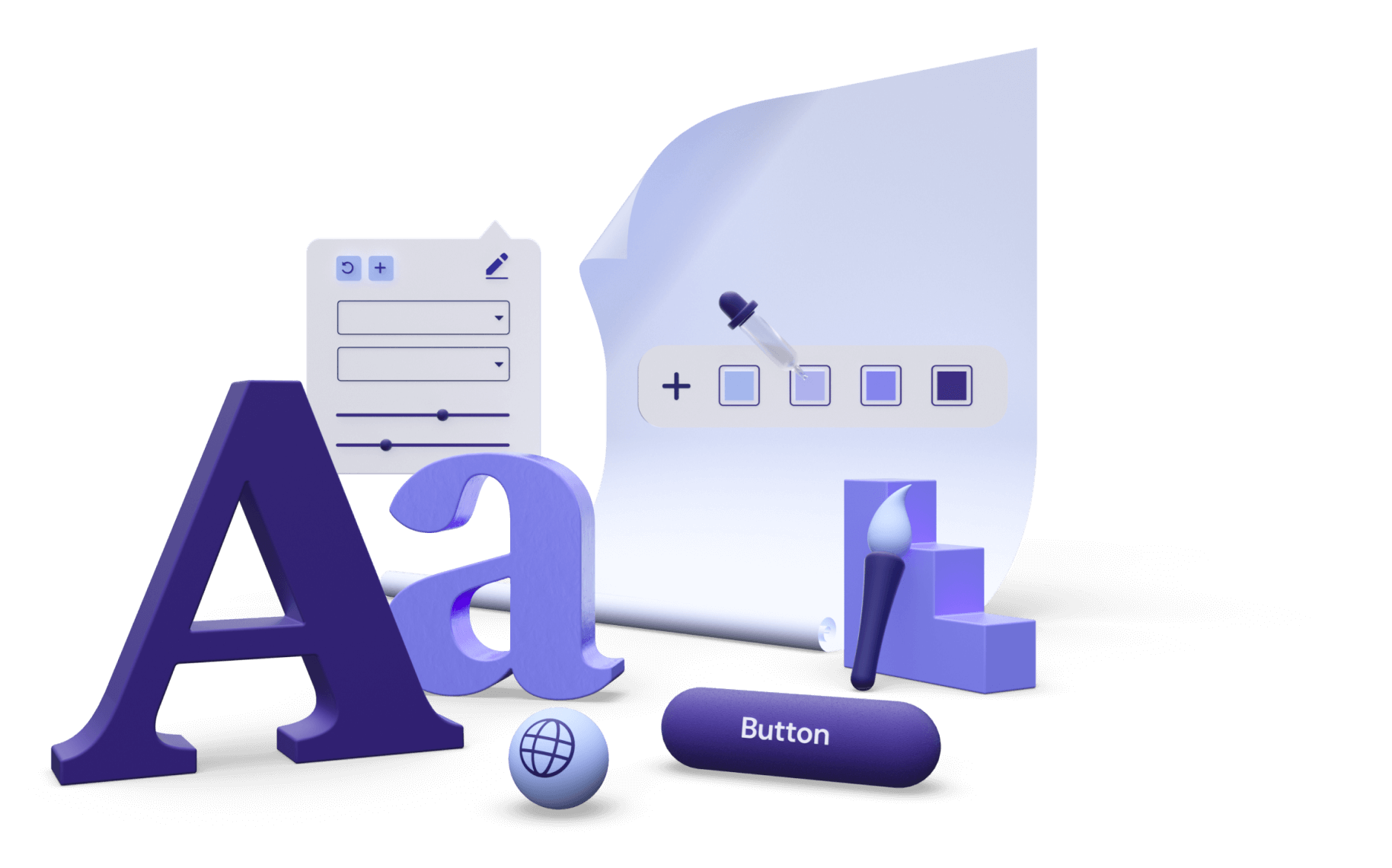
Control all colors and fonts globally. Set a style and adjust it across your entire website in one click.
Streamlined Workflow
Save time by creating a cohesive design system, allowing you to work more efficiently and consistently.
Advanced Global Features
Gain even more control over your website’s behavior and functionality with Theme Style, and additional settings.
The One Panel Your Design System Needs
Control all global elements of your website, including website identity, lightbox settings, layout, and theme styles, from one convenient place.
Create Consistency
Across Your Website
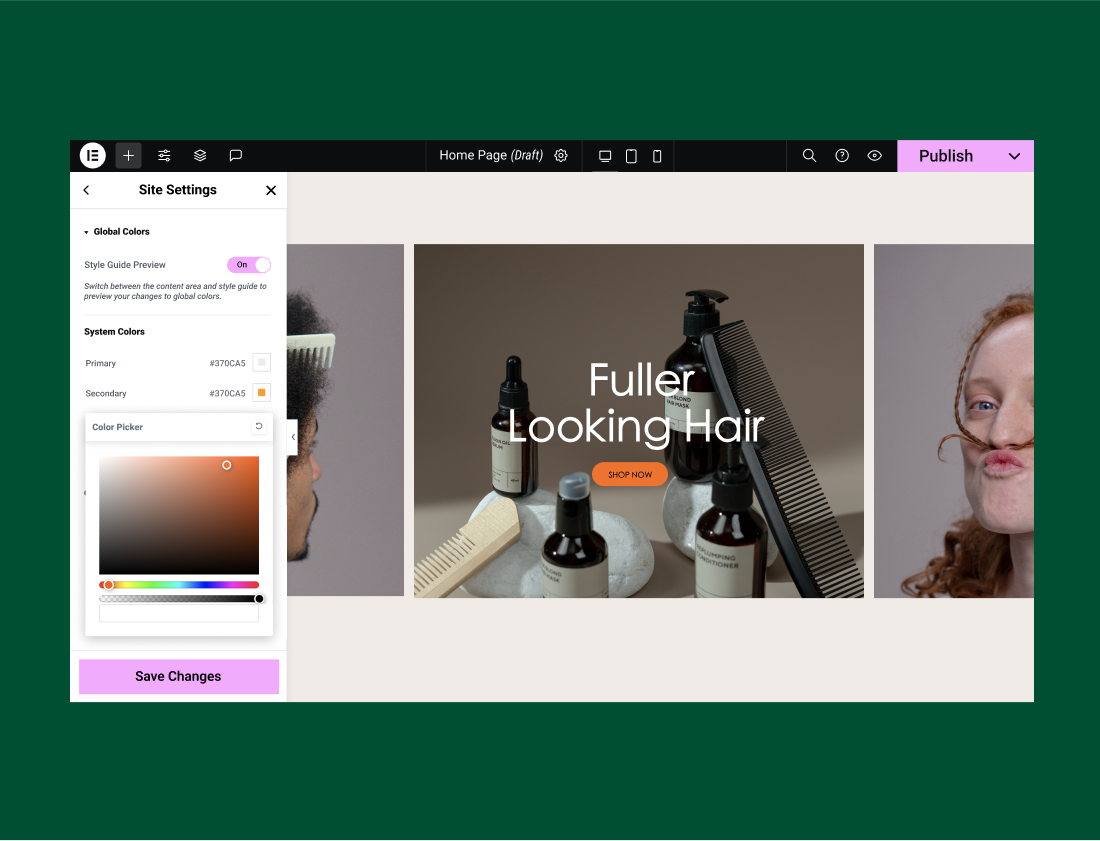
Define your website’s design system with global colors. Save them once and apply them to any element on your website.
Global Colors
Build Strong Branding
With Fonts Styles
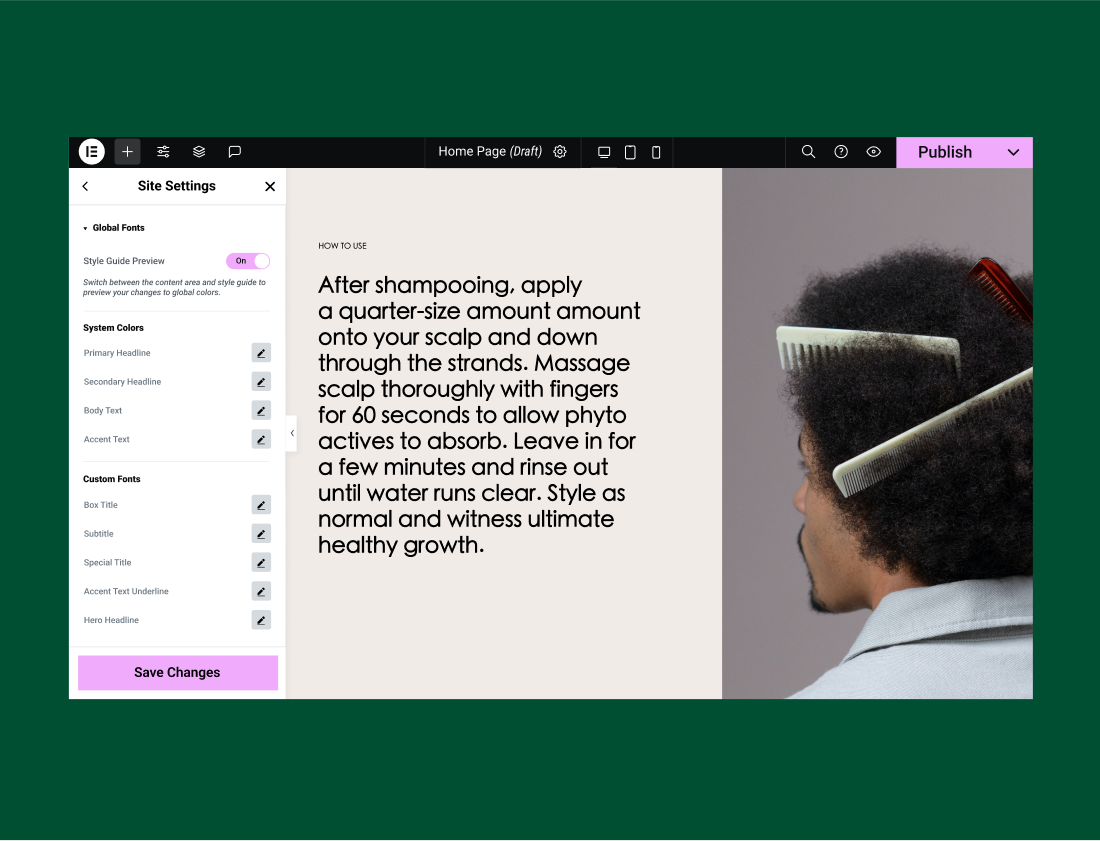
Choose the global typography for consistency across your website, and easily apply all changes from one place.
Global Fonts
Control Your
Design Elements
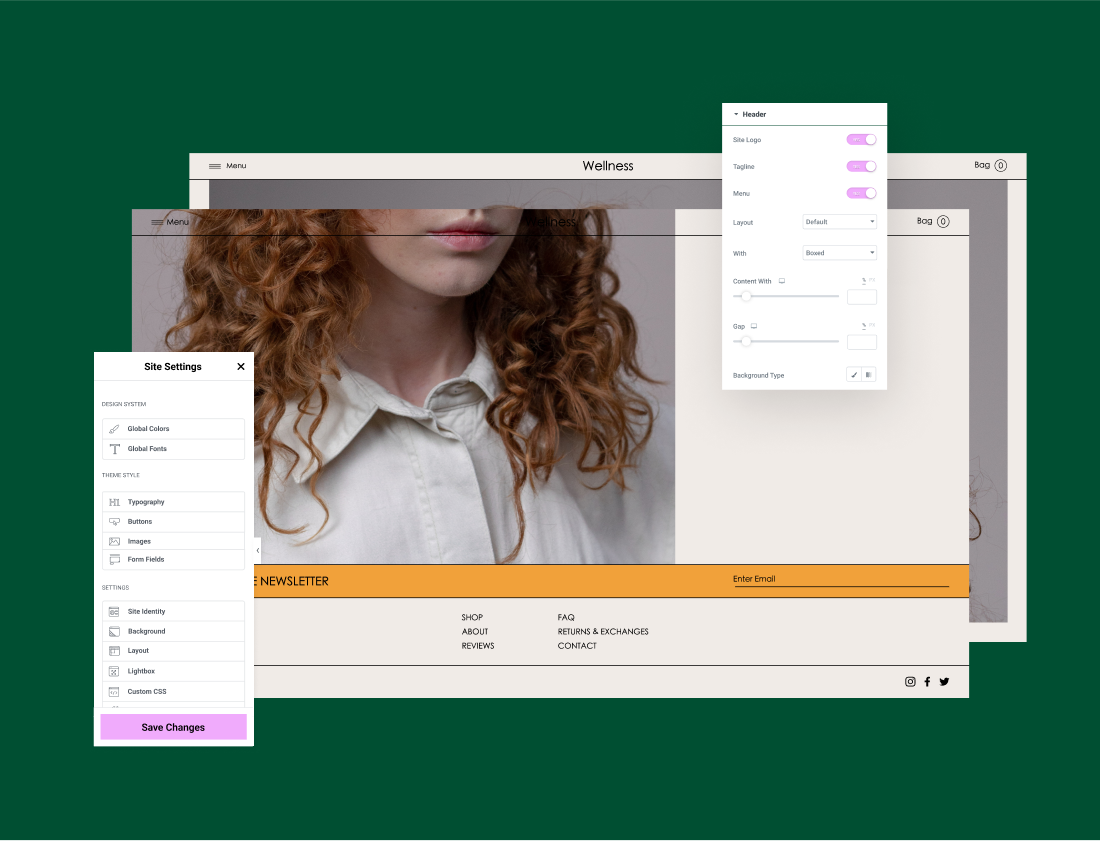
Choose and manage your theme design, including header, footer, typography, button, form field, and image styles.
Theme Styles
Explore the Site Settings Panel
Discover the must-have features that save you time on everyday tasks so you can focus on the work you love.
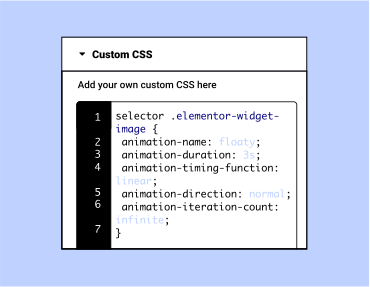
Global Custom CSS
Add Custom CSS globally and apply them throughout
your entire website.
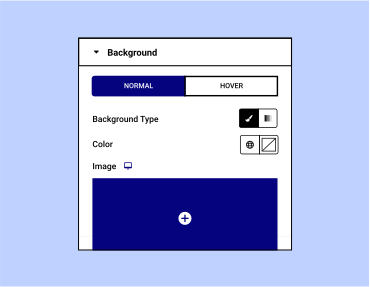
Background
Set the default color or gradient for your
website’s pages.
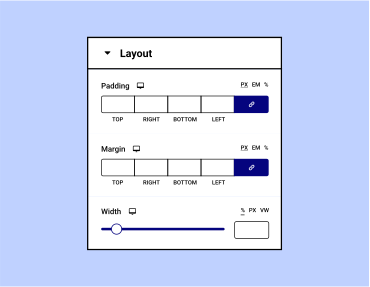
Layout
Control the standard width, space and
breakpoints of your responsive page.
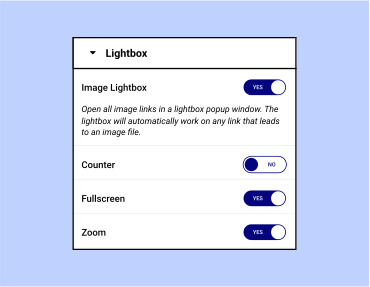
Lightbox
Choose how your website looks and behaves
when a popup opens.
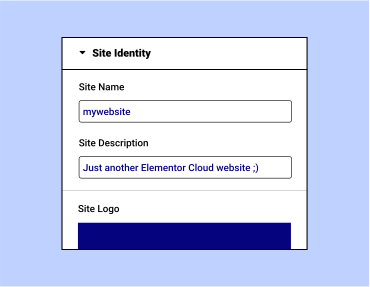
Site Identity
Distinguish your website by defining its name,
description, default logo, and favicon.
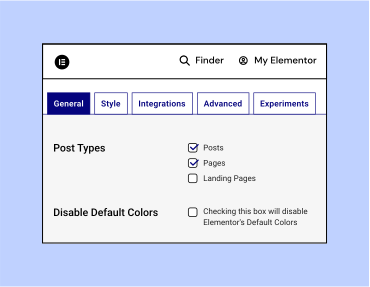
Additional Settings
Manage your integrations, Elementor experiments, and other advanced settings.
Learn How to Optimize Your Global Settings
Elementor Site Settings
With Elementor’s Site Settings panel, you’ll find many site-wide configuration tools.
Watch Now
Global Colors & Fonts
With Elementor’s Site Settings panel, you’ll find many site-wide configuration tools.
Read More
Creating a Design System
Join Ziv for a webinar on Creating a Design System with Global Colors and Fonts with Elementor.
Watch Now
You Build Professional Websites.
Elementor Takes Care of the Rest.
Get Started
Hosted with