The Elementor Editor gives you two options for text editing:
- Editing in the panel
- Inline editing
Edit inline
To edit inline:
- On the canvas, select a text element.
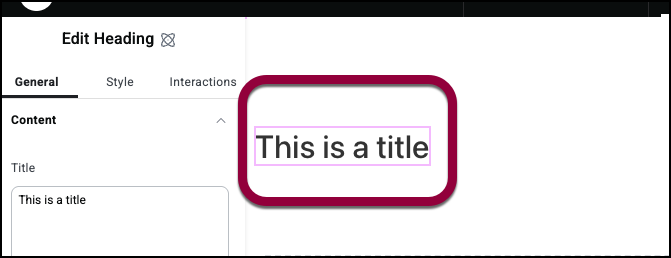
- Enter the text.
- Enter styling options.

Styling options
Styling options for inline editing depend on the element you are editing:
- Bold: All
- Underline: All
- Italics: All
- HTML tag: Text Editor
- List: Text Editor
- Link: Text Editor, Paragraph (V4), Heading (V4)
- Strikethrough: Paragraph (V4), Heading (V4)
- Superscript: Paragraph (V4), Heading (V4)
- Subscript: Paragraph (V4), Heading (V4)

