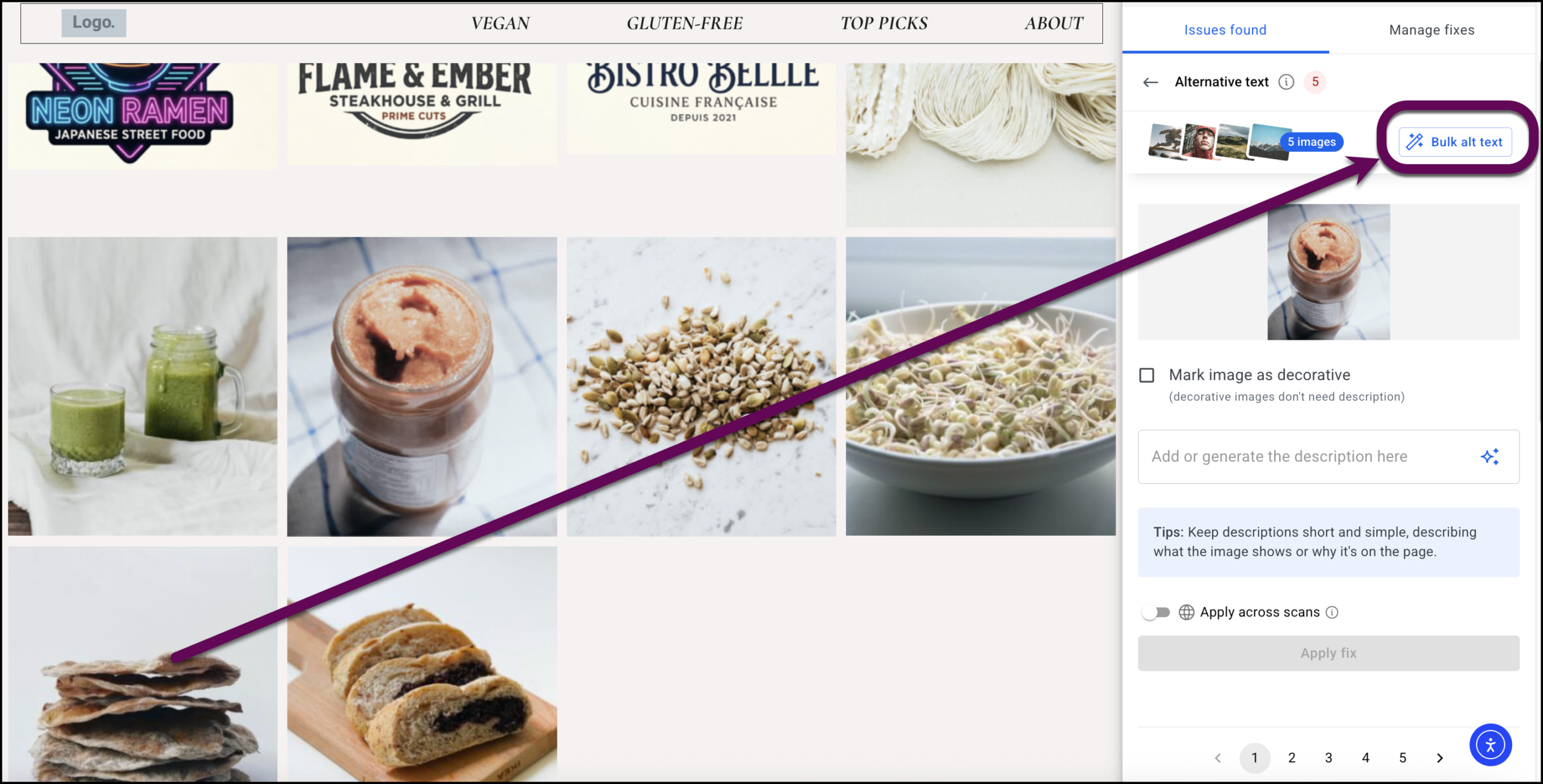
This process walks through scanning a WordPress page for accessibility issues, opening the bulk alt text management modal, and updating image alternative text (alt text) using manual entries, decorative markings, and AI-generated descriptions.
Alternative text, often shortened to alt text, is a concise written description of websites images. It is an HTML attribute applied to image tags that provides a text alternative for the visual content. For screen reader users, alt text offers an audio description of what is on screen, ensuring they do not miss relevant visual details and hear only the word “image”. If an image is purely decorative and does not add to the content, it should be marked as decorative or have a blank alt attribute (alt=””), indicating that it does not require a descriptive text.
Alt text is crucial for website accessibility. Its primary purpose is to describe the image for people who are visually impaired, allowing them to understand the page better by knowing what the picture represents. When writing alt text, it is important to be specific, keep the description under 125 characters, and avoid starting with phrases like picture of…” or Image of….
The Ally bulk alt text tool displays all a page’s images in an easy to use window where you can:
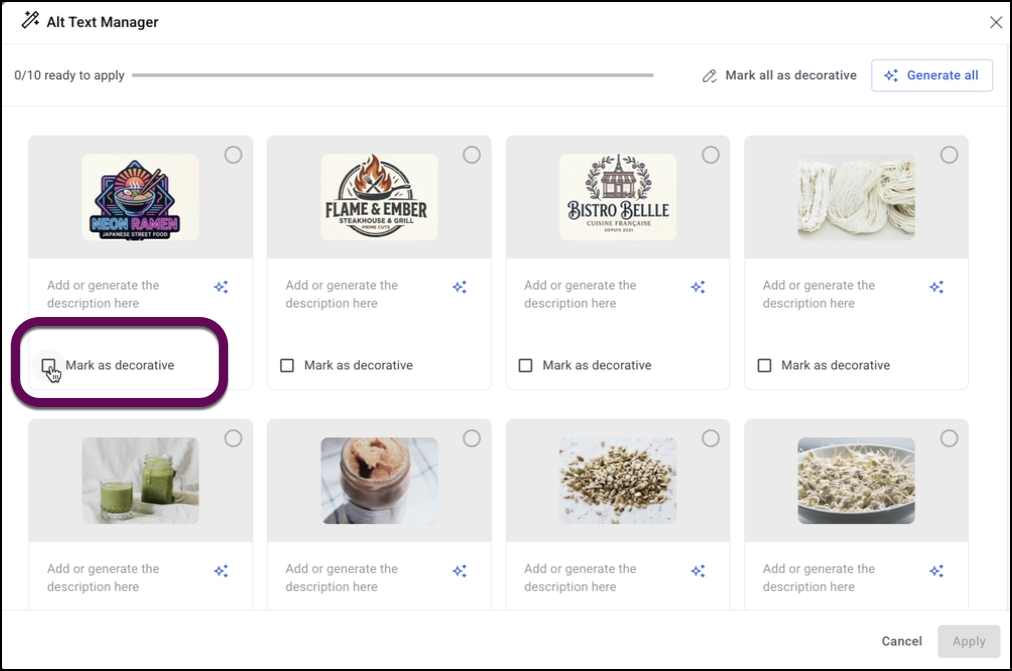
- Mark images as decorative. This gives inserts a presentation role for the image, telling screen readers that they can skip the image and no alt text is required.
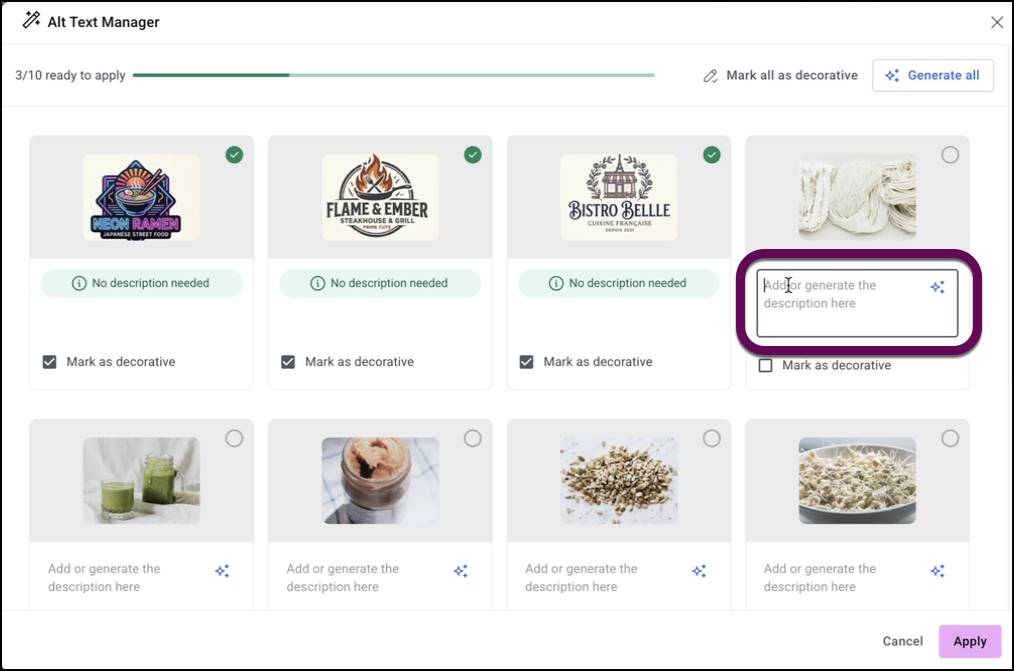
- Manually add alt text
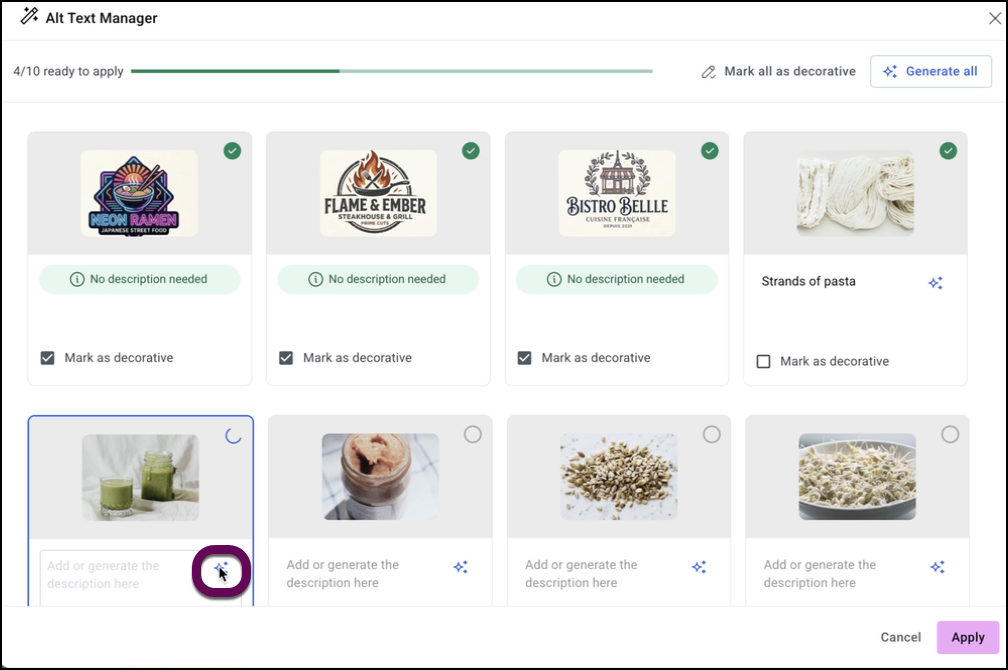
- Use AI to add alt textNoteWhen you add alt text, it is usually added to the image metadata in the Media Library so it becomes part of the code.
How to use the bulk alt text tool
To use the bulk alt text tool:
- Scan the page for issues by clicking Scan URL.
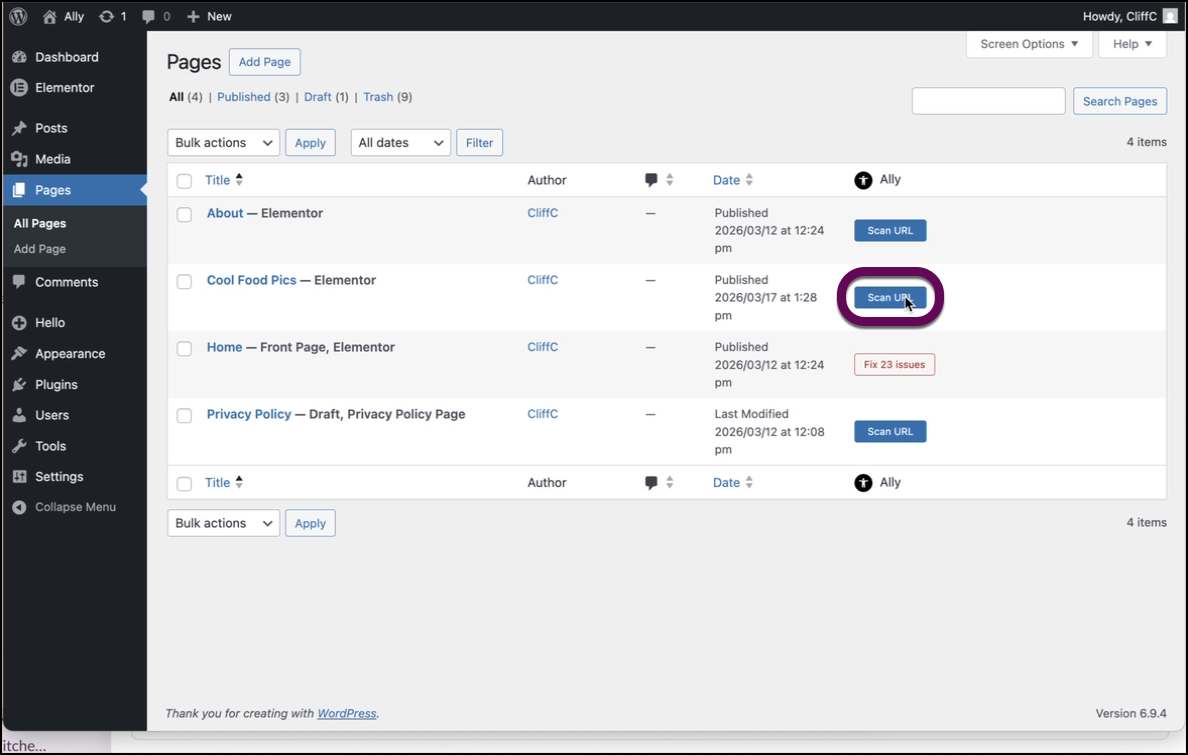
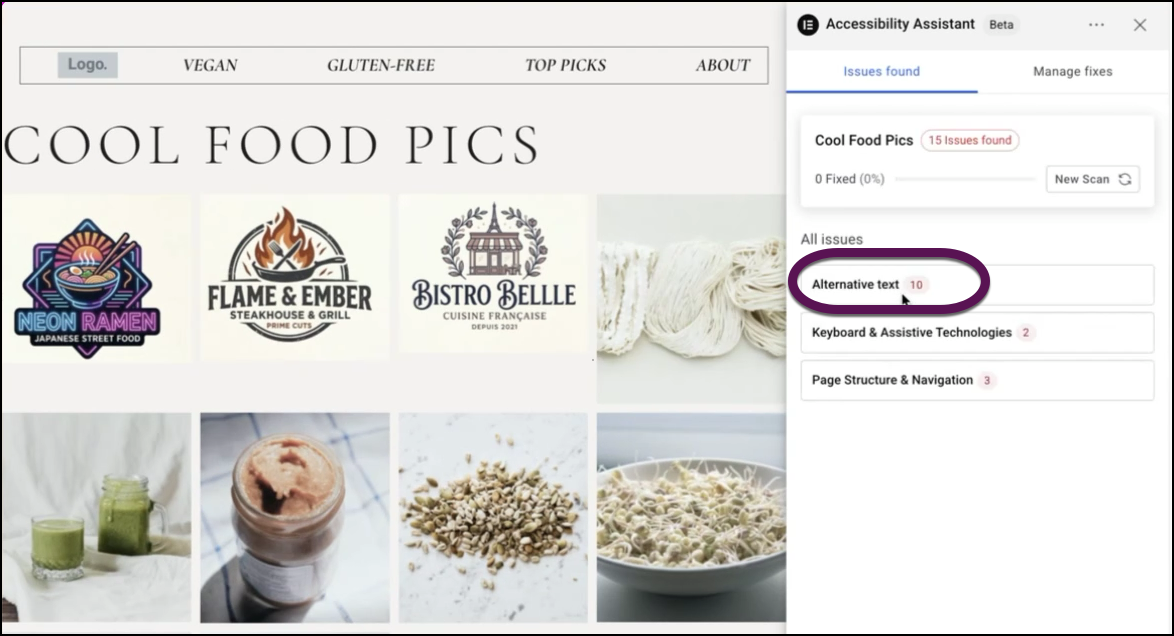
After scanning, the page opens with the Accessibility Assistant panel on the right side. - Click the Alternative text issues box.
- Click Bulk alt text to open the alt text tool.
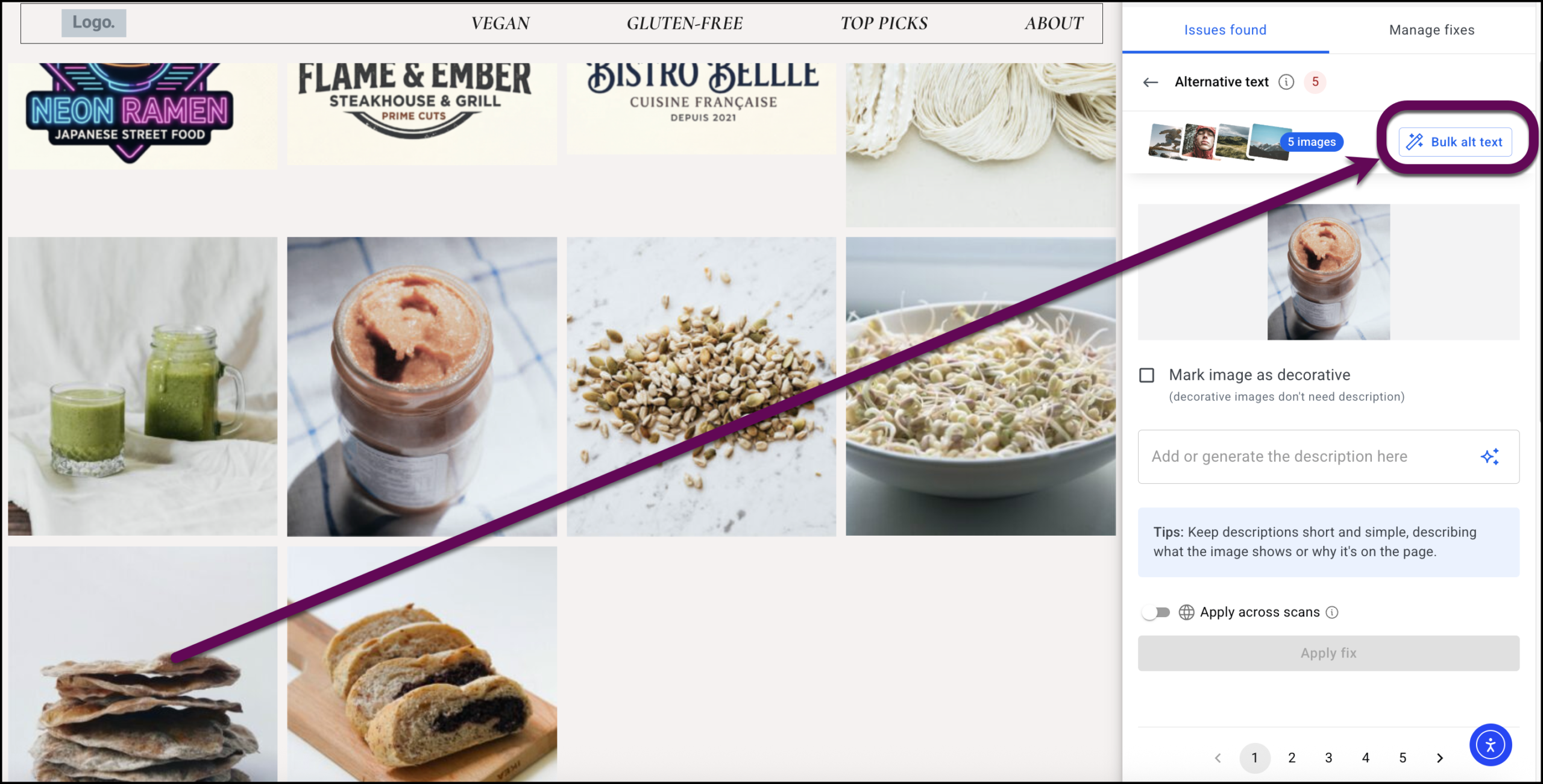
- Use the checkbox to mark decorative images.
- Use the text box to enter alt text manually.
- Click the AI icon to have the AI generate alt text.
When done, click Apply to save the alt text.