When you refer a client, you create a link for them to purchase their own Elementor subscription or website. To refer a client in the Elementor Partner program, log in to My Elementor, navigate to the Agencies tab, and click Create Referral Link. Select a product like Elementor Pro or Elementor Host, copy the link, and send it to your client so they can purchase the subscription directly while tagging you as the Agency of Record.
What are the benefits of using Elementor referral links?
- Guaranteed Attribution: Unlike standard affiliate links, these links bind the specific subscription agency permanently.
- Revenue Share: You are eligible for revenue share on the purchase (based on your Partner tier).
- Management Access: You are automatically tagged as the Agency of Record for the client and the subscription.
- Support – as the agency of record you can contact support.
Prerequisite
You must be an Elementor Partner or an applicant to create referral links.
How do you generate a referral link in the My Elementor dashboard?
To start the process, you need to create a referral link and send it to your client.
- Go to your My Elementor dashboard.
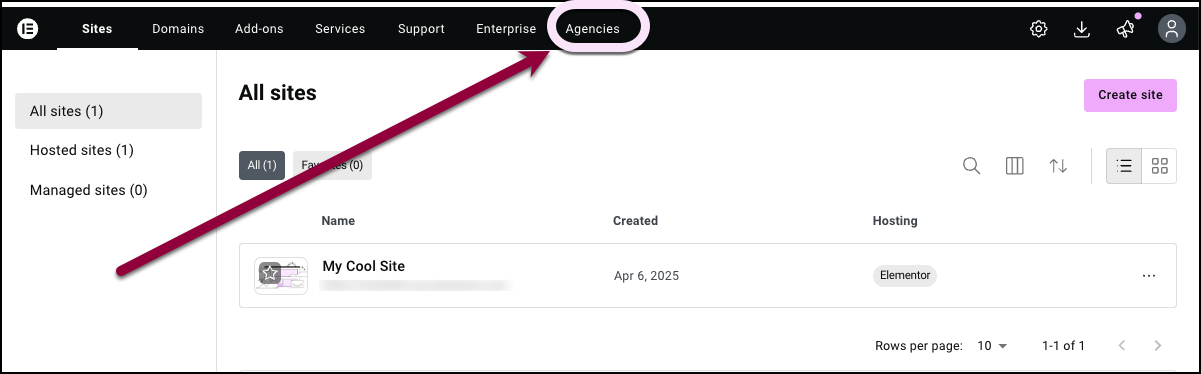
- In the top bar, click Agencies.
 .
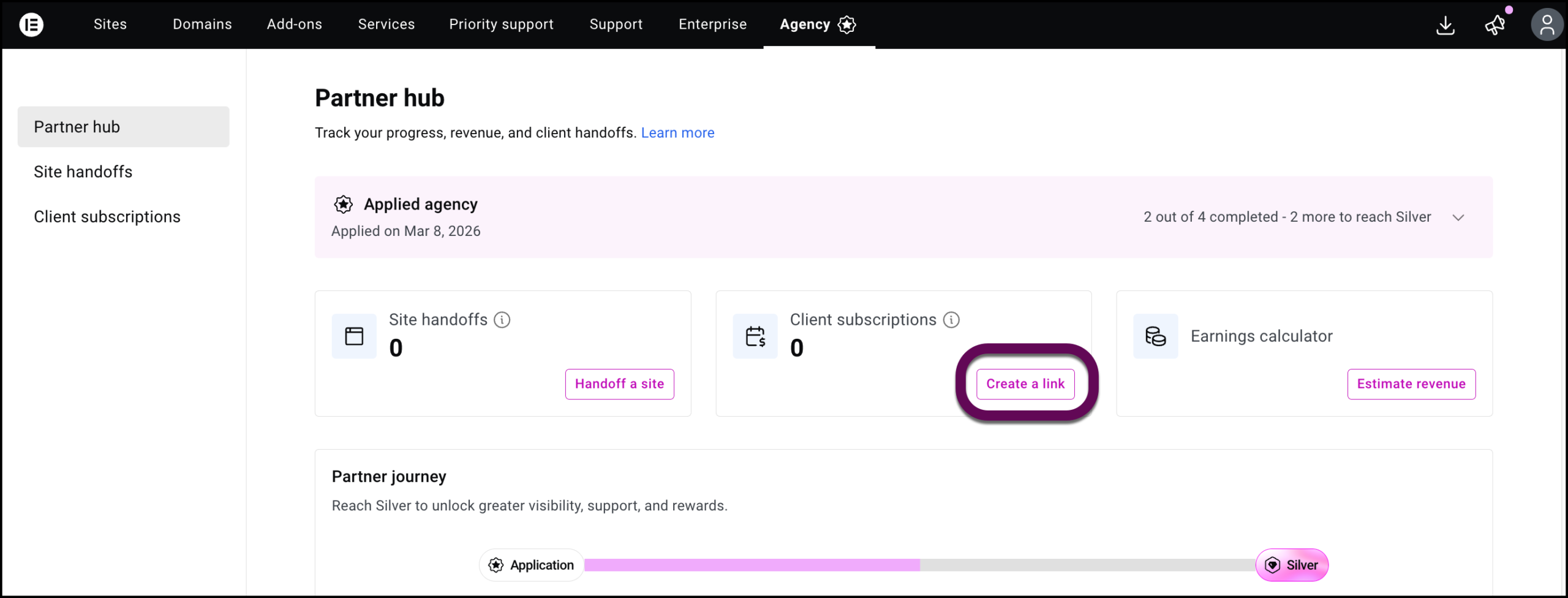
. - In the Client Subscriptions card, click Create a link.
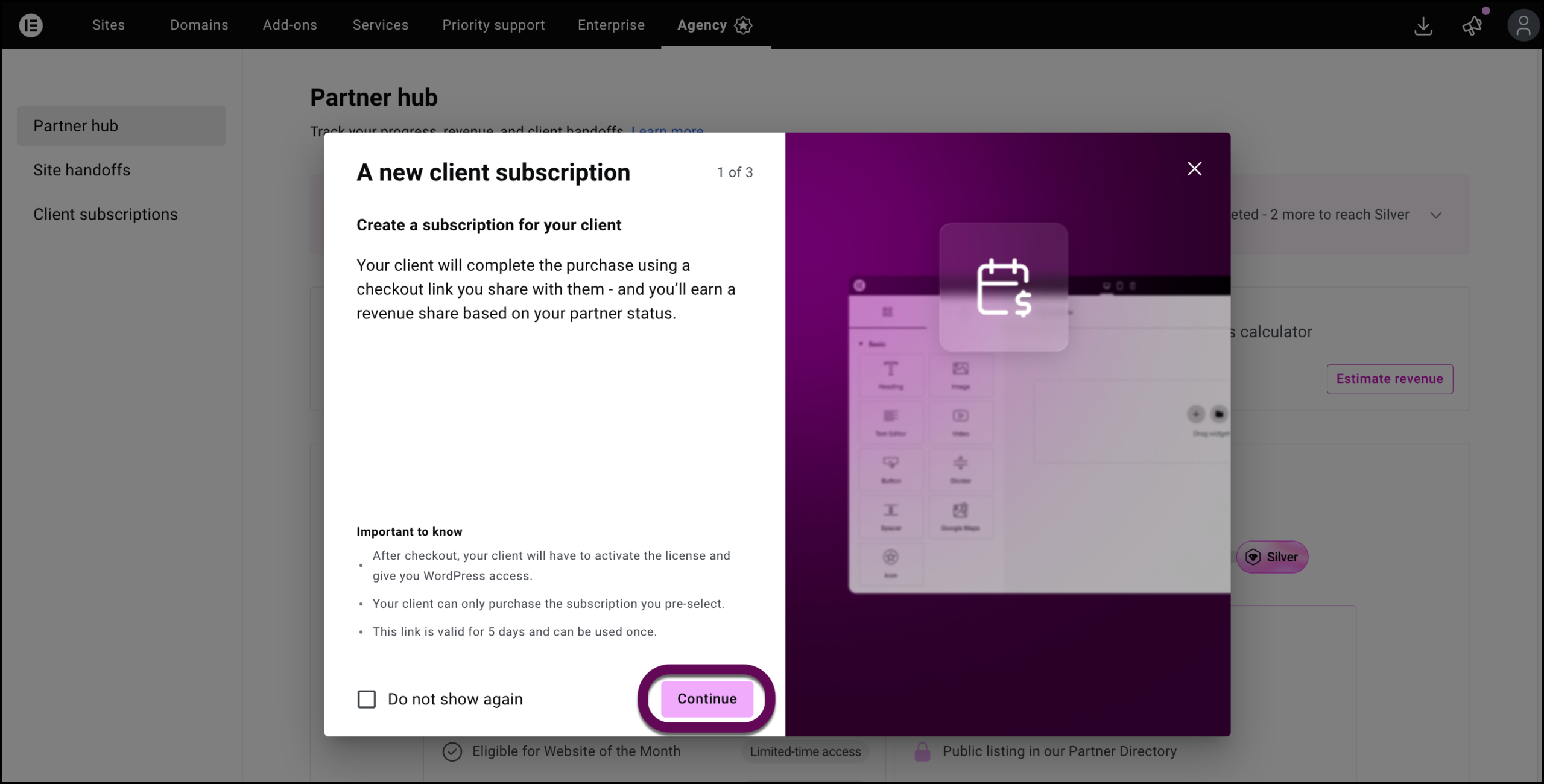
- In the confirmation window, click Continue.
- Select the specific product you recommend for this project:
- Elementor Pro Advanced Solo
- Elementor One
- Elementor Host Cloud or Cloud+
- Fill in the client’s email.NoteIf your client has an Elementor account, use the email address associated with the account. If they don’t have an Elementor account, they will have to create one. Use the email address they will use to create the account.
- Click Copy link and then Done to close the window.
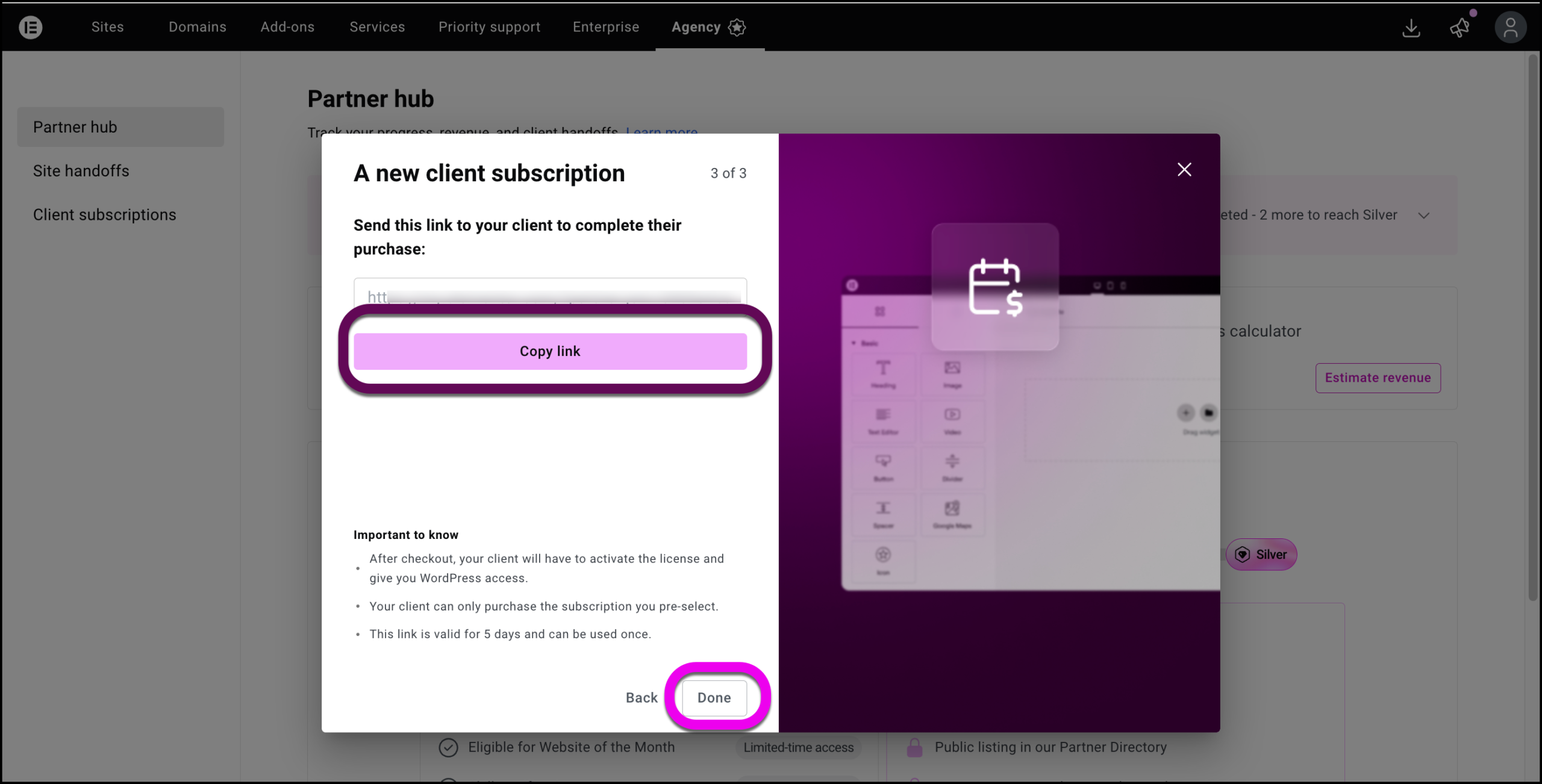
- Send the link to the client.NoteThe client will not be able to change the plan selected by you during checkout.
How does the client complete the subscription process?
After you send the link to your client, they will need to set up the subscription, including creating an Elementor account if they don’t have one.
- Click the link you sent them.
This takes them to the checkout page with the plan details already filled out. - They fill in payment details. They are also directed to create an Elementor account if they don’t already have one.
How do I recreate the referral link?
- Go to your My Elementor dashboard.
- In the top bar, click Agencies.
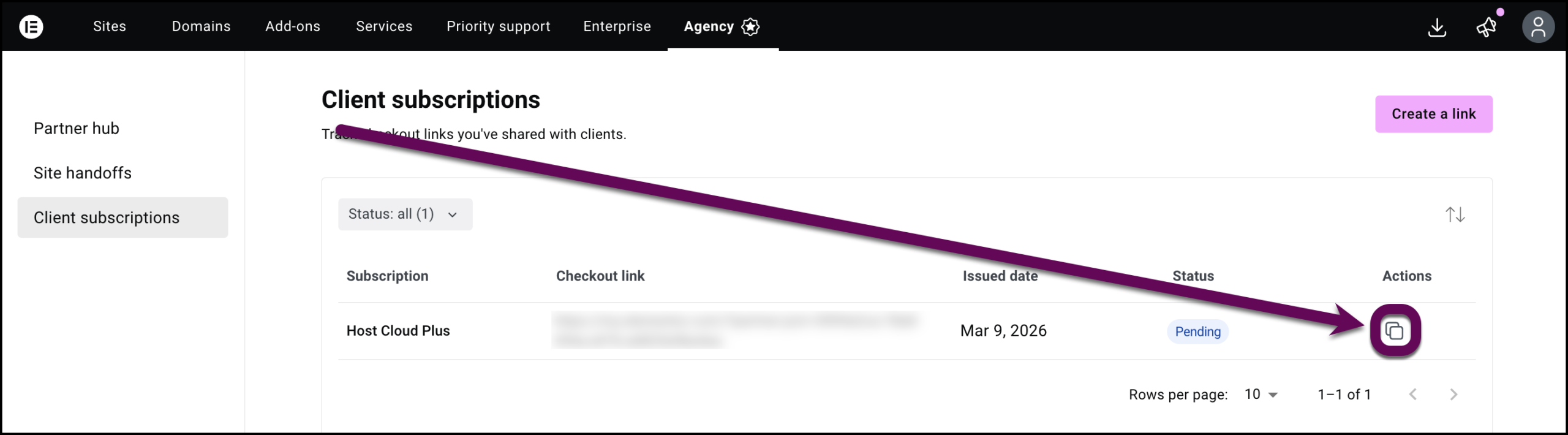
- In the panel, click Client subscriptions.
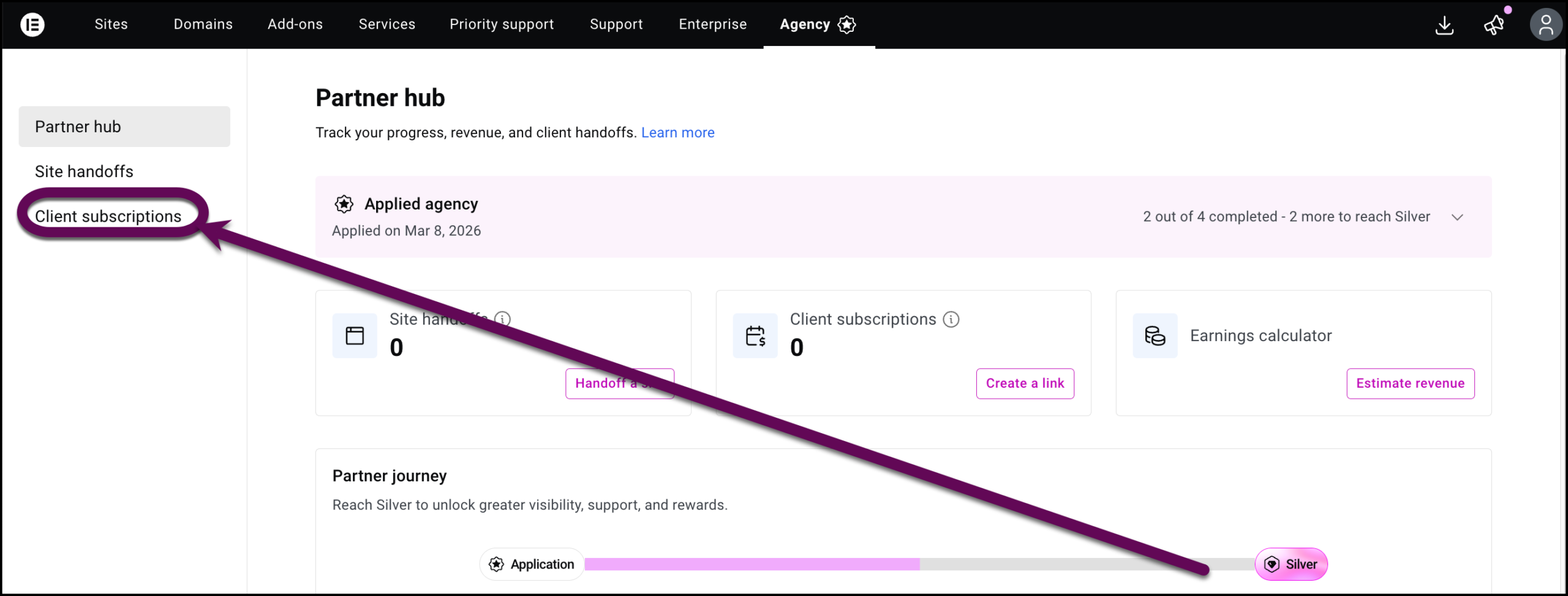
- Click the copy icon to the right of the site to copy the referral link.