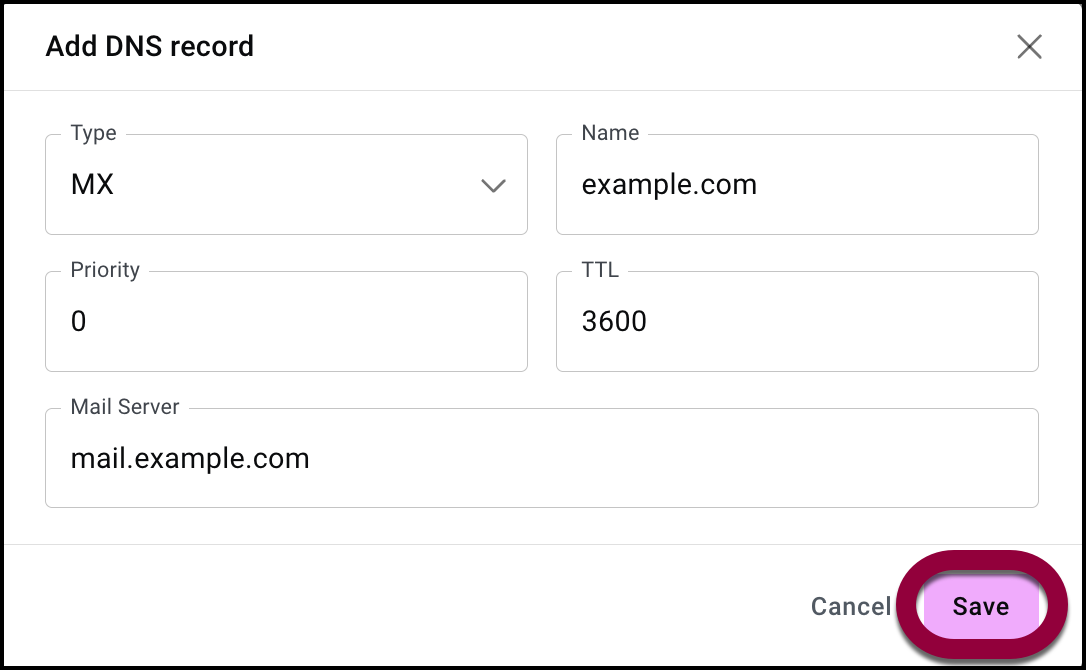
If your domain is set up to receive email you may need to add an MX DNS record. This MX record specifies the mail server responsible for accepting and routing email messages sent to a domain.
- Use the Type dropdown menu to select MX.
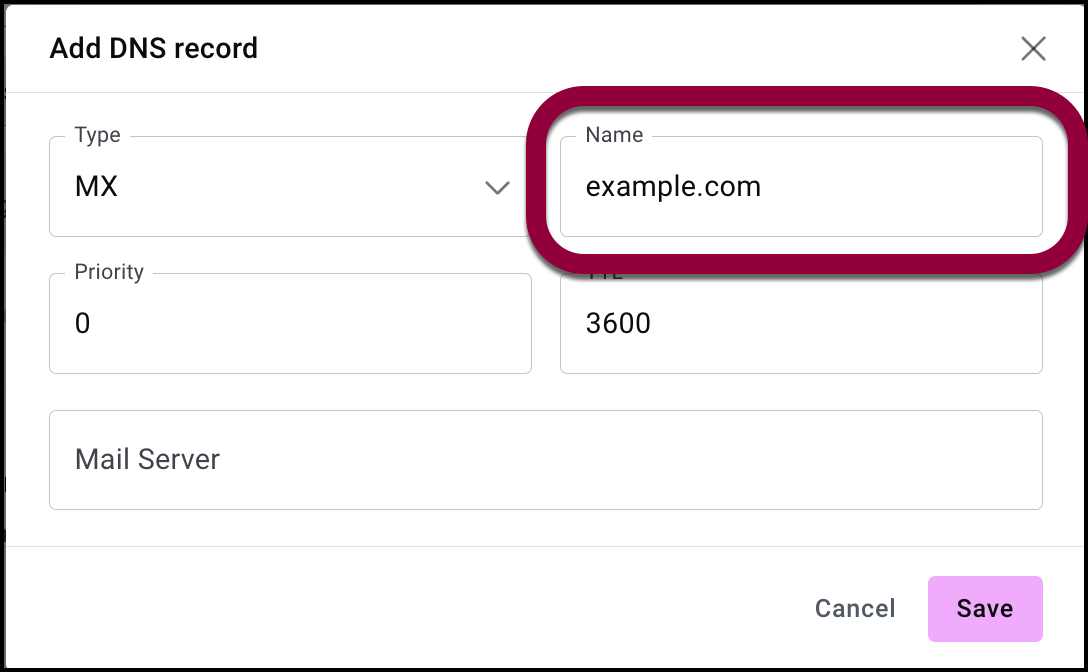
- In the Name field fill in your domain name. For example, example.com.
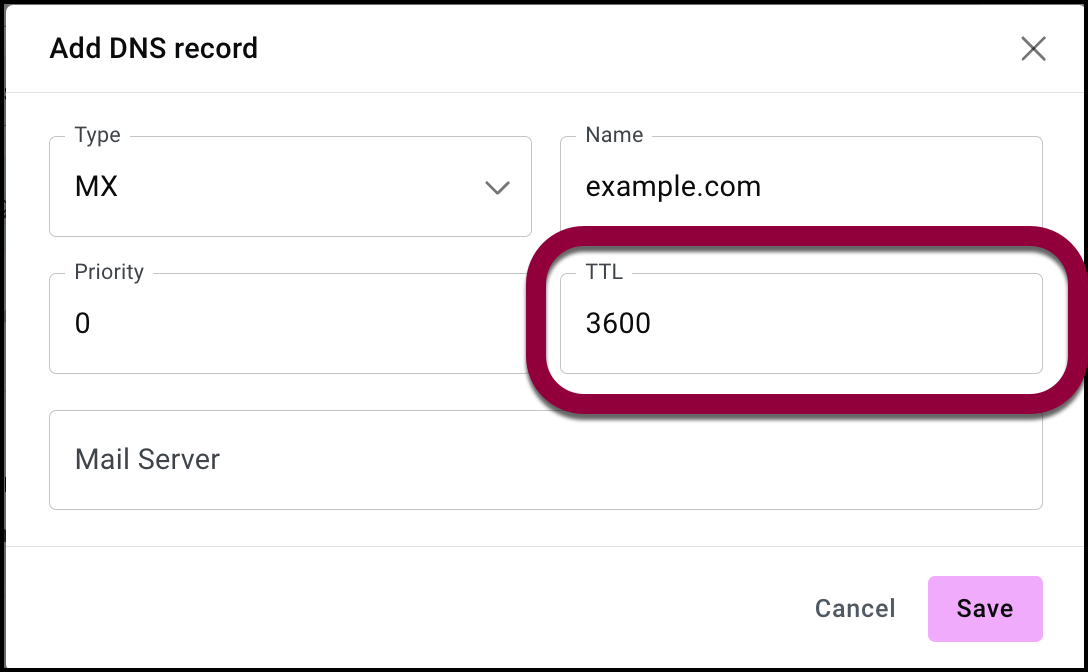
- (Optional) In the TTL field, you can fill in a Time-To-Live (TTL) value to replace the default value. TTL is the value (in seconds) that tells DNS resolvers how long they should cache (store) the record before checking the authoritative server for a new update.
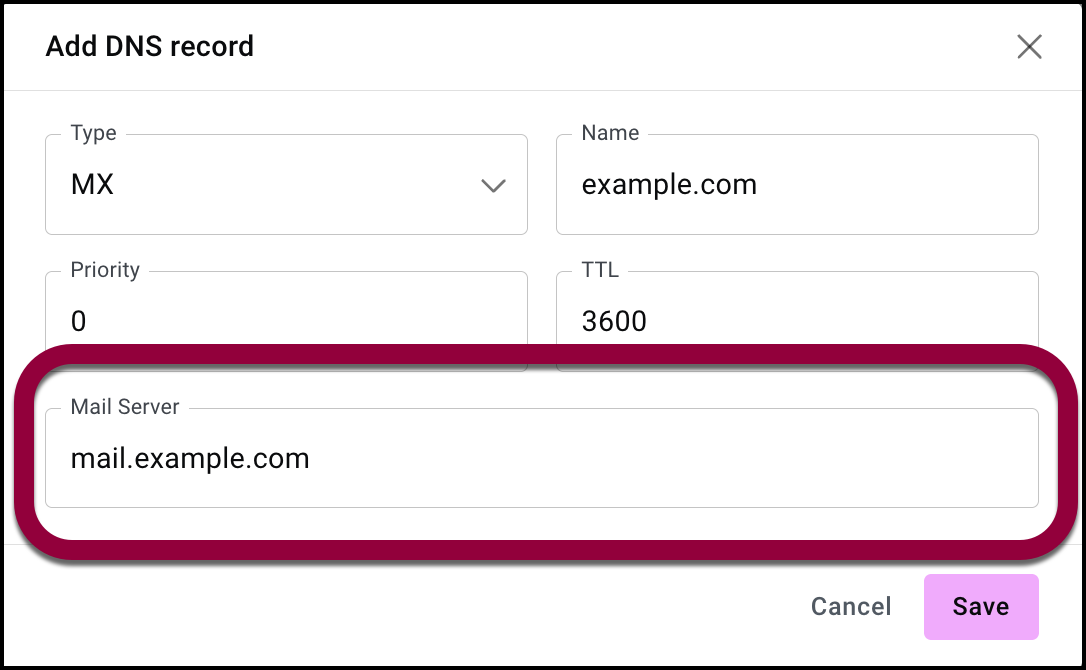
- Enter the name of your mail server. For example, mail.example.com.
- Click Save to save the record.