You can navigate the Elementor Partner Dashboard by clicking the Agencies tab within your My Elementor account. This Partner Hub allows agencies to monitor their partnership tier status, initiate site transfers to clients, and generate unique referral links to track subscription-based revenue and business growth in real-time.
How to access your dashboard
- Go to your My Elementor dashboard.
- In the top bar, click Agencies.
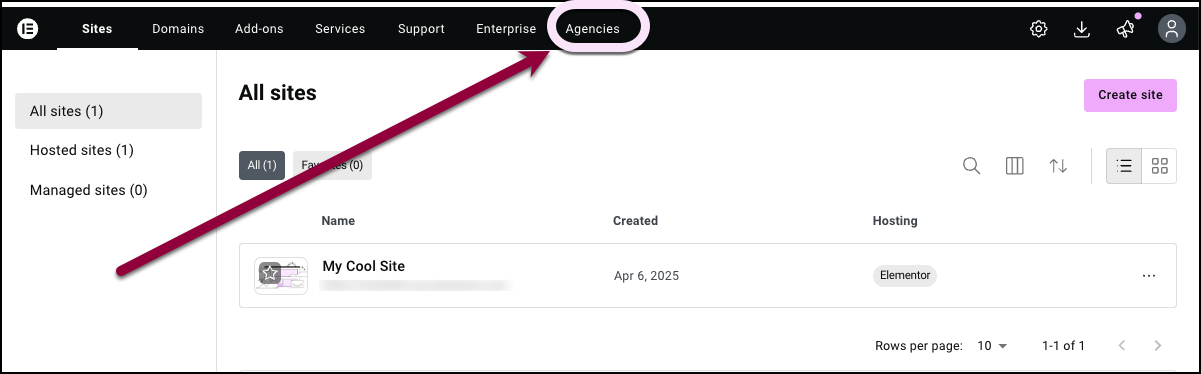
Your dashboard appears.
How do I check my current partnership status?
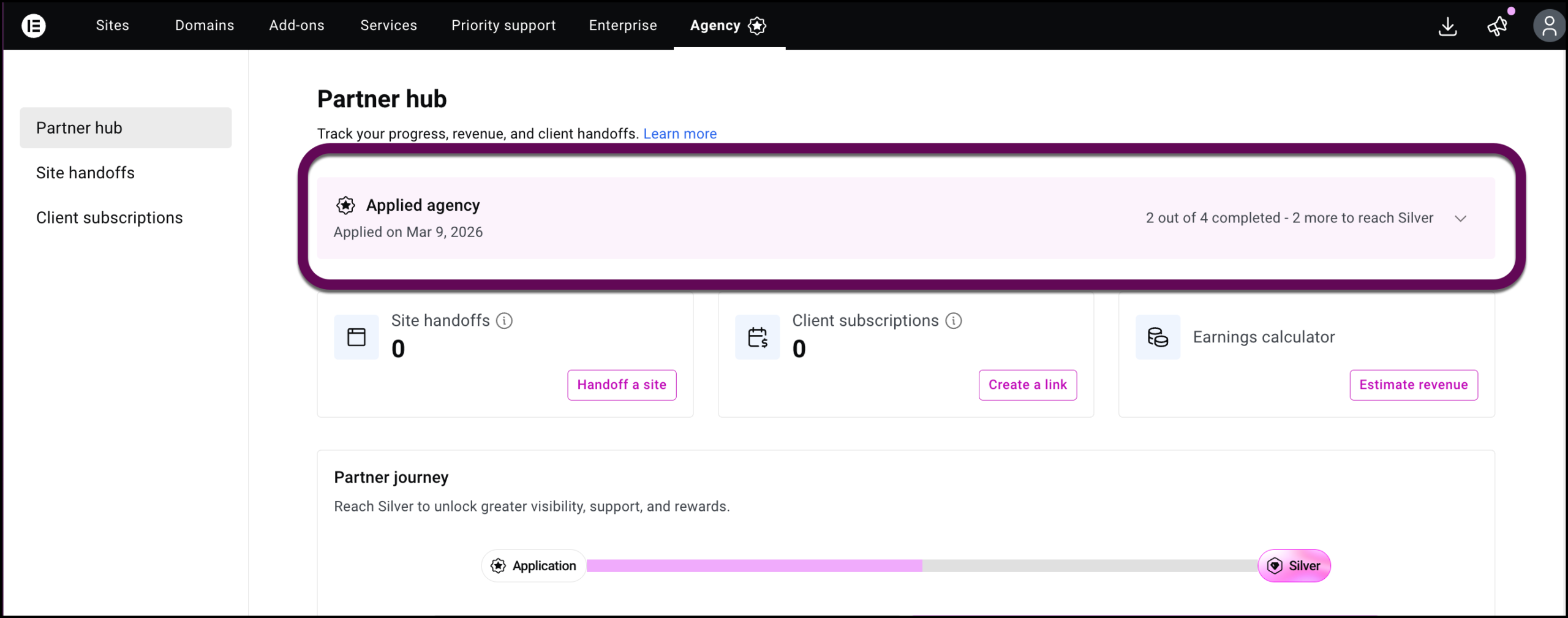
The top of the dashboard features you partner status:
- Partner Status: Displays your current tier (e.g. Silver) and how long you have held that status.
How do I tell what I need to upgrade my status?
To see the requirements to upgrade your status:
- Click the chevron in the status bar.
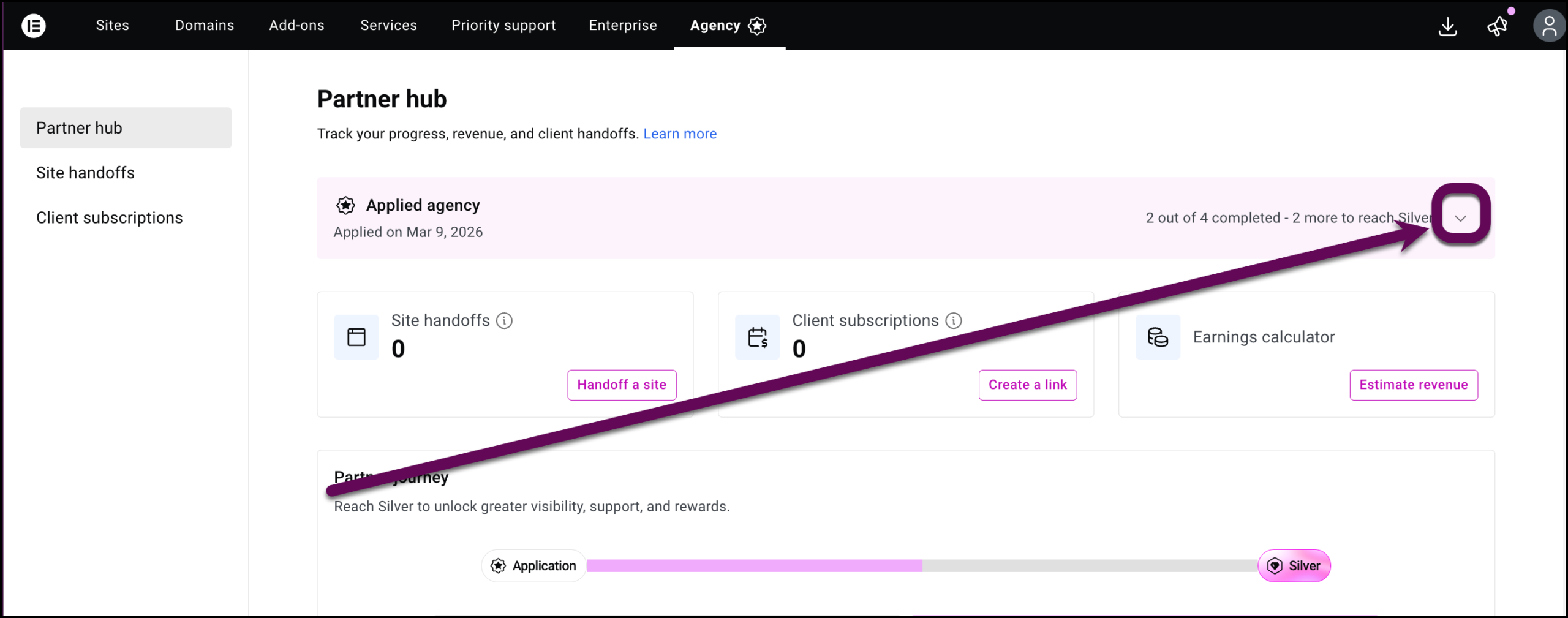
The requirements are displayed.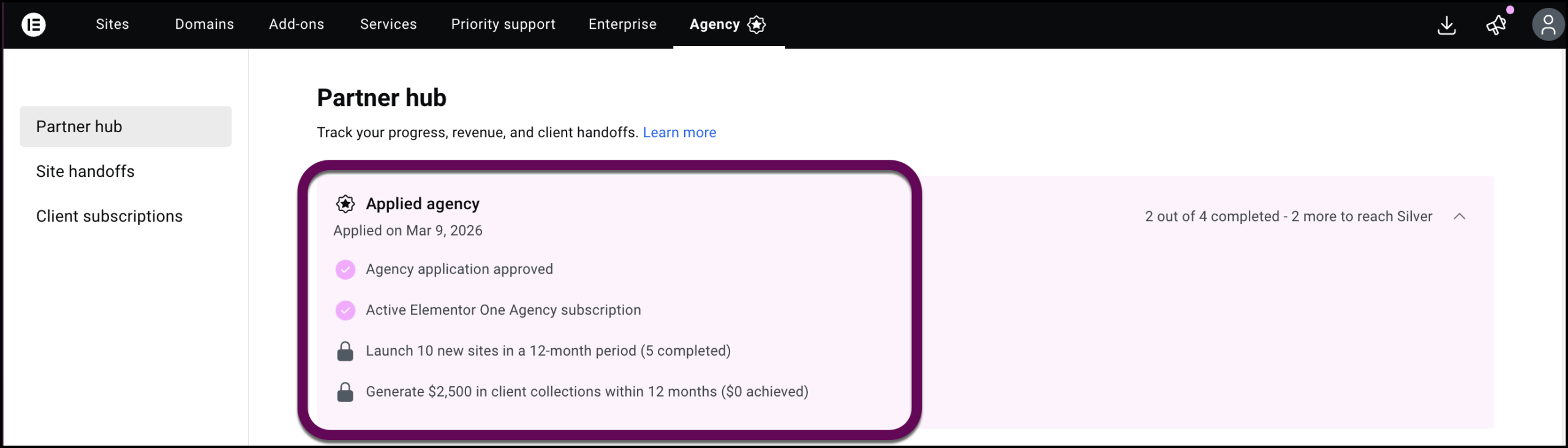
The cards
Three primary cards provide a status overview and shortcuts to common actions: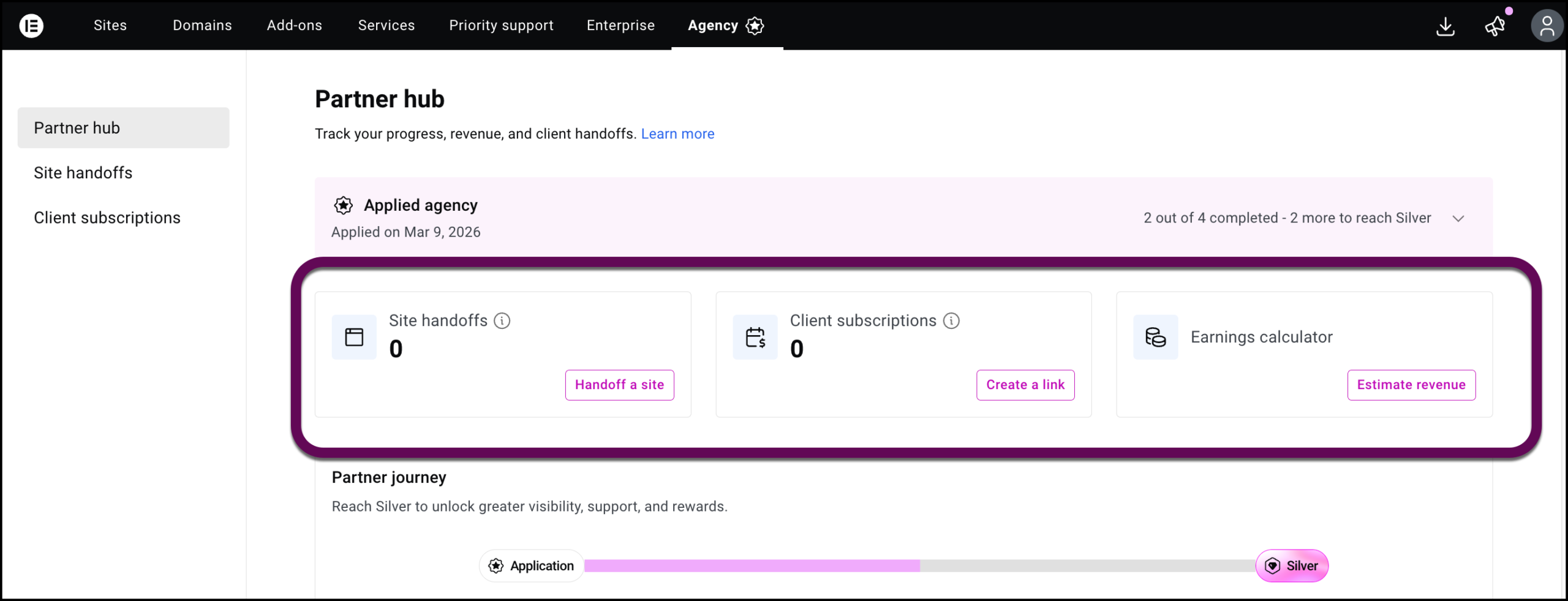
- Site handoffs: Shows the total number of sites you have successfully handed off to clients and contains a shortcut to create handoffs. For details about creating handoffs, see How does an Elementor Partner hand off a site to a client?
- Subscription Referrals: Monitors the number of new subscriptions generated through your unique referral links and contains a shortcut to create referral links. For details, see How do I refer clients in the Elementor Partner program?
- Earnings Calculator: Allows you to assess how much revenue you can generate using the Partner program.
How do I estimate how much revenue I can earn as a Partner?
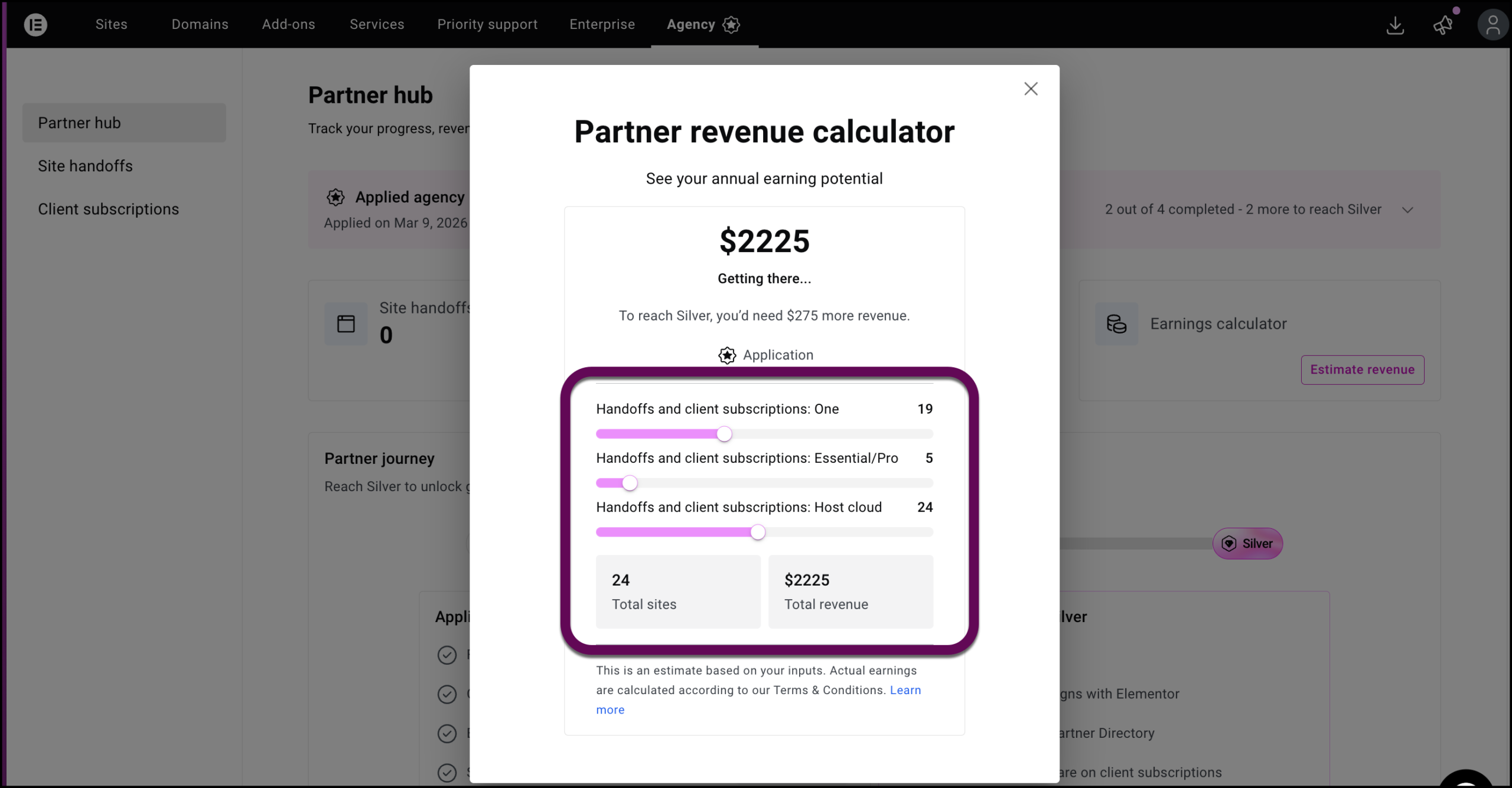
One benefit of becoming a Partner is generating recurring revenue, meaning revenue from client subscription renewals as well. You can estimate your potential earnings by opening the earnings calculator and using the sliders.
To estimate potential revenue:
- Click Estimate Revenue.
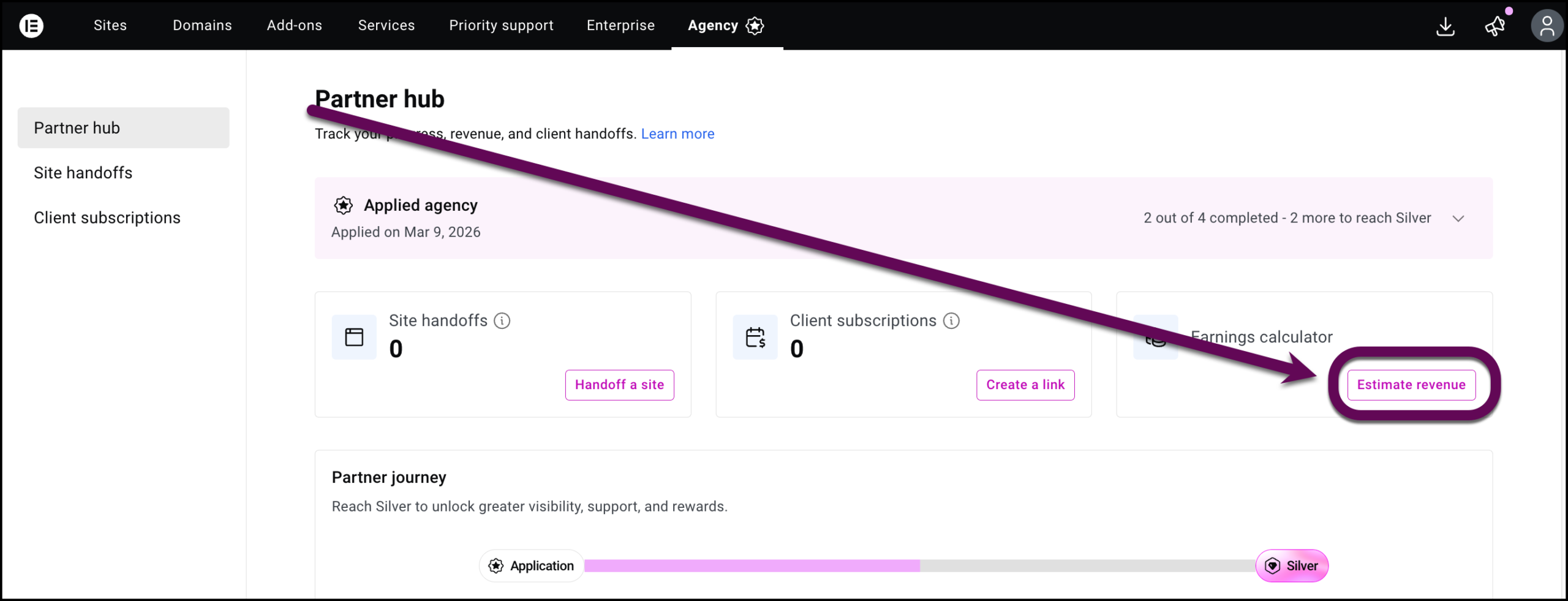
This opens the earnings calculator. - Adjust the sliders to estimate revenue based on different subscription types and number of handoffs and referrals.
The Partner journey tracker
The Partner journey tracker is a visual representation of how close you are to upgrading your status.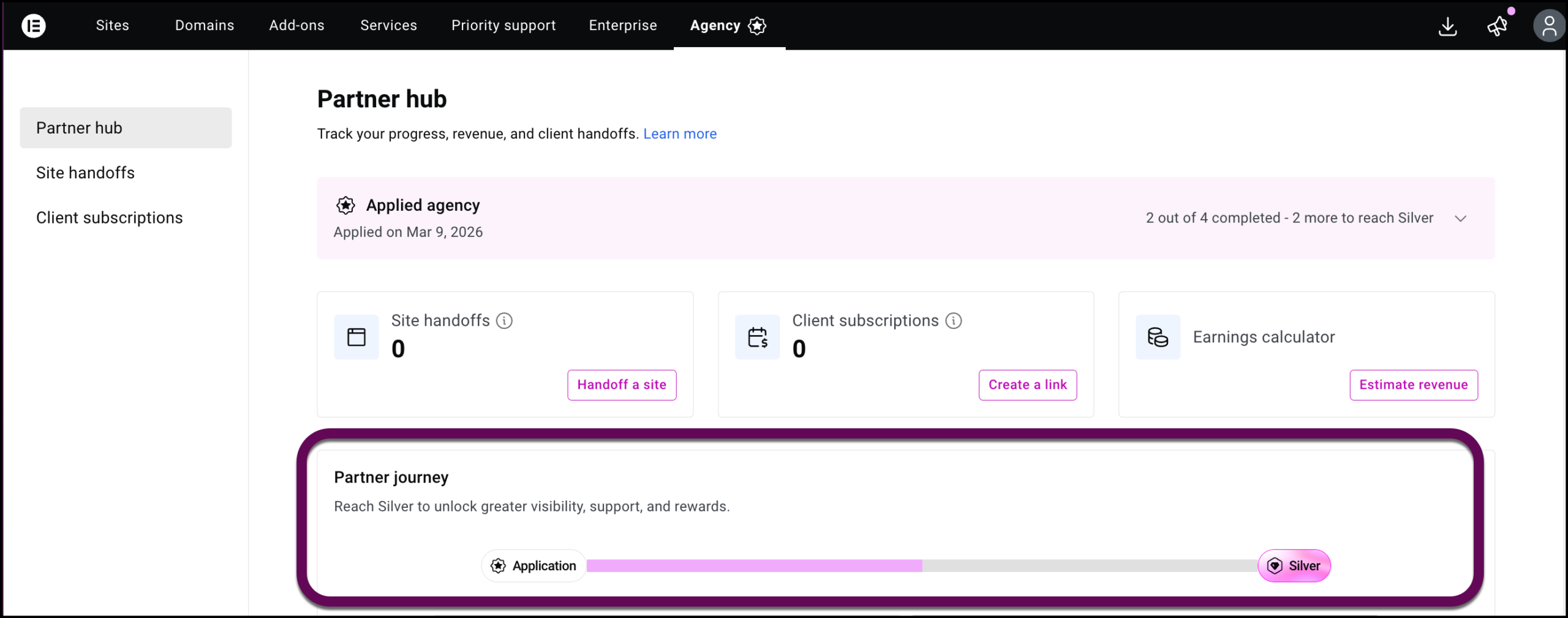
Site Handoffs
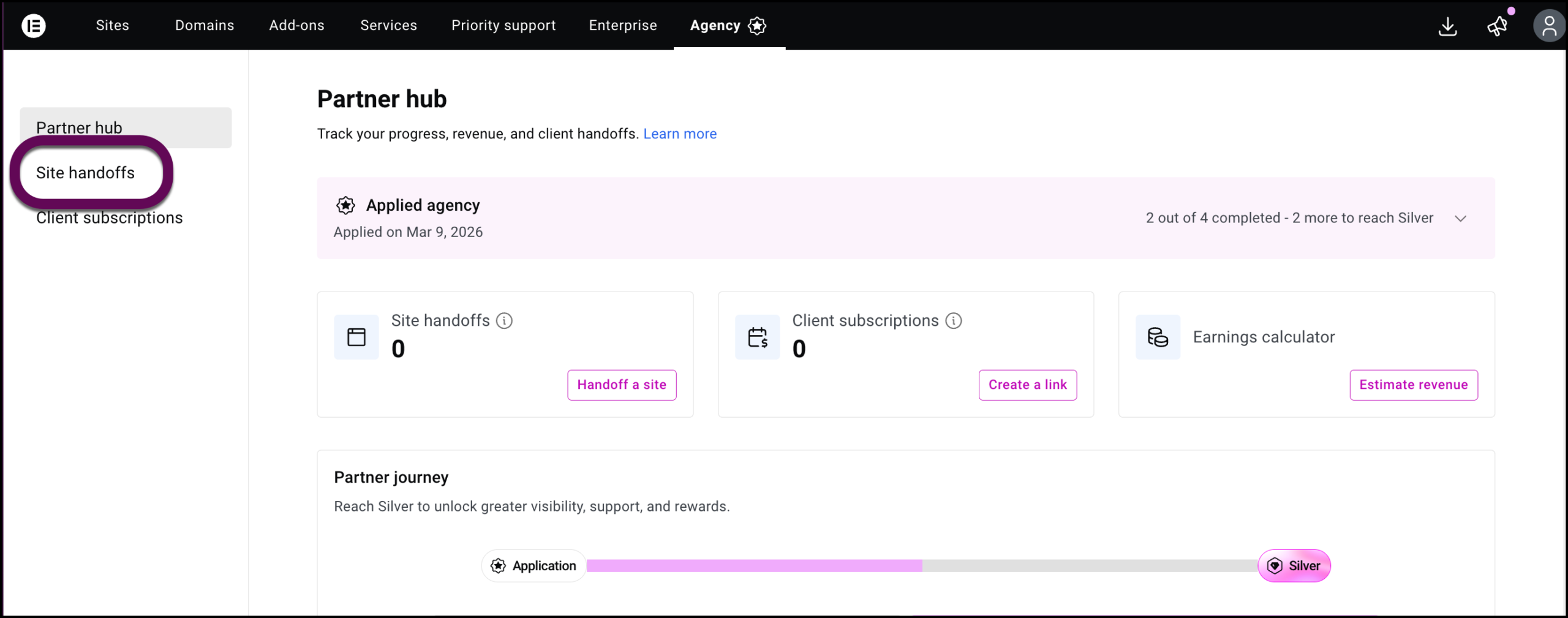
- Click Site handoffs to see a list of sites you’ve handed off to clients.
Client subscriptions
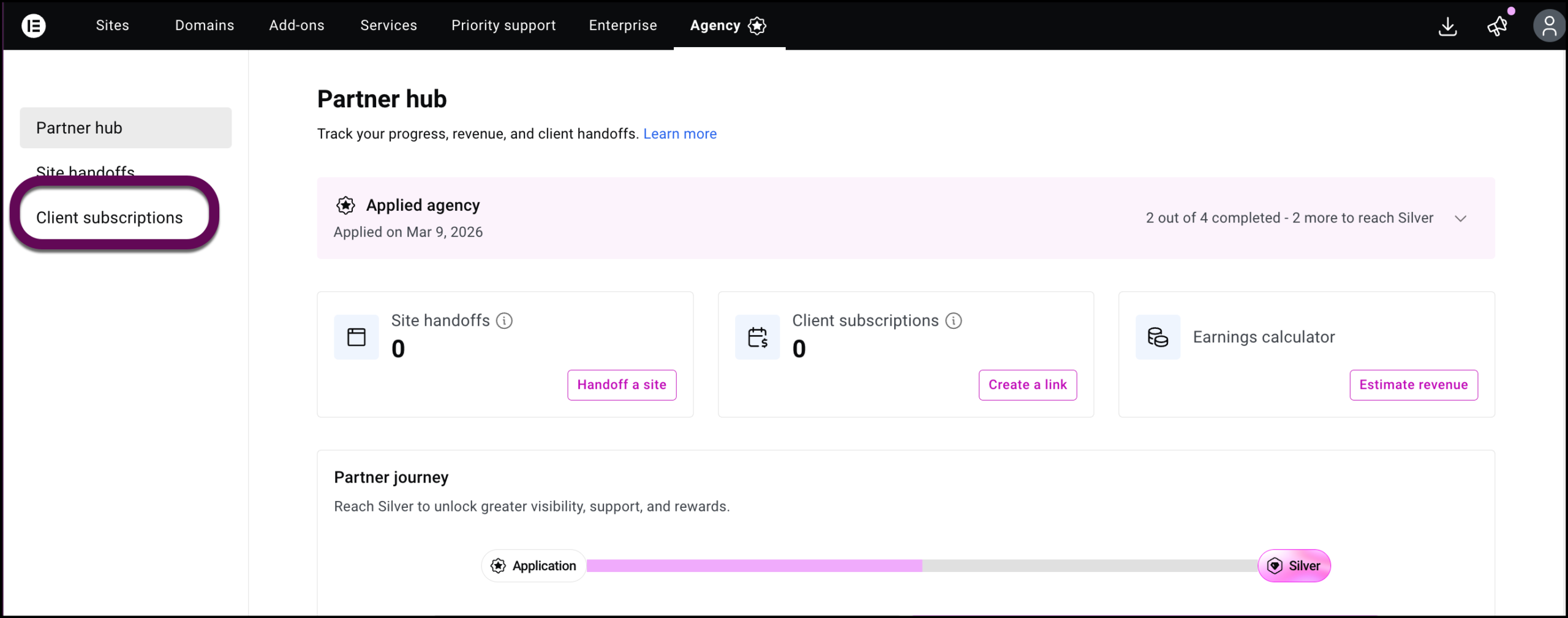
- Click Client subscriptions to see a list of referrals you have created.