Agentic AI for WordPress
Angie: AI built for WordPress sites
Generate full pages, custom WordPress assets and manage your entire site, all through the same chat interface. Describe it, and Angie executes it.
Baixe gratuitamente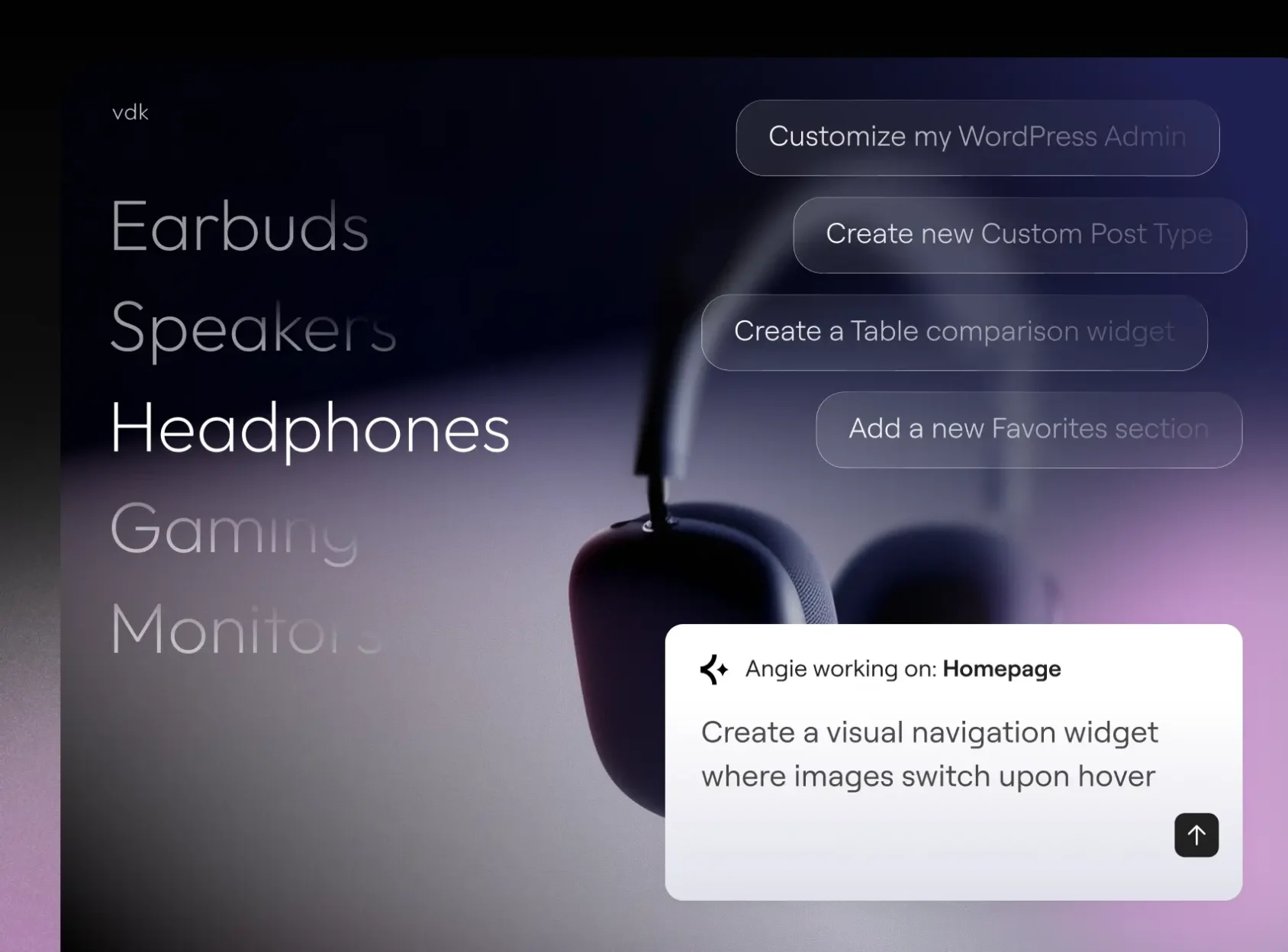
Build with Angie Code
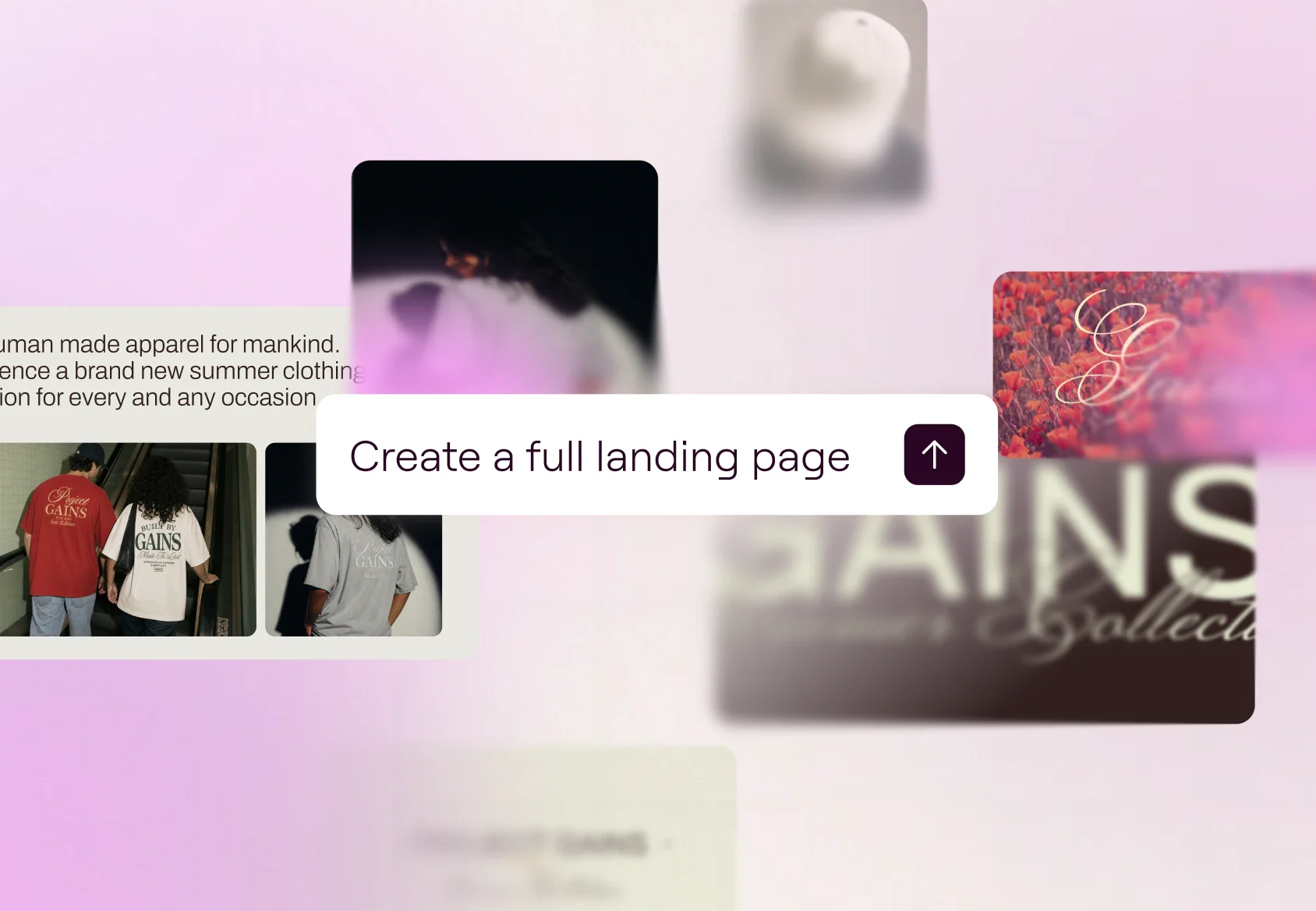
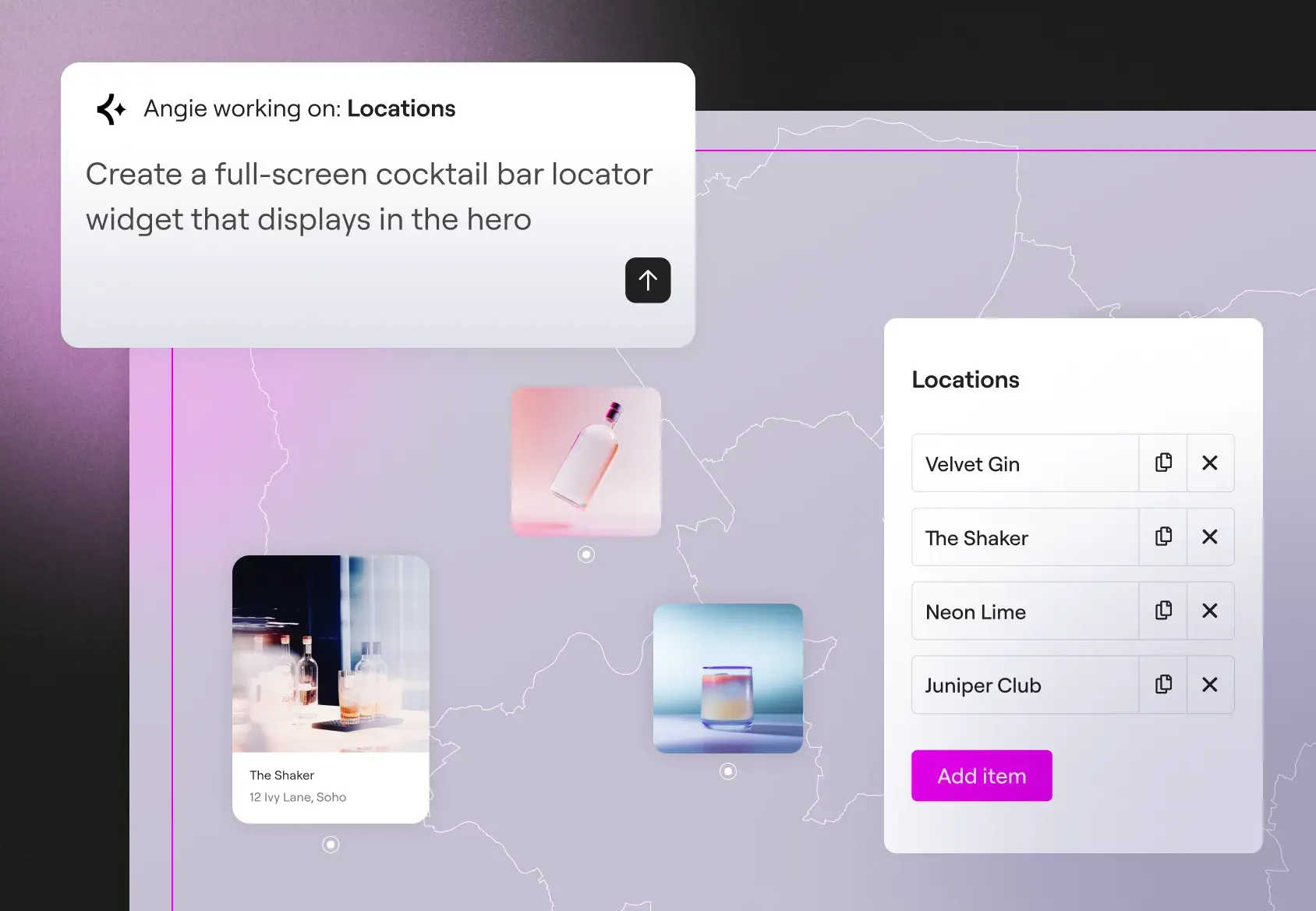
Create production-ready Elementor pages and widgets, WordPress snippets, visual apps, and custom post types.
Manage with Super Admin Mode
Run bulk operations, debug errors, and fix SEO gaps across your site, through chat. Angie reads your real data, and confirms a plan before taking any action.
Built for your site context
Angie inherits your installed plugins, theme settings, and content structure automatically. No context-setting, no setup required.
Your AI-powered expert WordPress developer
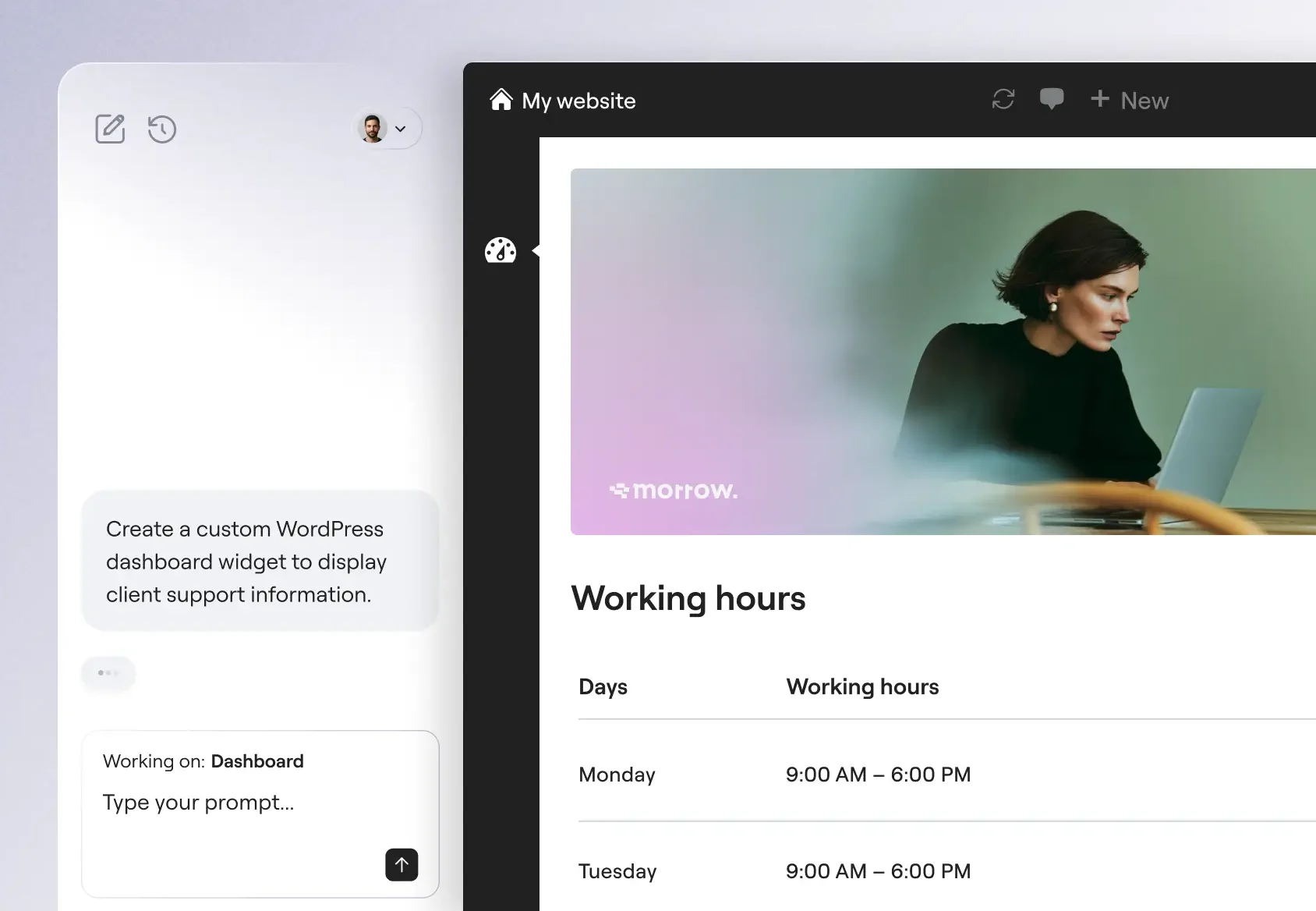
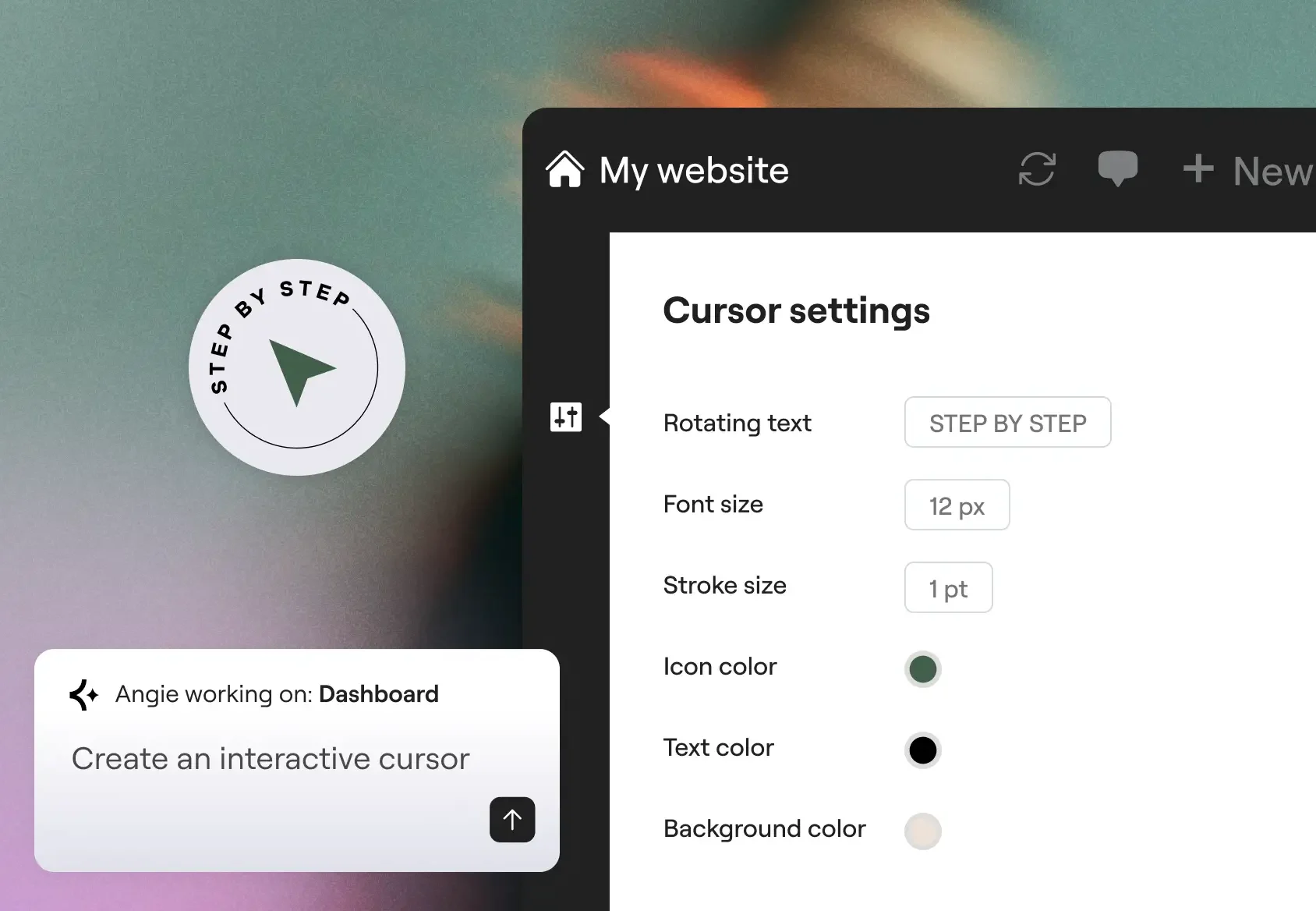
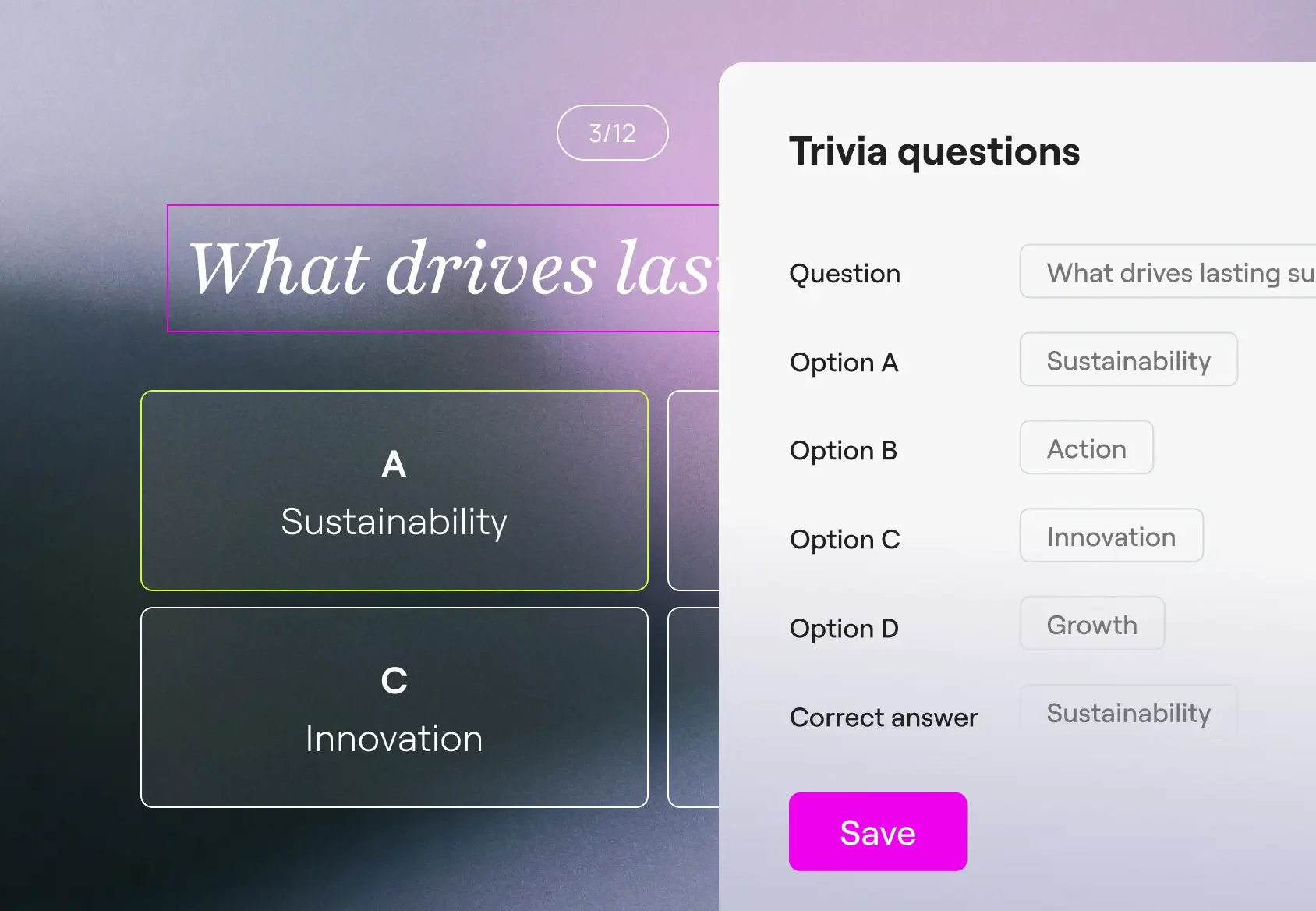
From custom widgets to visual WordPress apps, Angie Code delivers specialized categories of production-ready assets that integrate with your WordPress environment.
Built for confidence and scale
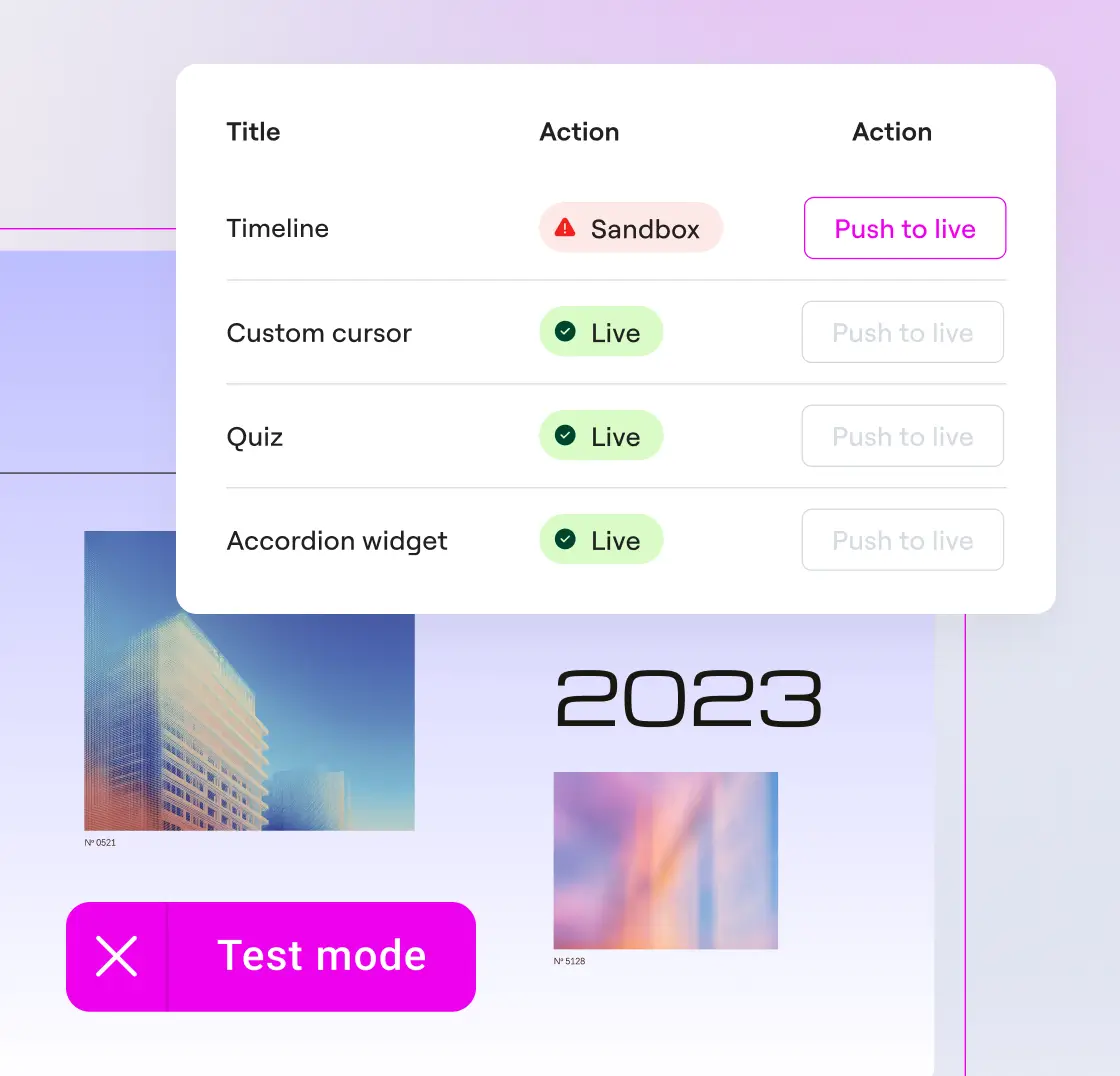
Build with a safety net
Preview widgets and snippets and iterate as many times as you need. Angie Code operates in a test environment, in complete isolation from your live site.
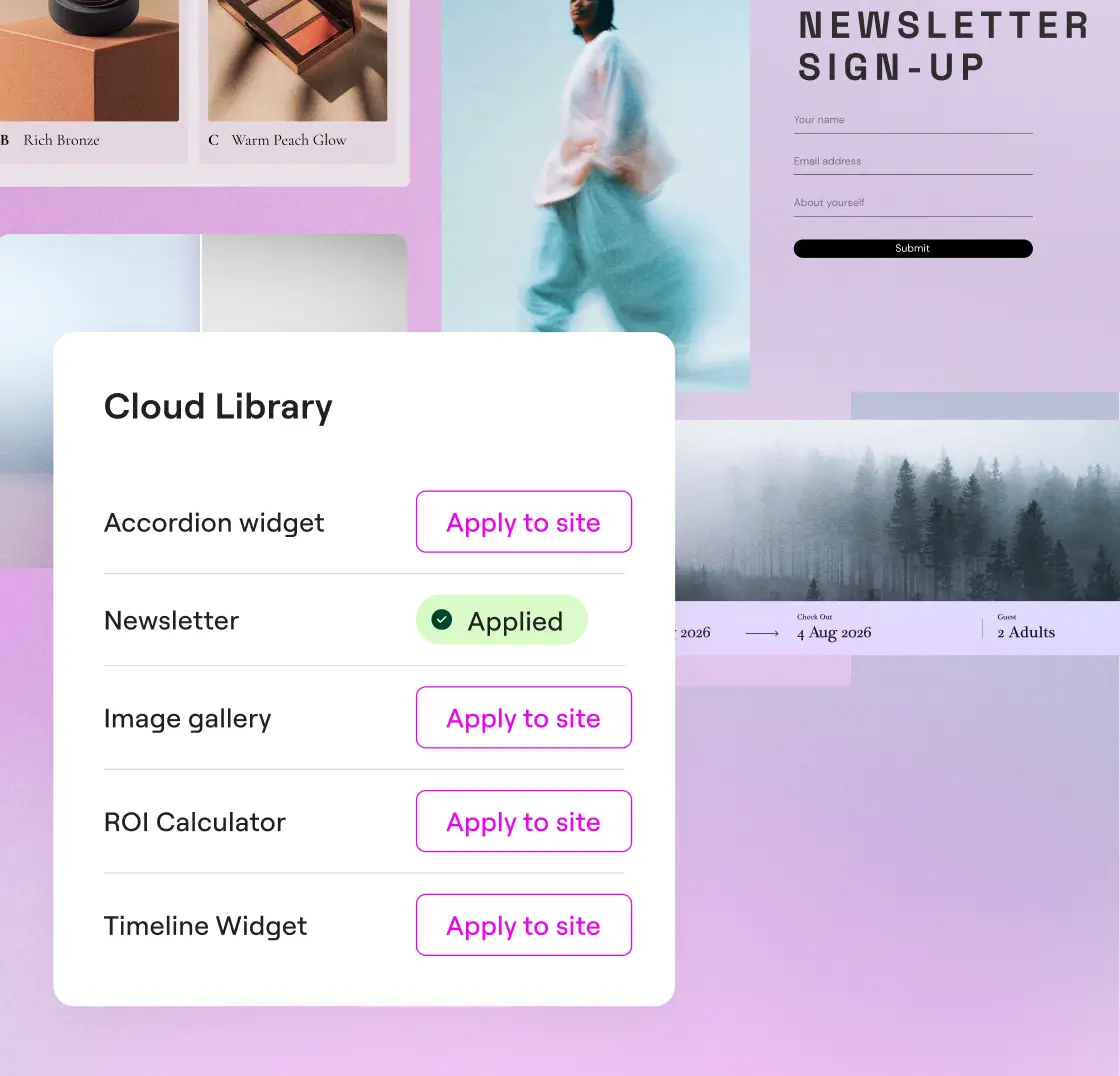
Reuse your creations across sites
Save your creations to the Cloud Library and reuse them across multiple WordPress sites, no rebuilding required.
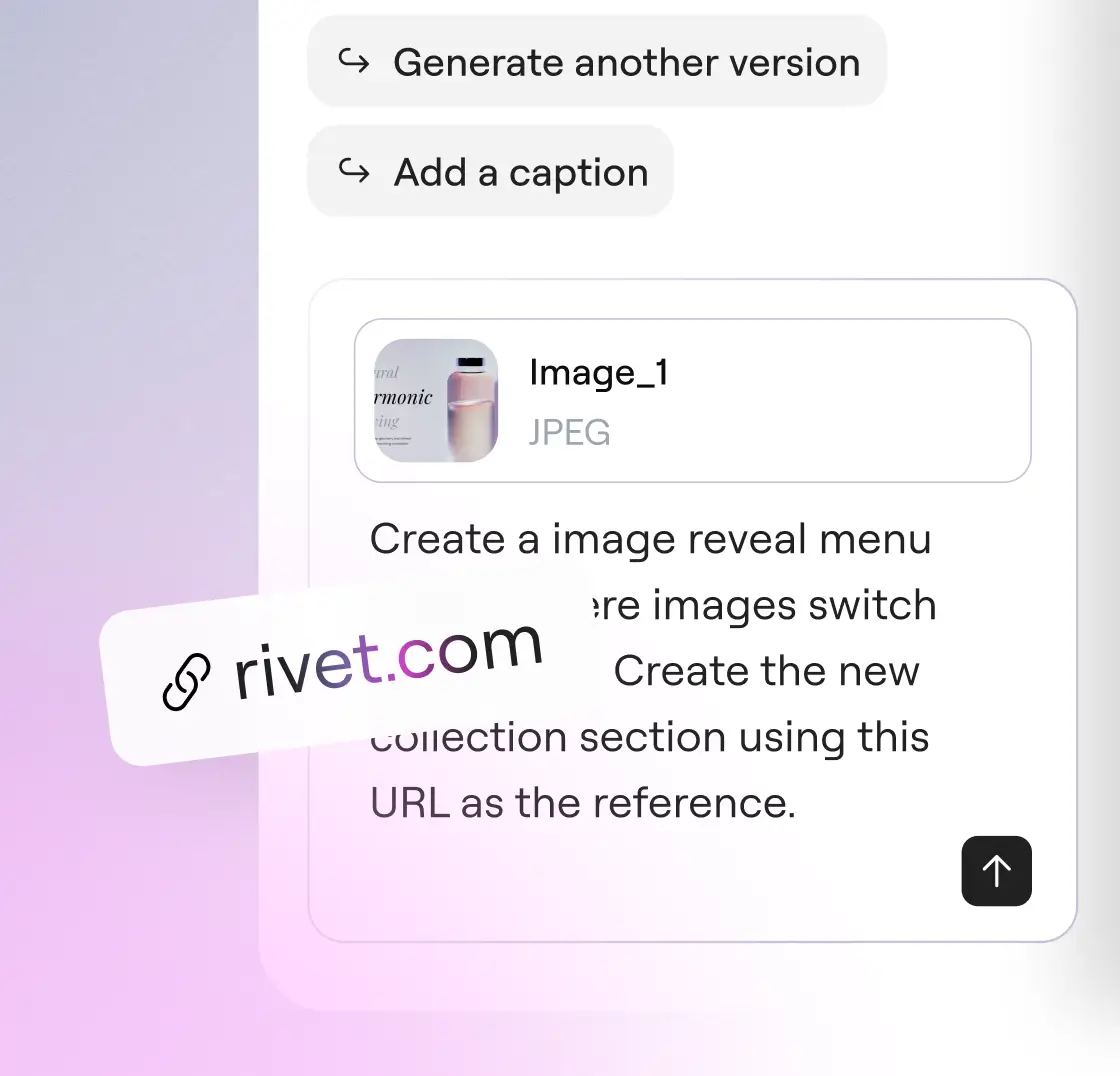
Talk to Angie your way
Describe what you need in words, upload a screenshot, or paste a URL as reference. All three input types work together or independently.
Confiado por agências e criadores de sites
Angie Super Admin Mode - take full control of your WordPress stack
Bulk operations, error debugging, and site-wide SEO fixes, all through conversation. Angie reads your actual data before acting and confirms every plan with you before anything runs.
* Angie can make mistakes, verify results
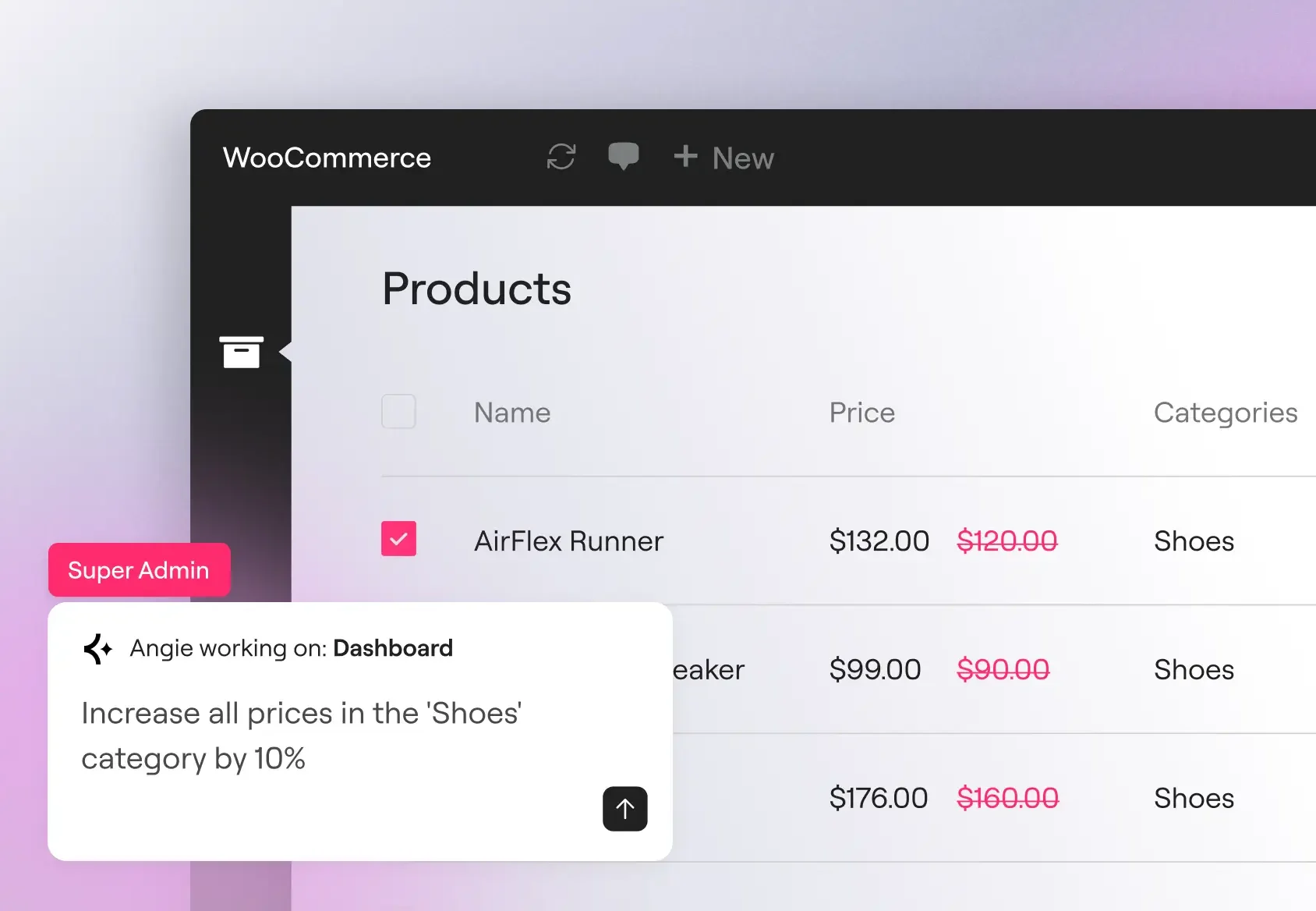
Bulk operations at scale
Update product prices, user roles, and custom metadata across hundreds of records in a single prompt. Angie reads your actual data model before executing, so operations work against your real post types, registered fields, and active plugins.
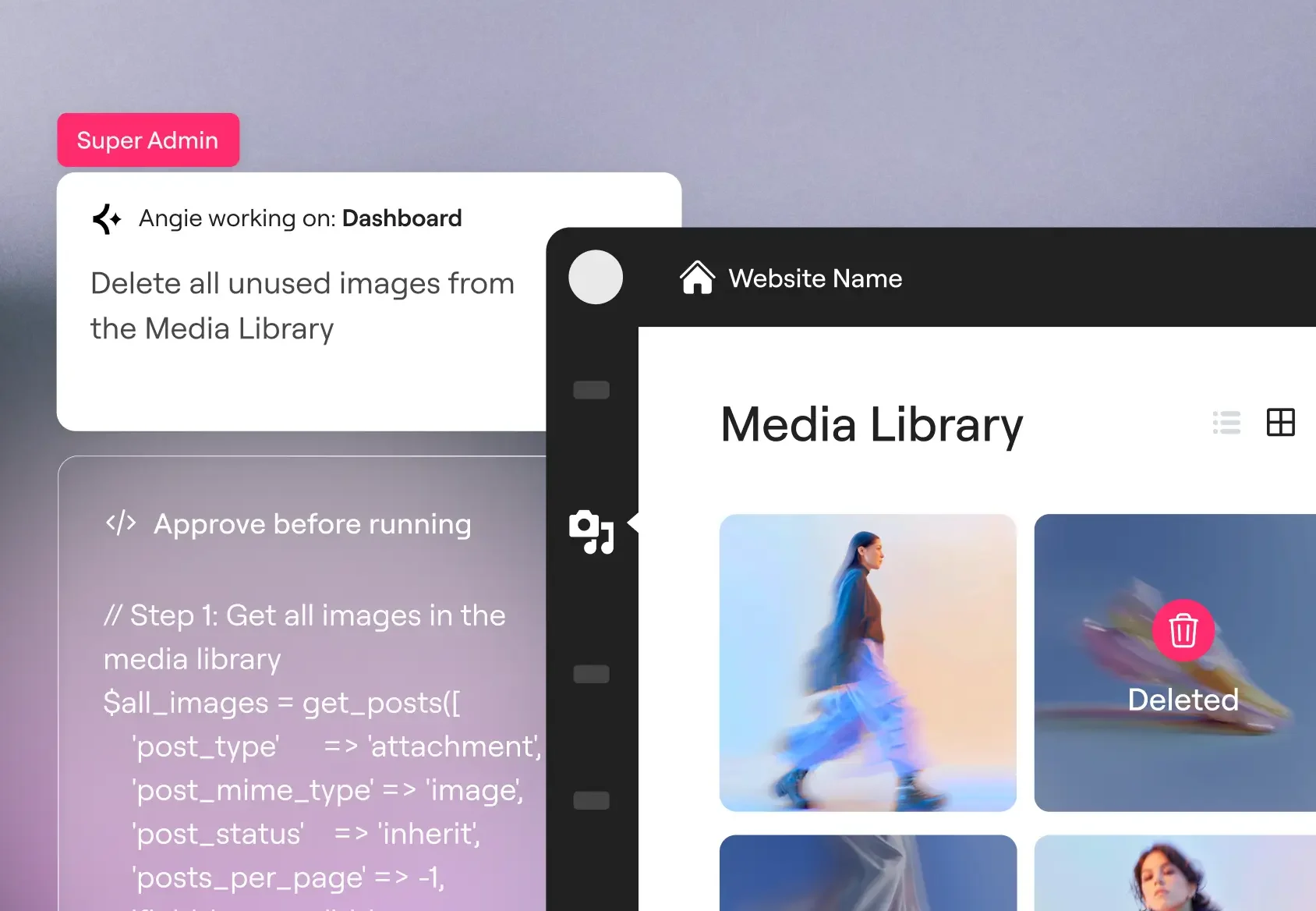
Debug errors
Trace SMTP failures, PHP conflicts, and API connectivity issues directly in the Angie chat. Angie reads your debug log, identifies recurring patterns, and can deactivate conflicting plugins or modify the relevant hook to resolve the issue.
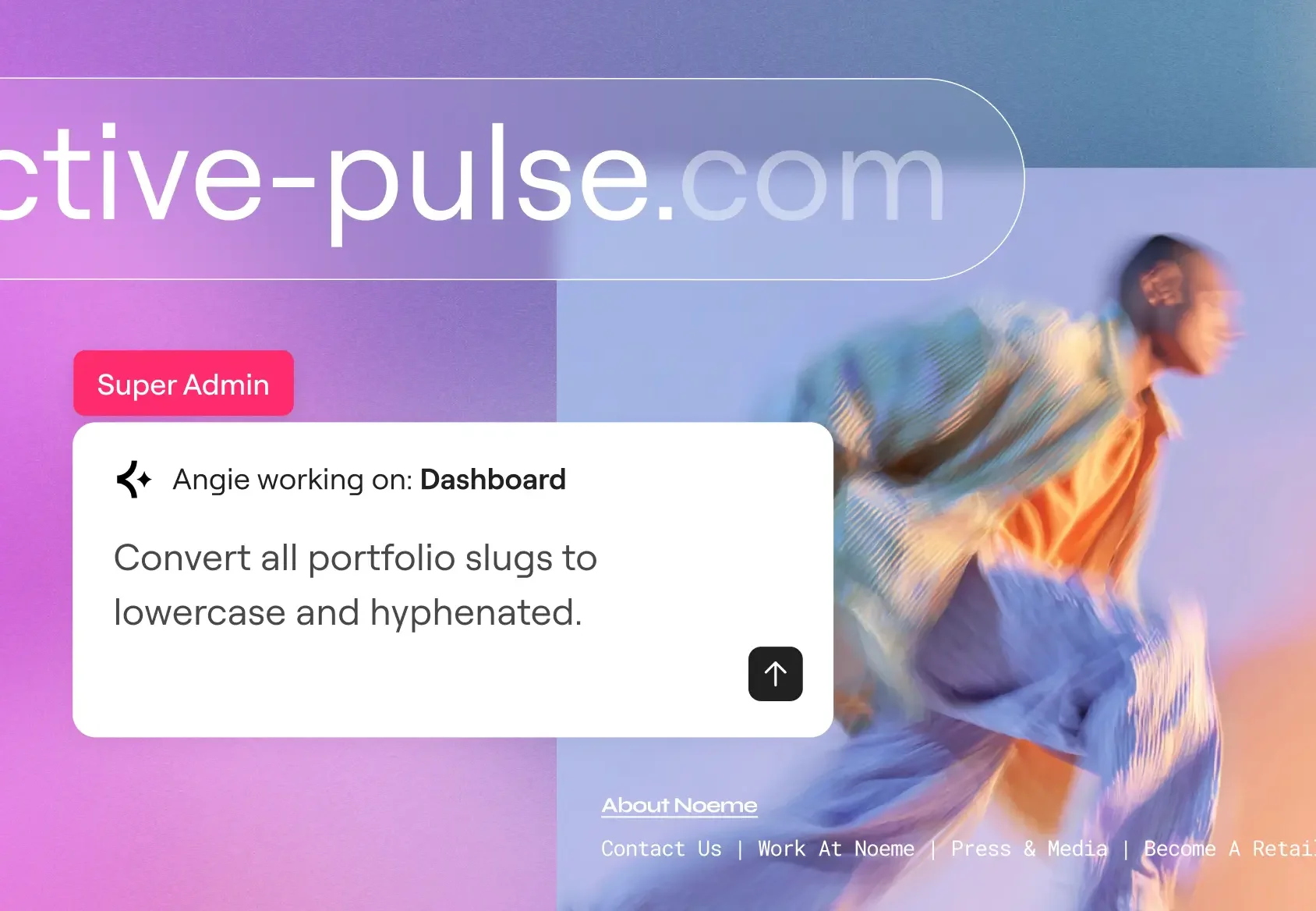
SEO and maintenance at scale
Populate missing meta descriptions, create redirect rules after a category restructure, and standardize URL slugs site-wide in a single session. Cleanup that scales with your catalogue, not your headcount.
Comece em poucos minutos
Baixe gratuitamente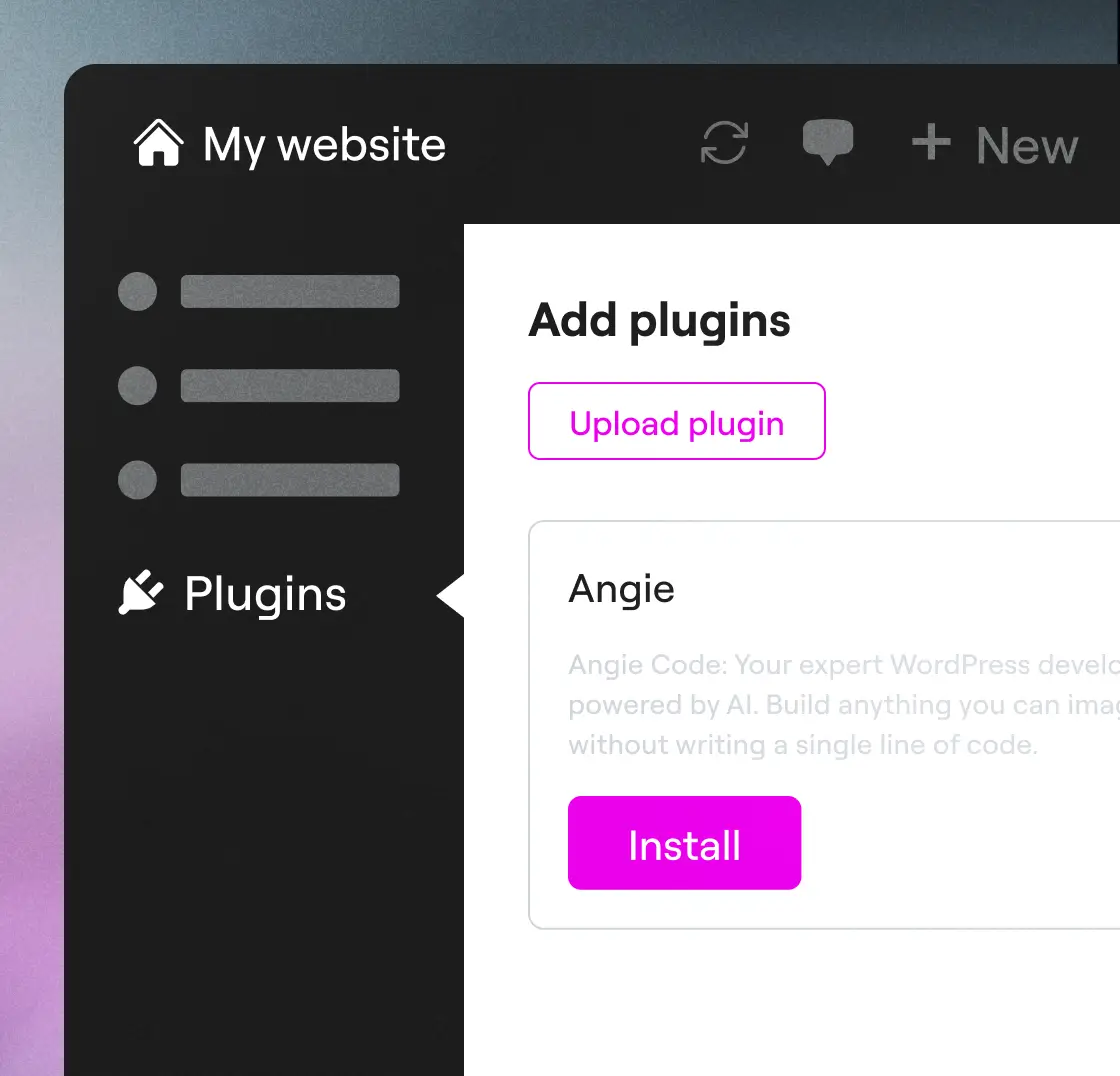
Passo 1
Baixar Angie
Instale o Angie através do seu painel do WordPress: vá para Plugins → Adicionar novo → procure por “Angie”, clique em Instalar e, em seguida, em Ativar para conectar ao seu site.
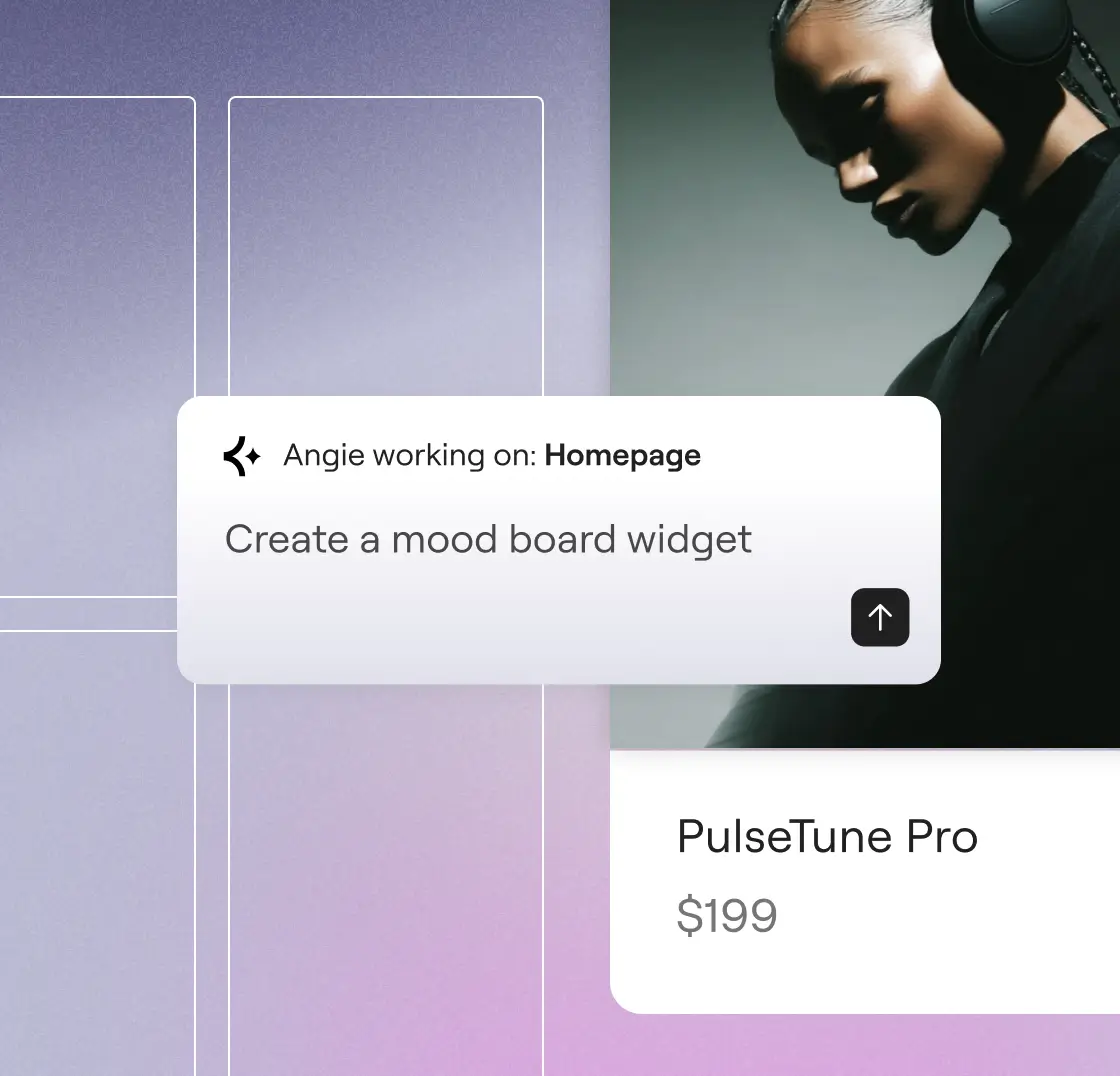
Passo 2
Prompt e pronto
Describe what you want to create. Angie understands your intent, and builds it for you in minutes.
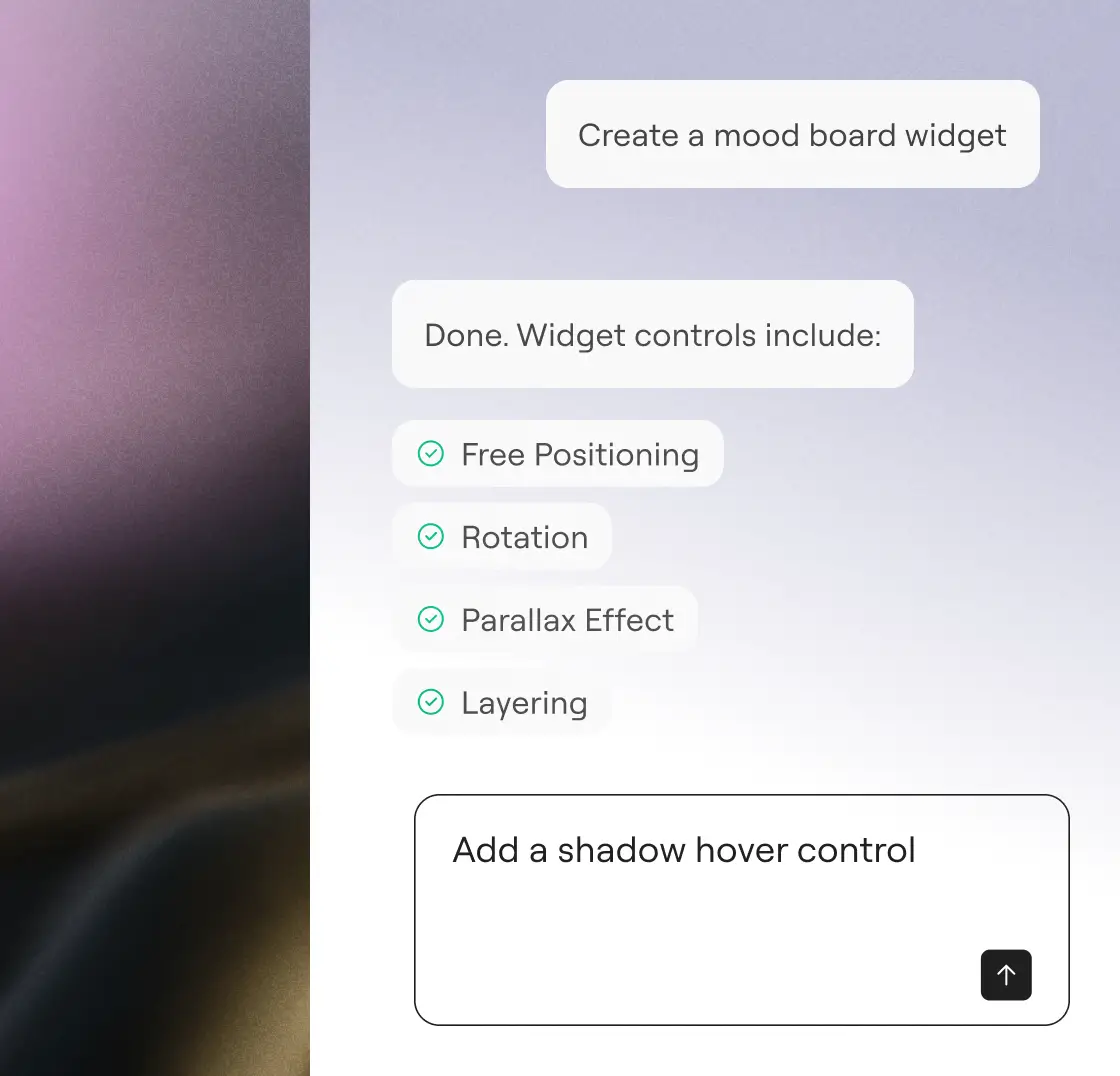
Passo 3
Revisar e aprovar
Revise o trabalho, otimize com instruções simples e aprove. Com a Angie, você está sempre no controle.
"I would have to pay someone like $20,000 to design and engineer this... But it did it first time. I was blown away."
Imran Siddiq Web SquadronStart your free trial
Describe what you want. Angie writes the code, applies it, and manages your site, without leaving WordPress.
Mais maneiras de crescer com IA
Saiba como o Protocolo de Contexto Modelo permite que a Angie atue com contexto, impulsionando integrações, fluxos de trabalho e recursos transformadores do WordPress.
Biblioteca de prompts de IA
Comece com prompts prontos para uso para fluxos de trabalho mais rápidos no WordPress e descubra o que você pode fazer com a Angie.
Saiba maisMCP explicado
Entenda o que é o Protocolo de Contexto de Modelo e como ele cria a base para IA inteligentes e nativas dentro do WordPress.
Saiba maisSites prontos para IA
Aprenda a preparar seu site para fluxos de trabalho IA com etapas práticas que permitem explorar todo o potencial do Angie.
Saiba mais