Agentic AI for WordPress
Angie: IA progettata per i siti WordPress
Generate full pages, custom WordPress assets and manage your entire site, all through the same chat interface. Describe it, and Angie executes it.
Scaricalo gratis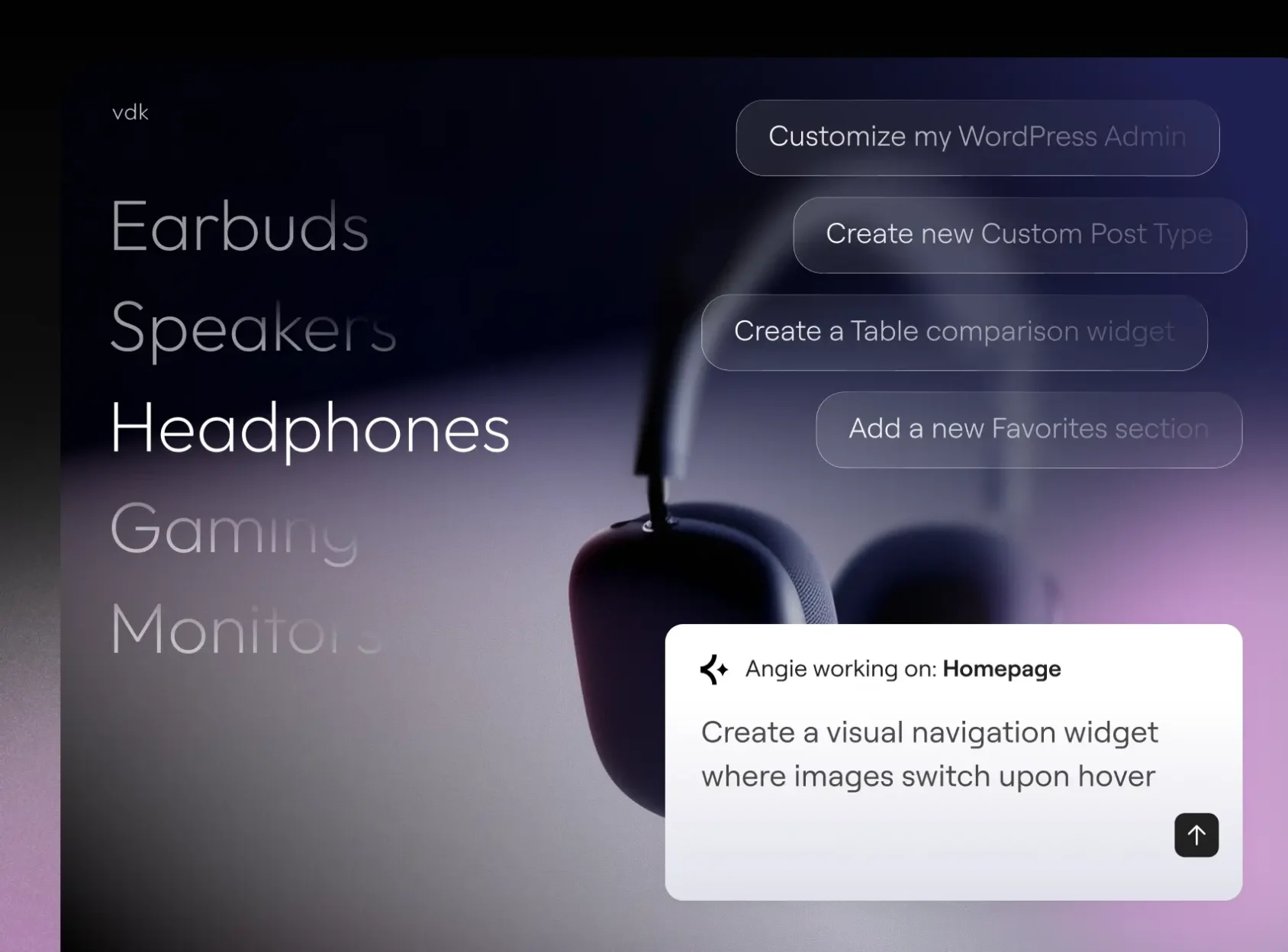
Crea con Angie Code
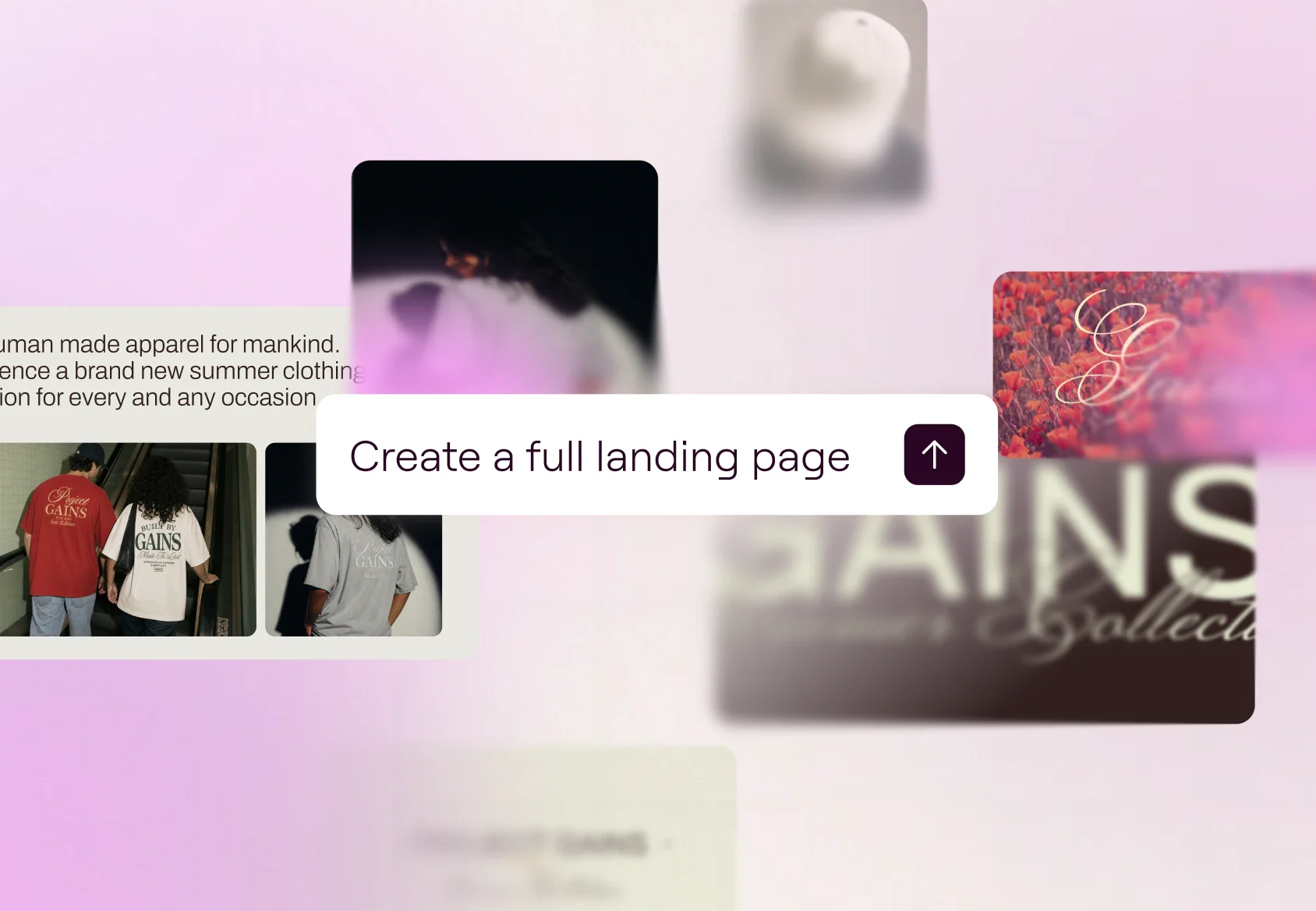
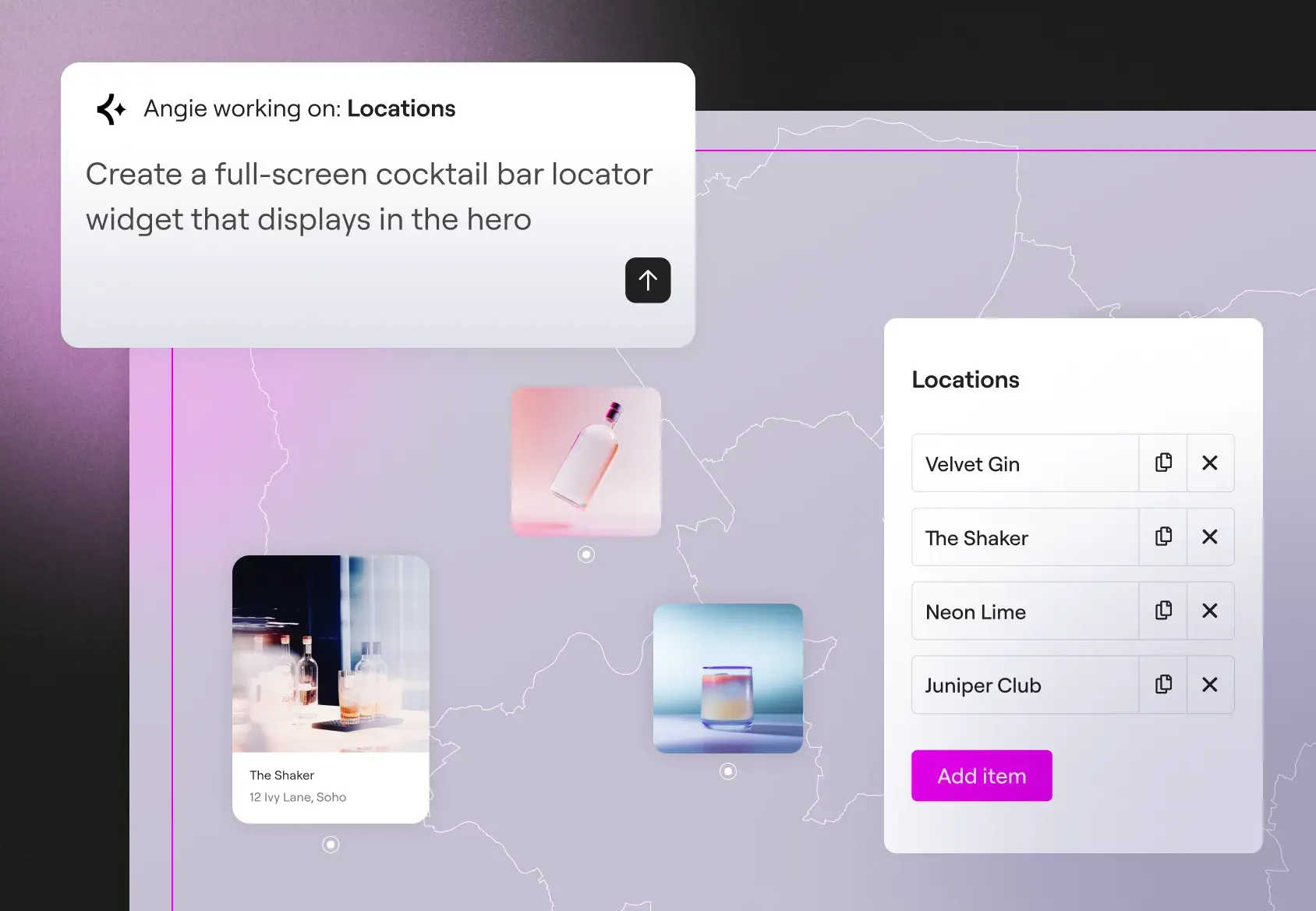
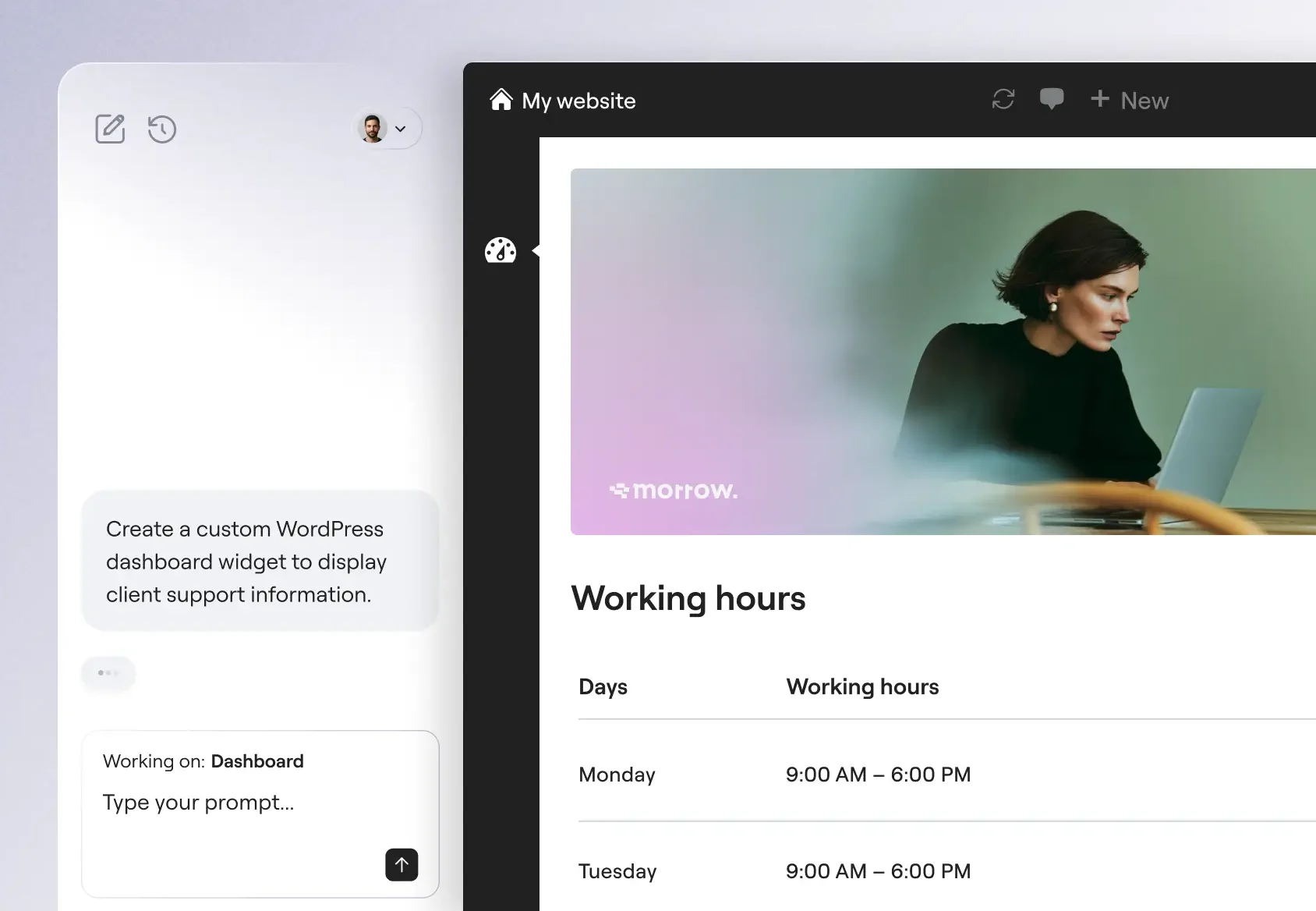
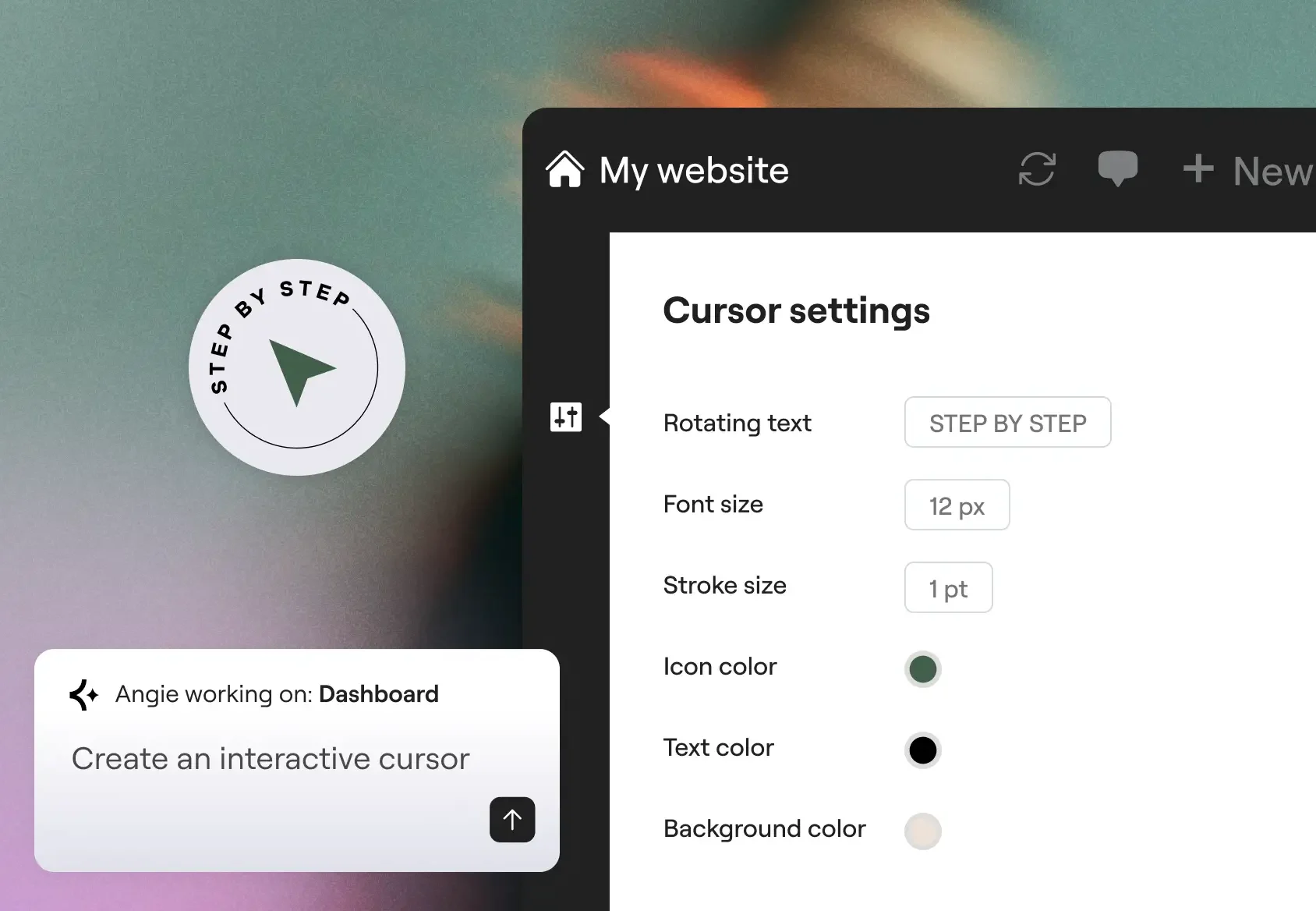
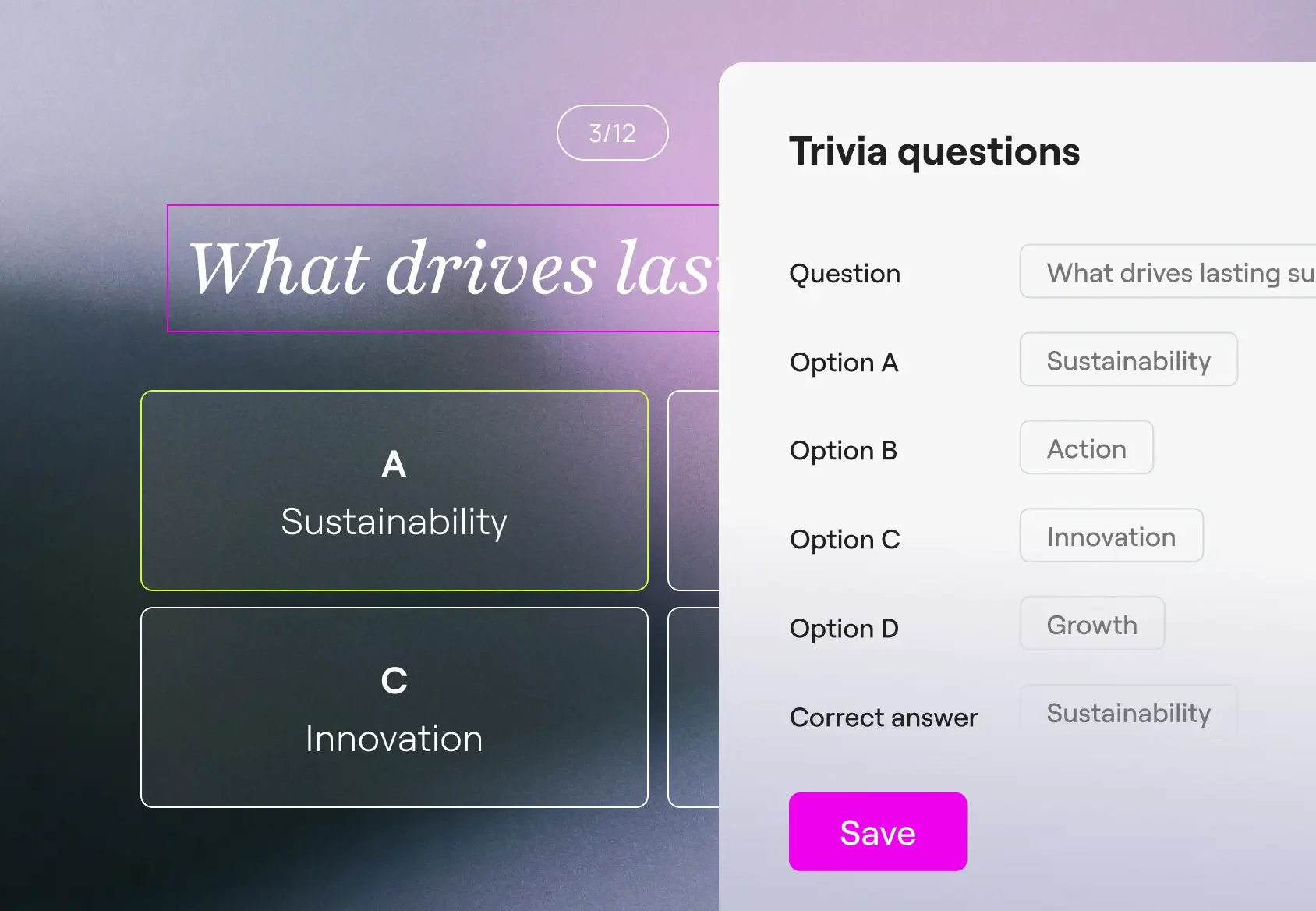
Create production-ready Elementor pages and widgets, WordPress snippets, visual apps, and custom post types.
Gestisci con la modalità Super Admin
Esegui operazioni in blocco, individua gli errori e risolvi le lacune SEO presenti sul tuo sito tramite chat. Angie analizza i tuoi dati reali e conferma un piano d'azione prima di procedere.
Realizzato per il contesto del tuo sito
Angie eredita automaticamente i plugin installati, le impostazioni del tema e la struttura dei contenuti. Non è necessaria alcuna configurazione né alcuna impostazione.
Il tuo sviluppatore WordPress esperto basato sull'intelligenza artificiale
Da widget personalizzati ad app WordPress visive, Angie Code offre categorie specializzate di risorse pronte per la produzione che si integrano con il tuo ambiente WordPress.
Progettato per garantire affidabilità e scalabilità
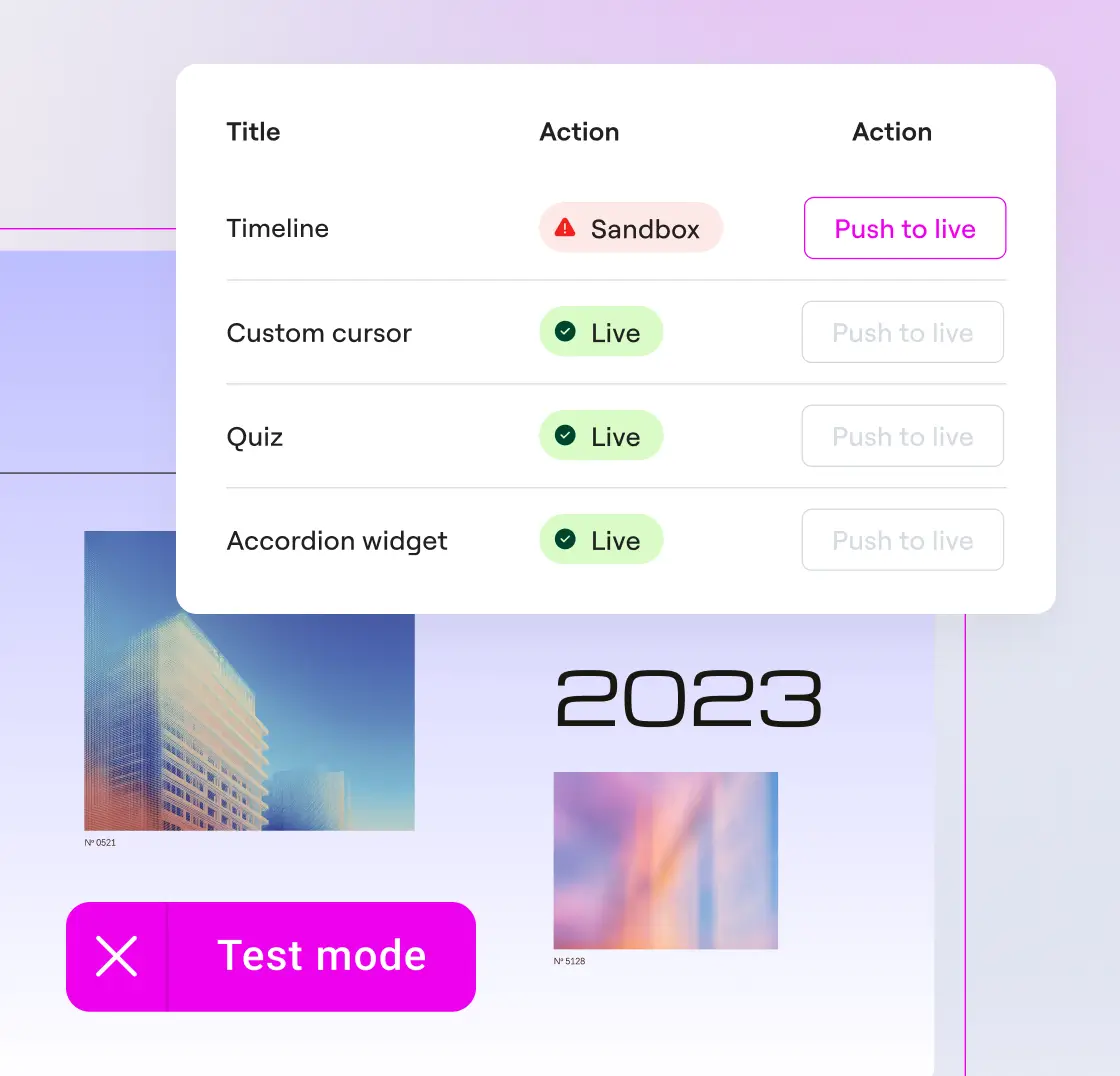
Costruisci con una rete di sicurezza
Visualizza in anteprima widget e snippet e ripeti l'operazione tutte le volte che vuoi. Angie Code opera in un ambiente di test, completamente isolato dal tuo sito live.
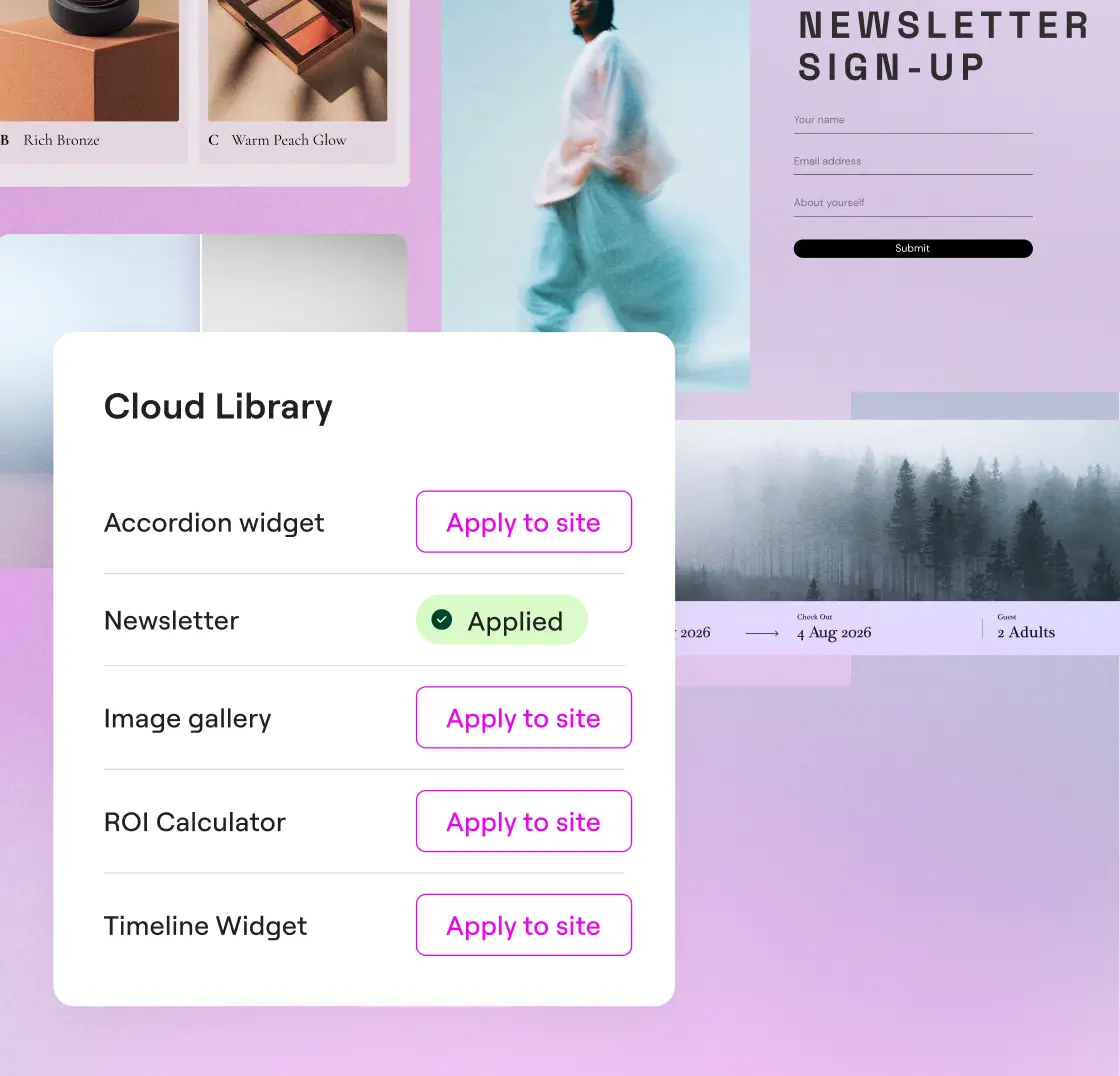
Riutilizza le tue creazioni su diversi siti
Salva le tue creazioni nella Libreria cloud e riutilizzale su più siti WordPress, senza bisogno di ricrearle.
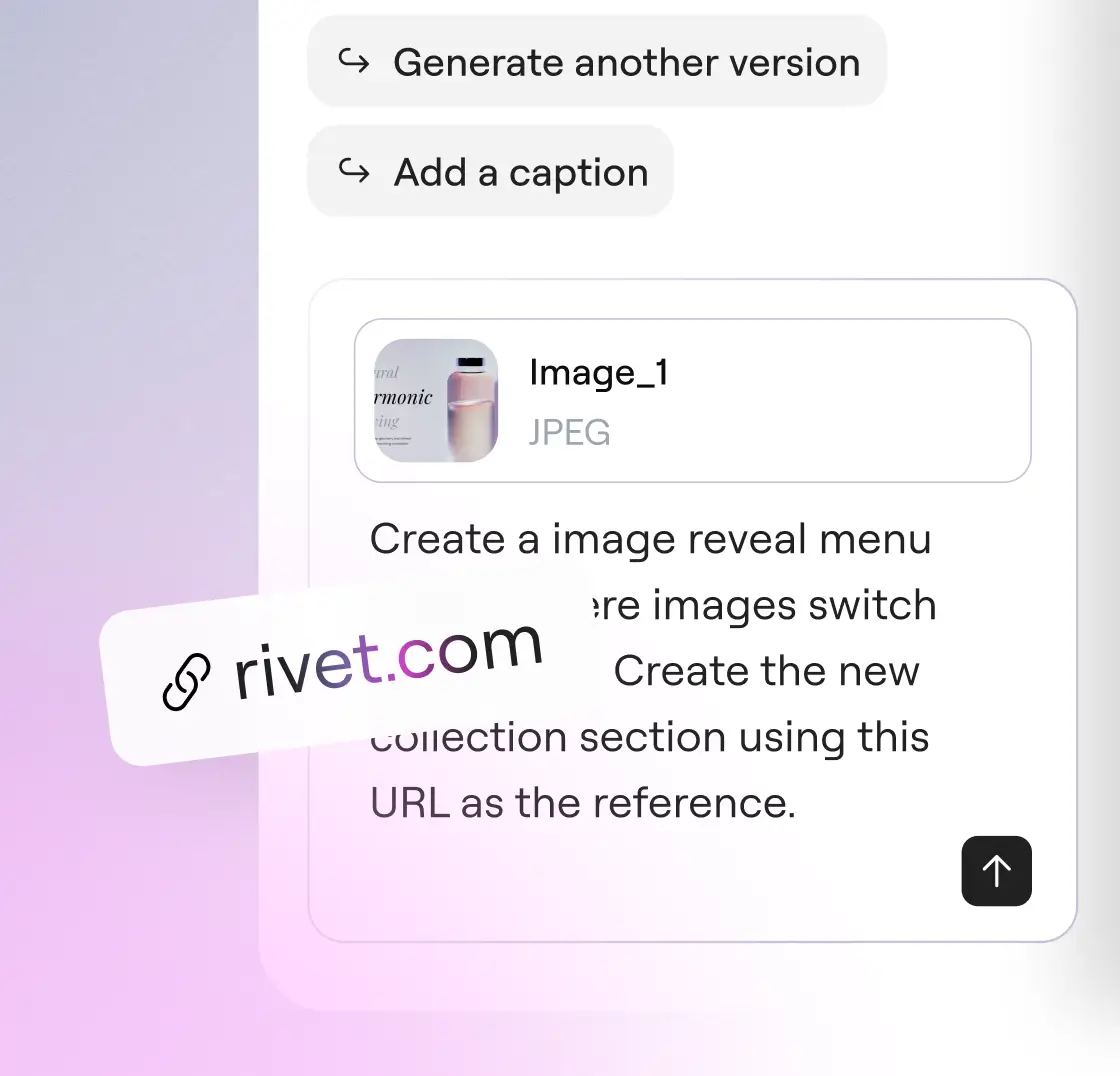
Parla con Angie come preferisci
Descrivi a parole ciò di cui hai bisogno, carica uno screenshot o incolla un URL come riferimento. Tutti e tre i tipi di input possono essere utilizzati insieme o separatamente.
Scelto da agenzie e freelancer
Modalità Super Admin di Angie: assumi il pieno controllo del tuo stack WordPress
Bulk operations, error debugging, and site-wide SEO fixes, all through conversation. Angie reads your actual data before acting and confirms every plan with you before anything runs.
* Angie can make mistakes, verify results
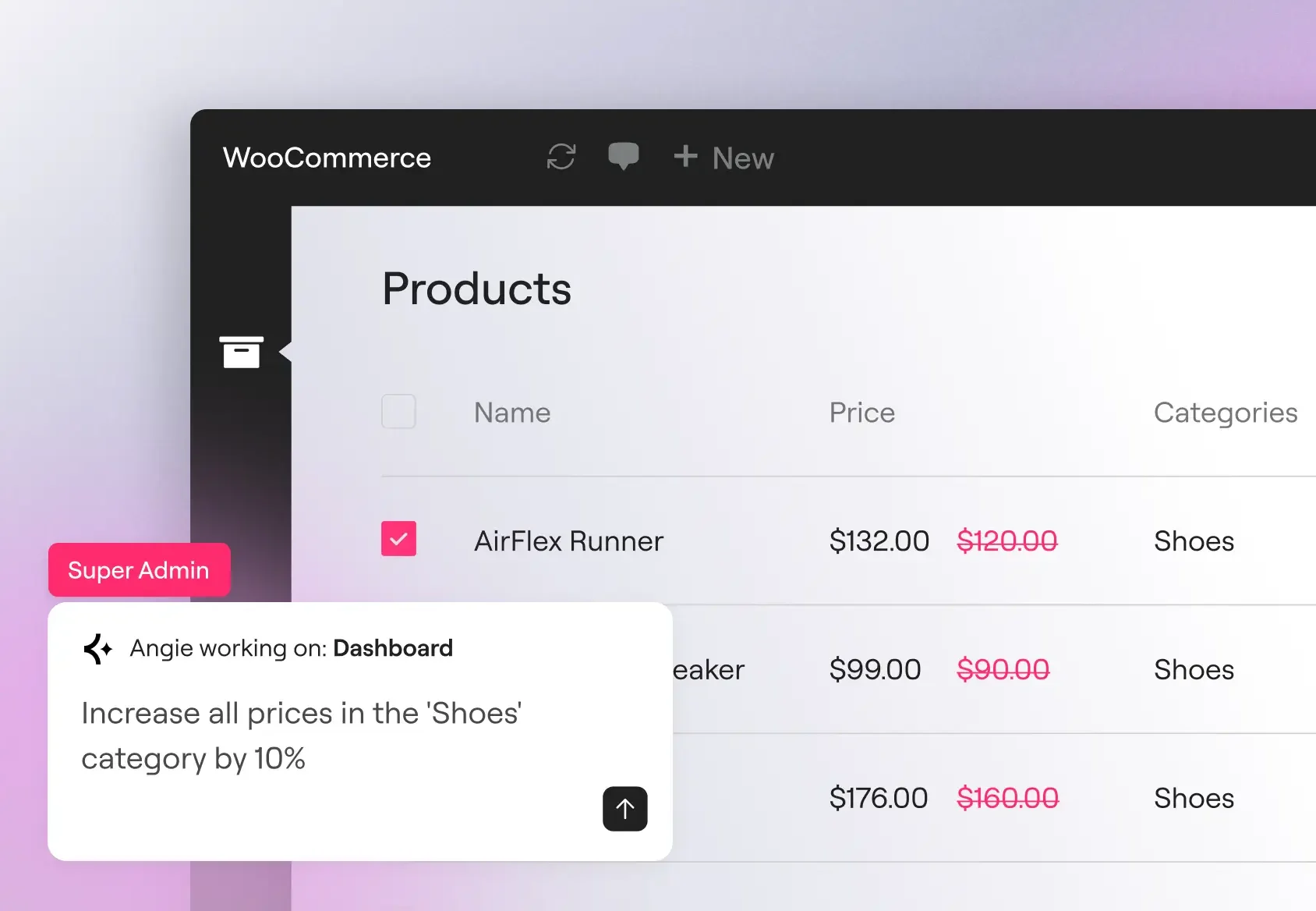
Operazioni in blocco su larga scala
Aggiorna i prezzi dei prodotti, i ruoli utente e i metadati personalizzati su centinaia di record con un unico comando. Angie analizza il tuo modello di dati effettivo prima di eseguire l'operazione, in modo che questa venga applicata ai tuoi tipi di post reali, ai campi registrati e ai plugin attivi.
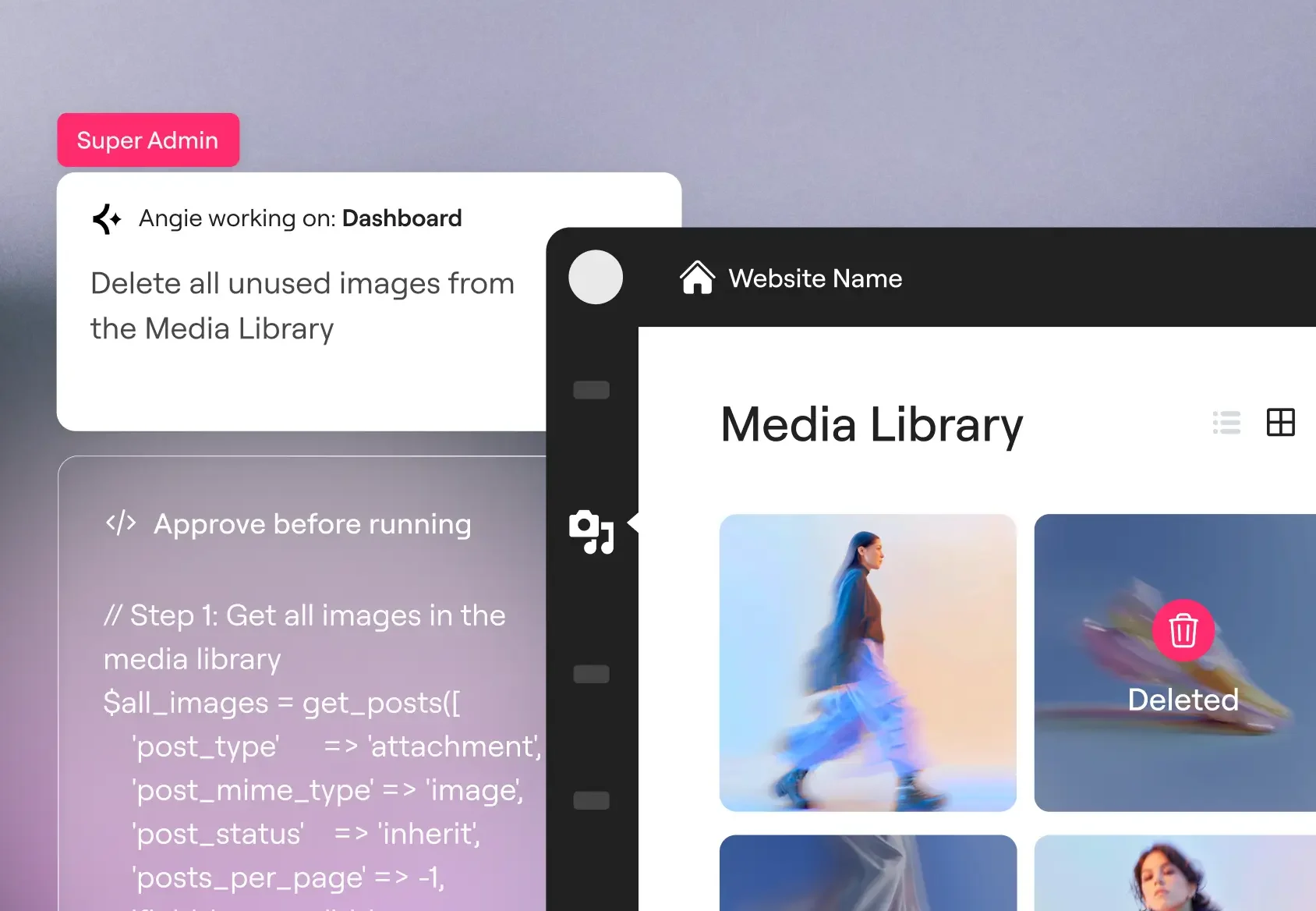
Errori di debug
Tieni traccia degli errori SMTP, dei conflitti PHP e dei problemi di connettività API direttamente nella chat di Angie. Angie analizza il tuo log di debug, individua gli schemi ricorrenti e può disattivare i plugin in conflitto o modificare l'hook pertinente per risolvere il problema.
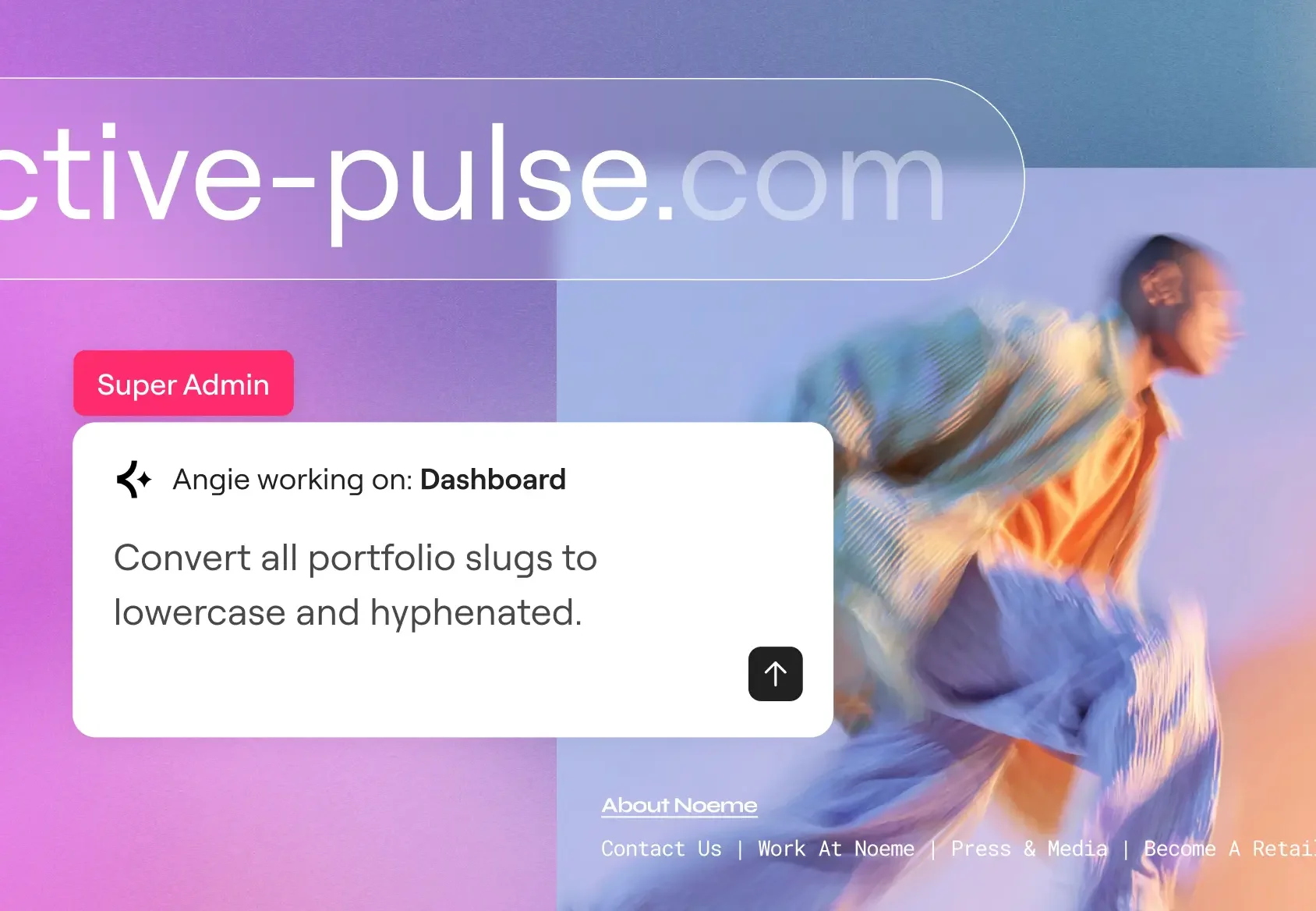
SEO e manutenzione su larga scala
Inserisci le meta descrizioni mancanti, crea regole di reindirizzamento dopo una riorganizzazione delle categorie e standardizza gli slug degli URL in tutto il sito in un'unica sessione. Una pulizia che si adatta alle dimensioni del tuo catalogo, non al numero dei tuoi dipendenti.
Inizia in pochi minuti
Scaricalo gratis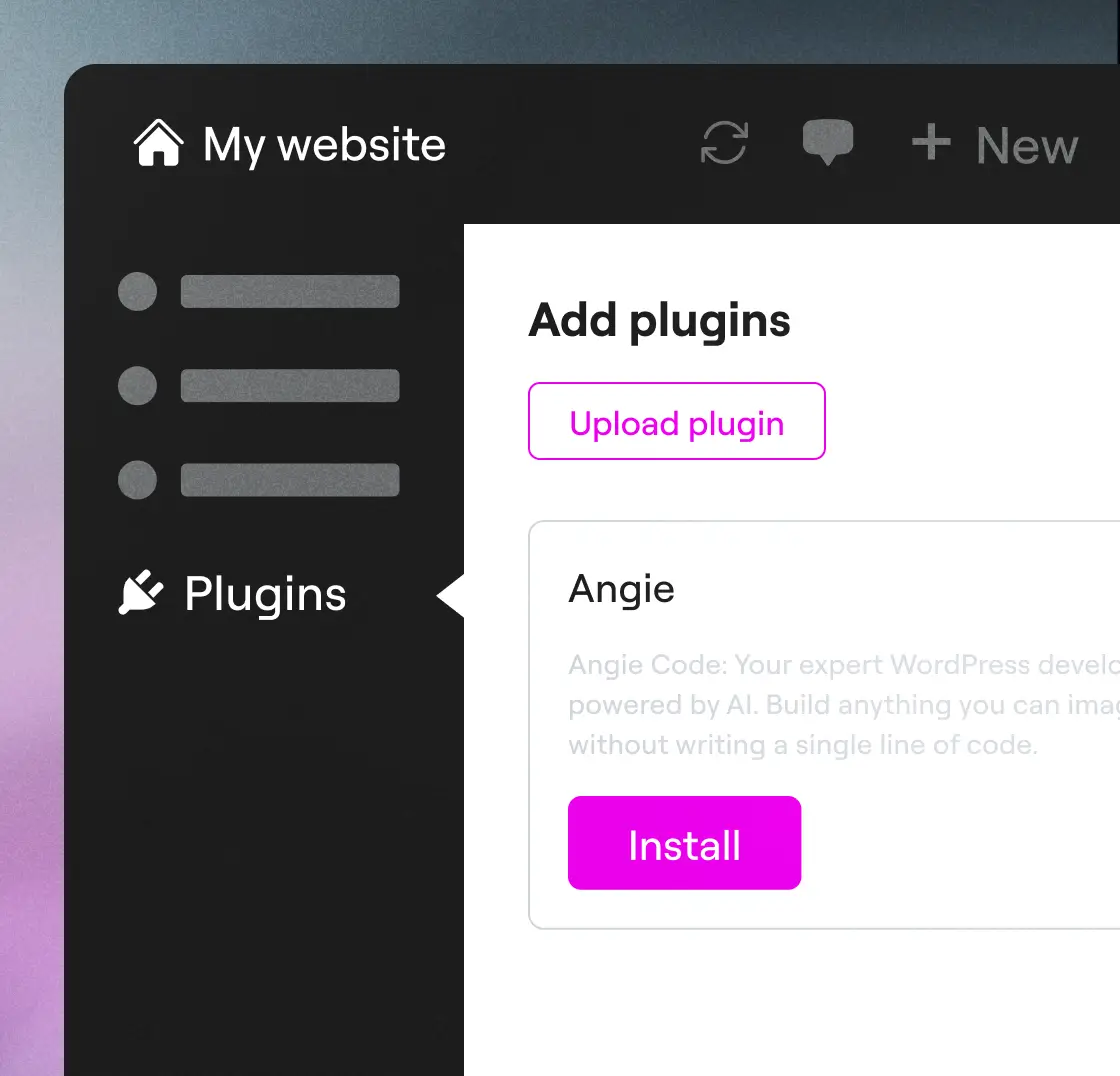
Passaggio 1
Scarica Angie
Installa Angie tramite la dashboard di WordPress: vai su Plugin → Aggiungi nuovo → cerca "Angie", clicca su Installa, quindi su Attiva per collegarti al tuo sito.
Passaggio 2
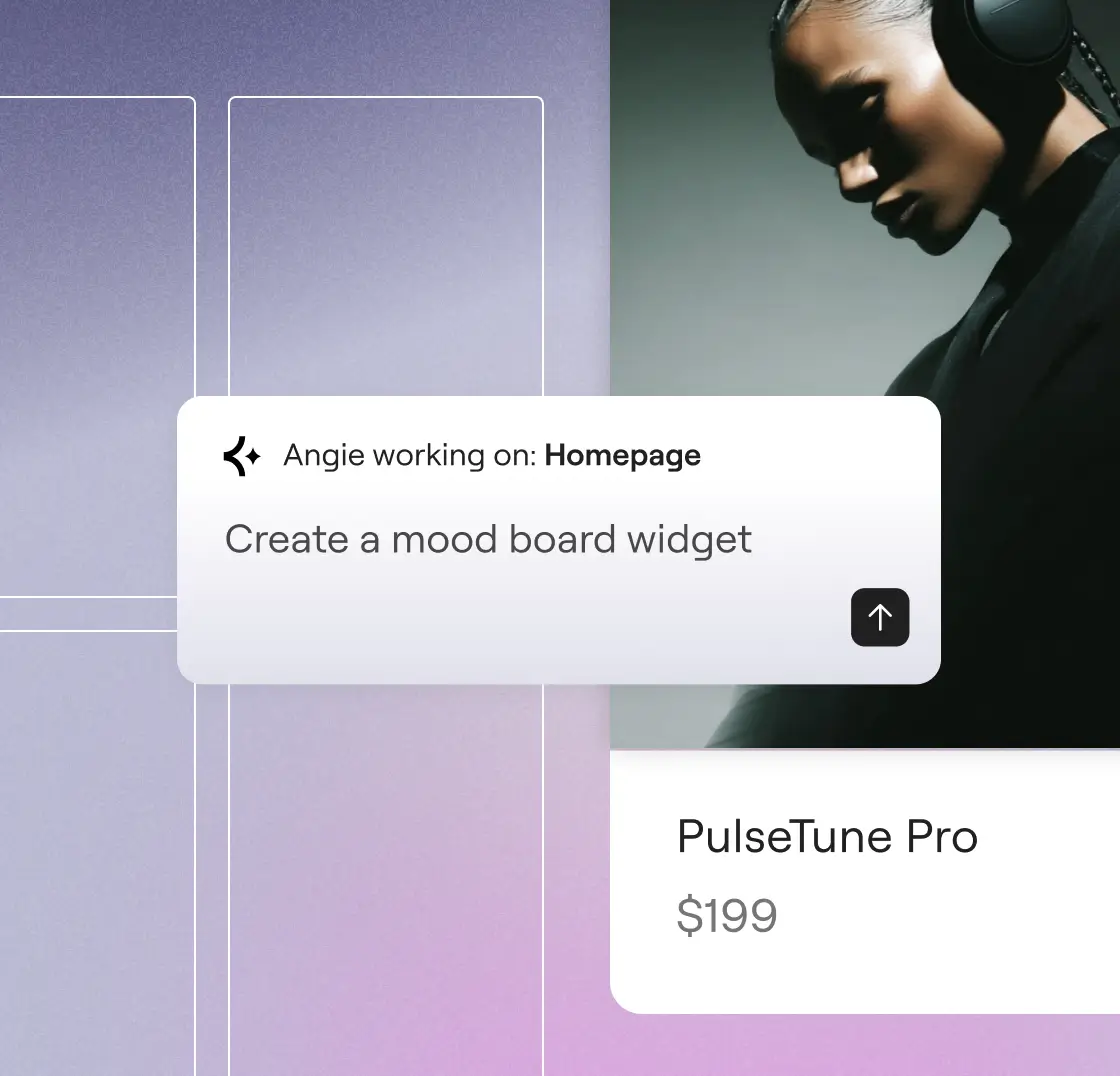
Scrivi il prompt e vai
Descrivi ciò che desideri creare. Angie capisce le tue intenzioni e lo realizza per te in pochi minuti.
Passaggio 3
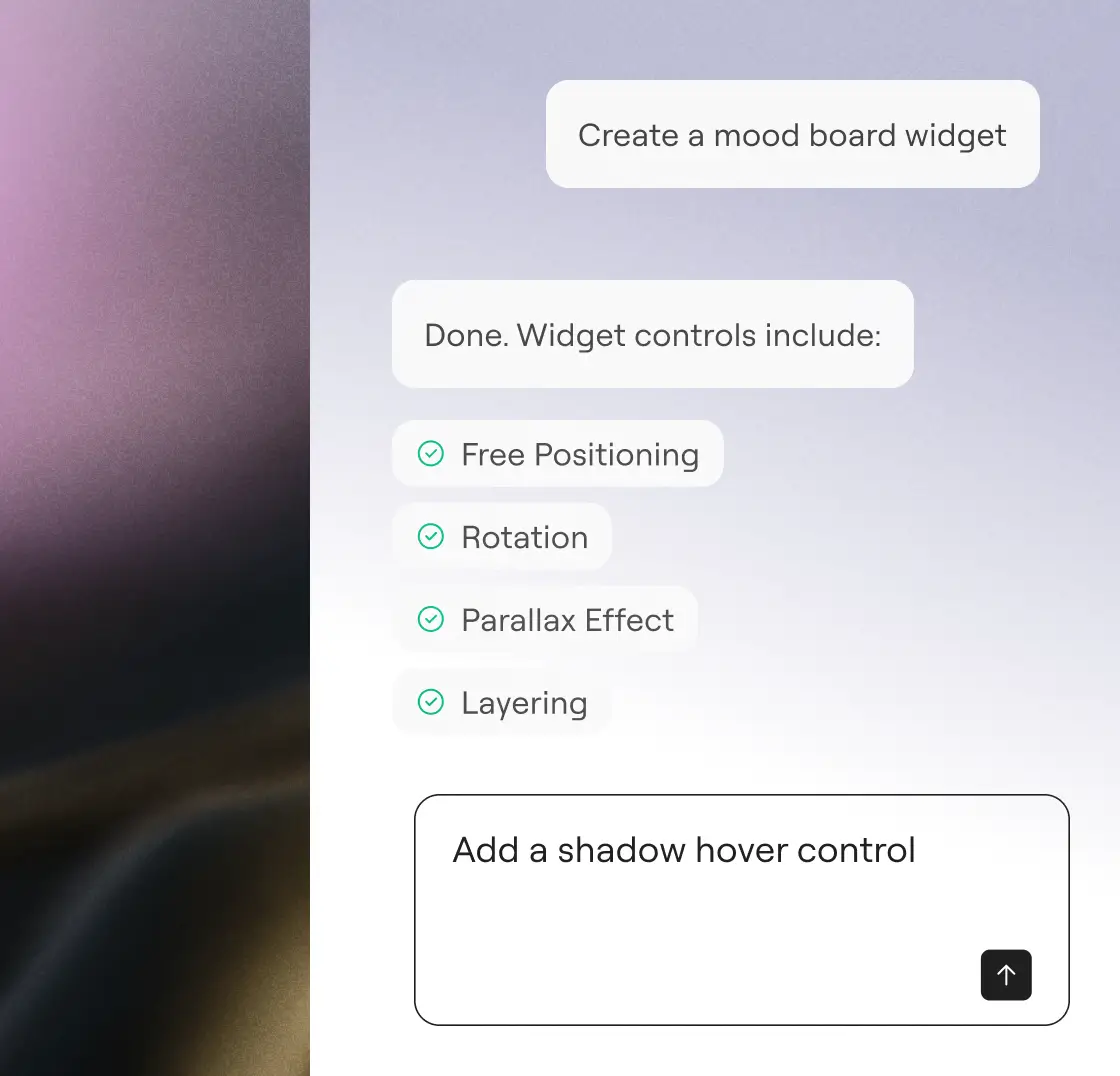
Esamina e approva
Esamina il lavoro, ottimizzalo con semplici suggerimenti e approvalo. Con Angie, hai sempre tutto sotto controllo.
"Avrei dovuto pagare qualcosa come 20.000 dollari a qualcuno per progettarlo e realizzarlo... E invece ha funzionato al primo colpo. Sono rimasto a bocca aperta."
Imran Siddiq Web SquadronInizia la tua prova gratuita
Describe what you want. Angie writes the code, applies it, and manages your site, without leaving WordPress.
Altri modi per crescere con l'IA
Scopri come il Model Context Protocol consente ad Angie di agire in base al contesto, potenziando integrazioni, flussi di lavoro e funzionalità WordPress trasformative.
Libreria di prompt AI
Inizia con suggerimenti pronti all'uso per flussi di lavoro WordPress più rapidi e scopri cosa puoi fare con Angie.
ApprofondisciMCP spiegato
Approfondisci cos'è il Model Context Protocol e come crea le basi per azioni di IA intelligenti e native all'interno di WordPress.
ApprofondisciSiti predisposti per l'intelligenza artificiale
Scopri come preparare il tuo sito per flussi di lavoro basati sull'intelligenza artificiale con passaggi pratici che consentono di sfruttare appieno il potenziale di Angie.
Approfondisci